
Gemini Omni: generador de vídeo IA
Escribe una idea o sube una imagen o un vídeo para crear contenido con Gemini Omni. Genera escenas nuevas, edita clips, extiende secuencias y añade audio sincronizado.
Crear con Gemini OmniElige cómo crear
Estilo de vídeo
Vista previa
Muestra en directoElige un estilo, escribe el prompt y genera tu vídeo con Gemini Omni.
6s · 720p · 9:16 · 165 créditos
Usa Gemini Omni en Imya sin instalar ningún programa.
¿Qué es Gemini Omni?
Gemini Omni es un modelo de vídeo IA multimodal que entiende texto, imágenes, audio y vídeo para generar o editar contenido. Permite reunir una idea, referencias visuales y clips existentes en un mismo flujo de trabajo.
En Imya puedes utilizar texto a vídeo, imagen a vídeo y edición de vídeo. Gemini Omni admite movimientos de cámara, extensión de escenas y audio nativo para presentaciones de producto, avatares digitales, vídeos sociales y storyboards.
El resultado depende de la calidad del material, el prompt y los ajustes. Empieza definiendo el sujeto y el movimiento, y añade después indicaciones sobre cámara, luz, entorno y sonido.
Cómo usar Gemini Omni en Imya
Genera escenas nuevas o edita un clip existente desde la misma página.

Elige la entrada y prepara el material
Selecciona texto a vídeo, imagen a vídeo o edición de vídeo. Puedes empezar solo con texto o subir imágenes JPG, PNG y WebP, además de vídeos MP4 y MOV como referencia.
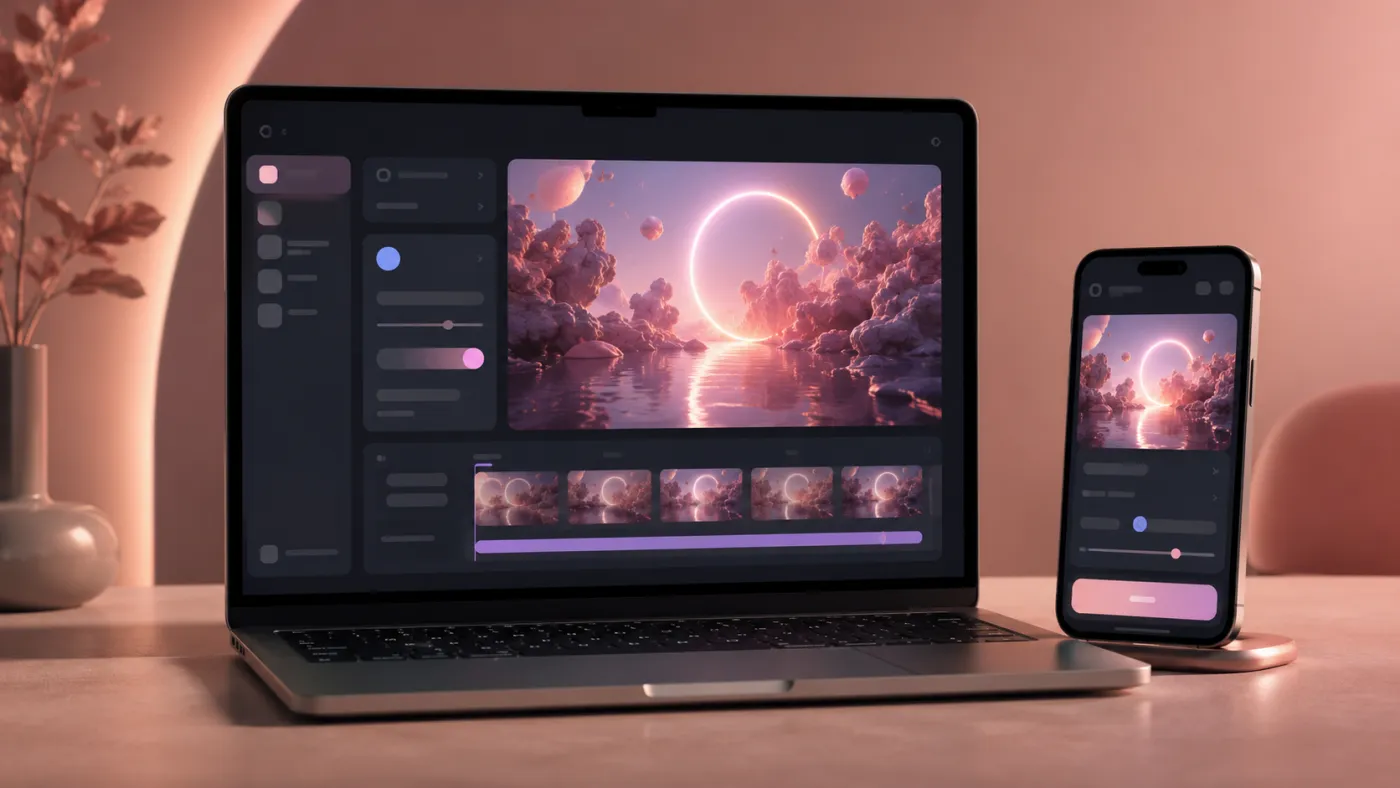
Genera, edita o extiende el vídeo
Describe el movimiento, la cámara, los cambios de escena y el audio. Ajusta la duración, la resolución y la relación de aspecto; después podrás previsualizar, descargar o volver a editar.

¿Gemini Omni es gratis? Créditos y precios
Imya funciona con créditos. Los nuevos usuarios reciben créditos para probar Gemini Omni, pero no se trata de uso gratuito ilimitado.
El coste depende de la duración, la resolución y el número de vídeos. Antes de enviar la tarea, el botón de generación muestra los créditos necesarios.
La edición de vídeo se cobra por tarea y la duración de salida la decide el modelo según el material y la edición. Consulta siempre el precio mostrado antes de generar.
- Créditos de registro para probarlo
- Coste visible antes de generar
- Pago con créditos según el uso
| Salida | 4 s | 6 s | 8 s | 10 s |
|---|---|---|---|---|
| 720p / 1080p | 88 créditos | 132 créditos | 176 créditos | 220 créditos |
| 4K | 192 créditos | 288 créditos | 384 créditos | 480 créditos |
Las tarifas pueden cambiar según el coste del modelo y las ventajas de la cuenta. Comprueba el precio actualizado antes de generar.
Funciones principales de Gemini Omni
Combina distintos materiales, control de cámara y audio en un solo flujo de vídeo.
Entrada multimodal
Combina texto, imágenes, audio y vídeo para explicar la relación entre el sujeto, el movimiento, la escena y el sonido.
Vídeo y audio sincronizados
Trabaja con ambiente, diálogo o narración junto con la imagen, una opción útil para avatares digitales y vídeos con voz.
Formato vertical, horizontal y varias resoluciones
Admite 9:16 y 16:9, además de 720p, 1080p y 4K para redes sociales, publicidad y vídeo horizontal.
Gemini Omni frente a Veo, Sora y Seedance
Elige el modelo según el tipo de material, el audio y el control visual que necesites.
| Modelo | Ideal para | Audio nativo | Vertical 9:16 | Disponible en Imya |
|---|---|---|---|---|
| Gemini Omni | Vídeo, audio y edición multimodal | Sí | Sí | Disponible |
| Google Veo | Vídeo cinematográfico y cámaras complejas | Sí | Sí | Disponible |
| Sora | Escenas narrativas e imaginativas | Sí | Sí | Disponible |
| Seedance | Imagen a vídeo rápida y controlable | Sí | Sí | Disponible |
Ejemplos y prompts de Gemini Omni
Explora distintos estilos y copia los prompts en inglés para crear tu propio vídeo.
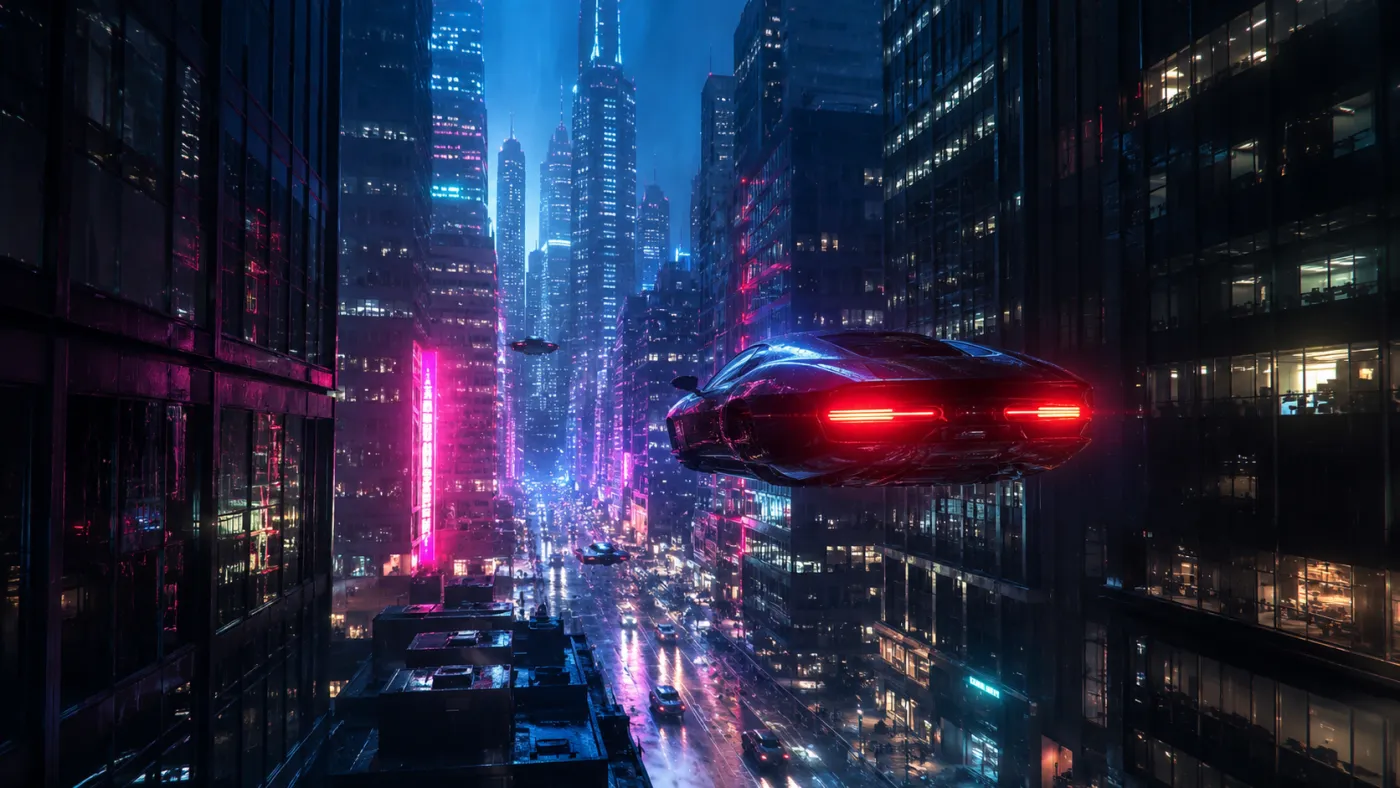

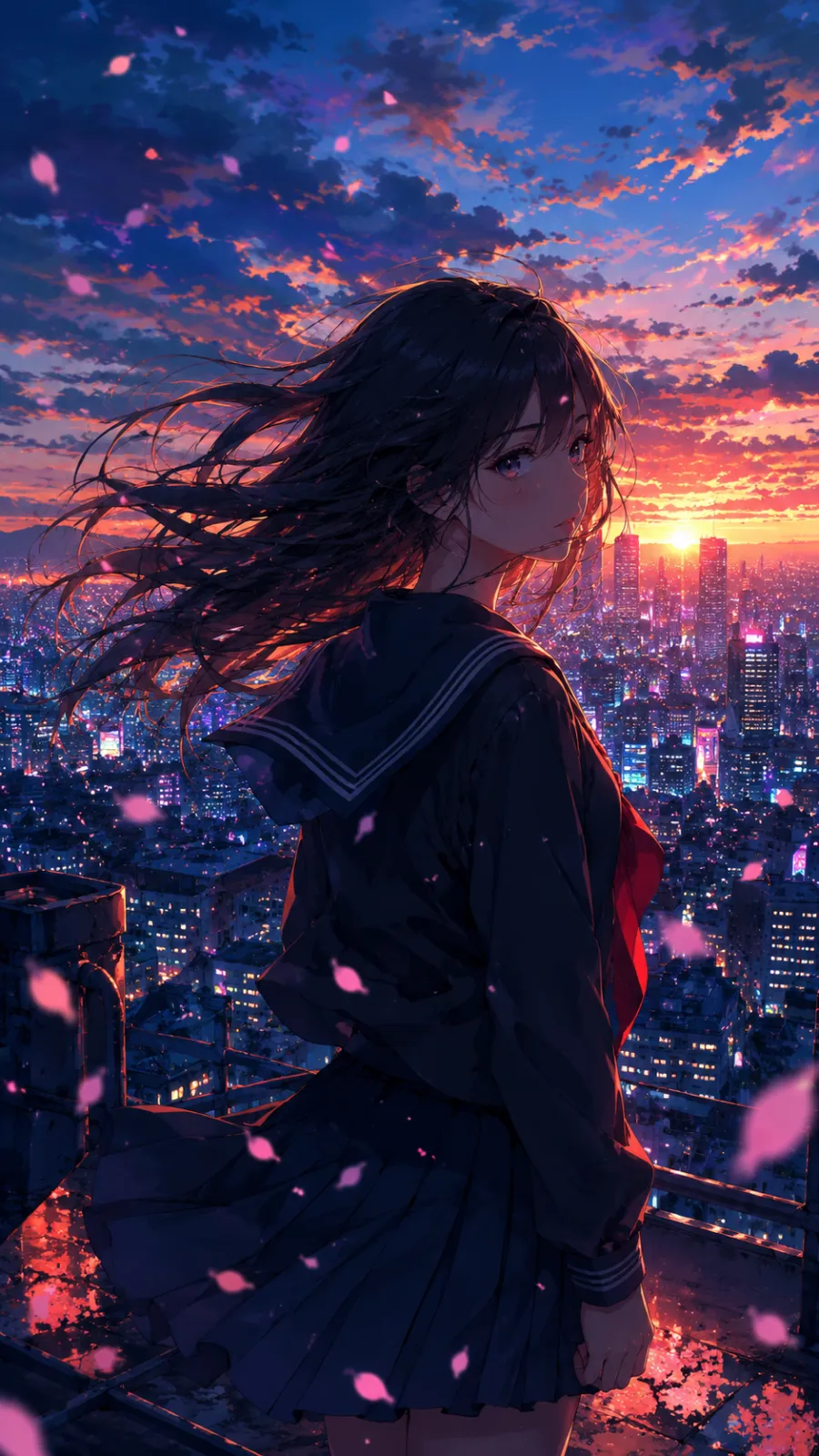
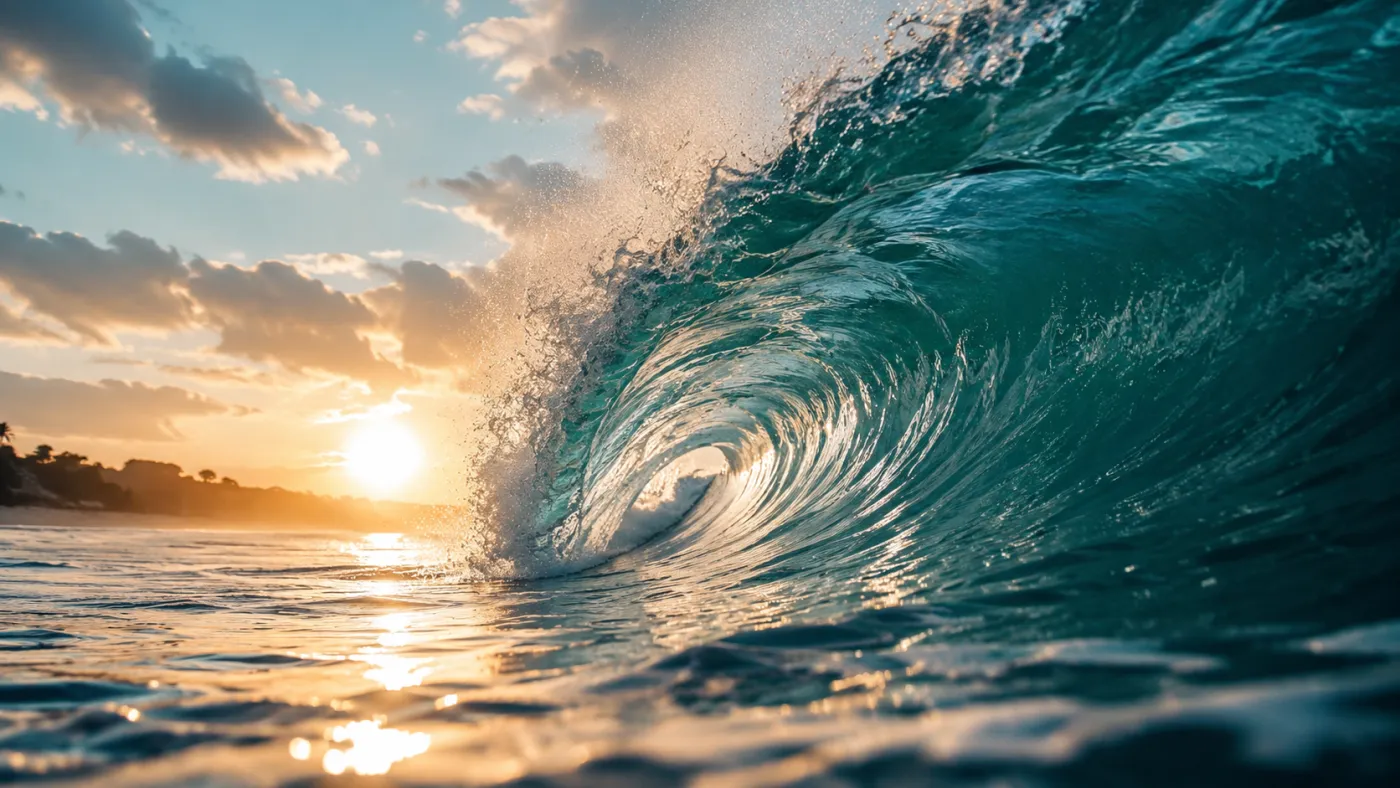
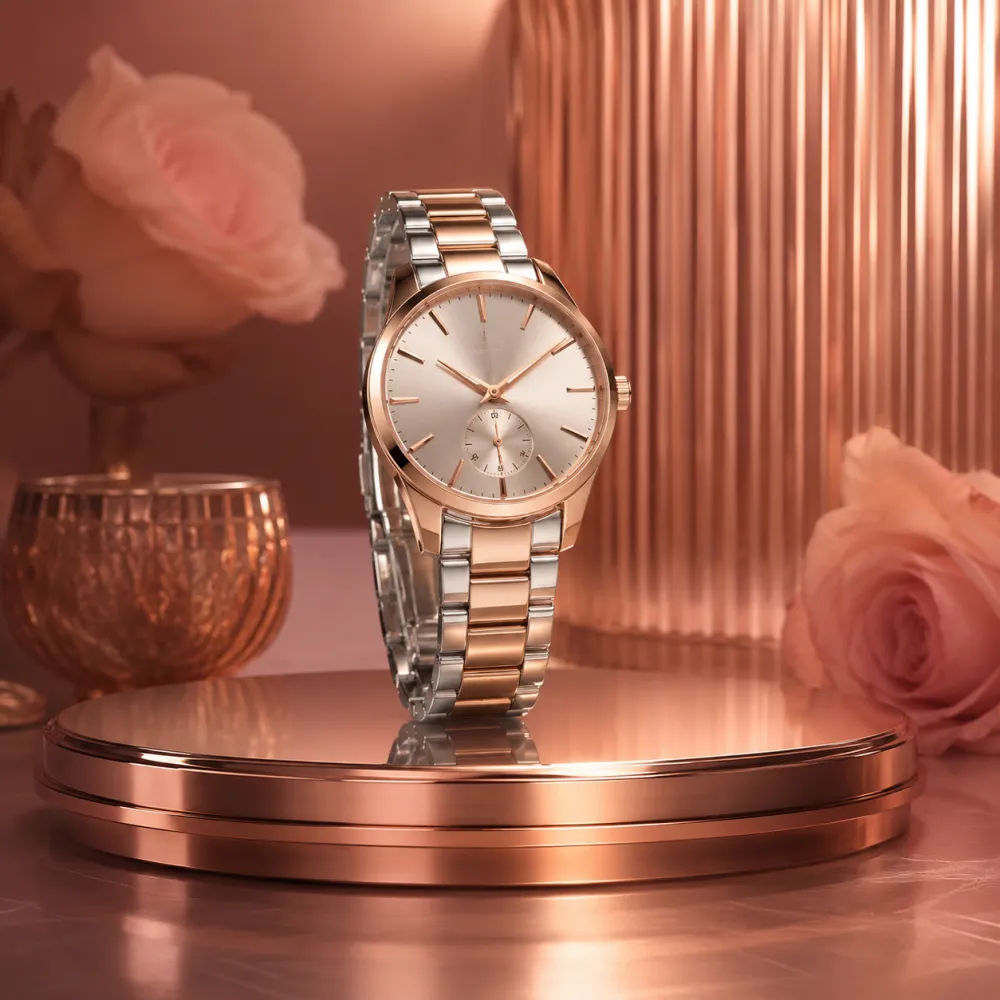
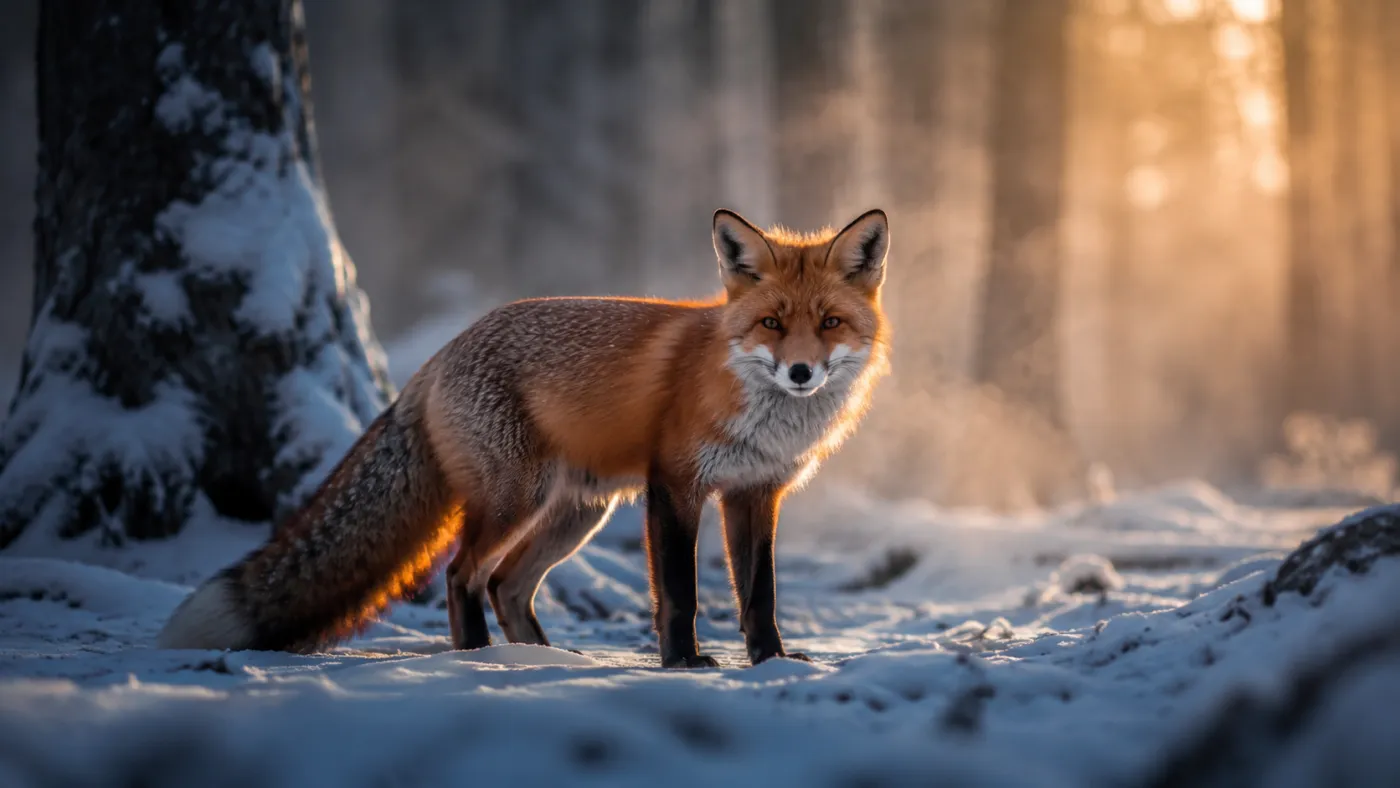
Prompt cinematográfico de Gemini Omni
A cinematic Gemini Omni video: a slow drone flythrough of a futuristic city at golden hour, glass towers, volumetric god rays, warm color grade, vertical 9:16, 6 seconds, native ambient audio.
Prompt de avatar de Gemini Omni
Gemini Omni video of a friendly presenter looking at camera and speaking, natural lip-sync, soft studio light, clean background, subtle head motion, vertical 9:16, 6 seconds.
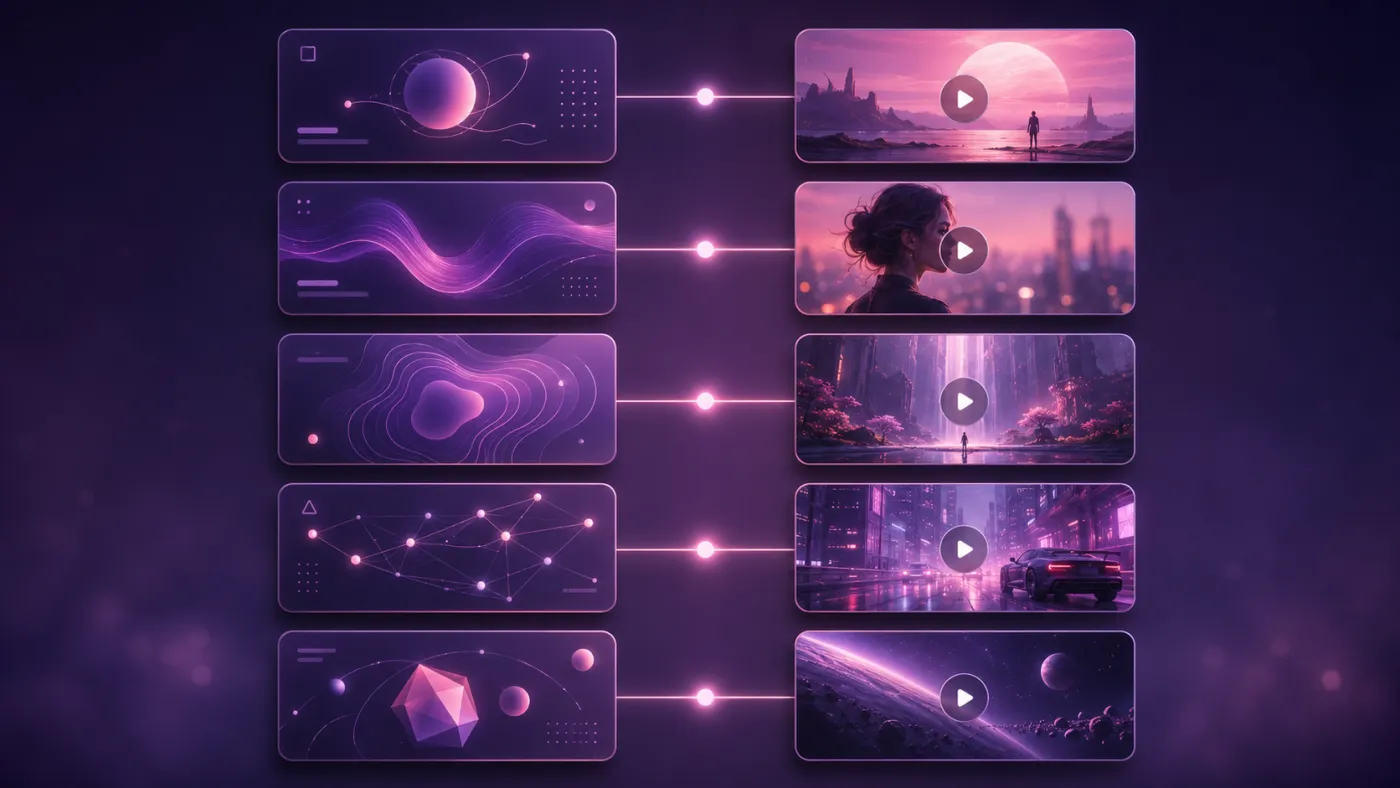
Cómo crear un vídeo con Gemini Omni en 3 pasos
Prepara el material, configura el vídeo y genera una vista previa.
 1
1Escribe un prompt o sube material
Describe la escena, el movimiento, la cámara y el audio, o añade una imagen o vídeo de referencia.
 2
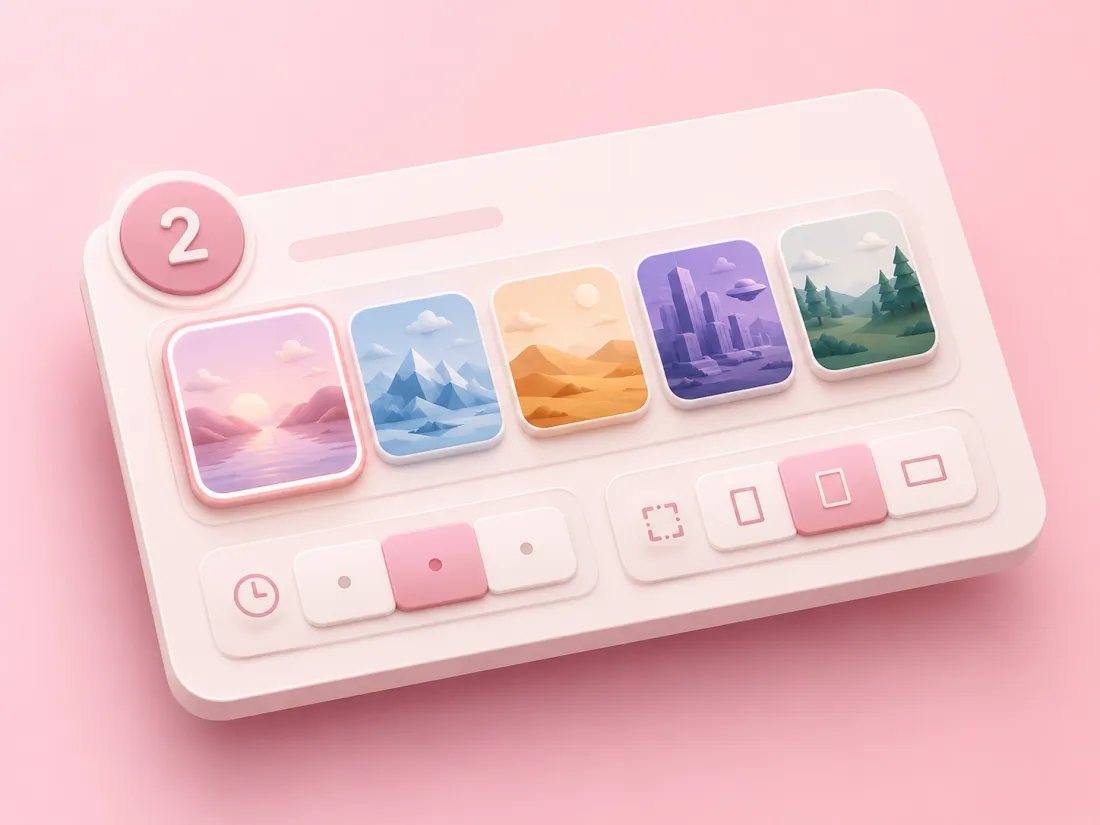
2Elige estilo y ajustes
Selecciona un estilo y define duración, resolución, relación de aspecto y número de vídeos.
 3
3Genera, revisa y descarga
Comprueba el coste en créditos, envía la tarea y descarga el MP4 cuando esté terminado.
Preguntas frecuentes sobre Gemini Omni
Respuestas sobre entradas, edición, audio, créditos y acceso por API.
¿Qué es Gemini Omni?
Gemini Omni es un modelo de vídeo IA multimodal que genera y edita vídeos a partir de texto, imágenes, audio o vídeo, con audio nativo.
¿Cómo se usa Gemini Omni en Imya?
Elige texto a vídeo, imagen a vídeo o edición, añade el prompt y el material, configura las opciones y envía la generación desde esta página.
¿Gemini Omni es gratis?
Puedes probarlo con los créditos que recibes al registrarte en Imya. Cada tarea consume créditos según la duración, la resolución y la cantidad, y el coste aparece antes de generar.
¿Qué formatos admite?
Admite texto, imágenes JPG, PNG y WebP, y vídeos MP4 y MOV. Los flujos compatibles también pueden utilizar referencias de audio y personajes.
¿En qué se diferencia de Veo y Sora?
Gemini Omni se centra en material multimodal, edición de vídeo y audio. Veo, Sora y Seedance tienen otros puntos fuertes en estilo cinematográfico, narrativa y control.
¿Puedo convertir una foto en vídeo?
Sí. Selecciona imagen a vídeo, sube una foto y describe el movimiento, la cámara y el audio que quieres obtener.
¿Los vídeos incluyen sonido?
Admite audio nativo y sonido sincronizado con la imagen. El resultado depende del prompt, el material y los ajustes.
¿Existe una API de Gemini Omni?
Sí. Los desarrolladores pueden acceder a Gemini Omni mediante la API de Imya. Consulta la documentación para conocer el ID del modelo, parámetros, coste y límites.
Herramientas de vídeo IA relacionadas
Descubre más formas de crear vídeos en Imya.
- Generador de vídeo IAConvierte un prompt o una foto en un vídeo cinematográfico.
- Vídeo de mascotas con IAAnima una foto de tu mascota y crea un clip divertido.
- Vídeo de pareja con IAConvierte fotos de pareja en vídeos de besos, abrazos o baile.