imya — 올인원 AI 이미지·영상·음악 생성기imya
홈
AI 이미지
AI 비디오
AI 비디오 생성기Grok Imagine Video 1.5AI 키스 비디오AI 커플 비디오AI 웨딩 비디오AI 포옹 비디오AI 반려동물 비디오AI 오래된 사진 애니메이션AI 타임트래블 비디오
AI 이미지 편집
AI 도구
AI 모델
로그인
imya — 올인원 AI 이미지·영상·음악 생성기imya
템플릿API블로그요금제
로그인
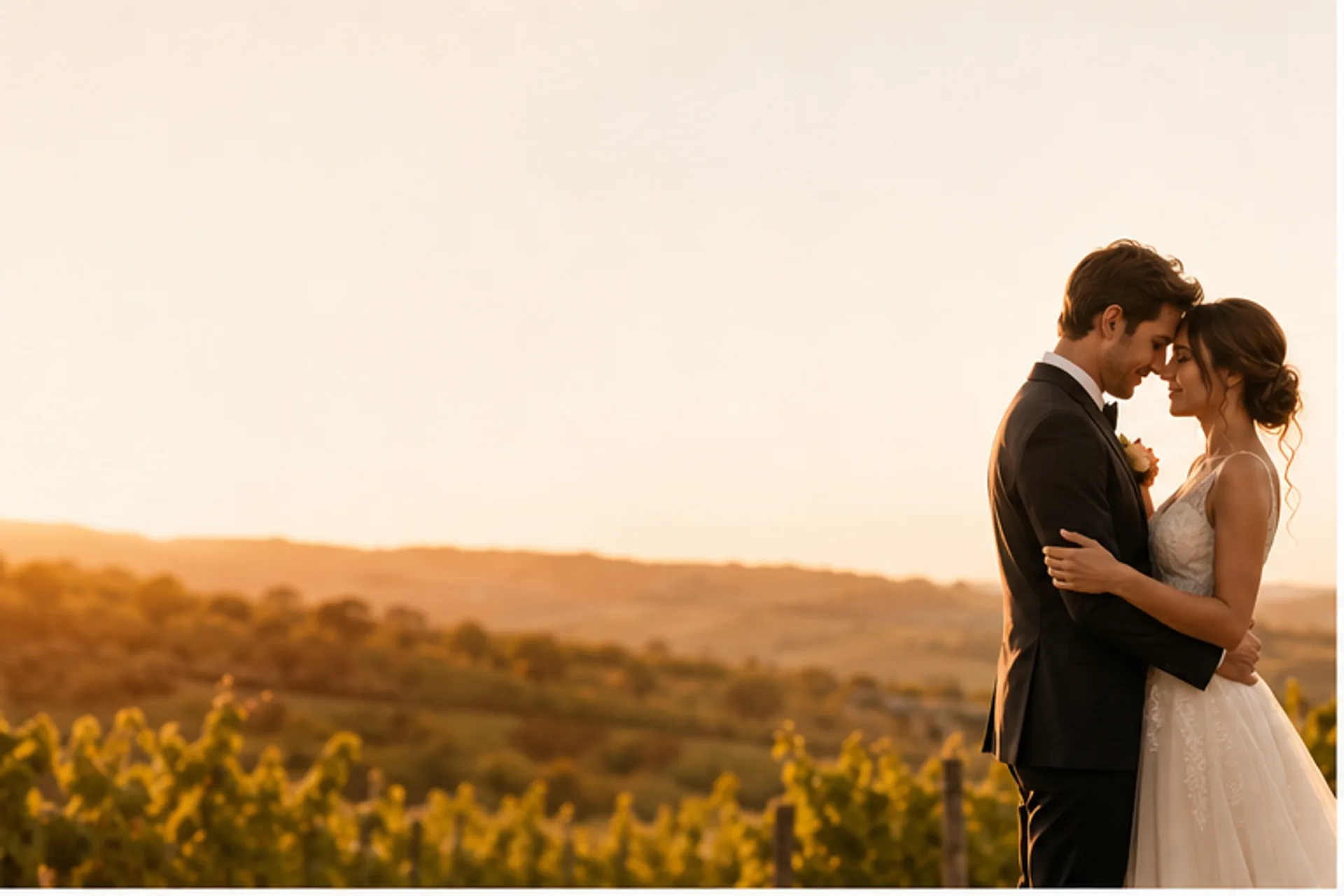
AI wedding video maker — a couple at a golden-hour vineyard wedding turned into a cinematic clip
  1. ⌂ Home
  2. ›
  3. AI Video Generator
  4. ›
  5. AI Wedding Video
💒Imya · AI Wedding Video

AI Wedding Video Maker

One or two wedding photos, a scene that brings you back, and a cinematic AI wedding video beautiful enough for the save-the-date.

Share:Share on XShare on FacebookShare on Pinterest

Upload wedding photos (1–2 images)

1Reference 1
2Reference 2

Upload one wedding or couple photo, or one clear photo of each person. The images guide the newlyweds' identity — they are only used to make your clip, nothing else.

Scene

▣ Preview

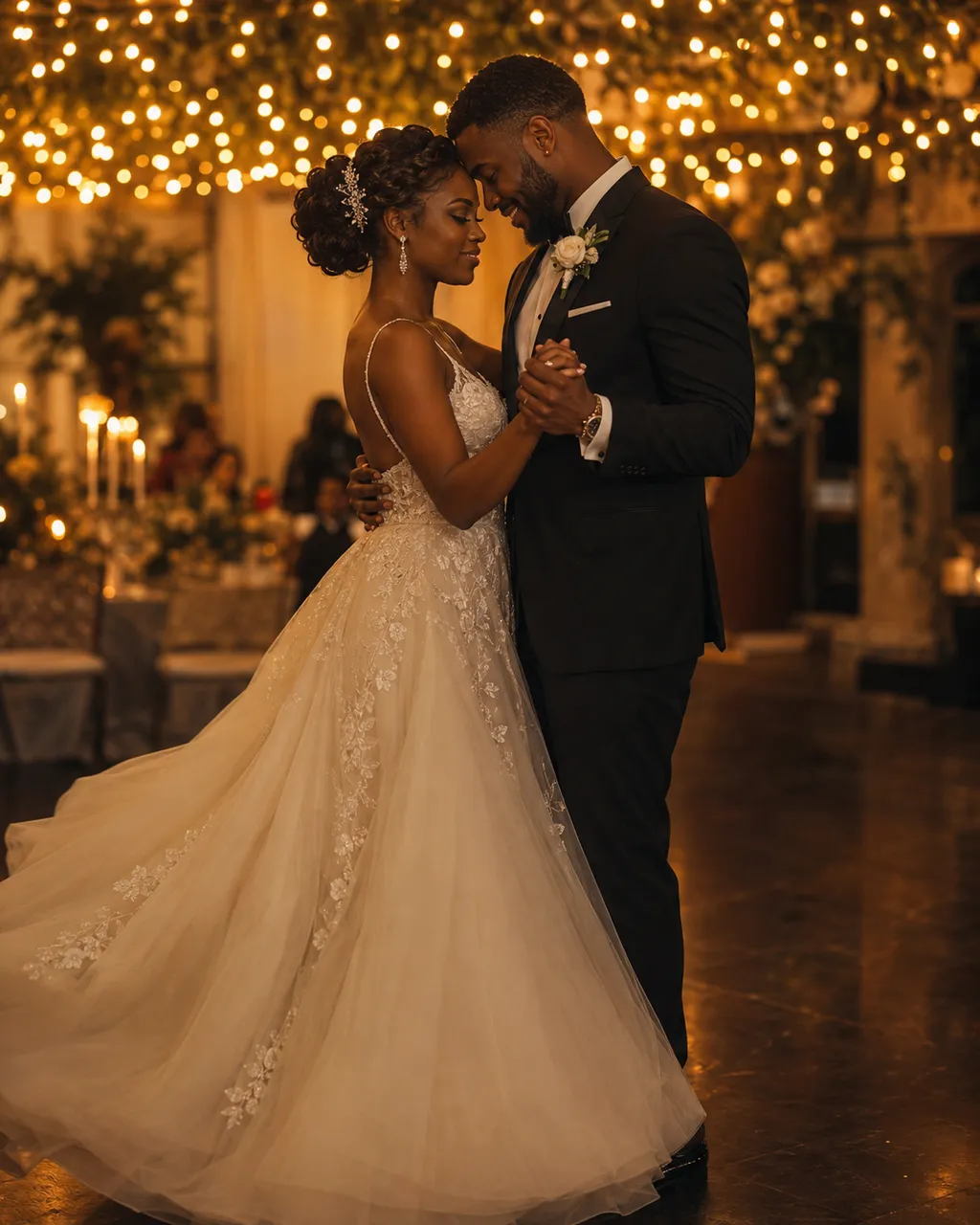
AI wedding video scene — a couple's first dance under reception string lights
SCENE PREVIEWFirst DanceUpload a photo, pick a scene, and click Generate to create your AI wedding video.

6s · 480p · 9:16 · audio on · 276 credits

~2 minTypical render
9:16 · 1:1 · 16:9Ready to share
Free to startCredits on signup

Built on leading AI video models

SeedanceVeoKlingHailuoSora

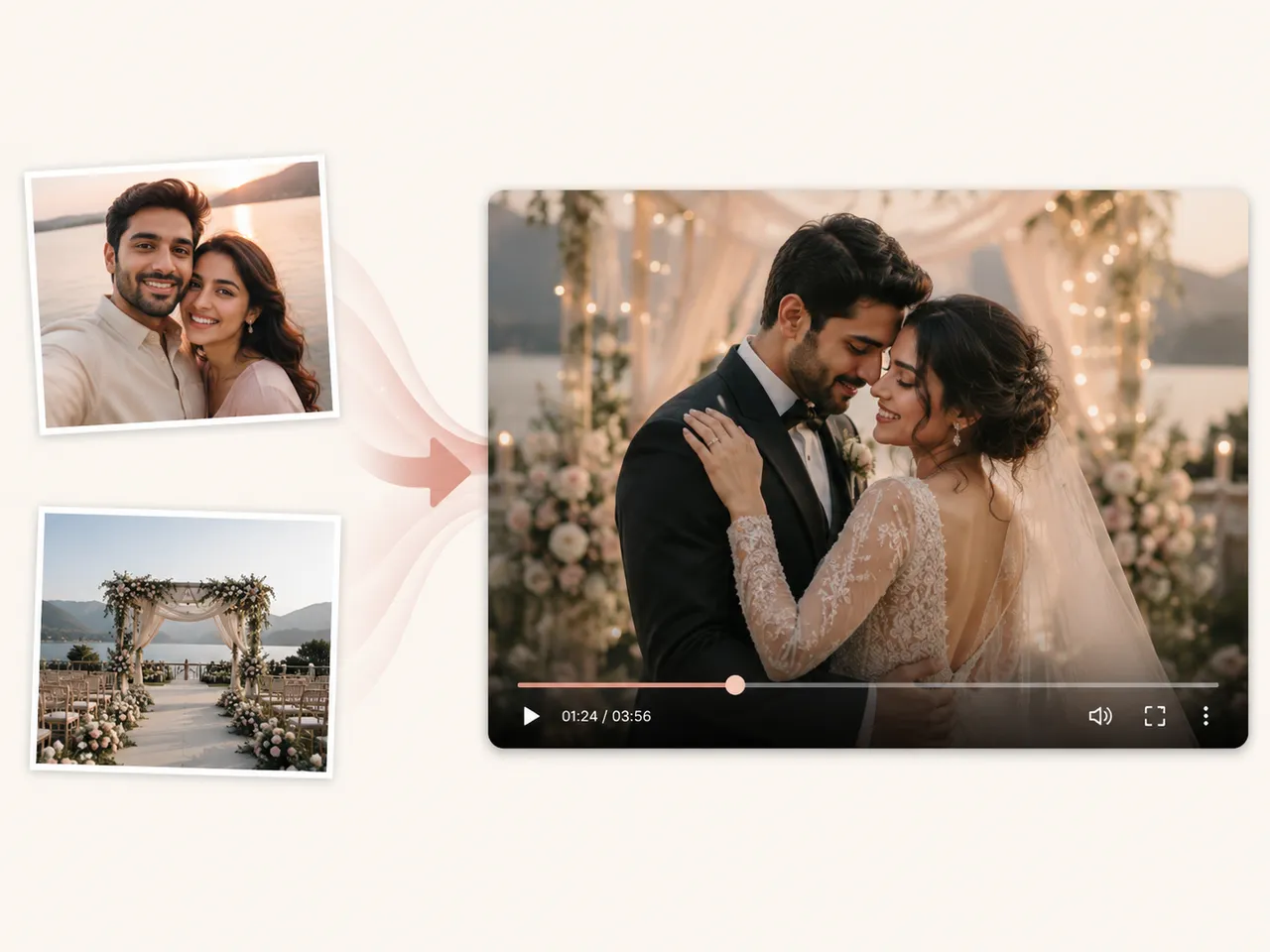
What Is an AI Wedding Video Maker?

An AI wedding video is a short, cinematic clip created from one or two wedding or couple photos by an AI wedding video maker. Instead of booking a videographer or learning an editor, you upload a photo — the couple, the venue, a getting-ready moment — pick a scene, and Imya turns it into a save-the-date, a digital invitation or a memory reel for the family chat.

Imya's AI wedding video generator is built on leading AI video models with a wedding-tuned prompt template, so the camera motion, lighting and romantic framing are handled for you while faces stay natural. Every AI wedding video renders in vertical 9:16 or cinematic 16:9, ready for Reels, Shorts, TikTok, a WhatsApp invite or the reception screen.

Because it is a free AI wedding video tool at heart, you can explore every scene before you spend a credit — whether you want a romantic wedding highlight video, an anime wedding video, or a 3D cartoon wedding video to surprise your guests. No editor, no timeline, no videographer required.

What is an AI wedding video — wedding photos turned into a cinematic wedding video

Why Choose AI Wedding Video?

Made for couples and planners, not editors.

  • ⚡

    Ready in ~2 minutes

    From upload to a download-ready AI wedding video in about the time it takes to brew tea. No timeline, no keyframes — the generator does the editing for you.

  • 🔒

    Your wedding stays yours

    Your photos make this one AI wedding video and nothing else — never training data, never a public dataset.

  • 📱

    Made for the way you actually share

    Vertical 9:16 or cinematic 16:9, ready for Reels, Shorts, TikTok or the family group chat — no extra editing app.

What Can You Use an AI Wedding Video For?

Real moments, ready to share — pick the one that fits.

💌

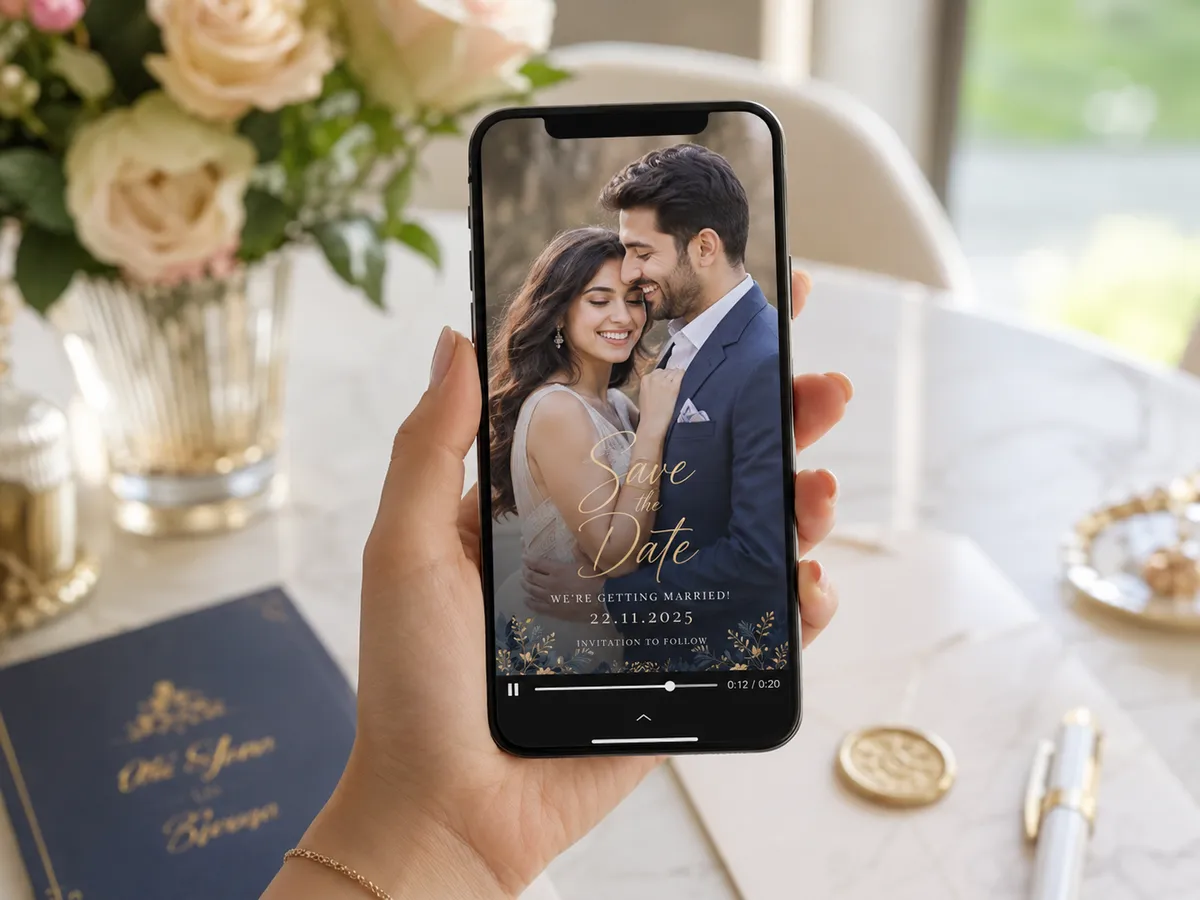
Save the Date

A moving save-the-date AI wedding video that auto-plays in the chat — far more memorable than a flat photo or a paper card, and it gets guests excited months ahead.

AI pre wedding video used as a save-the-date clip on a phone
🎞️

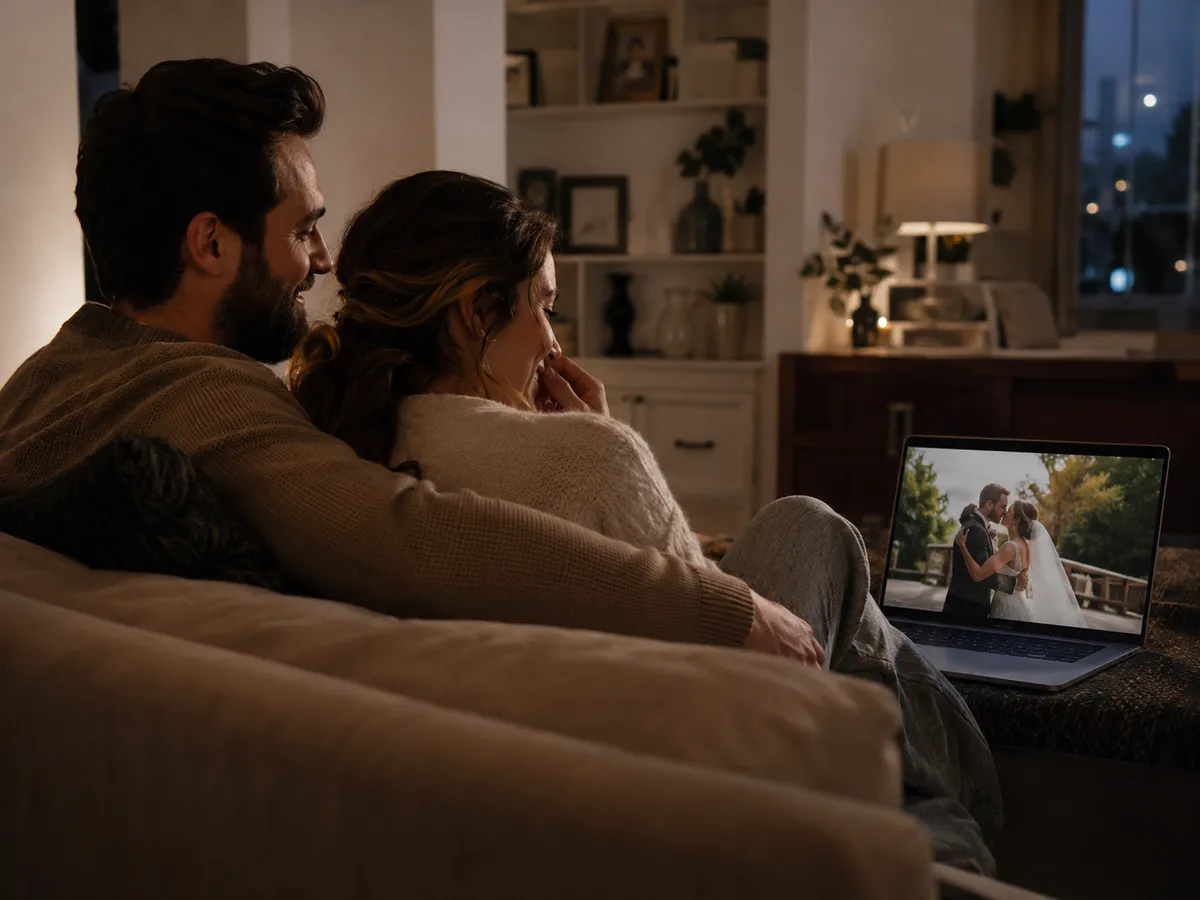
Wedding Highlight Reel

A few favorite photos become a cinematic wedding highlight video for the reception screen, your socials or thank-you messages — the recap without the editing bill.

AI wedding highlight video playing on a laptop at home
💞

Anniversary & Long-Distance

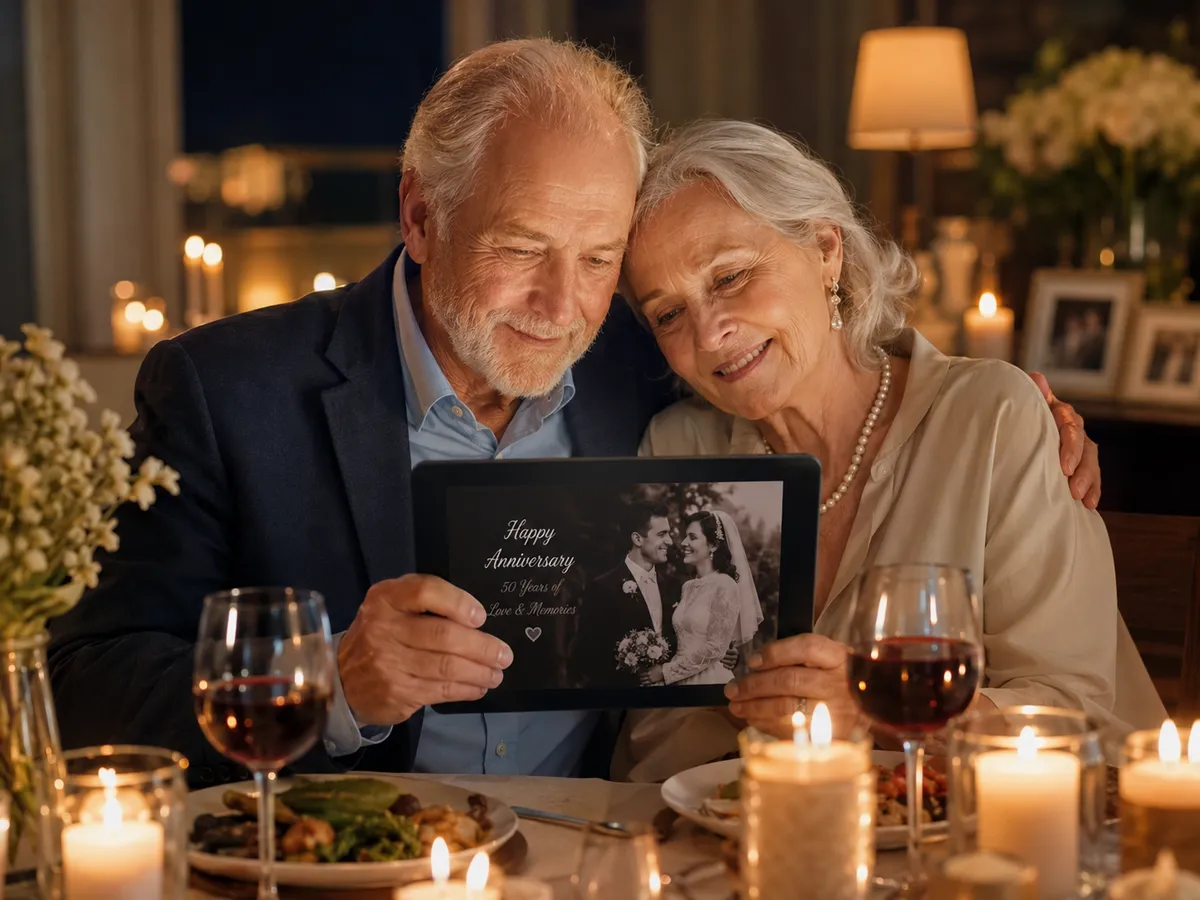
Re-cut your wedding video into an anniversary clip, or place a long-distance couple in the wedding scene you never filmed — an AI wedding video to rewatch for years.

AI wedding video for an anniversary, watched on a tablet by candlelight

How to Use AI Wedding Video in 3 Simple Steps

Three small steps to an AI wedding video you'll actually want to send.

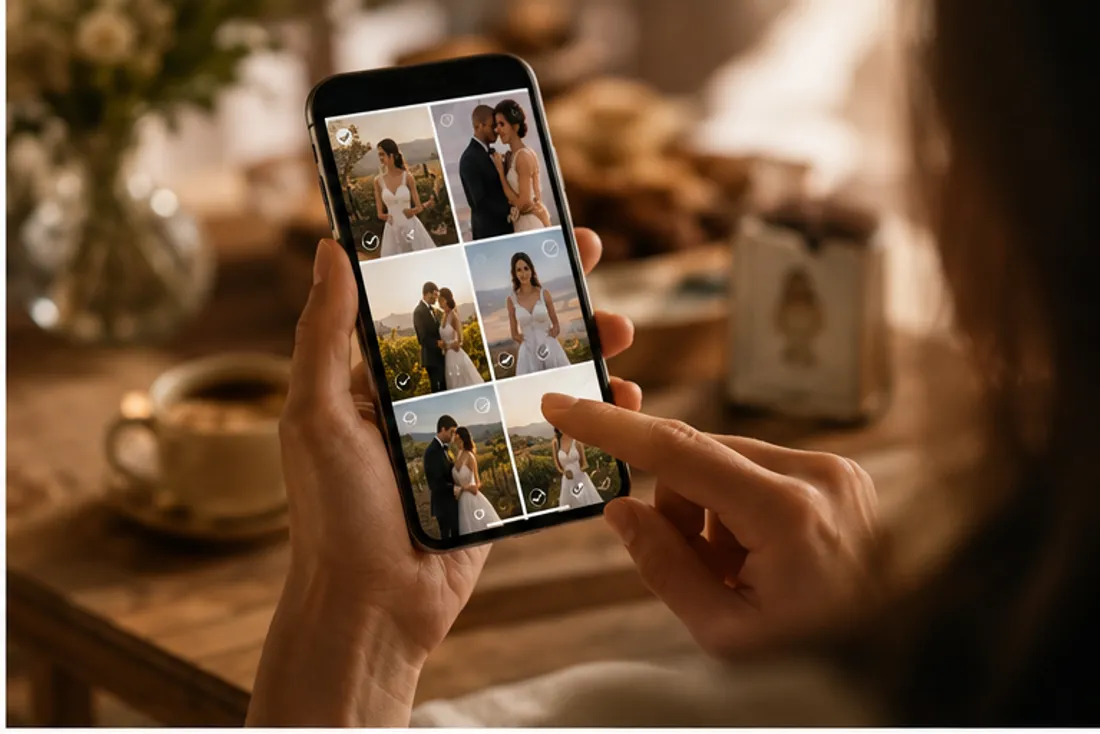
  1. How to make an AI wedding video, step 1 — uploading a wedding photo on a phone1

    📷Step 1: Upload your photos

    Add 1–2 clear, front-facing wedding or couple photos. Higher resolution gives a sharper AI wedding video.

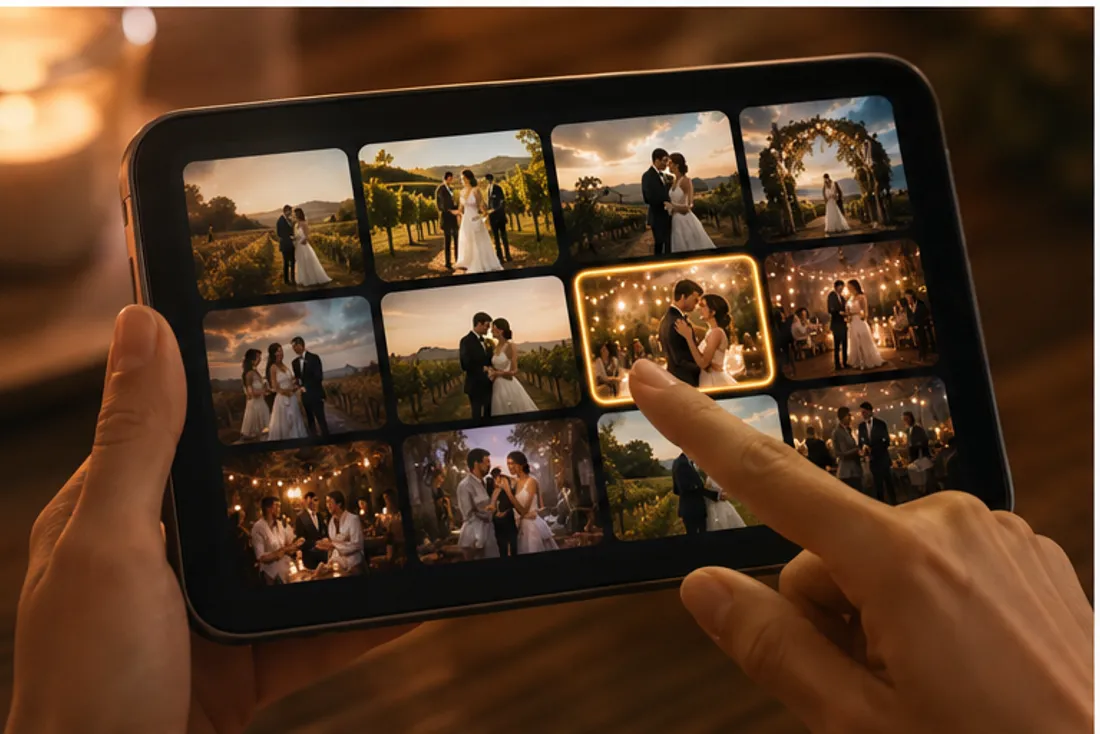
  2. How to make an AI wedding video, step 2 — picking a wedding scene on a tablet2

    🎬Step 2: Pick a scene

    Choose a one-click scene — chapel, first dance, beach, vineyard — or write your own short AI wedding video prompt.

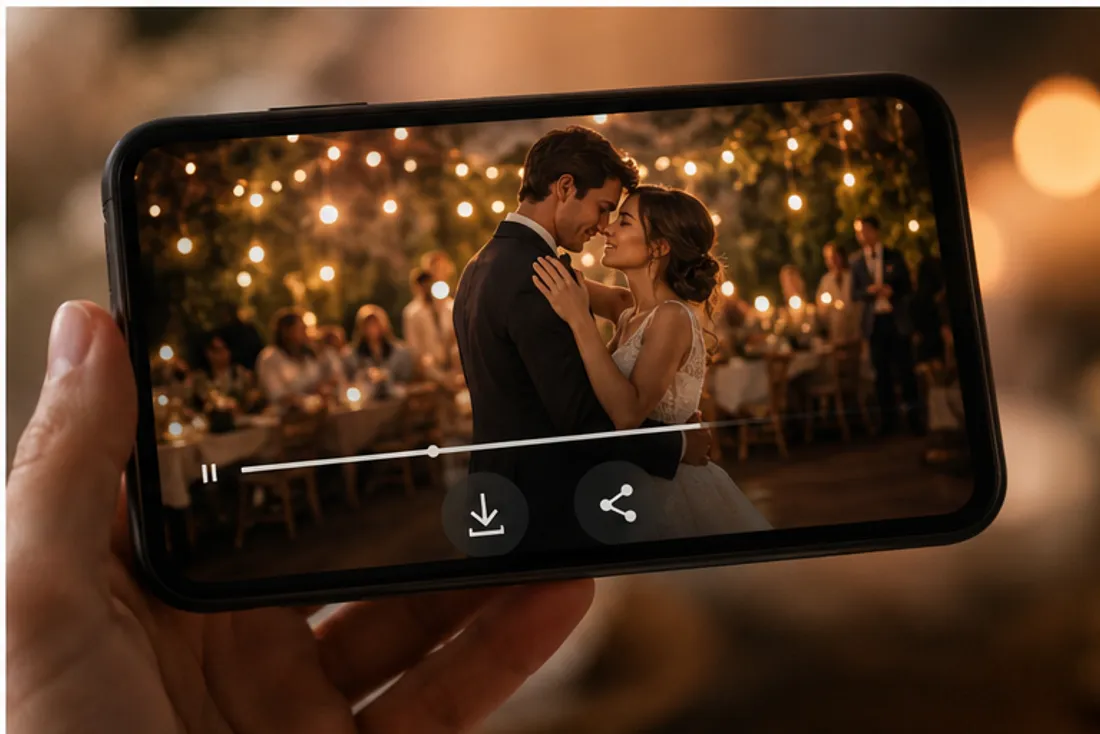
  3. How to make an AI wedding video, step 3 — the finished wedding video on a phone3

    ✨Step 3: Generate & download

    Click Generate and grab an MP4 in about two minutes, ready to share anywhere.

AI Wedding Video Maker

One or two wedding photos, a scene that brings you back, and a cinematic AI wedding video beautiful enough for the save-the-date.

  • No watermark
  • Instant results
  • Privacy protected

Frequently Asked Questions About AI Wedding Video

Do I need a wedding photo, or can I use any couple photo?⌄

Either works — but real wedding-day photos with attire and venue give the most accurate, cinematic AI wedding video. A clear couple photo is enough to start.

How do I make an AI wedding video from a photo?⌄

Upload one photo or one of each person, pick a scene or paste a prompt, then generate. The AI wedding video maker turns a single still into a short MP4 — no editing app required.

Can AI edit a wedding video?⌄

Imya is an AI wedding video generator, not a raw-footage editor — it creates new cinematic clips from your photos rather than cutting hours of camera footage. For a fast highlight, save-the-date or invitation clip it is quicker than a traditional AI wedding video editor.

What's the best free AI wedding video maker or alternative?⌄

Tools like FlexClip, Mootion, Revid and Dreamlux also make AI wedding videos; Imya focuses on photo-to-video with one-click wedding scenes. New accounts get free credits, so you can compare the AI wedding video quality yourself.

How long is the video and what format is it?⌄

A short clip by default. Pick 4s, 6s or 8s and a 9:16, 1:1 or 16:9 aspect ratio in video settings before you generate and download the MP4.

Can I share it on social media?⌄

Yes — download the MP4 and post your AI wedding video to Instagram, TikTok and Reels, or drop it straight into a digital invitation email.

Related Tools You Might Like

Explore more AI creative tools from Imya.

  • 💞AI Couple Video→
  • 💒AI Wedding Photo→
  • 💑AI Couple Photo→
View All AI Tools →
imya — 올인원 AI 이미지·영상·음악 생성기imya

올인원 AI 이미지·영상·음악 생성기. 모든 창작 결과물을 위한 단 하나의 워크스페이스.

AI 이미지 모델

  • Z Image TurboFREE
  • GPT Image 2
  • Ideogram 4.0
  • Reve 2.0
  • Nano Banana
  • Qwen Image Edit Plus
  • Seedream 4.0
  • Nano Banana Pro Official
  • Nano Banana Pro Trial
  • Nano Banana 2
  • Seedream 4.5
  • Seedream 5

AI 영상 모델

  • Kling 3.0
  • Google Omni
  • Seedance 2.0
  • Sora 2
  • Kling 3.0 Motion Control
  • Kling 3.0 Turbo
  • Grok Imagine Video 1.5

사진 보정

  • AI Background Remover
  • AI Background Changer
  • AI Image Upscaler
  • AI Old Photo Restoration
  • AI Object Remover
  • AI Watermark Remover
  • AI Logo Remover
  • AI Text Remover

초상화 및 아바타

  • AI Headshot Generator
  • AI Anime Avatar
  • AI Cartoon Portrait
  • AI Hair Color Changer
  • AI Hairstyle Changer
  • AI Face Swap

스타일 변환

  • AI Photo to Anime
  • AI Anime Avatar
  • AI Photo to Ghibli
  • AI Photo to Sketch
  • AI Art Style Transfer
  • AI Time Travel Photo

창의적인 사진

  • AI Couple Photo
  • AI Family Photo
  • AI Wedding Photo
  • AI Father’s Day Card Maker
  • AI Christmas Cards
  • AI Valentine Card Maker
  • AI Mother’s Day Card Maker
  • AI Group Photo Mixer
  • AI ID Photo Maker
  • AI Room Designer
  • AI Virtual Try-On

크리에이티브 도구

  • Z Image Turbo
  • Nano Banana
  • Nano Banana 2
  • Seedream 4.5
  • Seedream 5
  • GPT Image 2
  • Flux 2
  • AI Logo Generator
  • AI Logo Remover
  • AI Image Translator
  • AI Room Designer
  • AI Product Mockup

제품

  • AI 이미지 도구
  • AI 모델
  • 요금제

회사

  • 회사 소개
  • 개인정보 처리방침
  • 서비스 약관
  • 문의하기

© 2026 imya.ai · 모든 권리 보유

☀️Light