AI Art Style Transfer
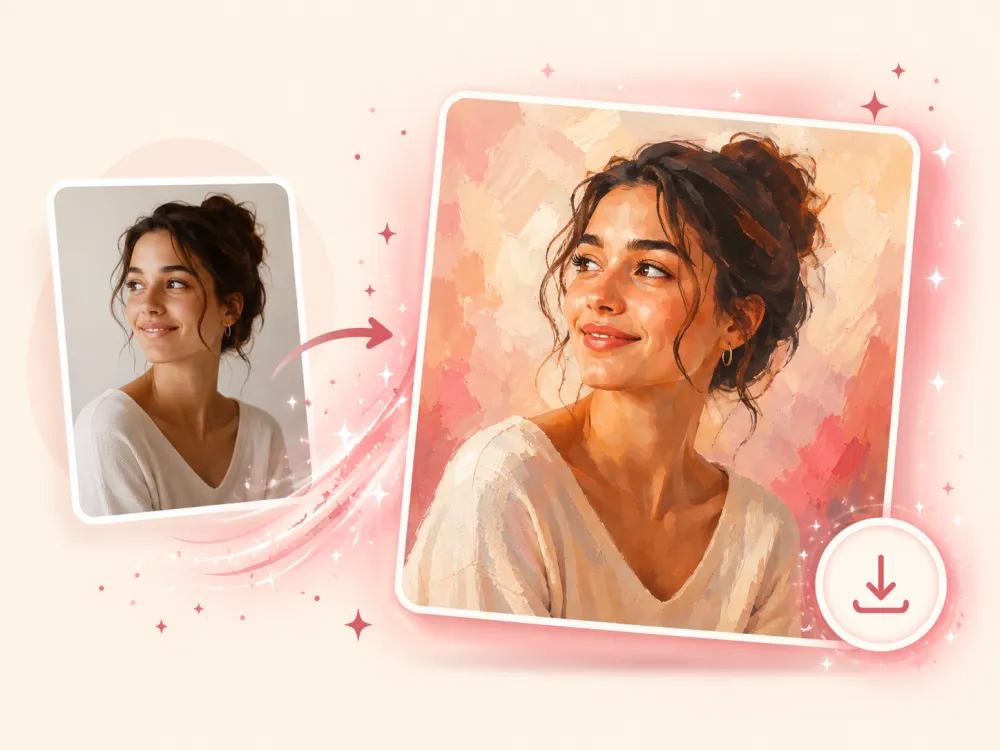
Turn any photo into Ghibli-style anime, an oil painting, a watercolor, or 20+ other art styles in seconds. Upload a photo, pick a style, and let imya's free AI art style transfer do the rest — no prompts, no design skills, no watermark.
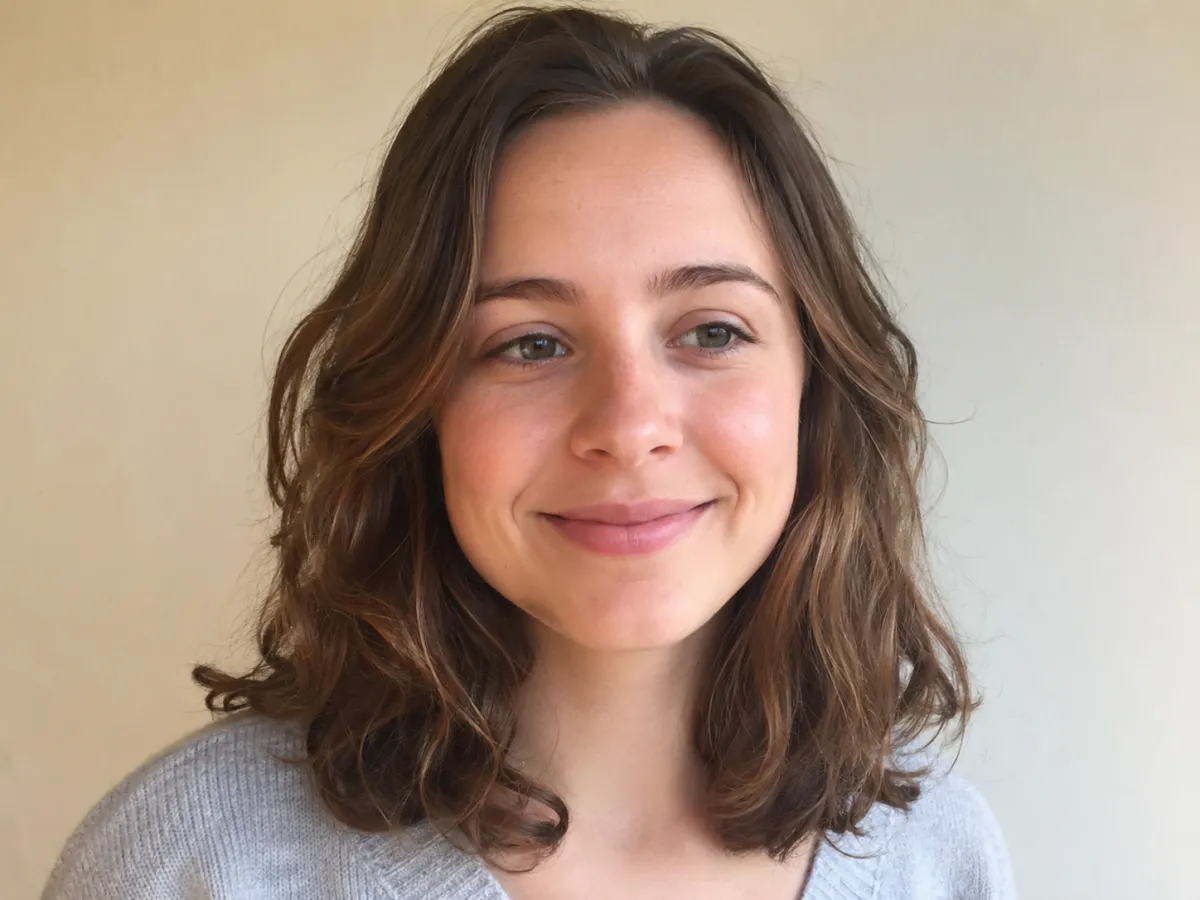
Upload your photo
Choose an art style
Model
Pick quality · speed · price
Output shape
By uploading an image you agree to imya's Terms of Use and Privacy Policy.
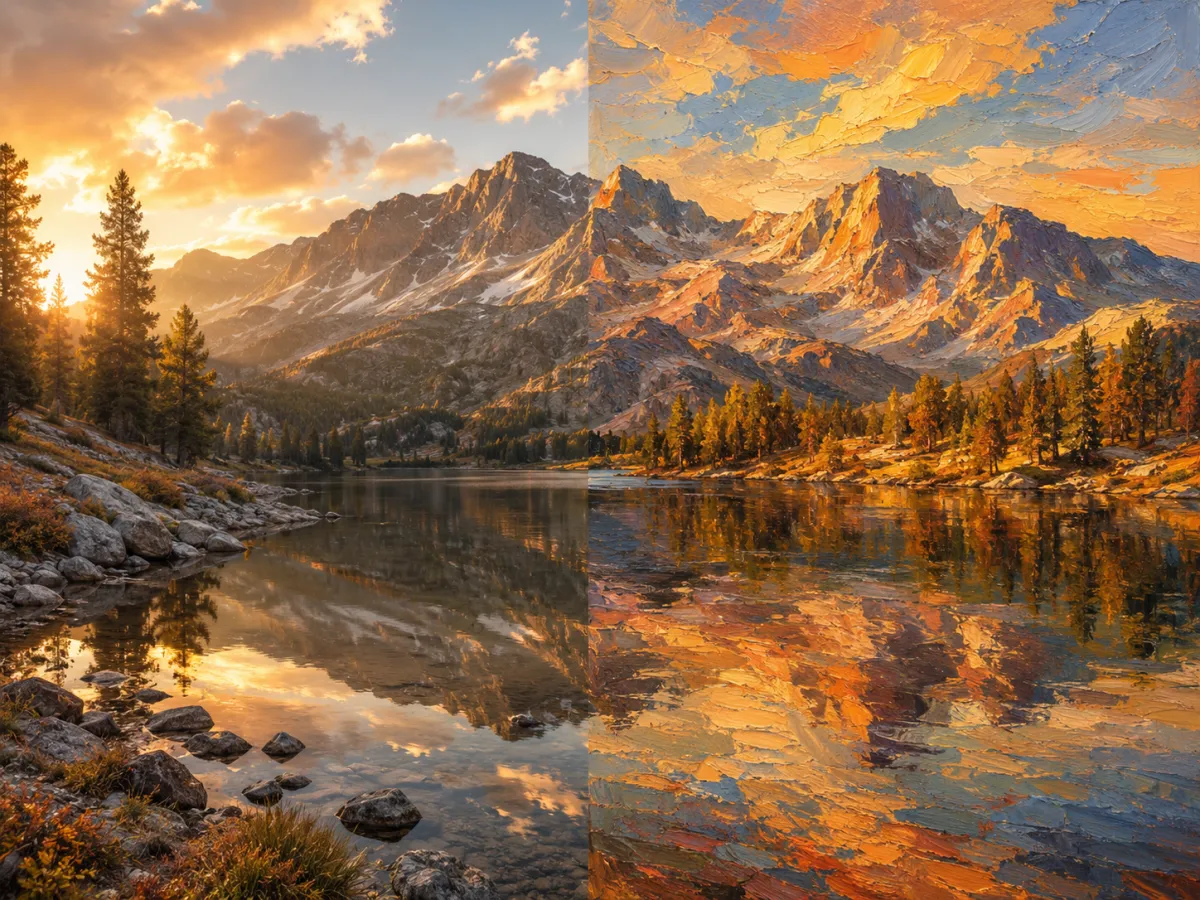
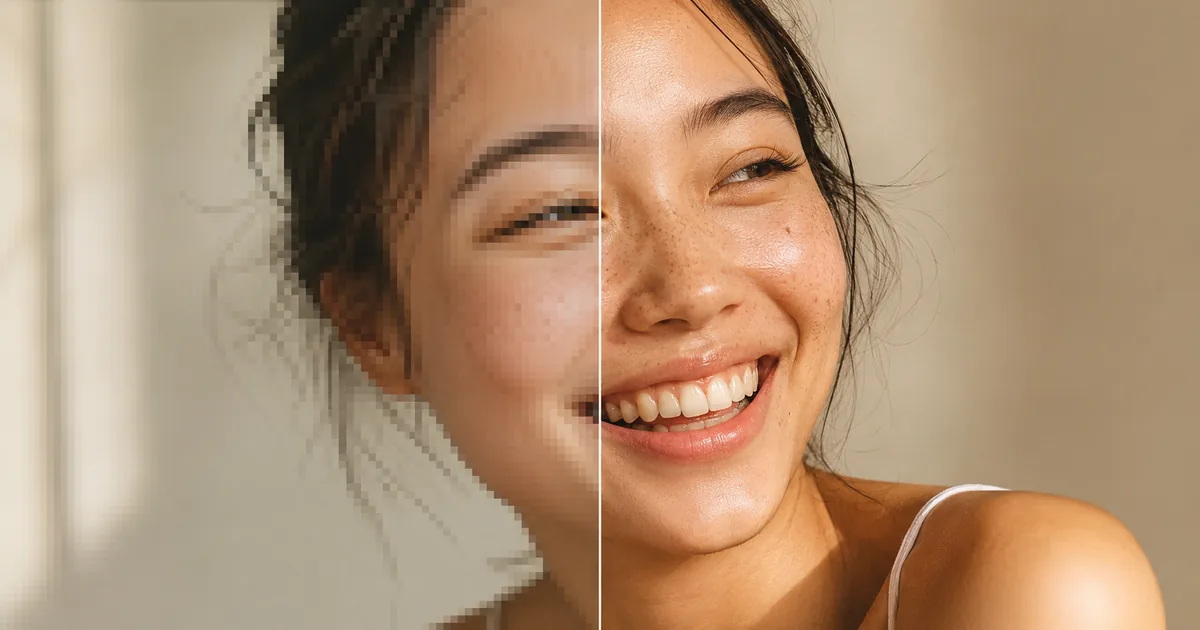
Preview Examples


Drag the slider to compare the original photo with the AI art
What Is AI Art Style Transfer?
AI art style transfer is a way to repaint a photo in the look of a chosen art style — without picking up a brush. Instead of editing the image by hand, a neural model studies the colors, textures, and brushwork of a target style, then re-renders your photo in that style while keeping the subject and composition recognizable. imya's AI art style transfer is trained on a wide range of paintings, prints, and illustration styles, so it handles real, messy photos — not only clean studio shots.
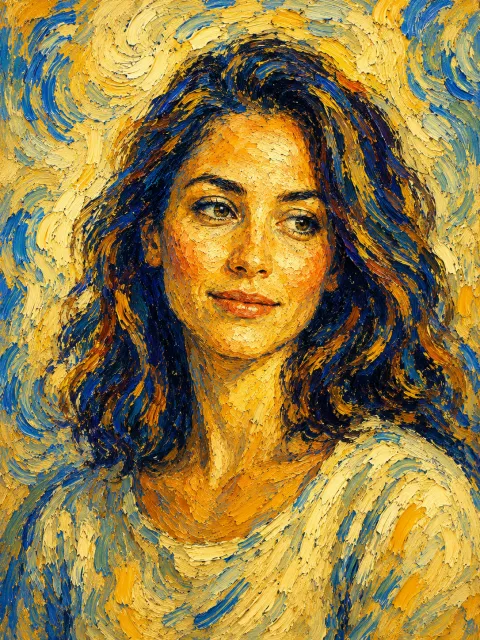
In practice, you upload a JPG, PNG, or WebP, choose an art style, and within seconds the AI art style transfer hands back a fully restyled image — ready for a profile picture, a print, a social post, or a moodboard. There are no prompts to write and no design skills to learn: the style does the work. Pick Van Gogh for swirling impasto, Ghibli-style anime for a soft hand-painted look, or watercolor for something light and airy.
- 20+ art styles
- Styled in seconds
- Free to try
- JPG · PNG · WebP

Why Choose imya's AI Art Style Transfer?
Built for everyday photos and everyday people — not just artists and editors.
- N°01
20+ famous art styles
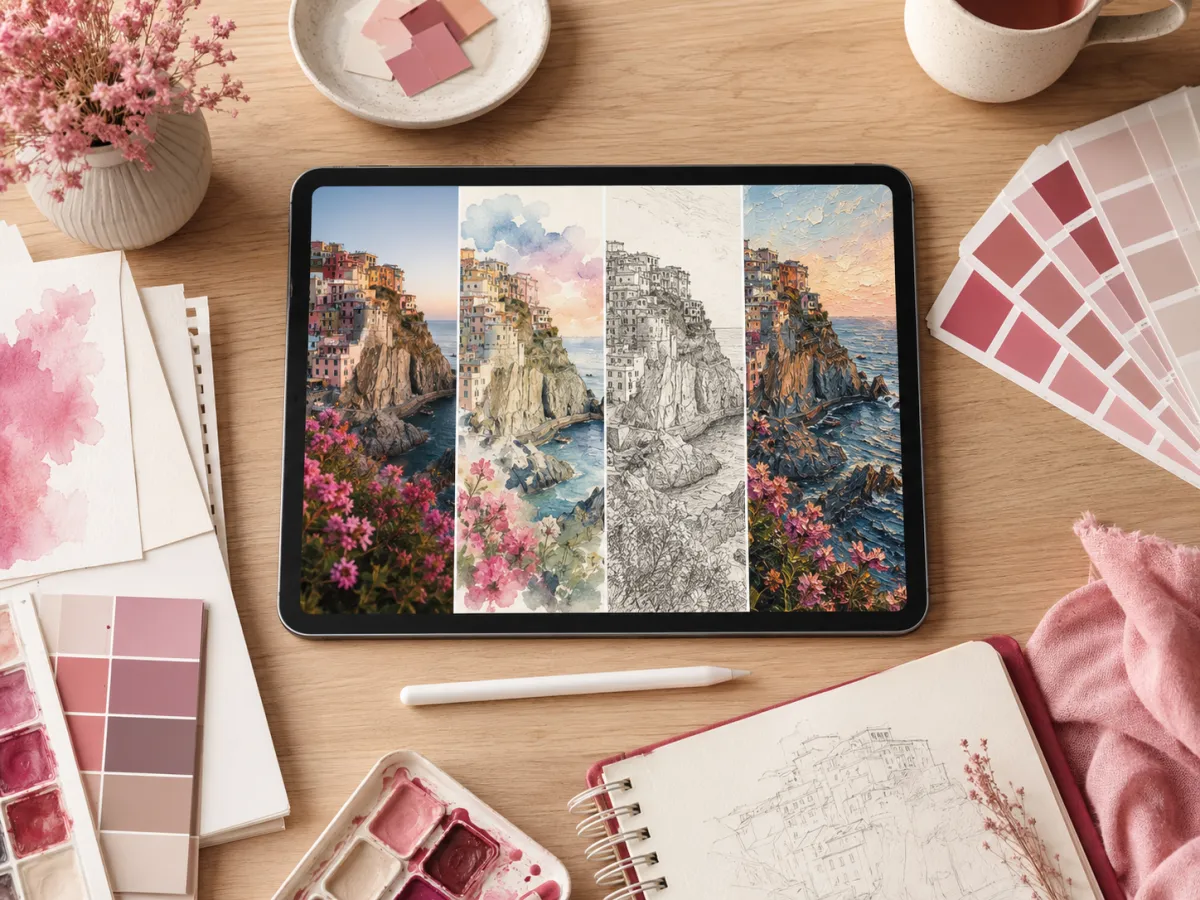
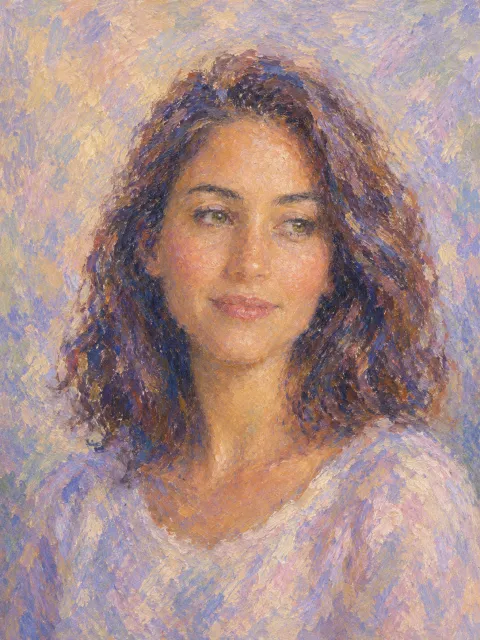
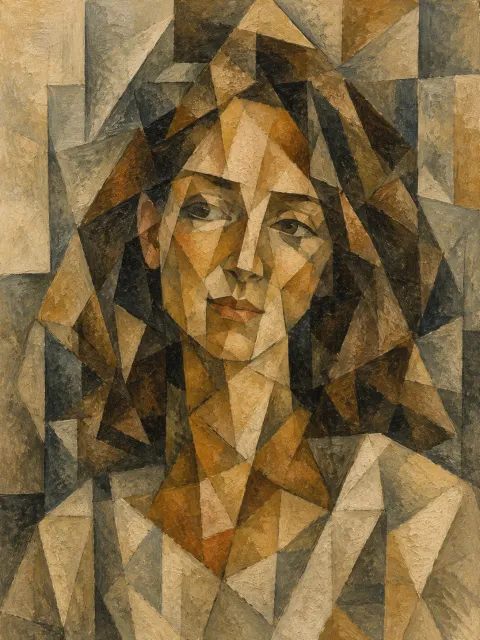
From Van Gogh, Monet, and Picasso to Ukiyo-e, pop art, watercolor, and Ghibli-style anime, the AI art style transfer ships with a curated library of art styles. Each one is tuned so the result looks like real artwork — not a cheap filter dropped on top of your photo.
- N°02
Your subject stays recognizable
A good art style transfer changes the brushwork, not the person. imya's model repaints color and texture while preserving faces, poses, and composition — so your portrait still looks like you, and your landscape still looks like that place.
- N°03
Instant art, no skills needed
No prompt engineering, no layers, no Photoshop. Upload a photo, tap an art style, and the AI art style transfer does the rest in seconds. Every new imya account starts with free welcome credits, and the styled image comes back clean — no watermark.
What Can You Use AI Art Style Transfer For?
The AI art style transfer turns an ordinary photo into something worth framing, posting, or pitching. Here are three of the jobs creators, sellers, and hobbyists reach for it most.

Personal photos as gallery-style art
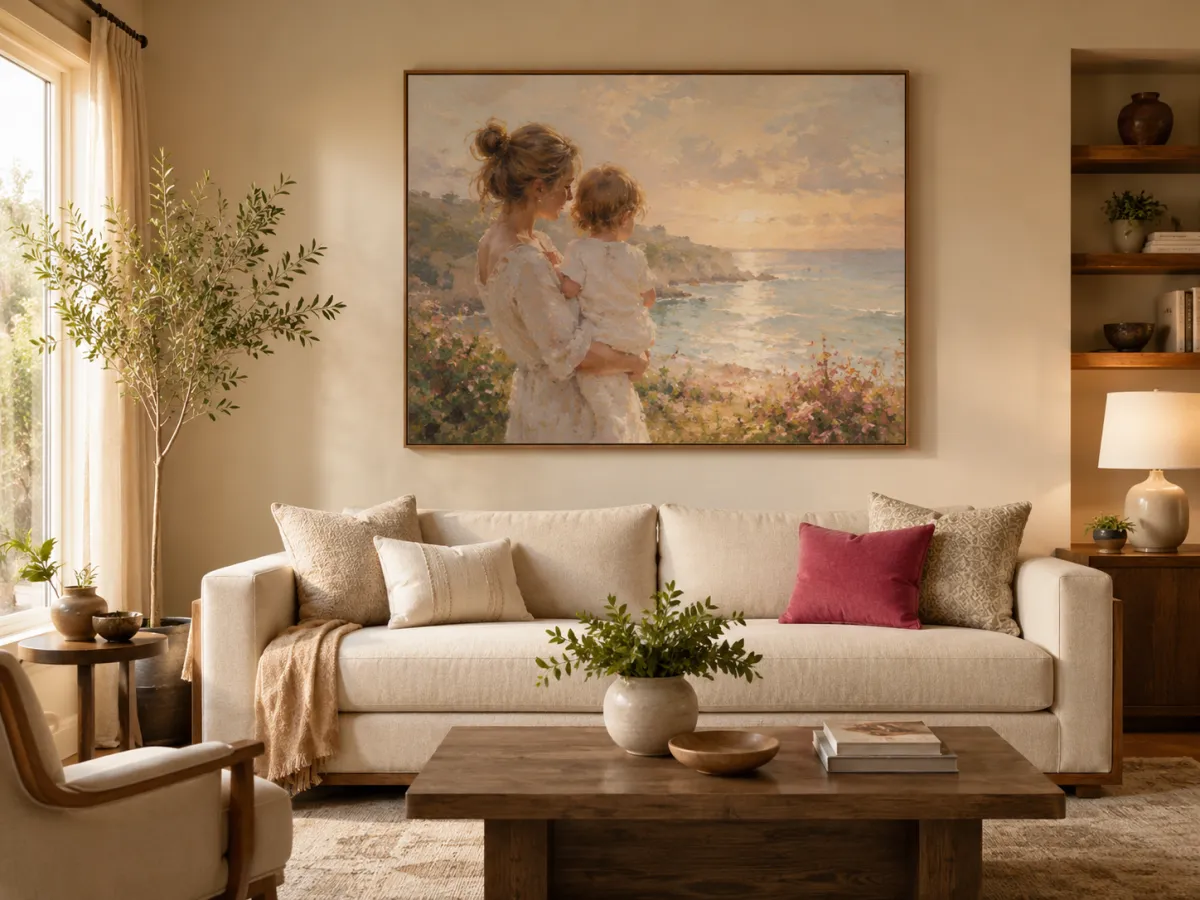
Turn a favorite holiday photo, a pet portrait, or a family snapshot into a piece that belongs on a wall. Run it through the AI art style transfer in an oil-painting or impressionist style, send it to a print shop, and you have custom wall art with real meaning behind it — for a fraction of a commissioned painting.

Scroll-stopping posts and avatars
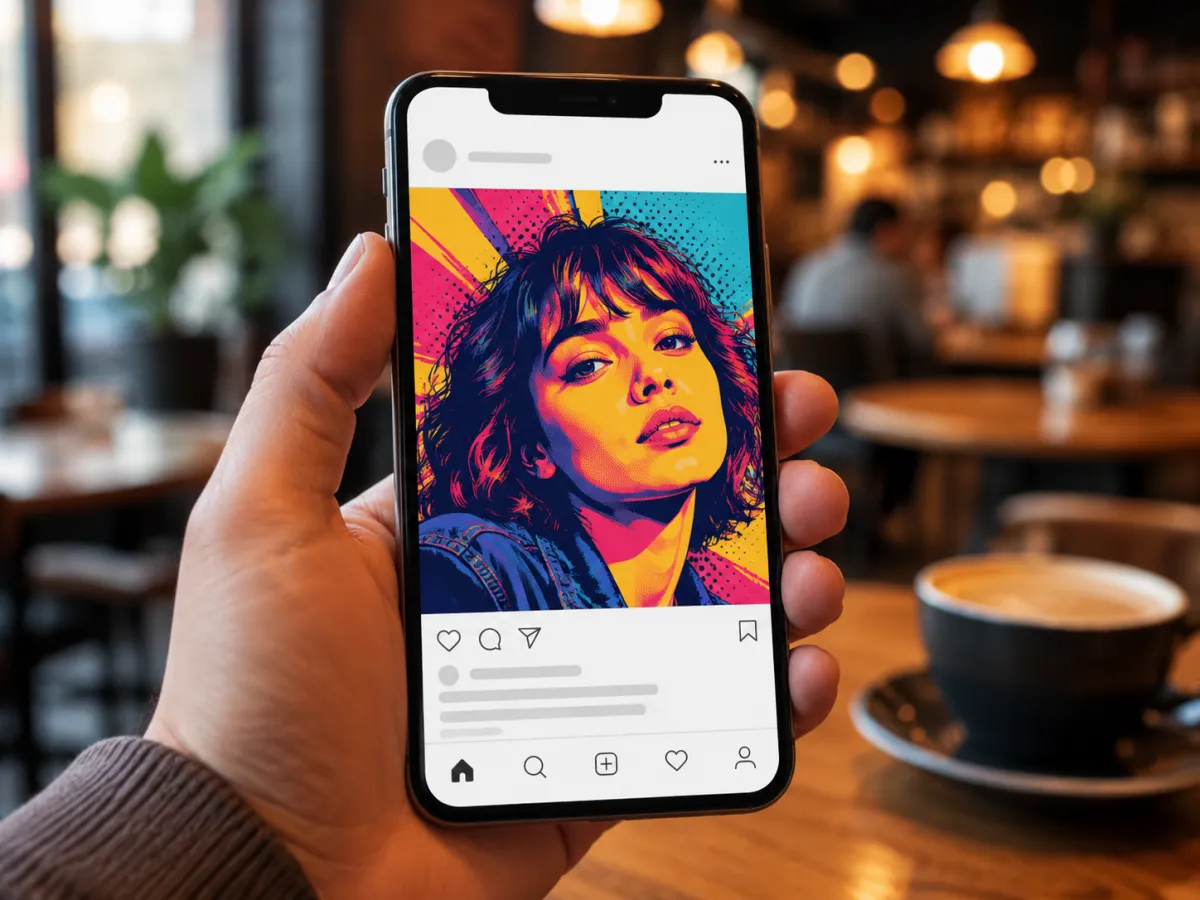
A styled image stands out in a feed full of ordinary photos. Use the AI art style transfer to make an anime profile picture, a pop-art post, or a themed series for your channel. One photo can become a whole grid of matching artwork, each in a different art style, ready to schedule.

Concept art, moodboards, and mockups
Designers and marketers use AI art style transfer to explore a direction before committing. Restyle a reference photo into watercolor, sketch, or ukiyo-e to fill a moodboard, pitch a creative concept to a client, or mock up packaging and campaign visuals — in minutes, not days.
How to Use AI Art Style Transfer in 3 Simple Steps
From photo to finished artwork in under a minute.
Step 1Upload your photo
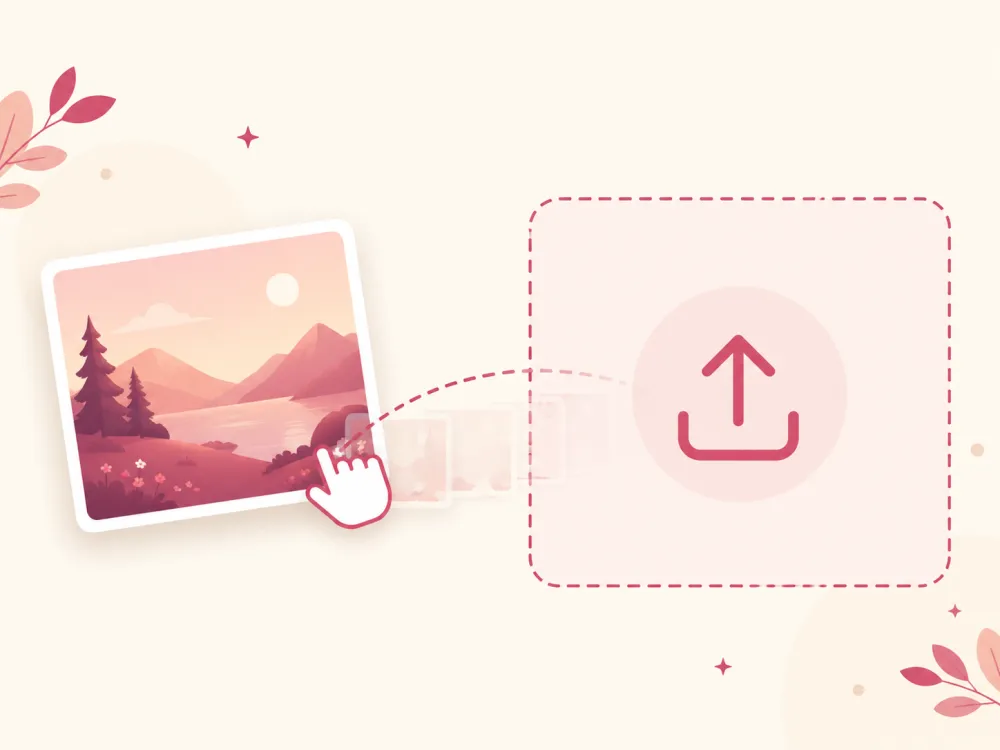
Drag a JPG, PNG, or WebP onto the upload area, or browse to pick a file. Portraits, pets, landscapes, and product shots all work — a clear, well-lit photo gives the AI art style transfer the most detail to repaint.
Step 2Choose an art style
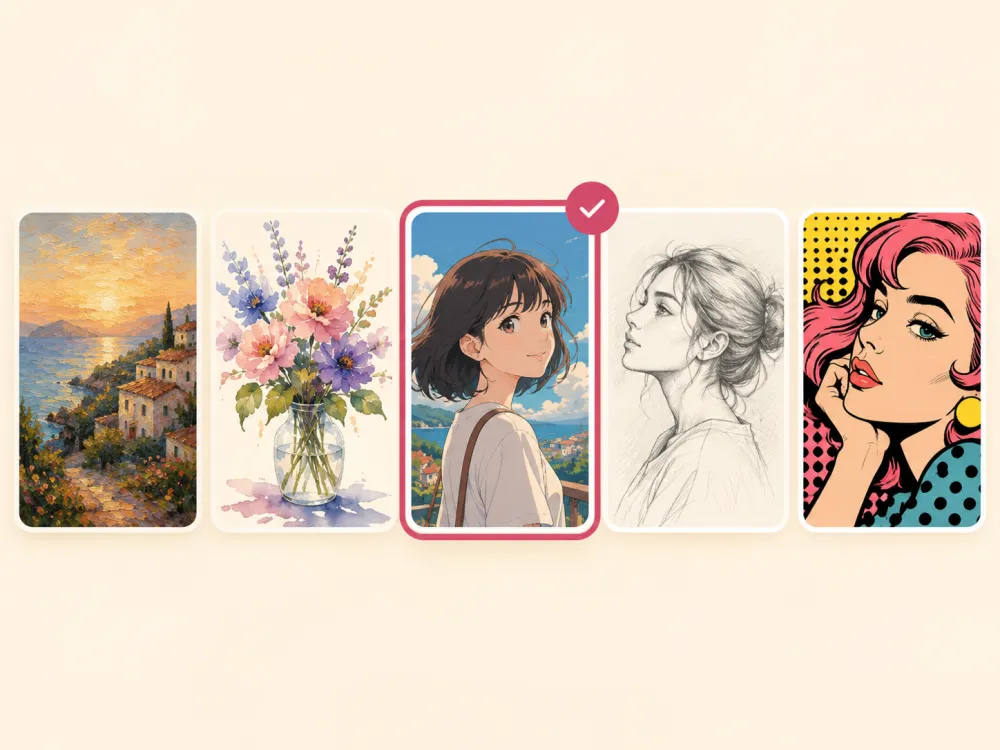
Pick a style from the library — Van Gogh, Monet, Ukiyo-e, watercolor, pop art, Ghibli-style anime, and more. Each art style repaints your photo a different way, so try a few to see which one fits best.
Step 3Generate and download
Tap generate and the AI art style transfer re-renders your photo in seconds. Preview the result against the original, then download the full-resolution artwork — no watermark — ready to print, post, or share.
Transform Your Photos into Art
Turn any photo into a masterpiece inspired by Van Gogh, Monet, Ghibli-style anime, and 20+ other art styles. Free welcome credits, no download, no watermark — your first AI art style transfer is moments away.
- No download required
- Results in seconds
- Your photos stay private
One Photo, Every Art Style
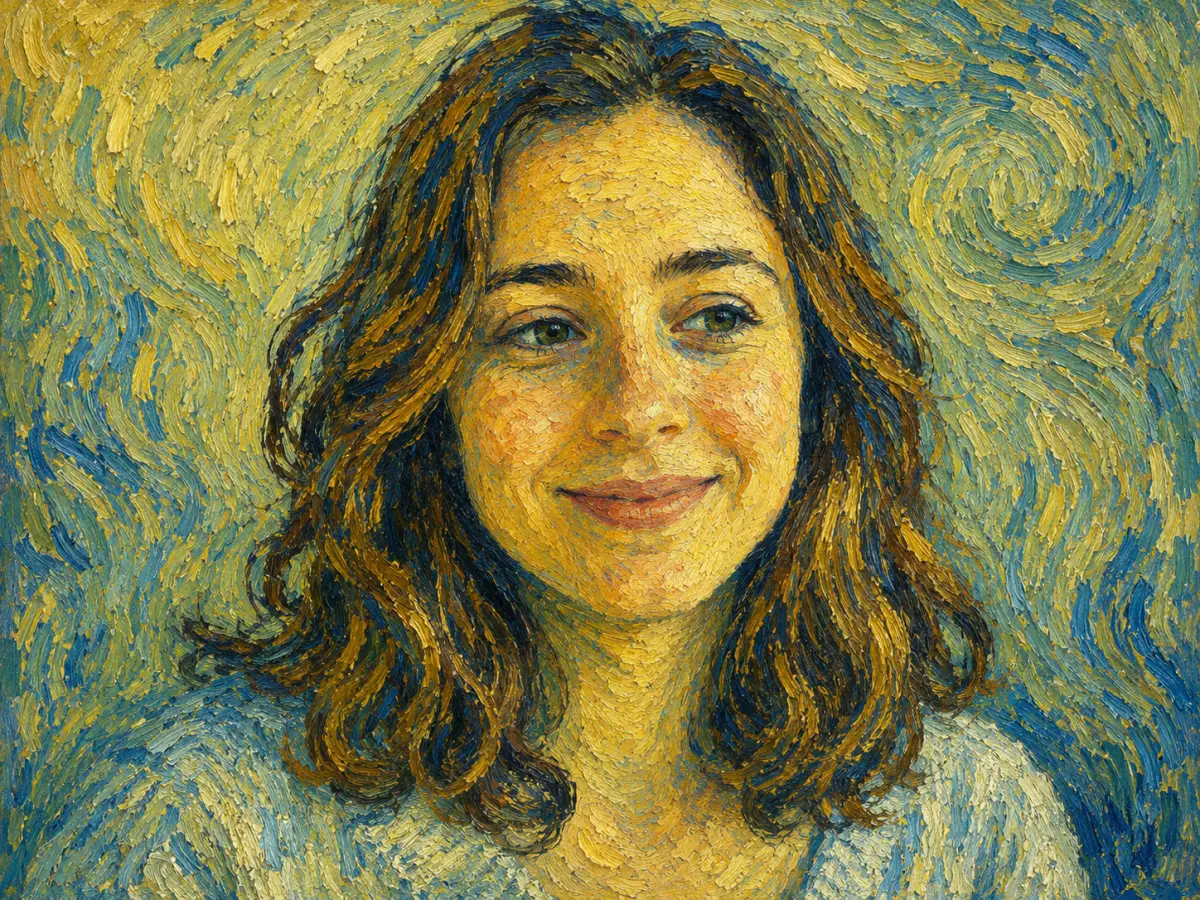
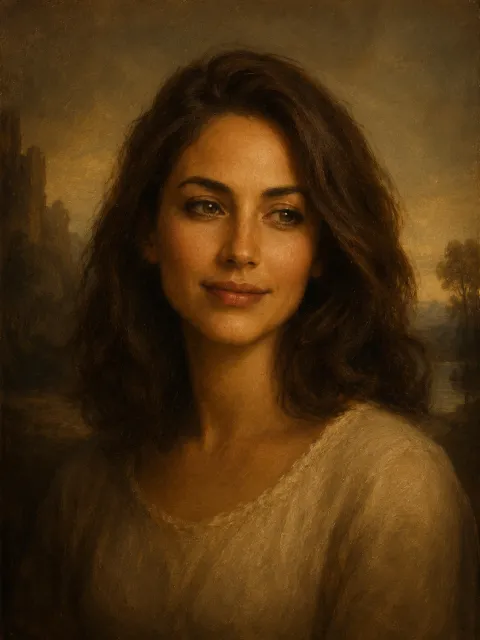
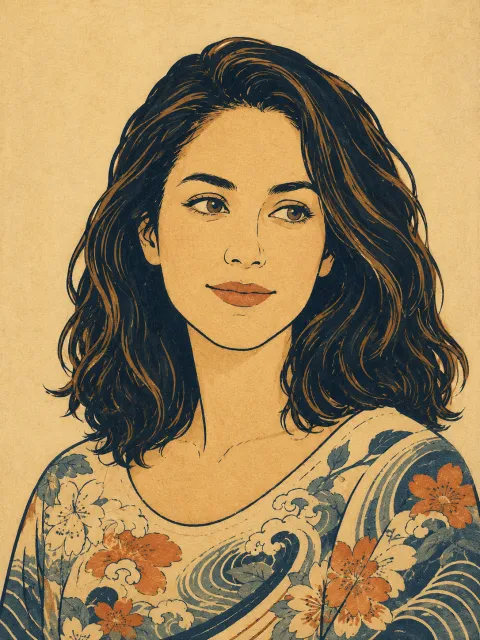
The same portrait, repainted by the AI art style transfer in ten signature art styles. This is the range you unlock from a single upload.

Van Gogh

Monet

Picasso

Da Vinci

Ukiyo-e
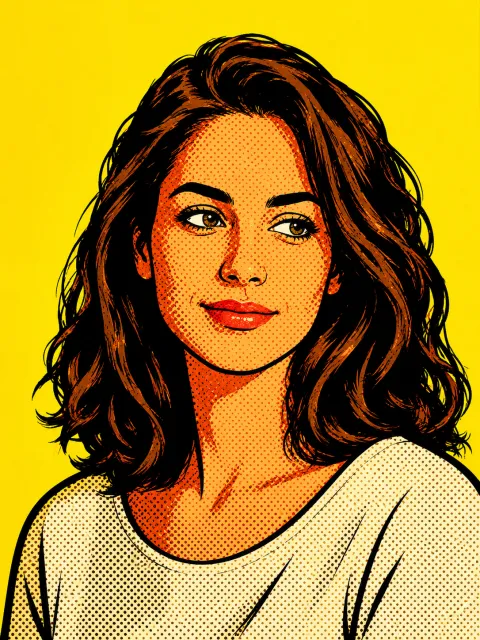
Pop Art
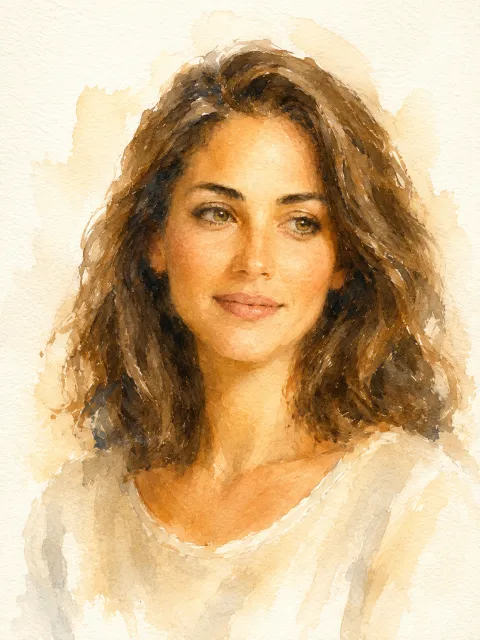
Watercolor
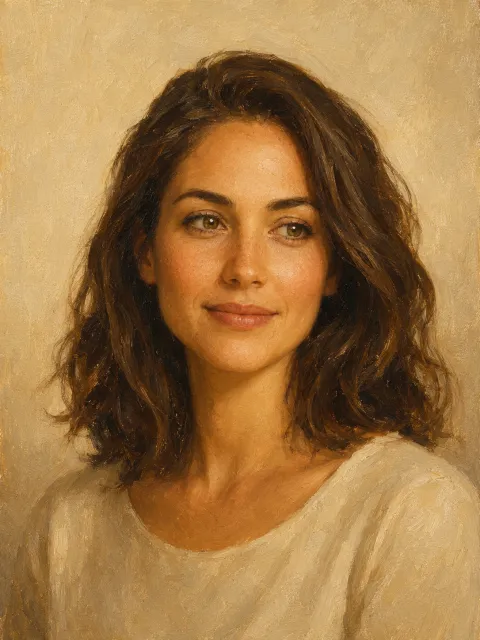
Oil Painting
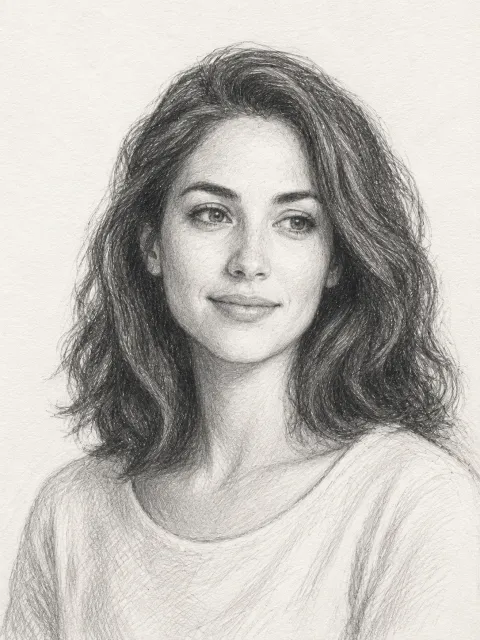
Pencil Sketch
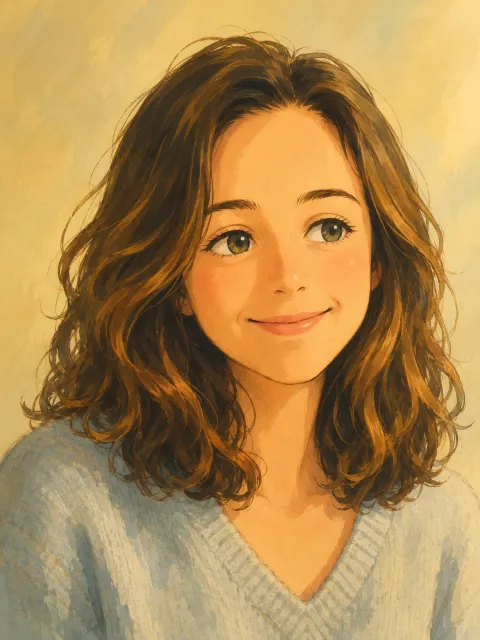
Ghibli-style Anime
Every thumbnail is one source photo after a different AI art style transfer.
Frequently Asked Questions About AI Art Style Transfer
Honest answers to what people ask most about imya's free AI art style transfer.
Is the AI art style transfer free?
Can I use the AI art style transfer online with no sign-up?
What art styles can I transfer my photo into?
Does AI art style transfer keep my face and composition?
How is this different from Adobe Firefly or Fotor style transfer?
Can I copy a specific artist's art style?
What image quality works best for art style transfer?
Can I use the generated art commercially?
Related AI Tools You Might Like
More free AI image tools on imya that pair well with art style transfer.

GPT Image 2
Generate brand-new images from a text prompt with the GPT Image model.

AI Headshot Generator
Studio-quality LinkedIn headshots from a single selfie.

AI Image Upscaler
Upscale your styled artwork to 4K or 8K, ready to print.

Hailuo 2.3 Image to Video
Turn a styled image into a cinematic six-second video.