imya — 一站式 AI 图片、视频、音乐生成器imya
模板使用指南博客定价
  1. Home
  2. ›
  3. AI Image Models
  4. ›
  5. AI Background Remover
AI BACKGROUND REMOVER · FREE · HD PNG

AI Background Remover

Instantly erase distracting backgrounds from any photo. Drop an image into the free imya AI background remover and get a clean transparent PNG in seconds — hair, fur, and soft edges kept pixel-sharp.

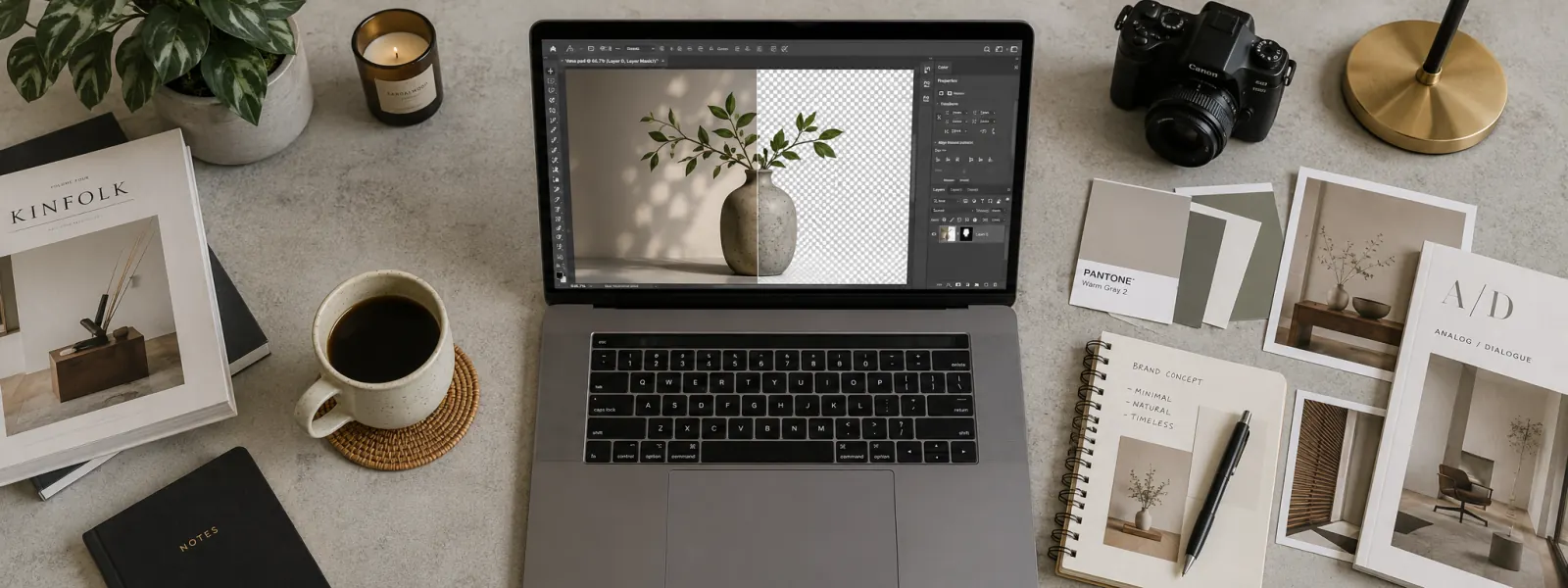
AI background remover preview — a photo open on a laptop with its background erased into a transparent PNG cutout

By uploading your image you agree to imya's Terms of Use and Privacy Policy.

What is an AI background remover

What Is an AI Background Remover?

An AI background remover is an automatic cutout tool — instead of tracing edges by hand in Photoshop or Canva, a trained segmentation model figures out where the subject ends and the background begins, then erases that background for you. Imya's remover runs on a modern U²-Net / MODNet style segmentation pipeline that has seen millions of portraits, products, pets, and objects, so the model generalizes well to messy real-world photos rather than only the clean studio shots that older background eraser tools were good at.

Practically, you upload a JPG, PNG, or WebP, the model analyzes the image, and within seconds you get back a transparent PNG cutout — ready to paste into a Shopify product page, an Instagram post, a LinkedIn headshot, a sticker pack, or a marketing ad. Two modes cover every job: Fast mode returns a cutout in about a second for quick iteration, while HD mode runs a higher-precision pipeline so hair strands, glasses, fur, and soft fabric edges stay crisp instead of melting into a halo. No watermark, no plug-ins, no desktop install — that is what makes this such an easy background eraser to drop into a creator workflow.

🆓
Free online
🖼
HD transparent PNG
⚡
Cutout in seconds
📁
JPG · PNG · WebP
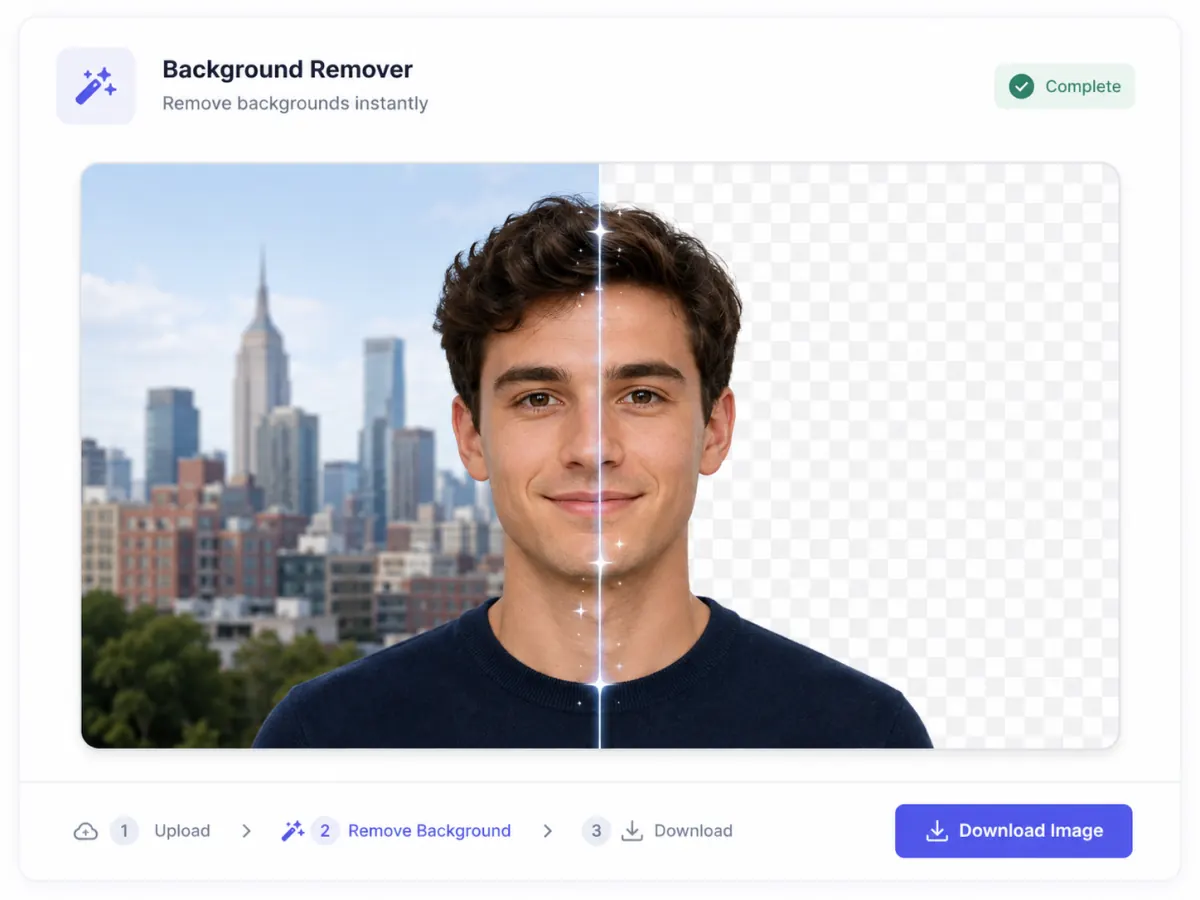
What is an AI background remover — a portrait shown half with its original city background and half cut out to a transparent PNG

Why Use imya's AI Background Remover?

Four reasons creators pick our free AI background remover over remove.bg, ClipDrop, and Photoshop's quick-select tool.

  • 🖼N°01

    HD transparent PNG, every time

    Every cutout comes out at full input resolution with a real alpha channel — no 720p downscale, no JPEG compression artifacts, and no awkward white halo around the subject. The background gets erased cleanly so you can drop the PNG straight into your ad creative or Shopify listing.

  • ✂️N°02

    Pixel-clean hair, fur, and soft edges

    Hair strands and pet fur are where most free background remover tools fall apart. Our model keeps single hair strands, eyelashes, glasses frames, and soft sweater fuzz intact instead of clipping them off with a hard mask along the background edge.

  • 📁N°03

    Works on JPG, PNG, and WebP

    Screenshots in PNG, web exports in WebP, camera and phone JPGs — drop any of them and the uploader takes every format in stride. Files up to 20MB are supported with no resize hit on the cutout.

  • 🆓N°04

    Free welcome credits, no watermark

    Every new imya account starts with free welcome credits — enough to run the AI background remover right away, and the output never carries a watermark. Fast cutouts cost just a couple of credits each; even an HD render still costs a fraction of what remove.bg, ClipDrop, or other paid background tools charge per image.

How to Remove a Background in 3 Steps

From photo to transparent PNG in under sixty seconds with the imya AI background remover.

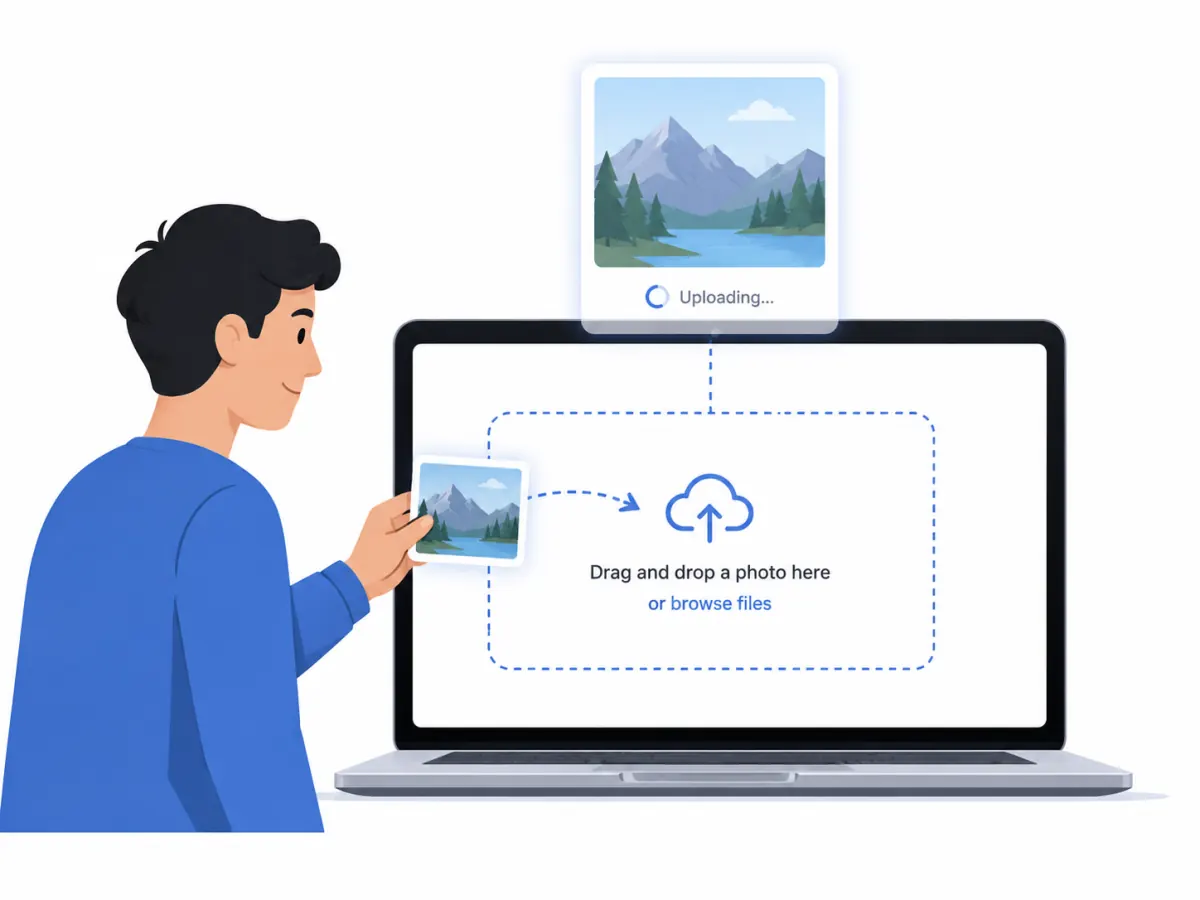
  1. Step 1 — drag and drop your photo into the AI background remover upload zone
    📷 Step 1

    Upload your image

    Drag a JPG, PNG, or WebP onto the upload zone, or click Upload your photo to pick a file. Files up to 20MB work — portraits, products, pets, and objects all welcome.

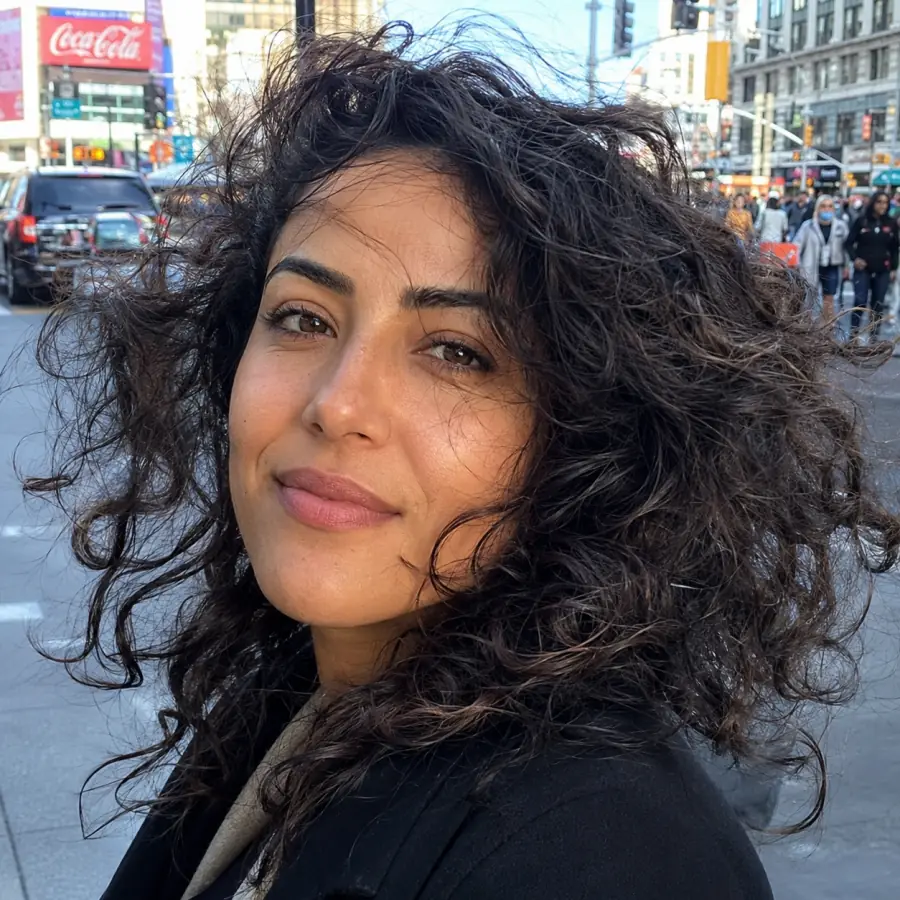
  2. Step 2 — the AI erases the background behind a curly-haired portrait, keeping every hair strand sharp
    ✨ Step 2

    Let the AI erase the background

    A segmentation model reads your photo, finds the subject, and erases everything behind it. Soft edges, hair strands, and fur are kept intact — no manual brush, no edge refinement needed.

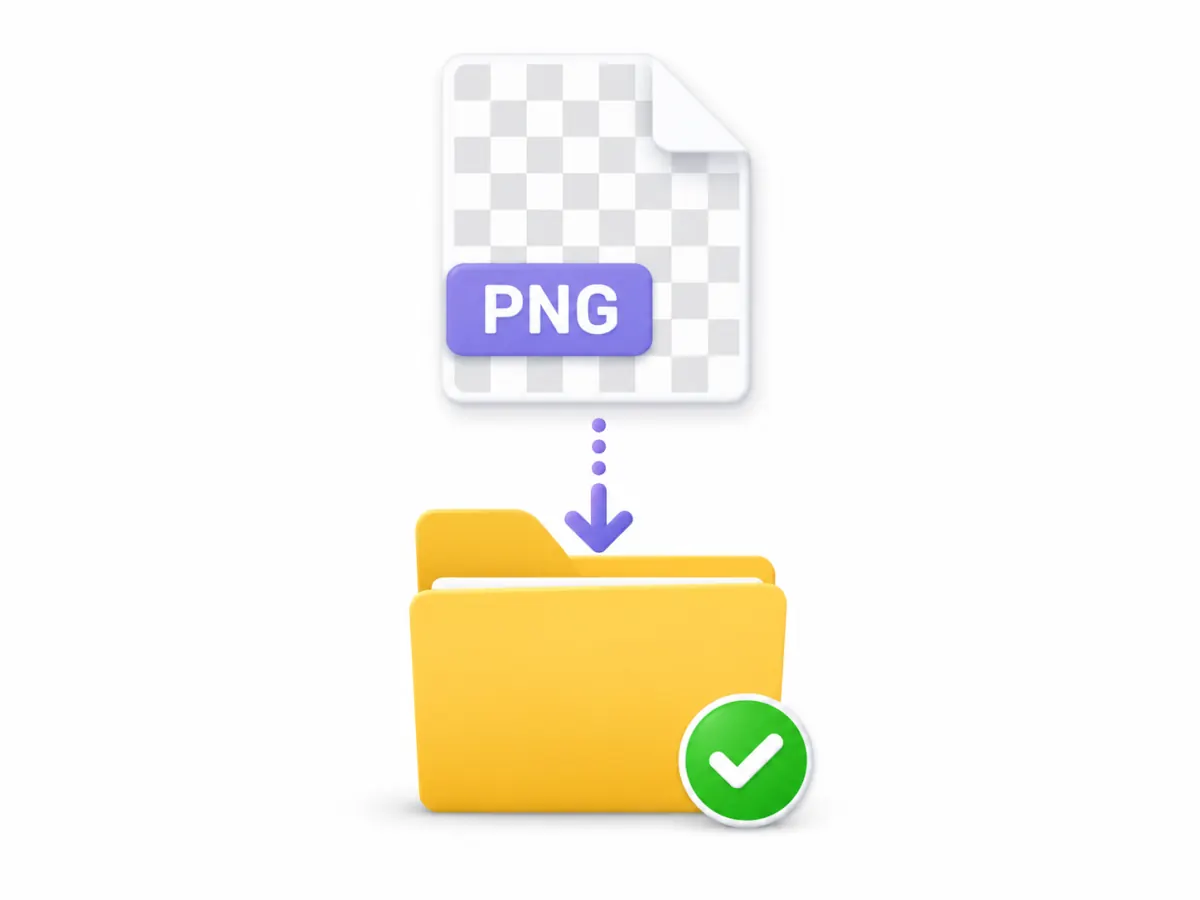
  3. Step 3 — download the finished transparent PNG cutout to your device
    ⬇️ Step 3

    Download a transparent PNG

    Once the AI finishes the cutout, download your transparent PNG. Drop it into Photoshop, Canva, Figma, Shopify, or your social post — the full alpha channel is preserved at original resolution.

WHAT YOU CAN DO

What Can You Do with the AI Background Remover?

The AI background remover strips the background off any photo and hands back a clean transparent PNG. Sellers, creators, marketers, and designers reach for a background remover every day — here are the four jobs it does best.

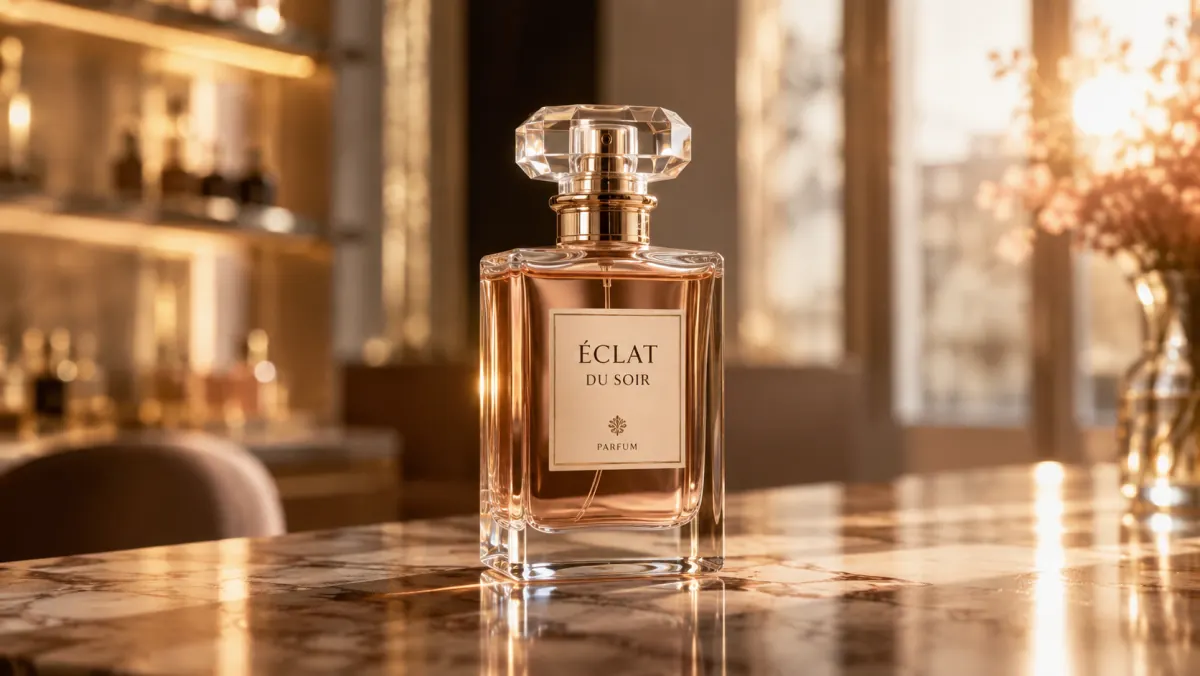
AI background remover use case — a luxury perfume bottle isolated onto a clean transparent PNG for an online store
01 / 04
01 · E-COMMERCE SELLERS

Product photos that listings actually reward

Amazon's main-image rules require a plain white background, and Etsy, Shopify, and Walmart shops all look more professional with clean, consistent product photos. Shoot your product on the kitchen table, run it through the AI background remover, and drop the cutout onto a pure-white or branded canvas. Every SKU ends up looking like it came from the same studio.

  • Pure-white backgrounds that pass marketplace image rules
  • Consistent product photography across an entire catalog
  • HD transparent PNG ready for listing pages and ad creative
  • Bulk-friendly — clear one product shot every few seconds
Cut out a product photo
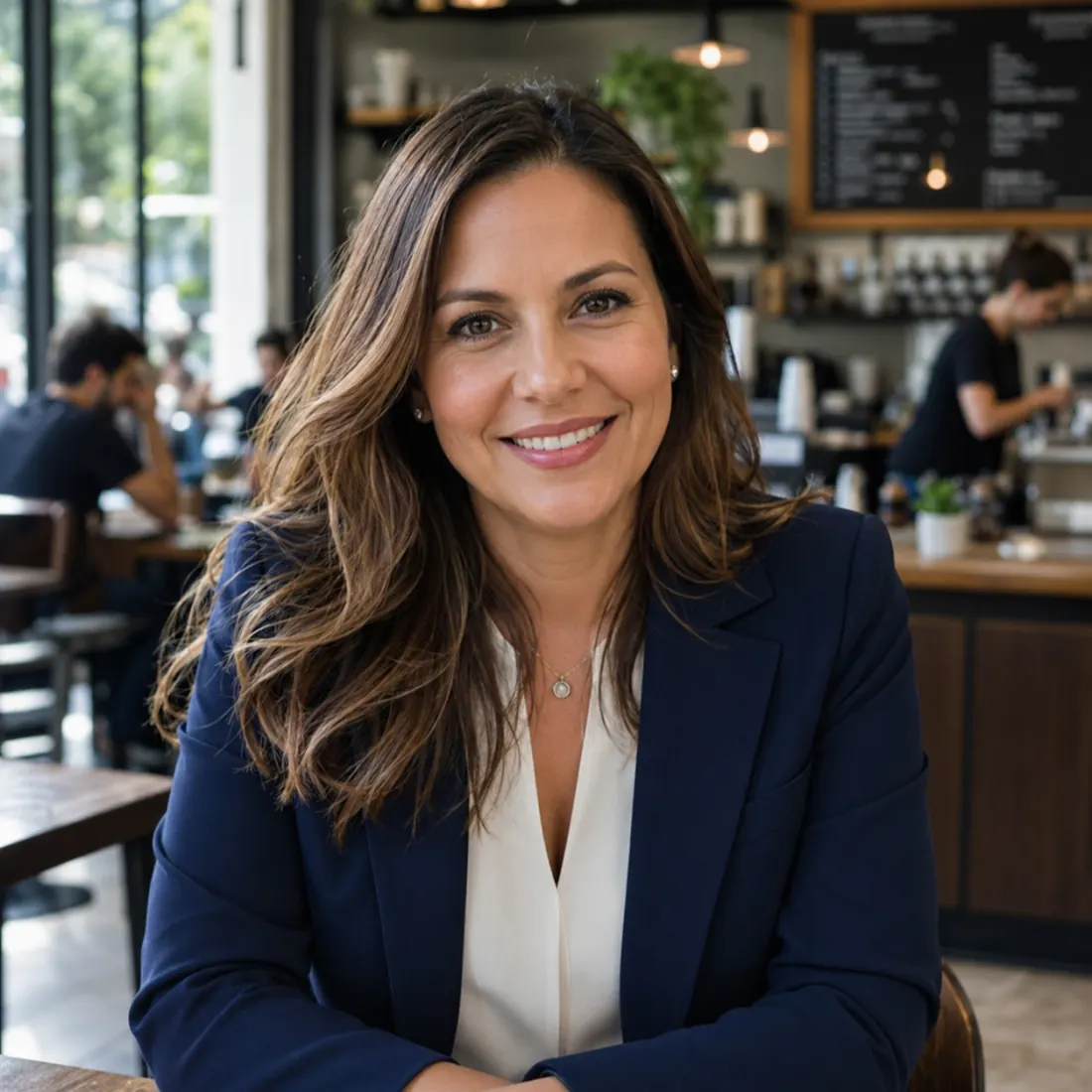
AI background remover use case — a professional headshot of a woman in a navy blazer lifted off a busy cafe background
02 / 04
02 · JOB SEEKERS & PROFESSIONALS

Turn a phone selfie into a LinkedIn headshot

A polished LinkedIn headshot makes your profile far more clickable, but most people only have a selfie against a cluttered office wall. The AI background remover lifts you cleanly off that wall — hair edges intact — so you can drop in a neutral studio gray or a soft office blur in Canva or Photoshop. No photographer, no booking fee.

  • Clean cutout that keeps flyaway hair and glasses sharp
  • Swap in a neutral studio backdrop for LinkedIn or a CV
  • Consistent headshots for a whole team or about page
  • Works on group photos cropped down to a single person
Make a headshot cutout
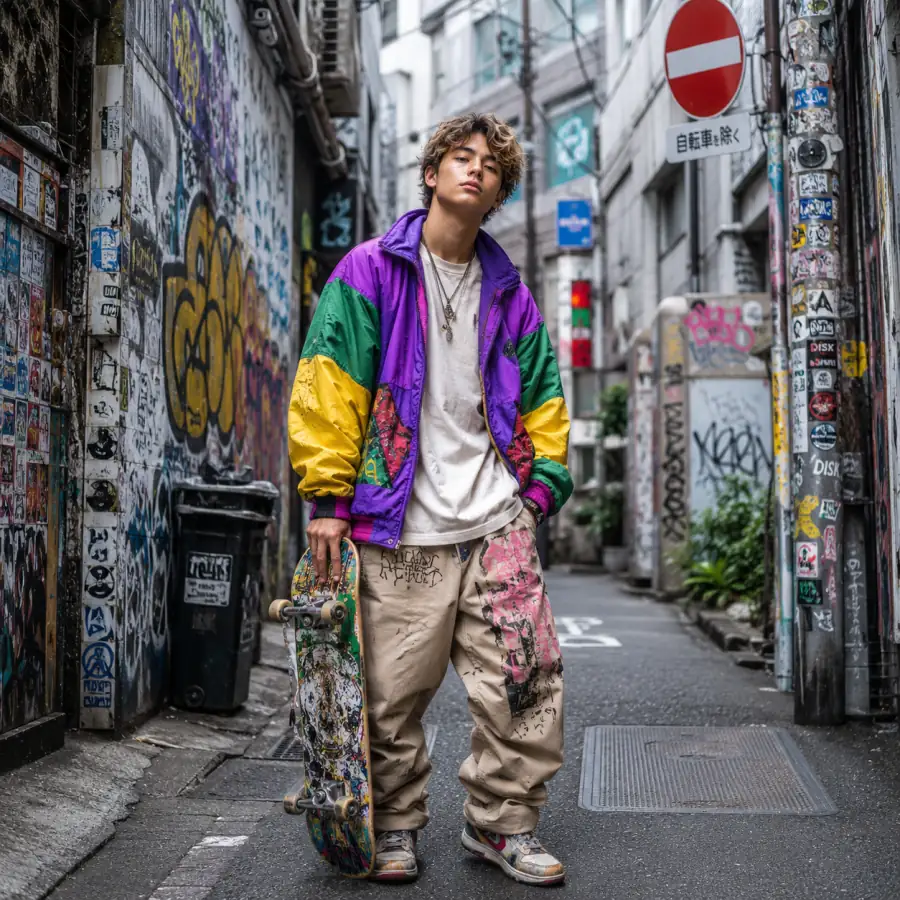
AI background remover use case — a streetwear skateboarder cut out for a social media post
03 / 04
03 · CREATORS & MARKETERS

Social posts and ads in any aspect ratio

Instagram carousels, TikTok thumbnails, Facebook ad creatives, YouTube end cards — every format wants the subject on a different background. Run your photo through the AI background remover once, then paste that transparent PNG over any branded color, gradient, or scene. The cutout stays crisp whether you ship it 1:1, 9:16, or 16:9.

  • One cutout reused across every social and ad format
  • Drop the subject onto brand colors, gradients, or scenes
  • Edges stay sharp at any crop or aspect ratio
  • Pairs with templates in Canva, Figma, and Photoshop
Cut out a social post
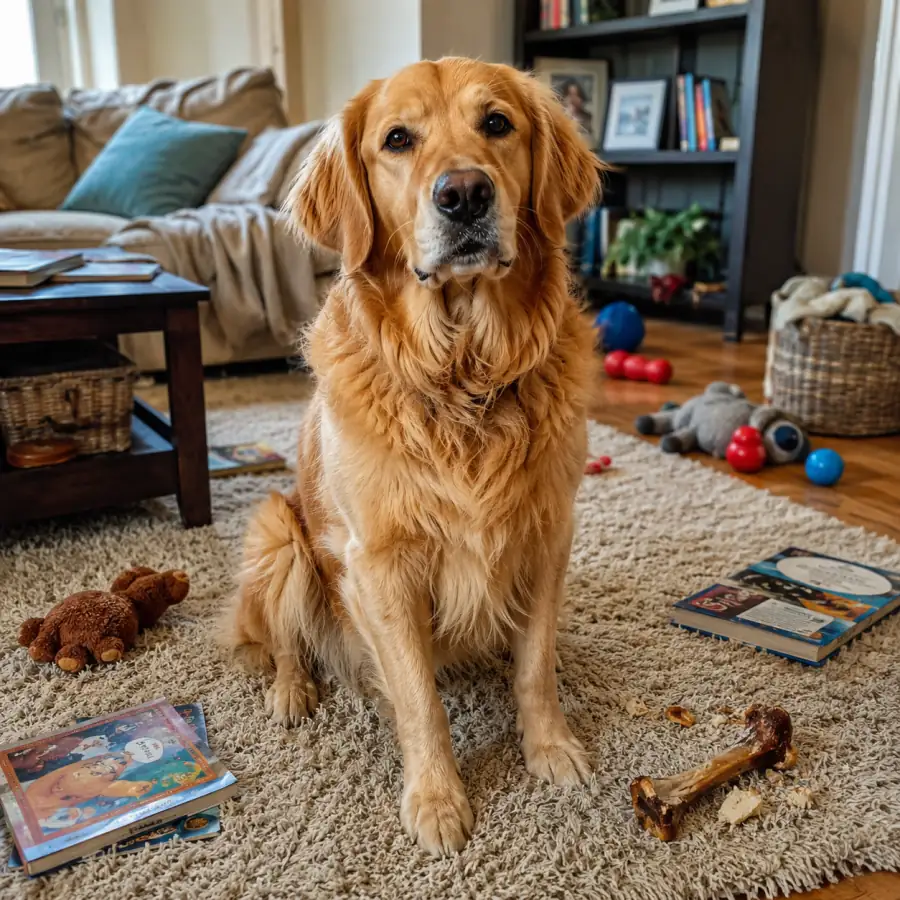
AI background remover use case — a pet dog cut out as a transparent PNG sticker
04 / 04
04 · DESIGNERS & MAKERS

Stickers, memes, and creative cutouts

WhatsApp stickers, Discord emotes, Notion icons, meme templates, scrapbook pieces — they all start with a clean cutout. The AI background remover keeps soft edges intact so the result looks hand-trimmed rather than rage-traced, and the transparent PNG drops straight onto any color or pattern.

  • Sticker-ready transparent PNGs with soft, natural edges
  • Cut out pets, objects, props, and hand-lettering
  • Layer cutouts into collages, zines, and scrapbook spreads
  • Export once, reuse across every design tool you own
Make a sticker cutout

AI Background Remover vs Other Tools

Honest, side-by-side notes on how the imya AI background remover stacks up against the tools you already know.

Here is how the imya AI background remover compares with the tools most creators already have open — remove.bg, ClipDrop and Magic Eraser, Photoshop, Canva, PhotoRoom, and Fotor.

  • AI background remover compared with remove.bg — cutout quality on a white sneaker product photo

    vs remove.bg

    remove.bg pioneered the one-click background remover, but its free output is capped at 0.25 MP — basically a thumbnail. Imya gives you a full HD transparent PNG without that paywall, so you can ship the cutout straight to a Shopify listing.

  • AI background remover compared with ClipDrop Magic Eraser — edge quality on a portrait with loose hair and a soft dress

    vs ClipDrop & Magic Eraser

    ClipDrop's Magic Eraser is excellent for spot-removing distractions, but its general background remover throws away soft edges on hair and fur. Imya keeps those edges intact on the first pass.

  • vs Photoshop & Canva

    Photoshop's Select Subject and Canva's BG Remover both work, but they live inside subscription apps. The imya remover runs in any browser with no install, starts free, and lets you drop the transparent PNG back into Photoshop or Canva when you need to finish the design there.

  • vs PhotoRoom & Fotor

    PhotoRoom and Fotor focus on e-commerce sellers and bundle scene templates on top of every cutout. The imya remover stays focused on the background-removal step itself — give you a clean transparent PNG, then let you decide which template app to drop it into.

Tips for the Best AI Background Remover Results

Three quick habits that make any background remover, including ours, deliver noticeably cleaner cutouts.

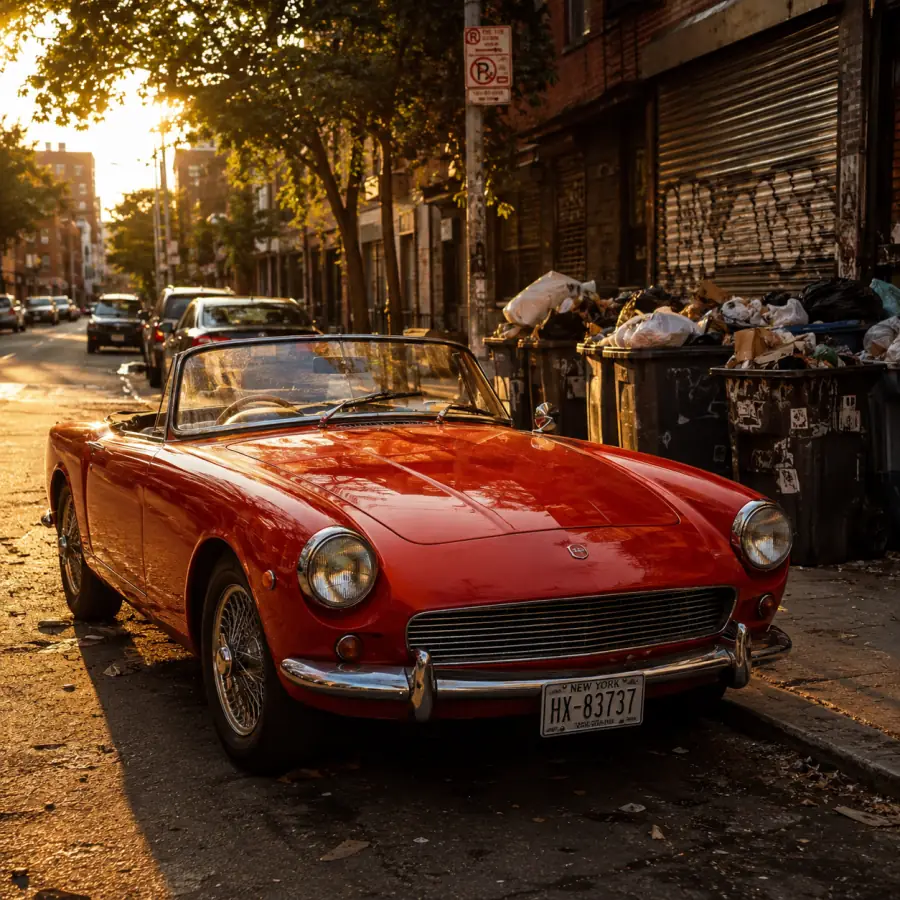
Tips for the AI background remover — a bright red car stands out sharply against the street, an easy high-contrast subject

Choose a high-contrast subject

If the subject and background share the same tone — a white shirt on a white wall — even the best background remover has to guess what to keep. A simple step back, or a color change behind the subject, doubles cutout quality.

Tips for the AI background remover — a ceramic vase lit by soft, even window light for a cleaner cutout

Lighting beats megapixels

Soft, even lighting helps any background remover separate the subject from the background more than raw resolution does. Daylight from a window, or a $20 ring light, beats a 50-megapixel camera in a dim room.

Pro tip

When to refine edges by hand

For 95% of photos the background remover is one-and-done. For the remaining 5% — fine wisps of hair against a similar-color wall — open the downloaded PNG in Photoshop or Photopea and feather the alpha by 1-2 pixels. That is it.

Frequently Asked Questions About the AI Background Remover

Quick, honest answers to the questions creators ask most about our free AI background remover.

Is the AI background remover free?+
Every new imya account starts with free welcome credits — enough to try the AI background remover right away, with no watermark on the result. A Fast cutout costs only a couple of credits; an HD render costs a bit more. When you run low, credit packs start at $9.90, or a subscription refreshes your balance every month. No credit card is needed to create an account and start.
Can I get an HD transparent PNG?+
Yes. The cutout comes out at full input resolution with a real alpha channel — no 0.25 MP cap like the free remove.bg plan. Drop the file straight into Photoshop, Canva, Figma, Shopify, or any social post and the transparency is preserved.
Does it work on hair and fur?+
Yes — that is exactly where this tool is built to win. Single hair strands, eyelashes, glasses frames, soft sweater fuzz, and pet fur are kept intact on the first pass. For the rare edge case, you can refine the alpha by a pixel or two in Photoshop or Photopea after download.
Will it remove the background from a video?+
Not yet — this remover is image-only. For video, our roadmap covers a separate AI video background removal tool; for now, export keyframes as PNG and run each through this remover one by one, or use a dedicated tool like DaVinci Resolve Magic Mask for full clips.
Is my image private and secure?+
Your photo is sent over an encrypted HTTPS connection, processed by imya's AI background-removal model, and the transparent PNG is returned to you. Uploaded images and results are removed from our storage shortly after processing — we never use your photos to train models or share them with third parties.
How does this compare with remove.bg or ClipDrop?+
Same one-click experience, but imya gives you a full HD transparent PNG instead of a 0.25 MP preview (remove.bg free) and keeps soft edges that ClipDrop's general cutout tends to clip. See the side-by-side comparison higher up the page for sample frames.

Drop a photo. Get a transparent PNG. Free.

Imya's free online remover is waiting. Drop your image, watch the background disappear, preview the HD cutout, and download a transparent PNG in seconds.

Use the AI background removerBrowse more AI image tools

Related AI Tools You Might Like

Other free AI image models on imya that pair well with this cutout tool.

  • AI Headshot Generator — LinkedIn business portrait preview

    AI Headshot Generator

    Studio-grade LinkedIn headshots from a single selfie — pairs cleanly with a fresh swap-in backdrop.

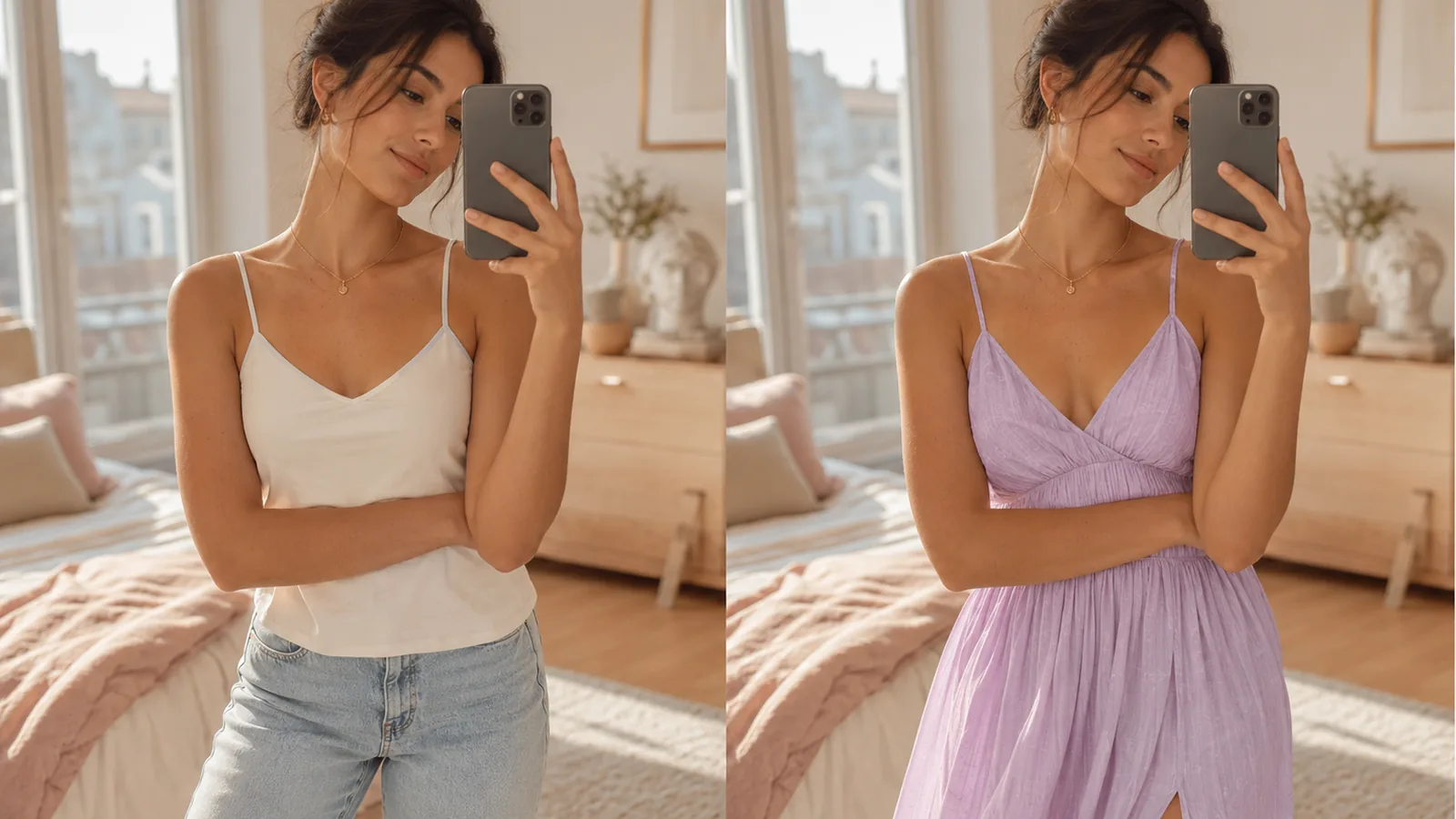
  • AI Virtual Try-On — split-screen garment demo

    AI Virtual Try-On

    Drop a garment onto any model in seconds — handy after isolating the product flat first.

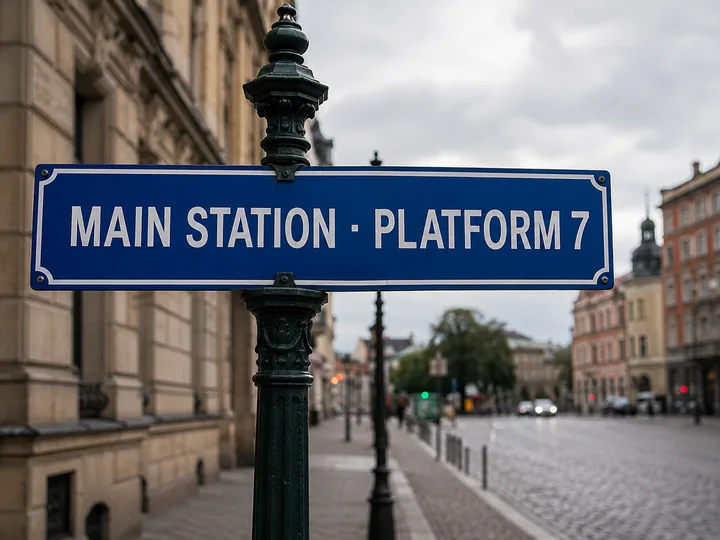
  • AI Image Translator — a foreign-language station sign translated to English

    AI Image Translator

    Translate text inside any image — perfect for localised packaging shots on a clean canvas.

  • Hailuo 2.3 — MiniMax AI image-to-video generator preview

    Hailuo 2.3 Image to Video

    Turn a transparent PNG cutout into a cinematic 6-second video.

imya — 一站式 AI 图片、视频、音乐生成器imya

一站式 AI 图片、视频、音乐生成器。一个工作区搞定所有创作输出。

AI 图片模型

  • Z Image TurboFREE
  • GPT Image 2
  • Nano Banana
  • Qwen Image Edit Plus
  • Seedream 4.0
  • Nano Banana Pro Official
  • Nano Banana Pro Trial
  • Nano Banana 2
  • Seedream 4.5
  • Seedream 5

AI 视频模型

  • Seedance 2.0 Fast
  • Seedance 2.0
  • Sora 2
  • Seedance 1.5 Pro
  • Veo 3.1 Fast
  • Kling 3.0 Motion Control

照片增强

  • AI Background Remover
  • AI Background Changer
  • AI Image Upscaler
  • AI Old Photo Restoration
  • AI Object Remover
  • AI Watermark Remover

肖像与头像

  • AI Headshot Generator
  • AI Anime Avatar
  • AI Cartoon Portrait
  • AI Hair Color Changer
  • AI Hairstyle Changer
  • AI Face Swap

风格迁移

  • AI Photo to Anime
  • AI Photo to Ghibli
  • AI Photo to Sketch
  • AI Art Style Transfer
  • AI Time Travel Photo

创意照片

  • AI Couple Photo
  • AI Family Photo
  • AI Wedding Photo
  • AI Father’s Day Card Maker
  • AI Christmas Cards
  • AI Valentine Card Maker
  • AI Group Photo Mixer
  • AI ID Photo Maker
  • AI Room Designer
  • AI Virtual Try-On

创意工具

  • AI Logo Generator
  • AI Logo Remover
  • AI Text Remover
  • AI Image Translator
  • AI Room Designer
  • AI Product Mockup

产品

  • AI 图片工具
  • AI 模型
  • 使用指南
  • 定价

公司

  • 关于我们
  • 隐私政策
  • 服务条款
  • 联系我们

© 2026 imya.ai · 保留所有权利

☀️Light