Free, online, no sign-up
Use the free AI image upscaler online — no login, no email, no credit card. Just open the page, drop your image, and download. Unlimited runs per session.
Images
Engine
Upscale To
Upload an image to start
From blurry phone shots to product photos — upscale any image to crystal-clear 4K in seconds.

An AI image upscaler is software that uses deep-learning models to enlarge an image while inventing the missing pixels — the result is sharper, more detailed and print-ready, far beyond what a classic Bicubic resize can do.
¶Imya's free AI image upscaler runs models trained on hundreds of millions of photos. When you upload a photo and choose 4×, the AI upscaler doesn't just stretch the pixels — it predicts what high-resolution detail should be there: eyelashes, fabric weave, brick texture, distant tree leaves. The output is an image at up to 8K resolution with no watermark.
¶Unlike a basic image upscaler, an AI upscaler also rescues blurry, compressed or low-resolution photos: it removes JPEG artifacts, reduces grain and sharpens edges traditional upscaling would leave fuzzy. That makes the AI image upscale workflow useful for everything from low-res social thumbnails to e-commerce product shots.
Five things this AI image upscaler does better than the rest — without locking the result behind a paywall, sign-up or watermark.
Use the free AI image upscaler online — no login, no email, no credit card. Just open the page, drop your image, and download. Unlimited runs per session.
Choose 2×, 4× or 8× upscale. Push a 1024 px source to a print-ready 8K image. Every scale is free, with no usage cap.
Your AI-upscaled image is exported clean — no Imya logo, no overlay, no resolution penalty. Use it commercially with no attribution required.
The AI upscaler keeps the original composition, white balance and color cast intact. No over-saturation, no aggressive sharpening — just more detail.
Dedicated modes for photo, art, anime and face mean the AI image upscaler picks the right model for what you upload — sharper line art, softer skin tones.
From low-res screenshots to print-ready posters — five ways creators use the Imya AI image upscaler every day.
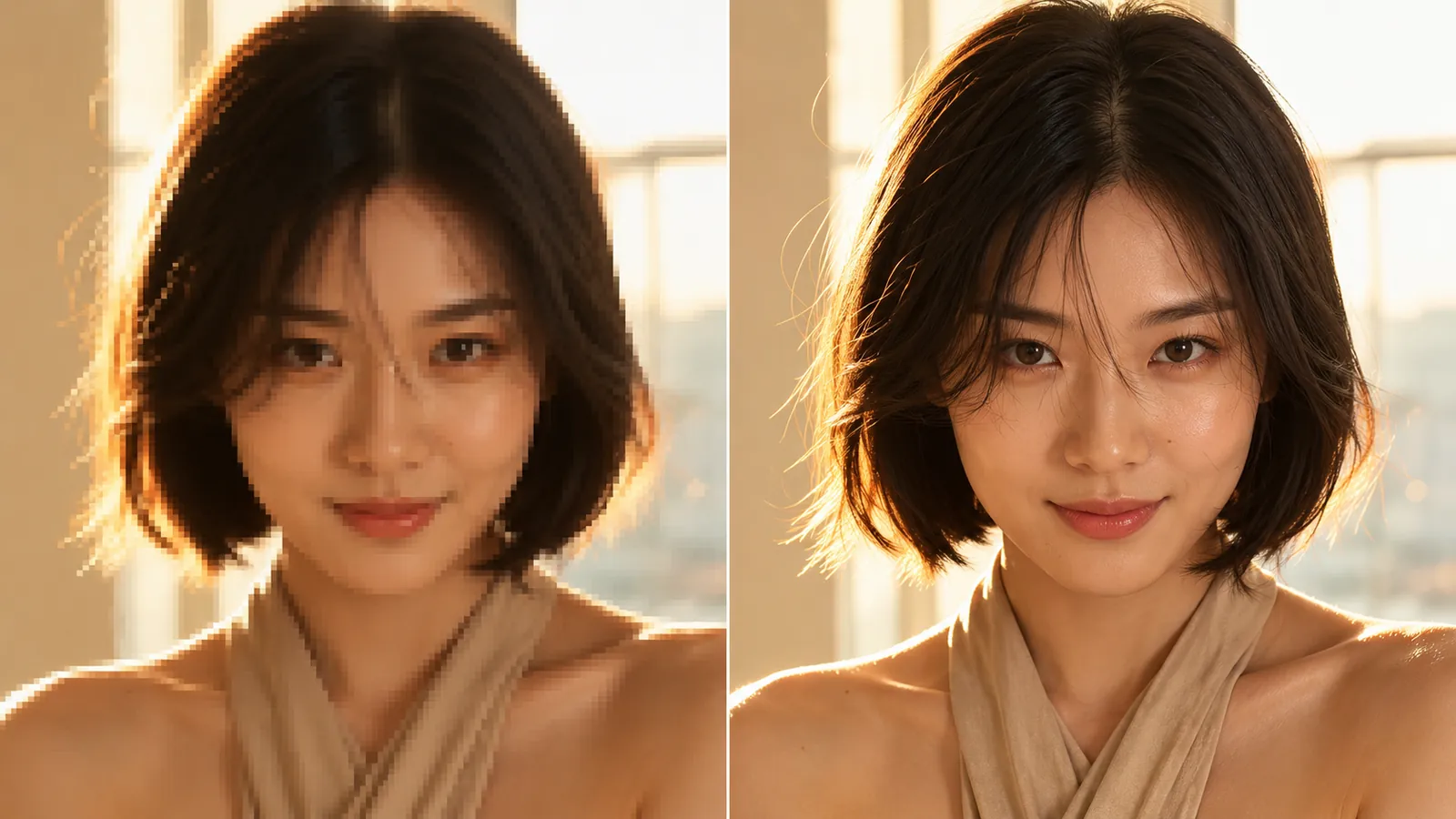
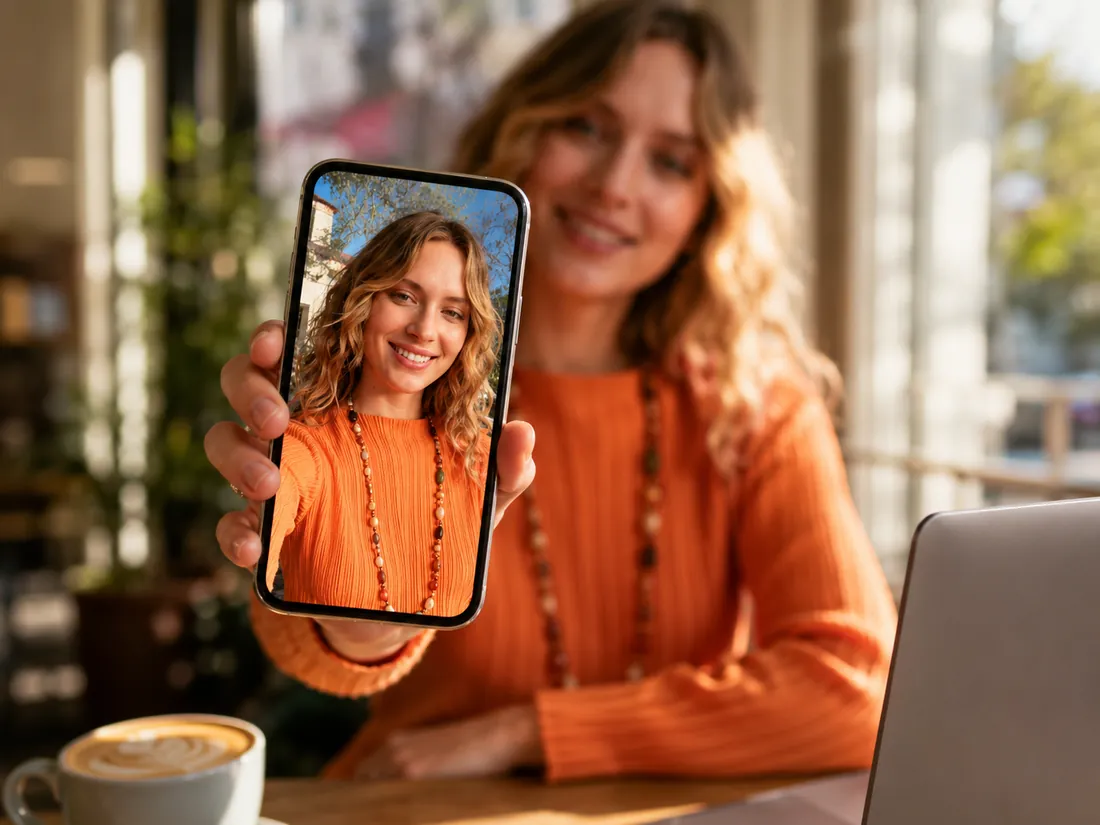
N°01Upload a small or low-resolution photo and let the AI image upscaler rebuild skin tone, fabric texture and fine detail at up to 4K resolution.
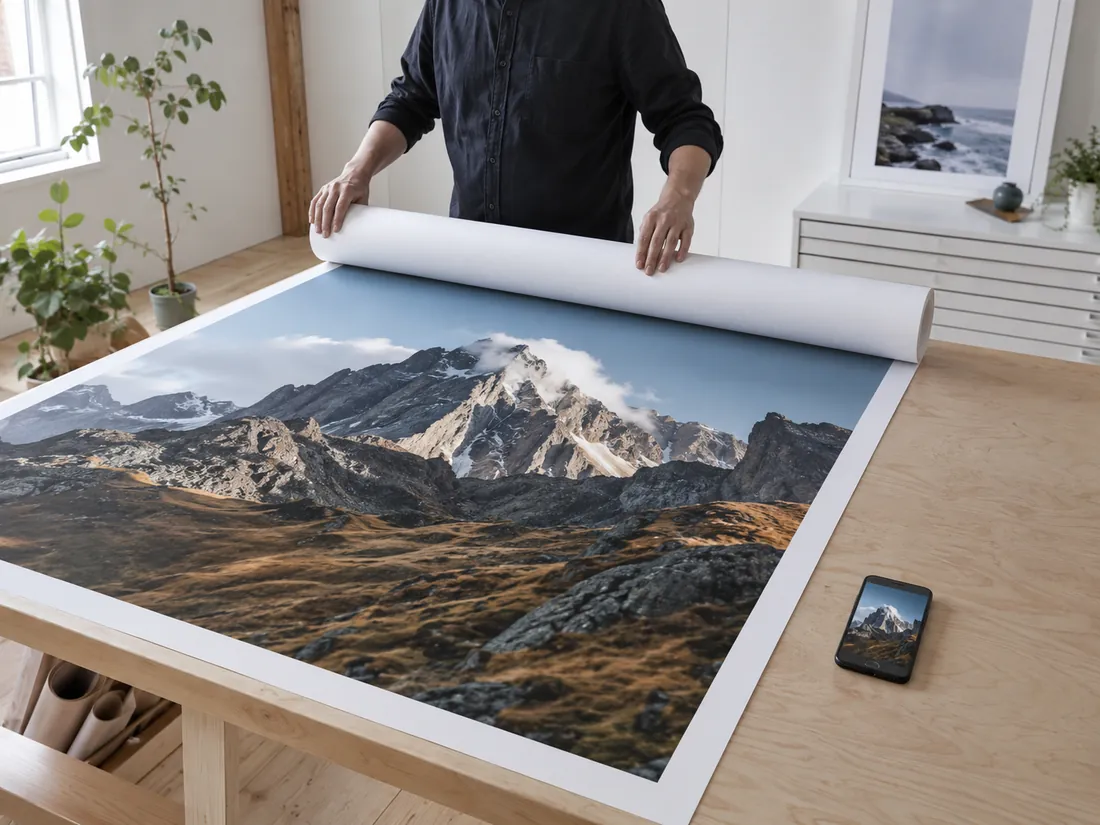
N°02Phone photos top out at ~4000 px. The 8× AI upscale mode pushes them past 8K so you can print at 60×40 inches without visible pixels.
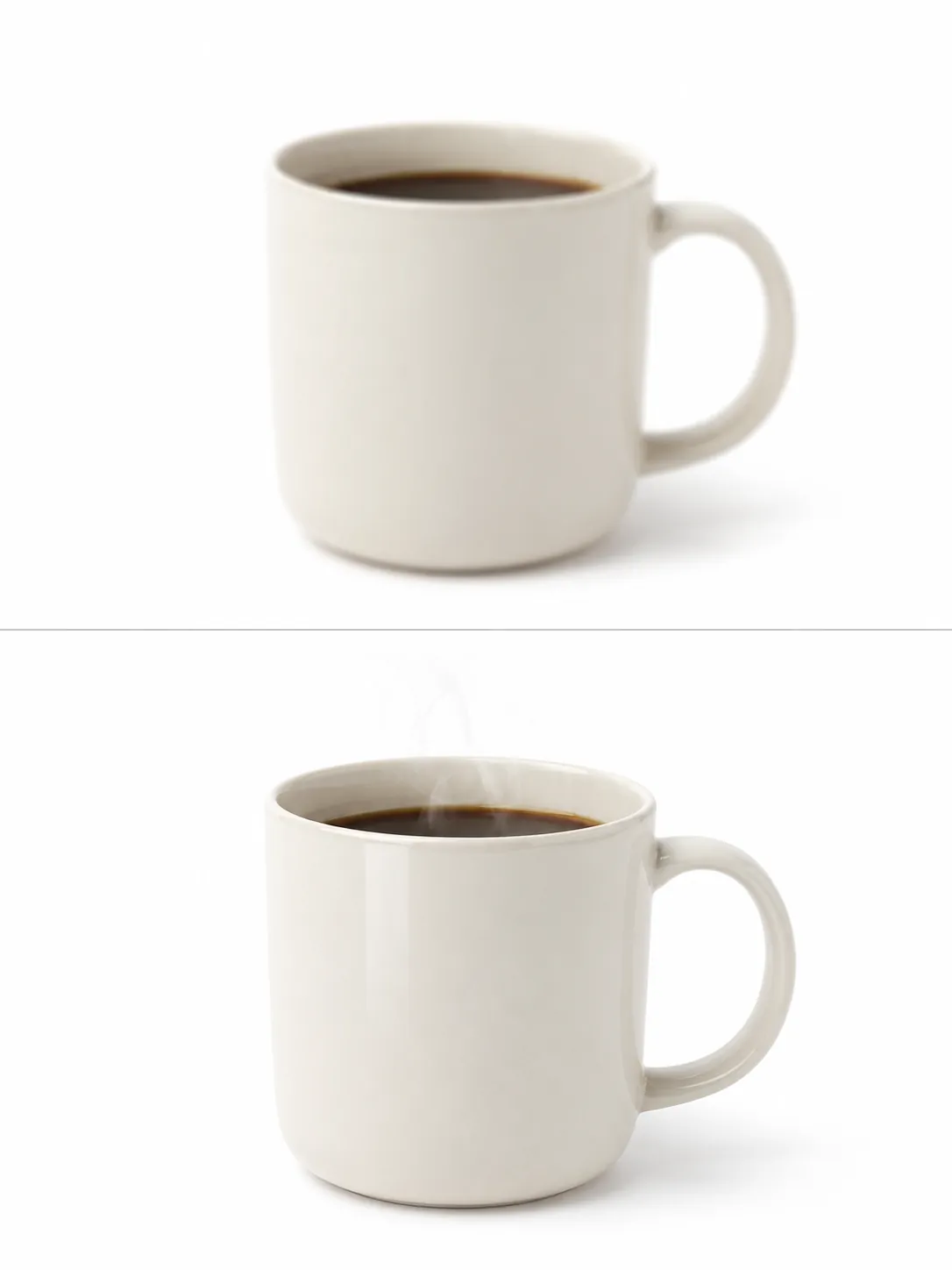
N°03Tiny product thumbnails kill conversion. Use the AI image upscaler to lift product photos to retina-ready resolution for Shopify, Etsy or Amazon.
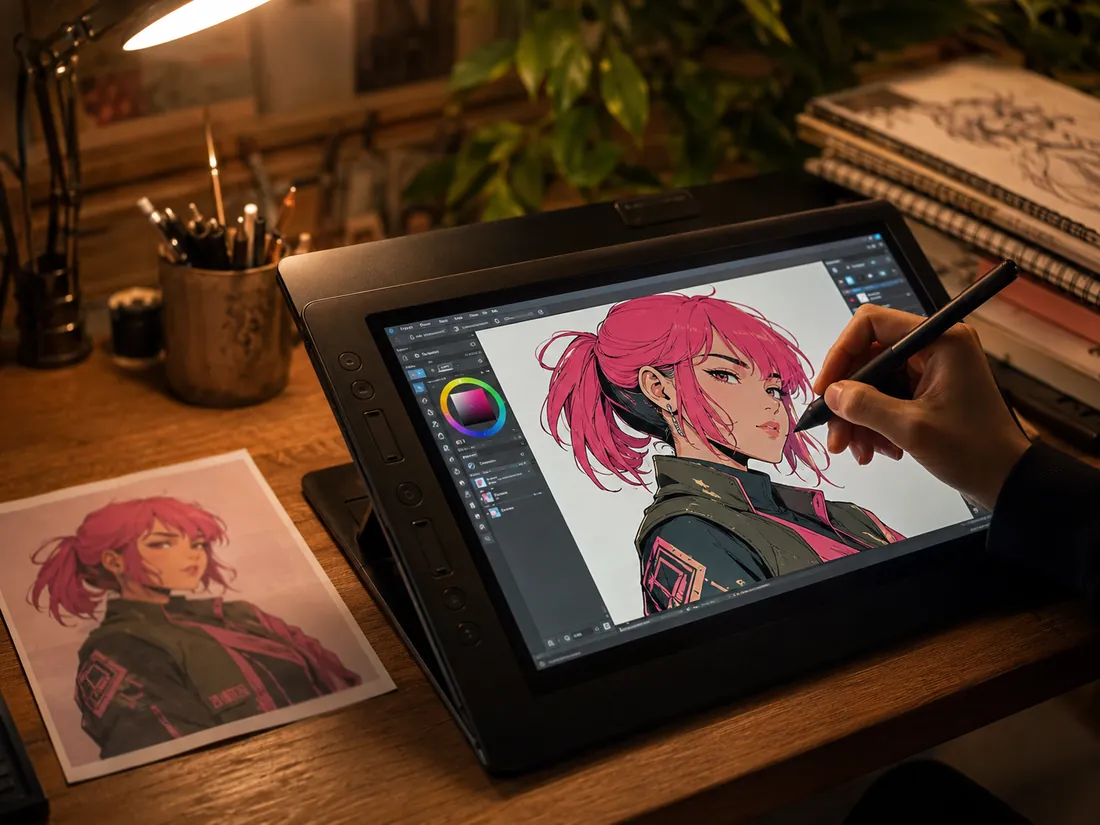
N°04Anime mode keeps line art crisp and cell-shading flat — no muddy oil-paint smudging like generic upscalers. Perfect for fan-art prints.
N°05Saved a profile pic from someone's story? Got a tiny screenshot? The AI image upscaler turns a 200×200 thumbnail into a usable post-ready image.
From upload to download in under ten seconds. No sign-up, no settings to learn — the AI image upscaler picks the best defaults for your image.
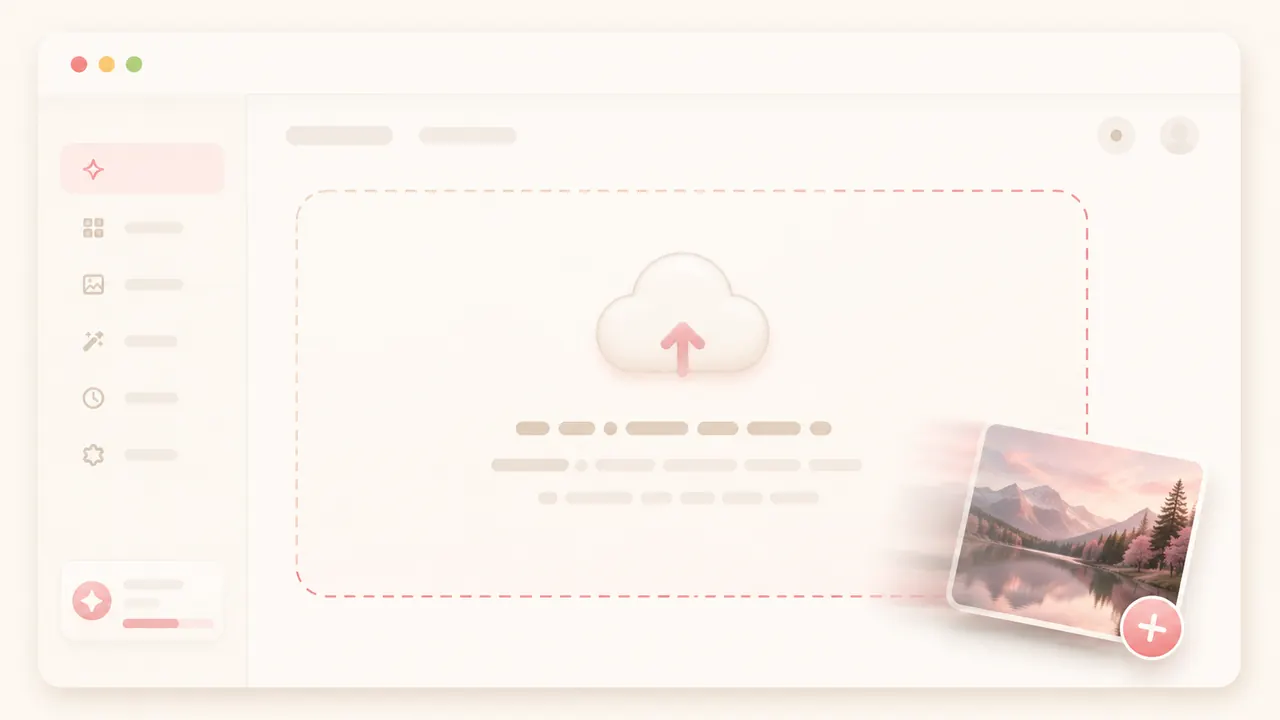
STEP 01Drag and drop a JPG, PNG or WEBP file into the upload zone — or click to browse. Files up to 16 MB are supported.
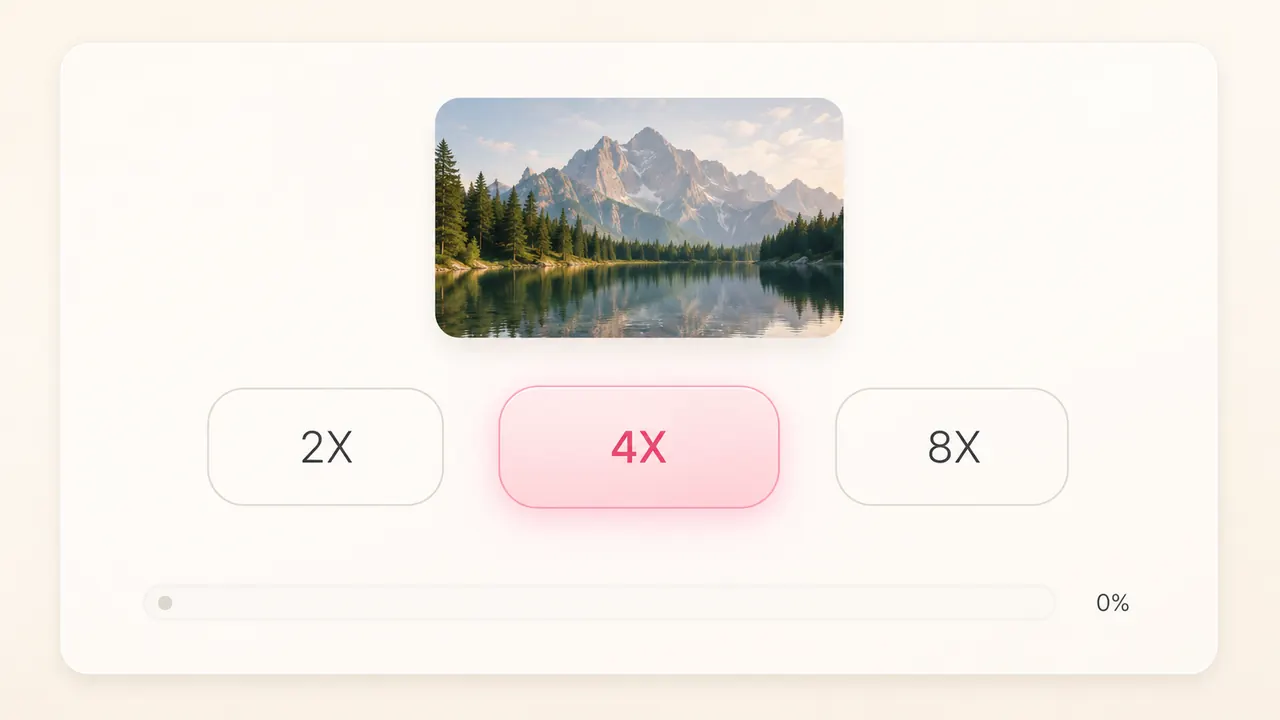
STEP 02Pick how much you want to enlarge. 2× is the quick default — the sweet spot between speed and detail. Switch to 4× or 8× for print.
STEP 03When the AI image upscale finishes, download the high-resolution result. No watermark, no sign-up — your upscaled image is yours.
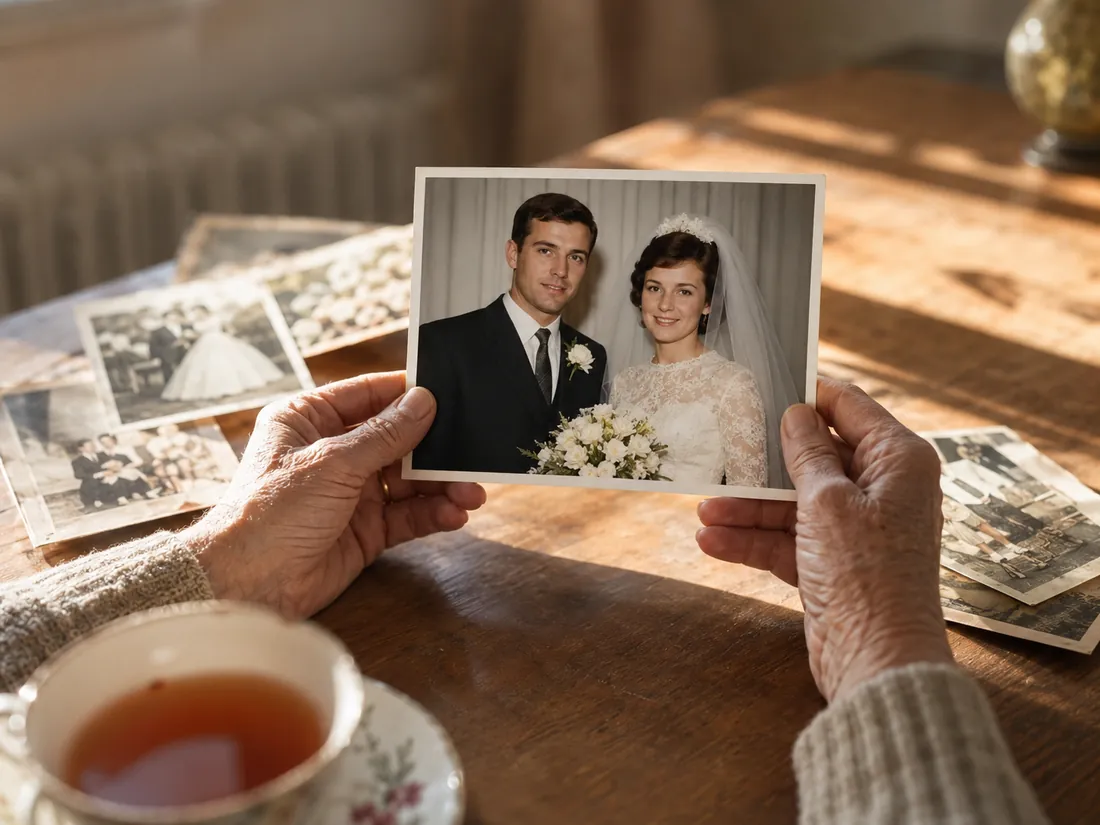
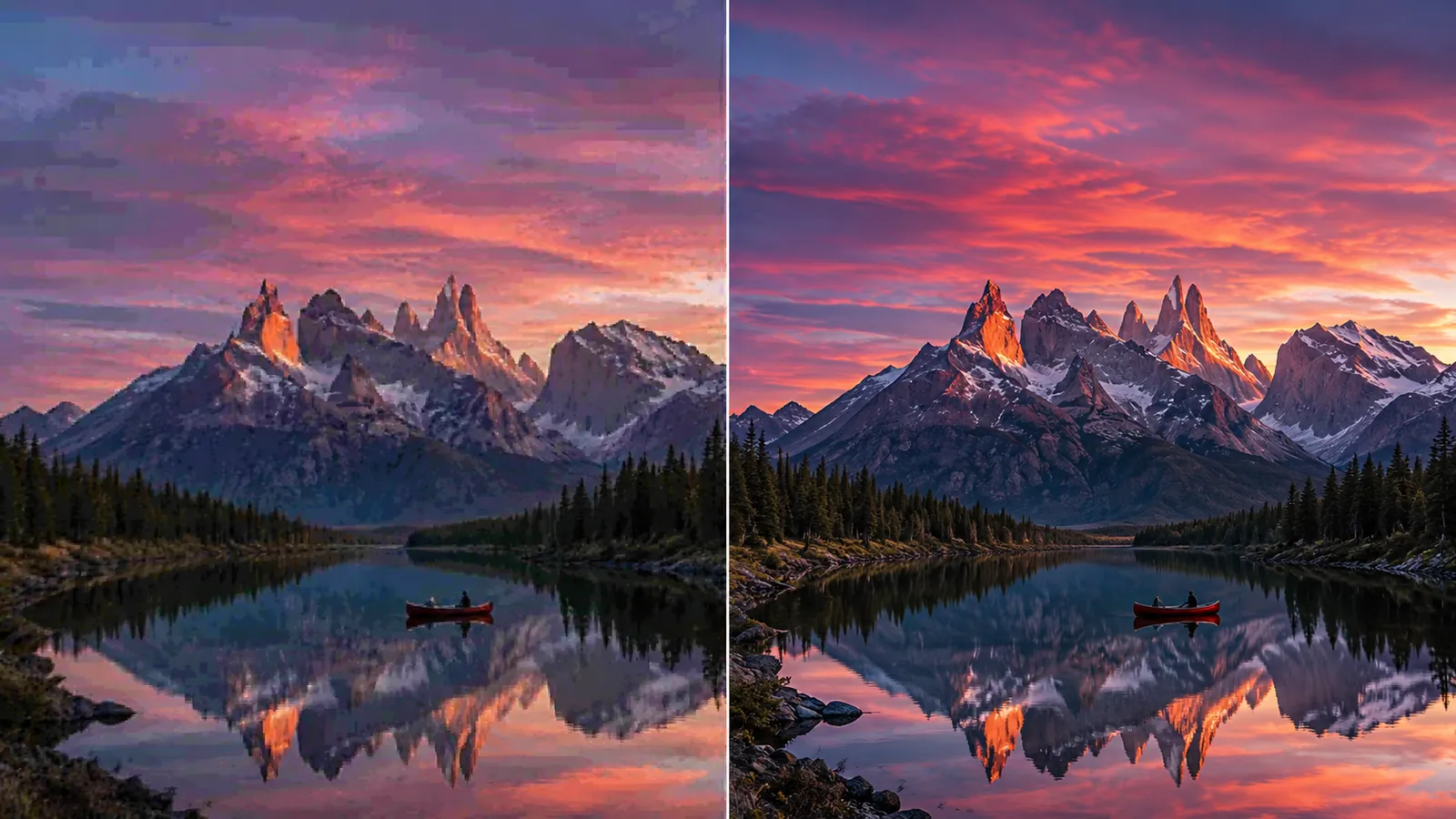
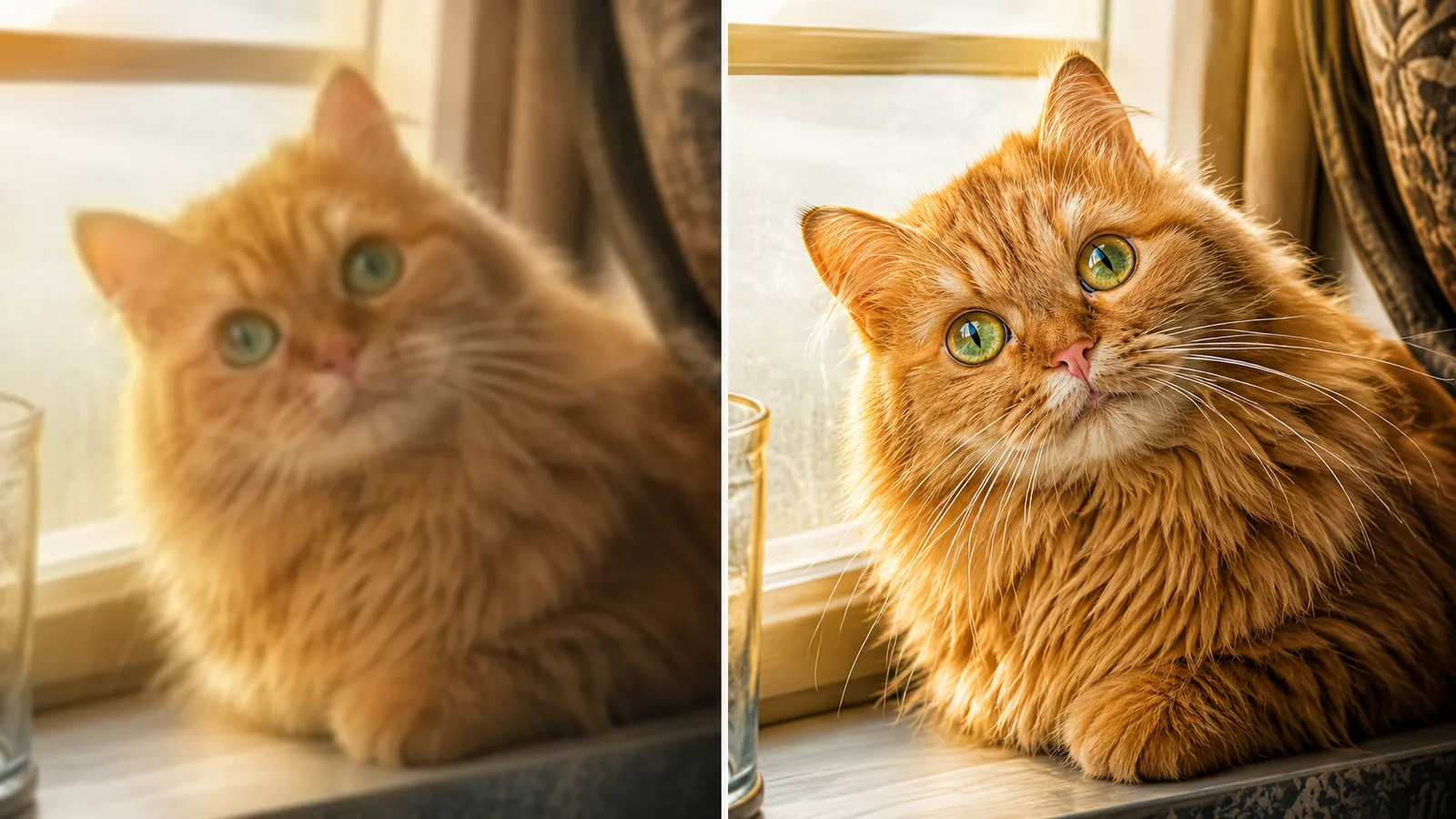
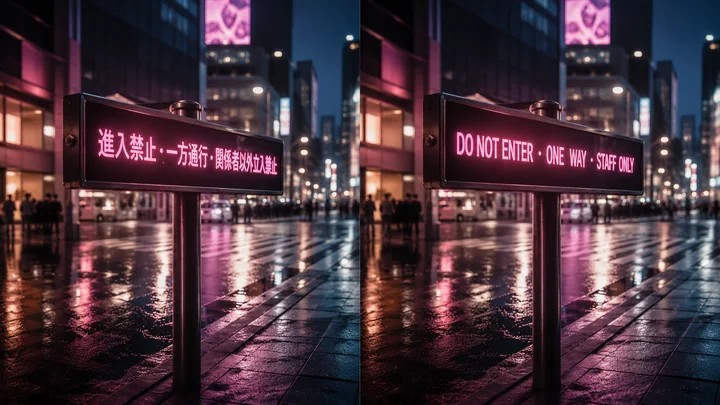
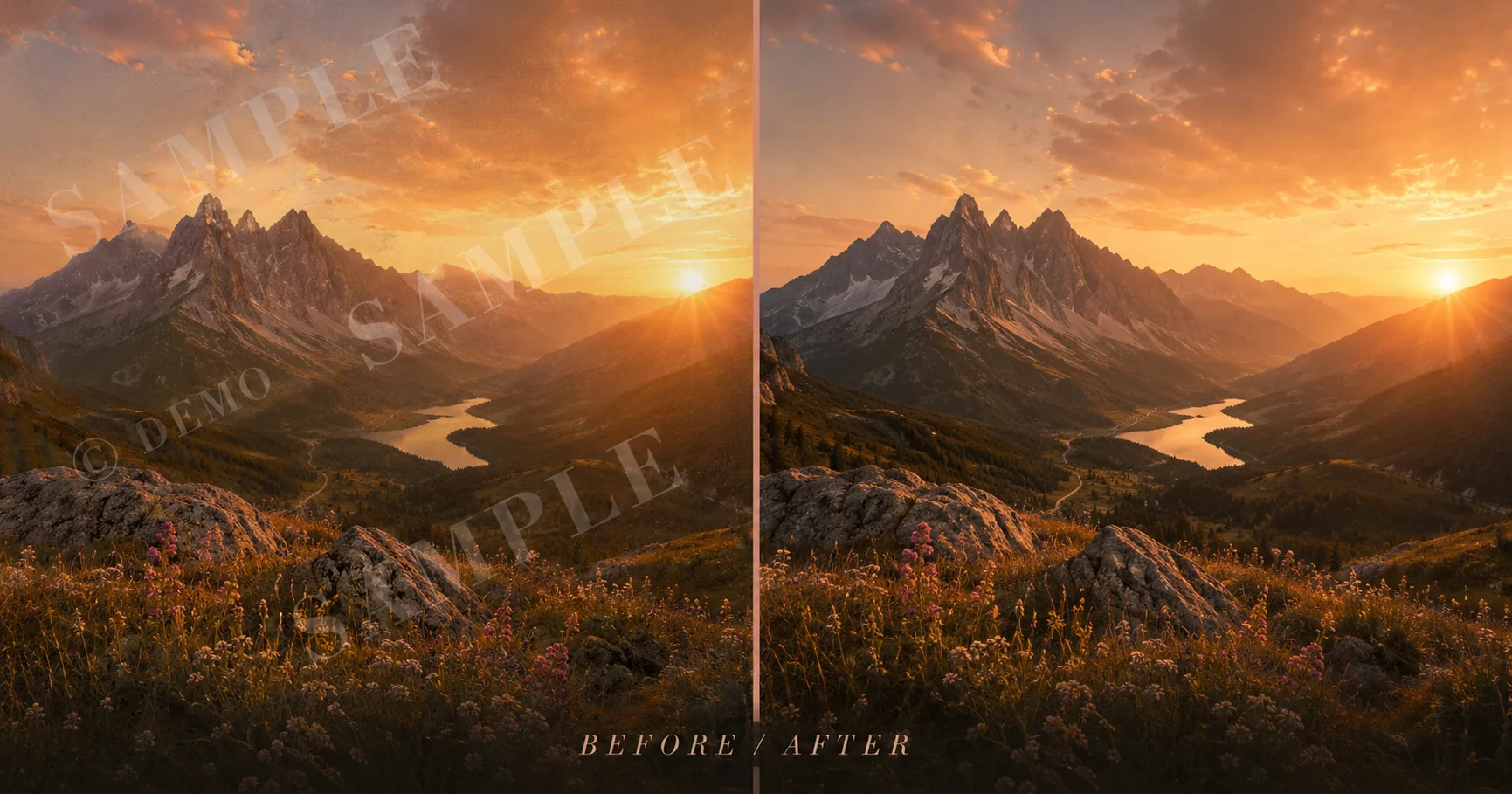
Three real before-and-after pairs straight from the AI image upscaler — every image is the same input on the left, the AI-upscaled output on the right.
BEFOREAFTER
BEFOREAFTER
BEFOREAFTERHow the Imya AI image upscaler stacks up against the most-searched competitors on Reddit and Google.
| Feature | ★Imya | Pixelcut | Nero | Upscale.media | Topaz | Upscayl |
|---|---|---|---|---|---|---|
| Free, unlimited | ✓ | credit gate | trial only | low-res only | $99/yr | desktop only |
| 4K output | ✓ | ✓ | ✓ | 2K cap | ✓ | ✓ |
| 8K output | ✓ | ✗ | ✗ | ✗ | ✓ | ✓ |
| No watermark | ✓ | ✗ | ✓ | ✗ | ✓ | ✓ |
| No sign-up | ✓ | ✗ | ✗ | ✓ | ✗ | n/a |
| Works in browser | ✓ | ✓ | ✓ | ✓ | desktop | desktop |
Across the five free factors that matter most — unlimited use, browser access, 4K and 8K output, no watermark — the Imya AI image upscaler scores the highest among free AI image upscalers.
From the workbench notes
Garbage in, garbage out. The AI image upscaler will happily 4× a screenshot, but a source above 1024 px in long edge produces noticeably cleaner results — particularly for faces and text.
Photo handles natural light and skin best. Art and Anime keep line work and flat shading crisp instead of smudging it. Face mode adds extra cleanup for eyes, hair and mouth — use it on portraits, not landscapes.
2× is for retina-display sharpening — keeps it natural. 4× is the sweet spot for prints up to A3 and most social formats. Reserve 8× for large-format posters and gallery prints above 60 cm — the file gets heavy.
Yes. The Imya AI image upscaler is free to use online with no sign-up, no credit card and no usage cap per session. We may add an optional Pro tier later for batch upscale and priority queue, but the core AI image upscale will stay free.

Translate text in any photo, manga page or menu — keeping the original layout and fonts.
Open tool →
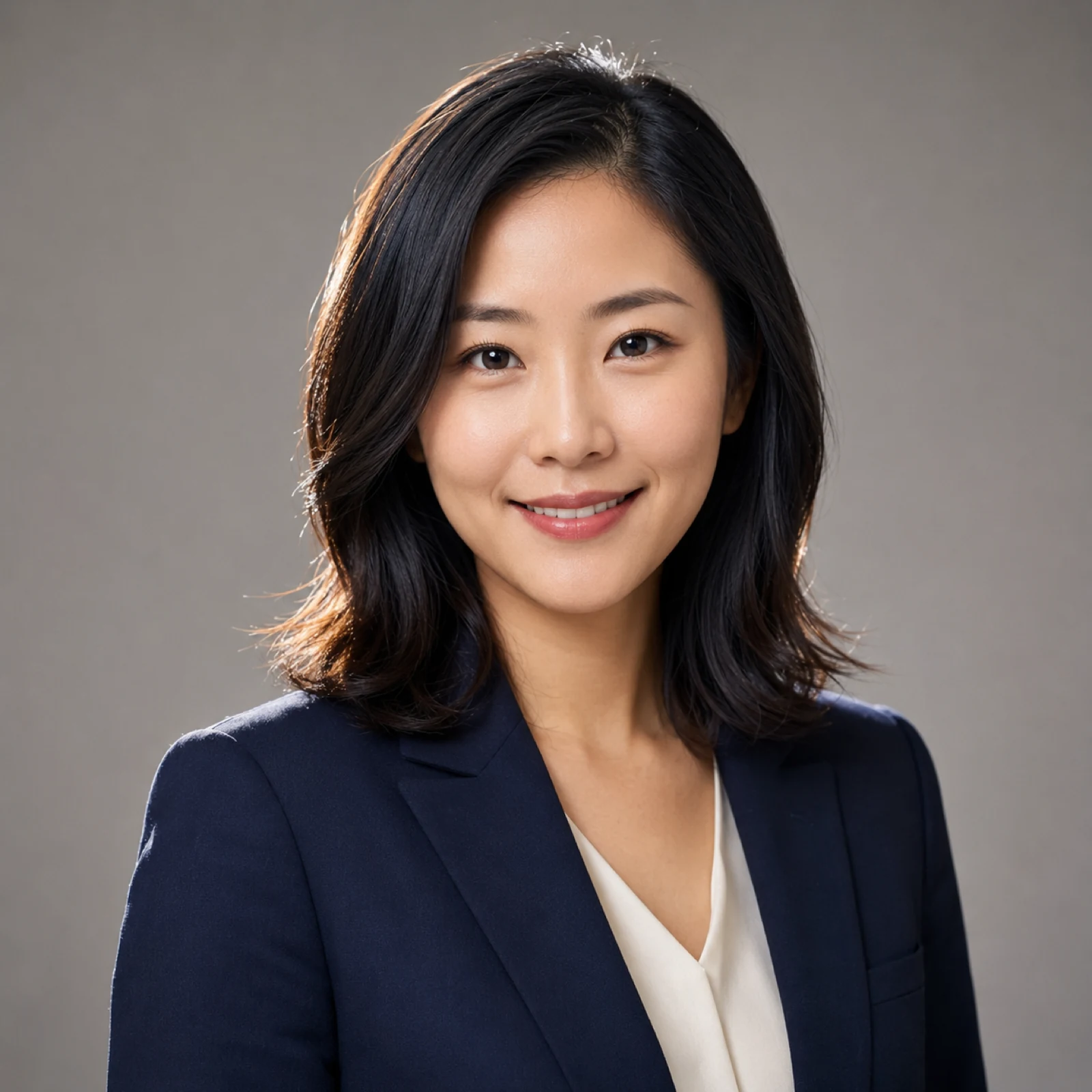
Turn one selfie into studio-quality LinkedIn headshots in about two minutes.
Open tool →
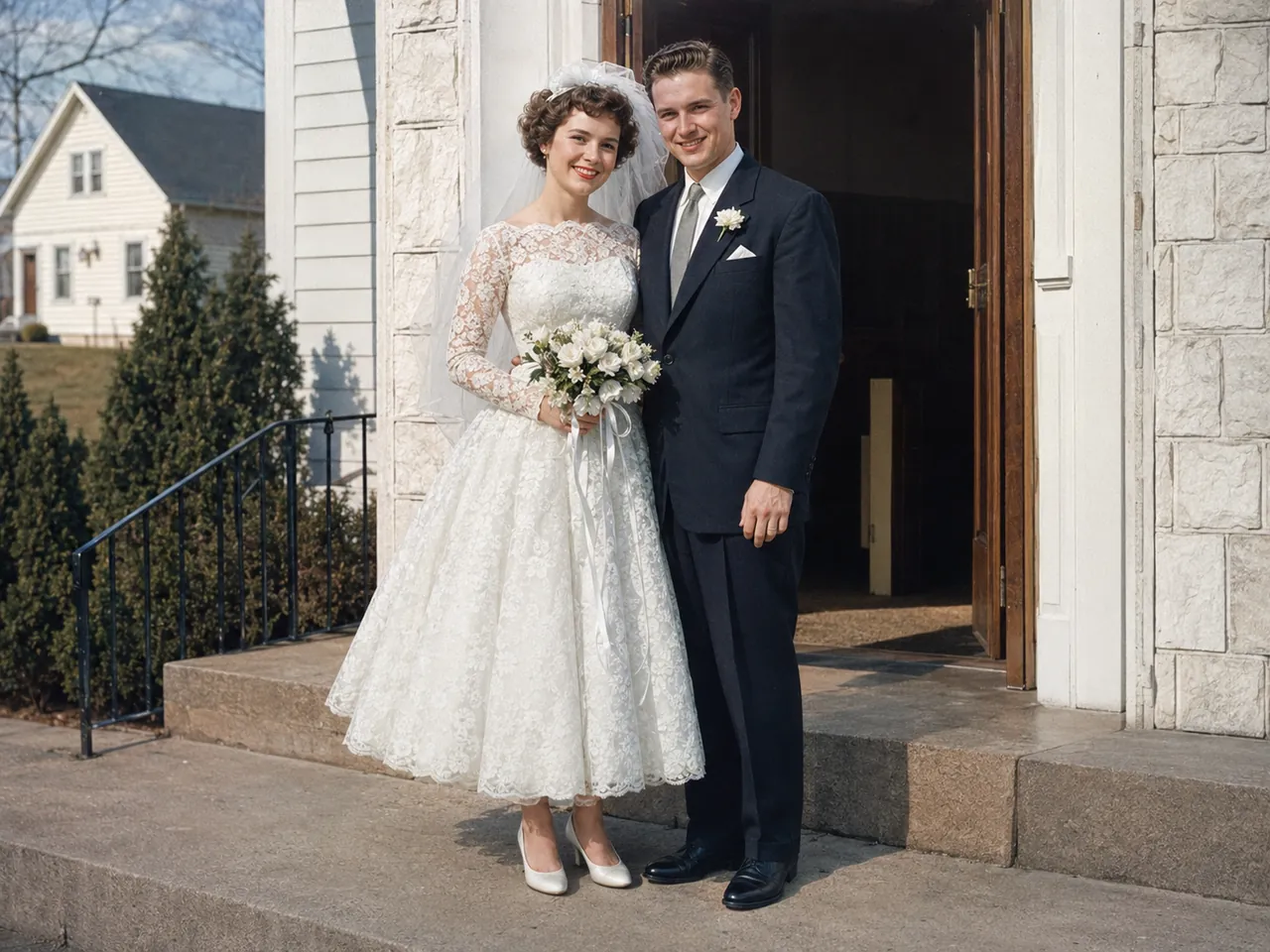
Repair scratches, fading and blur — then restore and colorize your old photos.
Open tool →
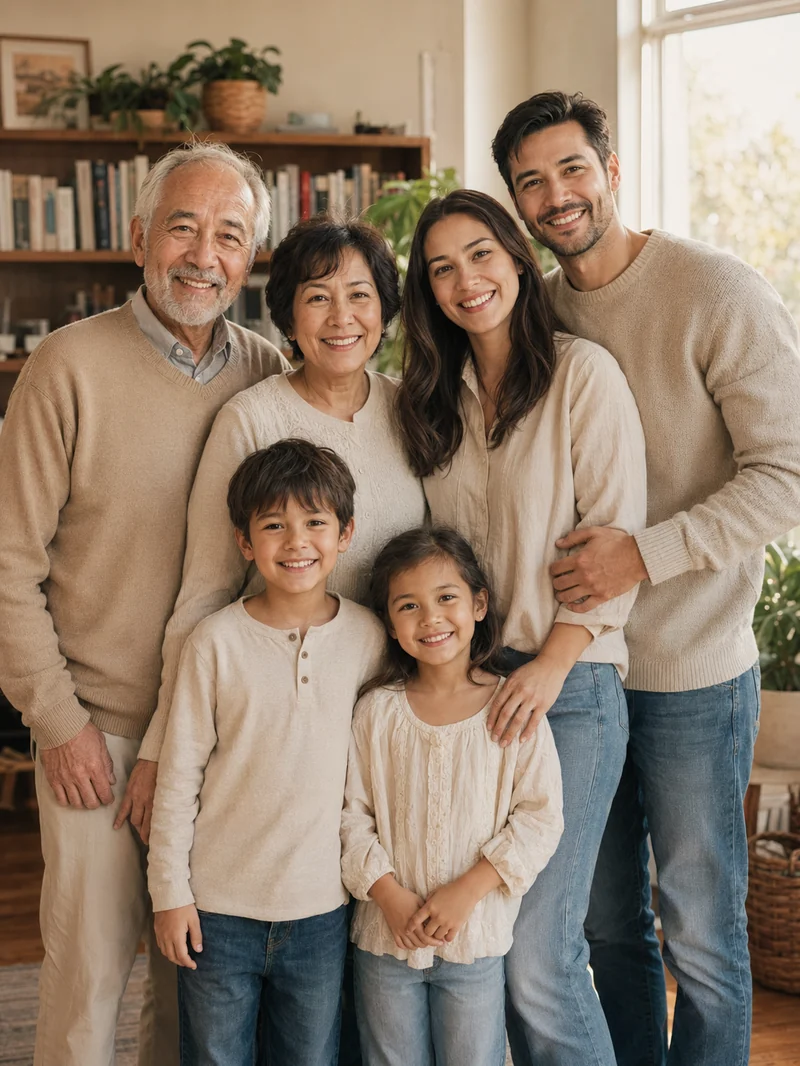
Three-generation family portraits, holiday cards, cartoon-style group photos.
Open tool →
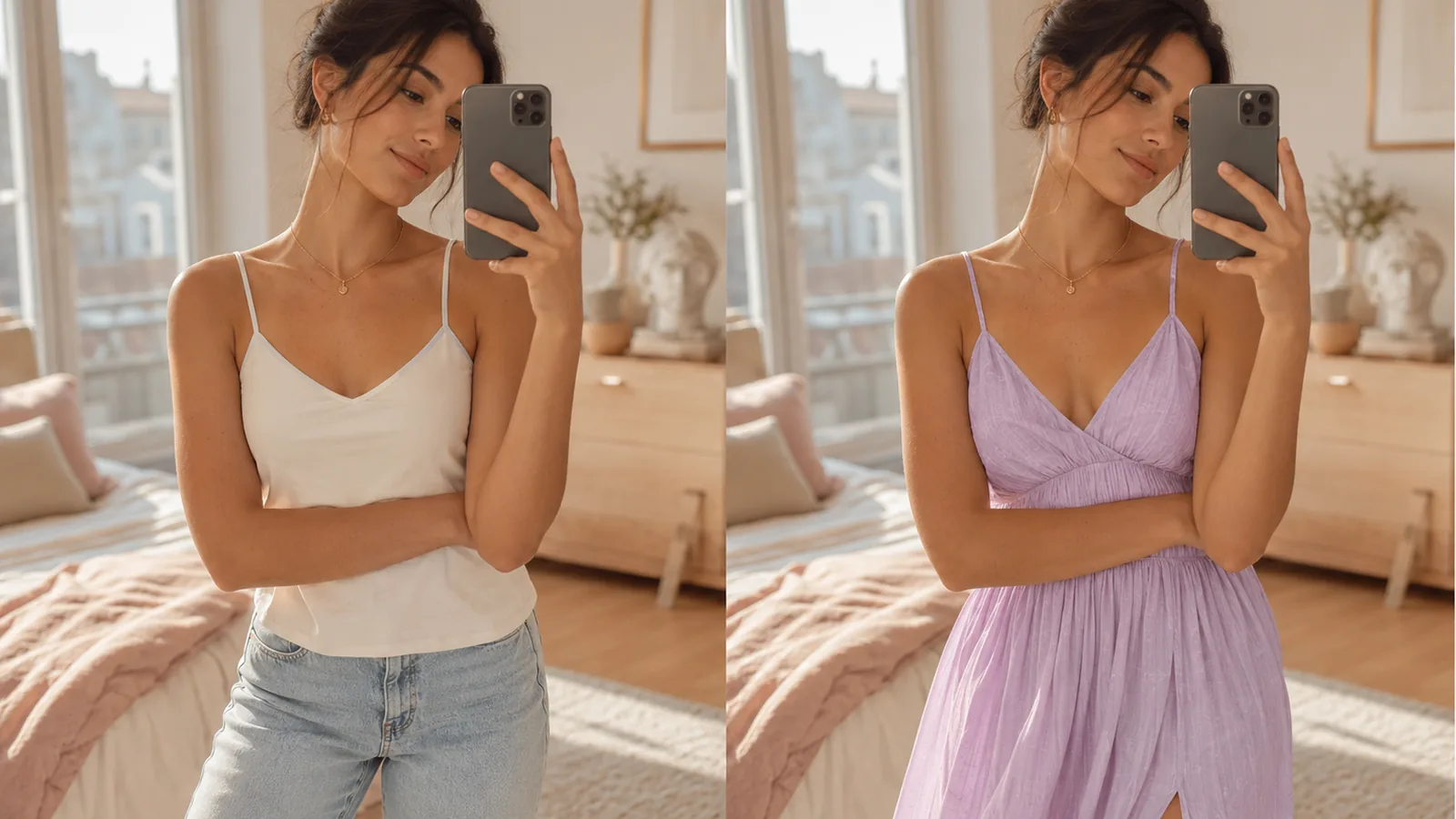
Try any garment on any model — perfect for online stores and stylists.
Open tool →
Nine wedding styles, from beach destination to magazine cover — without the photographer.
Open tool →
Turn any photo into a pencil, charcoal or line-art sketch drawing — free to preview.
Open tool →Open the workbench and drop your first image.
Open the workbench →Free · No sign-up · Private