AI Background Changer
Change the background of any photo in seconds with imya's free AI background changer. Upload a portrait, product or pet, pick a preset scene or describe one in a prompt, and download an HD image — no Photoshop, no manual masking, no signup required.

Try the AI Background Changer
Upload a photo, pick a scene or describe one, and the AI background changer drops in a fresh background in seconds.
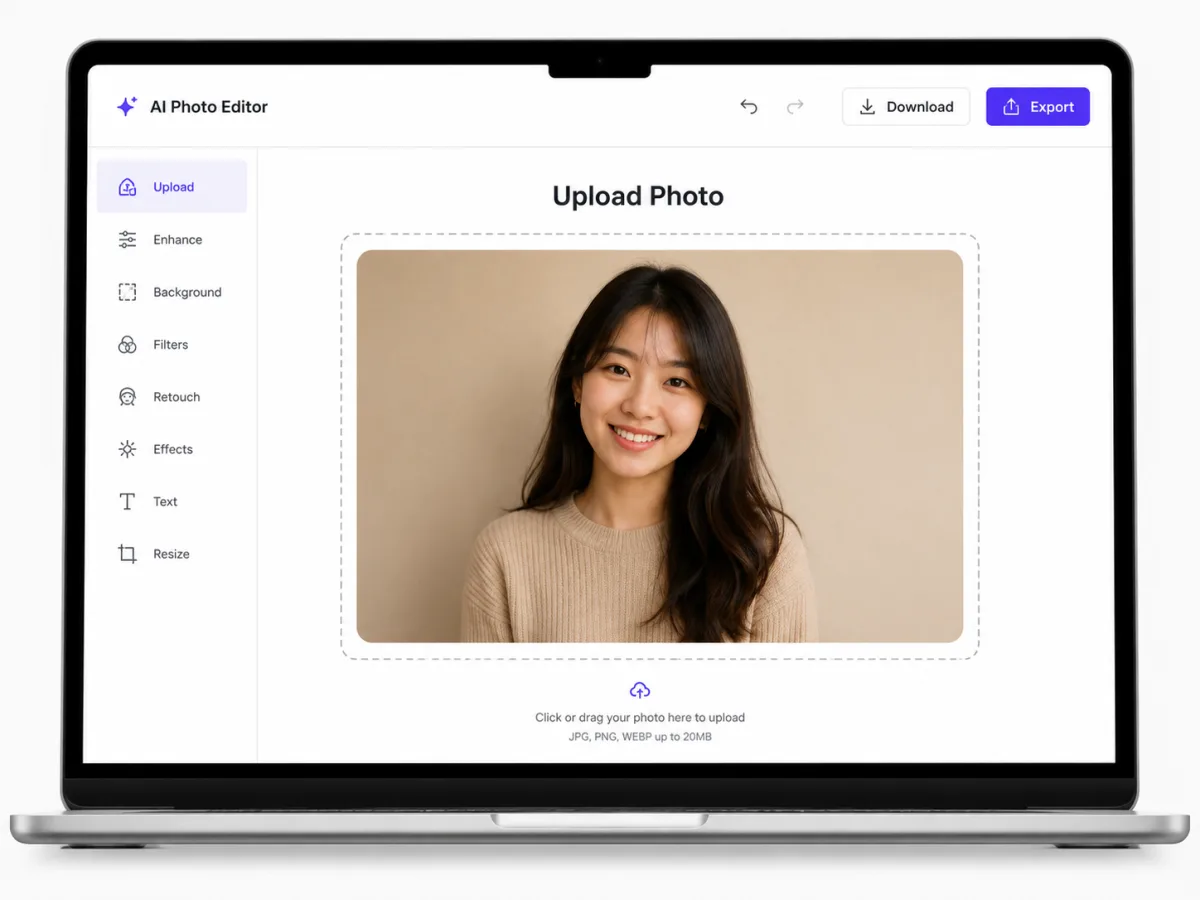
JPG, PNG or WebP — up to 20MB
Advanced Options
No watermark · Result auto-deleted after 1 hour
AI Background Changer in Action
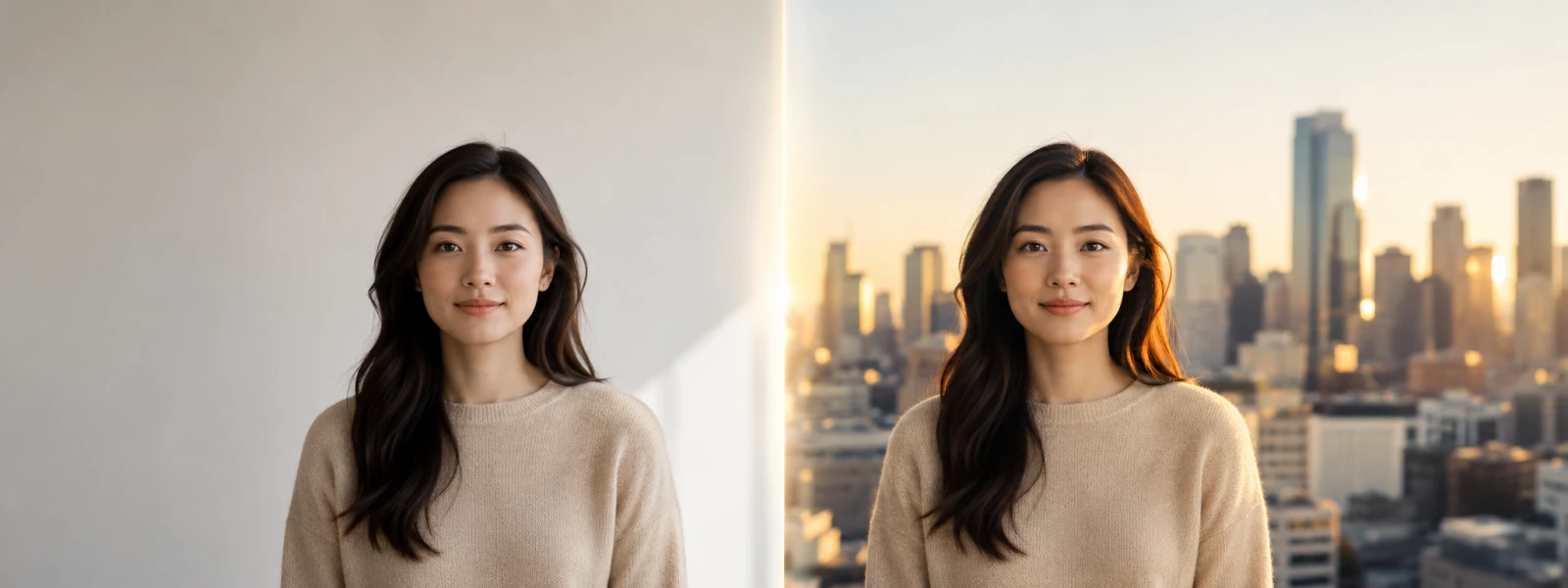
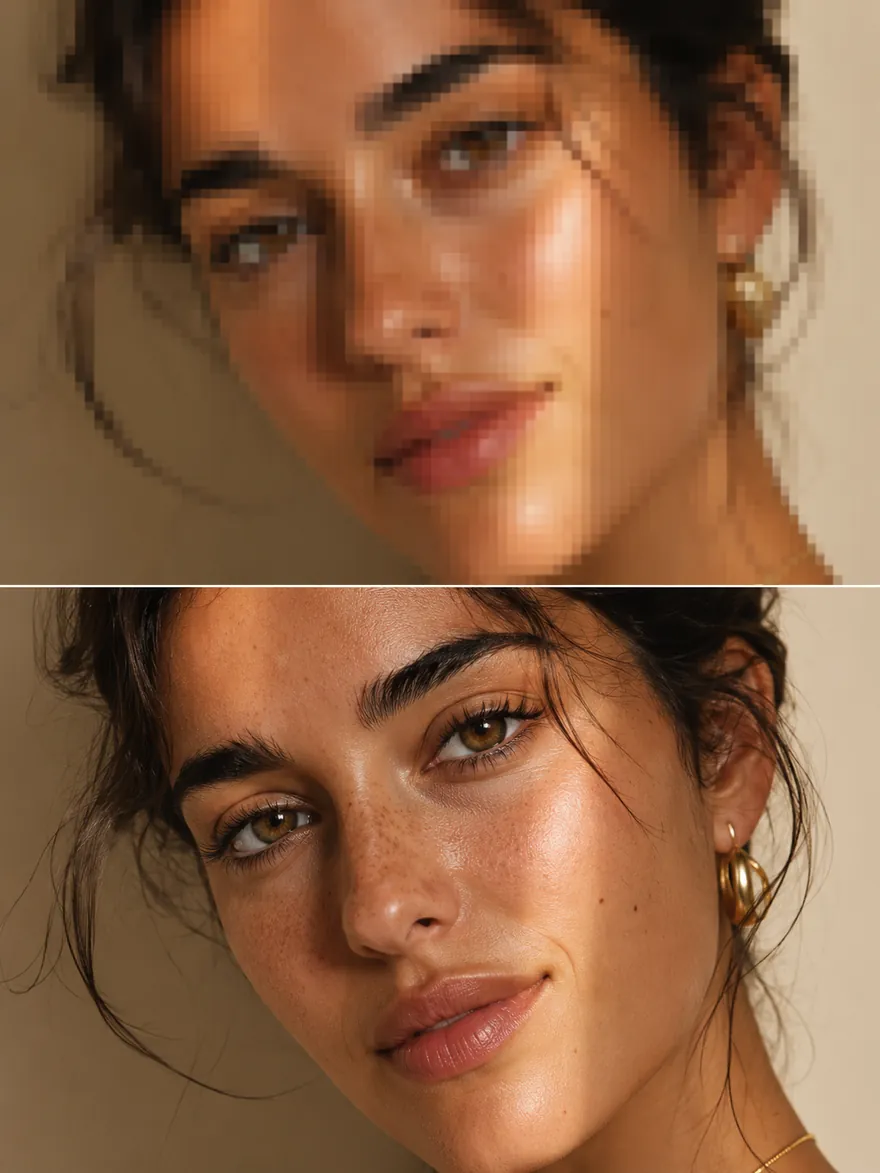
Drag the slider on each example to compare the original photo with the AI background change result.


Drag the slider to compare
What Is an AI Background Changer?
An AI background changer is a one-click tool that swaps the background of any photo for a brand-new scene — without Photoshop, without manual masking, and without a single brush stroke. Instead of cutting out a subject by hand and pasting it onto a new layer, you upload a picture, pick a preset background or describe one in a prompt, and the AI background changer reads the lighting, perspective and depth of your photo, then drops the subject into a fresh environment that actually matches.
Under the hood, imya's AI background changer pairs a high-precision segmentation model with a generative background pipeline. The segmenter keeps hair strands, fur, glasses and soft edges intact, while the background model paints in shadows and rim light that line up with the original photo. The result is a publish-ready image — not the cut-and-paste look that older free background changer tools produced.
- Free online AI background changer
- HD output, no watermark
- Background changed in ~30 seconds
- Works on JPG · PNG · WebP

Why Choose the imya AI Background Changer?
Four reasons creators pick our AI background changer over Photoshop, Canva and other free background-changer apps.
Photorealistic background change
The AI background changer matches lighting direction, shadow softness and perspective between your subject and the new background scene. You get photos that read as naturally captured, not flat composites with a tell-tale outline around the subject.
Free online — no app, no login
The whole AI background changer runs in any browser. No download, no plug-in, no account required to try the demo. Start free, change a background, download the HD image, and only sign in when you want to save your history or use advanced background prompts.
Prompt-driven background generation
Beyond ten preset background scenes, the AI background changer accepts free-text prompts. Type "sunlit Tokyo street at twilight" or "clean charcoal studio backdrop" and the model generates a one-off background that matches your photo's lighting and angle.
Works on portraits, products, cars and pets
Headshots, e-commerce product shots, car listings, real-estate interiors, pet photos — the AI background changer is tuned on millions of real-world images, so the cutout holds up on fluffy hair, transparent glass, chrome and metal edges that trip up simpler background tools.
How to Change a Photo Background with AI in 3 Steps
Three clicks from a flat wall behind your photo to a publish-ready background — no editing skills required.
1Step 1 — Upload the photo whose background you want to change
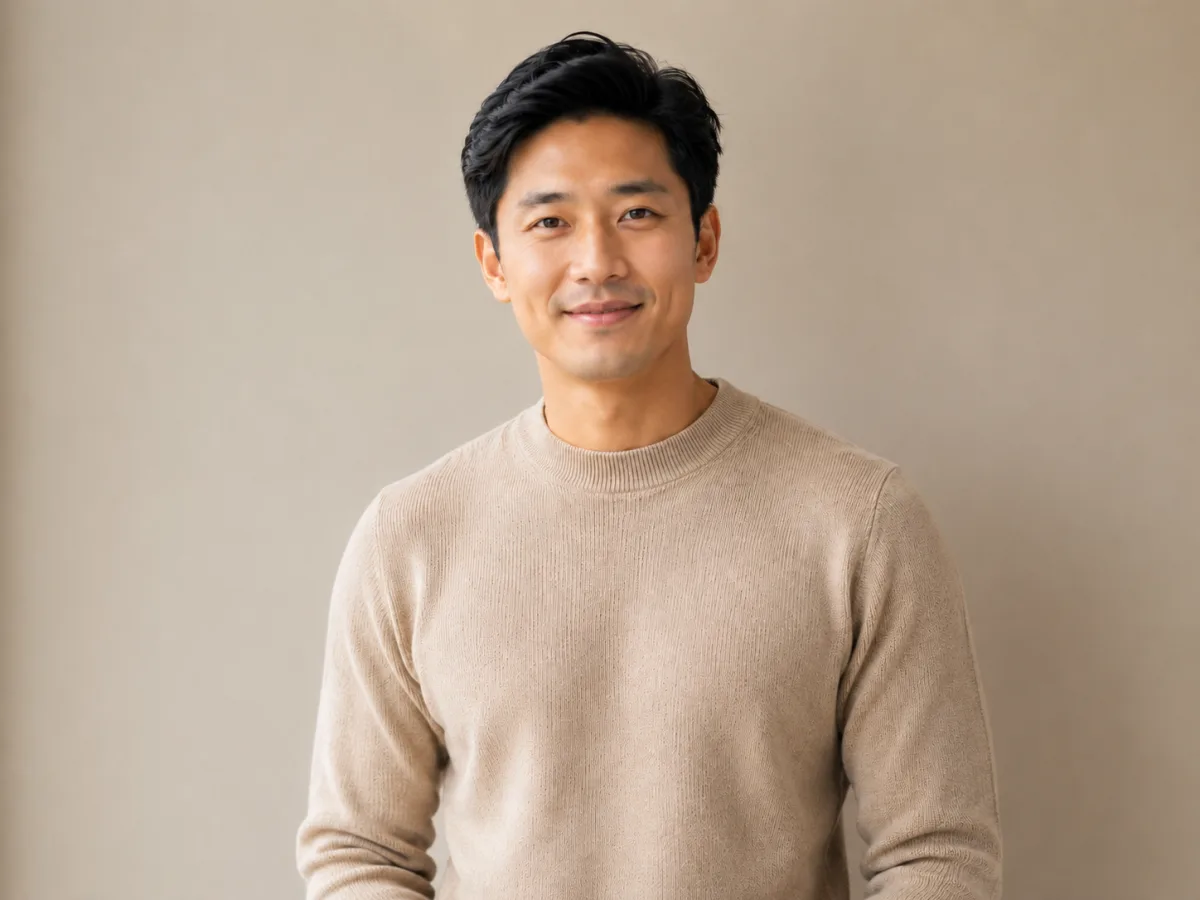
Drag a JPG, PNG or WebP into the upload zone, or click to pick a file. The AI background changer accepts portraits, product shots, full-body images and pet photos up to 20MB. The cleaner the subject sits in the original photo, the better the AI background change comes out.
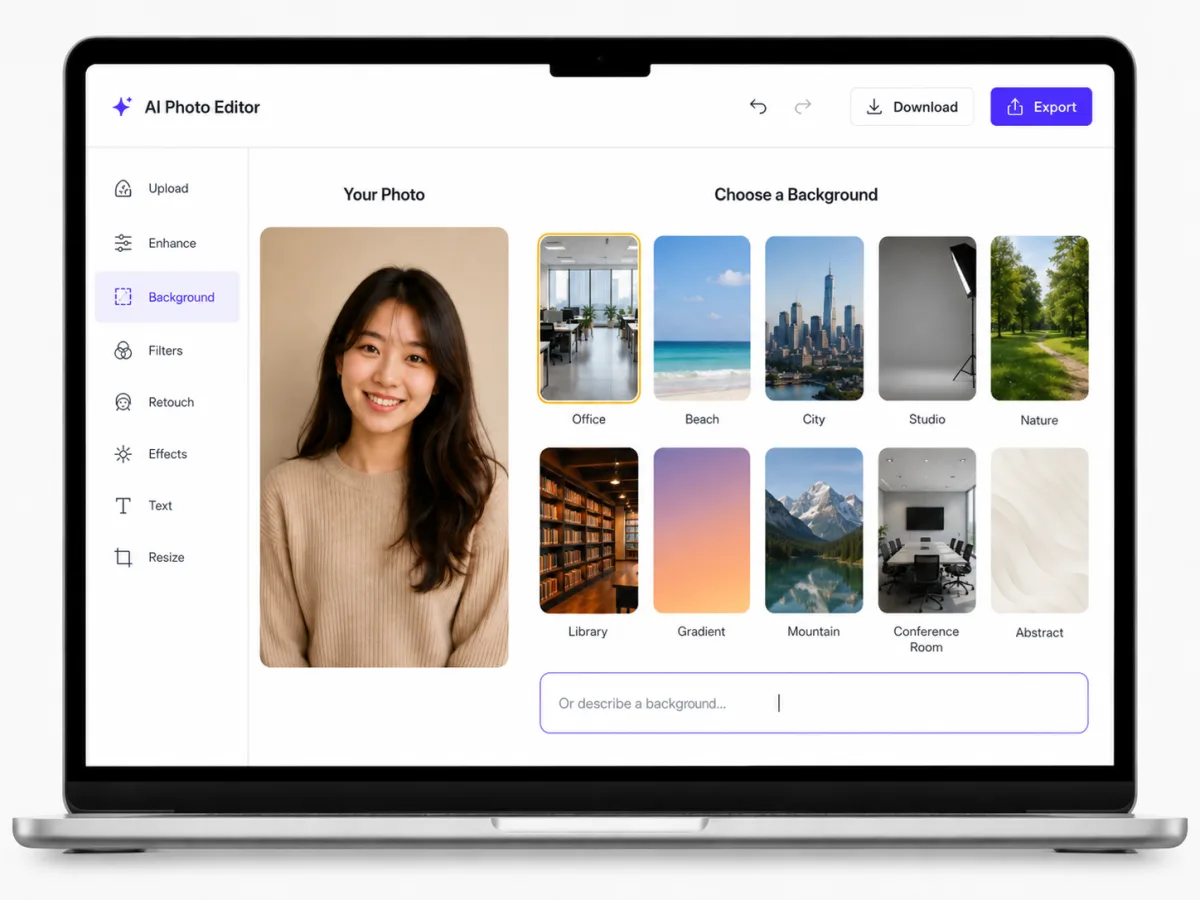
2Step 2 — Pick a preset background or write a prompt
Choose from ten built-in background scenes — office, studio, beach, city, nature, gradient and more — or write a short prompt such as "sunlit modern office with glass walls". The AI background changer parses the prompt and generates a custom background to fit your photo.
3Step 3 — Generate, preview and download the HD result
Hit Generate, watch a live preview, then download the HD image with its brand-new background. No watermark, no resolution downscale, and the AI background change usually takes under 30 seconds for a standard portrait or product shot.
What Can You Use the AI Background Changer For?
The AI background changer turns any flat backdrop into something publish-ready. These are the five jobs creators, sellers and marketers reach for the background changer to do every day.
- 01 · LINKEDIN HEADSHOTS
Professional headshots without booking a studio
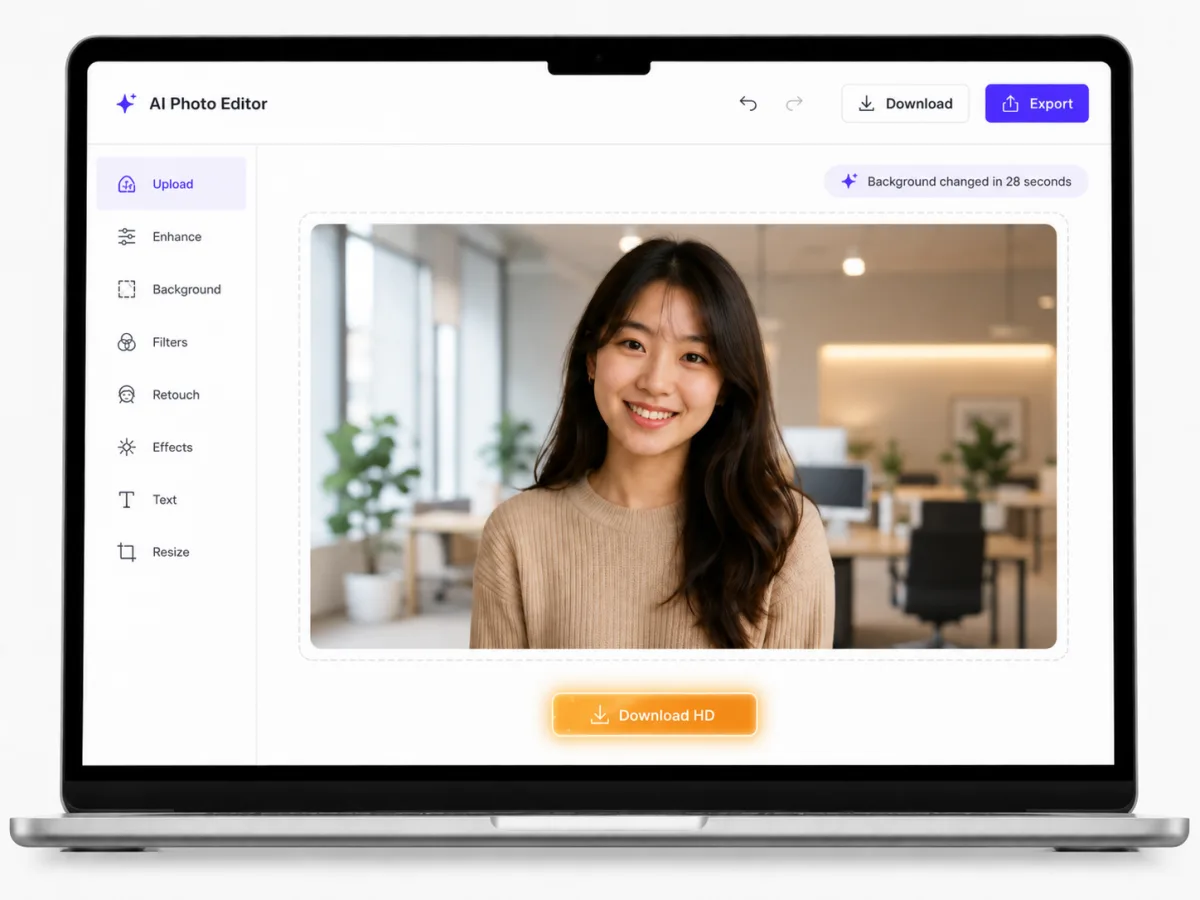
Take a clean phone selfie at home, drop it into the AI background changer, and swap the background for a soft office, neutral studio gray or sunlit bookshelf. The lighting on your face stays the same; only the background changes. A LinkedIn-ready headshot in under a minute, with no photographer fee.

- 02 · E-COMMERCE PRODUCTS
Product photography for Shopify, Amazon and Etsy
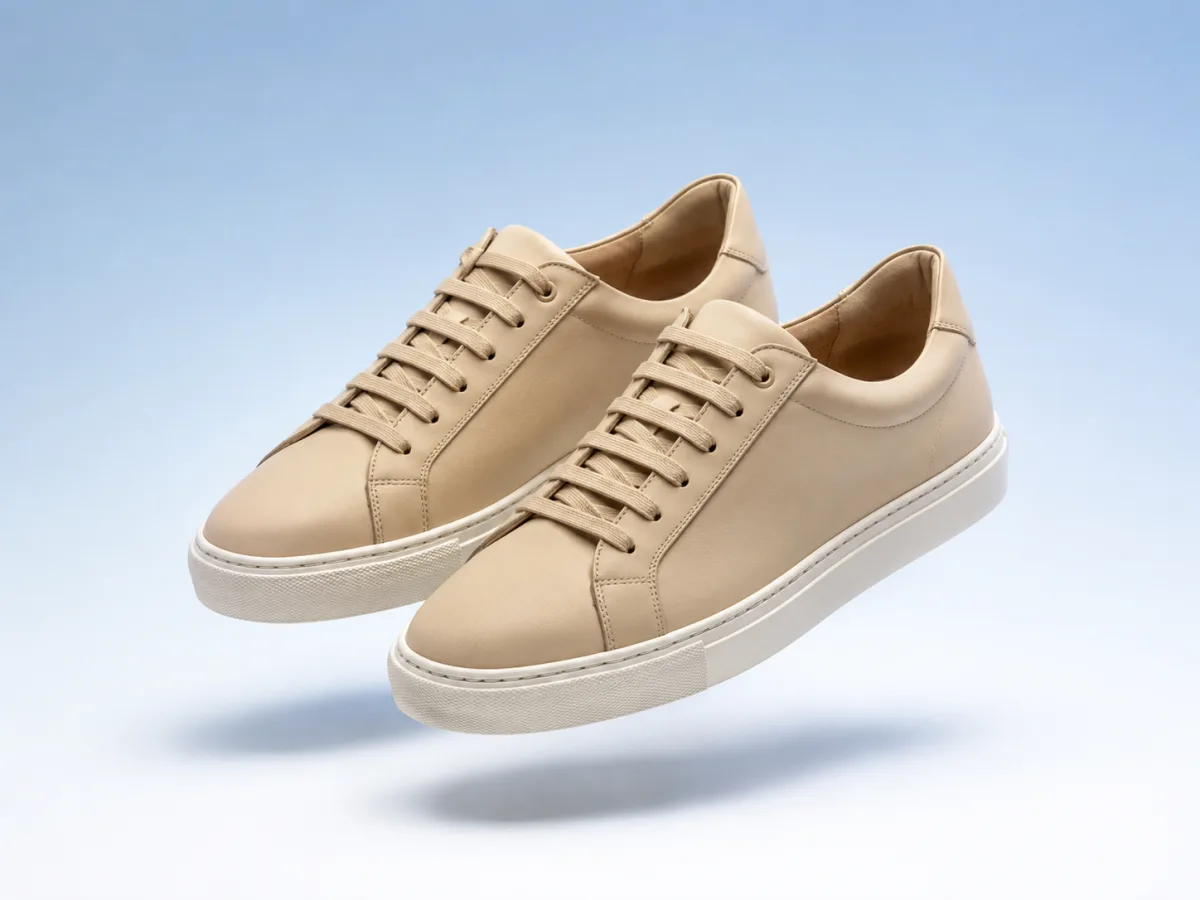
Amazon's main-image rules want a pure-white background, while lifestyle listings convert better on a clean gradient or branded scene. Run every SKU through the AI background changer once and every product photo in your catalog ends up on a consistent background — without re-shooting under studio lights.

- 03 · CAR & VEHICLE LISTINGS
Car, vehicle and dealer listing photos
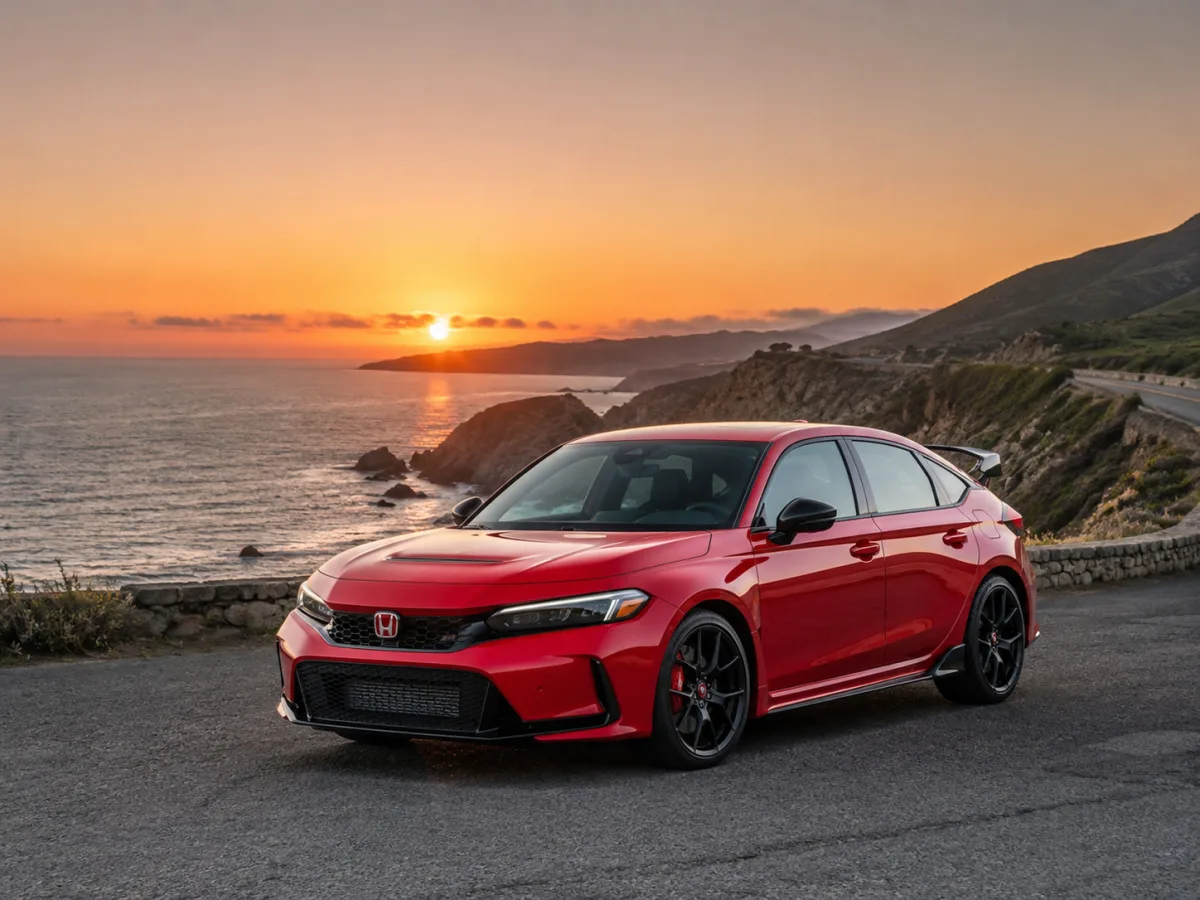
A car shot in a dull parking lot rarely sells the same way. The AI background changer can place the car against a coastal sunset highway, a mountain road or a clean studio backdrop, lifting the listing without misrepresenting the actual vehicle.

- 04 · REAL ESTATE & INTERIORS
Brighten real-estate and interior photos
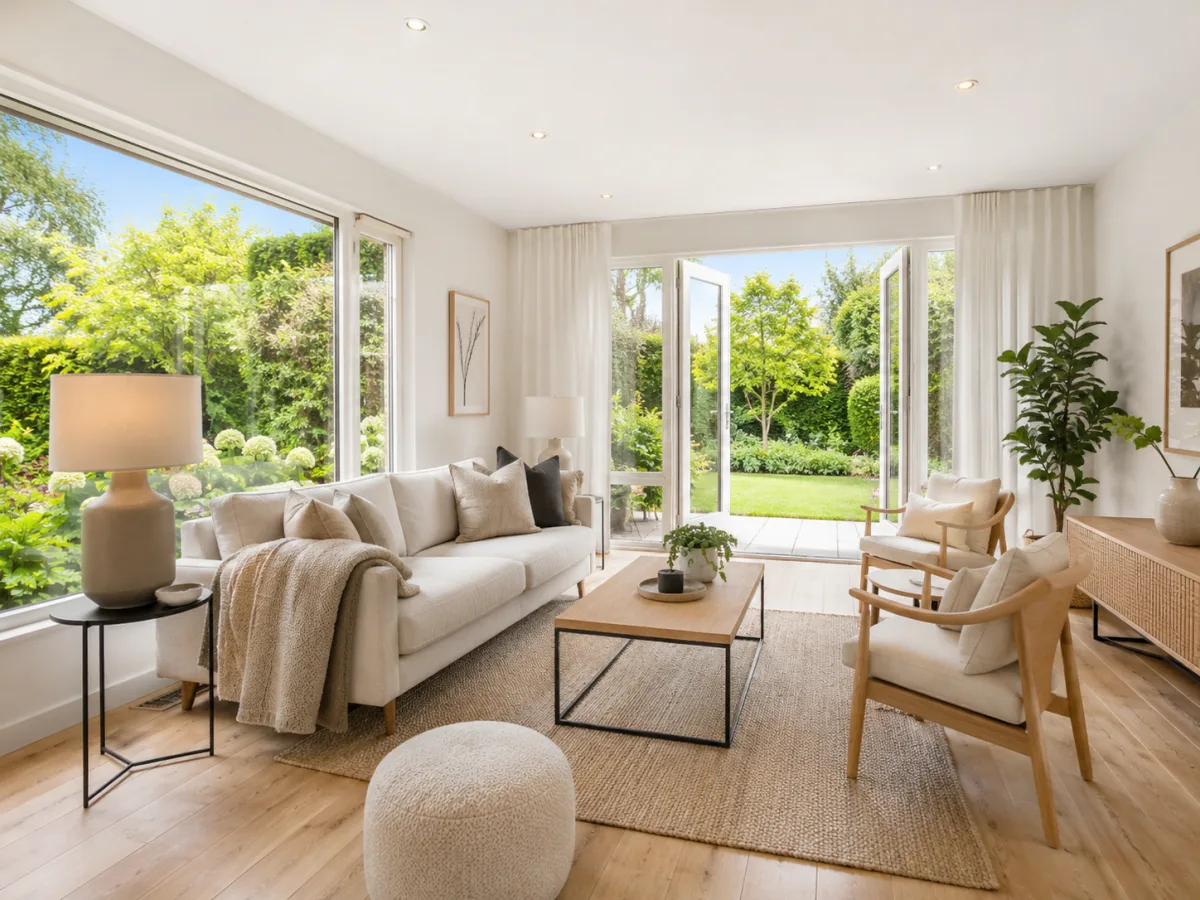
Real-estate agents use the AI background changer to swap a dreary window view for a sunny garden, or to neutralize a busy backdrop behind a piece of staged furniture. The original room stays untouched; only the view through the window — the background — changes.

- 05 · SOCIAL MEDIA & AVATARS
Refresh avatars and social posts
Instagram avatars, TikTok thumbnails, Twitter banners and Facebook covers all live or die by their background. Drop a quick selfie into the AI background changer, swap the background for a pastel gradient or moody cityscape, and you have a fresh profile picture on brand colors in seconds.

AI Background Changer — Before / After Examples
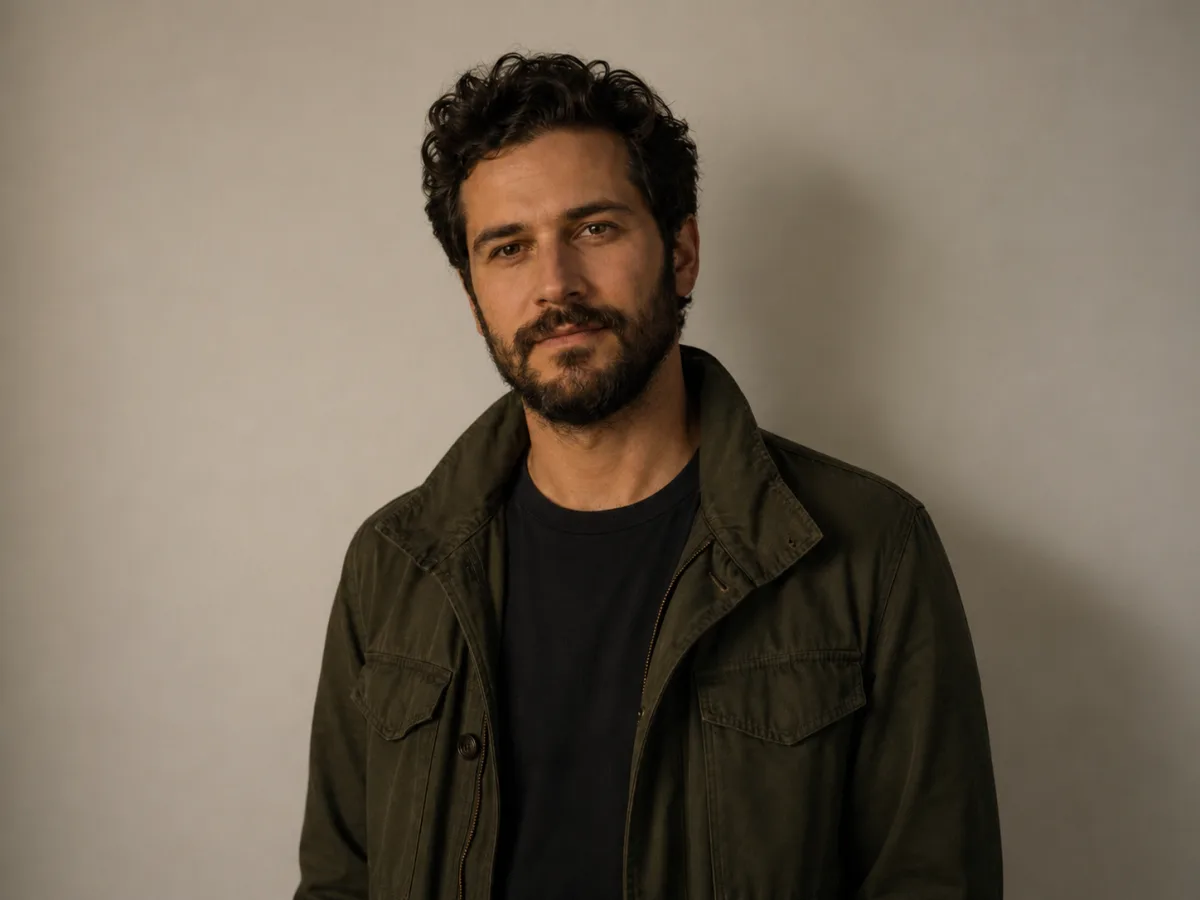
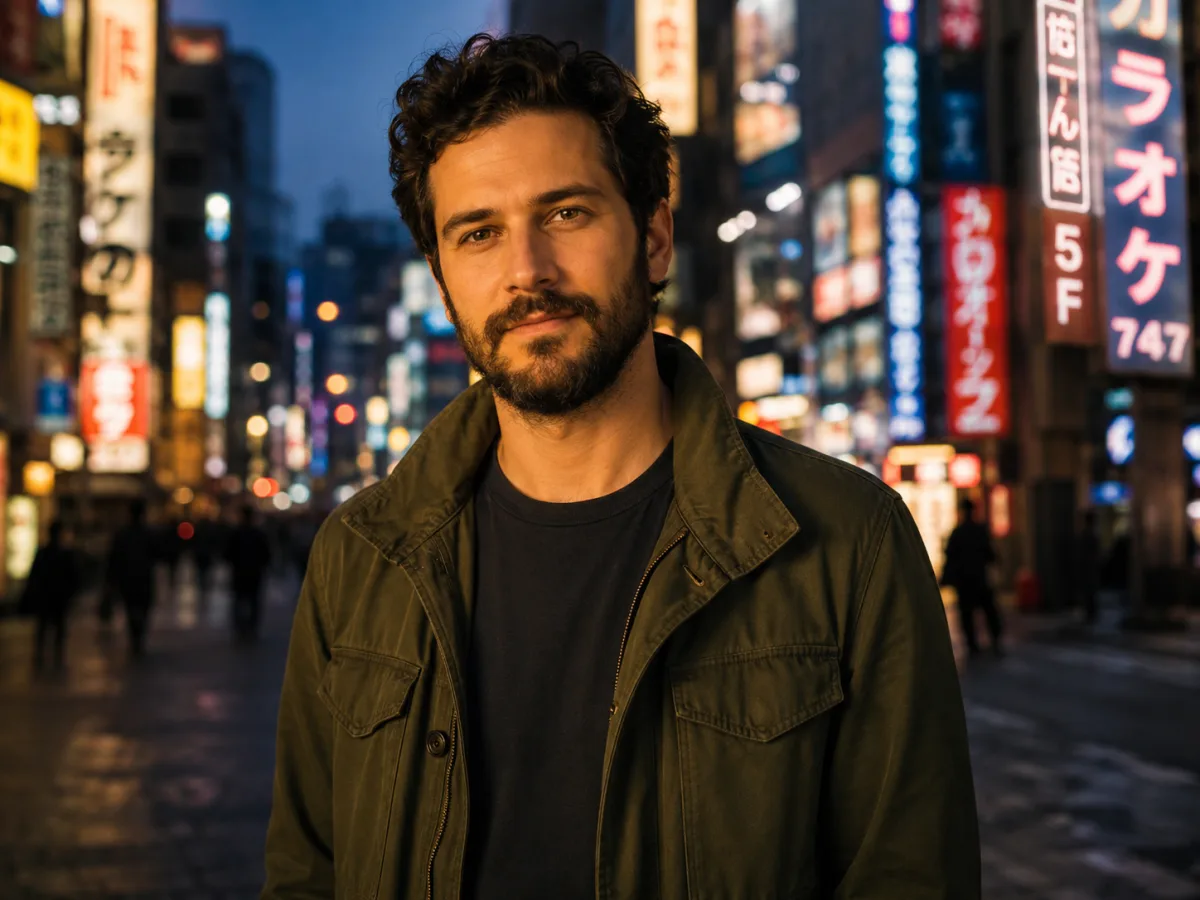
Real before / after samples generated by the imya AI background changer. Each tile shows the scene, the model used, the credit cost, and the prompt — tap Try this to drop the same settings into the live tool above.
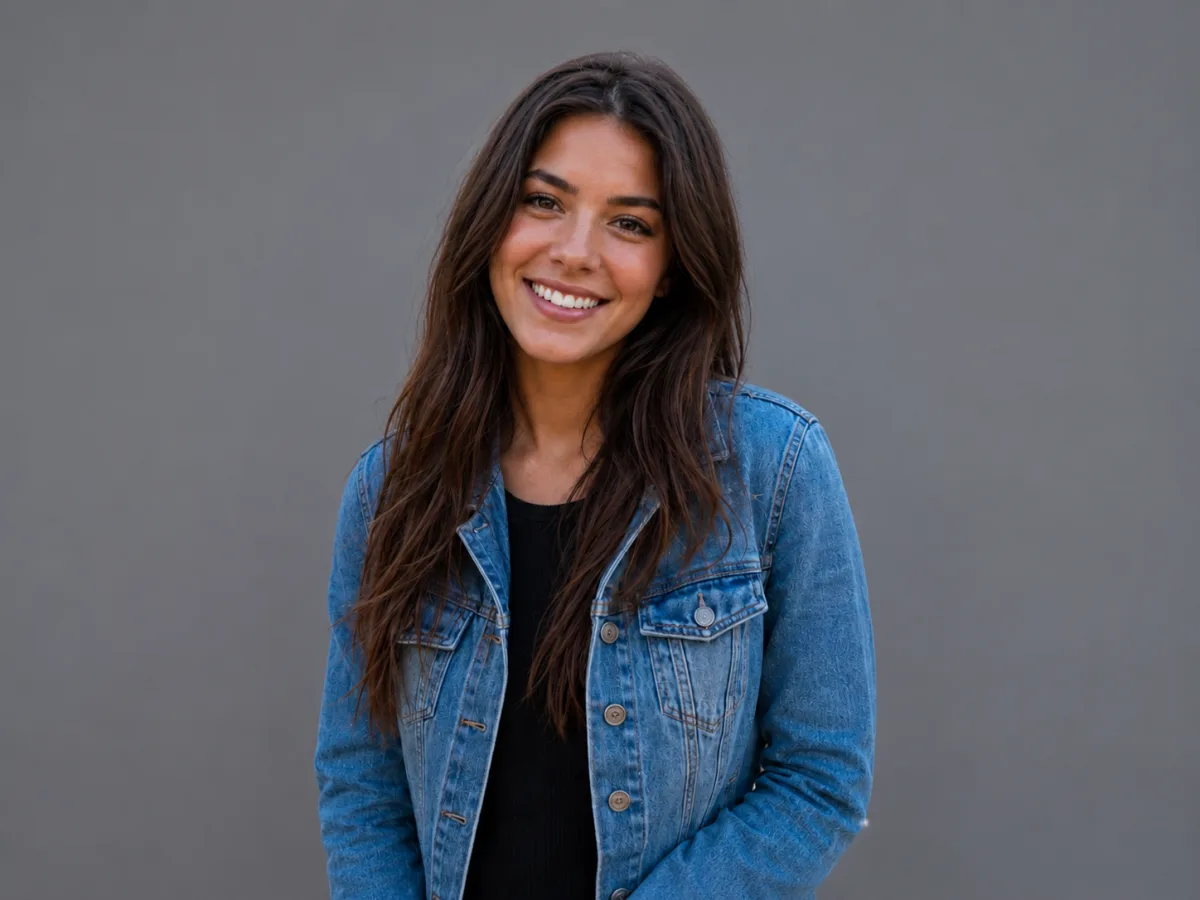
Before
AfterProfessional OfficePremium45 crPlain wall to modern office headshot
“Bright modern office with floor-to-ceiling windows and softly blurred bookshelves”
Try this
Before
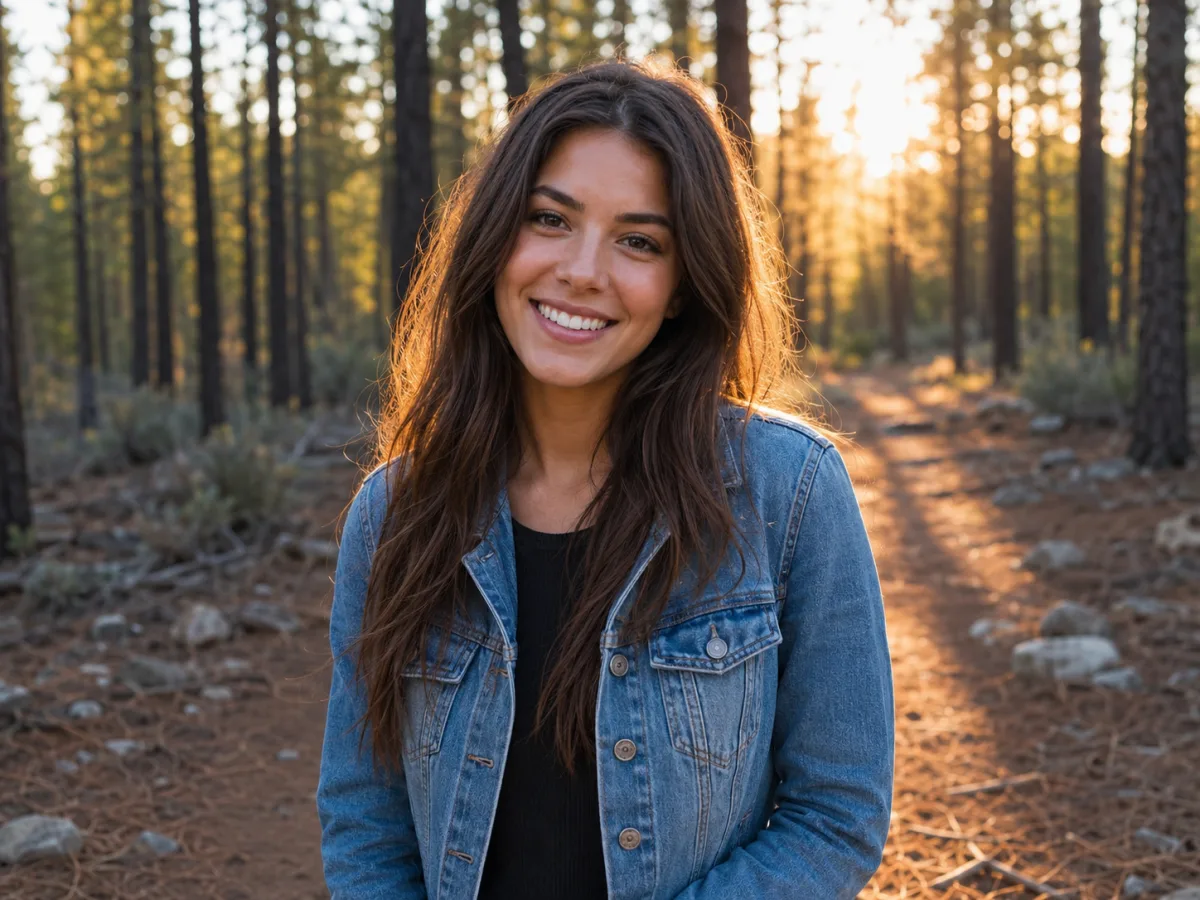
AfterOutdoor NatureEditorial35 crStudio backdrop to sunlit forest portrait
“Sunlit pine forest path at golden hour with warm rim light”
Try this
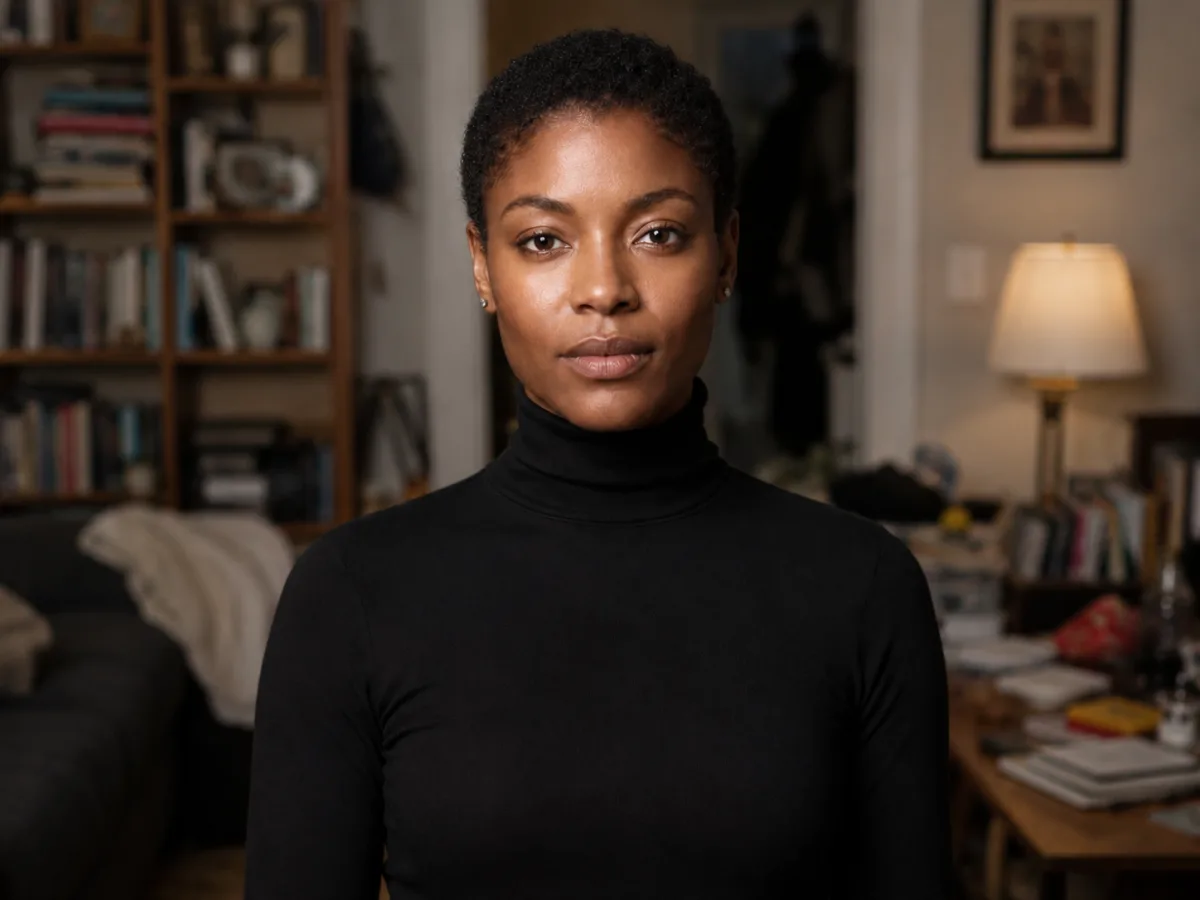
Before
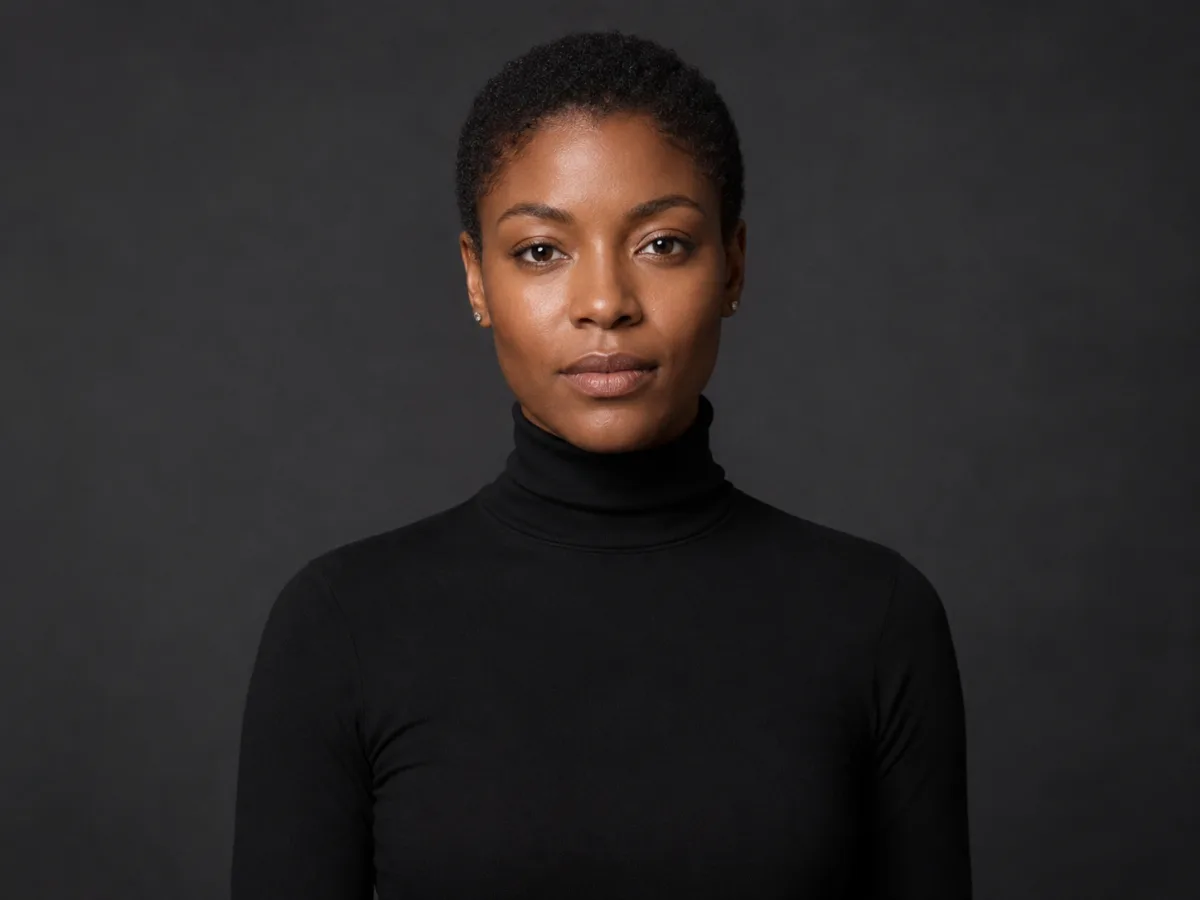
AfterModern StudioPremium45 crCluttered room to editorial studio portrait
“Clean charcoal photography studio backdrop with soft beauty-dish lighting”
Try this
Before
AfterUrban CityscapePolished30 crPlain wall to neon-lit Tokyo street
“Vibrant Tokyo street at twilight with neon signs softly out of focus”
Try this
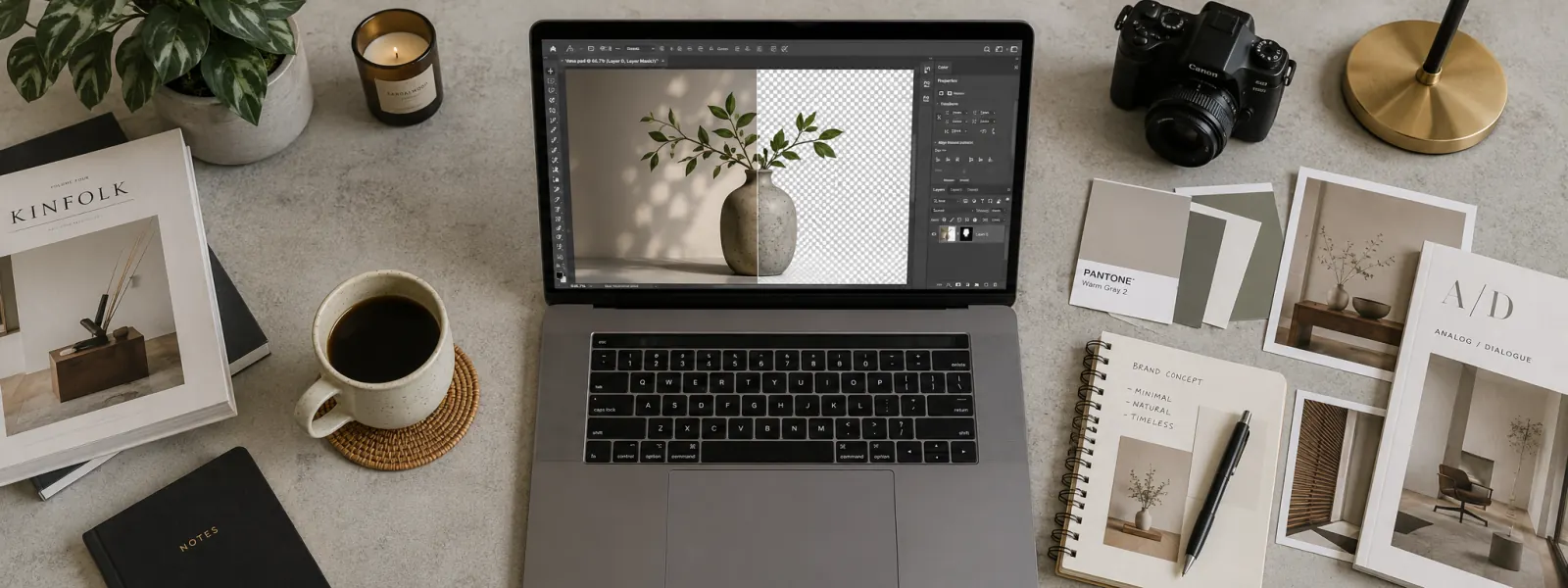
AI Background Changer vs. Manual Background Editing
Honest, side-by-side notes on how the imya AI background changer compares with the manual tools you may already use.
Here is how a one-click AI background changer compares with masking a subject by hand in Photoshop, Canva, GIMP or Adobe Firefly. The takeaway: for the vast majority of background-change jobs, the AI changer hits a publish-ready result in seconds — no skill curve, no subscription required.

vs Photoshop manual masking
Photoshop's Select Subject plus a manual mask still works, but it usually takes 5–15 minutes per photo and a paid subscription. The AI background changer does the same swap in under 30 seconds, with hair edges that don't need refining — and the output drops straight back into Photoshop if you do want to finish the design there.

vs Canva BG Remover + manual replace
Canva's background remover gives you a cutout, but you still have to scroll a stock library to find a new background and resize it to fit. The AI background changer skips both steps — you describe or pick the background in one place, and the new scene is lighting-matched to your subject.
vs Adobe Firefly background generator
Adobe Firefly's AI background generator is powerful inside Photoshop but lives behind a Creative Cloud paywall. Imya's AI background changer runs free in any browser, supports prompt-driven background generation in the same way, and ships an HD result with no watermark.
vs free online background changer tools
Most free AI background changer sites cap the output at 720p, watermark the image or gate the download behind a signup. Imya's free online AI background changer gives you the HD result, no watermark, no forced login — just upload, change the background, and download.
What Creators Say About the AI Background Changer
Notes from early users running the imya AI background changer on real client work.
“Used the AI background changer to lift a LinkedIn selfie off my apartment wall and onto a soft office. The result looked like a real photoshoot — way faster than booking a studio.”
RRachel C.Marketing Lead“I batch-changed the background on a hundred product shots for a Shopify launch. Consistent scene across every SKU, no manual masking, no Photoshop time.”
TTom A.E-commerce Seller“The lighting match is what sold me. Even on tricky portraits the shadows fall in the right direction once the AI background changer drops in the new scene.”
LLisa W.Photographer
Frequently Asked Questions About the AI Background Changer
Quick, honest answers to what creators ask most about the free imya AI background changer.
Is the imya AI background changer free?
Yes — the AI background changer runs free in any browser. Every new imya account starts with free welcome credits, enough to change the background on a dozen photos right away, with no watermark on the result. Paid plans only kick in when you want more credits, faster processing or bulk background-change jobs.
Does the AI background changer work online without login?
You can preview the AI background changer and try the demo without an account. Signing in only takes a moment and unlocks downloading the HD background-changed image and your background-change history.
Can the AI background changer replace backgrounds for products, cars and real-estate photos?
Yes. The AI background changer is tuned for portraits, products, cars and interior photos. For e-commerce, a clean white or branded background works well; for cars and real-estate listings, the changer can drop in a scenic outdoor background while keeping the vehicle or interior intact.
How is the AI background changer different from an AI background remover?
An AI background remover only erases the background and leaves a transparent PNG. The AI background changer goes a step further — it removes the old background and generates a brand-new one in the same pass, with lighting and shadows that match your subject.
Can I write a prompt to generate a custom background?
Yes. Alongside ten preset background scenes, the AI background changer accepts free-text prompts such as "sunlit Tokyo street at twilight" or "minimal beige photography backdrop". The prompt drives the generated background, then the changer lighting-matches it to your photo.
Does the AI background changer work on photos with hair, fur or transparent edges?
Yes. The underlying segmentation model keeps single hair strands, fur, eyeglass frames and soft fabric edges intact, so the AI background change does not leave a hard halo around the subject.
Will my photos be stored or shared?
Uploaded photos are sent over HTTPS, processed by the AI background changer and removed from imya's storage shortly after. Your images are never used to train models and never shared with third parties.
Does imya have an AI video background changer?
Not yet — this tool is image-only. An AI video background changer is on the roadmap. For now, export video keyframes as JPG or PNG and run them through the photo AI background changer one frame at a time.
Ready to Change Your Photo Background?
Upload any photo, pick a scene or write a prompt, and let imya's AI background changer drop in a publish-ready background in under 30 seconds — free, online, no signup required.
More AI Image Tools You Might Like
Other free AI image tools on imya that pair nicely with the AI background changer.

AI Background Remover
Erase a background to a clean transparent PNG — perfect if you want to drop the cutout onto a custom background later.

AI Headshot Generator
Studio-grade LinkedIn headshots from a single selfie — pairs cleanly with a fresh AI background change.

AI Image Upscaler
Upscale any photo to 4K — useful for sharpening a freshly background-changed image before printing.

AI Old Photo Restoration
Restore scratched, faded and water-damaged old photos — then change the background to bring the scene back to life.