
Qwen Image Edit: オンラインAI画像編集
簡単なプロンプトで写真を編集できます。文字や物体の削除、スタイル変更、カメラ角度の指定に対応します。表示されるバージョンカードは参考プリセットで、現在はImyaの同じQwenホストモデルを使用します。
サンプル編集
[編集] をクリックして、これらを自分のものに置き換えます






これらは事前に生成された Qwen Image Edit サンプルです。完了した編集はここに表示されます。
このページで利用可能な生成ルート
Qwen Image Editとは何ですか?
Qwen Image Edit は、平易な言語の指示に従って写真を変更する、無料のオープンソース AI 画像エディターです。レイヤーを手動でマスキングする代わりに、画像をアップロードし、変更したい内容を入力すると、Qwen Image Edit は数秒で編集結果を返します。このページでは、ComfyUI のセットアップ、モデルのダウンロード、ローカル GPU を必要とせずに、ブラウザーで Qwen Image Edit をオンラインで実行できます。
Qwen-Image ファミリに基づいて構築された Qwen Image Edit モデルは、プロンプトとソース イメージを一緒に読み取り、要求された部分のみを書き換えます。そのため、Qwen の画像編集は、シーン全体を再描画する一般的なテキストから画像へのジェネレーターよりもはるかに正確になります。特に、テキスト、レイアウト、顔や製品の詳細をそのまま維持することに優れています。
2509、2511、2512はQwen Image Editコミュニティで使われるバージョン名です。このページでは参考プリセットとして表示され、3つの個別エンドポイントではなく、現在はImyaの同じQwenホストモデルを使用します。
オープンモデル コミュニティでは、ローカル ビルドと ComfyUI ワークフローも公開されています。これらのコミュニティ リソースは、Imya のホスト ジェネレーターとは別のものです。このページでは、ウェイトのダウンロードやローカル ワークフローのエクスポートは行いません。
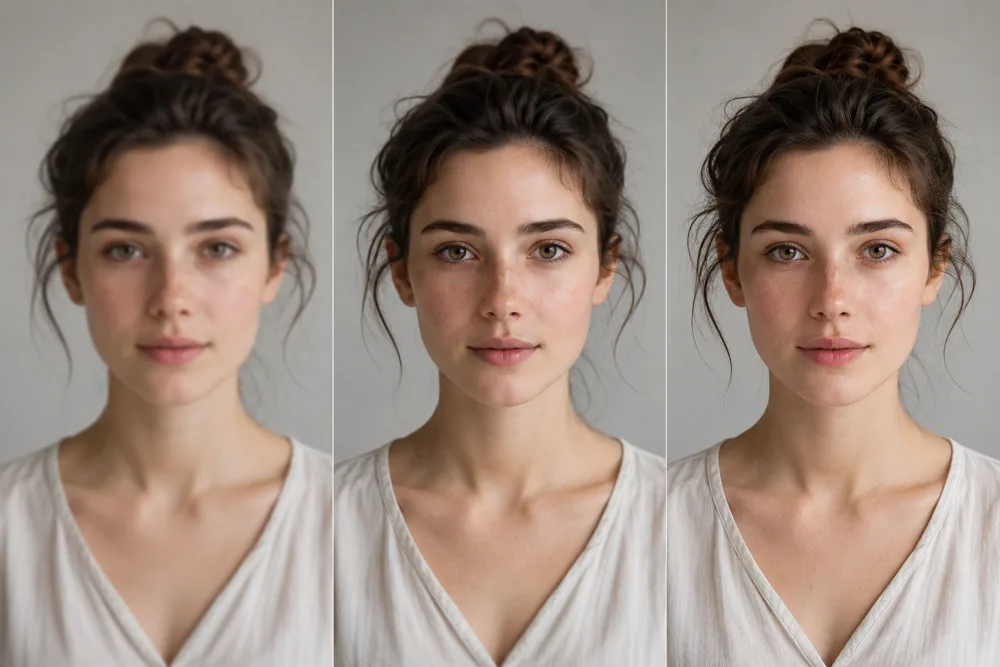
当社の Qwen Image Editor を選ぶ理由
ほとんどの人は、重いローカル インストールとして Qwen Image Edit に遭遇します。高速オンライン エディターとしてホストされているため、セットアップをスキップして編集するだけで済みます。
オンラインで実行、GPU なし
モデルの重みをインストールしたり、ローカル VRAM を管理したりせずに、ホストされた Qwen ルートを使用します。エディターはラップトップまたは携帯電話から作業し、生成はホストされたサービス上で実行されます。
ホストされたワークフローをクリアする
画像をアップロードし、編集内容を説明し、送信する前にライブ クレジット コストを確認します。プロバイダーの詳細な診断は内部に残りますが、ページには明確な成功または返金の結果が表示されます。
プロンプトベースの写真編集
組み込みのサンプルから開始するか、クリーンアップ、スタイル変更、構成変更のための独自の命令を作成します。結果はソース イメージとプロンプトによって異なります。
Qwen Image Edit でできること
Qwen Image Edit は、Photoshop を開くために使用する編集を 1 つのプロンプトで処理します。

テキストと透かしを削除する
記号、キャプション、または透かしを削除すると、Qwen Image Edit はその背後にあったものを再構築し、テクスチャと照明を再ペイントしてパッチが見えなくなるようにします。
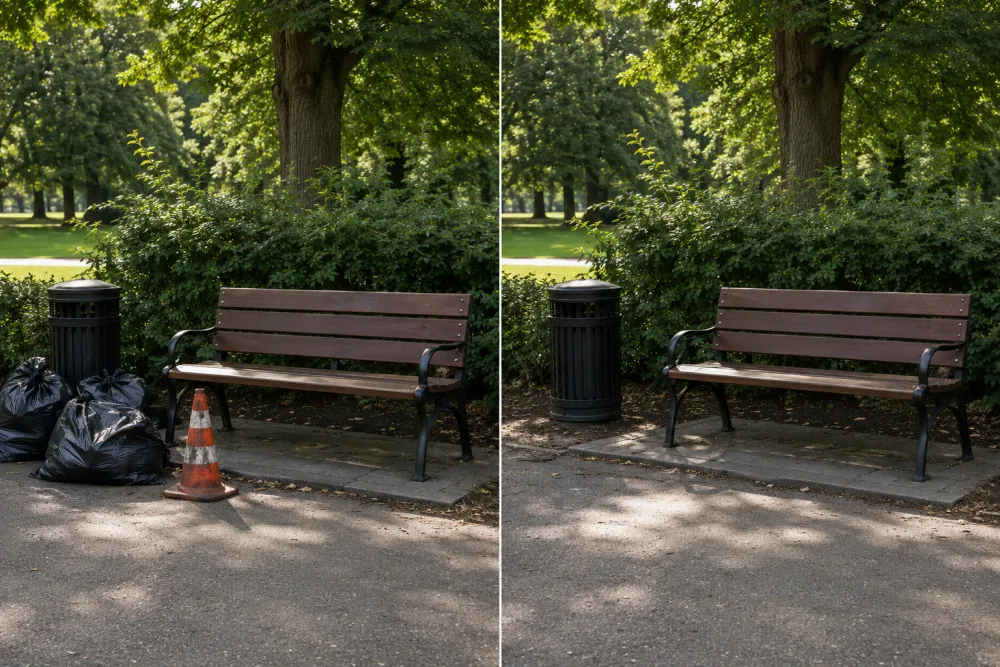
オブジェクトと気を散らすものを消去
はぐれ人、ゴミ箱、背景の散らかったものを削除します。これは最もクリーンな Qwen Image Edit ジョブの 1 つであり、ハローが残らない自然でシームレスなシーンが残ります。
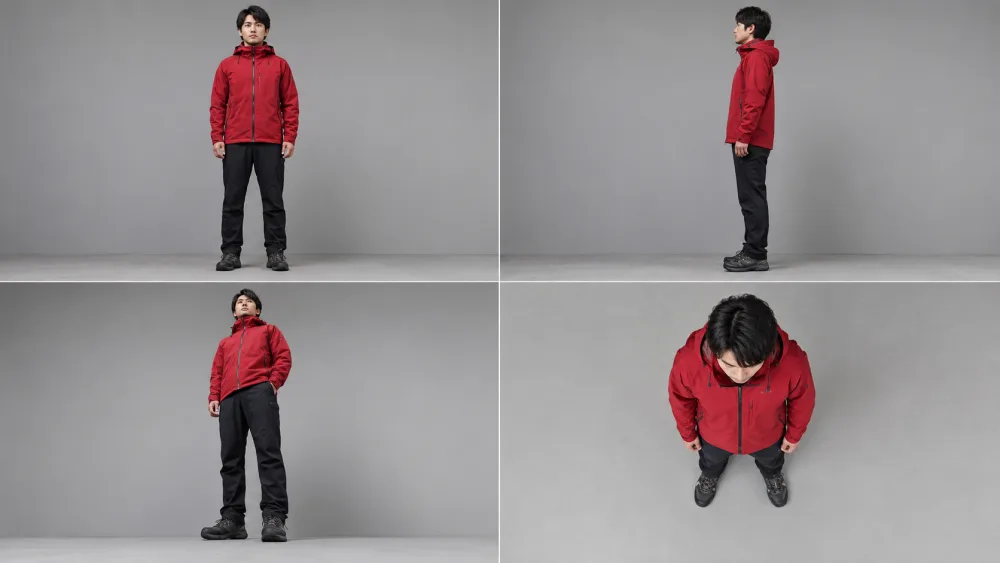
カメラ方向プロンプト
正面、側面、ローアングル、またはトップダウン ビューを記述し、ホストされたルートに編集内容を解釈させます。 2511 カードは参照プリセットであり、保証された専用エンドポイントではありません。
3 ステップで Qwen Image Edit をオンラインで使用する方法
エディターを無料で開き、レンダリングする前にライブ クレジット コストを確認します。
- あなたの写真1
画像をアップロードしてください
上の Qwen Image Edit ツールを開いて、変更したい写真をドロップします。
- “Remove the text from the sign”2511250925122
編集プロンプトを作成します
Describe the edit — “remove the text”, “change the background” or “rotate to a low angle” — then choose one of the hosted Qwen reference presets.
- PNG · WEBP3
生成してダウンロード
ライブ クレジット コストを確認し、タスクを実行し、処理が成功したら完成したイメージをダウンロードします。
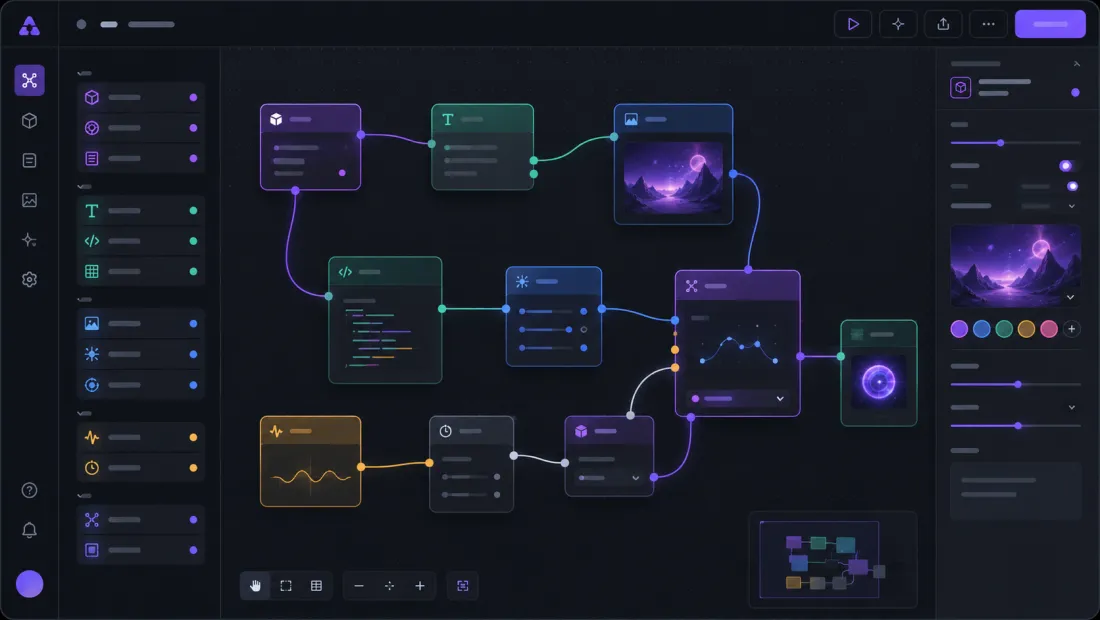
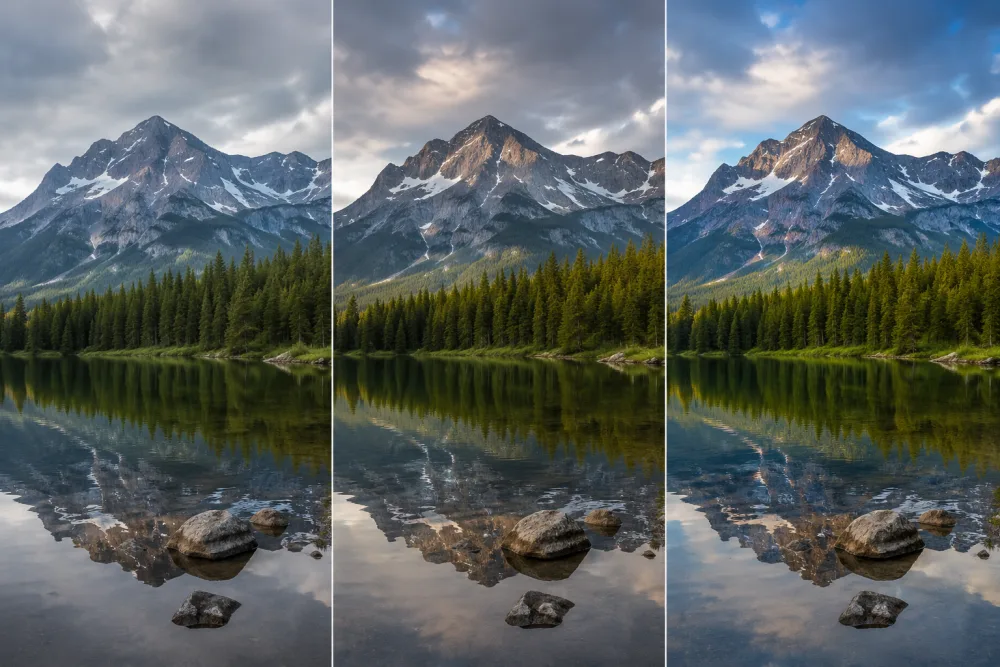
Qwen Image Edit vs Flux Kontext
Qwen Image Edit is open-source and unusually accurate with text and precise local edits, which is why it has become a default editor for removal and restyle work. Flux Kontext is a strong closed alternative for the same kind of prompt-based editing.
プロンプトベースの写真編集の場合、結果の品質と実際に利用可能なルートのライブ クレジット コストを比較します。ローカル Qwen または ComfyUI ワークフローは、このホストされたページとは別のものです。

Qwen Image Edit で最初の写真を編集する
モデルをインストールせずにホストされたエディターを開き、レンダリングする前にライブ クレジット コストを確認します。
Qwen Image Edit を開く- ローカル モデルのダウンロードなし
- ホストされた Qwen ルート
- ライブ クレジット 見積もり
Qwen Image Editのよくある質問
Qwen Image Edit をオンラインおよびローカルで実行するためのすべて。
Qwen Image Edit をローカルで実行するにはどうすればよいですか?
ローカルに ComfyUI をインストールし、Qwen Image Edit ウェイトまたは GGUF または fp8 クォントをダウンロードして、イメージとプロンプトをロードします。ここで、セットアップをスキップして、インストールせずに Qwen Image Edit をオンラインで実行することもできます。
Qwen Image Edit にはどれくらいの VRAM が必要ですか?
完全なモデルはローカル GPU に負荷がかかります。 GGUF および fp8 ビルドでは VRAM の使用量が削減され、Lightning バリアントではステップ数が削減されます。オンラインで実行するには、ローカル VRAM は必要ありません。
Qwen Image Edit を高速化するにはどうすればよいですか?
ローカルで使用する場合、コミュニティ ビルドを軽量化するとコンピューティングが削減される可能性があります。 Imya では、入力を実用的な状態に保ち、アクティブなホストされたルートを使用します。処理時間は依然としてキューとプロバイダーの可用性に依存します。
Qwen Image Edit はオンラインで無料で使用できますか?
エディタを開いてサンプルを無料で探索できます。レンダリングには クレジット が使用され、正確なライブコストが送信前に表示されます。新しいアカウントはサインアップ クレジット で開始できます。
Qwen Image Edit は ComfyUI ワークフローと連携しますか?
オープンモデル コミュニティは ComfyUI ワークフローとローカル ビルドを公開しますが、このホストされた Imya ツールはワークフローをエクスポートしたり、特定のコミュニティ ノードとの互換性を保証したりしません。
Qwen Image Edit 2511 と 2509 の違いは何ですか?
これらの名前は、Qwen Image Edit エコシステムで説明されているリリースを指します。このページのカードは参照プリセットであり、現在、保証されている 3 つの個別のエンドポイントではなく、Imya のアクティブなホスト型 Qwen ルートを共有しています。
開始するにはアカウントが必要ですか?
エディタを開いて、すぐにプリセットを探索できます。無料でサインインすると、クレジット が追加され、編集履歴が保存されるので、以前の結果に戻ることができます。
サポートされている画像形式とサイズは何ですか?
JPG、PNG、および WebP はすべて動作し、標準の Web 解像度が最も速く処理されます。非常に大きなファイルは、結果を迅速に保つために編集前に縮小されます。
関連するAI画像ツール
Imya のプロンプトベースのエディターとクリーンアップ ツールが追加されました。