imya — All-in-One AI Image, Video & Music Generatorimya
TemplatesBlogPricing
  1. Home
  2. ›
  3. AI Image Tools
  4. ›
  5. Nano Banana Pro
Imya · AI Image Generator

Nano Banana Pro AI Image Generator

Run Nano Banana Pro online on Imya — Google's pro image model for crisp 4K detail and legible in-image text. Write a prompt, pick a model, and create or edit images in your browser. Free to start, no Google account required.

Try it freeSee prompts & examples
ShareShare on XShare on FacebookShare on Reddit
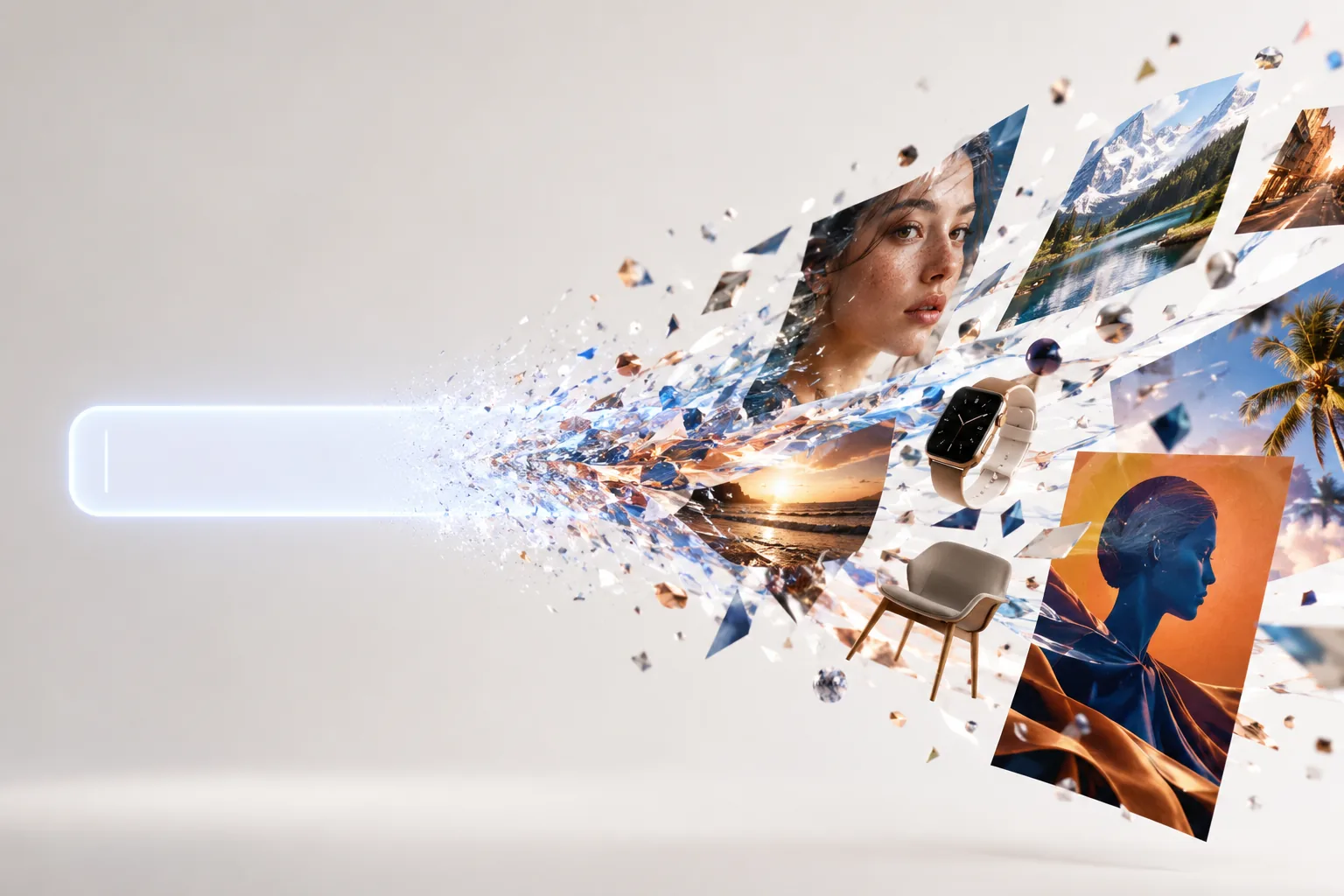
Nano Banana Pro AI image generator turning a text prompt into vivid 4K images
Try Nano Banana Pro — Free
0/5000
Popular this week(Click to use)
ModelRecommended pick auto-selected
ImagesHow many to generate
45 credits / image · ≈ $0.41Login + credits required

4 images per run · 180 credits total

Sample outputs

Click Generate to replace these with yours

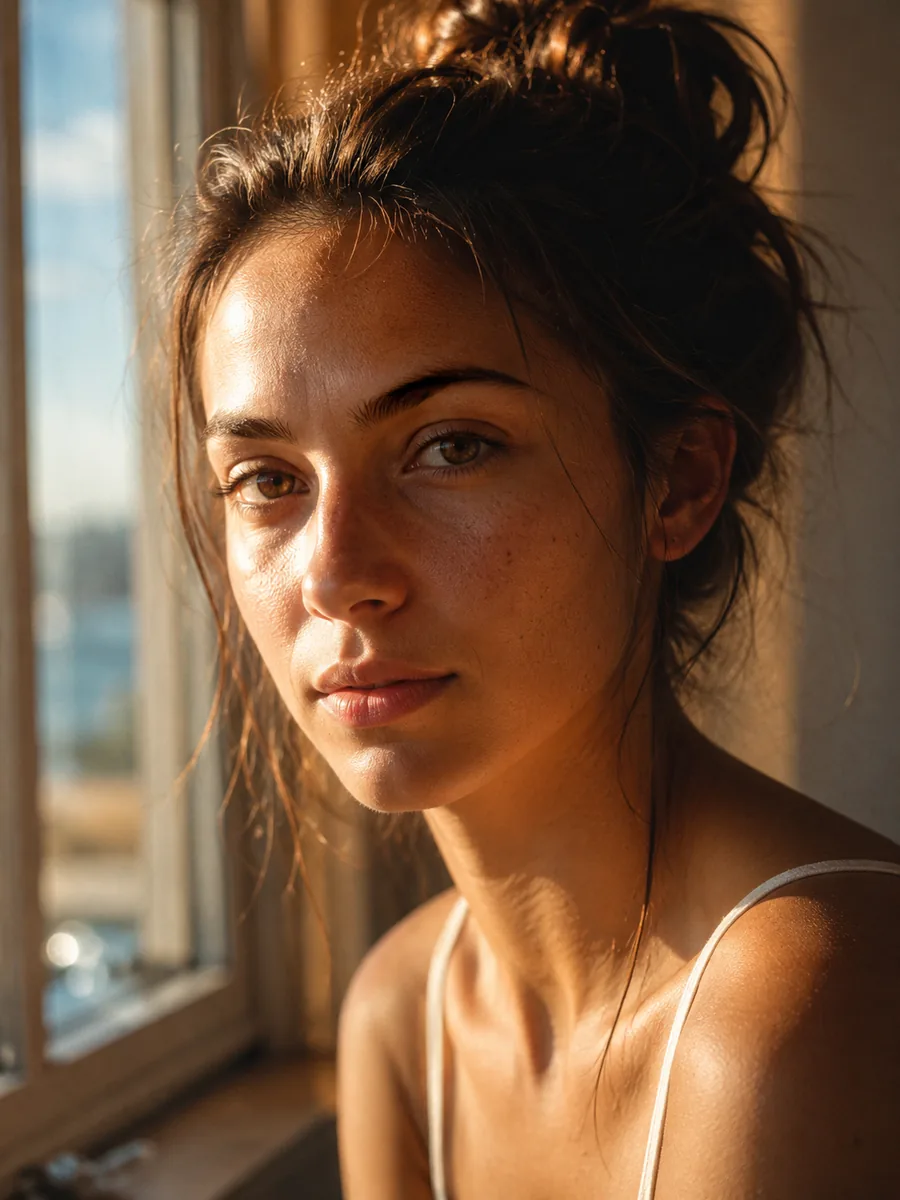
Nano Banana Pro sample — a cinematic 4K portrait in golden window light
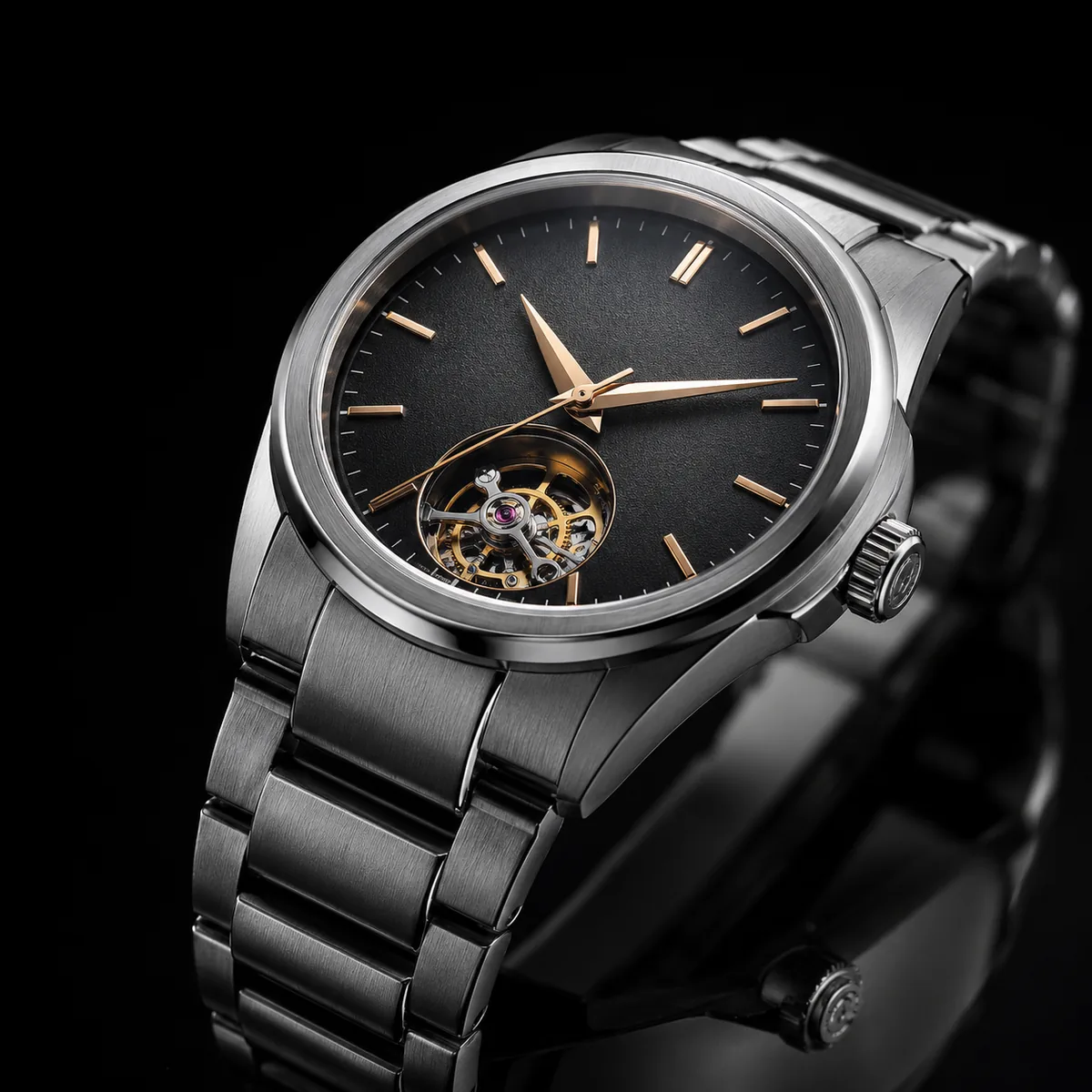
Nano Banana Pro sample — a luxury watch product still life with studio reflections
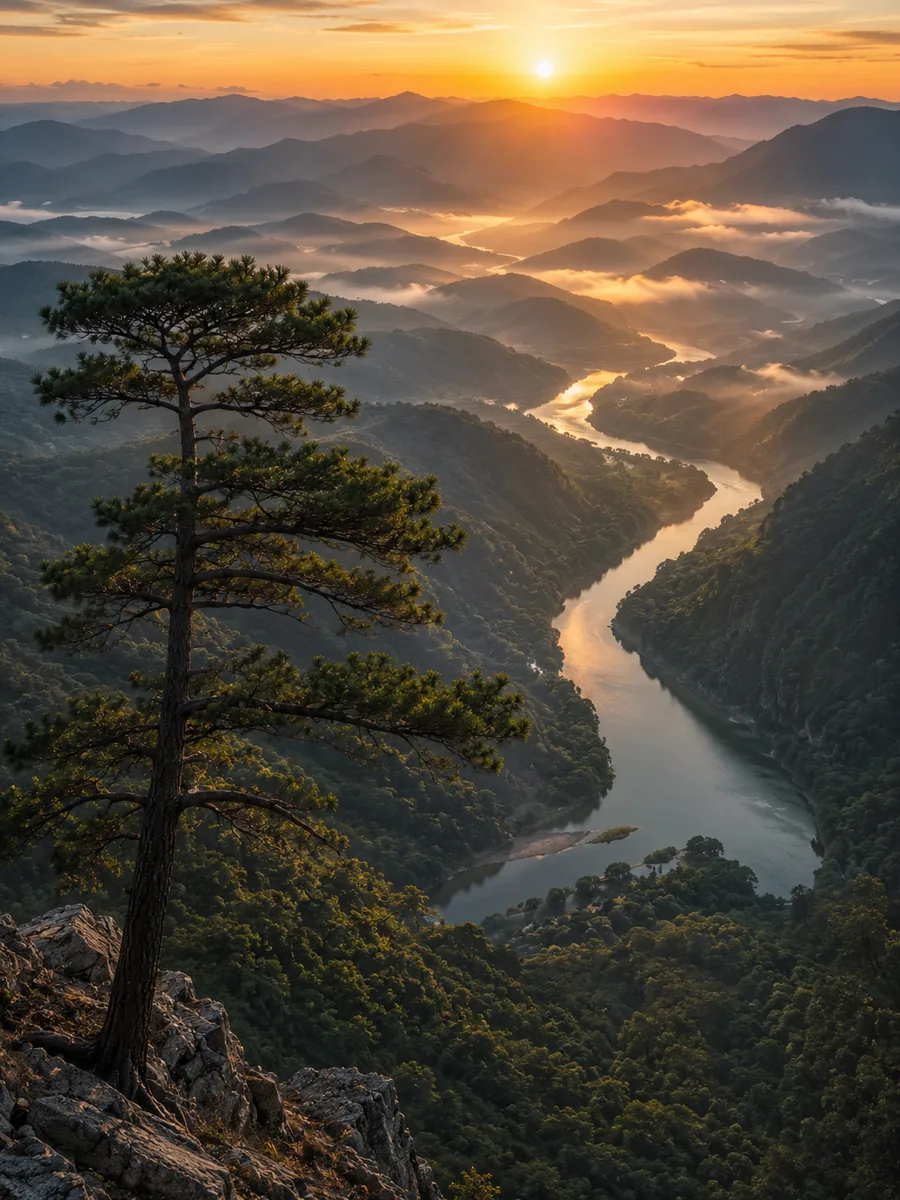
Nano Banana Pro sample — a misty mountain valley at sunrise in 4K
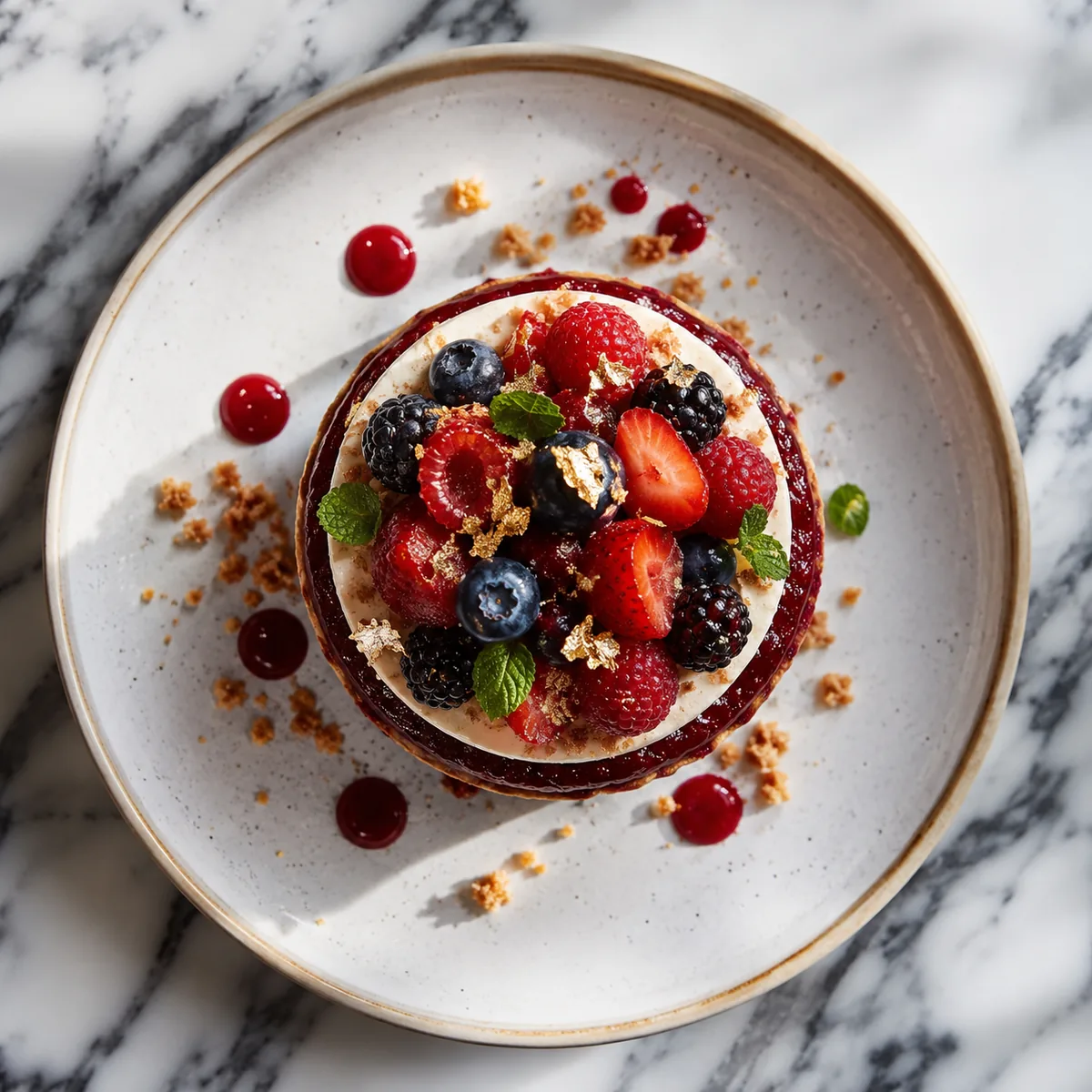
Nano Banana Pro sample — a gourmet plated dessert in soft natural light
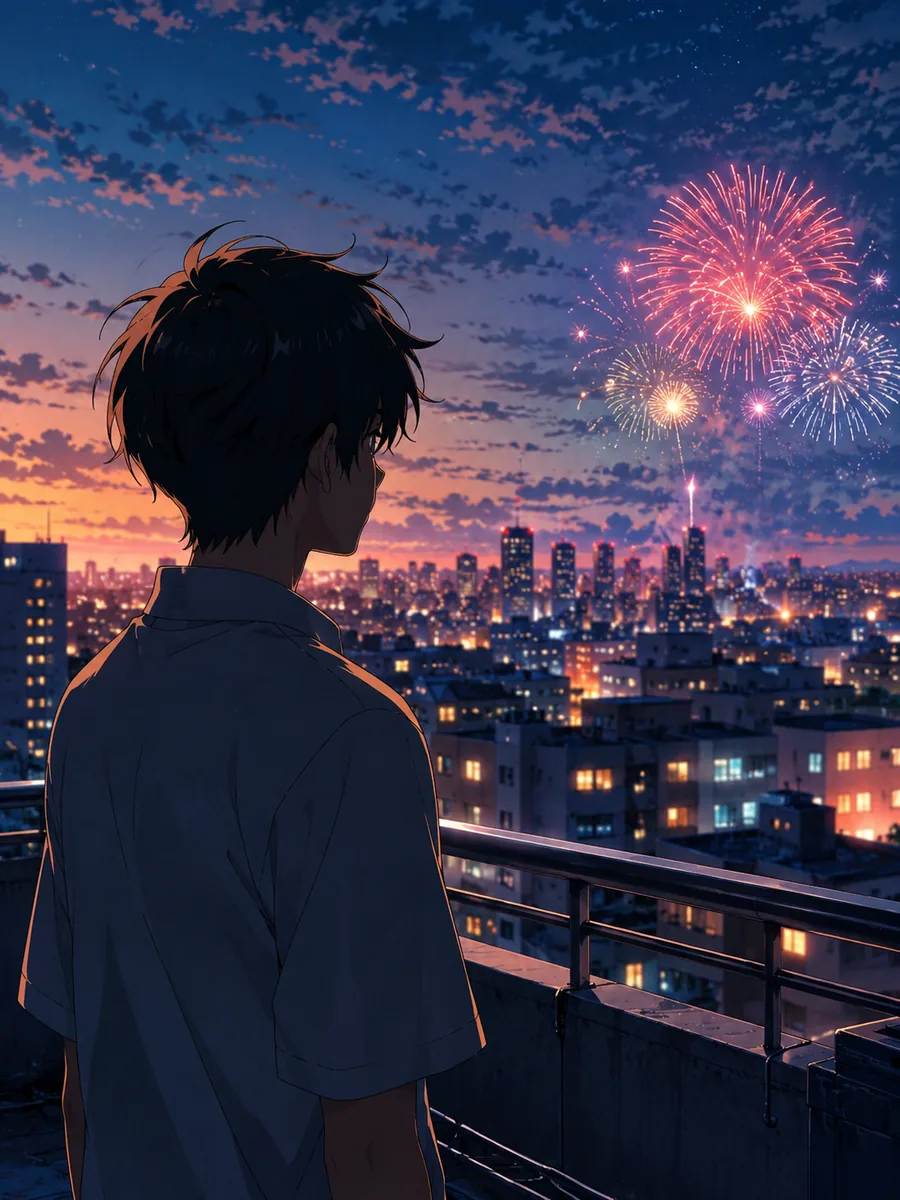
Nano Banana Pro sample — a detailed anime-style city rooftop illustration
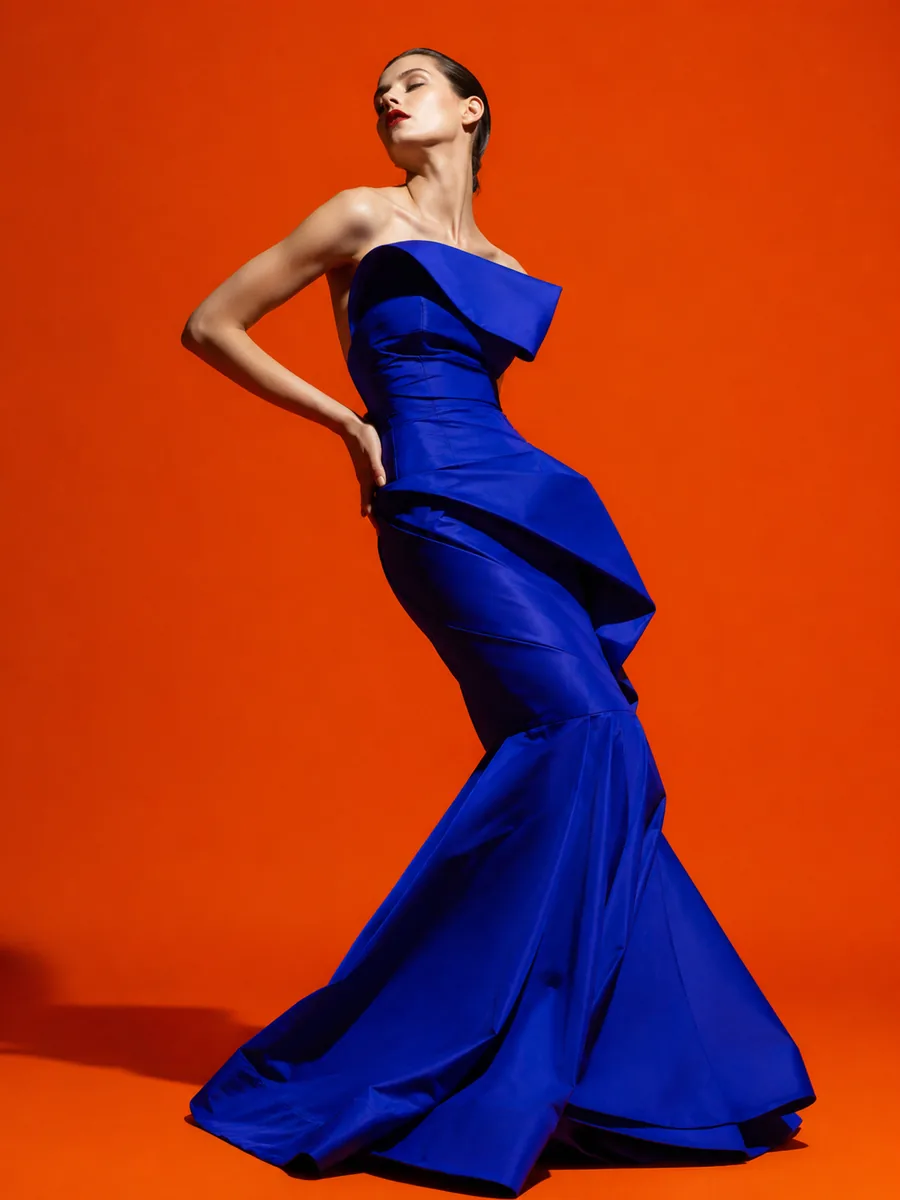
Nano Banana Pro sample — a bold high-fashion studio editorial

These are pre-generated samples — yours appear here in seconds

4KPrint-ready output
MultilingualLegible in-image text
Free to startCredits on signup

Generate with leading AI image models on Imya

Nano Banana ProNano Banana 2GPT Image 2Z-Image

What Is Nano Banana Pro?

Nano Banana Pro is Google's professional AI image model — the pro tier of the model nicknamed “Nano Banana,” built on Gemini 3 Pro. It turns a plain text prompt into a detailed, high-resolution image, and it is tuned for the two things older generators struggle with: rendering clean, legible text inside the image and holding fine detail up to 4K.

On Imya you run it right in your browser — no install and no Google account. Type what you want, choose your model, and generate. You can switch between Nano Banana 2, GPT Image 2 and Z-Image too, then run the same prompt across models and compare the results side by side before you commit any credits.

Because Imya is free to start, you get signup credits to try Nano Banana Pro before you spend anything. Designers, marketers and creators use it for studio-grade posters, product shots, mockups, infographics and portraits — all from a single prompt, with no design software required.
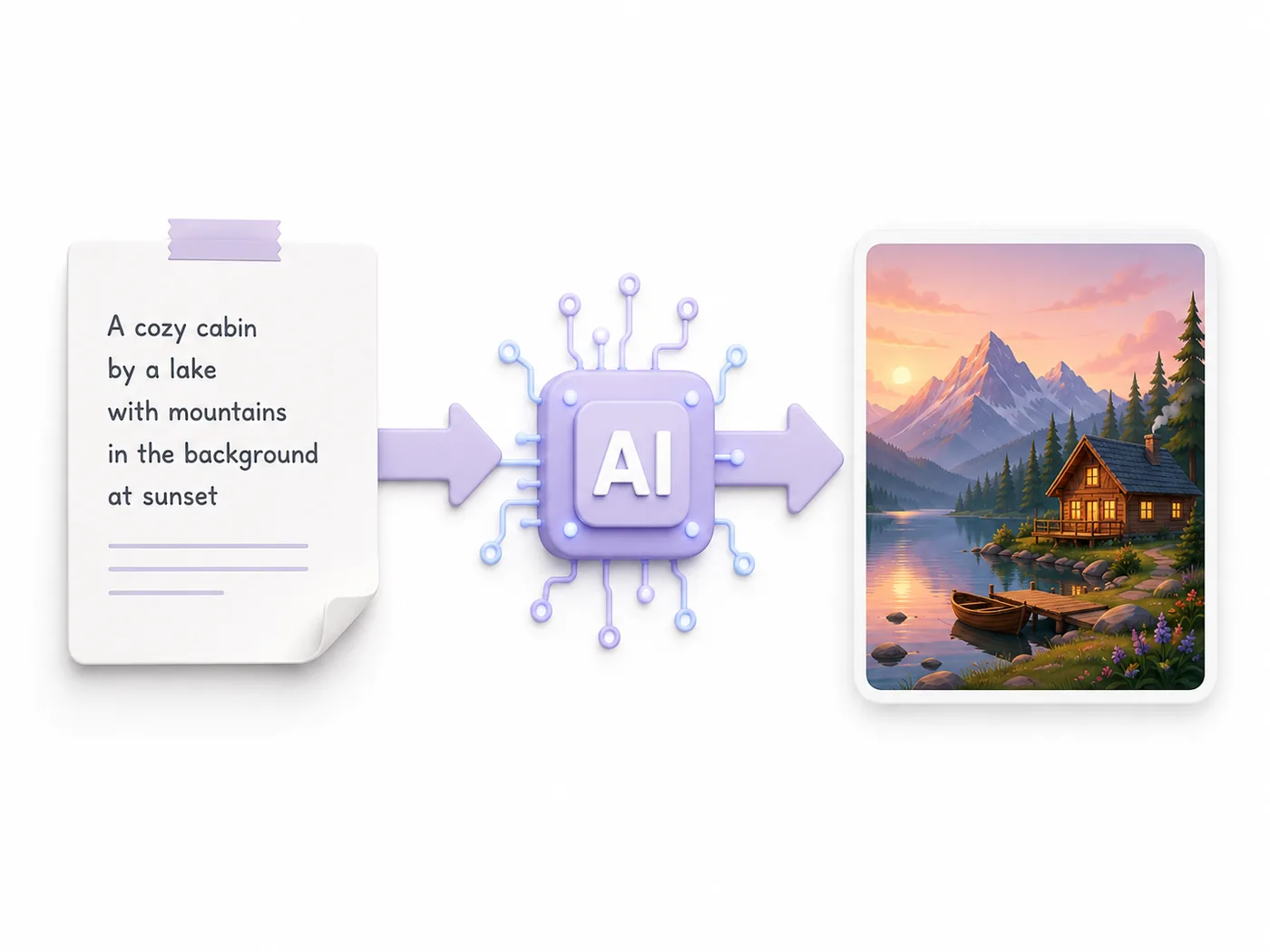
What is Nano Banana Pro — a text prompt flowing into an AI-generated image

Nano Banana Pro vs Nano Banana 2 — Which Is Better?

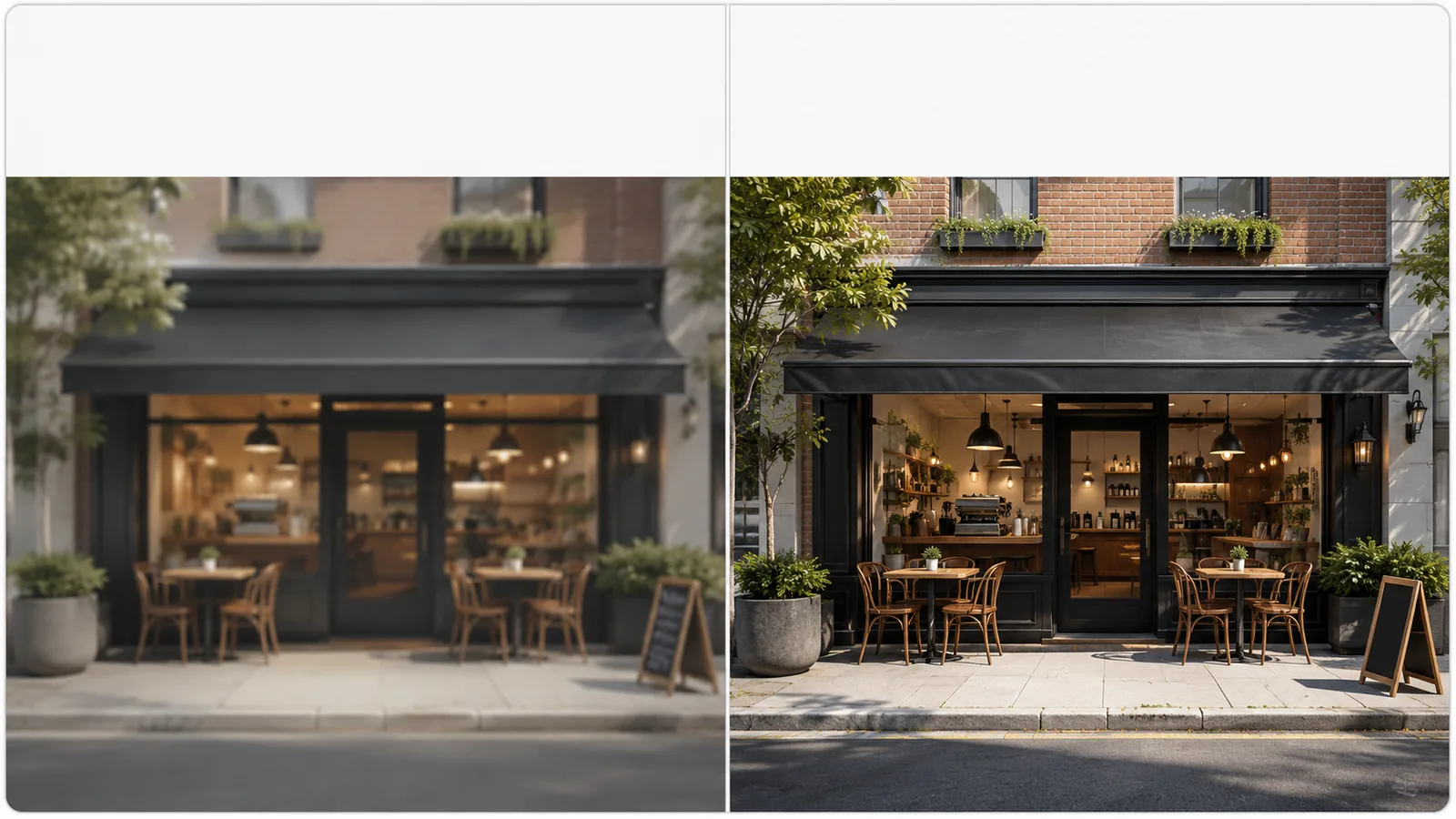
Wondering which is better — Nano Banana 2 or Pro? They come from the same family, but Pro is the higher-quality tier built for final work. Here is how the two compare, and when to reach for each.

Nano Banana Pro vs Nano Banana 2 — the same scene rendered side by side
Nano Banana 2Nano Banana Pro
Nano Banana ProNano Banana 2
Best forFinal, text-heavy & 4K imagesFast drafts & bulk work
DetailSharpest, up to 4KCrisp, great for most uses
In-image textExcellent, multilingualGood
SpeedFastFastest
Price on Imya3 credits (~$0.027)2 credits (~$0.018)

Image quality & 4K detail

Pro resolves finer texture, cleaner edges and true 4K output, so it holds up when you print a poster or zoom into a product shot. For quick social posts, Nano Banana 2 is usually sharp enough.

Speed, price & free use

Nano Banana 2 is faster and cheaper at 2 credits, which makes it ideal for drafts and bulk runs. Pro costs 3 credits and earns it on hero images. Both are free to try with signup credits.

When to pick each

Reach for Pro on final, text-heavy or 4K work; explore ideas with Nano Banana 2 first, then re-run your favourite prompt on the pro model for the polished version.

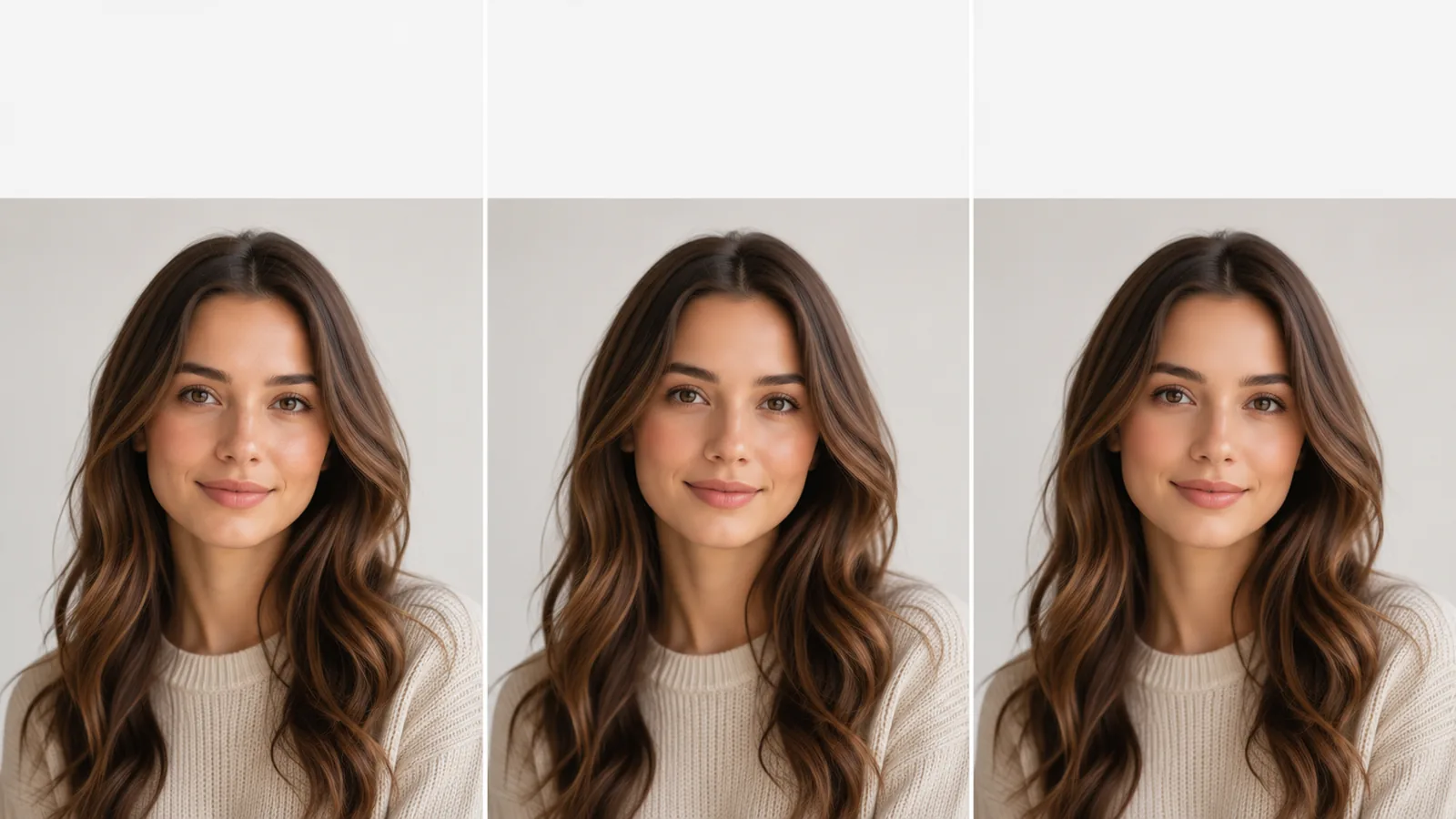
Nano Banana Pro compared with Flux 2 Pro and Imagen 4 in three panels
Nano Banana ProFlux 2 ProImagen 4

Nano Banana Pro vs Flux 2 Pro & Imagen 4

Pro isn't the only premium model out there. Against Flux 2 Pro and Imagen 4, its edge is legible in-image text and the real-world knowledge it inherits from Gemini — handy for posters, packaging and diagrams that have to read correctly.

Flux 2 Pro is prized for photoreal aesthetics and fine stylistic control, while Imagen 4 is strong on photorealism and clean typography. If your work leans on accurate text, detailed scenes and 4K output, it is the safer default — and on Imya you can use it without juggling several platforms or API keys. In practice, many teams keep all three in their toolkit and switch by brief: text-led layouts here, painterly or stylised concepts elsewhere.

Why Choose Nano Banana Pro?

A pro image model that nails the details other generators miss — from crisp typography to true-to-life lighting. Here is what sets it apart for everyday creative work.

  • ⚡

    Studio-grade 4K detail

    Sharp, print-ready images with realistic texture and lighting, straight from a prompt — no separate upscaling step needed.

  • 🔤

    Text that actually renders

    Posters, packaging and UI mockups come out with clean, legible, multilingual typography — a long-standing weak spot for AI image tools.

  • 🧠

    Real-world knowledge

    Built on Gemini, the model understands real objects, scenes and layout logic, so you get fewer warped hands and nonsense signs.

  • 🎛️

    Generate & edit in one place

    Switch between text-to-image and the built-in AI image editor to refine a result without ever leaving the page.

How to Use Nano Banana Pro in 3 Steps

You can run it inside Google's Gemini app, or online on Imya with no Google account. Here is the Imya way.

  1. How to use Nano Banana Pro, step 1 — type a text prompt into the generator
    1

    ✍️Write your prompt

    Describe the image you want, or tap a ready-made example to autofill the prompt box — text, style and composition all welcome.

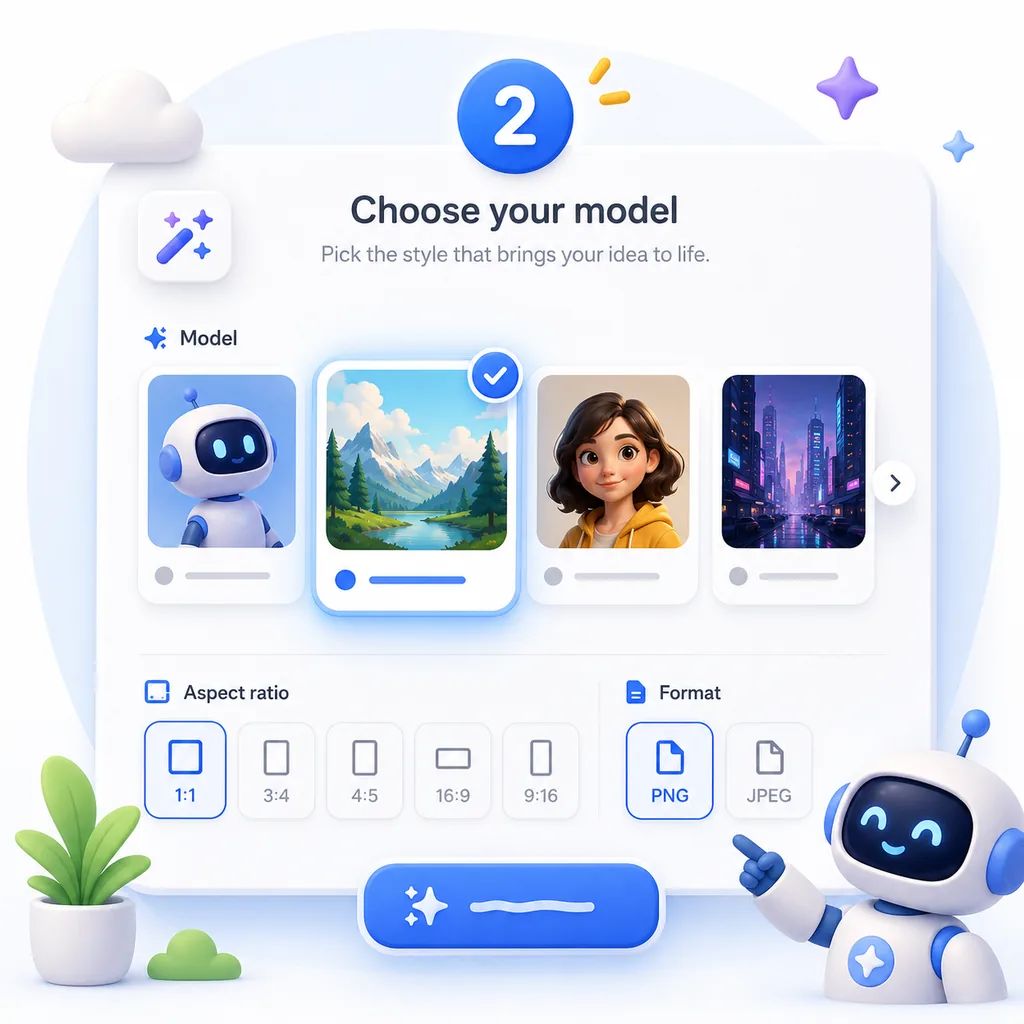
  2. How to use Nano Banana Pro, step 2 — choose the Nano Banana Pro model and settings
    2

    🎛️Pick your model & settings

    Select Nano Banana Pro from the model list, then set aspect ratio, format and how many images to generate at once.

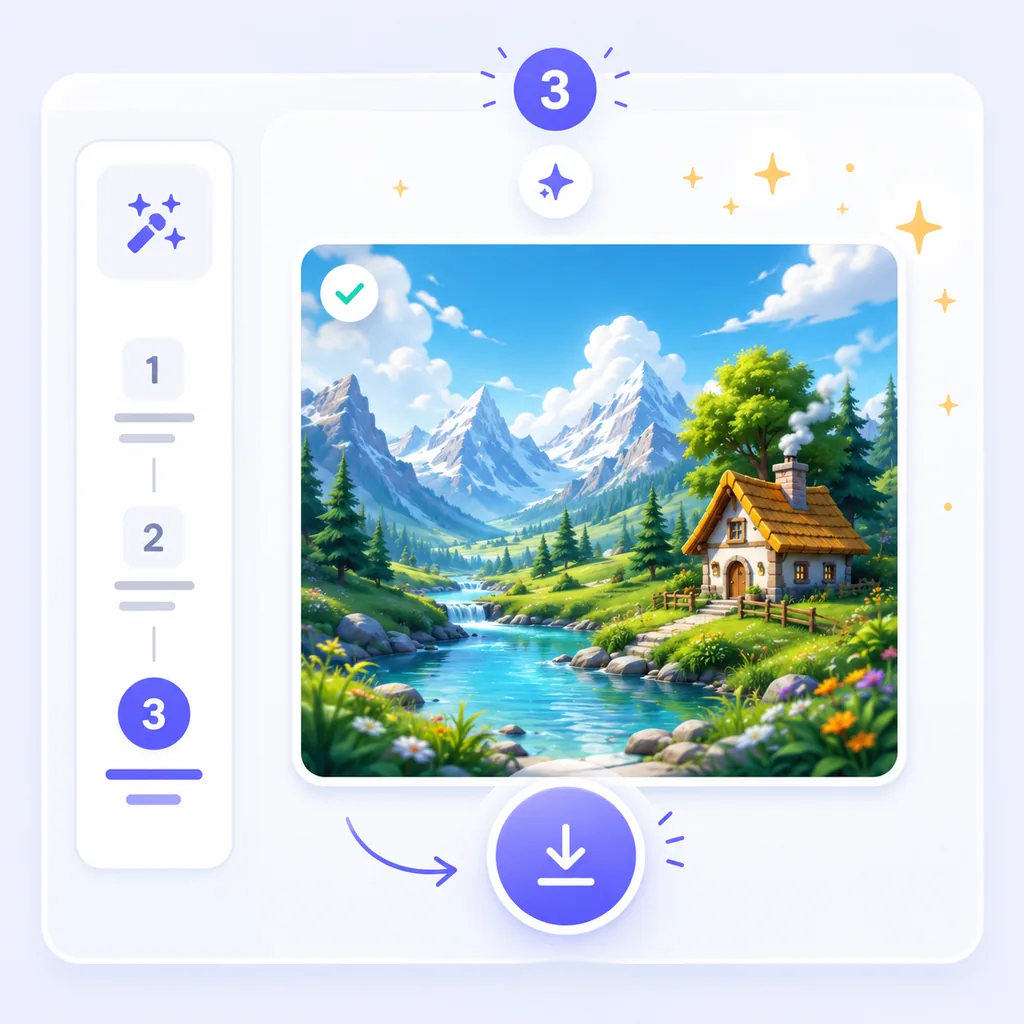
  3. How to use Nano Banana Pro, step 3 — generate and download your 4K image
    3

    ✨Generate & download

    Hit generate and download your image in seconds. Prefer Gemini? You can use it there too — but Imya lets you compare models and pay only for what you create.

Nano Banana Pro Prompts (Copy & Paste)

Great results start with a great prompt. Copy, paste and tweak these — each one plays to the model’s strengths in text, detail and composition. They work here on Imya and in the Gemini app. For sharper results, name the subject, the style, the lighting and any text you want rendered, then add a detail cue like “ultra-detailed” or “4K.” Short, specific prompts beat long, vague ones.

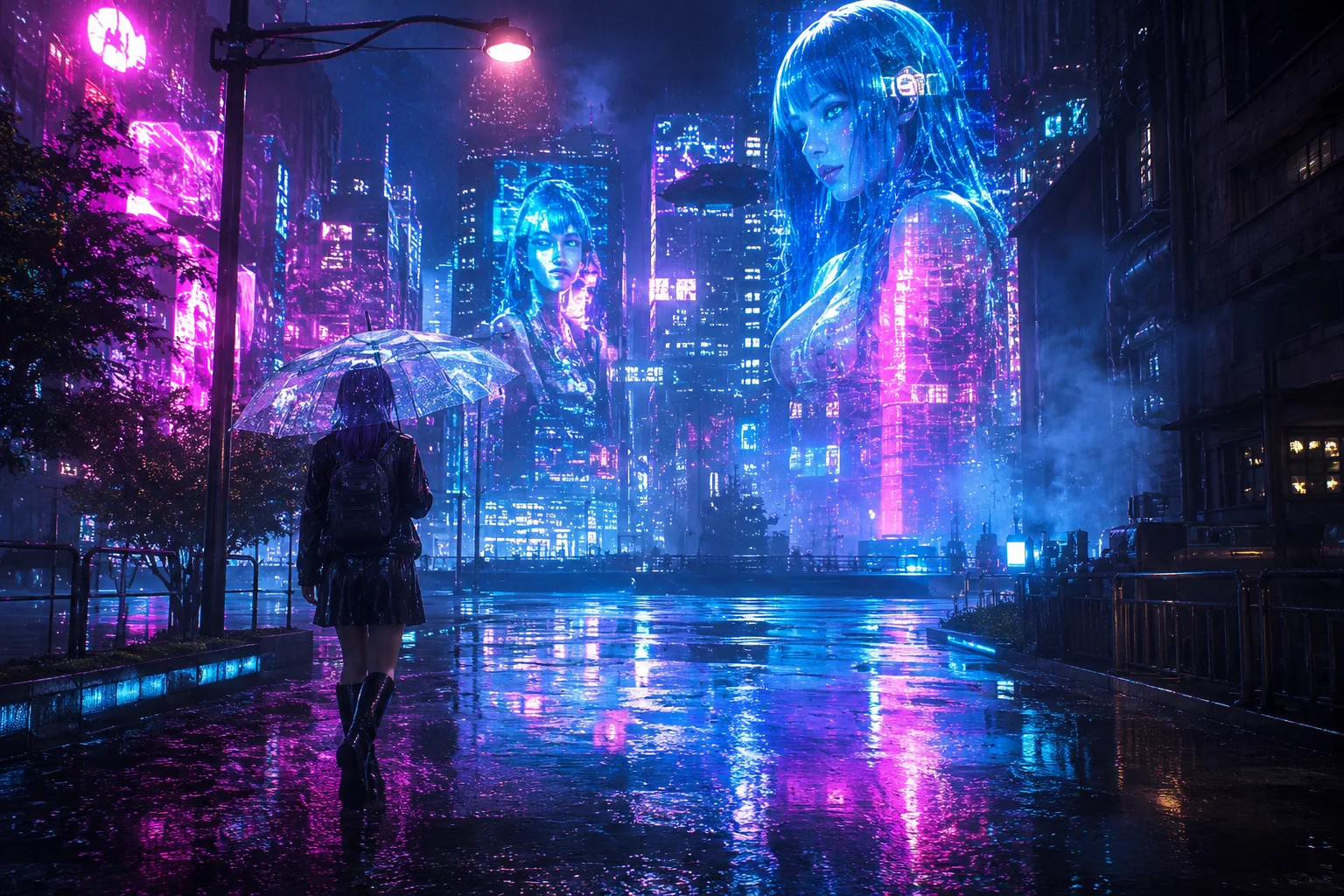
  • Nano Banana Pro prompt result — a rain-soaked cyberpunk city street at night

    Cyberpunk city

    A moody, atmospheric scene that shows off lighting and 4K detail.

    Rain-soaked cyberpunk city street at night, towering neon holograms, reflective puddles, a lone figure with a translucent umbrella, dense fog, vivid magenta-and-cyan glow, ultra-detailed cinematic 4K
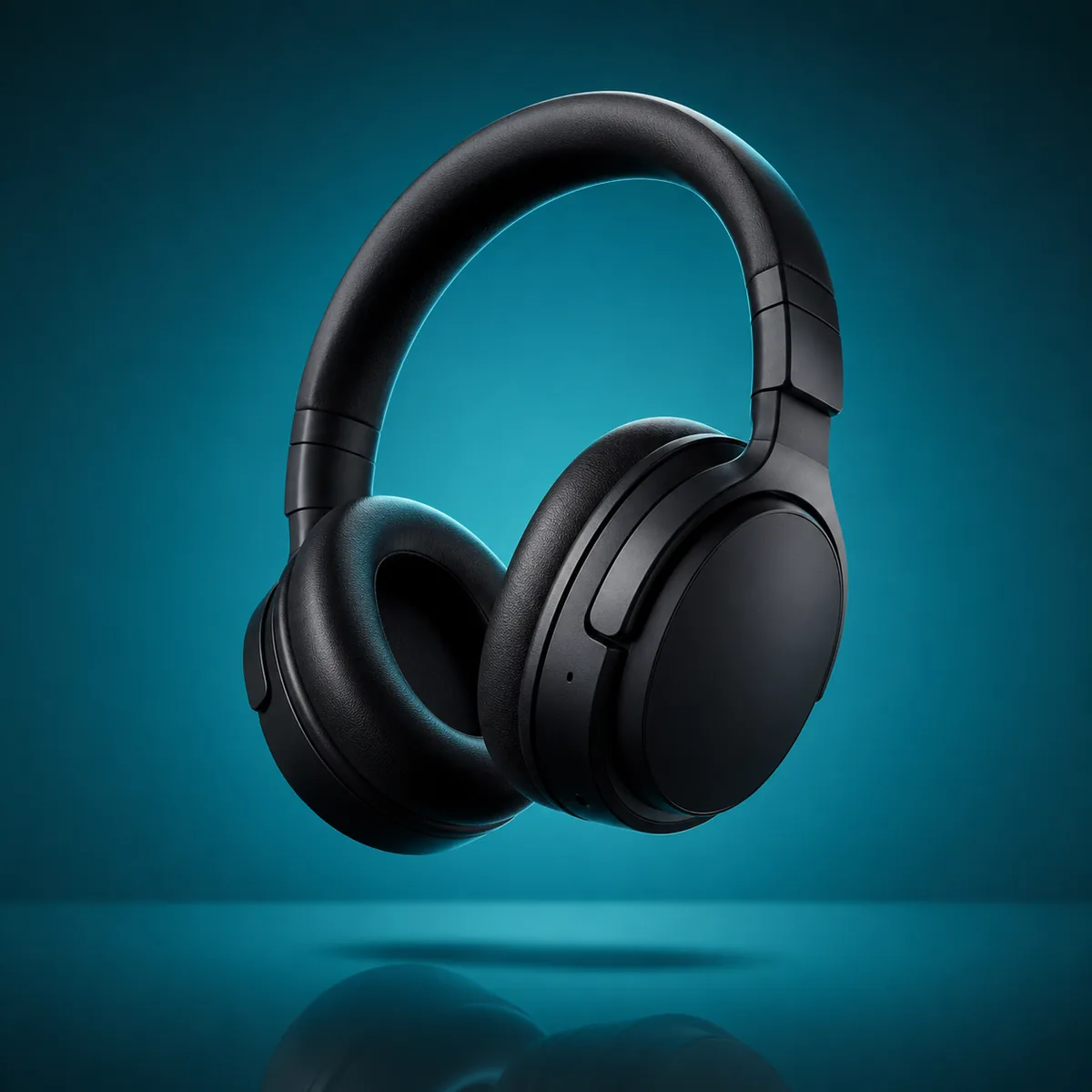
  • Nano Banana Pro prompt result — a floating headphones product hero shot

    Product hero shot

    A clean e-commerce render — perfect for ads and store pages.

    Studio product hero shot, sleek matte-black over-ear headphones floating with a soft shadow, gradient teal backdrop, crisp rim light, premium e-commerce render, ultra-detailed
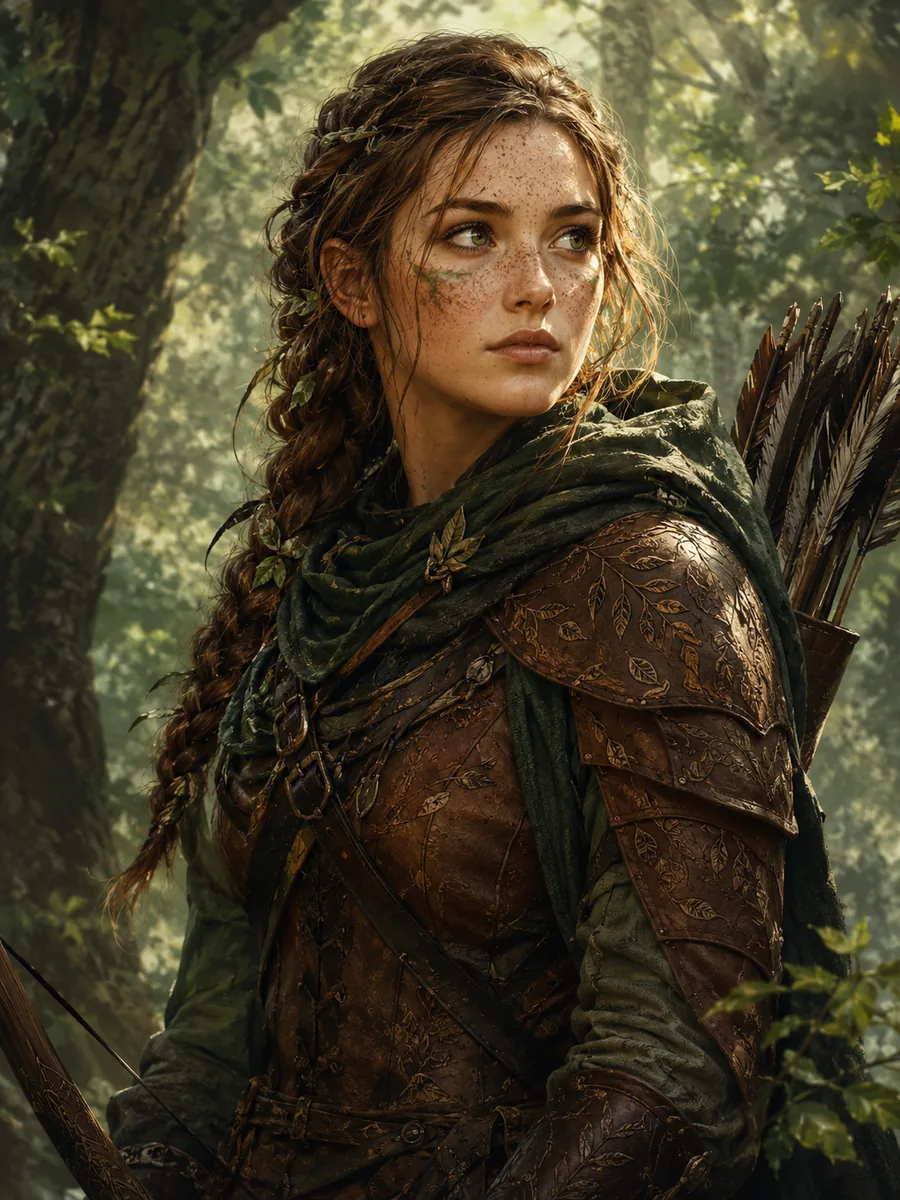
  • Nano Banana Pro prompt result — a detailed fantasy ranger character portrait

    Character portrait

    A detailed concept-art portrait with consistent, natural features.

    Detailed fantasy character portrait, a young forest ranger with braided hair and leaf-etched leather armor, soft dappled woodland light, freckles and fine fabric texture, painterly concept-art realism

Nano Banana Pro Pricing & Free Access

How much is Nano Banana Pro? On Imya there is no subscription — you pay per image with credits, and you start free.

  • 🎁

    Free to start

    New accounts get signup credits, and exploring prompts and examples costs nothing. Signup credits are enough for several full-resolution images, so you can judge quality on your own prompts before you spend a thing.

  • 💳

    Pay-as-you-go

    It costs 3 credits per image. Buy credit packs only as you need them — no monthly lock-in and no wasted subscription, so a handful of images stays cheap, and you can top up any time.

  • 🔌

    API & Gemini

    The model is also available through Google's Gemini API and the Gemini app; Imya is the no-setup way to use it online. That makes it a quick option for one-off images when you don't want to wire up a developer key.

ModelCredits / imageApprox. price
Nano Banana Pro3~$0.027
Nano Banana 22~$0.018
GPT Image 210~$0.090
Z-Image1~$0.009

There is no truly “free unlimited” option anywhere — Imya keeps it low-cost with free starter credits, then you pay only for what you generate.

Examples Gallery

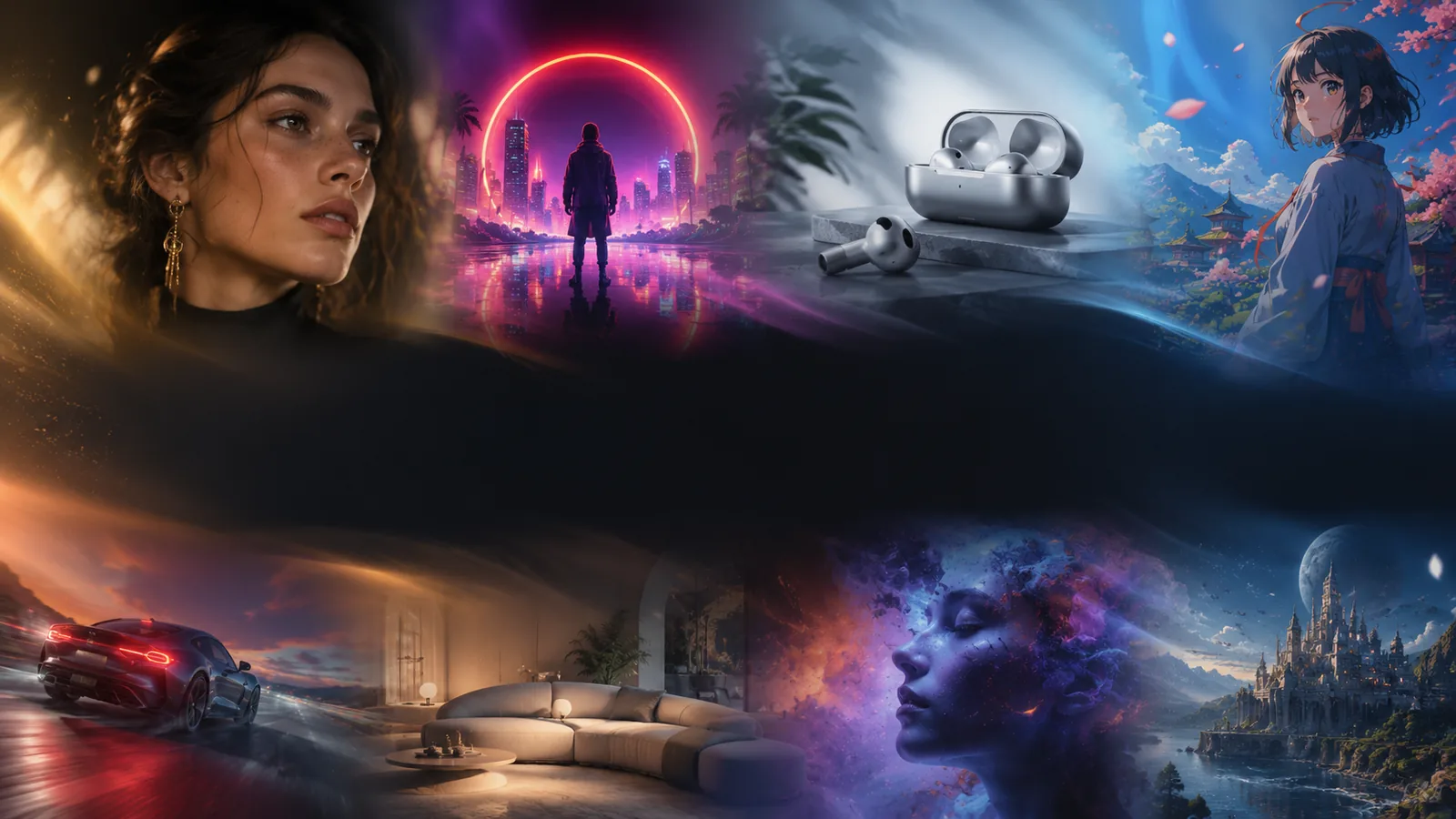
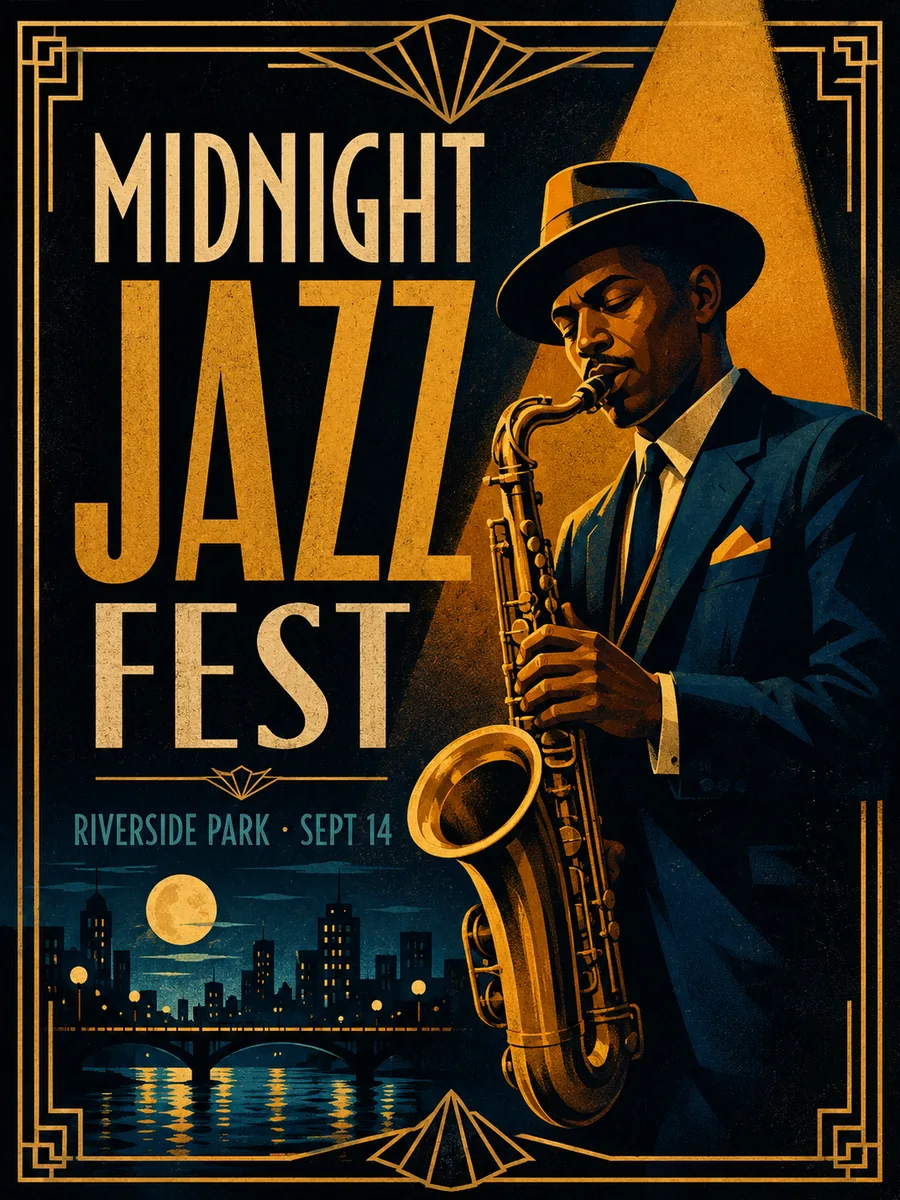
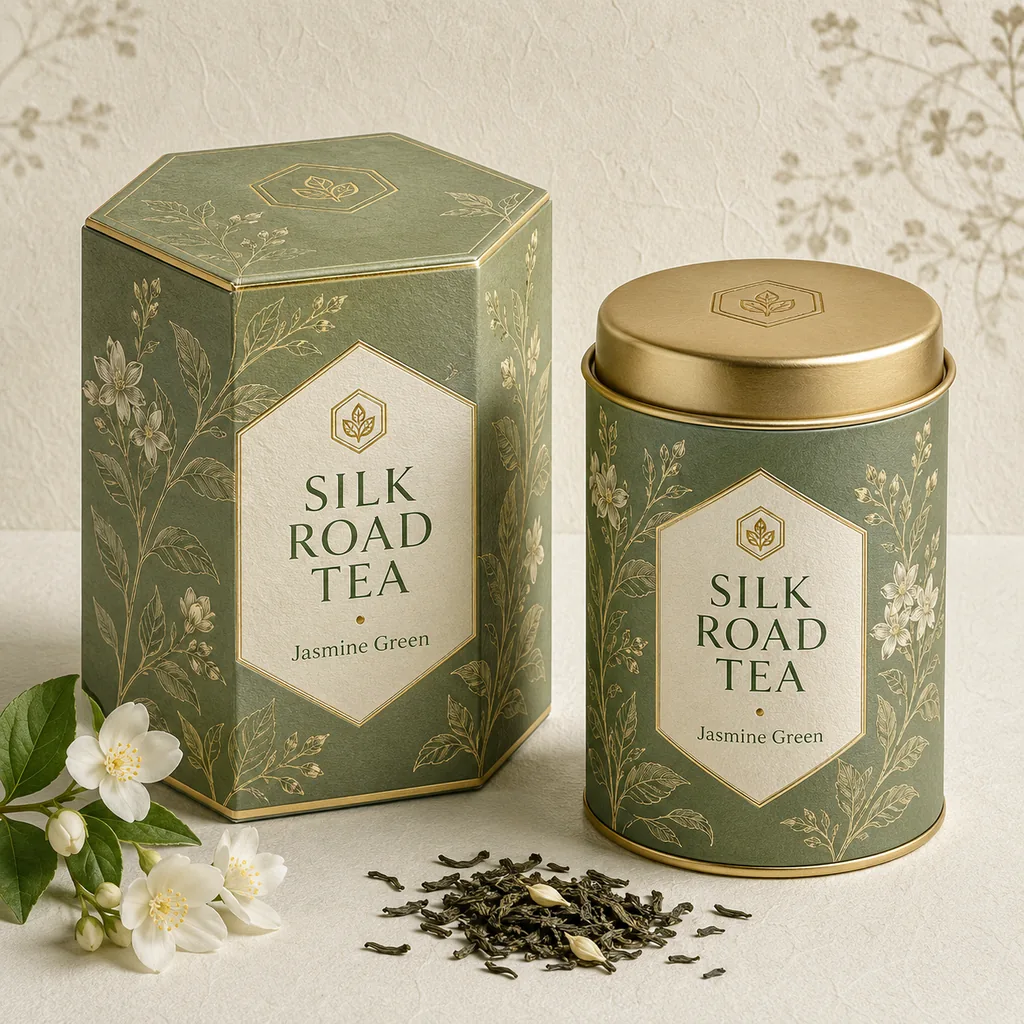
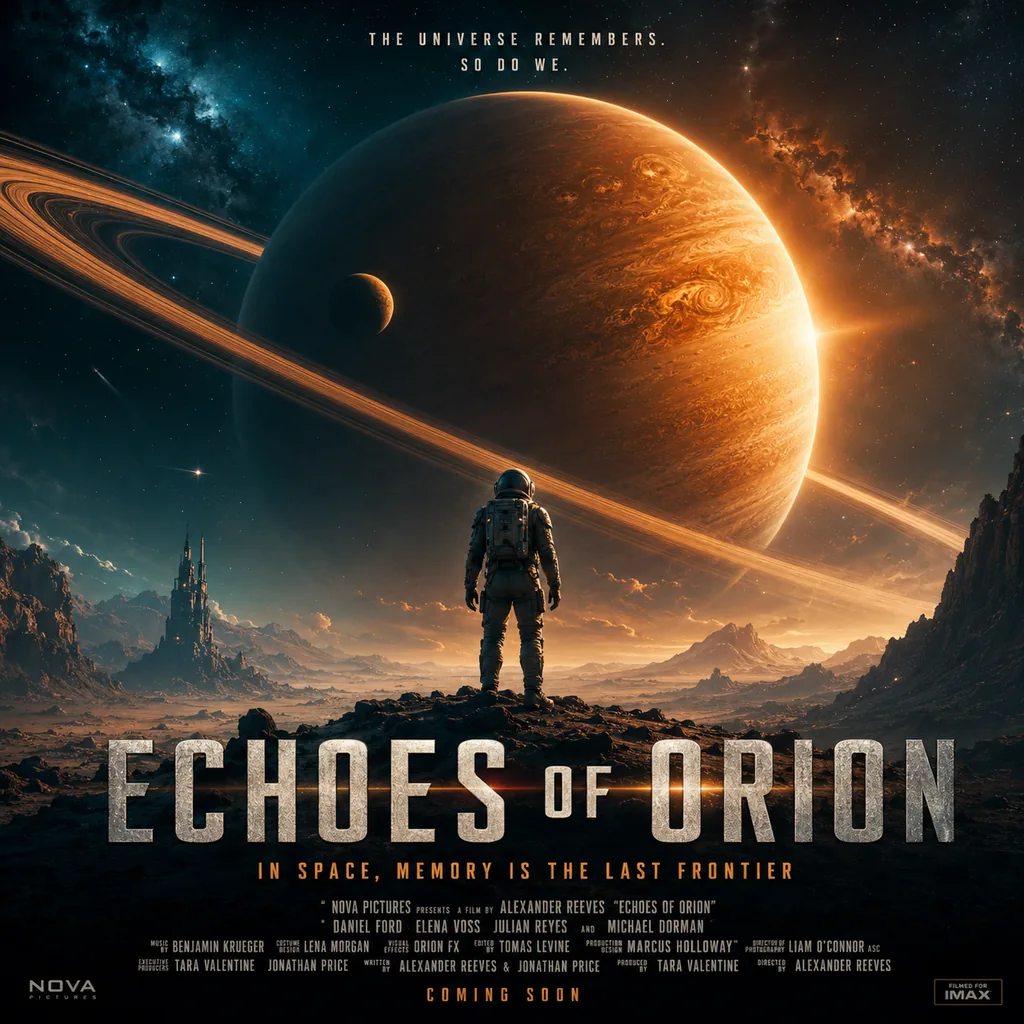
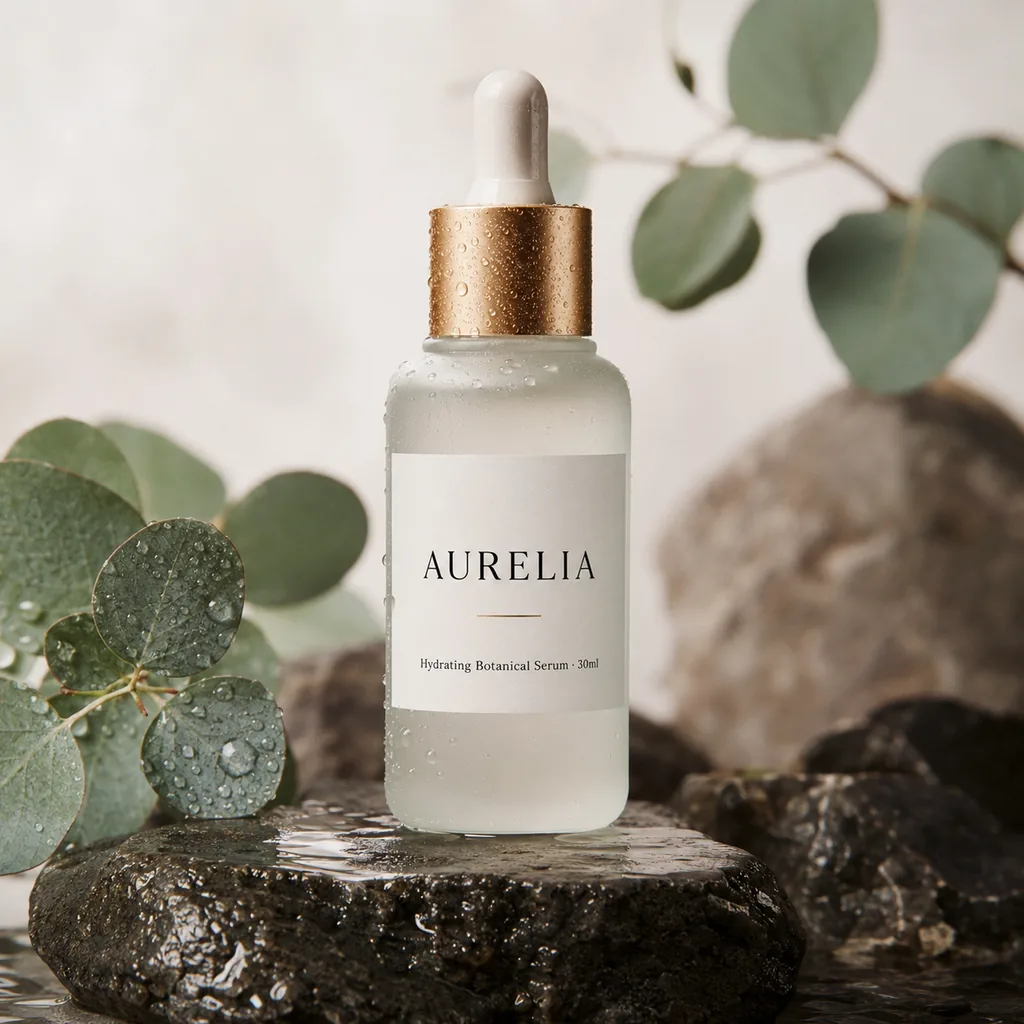
See what the model can do — posters with crisp type, product shots, portraits, infographics and packaging, all generated from text prompts.

  • Nano Banana Pro example — a jazz festival poster with bold, legible typography
    Event poster
  • Nano Banana Pro example — a premium tea packaging mockup with brand text
    Tea packaging
  • Nano Banana Pro example — a sci-fi movie poster with crisp, legible title typography
    Movie poster
  • Nano Banana Pro example — minimalist skincare bottle packaging with clean brand text
    Product packaging
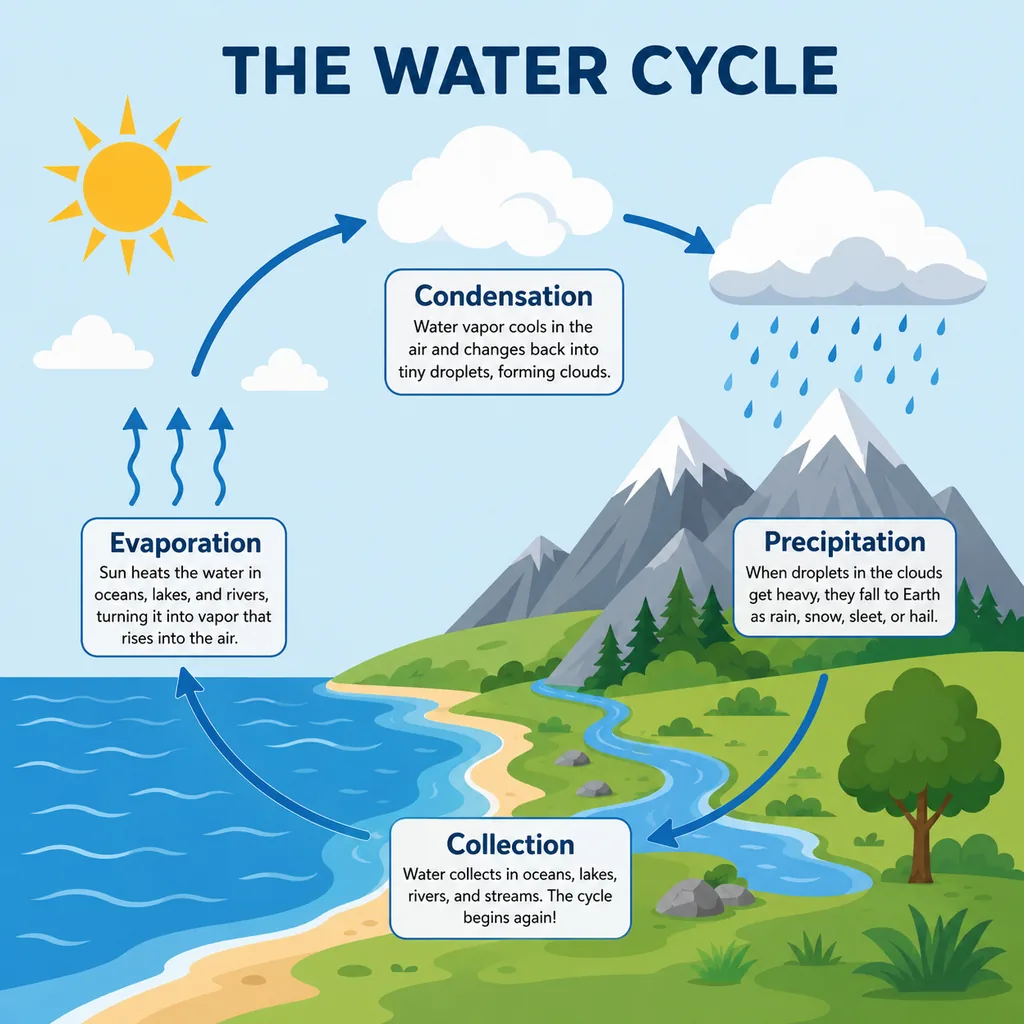
  • Nano Banana Pro example — a labeled water-cycle infographic with accurate text
    Infographic
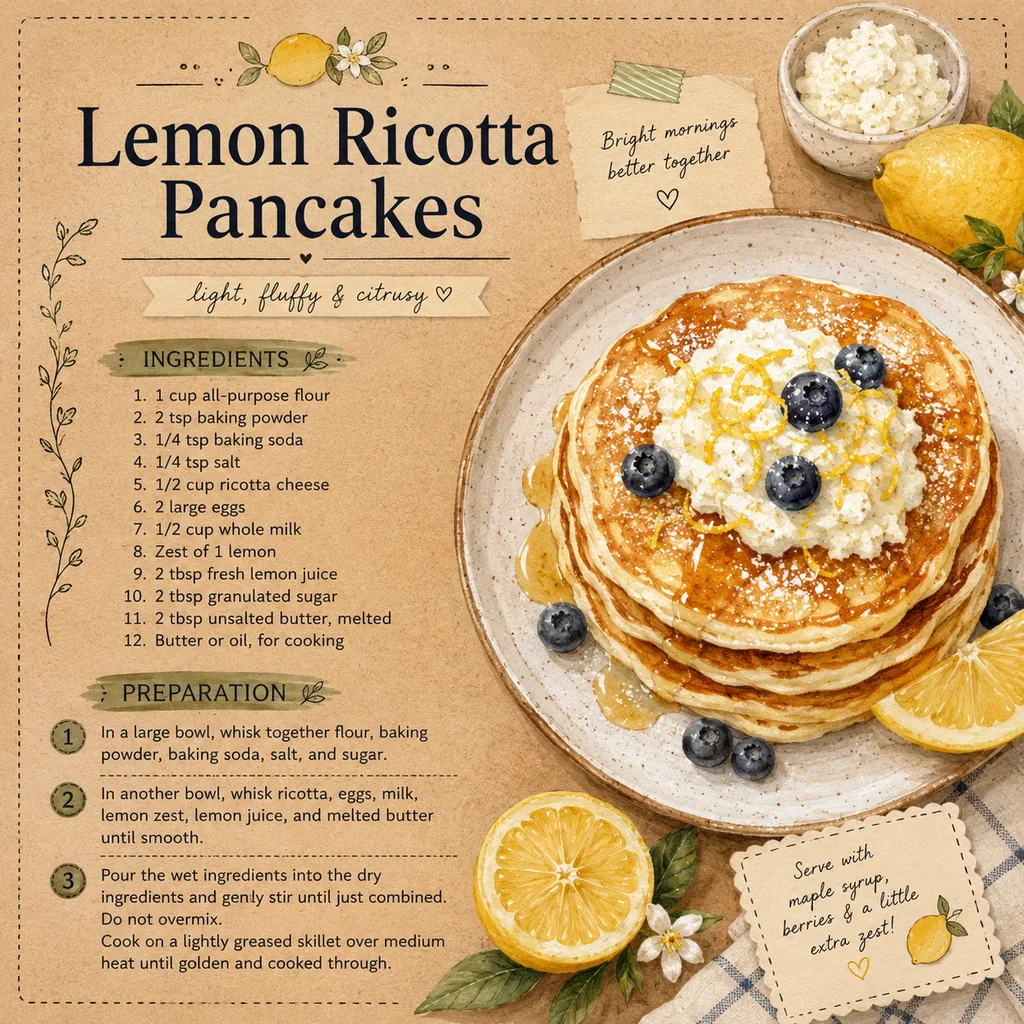
  • Nano Banana Pro example — an illustrated recipe card with readable ingredient text
    Recipe card
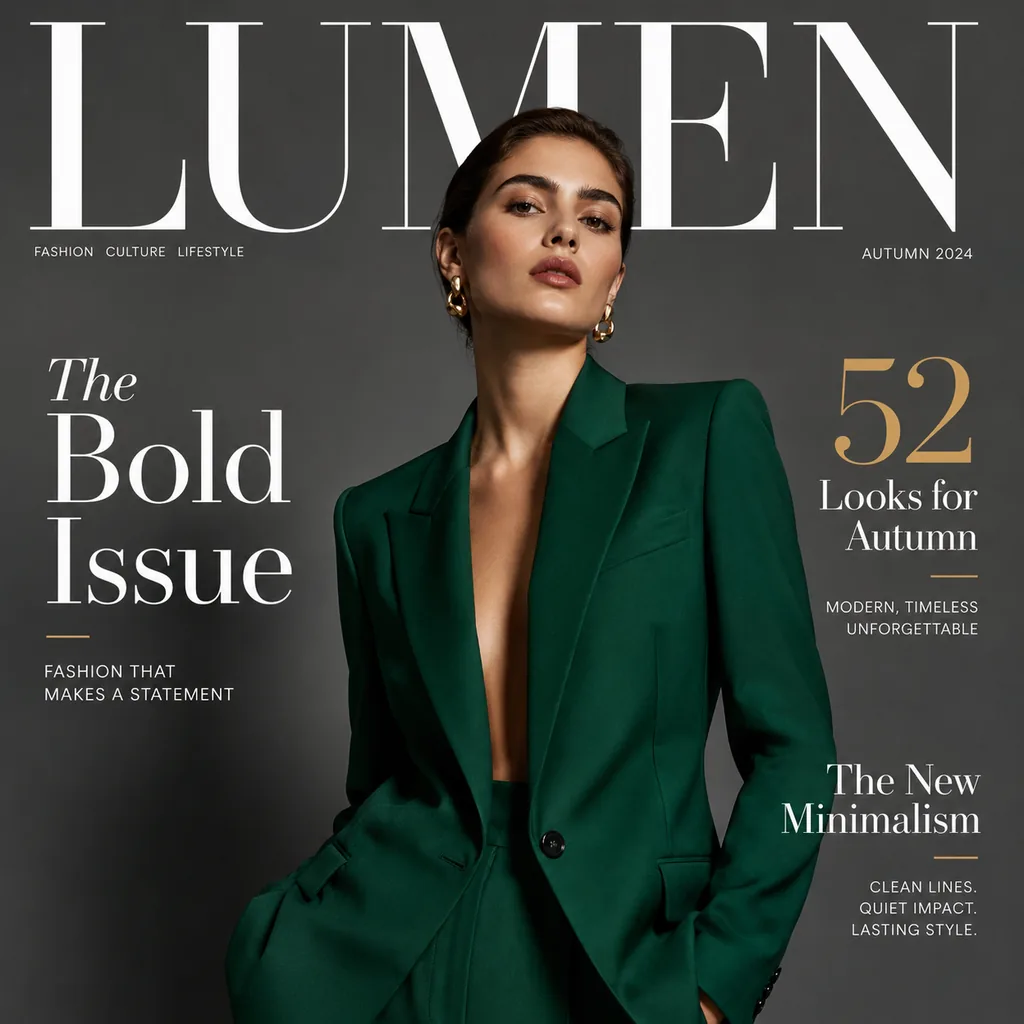
  • Nano Banana Pro example — a fashion magazine cover with masthead and cover lines
    Magazine cover
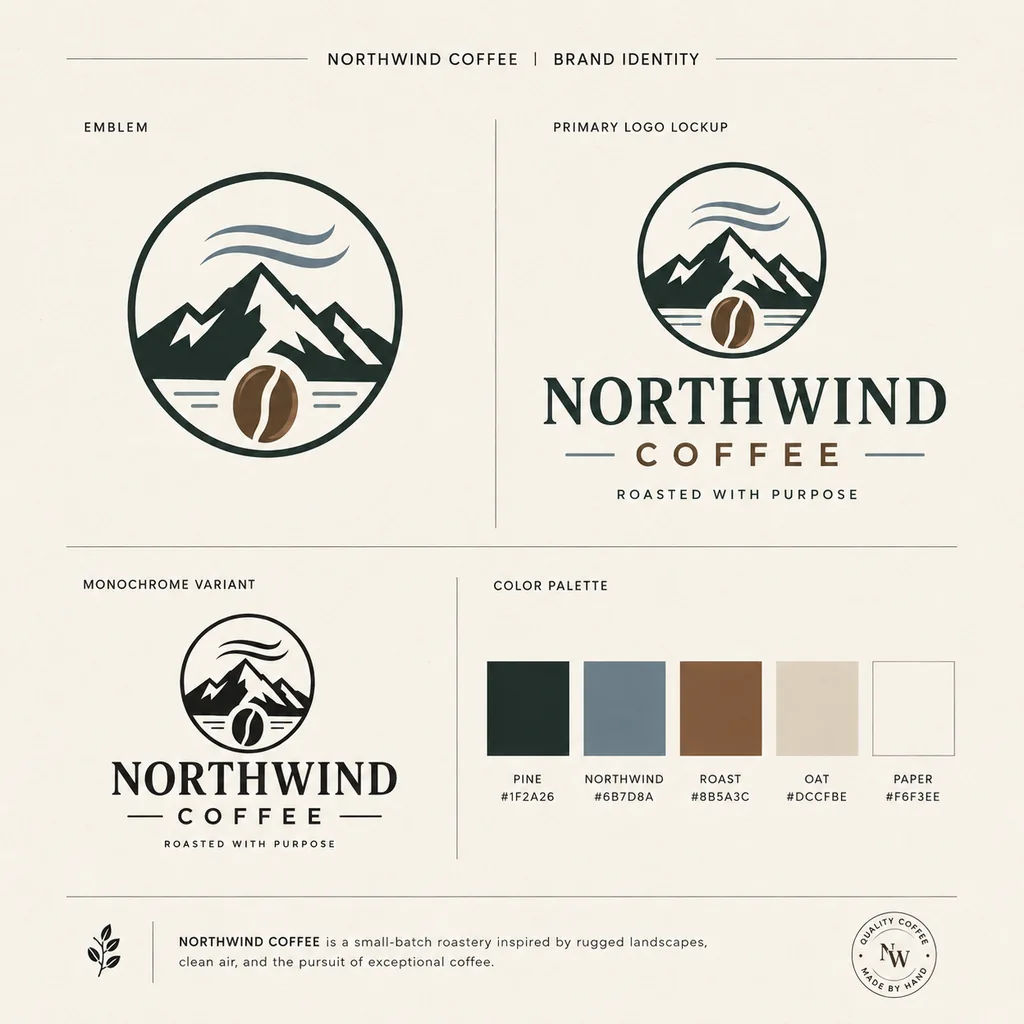
  • Nano Banana Pro example — a coffee brand logo design sheet with variations
    Logo design
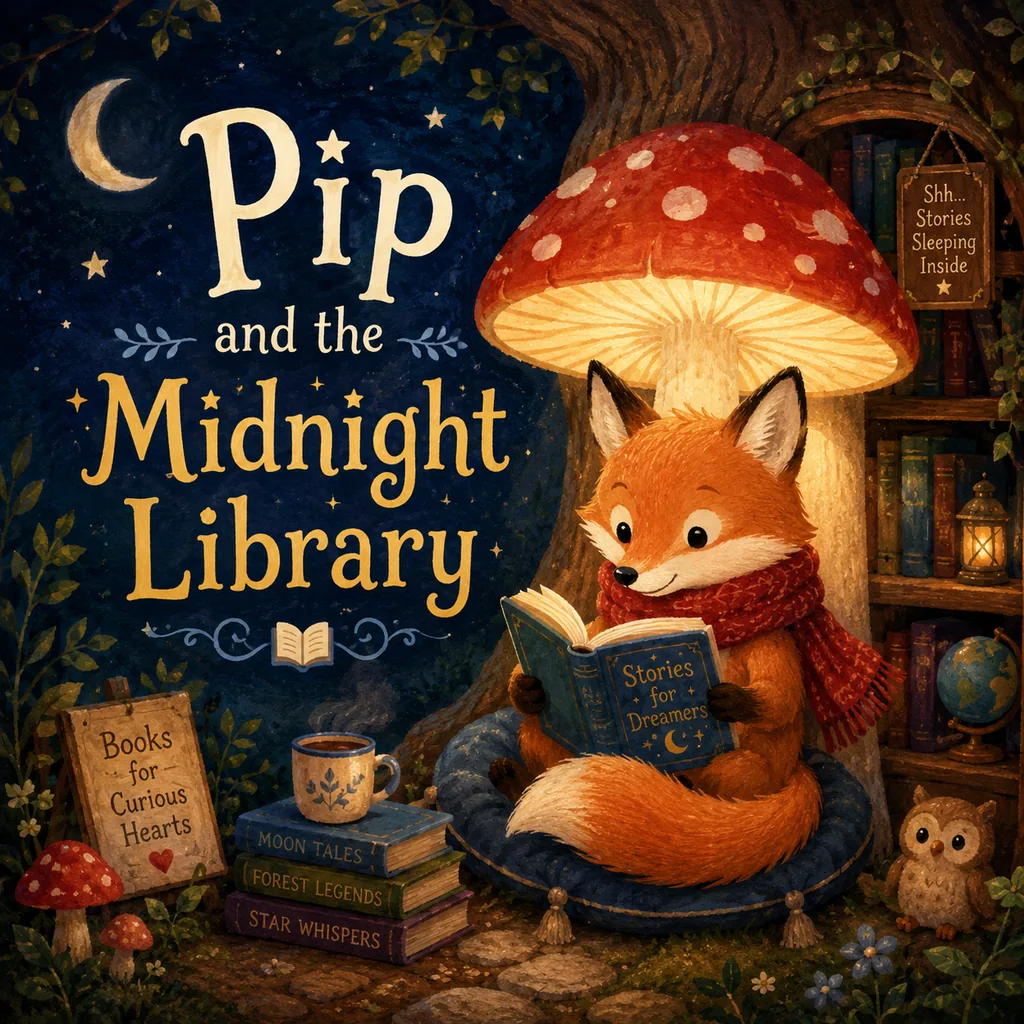
  • Nano Banana Pro example — a children's book illustration with a clear title line
    Children's book
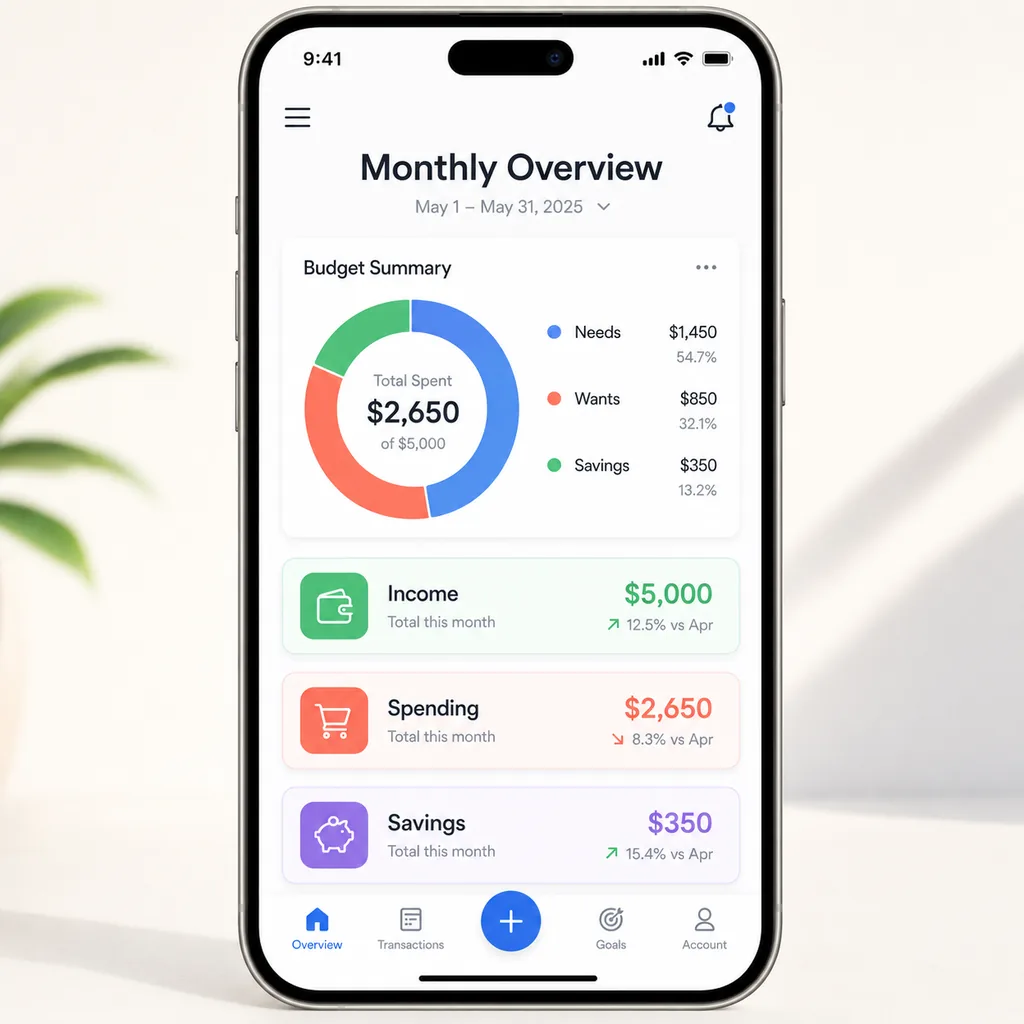
  • Nano Banana Pro example — a mobile app UI mockup with readable labels
    App UI mockup
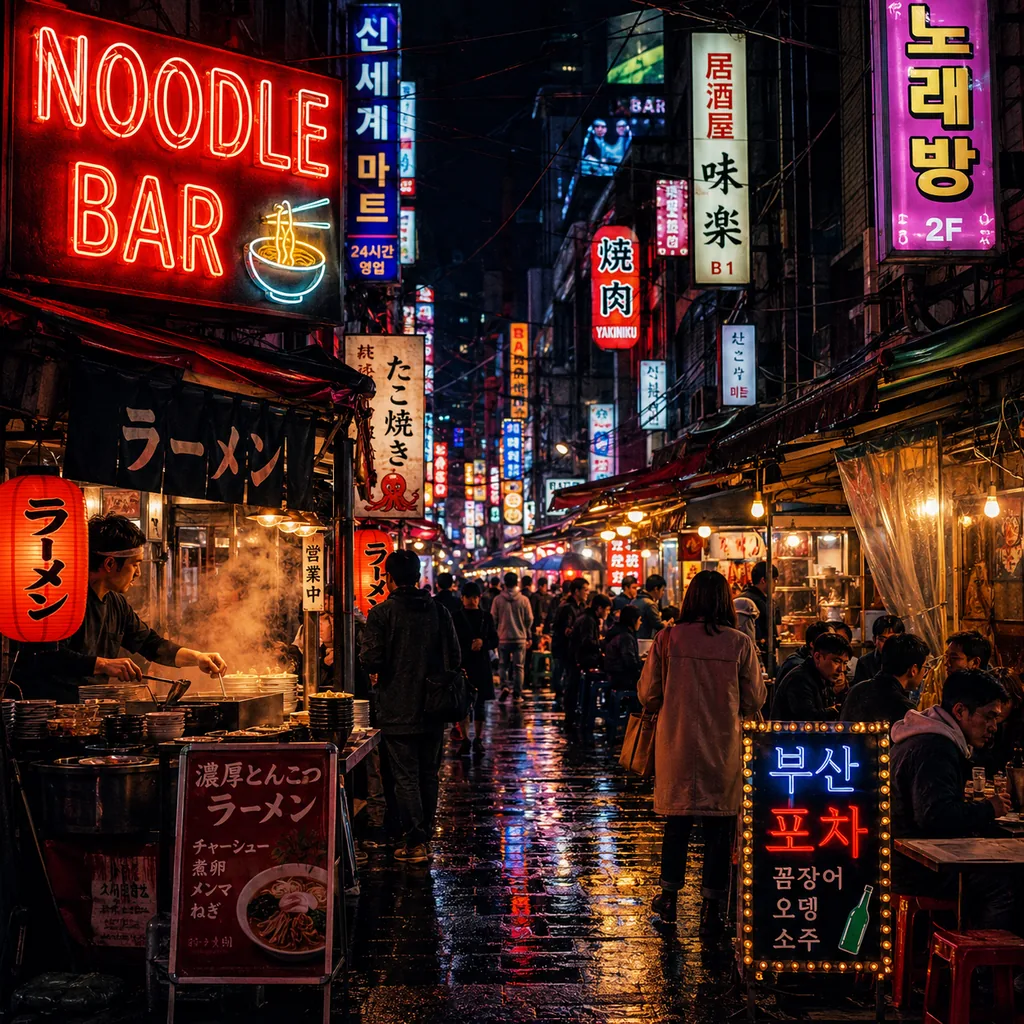
  • Nano Banana Pro example — a night market with accurate multilingual neon signage
    Neon signage
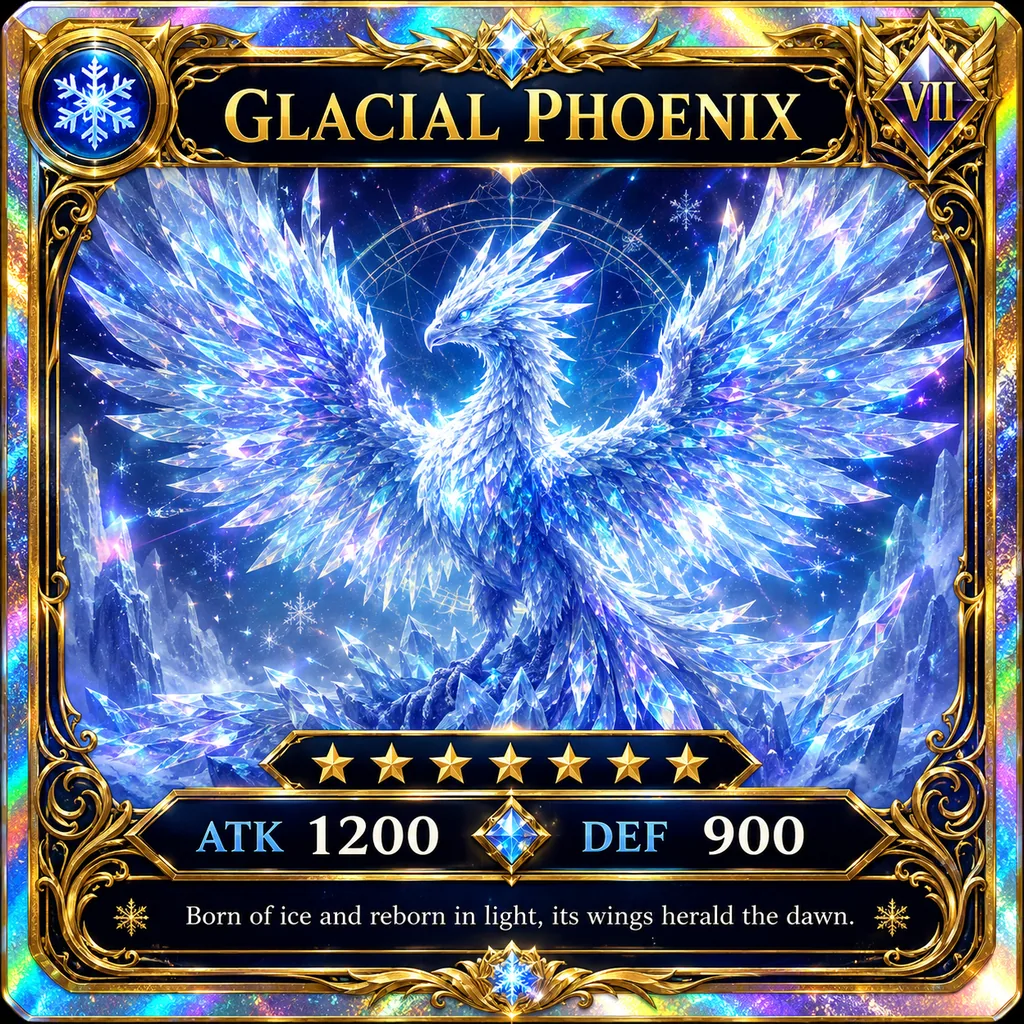
  • Nano Banana Pro example — a fantasy trading card with legible name and stat text
    Trading card

Create Your First AI Image

Write a prompt, pick your model, and generate a sharp 4K image in seconds. Free to start — no Google account, no subscription.

Try Nano Banana Pro free
  • Free to start
  • 4K ready
  • No Google account

Frequently Asked Questions About Nano Banana Pro

Pricing, access, models and how it compares — answered.

Is Nano Banana Pro free?▾

You can try it free on Imya with signup credits, and browsing prompts and examples is always free. Rendering finished images then uses low-cost credits, so your first results cost nothing.

How much does Nano Banana Pro cost?▾

On Imya it's pay-as-you-go: 3 credits (about $0.027) per image, with no subscription. You buy credit packs only as you need them.

Nano Banana Pro vs Nano Banana 2 — which is better?▾

Pro is sharper, better at in-image text and supports 4K, so it wins for final work. Nano Banana 2 is faster and cheaper, which makes it great for quick drafts and bulk generation.

How do I use it — in Gemini or online?▾

Write a prompt, choose your model, then generate — in the Gemini app, or online on Imya with no Google account. You can also tap an example to autofill a prompt.

Is there an API?▾

Yes — the model is available via Google's Gemini API. Imya offers it online so you can use it without writing code or managing API keys.

Can it make videos?▾

No — it generates and edits images, not video. For animated clips, try the Imya AI Video Generator instead.

Is Nano Banana Pro better than Flux 2 Pro or Imagen 4?▾

For accurate in-image text, detailed scenes and 4K output it's a strong default. Flux 2 Pro and Imagen 4 shine on photoreal style, so the best pick depends on your project.

Is this the official Google tool?▾

No. Imya is an independent platform that lets you run this model and others online, pay-as-you-go, without a Google account.

What image sizes and aspect ratios can I make?▾

Pick from square, portrait, landscape and widescreen ratios like 1:1, 3:2, 16:9 and 9:16, plus PNG, WEBP or JPEG output. Higher resolutions are ideal for print and large displays.

Can I use the images commercially?▾

Images you generate are yours to use, including commercial projects like ads, store listings and social posts. Just avoid prompts that copy a real brand, logo or living person.

How long does it take to generate an image?▾

Most images render in a few seconds to under a minute, depending on resolution and how many you generate at once. You can keep working while a batch finishes in the background.

Does it work on mobile?▾

Yes — the generator runs in any modern mobile or desktop browser, so you can write a prompt, generate and download images straight from your phone with no app to install.

Related AI Image Tools

Explore more AI image generators and editors from Imya.

  • GPT Image 2 generator — a bold high-fashion studio editorial

    🖼️GPT Image 2

    OpenAI's text-to-image model — a premium alternative for 4K detail and text.

  • AI video generator — a cinematic neon city scene

    🎬AI Video Generator

    Turn a photo or prompt into a cinematic AI video clip in minutes.

  • AI image tools hub — a luxury product still life

    🧰AI Image Tools

    The full Imya toolkit — upscale, remove, restyle and restore photos.

View all AI tools→
imya — All-in-One AI Image, Video & Music Generatorimya

All-in-One AI Image, Video & Music Generator. One workspace for every creative output.

AI Image Models

  • Z Image TurboFREE
  • GPT Image 2
  • Nano Banana
  • Qwen Image Edit Plus
  • Seedream 4.0
  • Nano Banana Pro Official
  • Nano Banana Pro Trial
  • Nano Banana 2
  • Seedream 4.5
  • Seedream 5

AI Video Models

  • Seedance 2.0 Fast
  • Seedance 2.0
  • Sora 2
  • Seedance 1.5 Pro
  • Veo 3.1 Fast
  • Kling 3.0 Motion Control

Photo Enhancement

  • AI Background Remover
  • AI Background Changer
  • AI Image Upscaler
  • AI Old Photo Restoration
  • AI Object Remover
  • AI Watermark Remover
  • AI Logo Remover
  • AI Text Remover

Portrait & Avatar

  • AI Headshot Generator
  • AI Anime Avatar
  • AI Cartoon Portrait
  • AI Hair Color Changer
  • AI Hairstyle Changer
  • AI Face Swap

Style Transfer

  • AI Photo to Anime
  • AI Anime Avatar
  • AI Photo to Ghibli
  • AI Photo to Sketch
  • AI Art Style Transfer
  • AI Time Travel Photo

Photo Creative

  • AI Couple Photo
  • AI Family Photo
  • AI Wedding Photo
  • AI Father’s Day Card Maker
  • AI Christmas Cards
  • AI Valentine Card Maker
  • AI Mother’s Day Card Maker
  • AI Group Photo Mixer
  • AI ID Photo Maker
  • AI Room Designer
  • AI Virtual Try-On

Creative Tools

  • Z Image Turbo
  • Nano Banana
  • Nano Banana 2
  • Seedream 4.5
  • Seedream 5
  • GPT Image 2
  • Flux 2
  • AI Logo Generator
  • AI Logo Remover
  • AI Image Translator
  • AI Room Designer
  • AI Product Mockup

Product

  • AI Image Tools
  • AI Models
  • Pricing

Company

  • About Us
  • Privacy Policy
  • Terms of Service
  • Contact Us

© 2026 imya.ai · All rights reserved

☀️Light