Seedream 4.0 画像生成AI
ByteDanceのSeedream 4.0をブラウザから利用できます。テキストから最大4Kの写実画像を生成し、プロンプトで写真を編集したり、文字の読みやすいポスターを作成したりできます。アプリのインストールやAPIキーは不要です。

🎁 8 枚 · 1回の生成 · 200 合計クレジット
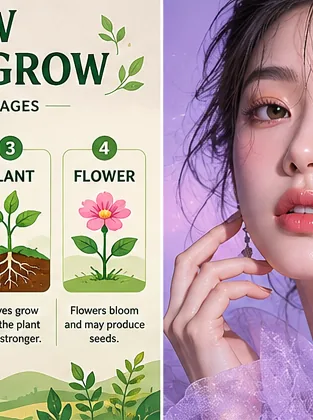
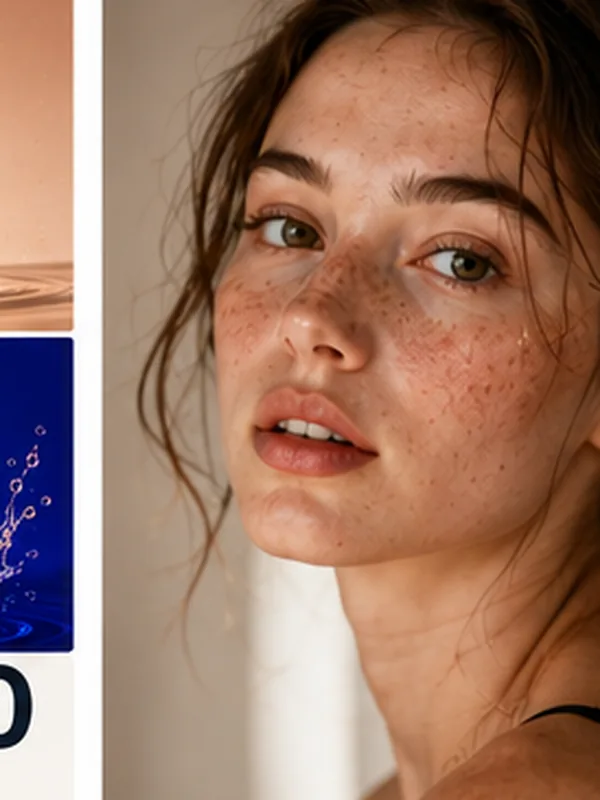
サンプル出力
クリックするとプロンプトを読み込みます
これはSeedream 4.0で事前生成したサンプルです。生成が完了すると、ここに結果が表示されます。
- ~15s平均生成時間
- Up to 4K緻密なディテール
- Free登録クレジット
Seedream 4.0を利用。ツール内ではGPT Image 2やNano Banana Proなども選べます。
Seedream 4.0とは?
Seedream 4.0はByteDanceが提供するマルチモーダル画像モデルです。1つのモデルでテキストからの画像生成と、プロンプトによる既存写真の編集に対応します。読みやすい文字表現、写実性、最大4Kの精細な出力に強みがあります。
Imyaでは、ソフトのインストールやBytePlusのAPIキー管理なしでSeedream 4.0をブラウザから利用できます。作りたい画像を入力してサイズを選ぶだけで生成でき、画像編集モードでは背景変更、スタイル変換、文字追加にも対応します。
ImyaはByteDance公式サイトではなく、独立した第三者ツールです。登録クレジット、コピーして使えるSeedream 4.0プロンプト、プリセット、分かりやすい編集画面を用意し、モデルを手軽に試せるようにしています。
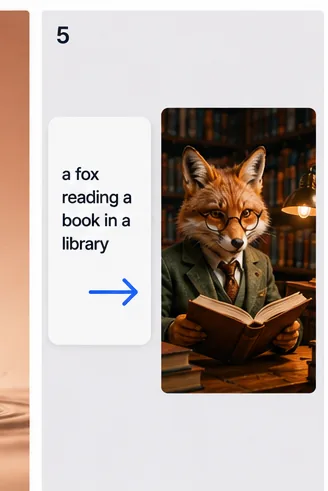
Seedream 4.0・Nano Banana・GPT Image 2を比較
Seedream 4.0、Nano Banana、GPT Image 2にはそれぞれ得意分野があります。Seedream 4.0は画像内の読みやすい文字や写実的な商品画像、Nano Banana Proは素早く柔軟な日常編集、GPT Image 2は複雑な構図や長い指示に向いています。
モデルを勘だけで選ぶ必要はありません。上の生成ツールはSeedream 4.0が初期選択されていますが、ワンクリックでモデルを切り替え、同じプロンプトの結果を比較できます。

Seedream 4.0が選ばれる理由
複雑な設定より、完成した画像を重視する人のためのツールです。
読みやすい文字表現
Seedream 4.0は見出し、ロゴ、ラベルの文字を鮮明に表現し、文字化けや崩れを抑えたポスターやモックアップを作れます。
生成と編集を1か所で
Seedream 4.0はマルチモーダルモデルなので、同じツールでテキストからの新規生成とアップロード画像の編集ができます。別のアプリへ移える必要はありません。
登録クレジットで試せる
登録時のクレジットでSeedream 4.0の生成を始められ、ダウンロードには透かしが入りません。追加分は必要なときだけ購入できます。
Seedream 4.0で何を作れる?
Seedream 4.0でよく作られているコンテンツの例です。
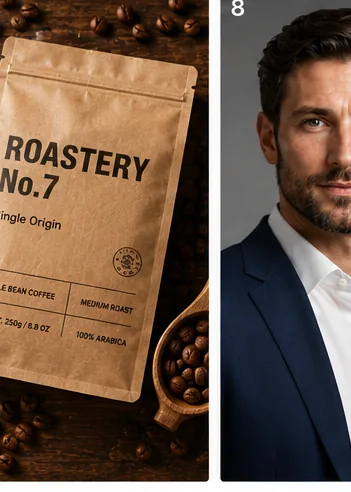
商品モックアップ・パッケージ
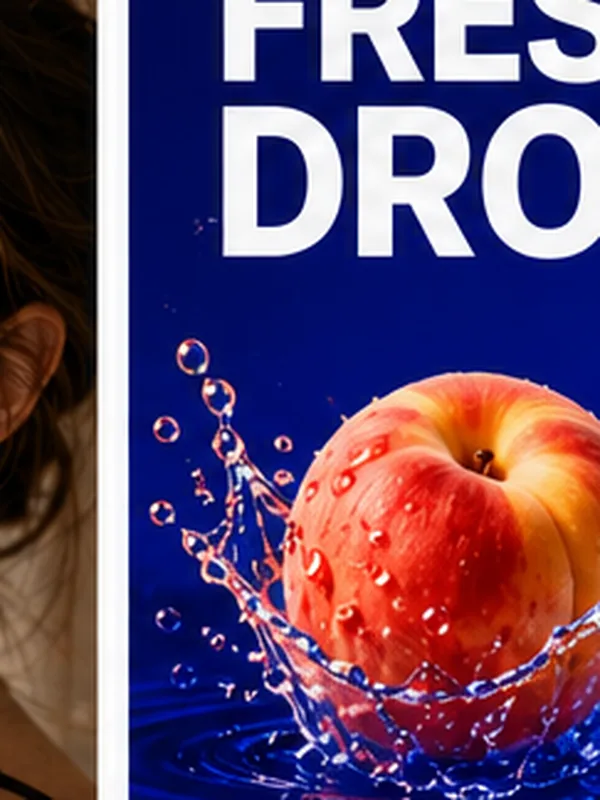
ボトル、袋、箱にブランド名を入れ、スタジオ品質の商品画像を作成できます。Seedream 4.0はラベル文字を鮮明に保ちやすく、EC向けのモックアップ制作にも便利です。

プロフィール写真・ポートレート
普通の自撮り写真を、LinkedInなどに使える自然なプロフィール写真に仕上げます。Seedream 4.0は肌の質感と光を自然に保ち、人工的な印象を抑えます。
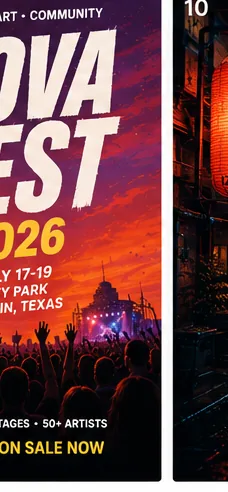
ポスター・広告・SNS画像
イベントポスター、セールバナー、アルバムカバーに、目を引く読みやすい文字を配置し、投稿や印刷に使える画像を作れます。
Seedream 4.0 画像生成AIの使い方:3ステップ
アイデアからダウンロードまで、わずか3ステップ。
- 1
プロンプトを入力
被写体、スタイル、画像に入れたい文字を入力するか、作例をクリックしてSeedream 4.0のプロンプトを読み込みます。
- 2
サイズと枚数を選択
アスペクト比と生成枚数を選びます。Seedream 4.0では1回に最大8枚まで生成できます。
- 3
生成してダウンロード
生成を開始し、完成した画像を確認して、気に入った結果を透かしなしでダウンロードします。
Seedream 4.0 プロンプト例(コピーして使用)
Seedream 4.0向けの英語プロンプトをコピーして上の生成ツールに貼り付け、必要な部分を調整してください。
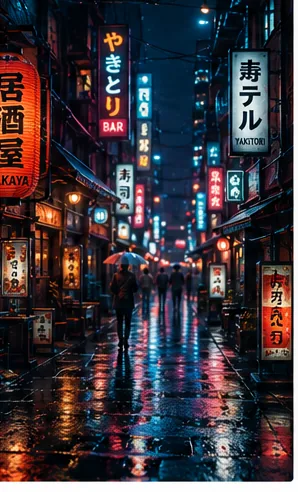
シネマティックなネオン街
Cinematic photoreal neon-lit rainy alley at night, glowing izakaya signs with crisp Japanese and English lettering, reflections on wet pavement, moody teal-and-magenta grade, 35mm film look, 4K
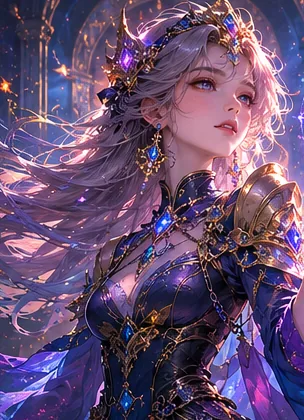
ファンタジーキャラクターアート
Highly detailed fantasy sorceress with glowing runes, intricate armor, volumetric light, painterly concept-art style, dramatic rim lighting, rich colors, 4K
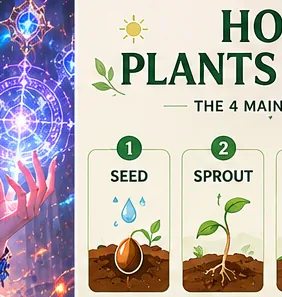
すっきりしたインフォグラフィック
Modern infographic poster titled "HOW PLANTS GROW", four labeled stages with small icons and accurate readable captions, soft green palette, flat vector style, precise typography, 4K
Seedream 4.0の料金と体験クレジット
Seedream 4.0は登録クレジットから試せます。プリセットの閲覧やプロンプトのコピーは無料で、完成画像を生成するときだけクレジットを消費します。必要数は生成前に表示されます。
ここでの「Seedream 4.0をオンラインで試す」とは、BytePlus契約やAPI設定をせず、画像生成ごとにクレジットを使う仕組みです。追加分は必要なときだけ購入でき、最初から定期契約する必要はありません。
Seedream 4.0 API・オープンソース・GitHub・ローカル利用
Seedream 4.0はByteDanceの独自モデルで、オープンソースではありません。GitHubやHugging Faceにローカル実行用の公式ウェイトはなく、ByteDance公式のComfyUIノードもありません。ByteDance、BytePlusおよび提携サービスを通じて利用します。
Imyaでは、APIキーやローカルGPUを用意せずにSeedream 4.0をオンライン利用できます。開発者が公式の本番APIを必要とする場合はBytePlusを利用し、すぐに画像を生成・編集したい場合は上のツールを使えます。
Seedream 4.0に関するよくある質問
Seedream 4.0をオンラインで試し、画像を生成・編集する方法を紹介します。
Seedream 4.0は無料で使えますか?
Seedream 4.0は誰が開発しましたか?
Seedream 4.0はオープンソースですか?GitHubやHugging Faceにありますか?
Seedream 4.0にAPIはありますか?
Seedream 4.0とNano Bananaはどちらが優れていますか?
Seedream 4.0と5.0の違いは?
Seedream 4.0でどんな画像でも作れますか?
関連するAI画像ツール
ImyaのほかのAI画像ツールも登録クレジットから試せます。