imya — All-in-One AI Image, Video & Music Generatorimya
TemplatesBlogPricing
  1. Home
  2. ›
  3. AI Image Tools
  4. ›
  5. Z Image Turbo
Imya · Z Image Turbo

Z Image Turbo

Run Z Image Turbo online free — Tongyi’s fast ~8-step AI model for text-to-image and img2img. Photorealistic results and crisp bilingual text, with no ComfyUI, GGUF or GPU setup.

Try Z Image Turbo freeSee prompt examples
~8 steps
Few-step turbo sampler
6B params
Built by Tongyi-MAI
Apache 2.0
Open-source weights
Free to start
Credits on signup
Z Image Turbo — photorealistic image generated from a text prompt
Try Z Image Turbo — Free

Try Z Image Turbo Online Free

0/2995
Popular this week(Updated daily)
ModelZ Image Turbo auto-selected
ImagesChoose how many to generate
2 credits / image · ≈ $0.016Login + credits required

4 outputs per run · 8 credits total · Z Image Turbo

Sample outputs

Sign in to replace these with your own generations

Z Image Turbo sample — golden-hour portrait generated from a text prompt
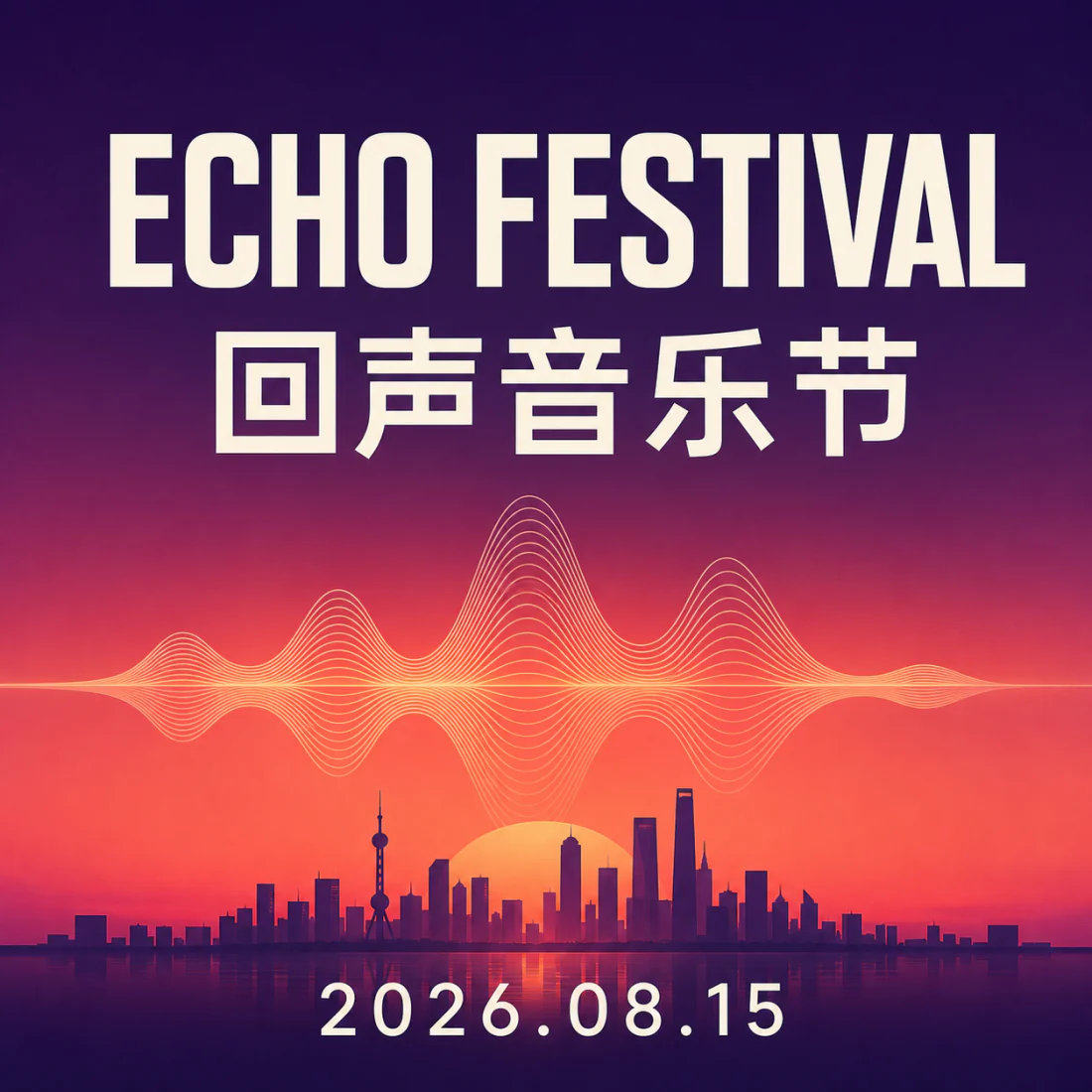
Z Image Turbo sample — bilingual poster with crisp text rendering
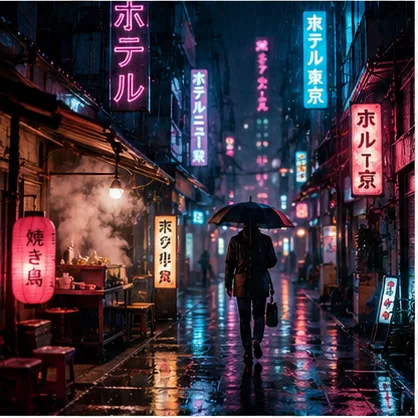
Z Image Turbo sample — cinematic neon Tokyo alley
Z Image Turbo sample — 3D animated fox character
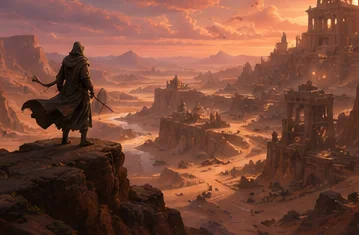
Z Image Turbo sample — desert canyon game concept art
Z Image Turbo sample — studio product photo of a serum bottle

These are pre-generated samples — your results appear here in a few seconds once you sign in.

What is Z Image Turbo — a text prompt turned into a photorealistic golden-hour portrait

What Is Z Image Turbo?

Z Image Turbo is a fast, open-source text-to-image AI model built by Tongyi-MAI, the generative team at Alibaba’s Tongyi Lab. It is the distilled “turbo” version of the 6-billion-parameter Z-Image model: where the base model needs many sampling steps, the turbo build renders a finished picture in roughly eight steps, which is why it feels almost instant.

Released under the permissive Apache 2.0 license with weights on Hugging Face, it can be run locally in ComfyUI, quantised to GGUF or FP8, or served through an API. Its strengths are sharp photorealism and unusually reliable bilingual text rendering — it draws clean English and Chinese type that most rival models smear.

On this page you can use Z Image Turbo online for free, with no install. Imya hosts the model so you skip the GGUF downloads, VRAM math and workflow files — type a prompt, pick an aspect ratio, and let the generator do the work in your browser. Under the hood you get nine aspect ratios, custom sizes from 376 to 1536 pixels, and a seed value for repeatable results — no command line, no GPU, no setup.

Z Image Turbo vs Z Image & Other Models

How the Z Image Turbo model compares to the Z Image base checkpoint, Flux 2 and SDXL for the everyday text-to-image job.

FeatureZ Image TurboZ Image (Base)Flux 2 / SDXL
Speed~8 steps, near-instant20–40 steps20–50 steps
PhotorealismExcellentExcellent (slightly sharper)Very good
Text renderingStrong EN + 中文Strong EN + 中文Flux strong · SDXL weak
VRAM (local)Low (GGUF / FP8 friendly)HigherFlux high · SDXL medium
LicenseApache 2.0Apache 2.0Varies
Best forFast drafts & finalsMax-quality finalsExisting pipelines
Z Image Turbo comparison — a set of consistent photorealistic headshots from one prompt

For most prompts the Z Image Turbo model gives base-level quality in a fraction of the steps — so the turbo build is the practical default, and you only reach for Z Image base when you want the last few percent of detail.

Why Use Z Image Turbo Online?

All of the Z Image Turbo model, none of the setup.

⚡

No ComfyUI, GGUF or GPU setup

Skip the ComfyUI workflow, the GGUF/FP8/BF16 downloads and the VRAM guesswork. Run Z Image Turbo online in your browser — Imya hosts the weights so any laptop or phone works.

🚀

Few-step turbo speed

Because Z Image Turbo is a distilled ~8-step model, generations come back in seconds, not minutes. Iterate on a prompt, batch eight variations, and keep the one you love.

✍️

Photoreal + bilingual text

Z Image Turbo nails skin, light and — rare for fast models — readable English and Chinese text, so it’s ideal for portraits, posters and product mockups in one tool.

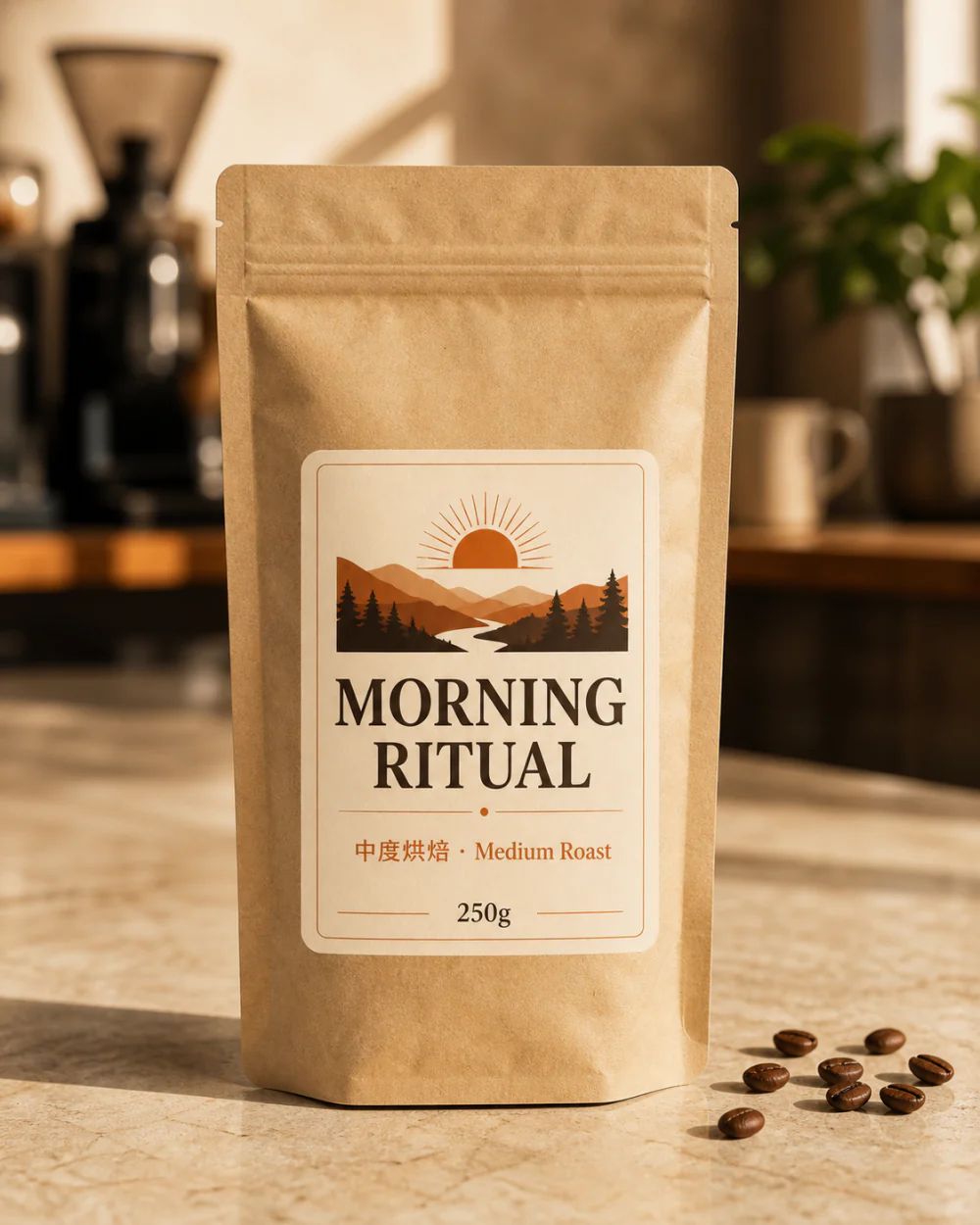
Z Image Turbo online result — coffee packaging with crisp bilingual printed text

What Can You Make with Z Image Turbo?

One fast model for portraits, design and img2img edits.

Z Image Turbo use case — photorealistic portrait with natural light

🧑‍🎨Photorealistic portraits

Headshots, avatars and character art with natural skin and lighting — Z Image Turbo keeps faces consistent across a batch.

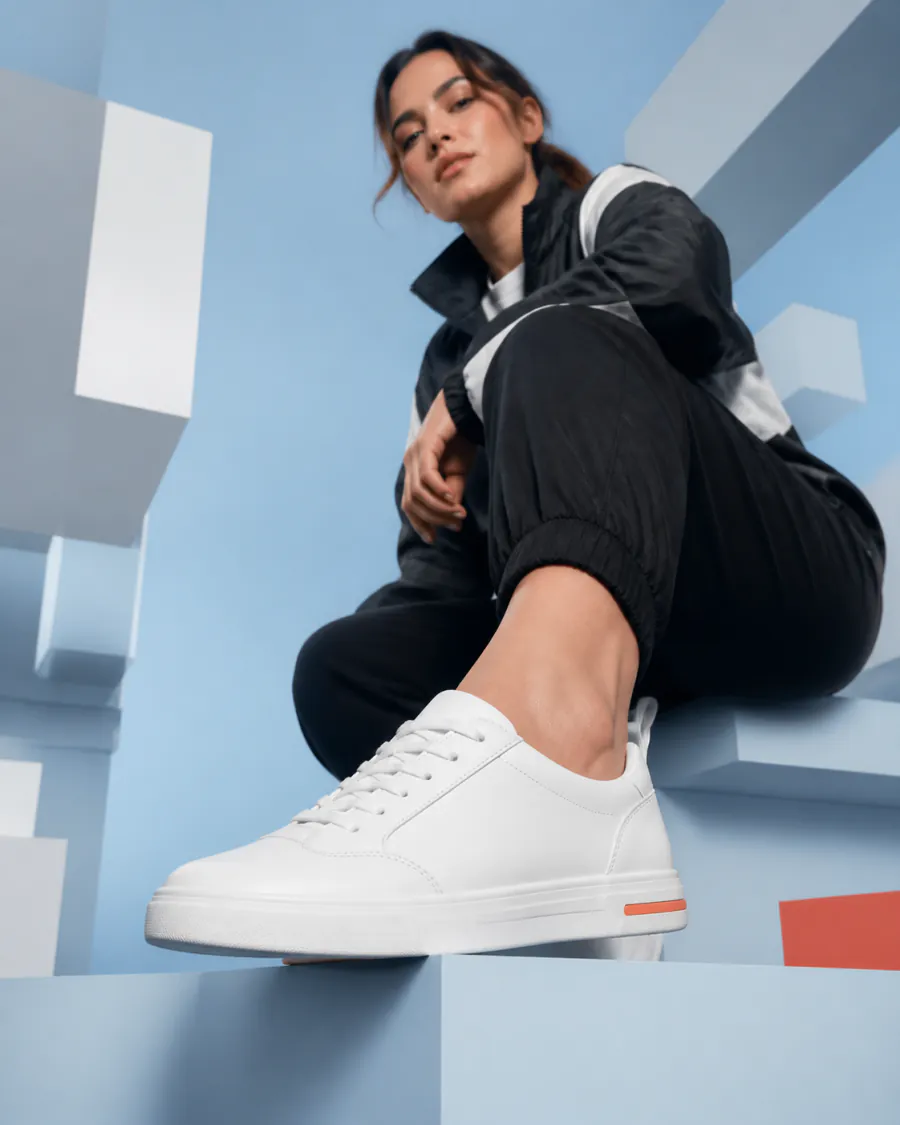
Z Image Turbo use case — e-commerce sneaker advertisement image

🛍️Posters, ads & product shots

Turn a line of copy into a poster or e-commerce hero. Z Image Turbo renders legible headlines and clean studio product photos.

Z Image Turbo image-to-image use case — a living room redesigned in Scandinavian style

🖼️Image to image & editing

Switch to the Edit tab to restyle or redesign a photo. Z Image Turbo img2img keeps your composition while changing the look.

How to Use Z Image Turbo in 3 Steps

From a blank box to a finished Z Image Turbo render in under a minute.

  1. 1

    ⌨️Write or paste a prompt

    Describe what you want, or tap a one-click example. For img2img, open the Edit tab and upload a photo first.

  2. 2

    🎛️Pick model & aspect ratio

    Z Image Turbo is selected by default. Choose an aspect ratio (1:1, 16:9, 9:16 and more) and how many to generate.

  3. 3

    ⬇️Generate & download

    Hit Generate and Z Image Turbo returns your pictures in seconds. Preview them, then download the ones you want — no watermark.

Z Image Turbo Prompt Guide & Examples

Z Image Turbo follows plain, descriptive prompts well. Copy one of these, swap the subject, and paste it into the generator above.

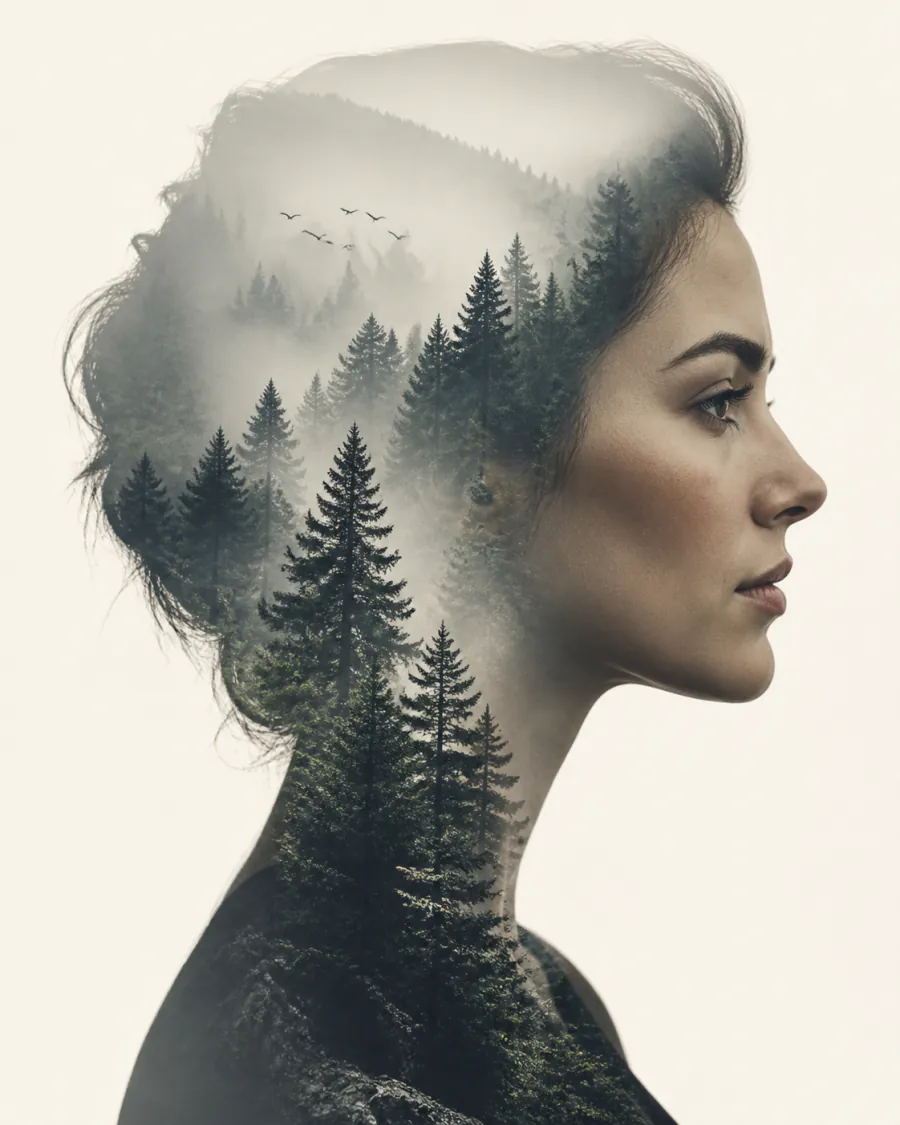
Z Image Turbo prompt example — double-exposure forest portrait

Photoreal scene

Lead with the subject, then lens, light and mood — Z Image Turbo handles the rest.

Photorealistic portrait of a fisherman at dawn on a misty harbour, weathered face, soft rim light, 85mm lens, shallow depth of field, muted teal palette, film grain.

Z Image Turbo prompt example — bilingual jazz poster

Poster with text

Quote the exact words in quotes — Z Image Turbo renders English and Chinese type cleanly.

Minimalist gig poster, large headline "MIDNIGHT JAZZ" and subtitle "午夜爵士现场", warm amber gradient, a single silhouetted saxophone, crisp legible type, centered layout.
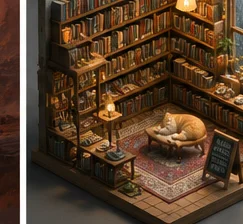
Z Image Turbo prompt example — isometric bookshop diorama

Stylised illustration

Name the medium and palette to push Z Image Turbo into a clean art style.

Cozy isometric miniature bookshop diorama, warm lamp light, stacks of books, a sleeping cat, rainy window, clay-render 3D style, soft shadows, pastel palette, highly detailed.

Running Z Image Turbo Locally (ComfyUI · GGUF · LoRA)

Prefer to self-host? Z Image Turbo is open-source, so you can download the weights and run it on your own GPU. Here is the short version.

Z Image Turbo in ComfyUI

Grab the diffusion model, text encoder and VAE from the official repo, drop them into your ComfyUI models folder, and load the Z Image Turbo workflow. Use ~8 steps and a low CFG for the turbo sampler.

GGUF, FP8 & BF16 downloads

For lower VRAM, use a quantised build — Z Image Turbo GGUF or FP8 (e.g. fp8_e4m3fn) runs on consumer cards, while the full BF16 safetensors keeps maximum quality. All are published on Hugging Face.

LoRA & ControlNet

The community ships Z Image Turbo LoRAs for styles and characters, plus a Fun ControlNet Union for pose and depth guidance. Load a LoRA at a modest weight on top of the turbo checkpoint.

Quick start with 🤗 diffusers

from diffusers import ZImagePipeline
import torch

pipe = ZImagePipeline.from_pretrained(
    "Tongyi-MAI/Z-Image-Turbo", torch_dtype=torch.bfloat16
).to("cuda")

image = pipe(
    prompt="a photorealistic red panda barista, soft window light",
    num_inference_steps=8,   # turbo: few steps
    guidance_scale=1.0,
).images[0]
image.save("z-image-turbo.png")
Z Image Turbo on Hugging Face ↗

Or skip all of the above and use Z Image Turbo online, free, in the generator at the top of this page.

Frequently Asked Questions About Z Image Turbo

What Z Image Turbo is, who built it, and how to run it online or locally.

Is Z Image Turbo free?▾

Yes. The Z Image Turbo weights are open-source under the Apache 2.0 license, so the model itself is free to download. On Imya you can also use Z Image Turbo online for free — new accounts get free credits, and it is the cheapest model at 2 credits per image.

Who made Z Image Turbo and how many parameters is it?▾

Z Image Turbo was made by Tongyi-MAI, the generative-AI team at Alibaba’s Tongyi Lab. It is a ~6-billion-parameter text-to-image model, and the “turbo” build is a distilled version tuned for fast, few-step generation.

How many steps does Z Image Turbo need?▾

Around 8 sampling steps. The turbo distillation is what lets it produce a finished picture in roughly eight steps with a low guidance scale, instead of the 20–40 steps a base diffusion model usually needs.

Can I run Z Image Turbo in ComfyUI or as a GGUF / FP8 build?▾

Yes. Download the diffusion model, text encoder and VAE from the official Hugging Face repo and load the Z Image Turbo workflow in ComfyUI. For lower VRAM, use a quantised GGUF or FP8 (e4m3fn) build; the full BF16 safetensors gives maximum quality.

What is the difference between Z Image and Z Image Turbo?▾

Z Image is the base model; Z Image Turbo is its distilled, few-step variant. The base checkpoint can be a touch sharper at high step counts, but it reaches comparable quality in about 8 steps, so it is the practical default for most work.

Does Z Image Turbo support image to image?▾

Yes. Switch to the Edit tab in the generator above to upload a photo and run Z Image Turbo img2img — it keeps your composition while restyling or redesigning the picture. Text-to-image and img2img share the same prompt box.

Do Z Image Turbo images have a watermark?▾

Images you generate with Z Image Turbo on Imya download with no visible watermark. As an open model, the standalone weights add no forced watermark either, though local behaviour depends on the build you run.

Is there a Z Image Turbo LoRA or ControlNet?▾

Yes. The community publishes Z Image Turbo LoRAs for styles and characters, and a Fun ControlNet Union for pose, depth and edge guidance. Load a LoRA at a modest weight on top of the turbo checkpoint in ComfyUI.

Related AI Image Tools

More ways to create and edit visuals with Imya.

AI image tools hub — game concept art generated by AI

🧰AI Image Tools

The full hub of 30+ AI generators and editors on Imya.

AI logo generator — minimalist origami-crane wordmark

🎨AI Logo Generator

Turn a brand name into clean logo concepts in seconds.

AI room designer — a living room restyled with AI

🛋️AI Room Designer

Redesign a room from one photo with img2img AI.

View all AI image tools →
imya — All-in-One AI Image, Video & Music Generatorimya

All-in-One AI Image, Video & Music Generator. One workspace for every creative output.

AI Image Models

  • Z Image TurboFREE
  • GPT Image 2
  • Nano Banana
  • Qwen Image Edit Plus
  • Seedream 4.0
  • Nano Banana Pro Official
  • Nano Banana Pro Trial
  • Nano Banana 2
  • Seedream 4.5
  • Seedream 5

AI Video Models

  • Seedance 2.0 Fast
  • Seedance 2.0
  • Sora 2
  • Seedance 1.5 Pro
  • Veo 3.1 Fast
  • Kling 3.0 Motion Control

Photo Enhancement

  • AI Background Remover
  • AI Background Changer
  • AI Image Upscaler
  • AI Old Photo Restoration
  • AI Object Remover
  • AI Watermark Remover
  • AI Logo Remover
  • AI Text Remover

Portrait & Avatar

  • AI Headshot Generator
  • AI Anime Avatar
  • AI Cartoon Portrait
  • AI Hair Color Changer
  • AI Hairstyle Changer
  • AI Face Swap

Style Transfer

  • AI Photo to Anime
  • AI Anime Avatar
  • AI Photo to Ghibli
  • AI Photo to Sketch
  • AI Art Style Transfer
  • AI Time Travel Photo

Photo Creative

  • AI Couple Photo
  • AI Family Photo
  • AI Wedding Photo
  • AI Father’s Day Card Maker
  • AI Christmas Cards
  • AI Valentine Card Maker
  • AI Mother’s Day Card Maker
  • AI Group Photo Mixer
  • AI ID Photo Maker
  • AI Room Designer
  • AI Virtual Try-On

Creative Tools

  • Z Image Turbo
  • Nano Banana
  • Nano Banana 2
  • Seedream 4.5
  • Seedream 5
  • GPT Image 2
  • Flux 2
  • AI Logo Generator
  • AI Logo Remover
  • AI Image Translator
  • AI Room Designer
  • AI Product Mockup

Product

  • AI Image Tools
  • AI Models
  • Pricing

Company

  • About Us
  • Privacy Policy
  • Terms of Service
  • Contact Us

© 2026 imya.ai · All rights reserved

☀️Light