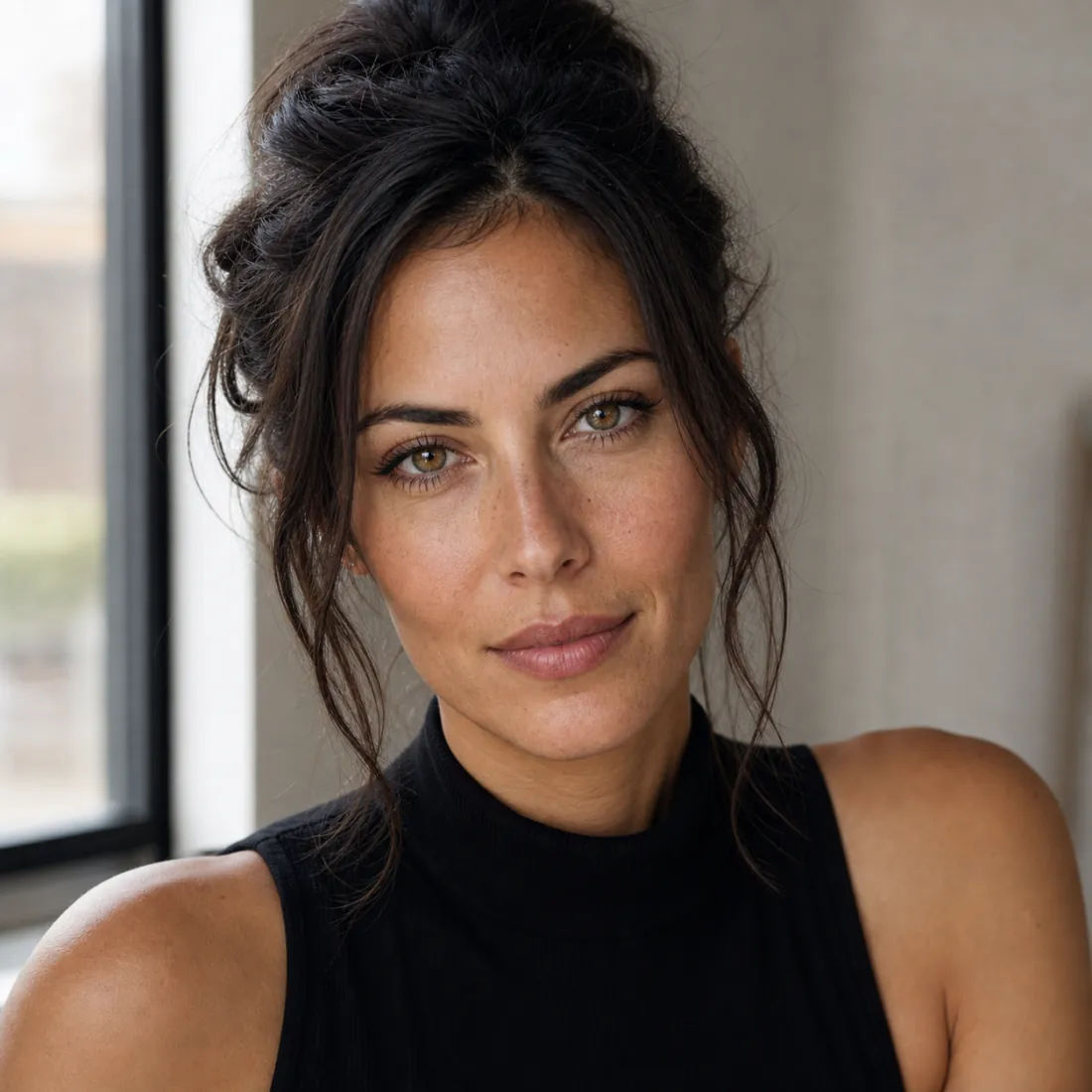
Photorealistic portraits
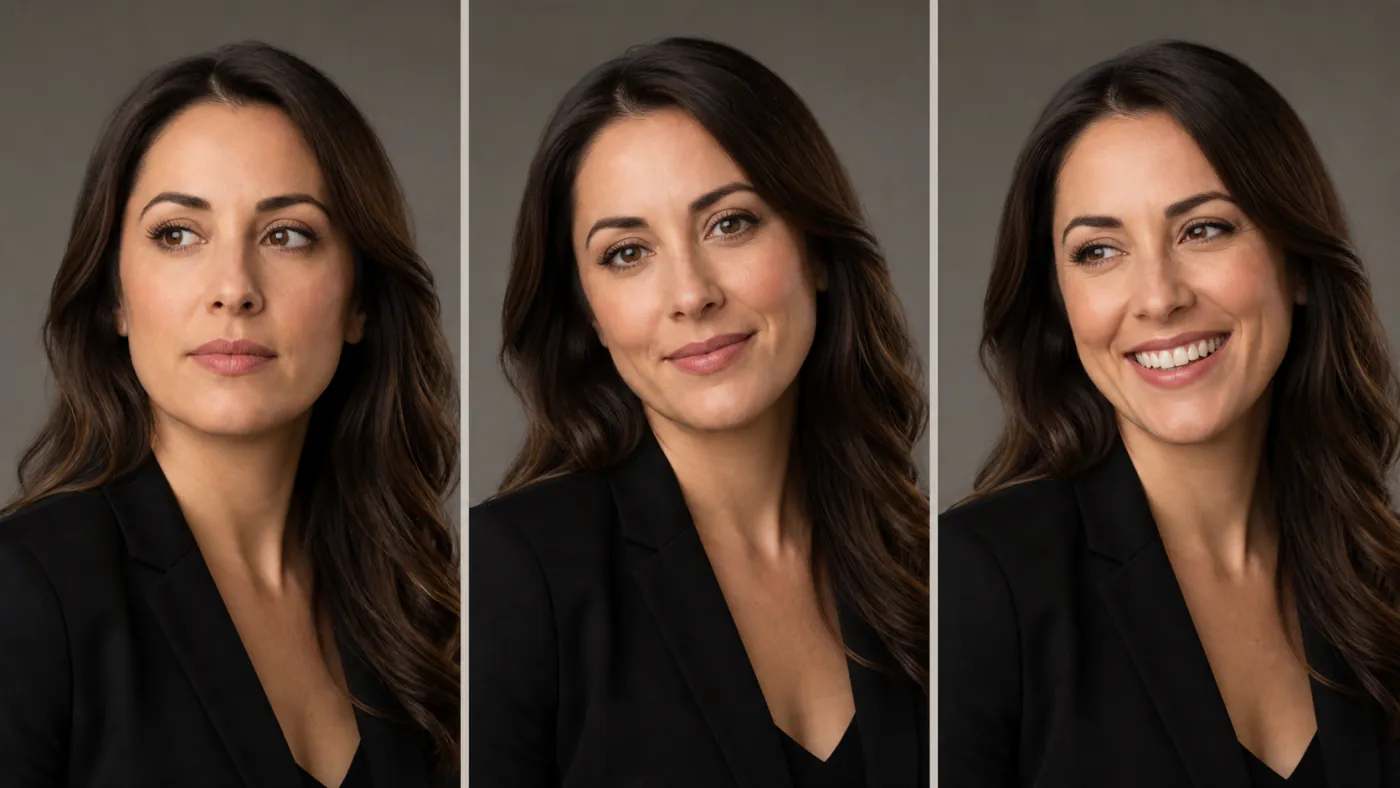
Headshots, avatars and character art with natural skin and lighting — Z Image Turbo keeps faces consistent across a batch.
Run Z Image Turbo online free — Tongyi’s fast ~8-step text-to-image model. Create photorealistic results and crisp bilingual text with no ComfyUI, GGUF or GPU setup.

4 outputs per run · 12 credits total · Z Image Turbo
Sample outputs
Sign in to replace these with your own generations
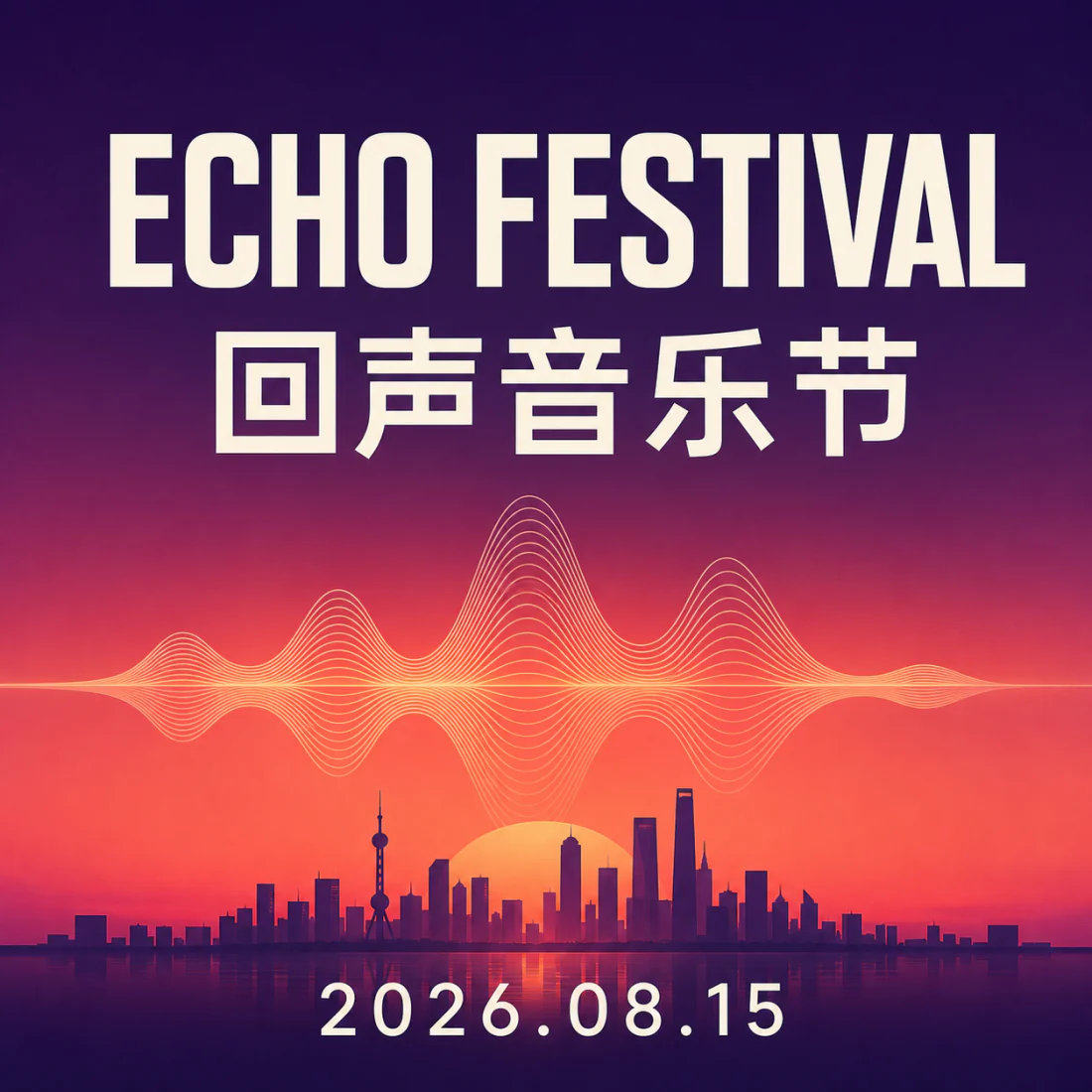
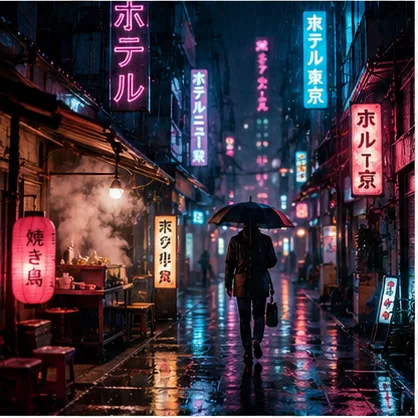



These are pre-generated samples — your results appear here in a few seconds once you sign in.
Z Image Turbo is a fast, open-source text-to-image AI model built by Tongyi-MAI, the generative team at Alibaba’s Tongyi Lab. It is the distilled “turbo” version of the 6-billion-parameter Z-Image model: where the base model needs many sampling steps, the turbo build renders a finished picture in roughly eight steps, which is why it feels almost instant.
Released under the permissive Apache 2.0 license with weights on Hugging Face, it can be run locally in ComfyUI, quantised to GGUF or FP8, or served through an API. Its strengths are sharp photorealism and unusually reliable bilingual text rendering — it draws clean English and Chinese type that most rival models smear.
On this page you can use Z Image Turbo online for free, with no install. Imya hosts the model so you skip the GGUF downloads, VRAM math and workflow files — type a prompt, choose a supported aspect ratio matched to the selected model, select PNG, WebP or JPEG, and generate 1, 4 or 8 images per run — no command line, no GPU, no setup.
How the Z Image Turbo model compares to the Z Image base checkpoint, Flux 2 and SDXL for the everyday text-to-image job.
| Feature | Z Image Turbo | Z Image (Base) | Flux 2 / SDXL |
|---|---|---|---|
| Speed | ~8 steps, near-instant | 20–40 steps | 20–50 steps |
| Photorealism | Excellent | Excellent (slightly sharper) | Very good |
| Text rendering | Strong EN + 中文 | Strong EN + 中文 | Flux strong · SDXL weak |
| VRAM (local) | Low (GGUF / FP8 friendly) | Higher | Flux high · SDXL medium |
| License | Apache 2.0 | Apache 2.0 | Varies |
| Best for | Fast drafts & finals | Max-quality finals | Existing pipelines |
For most prompts the Z Image Turbo model gives base-level quality in a fraction of the steps — so the turbo build is the practical default, and you only reach for Z Image base when you want the last few percent of detail.
All of the Z Image Turbo model, none of the setup.
Skip the ComfyUI workflow, the GGUF/FP8/BF16 downloads and the VRAM guesswork. Run Z Image Turbo online in your browser — Imya hosts the weights so any laptop or phone works.
Because Z Image Turbo is a distilled ~8-step model, generations come back in seconds, not minutes. Iterate on a prompt, batch eight variations, and keep the one you love.
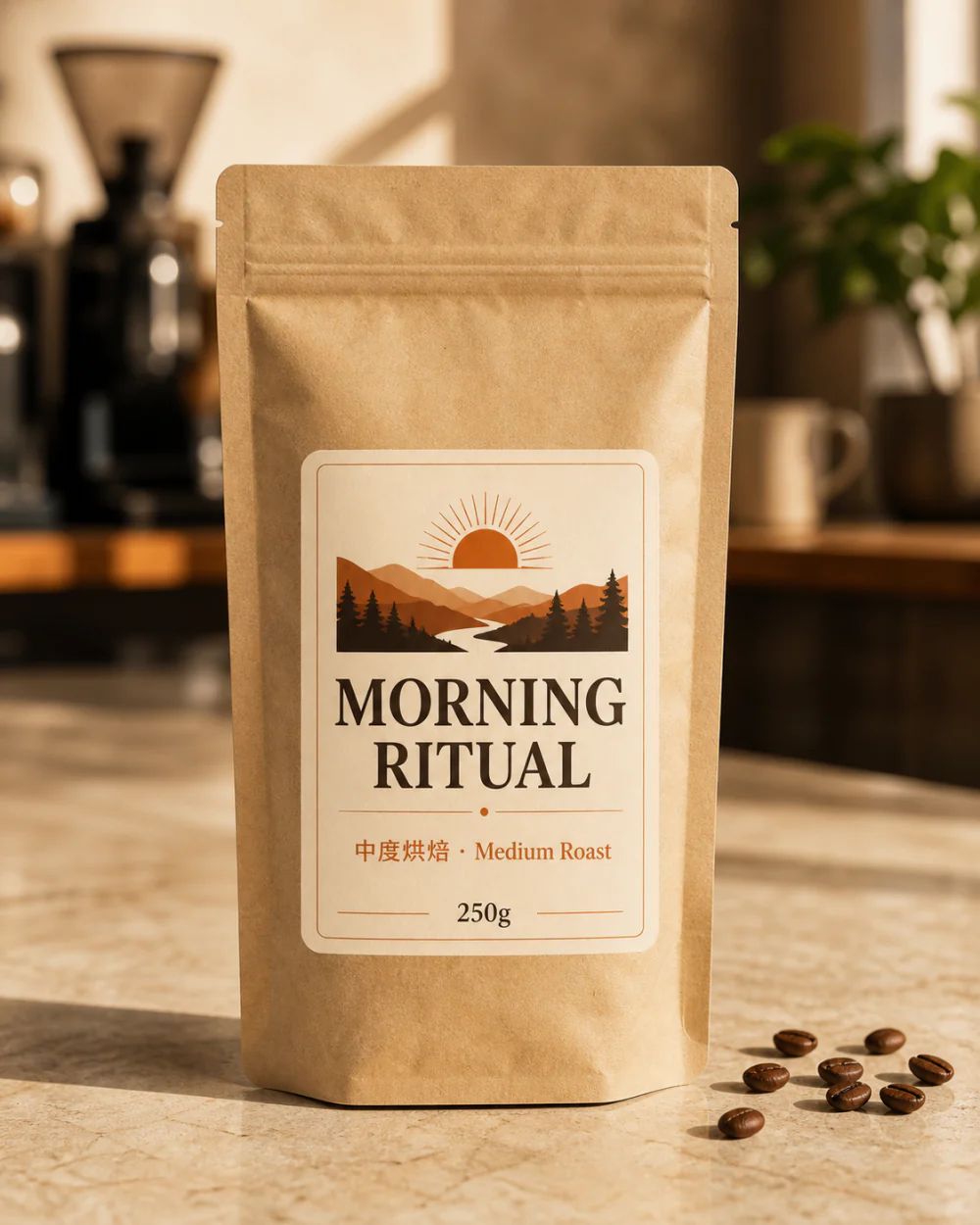
Z Image Turbo nails skin, light and — rare for fast models — readable English and Chinese text, so it’s ideal for portraits, posters and product mockups in one tool.
One fast text-to-image model for portraits, design and concept art.
Headshots, avatars and character art with natural skin and lighting — Z Image Turbo keeps faces consistent across a batch.
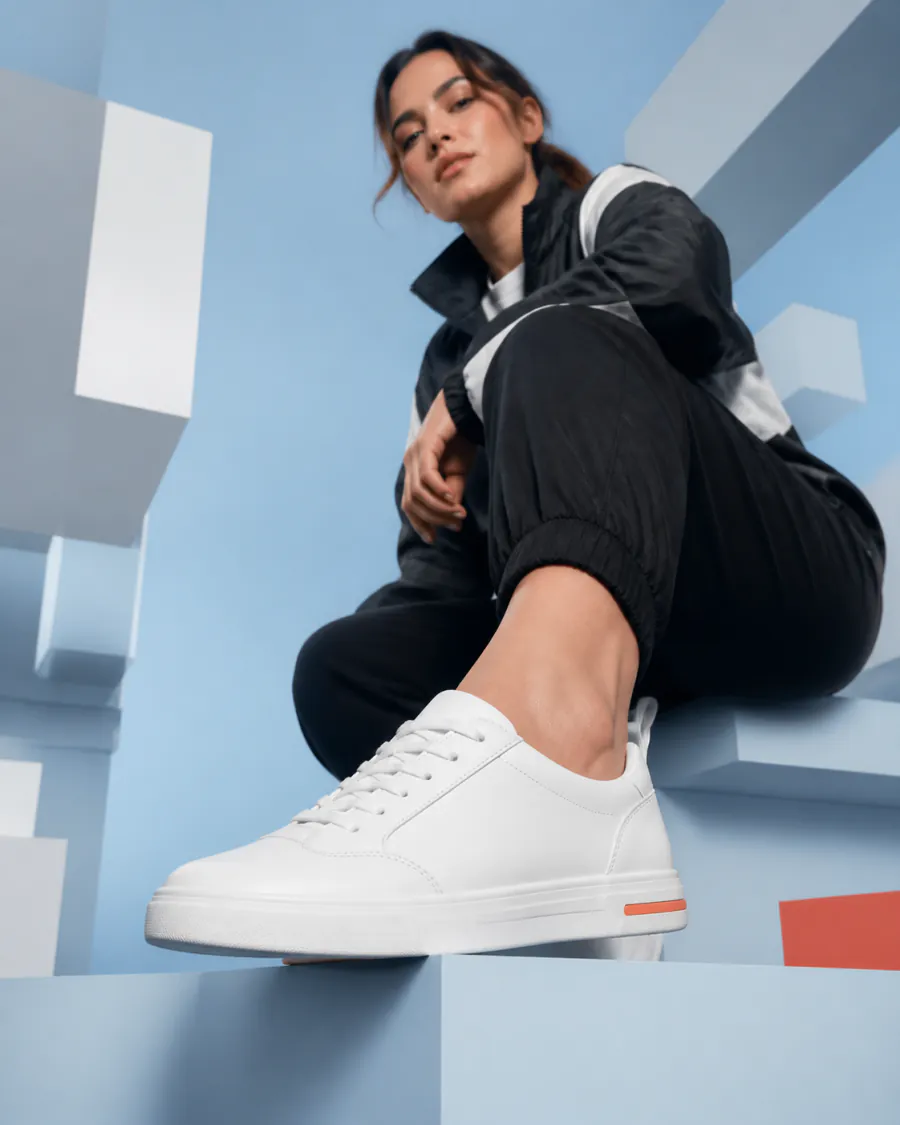
Turn a line of copy into a poster or e-commerce hero. Z Image Turbo renders legible headlines and clean studio product photos.
Describe a world, character or scene from scratch and turn the prompt into polished concept art for games, stories and presentations.
From a blank box to a finished Z Image Turbo render in under a minute.
Describe the image you want from scratch, or tap a one-click example and adapt its subject, style and lighting.
Z Image Turbo is selected by default. Choose an aspect ratio (1:1, 16:9, 9:16 and more) and how many to generate.
Hit Generate and Z Image Turbo returns your pictures in seconds. Preview them, then download the ones you want — no watermark.
Z Image Turbo follows plain, descriptive prompts well. Copy one of these, swap the subject, and paste it into the generator above.
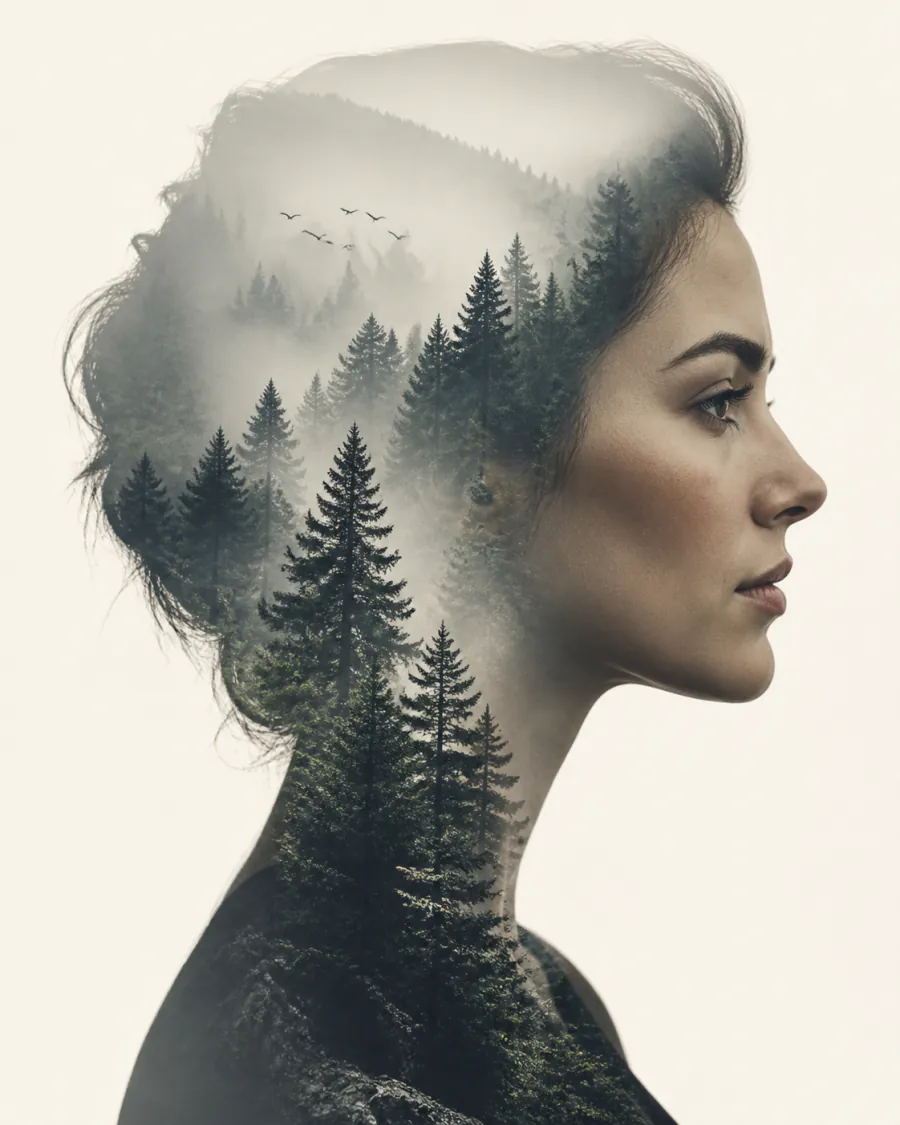
Lead with the subject, then lens, light and mood — Z Image Turbo handles the rest.
Photorealistic portrait of a fisherman at dawn on a misty harbour, weathered face, soft rim light, 85mm lens, shallow depth of field, muted teal palette, film grain.
Quote the exact words in quotes — Z Image Turbo renders English and Chinese type cleanly.
Minimalist gig poster, large headline "MIDNIGHT JAZZ" and subtitle "午夜爵士现场", warm amber gradient, a single silhouetted saxophone, crisp legible type, centered layout.
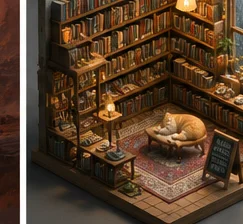
Name the medium and palette to push Z Image Turbo into a clean art style.
Cozy isometric miniature bookshop diorama, warm lamp light, stacks of books, a sleeping cat, rainy window, clay-render 3D style, soft shadows, pastel palette, highly detailed.
Prefer to self-host? Z Image Turbo is open-source, so you can download the weights and run it on your own GPU. Here is the short version.
Grab the diffusion model, text encoder and VAE from the official repo, drop them into your ComfyUI models folder, and load the Z Image Turbo workflow. Use ~8 steps and a low CFG for the turbo sampler.
For lower VRAM, use a quantised build — Z Image Turbo GGUF or FP8 (e.g. fp8_e4m3fn) runs on consumer cards, while the full BF16 safetensors keeps maximum quality. All are published on Hugging Face.
The community ships Z Image Turbo LoRAs for styles and characters, plus a Fun ControlNet Union for pose and depth guidance. Load a LoRA at a modest weight on top of the turbo checkpoint.
Quick start with 🤗 diffusers
from diffusers import ZImagePipeline
import torch

pipe = ZImagePipeline.from_pretrained(
    "Tongyi-MAI/Z-Image-Turbo", torch_dtype=torch.bfloat16
).to("cuda")

image = pipe(
    prompt="a photorealistic red panda barista, soft window light",
    num_inference_steps=8,   # turbo: few steps
    guidance_scale=1.0,
).images[0]
image.save("z-image-turbo.png")Or skip all of the above and use Z Image Turbo online, free, in the generator at the top of this page.
What Z Image Turbo is, who built it, and how to run it online or locally.
Yes. The Z Image Turbo weights are open-source under the Apache 2.0 license, so the model itself is free to download. On Imya, new accounts get signup credits; rendering uses the live plan-adjusted credit price shown in the generator before submission.
Z Image Turbo was made by Tongyi-MAI, the generative-AI team at Alibaba’s Tongyi Lab. It is a ~6-billion-parameter text-to-image model, and the “turbo” build is a distilled version tuned for fast, few-step generation.
Around 8 sampling steps. The turbo distillation is what lets it produce a finished picture in roughly eight steps with a low guidance scale, instead of the 20–40 steps a base diffusion model usually needs.
Yes. Download the diffusion model, text encoder and VAE from the official Hugging Face repo and load the Z Image Turbo workflow in ComfyUI. For lower VRAM, use a quantised GGUF or FP8 (e4m3fn) build; the full BF16 safetensors gives maximum quality.
Z Image is the base model; Z Image Turbo is its distilled, few-step variant. The base checkpoint can be a touch sharper at high step counts, but it reaches comparable quality in about 8 steps, so it is the practical default for most work.
The Z Image Turbo generator on this page is text-to-image only and does not accept a reference-image upload. To change an existing photo, choose one of Imya’s dedicated image-editing tools instead.
Images you generate with Z Image Turbo on Imya download with no visible watermark. As an open model, the standalone weights add no forced watermark either, though local behaviour depends on the build you run.
Yes. The community publishes Z Image Turbo LoRAs for styles and characters, and a Fun ControlNet Union for pose, depth and edge guidance. Load a LoRA at a modest weight on top of the turbo checkpoint in ComfyUI.
More ways to create and edit visuals with Imya.