imya — All-in-One AI Image, Video & Music Generatorimya
TemplatesUser GuideBlogPricing
  1. Home
  2. ›
  3. AI Old Photo Restoration
Old Photo RestorerLive

Your photo

AI model

Restoration mode

Upload a photo to start

AI OLD PHOTO RESTORATION · FREE · NO SIGN-UP

AI Old Photo Restoration

Repair scratches, tears and fading — then restore and colorize your old photos online, free. No watermark, no sign-up.

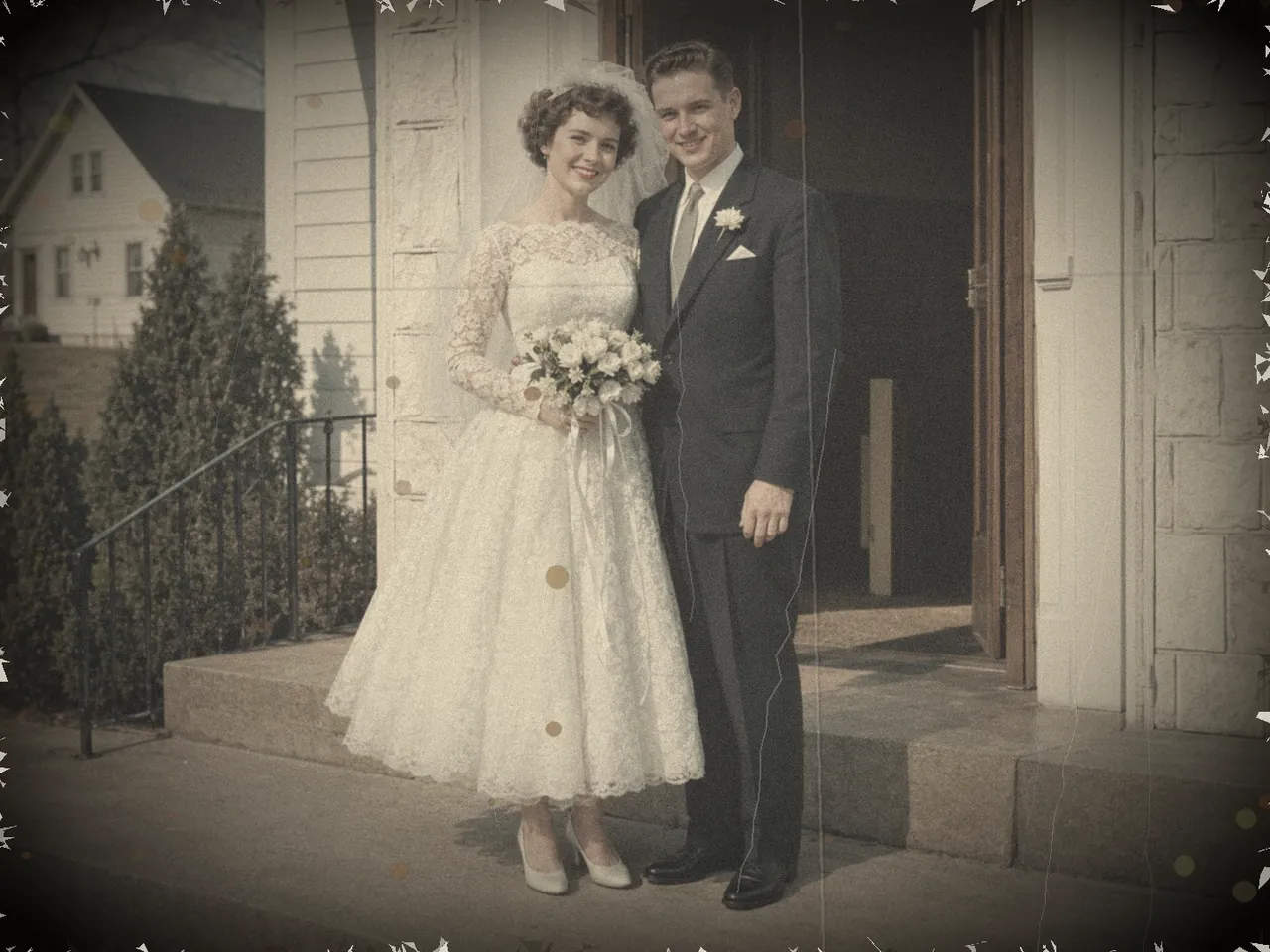
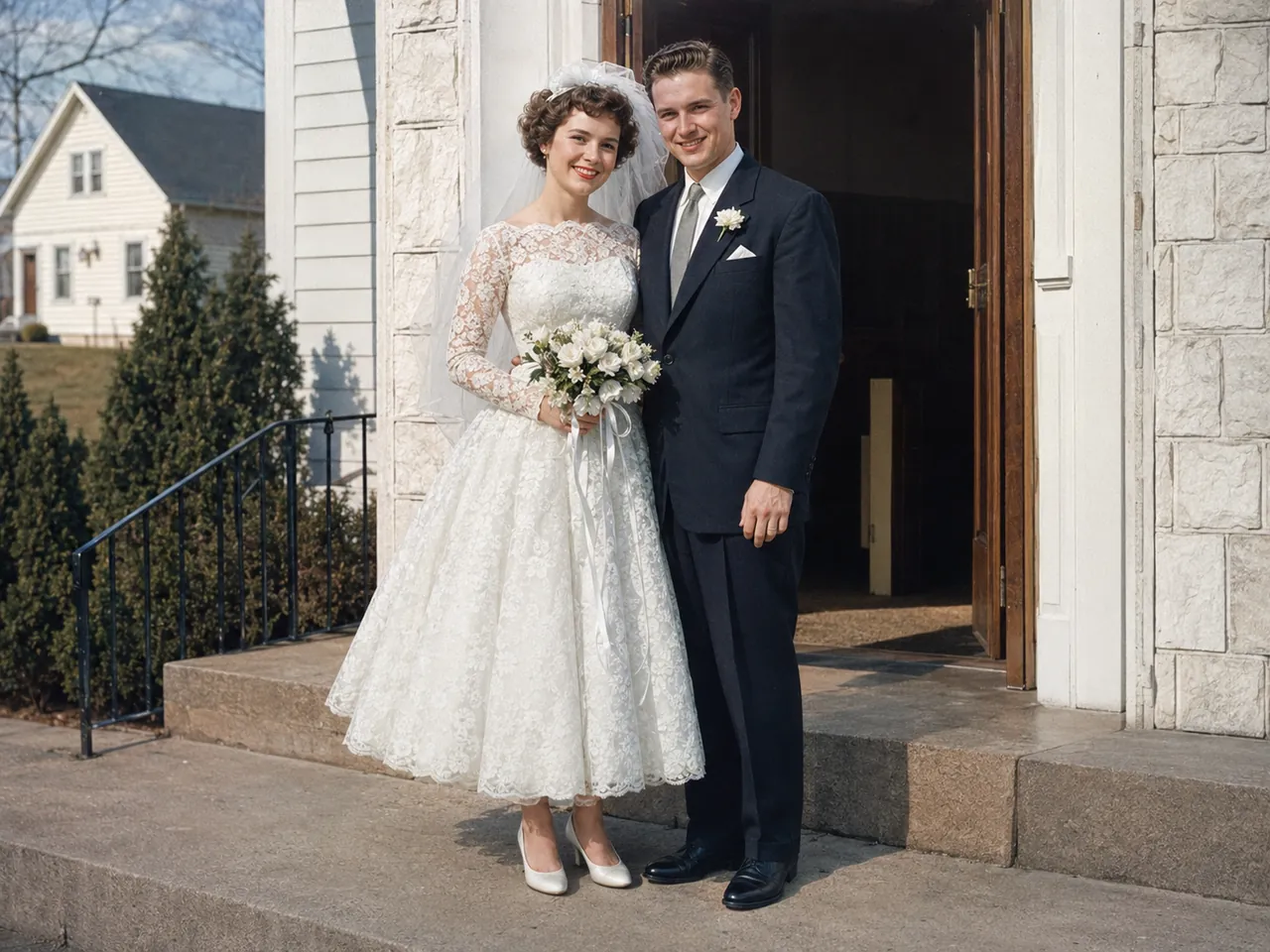
Before and after AI old photo restoration — a faded, scratched 1950s wedding photo restored to sharp, lifelike color
DamagedRestored
Drag the handle to compare — your restored photo appears here
Be the first to rate·2,400+ old photos restored this week·Trusted by families, genealogists and photo archivists
N°01 · DEFINITION

What is AI old photo restoration?

AI old photo restoration is the process of using deep-learning models to repair and revive an old picture — removing scratches, tears, creases, spots and fading, sharpening blur, rebuilding lost facial detail and, when you want it, adding natural color to a black-and-white print. What once took a retouching expert hours of manual work now takes one upload and a few seconds.

¶Imya's free AI old photo restoration tool runs models trained on millions of vintage images. When you upload a damaged scan, the AI does not simply apply a filter — it understands what a face, a fabric or a sky should look like, and reconstructs the detail that age and damage destroyed. The restored image comes back sharp, clean and watermark-free, ready to print or share.

¶Unlike a basic image editor, an AI old photo restoration tool repairs the kind of damage no slider can fix: a deep scratch across a face, a torn corner, water stains, heavy grain on a 1950s scan, the orange cast of a faded 1970s print. Whether you want to restore old pictures for a family album, a genealogy project or a memorial, the AI does the painstaking work for you.

§Every year, the only picture you have of someone you love fades a little more. AI old photo restoration stops the clock.

01DAMAGE REPAIR

Repair scratched, torn and creased old photos

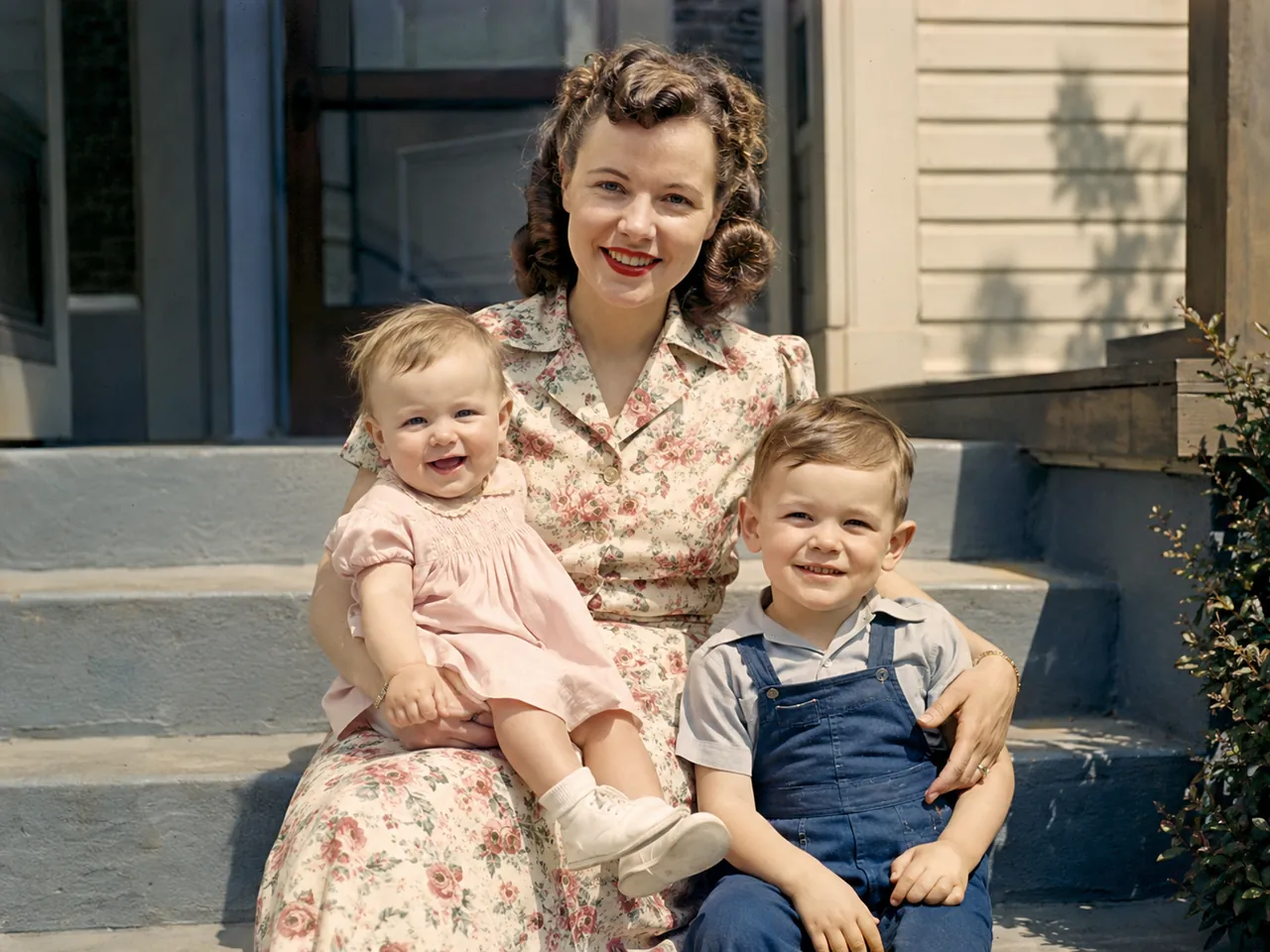
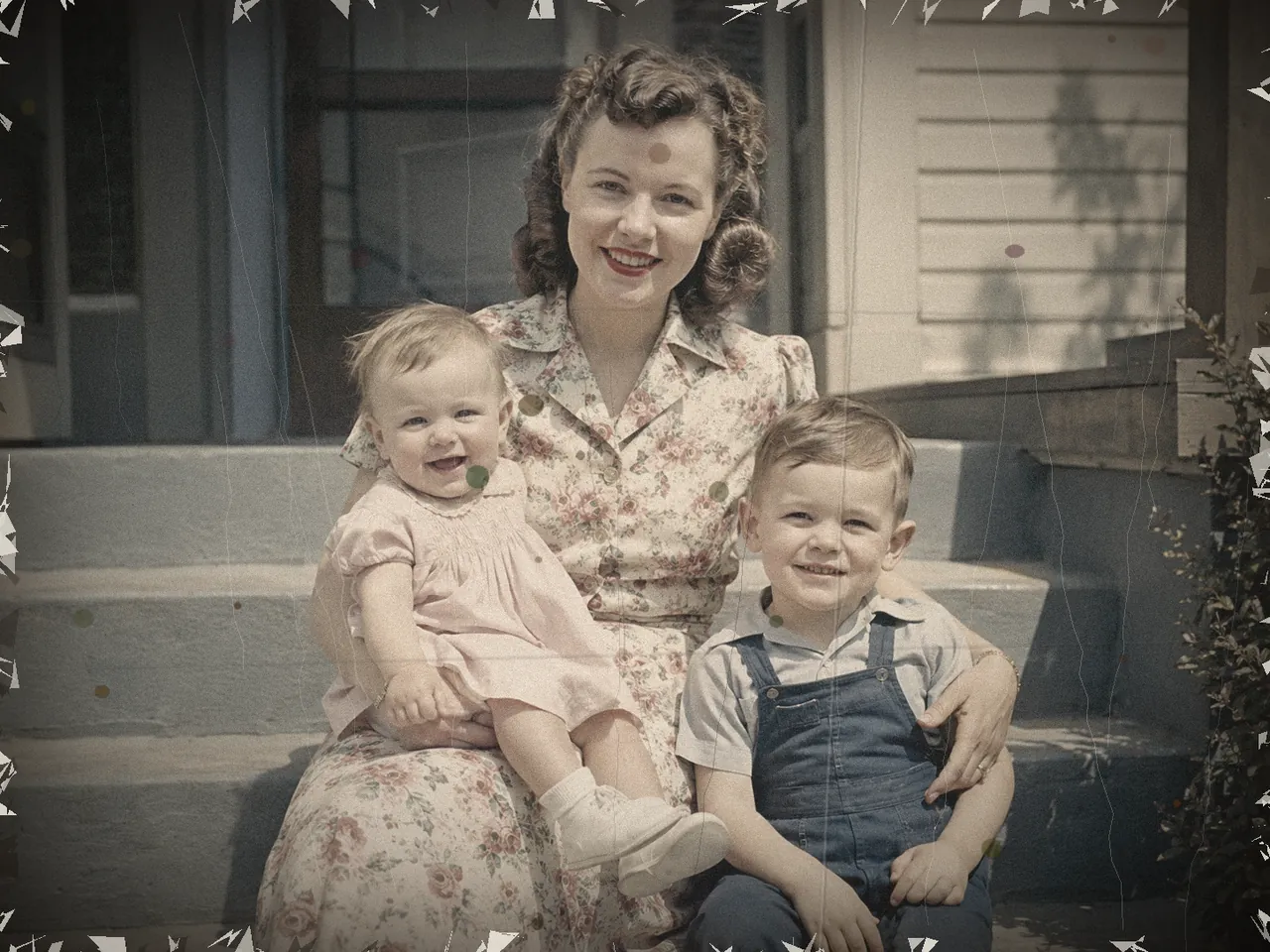
Scratches, deep creases, missing corners, pinholes and tape marks — the AI restoration engine detects every kind of physical damage and rebuilds what was lost, matching skin, fabric and background so the repair is invisible. Drag the slider to watch a torn 1940s family snapshot become whole again.

After AI old photo restoration — the same 1940s family photo with every scratch, tear and crease repaired
Before AI old photo restoration — a scratched, torn 1940s family photo with deep creases and missing corners
DamagedRestored
02SHARPEN & DEBLUR

Fix blurry old photos and pull faces back into focus

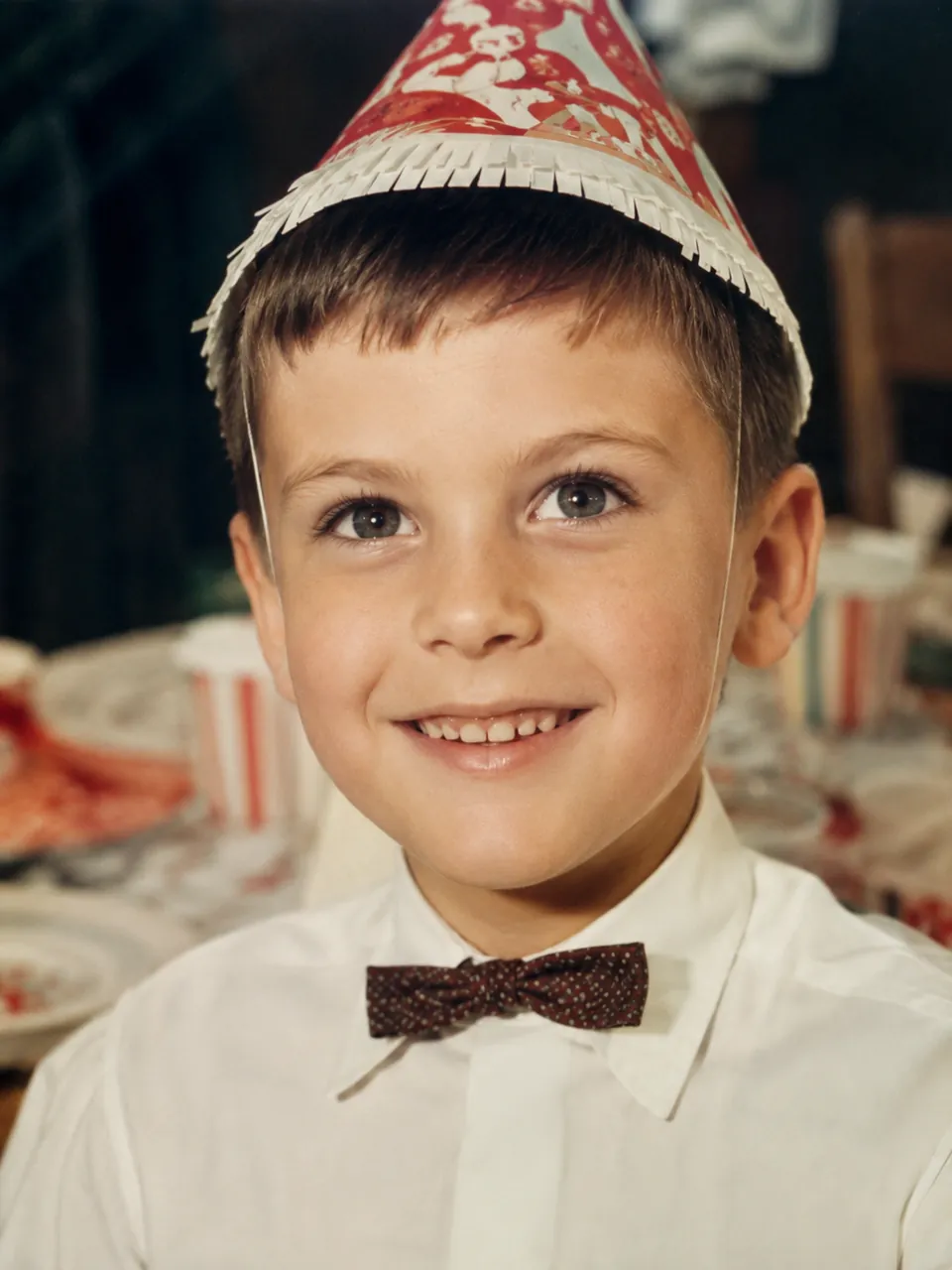
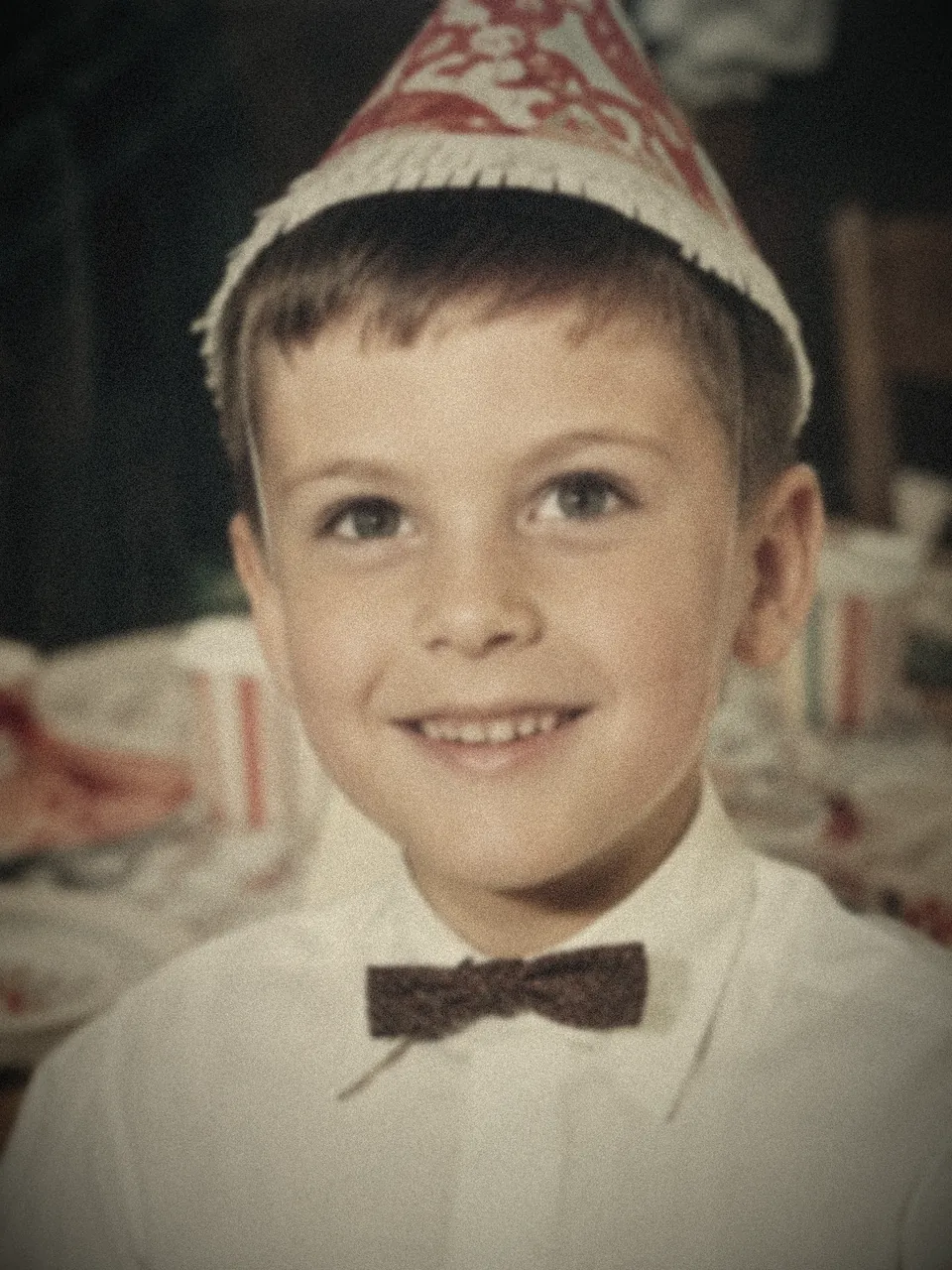
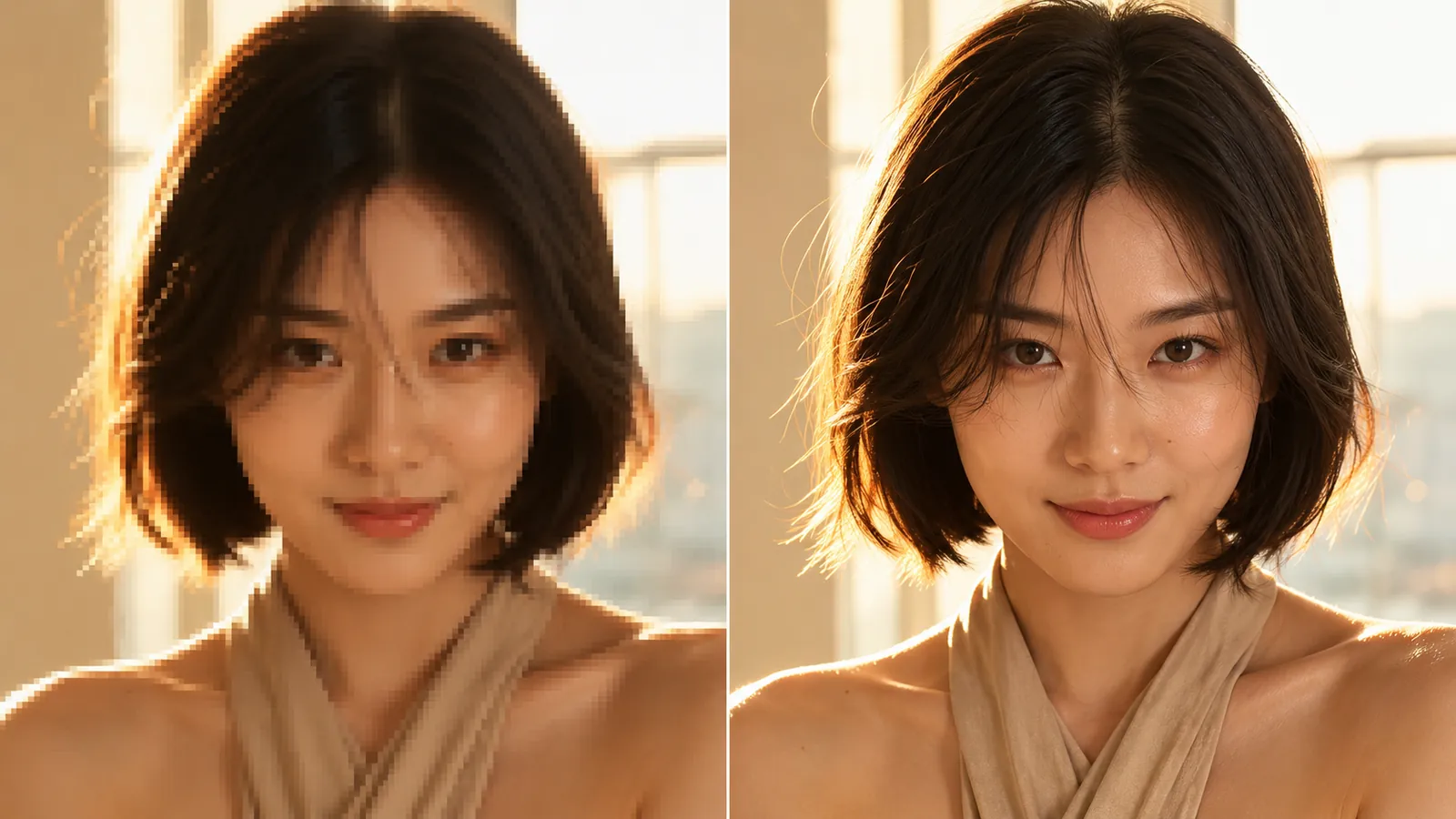
Out-of-focus snapshots, motion blur, soft low-resolution scans — AI old photo restoration rebuilds the fine detail a blurry old print lost. Eyes, eyelashes, hair and skin texture come back into focus, and the face you almost forgot is clear again.

After restoration — the 1960s child portrait sharpened with crisp facial detail by the AI old photo restoration tool
Before restoration — a blurry, grainy 1960s child portrait that is soft and out of focus
DamagedRestored
03COLORIZE B&W

Colorize black-and-white photos with AI

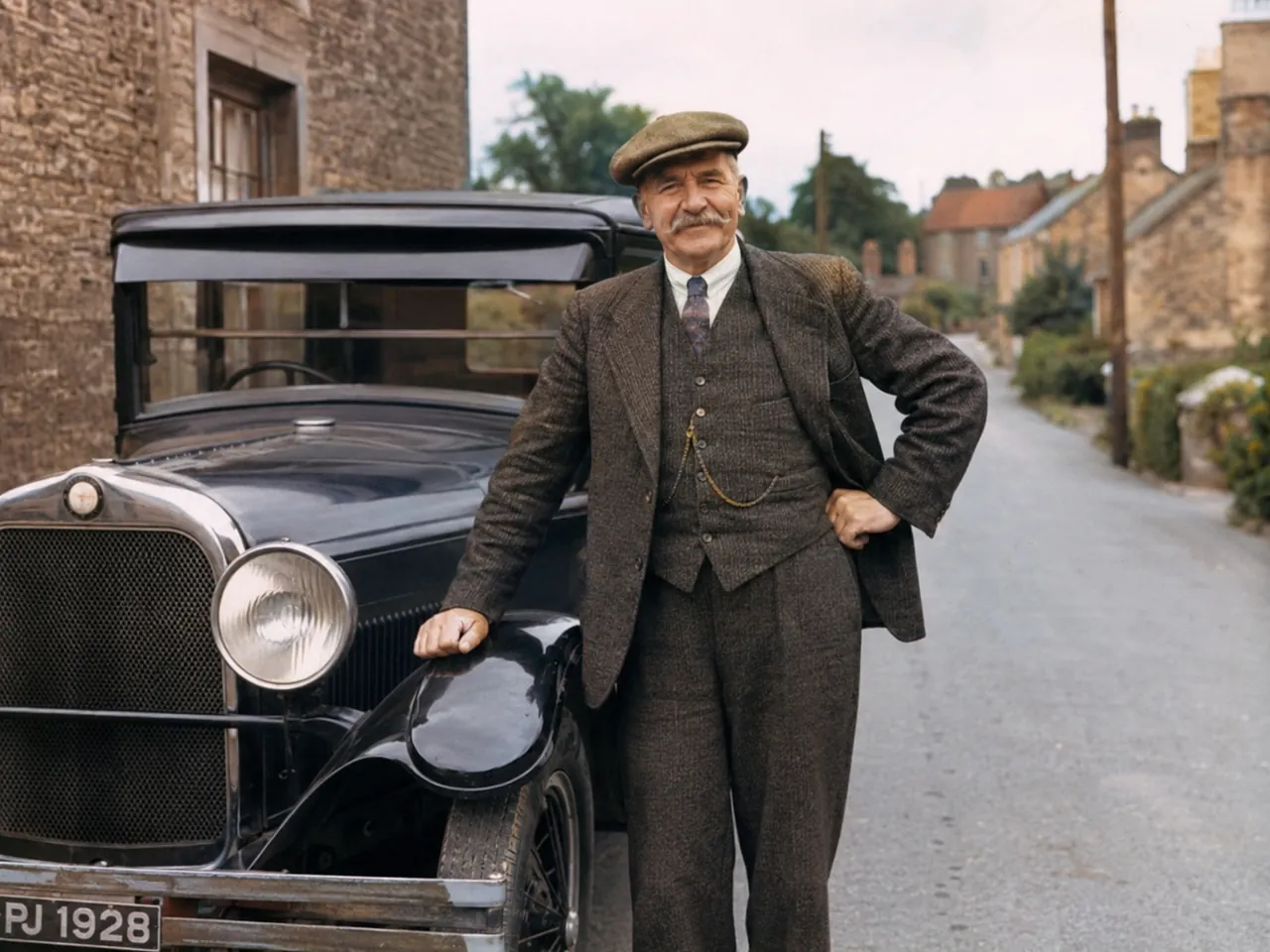
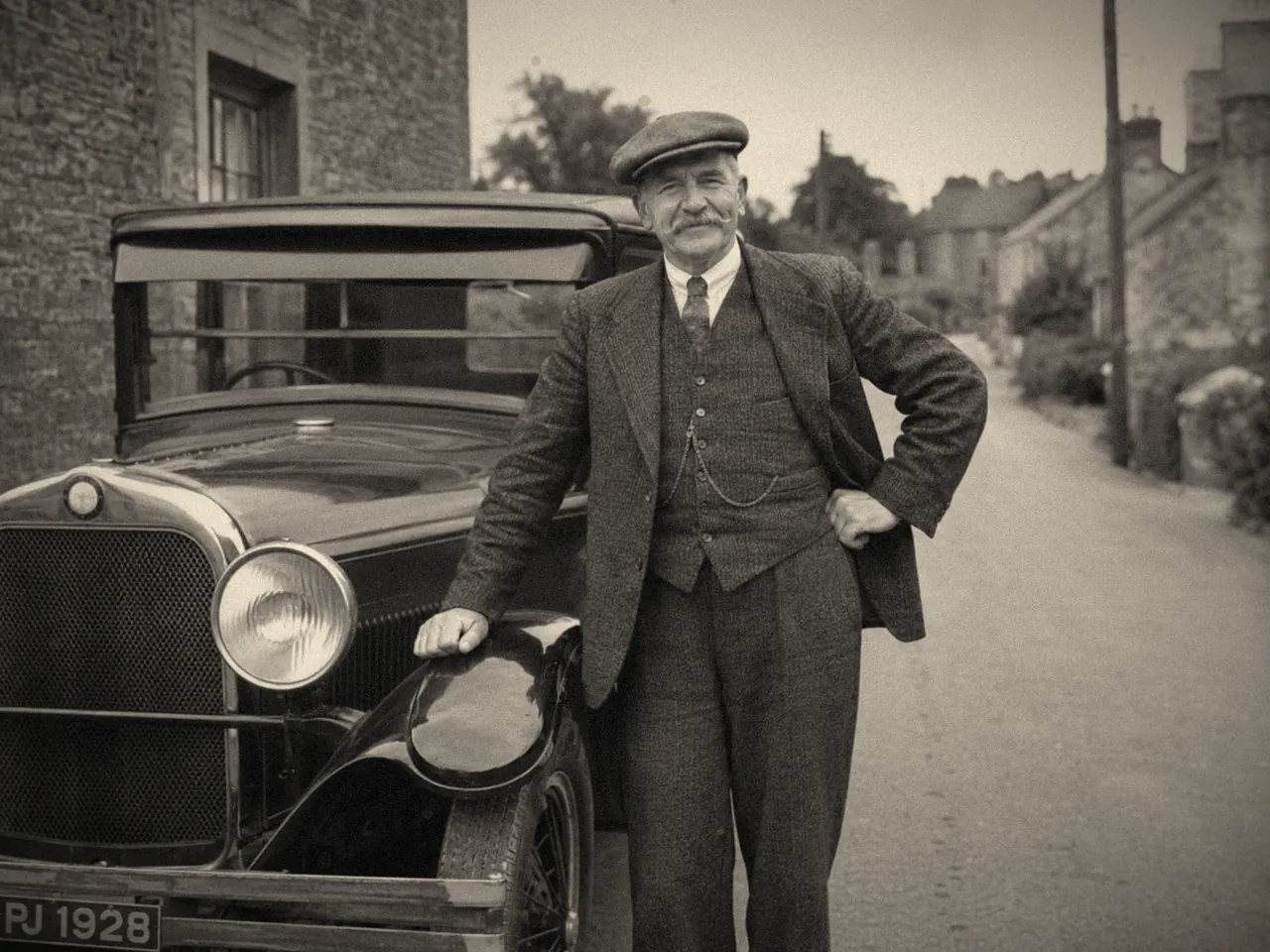
Switch to Repair + Colorize and the AI old photo restoration tool turns a black-and-white image into natural, believable color — accurate skin tones, period-correct clothing and true-to-life surroundings. See your grandparents' world the way they actually lived it.

After — the 1930s portrait colorized with natural, realistic color by AI old photo restoration
Before — a black-and-white 1930s portrait of a man standing beside a vintage car
DamagedRestored
04FIX FADING

Restore faded old photos and correct the color

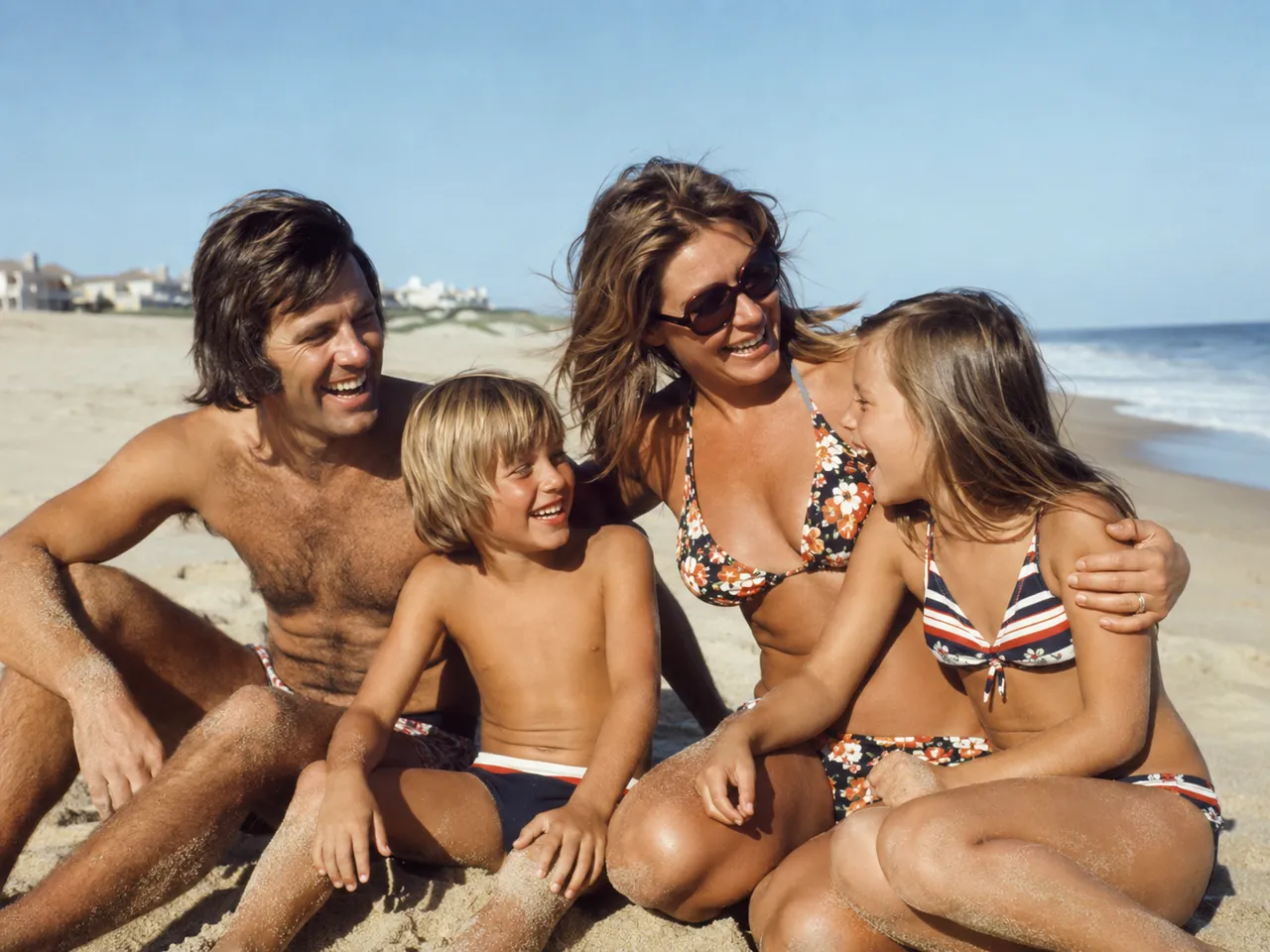
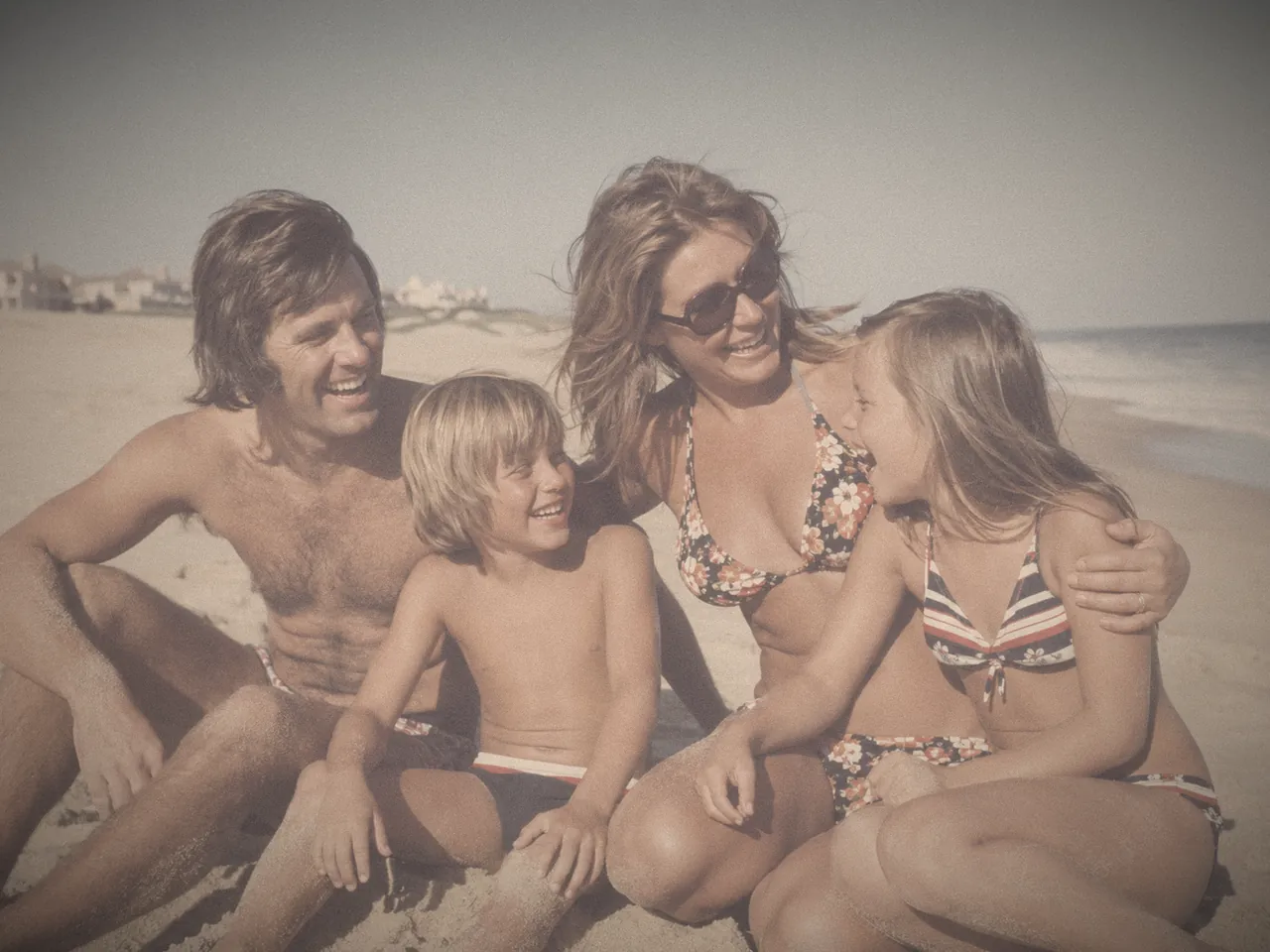
Old color prints fade — the 1970s orange cast, washed-out contrast, a magenta shift, dull lifeless skin. AI old photo restoration rebalances the color, rebuilds contrast and brings a faded old print back to vivid, lifelike tone without altering a single face.

After — the 1970s family beach photo with color and contrast fully restored
Before — a badly faded 1970s family beach photo with a heavy orange color cast
DamagedRestored
05SEVERE DAMAGE

Rescue water-damaged and antique photos

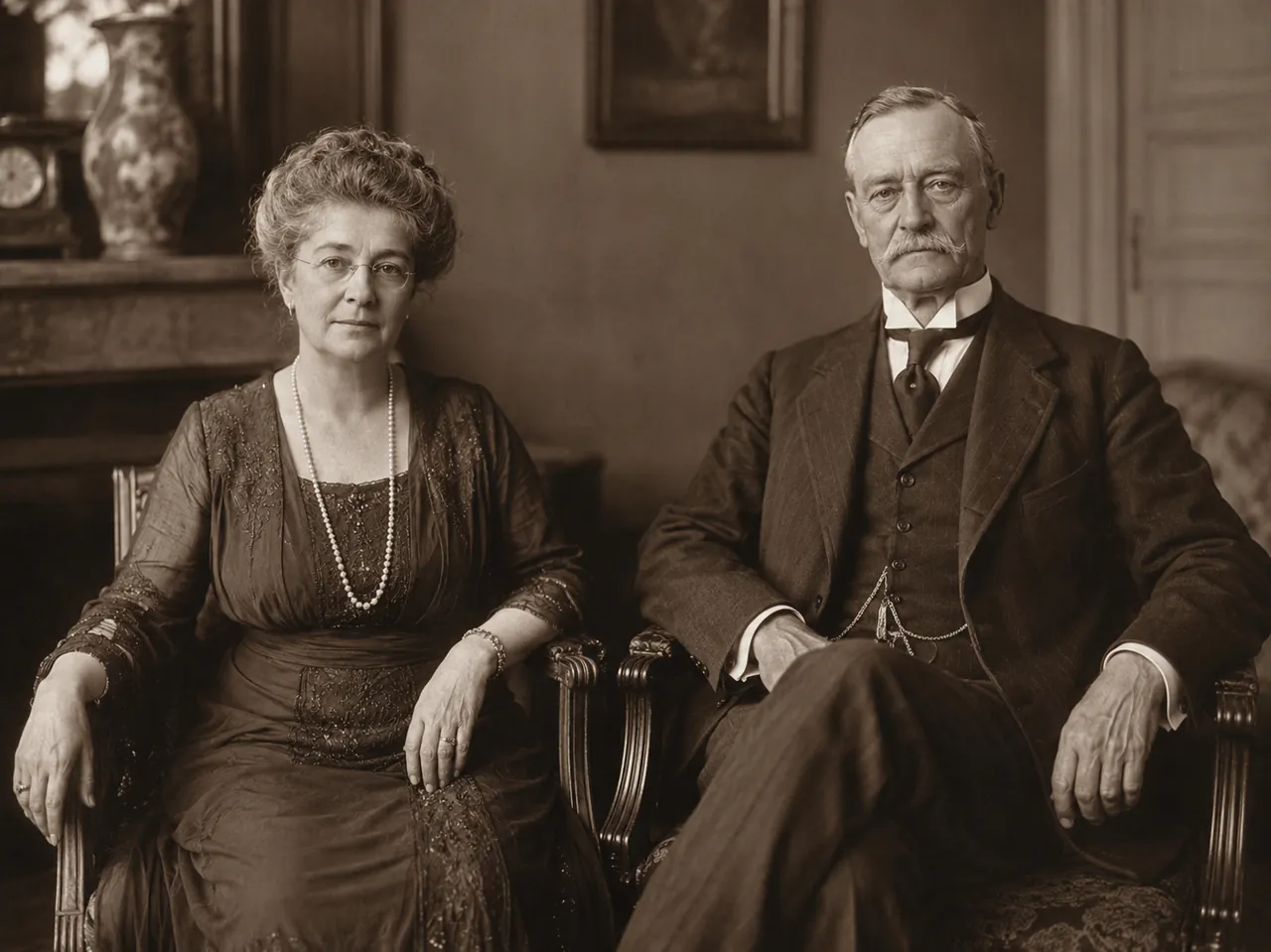
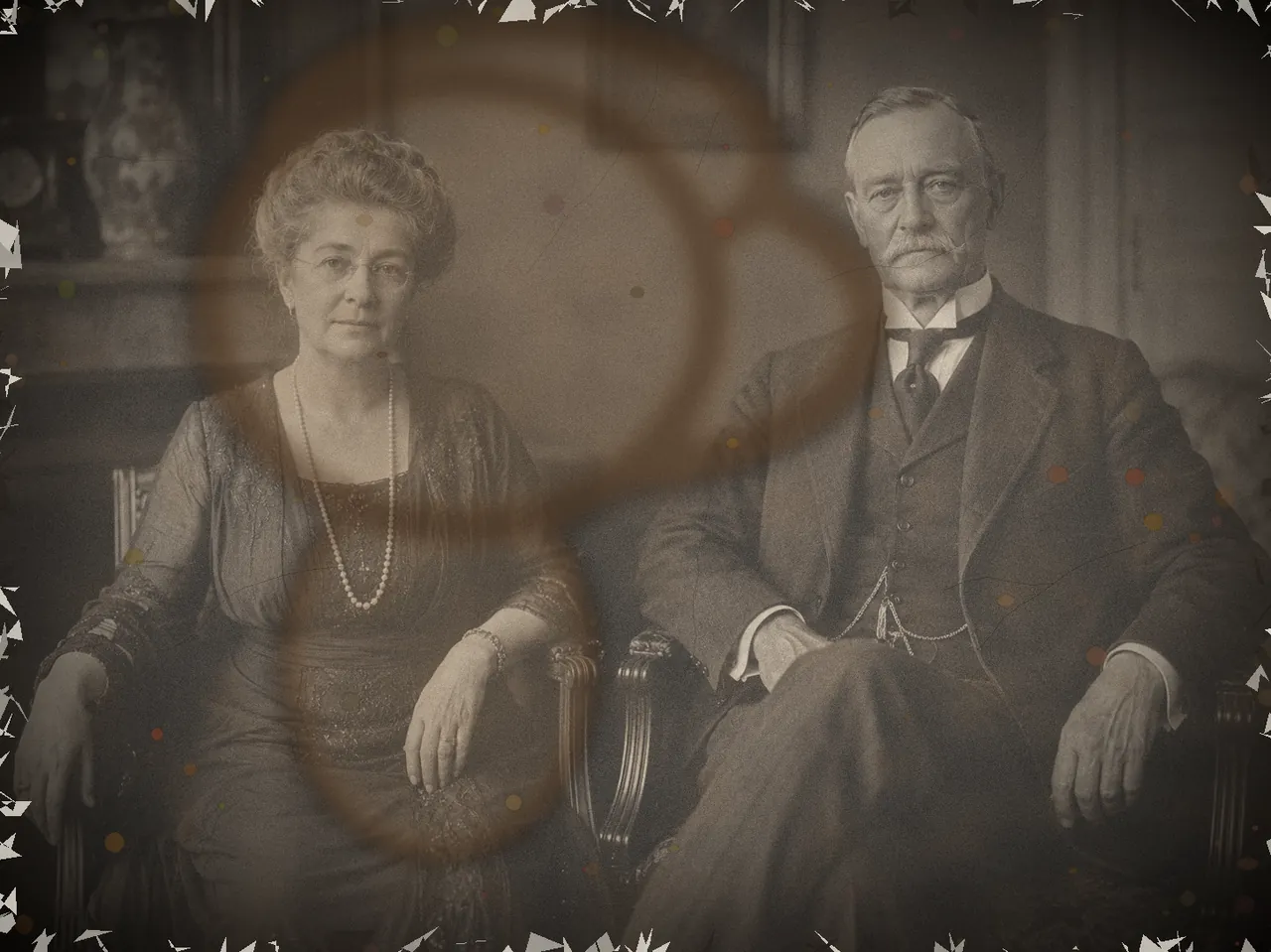
Water stains, mold and foxing spots, cracked emulsion, crumbling edges — even an image you were sure was beyond saving. The AI old photo restoration tool clears the damage layer by layer and recovers the portrait underneath, so a century-old picture can be shared again.

After — the antique 1920s portrait restored, with water damage and mold cleared away
Before — a severely water-damaged antique 1920s portrait with mold spots and cracked emulsion
DamagedRestored
N°02 · WHY US

Why choose the Imya AI old photo restoration tool

Five reasons families, genealogists and archivists trust Imya to restore old photos — with no paywall, no sign-up and no watermark on the result.

N°01

Free, online, no sign-up

Restore old photos online free, right in your browser. No download, no account to preview, no credit card — open the page, drop your photo and start.

N°02

Repairs real damage

Scratches, tears, creases, water stains and missing pieces — the AI restoration engine fixes physical damage a one-click filter never could.

N°03

Brings faces back to life

Faces are the part that matters. The tool rebuilds blurred and damaged faces with realistic detail — without turning your relative into a stranger.

N°04

Black & white into color

Optional AI colorization turns a black-and-white image into natural, period-accurate color, so faded prints finally look the way the moment felt.

N°05

No watermark, fully private

Your restored image downloads clean — no Imya logo, no overlay. Uploads are encrypted and auto-deleted within 24 hours, never used to train models.

N°03 · PROCESS

How to restore old photos with AI in 3 steps

From a damaged scan to a restored image in under a minute — no editing skill, no AI prompt, no sign-up to begin.

  1. 01

    Upload your photo

    Drag and drop a scan or snapshot of your photo — JPG, PNG or WEBP, up to 16 MB. A clear, high-resolution scan gives the AI the most real detail to work with.

  2. 02

    Choose Repair or Repair + Colorize

    Pick Repair to fix scratches, blur and fading while keeping the original tones — or Repair + Colorize to also turn a black-and-white image into natural color.

  3. 03

    Download your restored photo

    In seconds the AI restoration is done. Drag the slider to compare before and after, then download the restored image — full resolution, no watermark.

N°04 · COMPARISON

Free AI old photo restoration vs other tools

How Imya's free AI old photo restoration compares with the photo restoration tools people search for most.

Feature★ImyaMyHeritageReminiVanceAIHotpot
Free to use✓trialcreditscreditstrial
No watermark✓✗✗✓✗
Repairs scratches & tears✓✗partial✓✓
Colorizes black & white✓✓✗✓✓
No sign-up to start✓✗✗✗✓
Photo auto-deleted✓✗✗✗✗

Across the factors that matter most — free use, no watermark, real damage repair and privacy — Imya is the most complete free AI old photo restoration tool.

N°05 · TIPS

Tips for the best old photo restoration results

From the restoration desk

  1. Tip 01

    ¶Start with the best scan you have

    AI old photo restoration works from what you give it. A flat, high-resolution scan — 600 DPI, or a steady, evenly-lit phone shot with no glare — gives the AI far more real detail to rebuild than a small, washed-out snapshot.

  2. Tip 02

    ¶Match the mode to the image

    Use Repair for a damaged picture that already has color, or one you want to keep black-and-white. Use Repair + Colorize only when you actually want a black-and-white image turned into color — it is the one mode that changes the palette.

  3. Tip 03

    ¶For tiny scans, restore then enlarge

    If a scan is very small or low-resolution, restore old photos first to repair the damage, then run the result through the Imya AI Image Upscaler for a print-ready size. Two focused passes beat asking one tool to do everything.

N°06 · FREQUENTLY ASKED

Frequently asked questions about AI old photo restoration

  • Yes. You can restore old photos online free with Imya — no credit card to start, and new accounts receive free credits. We may add an optional Pro tier later for batch restoration, but core AI old photo restoration stays free.

N°07 · RELATED

More photo tools from Imya

AI image upscaler preview

AI Image Upscaler

Enlarge a restored image to 4K or 8K — print-ready resolution with no quality loss.

Open tool →
AI background remover preview

AI Background Remover

Cut any subject out of its background in one click — clean transparent PNGs.

Open tool →
AI headshot generator preview

AI Headshot Generator

Turn one selfie into a studio-quality professional headshot in about two minutes.

Open tool →
AI photo to sketch converter preview

AI Photo to Sketch

Turn any photo into a pencil, charcoal or line-art sketch drawing — free to preview.

Open tool →
READY

Bring your old photos back to life

Upload one photo and watch the damage disappear — free, in seconds.

Restore a photo free →

Free · No sign-up · Private

imya — All-in-One AI Image, Video & Music Generatorimya

All-in-One AI Image, Video & Music Generator. One workspace for every creative output.

AI Image Models

  • Z Image TurboFREE
  • GPT Image 2
  • Nano Banana
  • Qwen Image Edit Plus
  • Seedream 4.0
  • Nano Banana Pro Official
  • Nano Banana Pro Trial
  • Nano Banana 2
  • Seedream 4.5
  • Seedream 5

AI Video Models

  • Seedance 2.0 Fast
  • Seedance 2.0
  • Sora 2
  • Seedance 1.5 Pro
  • Veo 3.1 Fast
  • Kling 3.0 Motion Control

Photo Enhancement

  • AI Background Remover
  • AI Background Changer
  • AI Image Upscaler
  • AI Old Photo Restoration
  • AI Object Remover
  • AI Watermark Remover

Portrait & Avatar

  • AI Headshot Generator
  • AI Anime Avatar
  • AI Cartoon Portrait
  • AI Hair Color Changer
  • AI Hairstyle Changer
  • AI Face Swap

Style Transfer

  • AI Photo to Anime
  • AI Photo to Ghibli
  • AI Photo to Sketch
  • AI Art Style Transfer
  • AI Time Travel Photo

Photo Creative

  • AI Couple Photo
  • AI Family Photo
  • AI Wedding Photo
  • AI Father’s Day Card Maker
  • AI Christmas Cards
  • AI Valentine Card Maker
  • AI Group Photo Mixer
  • AI ID Photo Maker
  • AI Room Designer
  • AI Virtual Try-On

Creative Tools

  • AI Logo Generator
  • AI Logo Remover
  • AI Text Remover
  • AI Image Translator
  • AI Room Designer
  • AI Product Mockup

Product

  • AI Image Tools
  • AI Models
  • User Guide
  • Pricing

Company

  • About Us
  • Privacy Policy
  • Terms of Service
  • Contact Us

© 2026 imya.ai · All rights reserved

☀️Light