
Flux 2 AI Image Generator
Flux 2 is Black Forest Labs' image model family — run the supported Pro and Flex variants in your browser with no GPU or install.
Type a prompt, choose Flux 2 Pro or Flex, and review the credit cost before you generate.
🎁 4 images per run · 140 credits total
Sample outputs
Click Generate to replace these with yours
These are pre-generated samples — generate to replace them with your result
Flux 2 variants currently available on Imya
What Is Flux 2?
Flux 2 is a state-of-the-art text-to-image model from Black Forest Labs, the team behind the original Stable Diffusion. Under the hood it is a 32-billion-parameter rectified-flow transformer paired with a Mistral-based text encoder, which gives Flux 2 strong world knowledge and unusually accurate prompt following.
Next to Flux.1, Flux 2 renders cleaner in-image text, more natural skin and richer fine detail. One Flux 2 model handles both jobs — image generation and image editing: describe a picture from scratch, or upload up to 10 reference images and let Flux 2 combine or edit them with a text instruction.
Imya runs Flux 2 Pro and Flux 2 Flex in the cloud. Open the generator, choose one of those supported variants, and review the displayed credit price before creating a task.
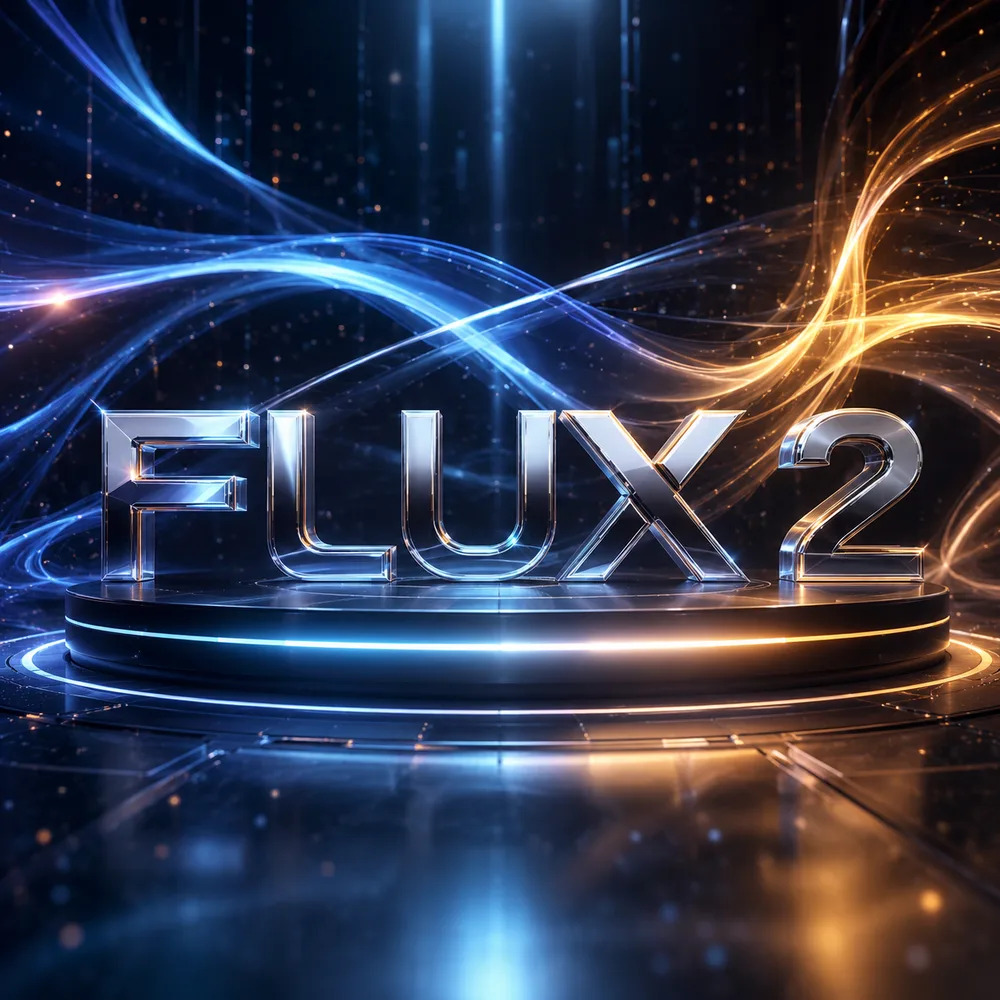
Flux 2 Models Available on Imya: Pro & Flex
The official Flux 2 family includes more variants, but the live Imya generator currently exposes Pro and Flex. Only these selectable models are presented as available here.
- PRO
Flux 2 Pro
The closed flagship Flux 2 model. Best-in-class detail, color and in-image typography — built for ads, posters and product photography where the text has to be perfect.
- FLEX
Flux 2 Flex
The flexible Imya option for reference-driven creation and fast drafts. Its supported settings and price are shown directly in the generator.
Why Use Imya's Flux 2 Image Generator?
Made for creators, not GPU owners.
Run Flux 2 online — no GPU, no setup
Flux 2 Dev is ~32B parameters and needs heavy VRAM to run locally. Here the Flux 2 image generator runs in the cloud — open a tab and start creating.
Studio-grade detail and real text
Flux 2 nails the small text, logos and layouts that trip up other models, so your Flux 2 images look finished — not "AI-ish".
Signup credits and clear pricing
New accounts receive signup credits, but a Flux 2 task may require additional balance. The generator shows the full cost before submission.
What Can You Create with Flux 2?
One Flux 2 image generator, a lot of jobs done.
Posters, ads & typography
Headlines, packaging and social creatives — Flux 2 text rendering makes it a genuine ad-mockup tool, not just a pretty-picture generator.
Product & brand photos
Clean, on-brand product shots and lifestyle scenes from a Flux 2 prompt — no studio, no photographer, no reshoots.
Characters, portraits & art
Editorial portraits, concept art and consistent characters with the natural detail Flux 2 is known for.
How to Use the Flux 2 Generator in 3 Steps
From a blank box to finished Flux 2 images in under a minute.
- 1
Write your Flux 2 prompt
Describe what you want in plain language. Flux 2 follows long, detailed prompts — even exact text strings and hex colors.
- 2
Pick a Flux 2 model
Choose Flux 2 Pro or Flux 2 Flex, then set a supported aspect ratio and output count.
- 3
Generate & download
Review the displayed credit cost, generate, and save the finished image in the format provided by the task result.
Flux 2 Prompt Ideas
New to Flux 2 prompting? Tap any example in the generator to load a ready-made prompt, then tweak it. Popular Flux 2 prompts creators start from:
Luxury perfume ad, frosted glass bottle on wet black marble, gold serif text reading "AURUM", cinematic rim light, 4K.
Specialty coffee bag mockup, kraft pouch, label reading "EMBER ROAST · Single Origin", soft morning light.
Synthwave album cover for a band "NEON TIDE", chrome 3D lettering, 1980s sunset gradient.
Photoreal golden-hour portrait, natural skin texture, linen shirt, shallow depth of field.
Flux 2 vs Flux.1 and Other AI Image Models
How does Flux 2 compare? A quick, honest look.
| Flux 2 | Flux.1 | Typical model | |
|---|---|---|---|
| In-image text | Excellent | Fair | Weak |
| Photoreal skin | Natural | Plasticky | Varies |
| Image editing | Built-in (up to 10 refs) | Limited | Add-on |
| Open weights | Dev & Klein | Dev / Schnell | Mixed |
Try the Flux 2 AI Image Generator
Ready to create? Scroll up, choose Flux 2 Pro or Flex, and review the real credit cost before submitting your prompt.
Open the Flux 2 generator- Text-to-image + editing
- PNG · WebP · JPEG
- Signup credits available
Flux 2 FAQ
Everything about generating images with Flux 2 Pro and Flex on Imya.
Is Flux 2 free?
New Imya accounts receive signup credits, but a Flux 2 generation may need additional balance. Pro and Flex currently show the same live credit cost in the generator. This is not unlimited free access.
Can I download Flux 2 or run it locally?
Some official Flux 2 variants are available as open weights from Black Forest Labs. Imya currently provides the cloud-based Pro and Flex variants shown in its selector; it does not present Dev or Klein as selectable here.
What is the difference between Flux 2 Pro and Flux 2 Dev?
Flux 2 Pro is a hosted flagship variant, while Dev is an official open-weight variant intended for local use and fine-tuning. Imya currently exposes Pro and Flex, not Dev.
Can Flux 2 edit existing images?
Yes. Switch the generator to Edit Image, upload a reference photo, and Flux 2 can restyle, combine or edit it from a text instruction. Flux 2 supports up to 10 reference images for advanced edits.
What is Flux 2 Klein?
Flux 2 Klein is a smaller official Flux 2 variant. It is not currently selectable in the Imya generator, so this page does not advertise it as an available Imya model.
Which aspect ratios and formats does Flux 2 support?
Choose 1:1, 16:9, 9:16, 3:2, 2:3 and more, and download your Flux 2 images as PNG, WebP or JPEG straight from the generator.
Related AI Image Generators
Explore more AI generators and editors from Imya.