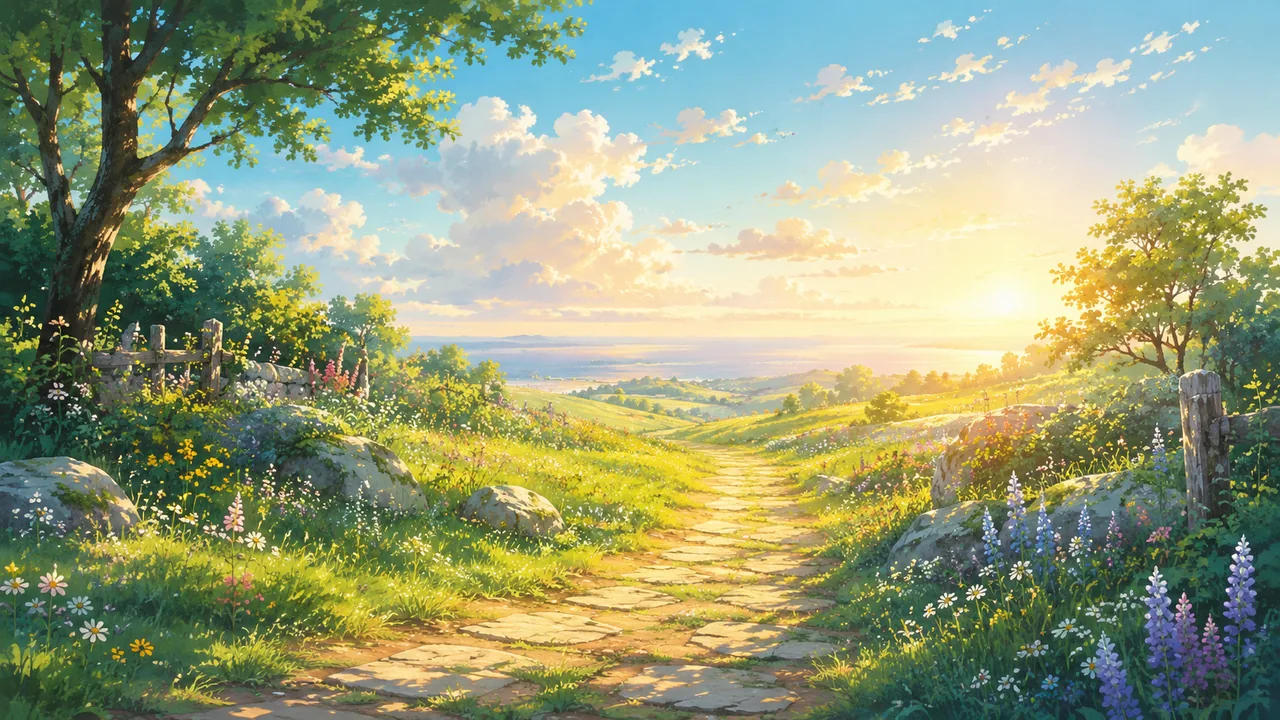
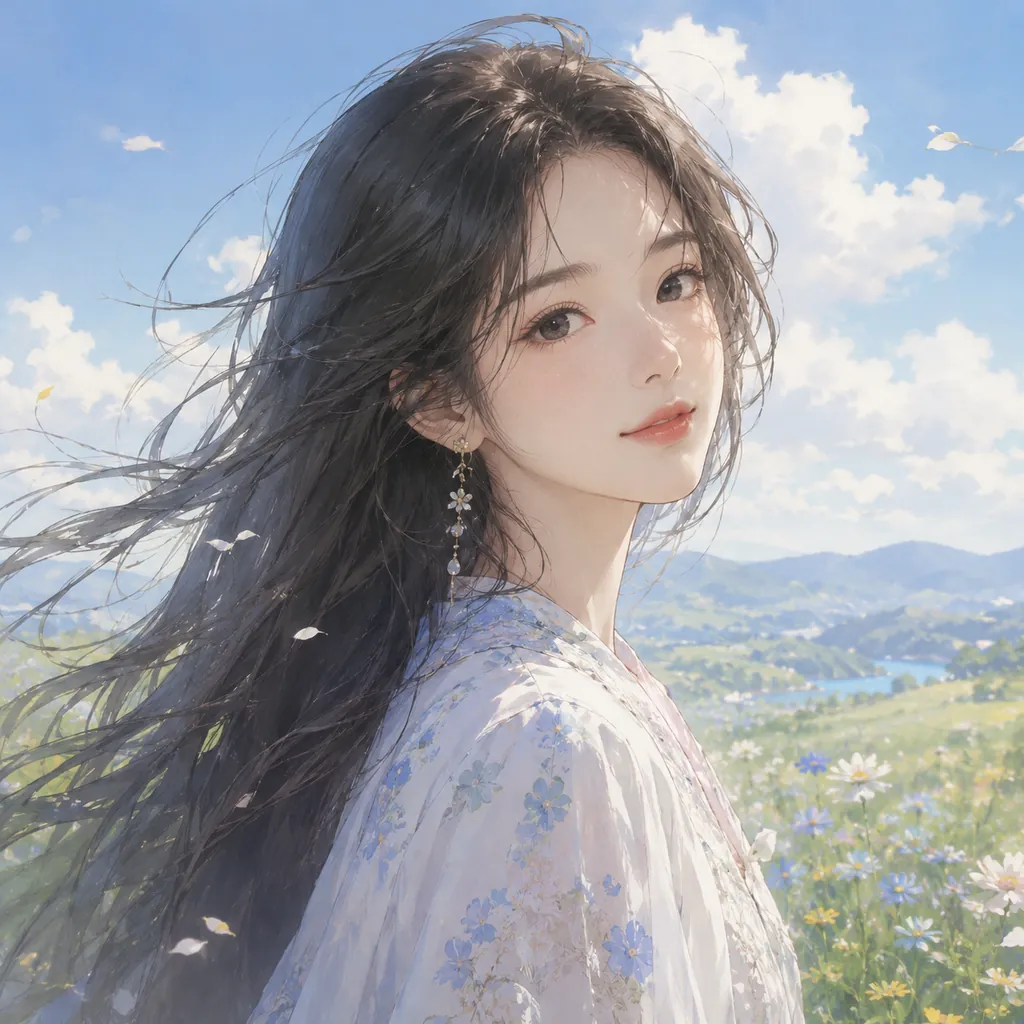
 N°01
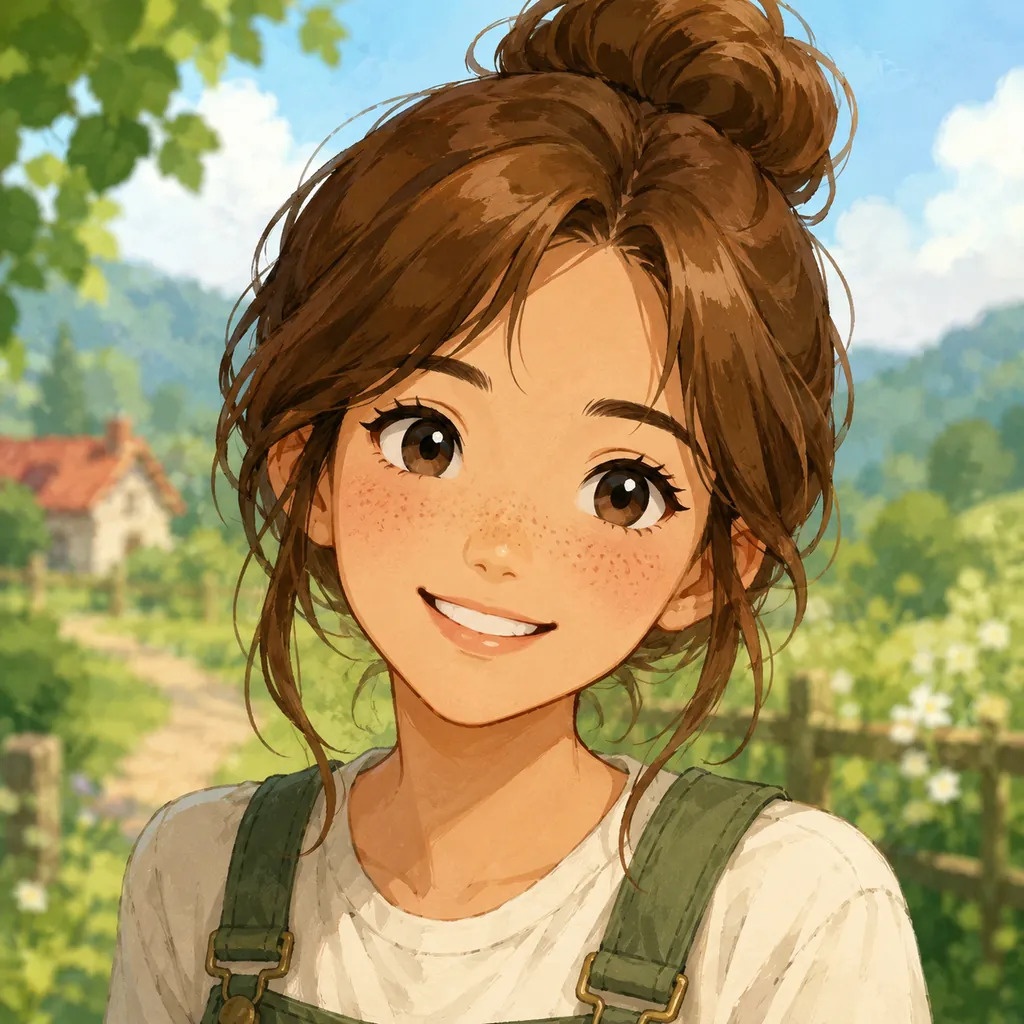
N°01Ghibli-style portrait
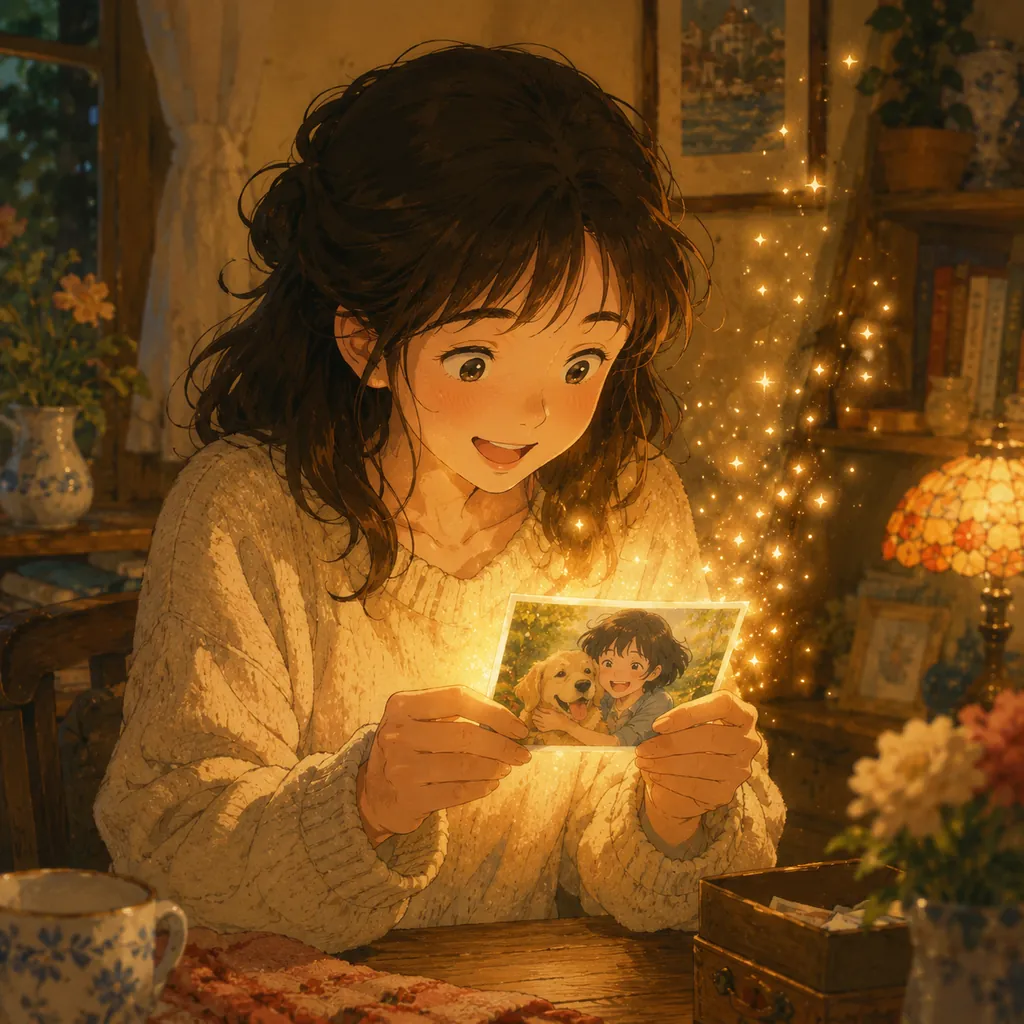
Turn a single selfie or headshot into a soft, dreamy Ghibli character — the most popular way to use AI Photo to Ghibli.
Your photo
AI model
Ghibli style
Upload a photo to start
Turn any photo into dreamy, hand-painted Studio Ghibli-style art — free, with no prompt and no watermark. Just upload and watch the magic.
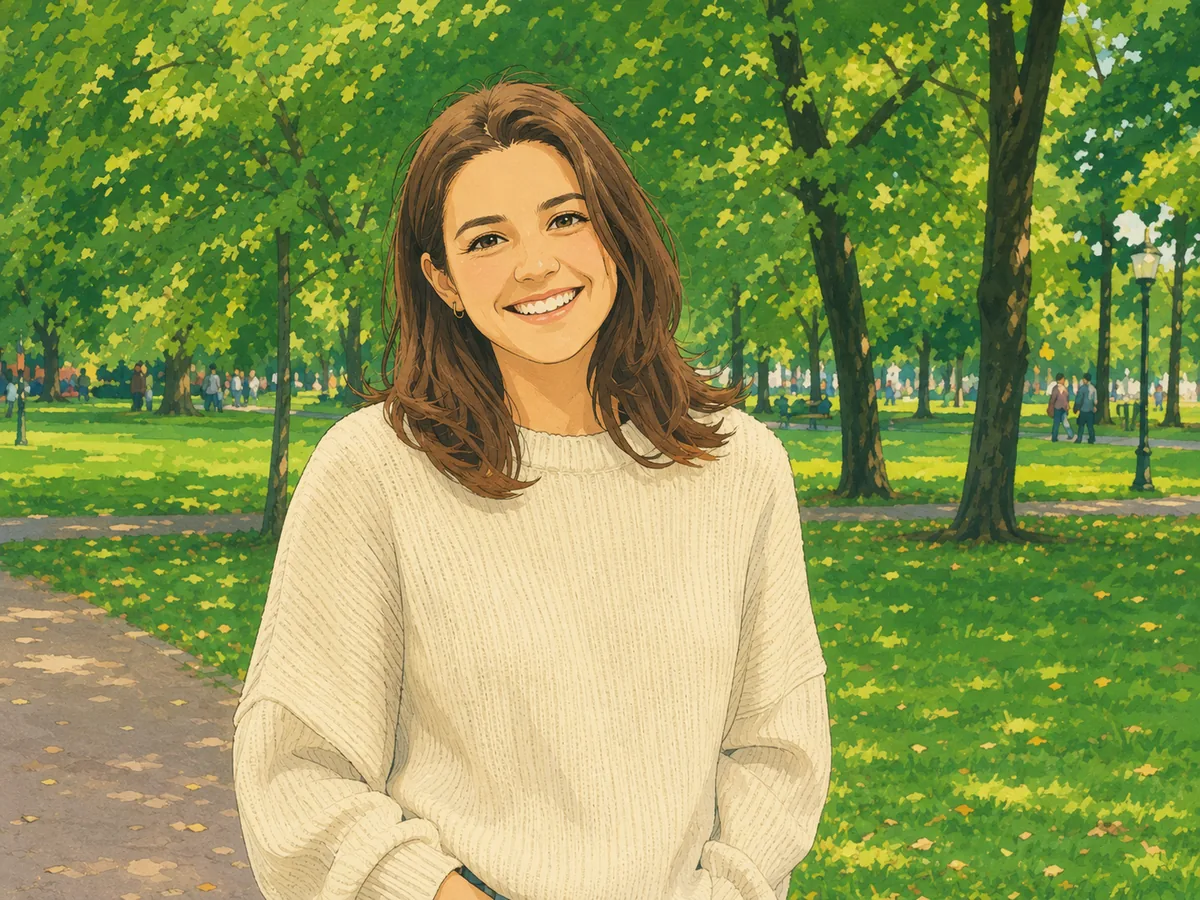
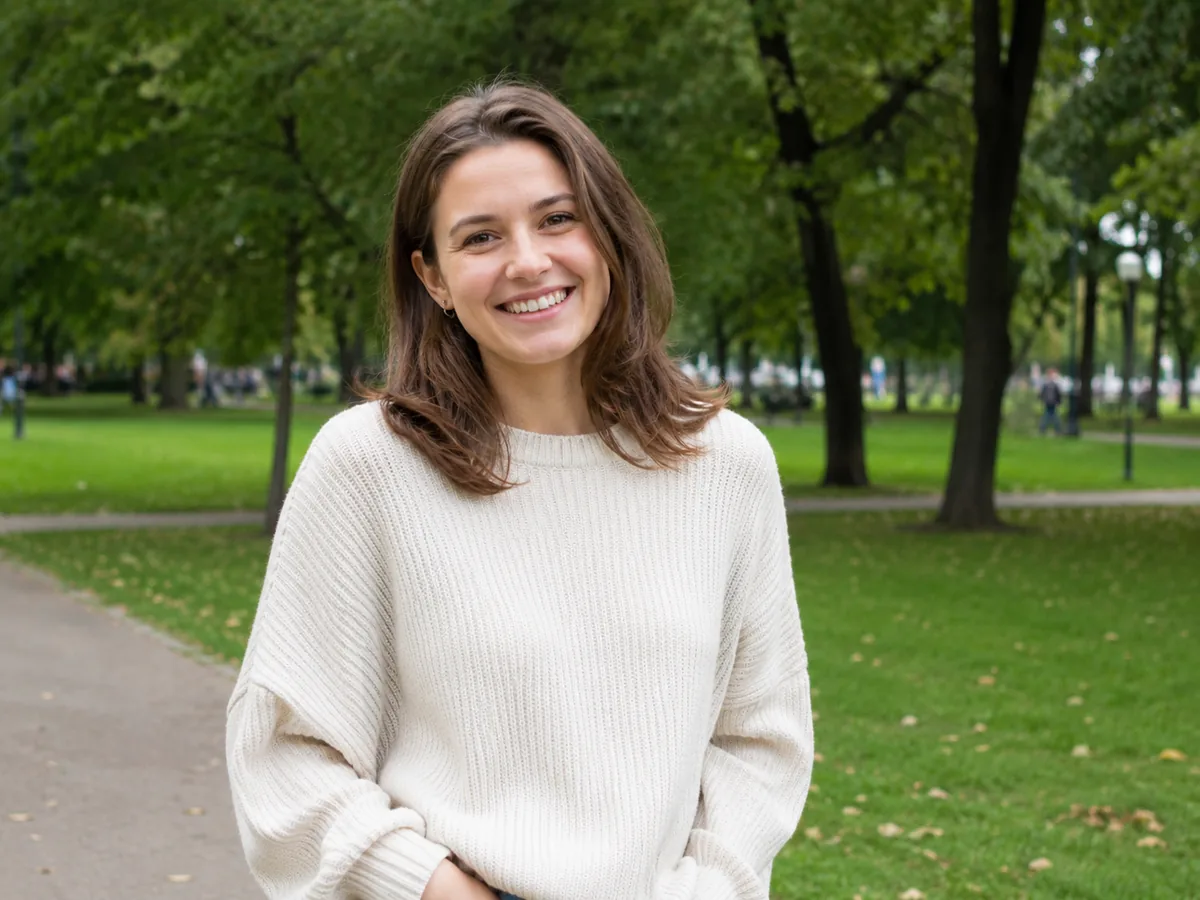
AI Photo to Ghibli is the easiest way to convert an image into the warm, hand-painted look of a Studio Ghibli anime film. Instead of writing a prompt or learning an editor, you upload a photo and a deep-learning model repaints it — soft cel-shading, dreamy watercolor backgrounds, gentle light and that unmistakable storybook glow. What an illustrator would spend hours drawing, the AI Photo to Ghibli converter does in seconds.
¶Imya's free AI Photo to Ghibli tool runs image models trained to understand a face, a landscape and a moment — not just to drop a filter on top. When you convert a photo to Ghibli style, the AI keeps the people, poses and composition you love, then reimagines the whole scene with painterly Ghibli detail. The result is a clean, watermark-free Ghibli-style image, ready to post or print.
¶Unlike a one-tap phone filter, a true AI Photo to Ghibli converter rebuilds the entire picture in the style — skies turn soft and cloud-dappled, skin becomes gently shaded, backgrounds bloom into lush scenery. Whether you want a Ghibli portrait, a family scene, your pet as a Ghibli creature or a dreamy travel shot, the AI does the artistry for you, free and online.
From an everyday photo to finished Ghibli art in under a minute — no editing skill, no Ghibli photo prompt and no sign-up to begin.
 01
01Drag and drop any photo — a selfie, a family picture, a pet or a landscape — in JPG, PNG or WEBP, up to 16 MB. A clear, well-lit photo gives the AI Photo to Ghibli converter the most detail to work with.
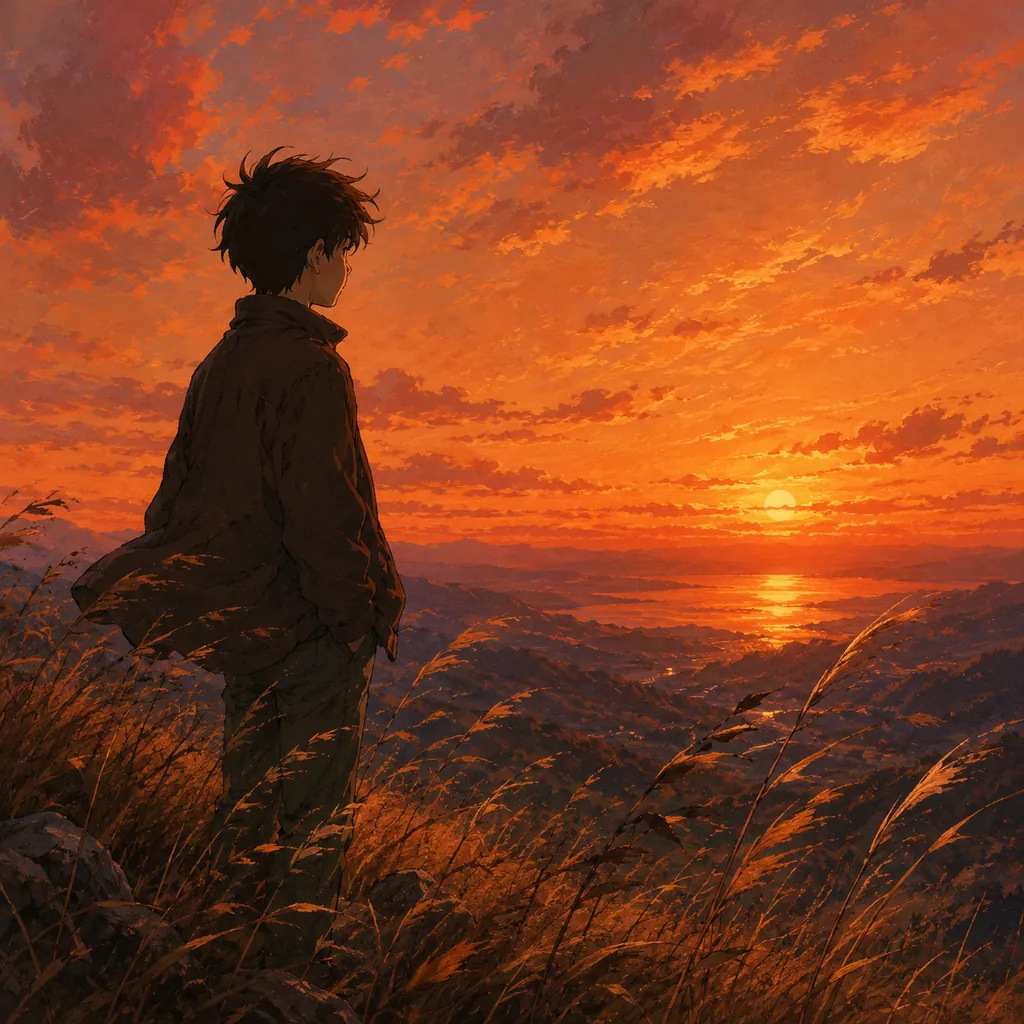 02
02Choose a Ghibli look — classic film, dreamy countryside, magical fantasy or cozy interior — and pick an AI model. There is no Ghibli photo prompt to write; the style does the work.
 03
03In seconds the AI converts your image to Ghibli style. Drag the slider to compare before and after, then download your Ghibli-style art — full resolution, with no watermark.
One AI Photo to Ghibli converter, endless ideas. Here are six of the most popular ways people turn a photo into Ghibli art.
N°01Turn a single selfie or headshot into a soft, dreamy Ghibli character — the most popular way to use AI Photo to Ghibli.
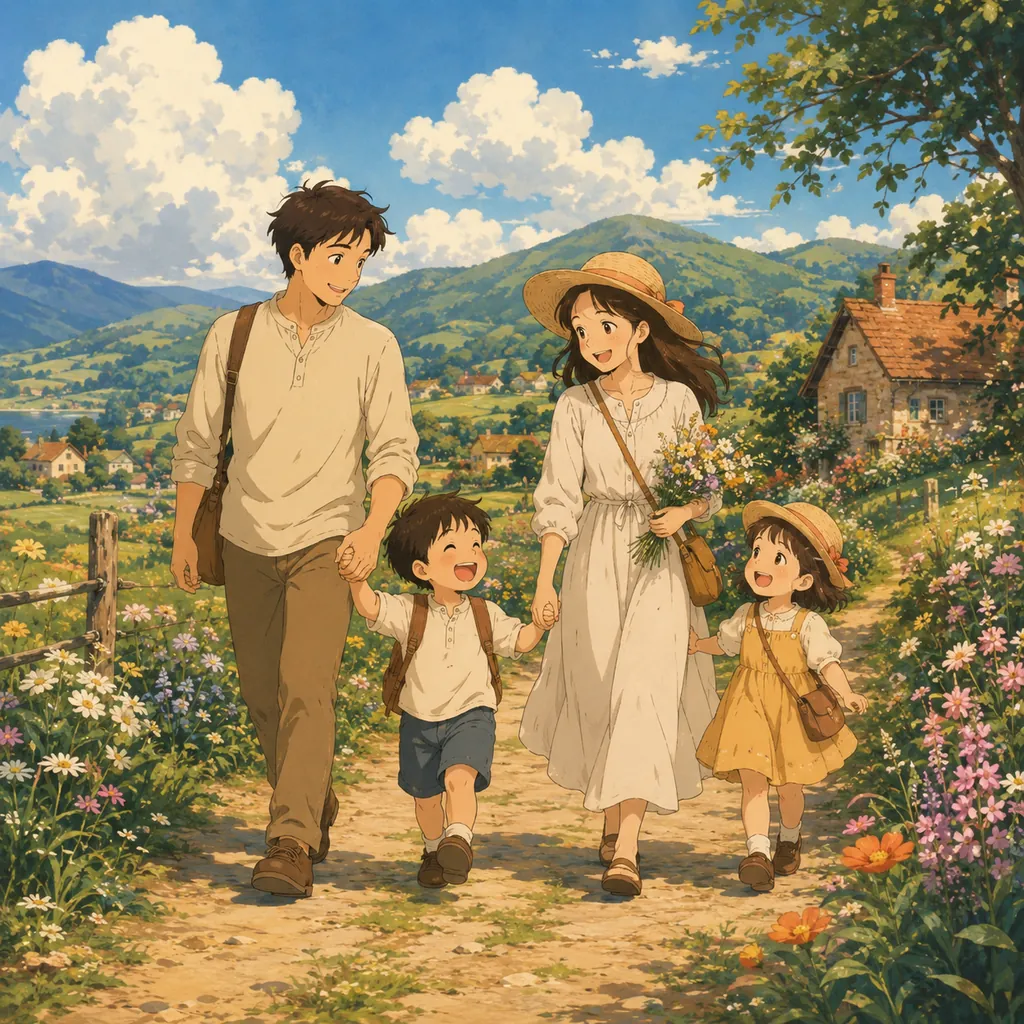 N°02
N°02Convert a family picture into a warm countryside scene and give everyone a hand-painted Ghibli look.
 N°03
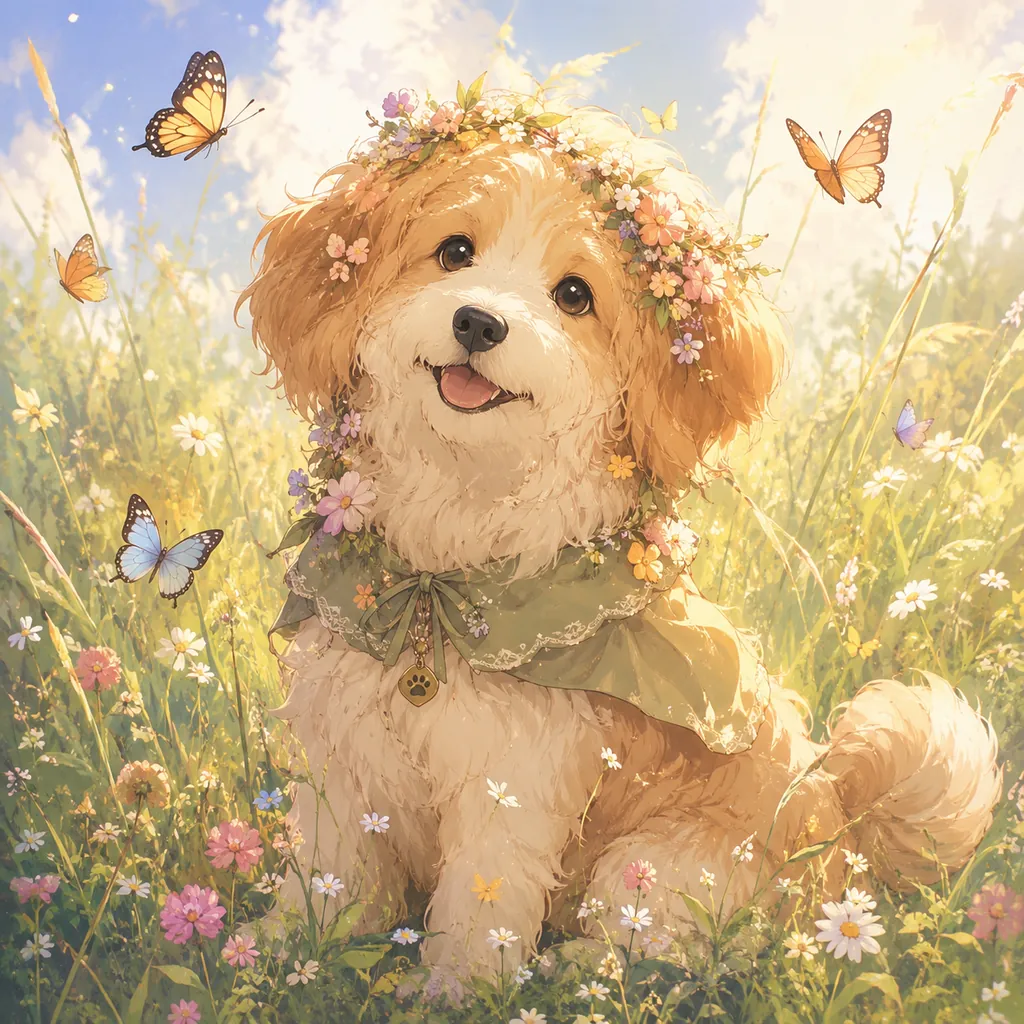
N°03Upload a photo of your dog or cat and watch the AI Photo to Ghibli converter turn it into a gentle, storybook creature.
 N°04
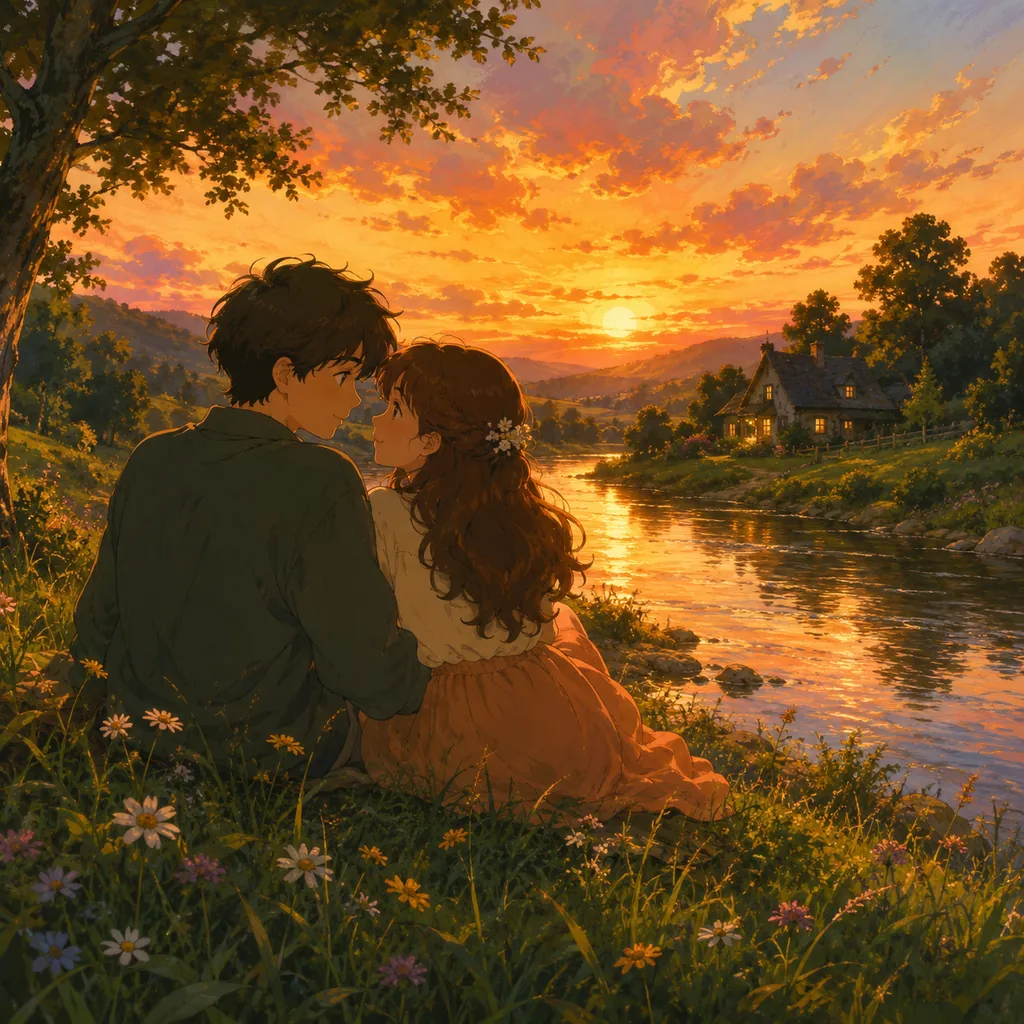
N°04Reimagine a couple's photo in a golden Ghibli sunset — a romantic, anime-style keepsake.
 N°05
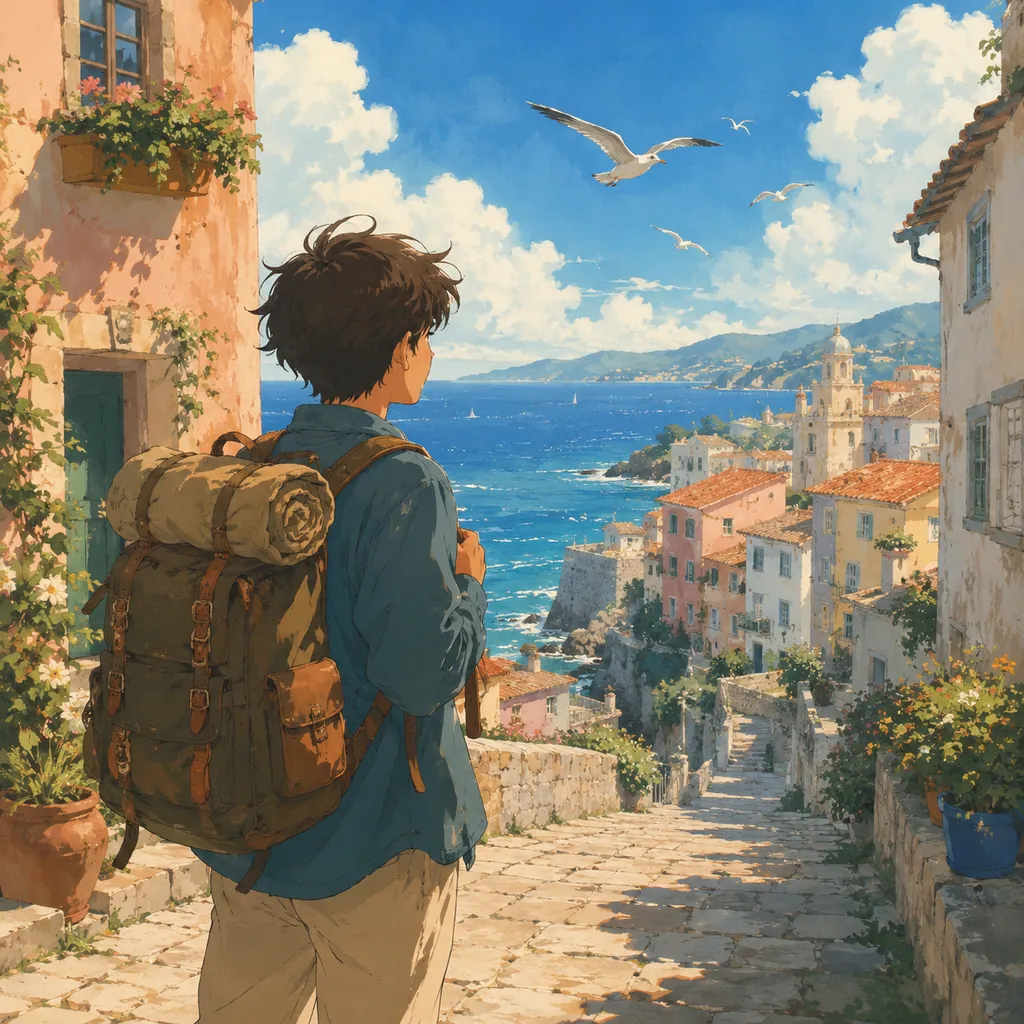
N°05Convert a holiday image into a Ghibli-style scene and turn an ordinary trip into a magical memory.
 N°06
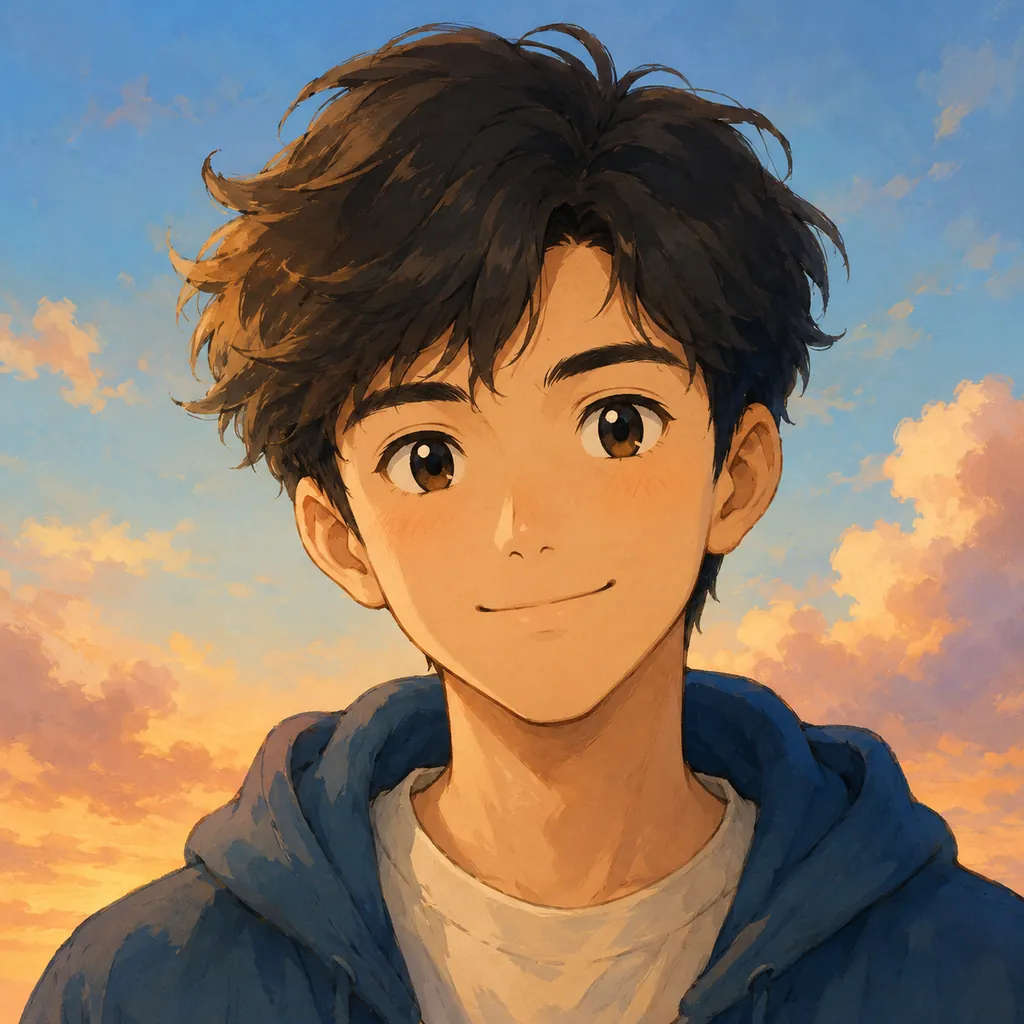
N°06Make a clean Ghibli-style avatar from any photo — a profile picture that stands out on every platform.
Five reasons anime fans, families and creators pick Imya to convert their photos to Ghibli style — with no paywall, no sign-up and no watermark.
Convert image to Ghibli style free, right in your browser. No app to install, no account to preview and no credit card to start.
Skip the ChatGPT and Gemini prompt-writing. Pick a Ghibli style, press convert, and the AI Photo to Ghibli tool handles the rest.
Your Ghibli-style image downloads clean at full resolution — no Imya logo, no overlay. Free, watermark-free Ghibli art is the default.
Classic film, countryside, fantasy or cozy interior — switch styles freely and convert the same photo to Ghibli style more than once.
Your upload is transferred over HTTPS and processed by Imya and contracted AI providers to provide this service. Imya does not sell your files or use them to train Imya-owned models; providers process them under their own terms. See our Privacy Policy for retention details.
How Imya's free AI Photo to Ghibli converter compares with the other ways people turn a photo into Ghibli art.
| Feature | ★Imya | ChatGPT | Gemini | Filter apps |
|---|---|---|---|---|
| Free to use | ✓ | trial | trial | ✗ |
| No prompt to write | ✓ | ✗ | ✗ | ✓ |
| No watermark | ✓ | ✓ | ✓ | ✗ |
| No queue or rate limit | ✓ | ✗ | limited | ✓ |
| Multiple Ghibli styles | ✓ | ✗ | ✗ | limited |
| Retention details | ✓ | ✗ | ✗ | ✗ |
Across the things that matter — free use, no prompt, no watermark and privacy — Imya is the most complete free AI Photo to Ghibli converter.
From the studio
AI Photo to Ghibli works from what you give it. A sharp, evenly-lit photo with the face or subject clearly visible converts to Ghibli style far better than a dark, blurry or low-resolution snapshot.
The Ghibli style shines on portraits, couples, pets and small groups. A photo with one clear subject keeps faces expressive and recognizable after you convert the image to Ghibli style.
You do not need a Ghibli photo prompt, but you can still explore. Convert the same photo with the classic, countryside, fantasy and cozy looks, then keep the Ghibli-style image you love most.
Yes. You can convert image to Ghibli style free with Imya — no credit card to start, and new accounts receive free credits. It works as a free Ghibli image generator online, with no watermark on your result.
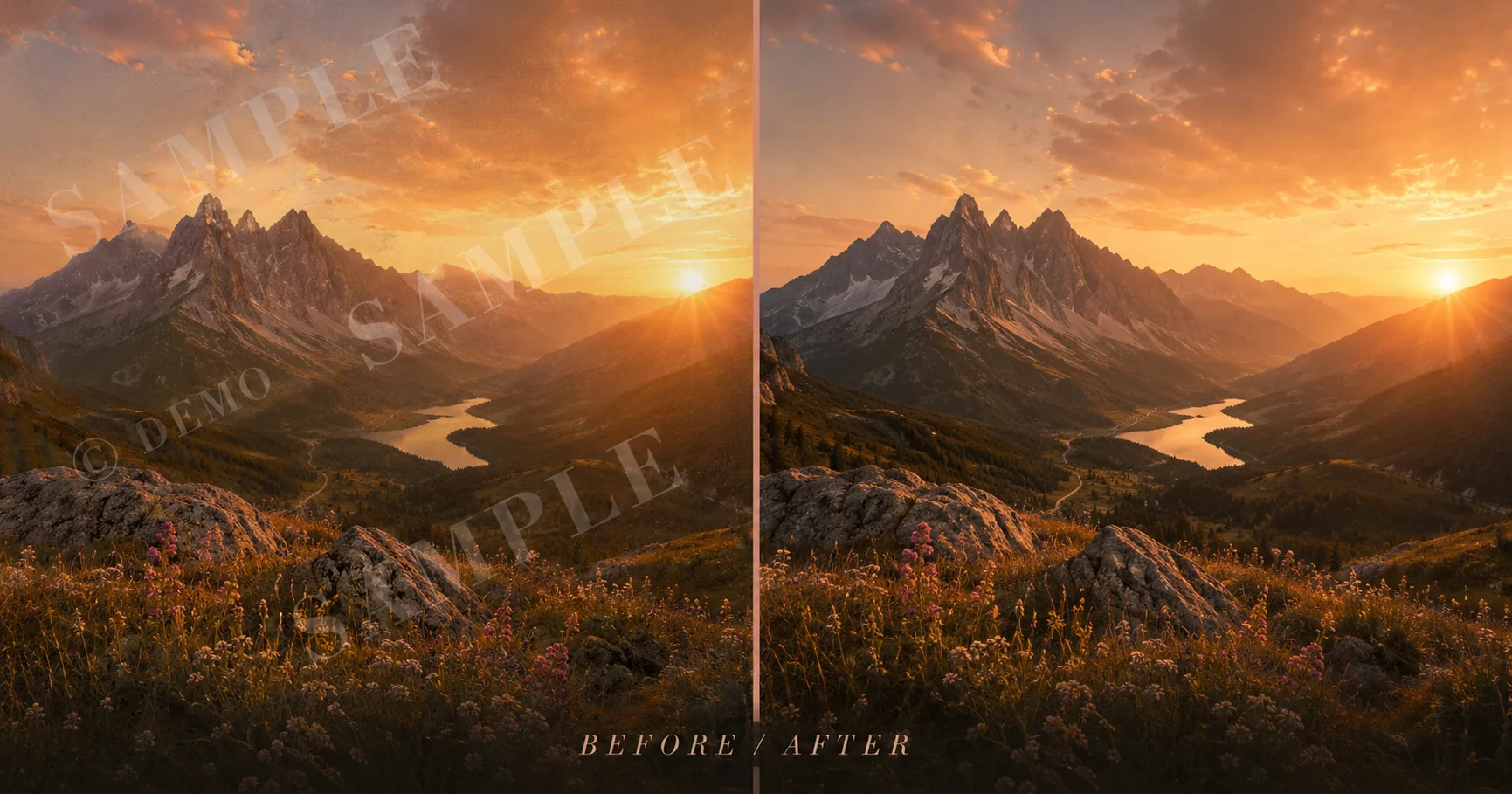
Erase logos, text stamps and preview overlays from any image — clean, full-resolution result with no extra watermark.
Open tool →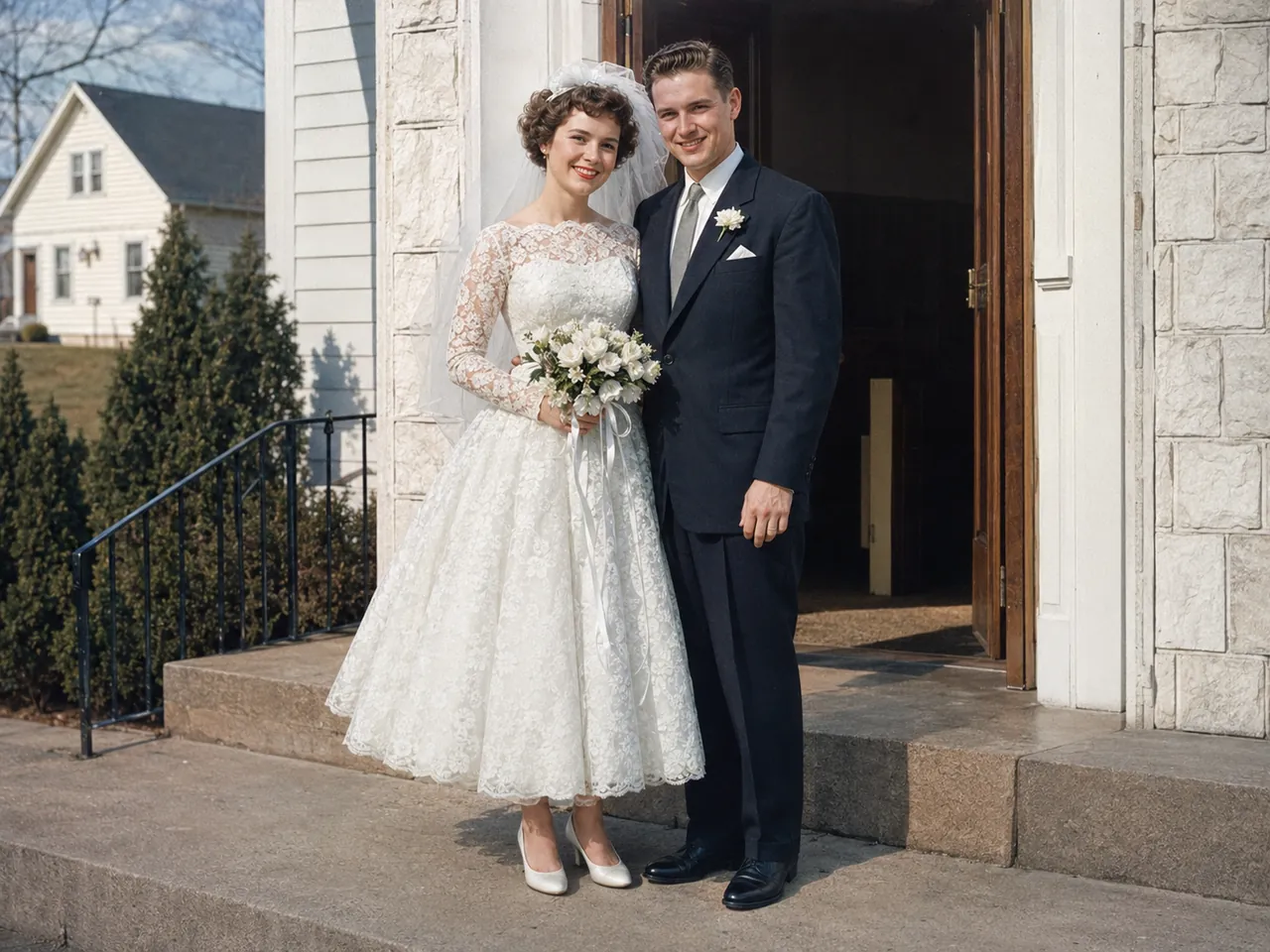
Repair scratches, fading and blur — then restore and colorize your old photos.
Open tool →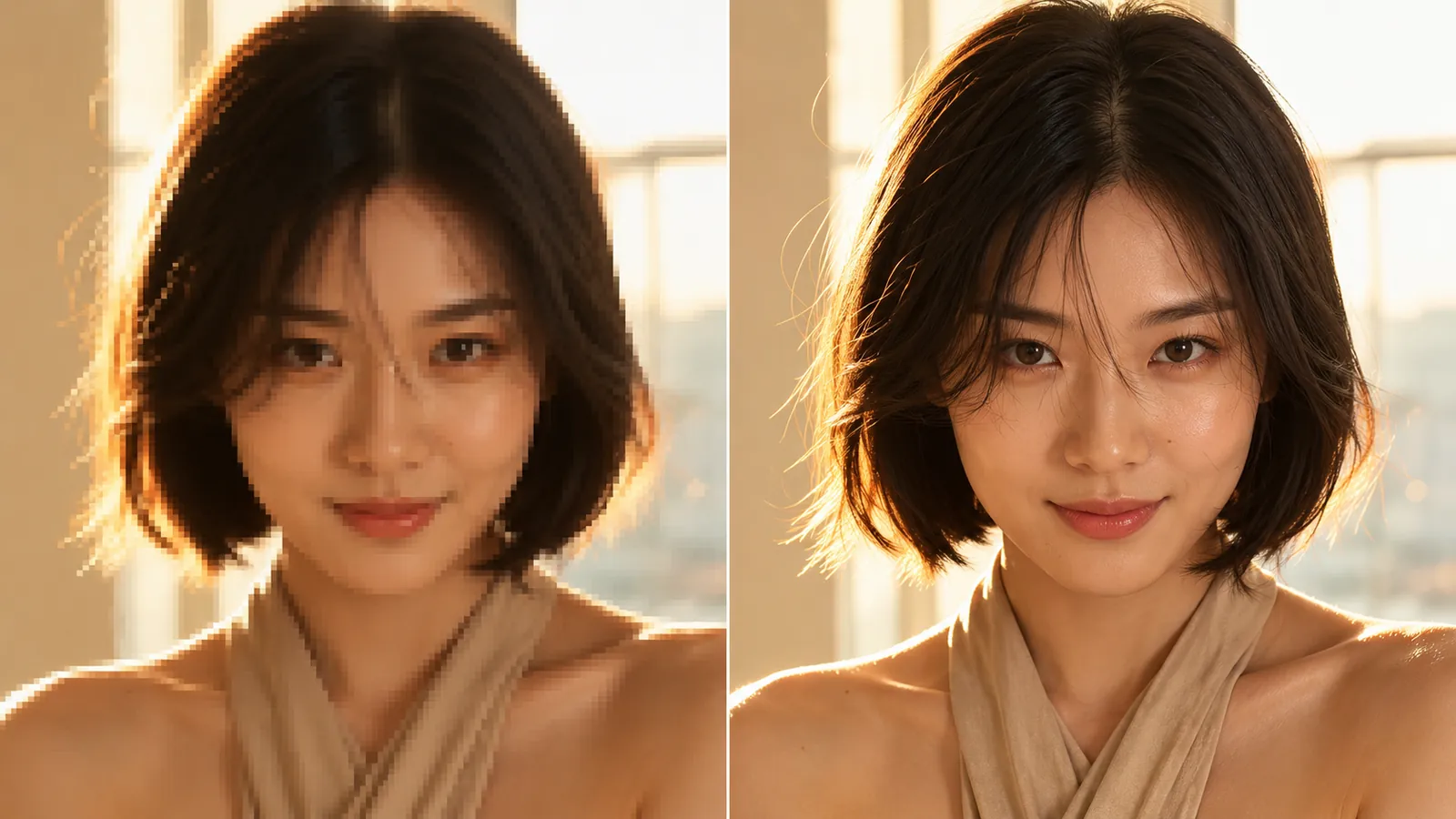
Enlarge your Ghibli art to 4K or 8K — print-ready resolution with no quality loss.
Open tool →Upload one photo and watch it become a hand-painted Ghibli scene — free, in seconds.
Convert a photo free →Free · No sign-up · Private