AI Logo Removerfree online for photos & exported frames
Take any brand logo, corner badge, app icon or product label off a photo — instantly, at full resolution, with no logo of our own on the way out.
Try the AI Logo Remover
What kind of logo?
AI model
Drop a photo with a logo
Watch the demo above. Sign in to upload your own image and remove a real logo — new accounts get free credits. Terms · Privacy
AI Logo Remover
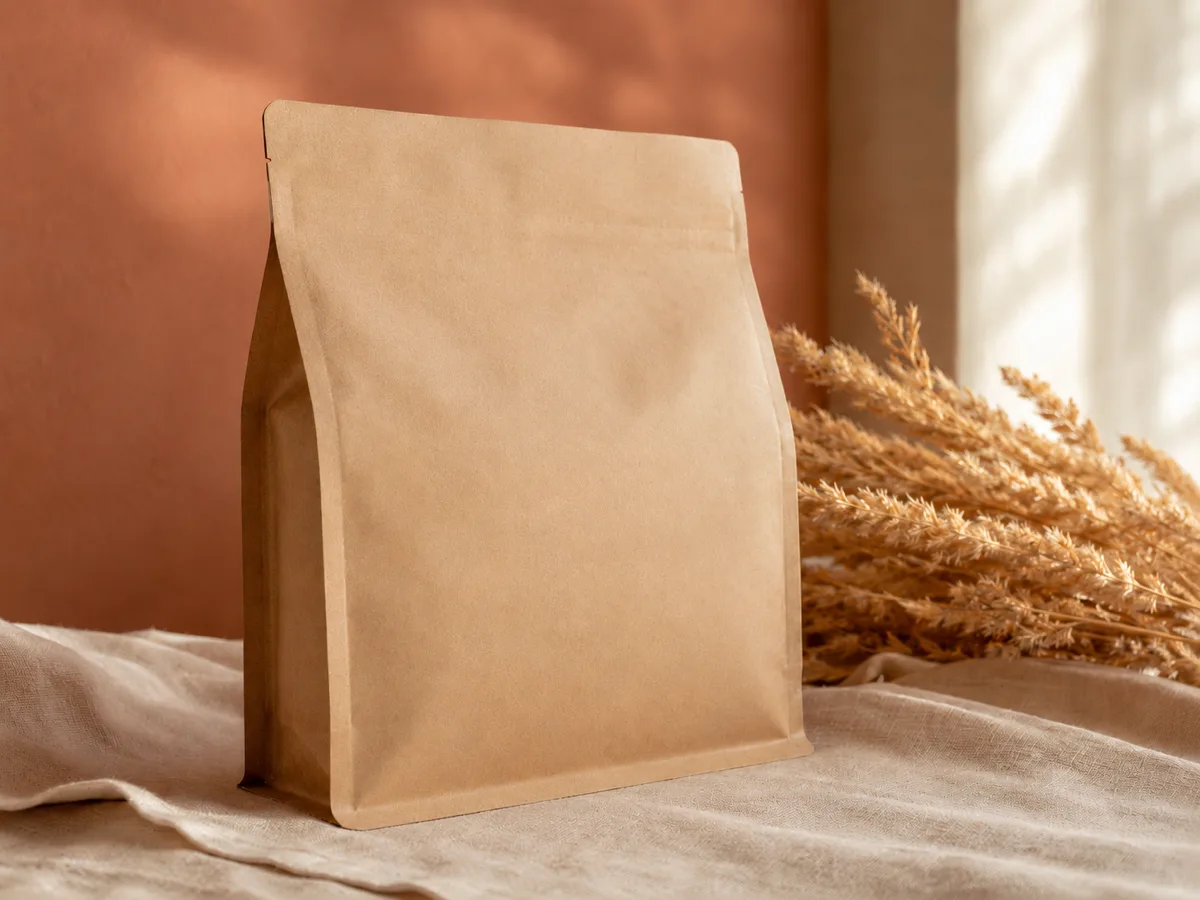
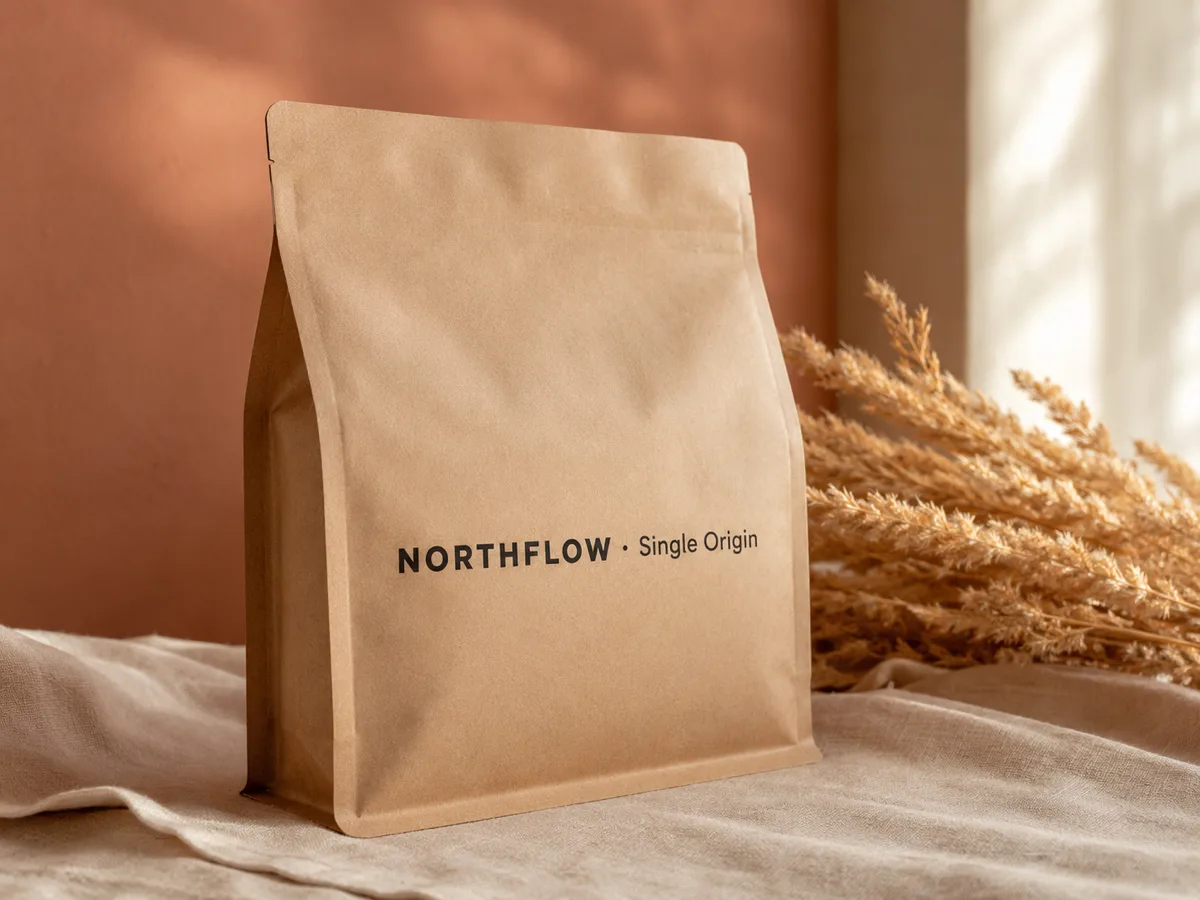
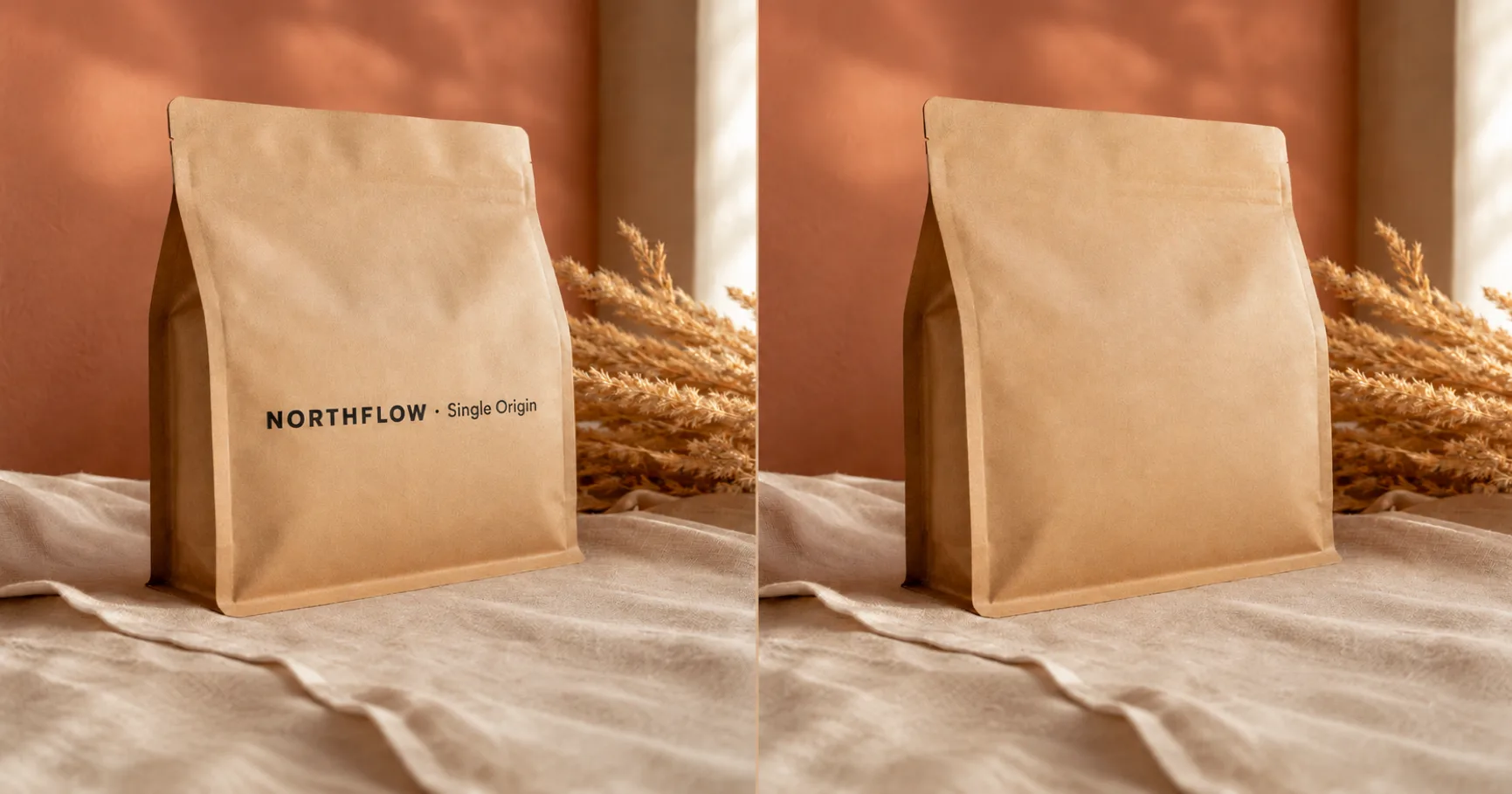
Drag the slider to see the AI logo remover in action — full-resolution, no logo on the result.
Drag to compareFree
Preview · no card · no daily cap
2,400+
Logos removed this week
Privacy Policy
Retention details
Quietly built for sellers, editors and designers who keep their shots logo-clean.
Used by Shopify sellers · video editors · indie marketers · presentation designers
What is an AI Logo Remover?
An AI logo remover is a deep-learning tool that takes a brand logo off an image without leaving a smudge behind. Instead of cloning pixels with a manual stamp brush, the AI looks at the whole picture, predicts what was sitting underneath the logo, and rebuilds the surface with matching colors, light and texture. What Photoshop's healing brush took twenty minutes to fake, the tool finishes in seconds.
¶Imya's free AI logo remover runs an image inpainting model trained on millions of real photos, so it understands kraft paper, ceramic, fabric, skin and skies — not just flat colors. When you remove a logo with Imya, the model keeps the rest of the photo untouched at full resolution and hands back a clean, logo-free image that downloads with no logo of our own on it.
¶Unlike a one-tap phone filter or a paid stock-photo cleaner, a real inpainting model handles brand logos on product packaging, corner badges on video frames, app icons exported by photo editors, and even the bulky platform marks Sora, TikTok and CapCut bake into a clip. Whether it is a printed brand mark on a coffee bag, a stock-preview logo on a photo you licensed, an app banner on a free export, or a channel ident on a screen-recorded video frame, the tool quietly erases it and gives the photo back clean.
How to remove a logo from a photo in 3 steps
From a photo with a brand logo to a clean, logo-free image in under a minute — no editing skill, no Photoshop and no sign-up to preview the AI logo remover.
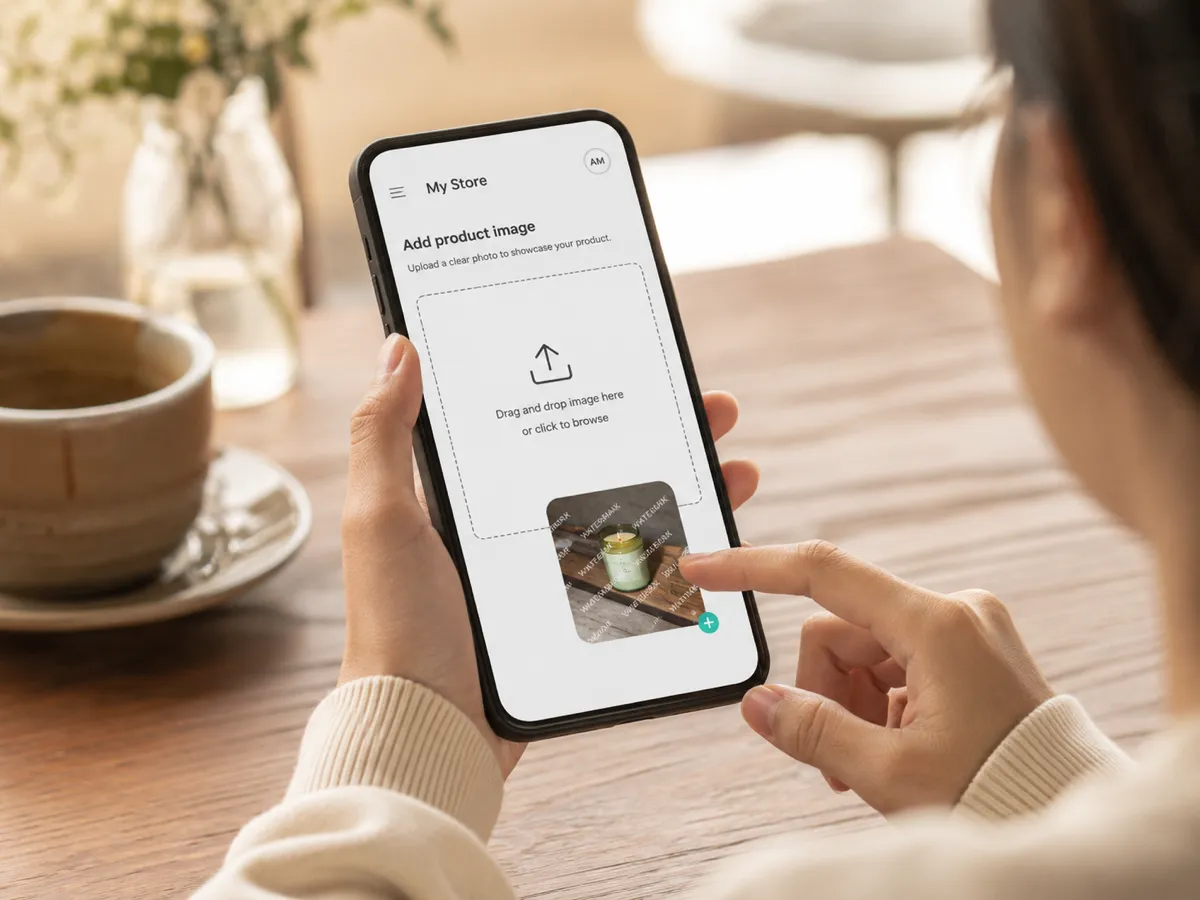 01
01Upload your photo or screenshot
Drop any photo, screenshot or exported video frame that carries a logo — JPG, PNG or WEBP, up to 16 MB. A sharp, high-resolution source gives the AI the most pixels to rebuild from.
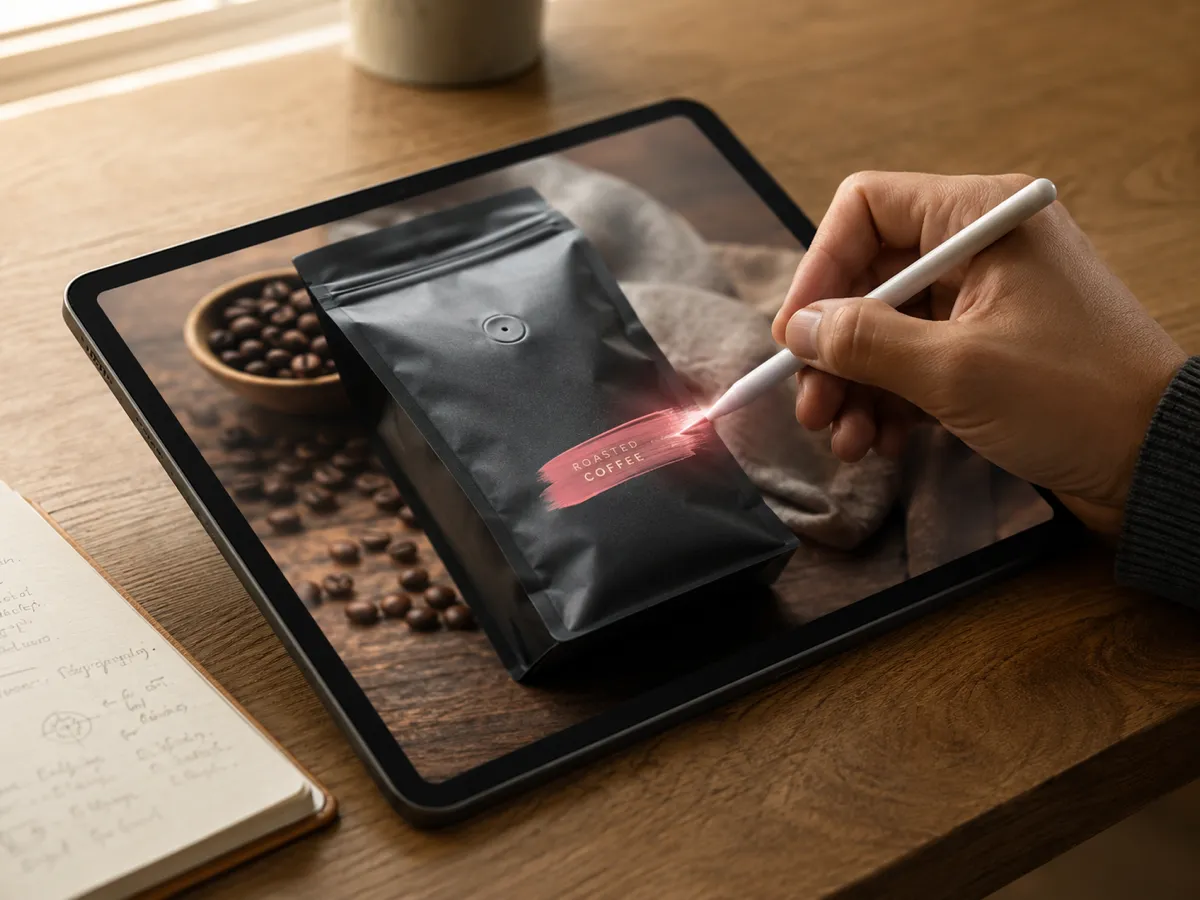 02
02Brush the logo or let the AI find it
Let Imya auto-detect the logo, or brush over the brand mark, corner badge or app icon you want gone. A little extra margin around the logo edge helps the AI blend the rebuilt surface in naturally.
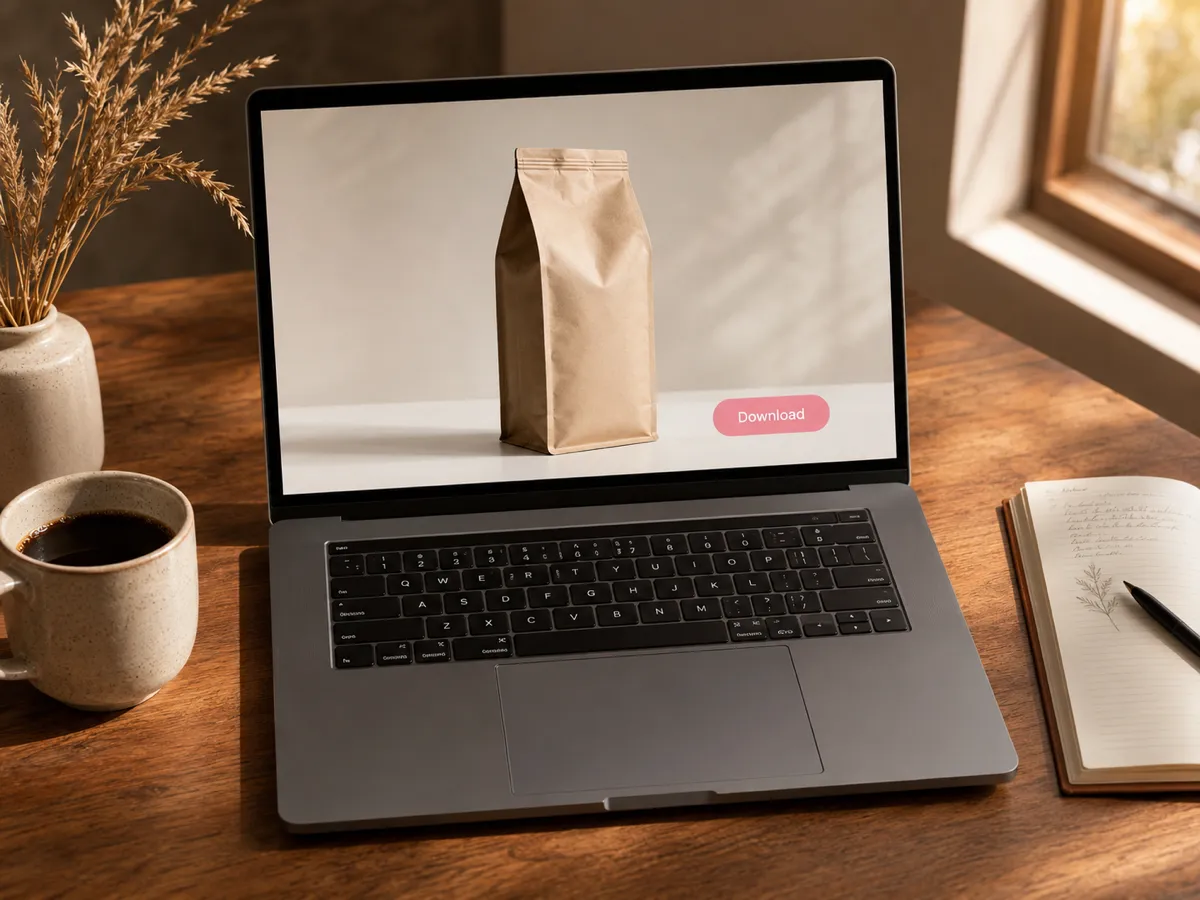 03
03Download your clean, logo-free image
In seconds the AI rebuilds the surface behind the logo and gives you a clean image at full resolution — no Imya logo, no banner, no quality drop. Download or copy and you are done.
What you can erase with the AI logo remover
One AI logo remover, many kinds of logos. Six of the most common reasons people open Imya — every one runs free, online, with no sign-up to preview.
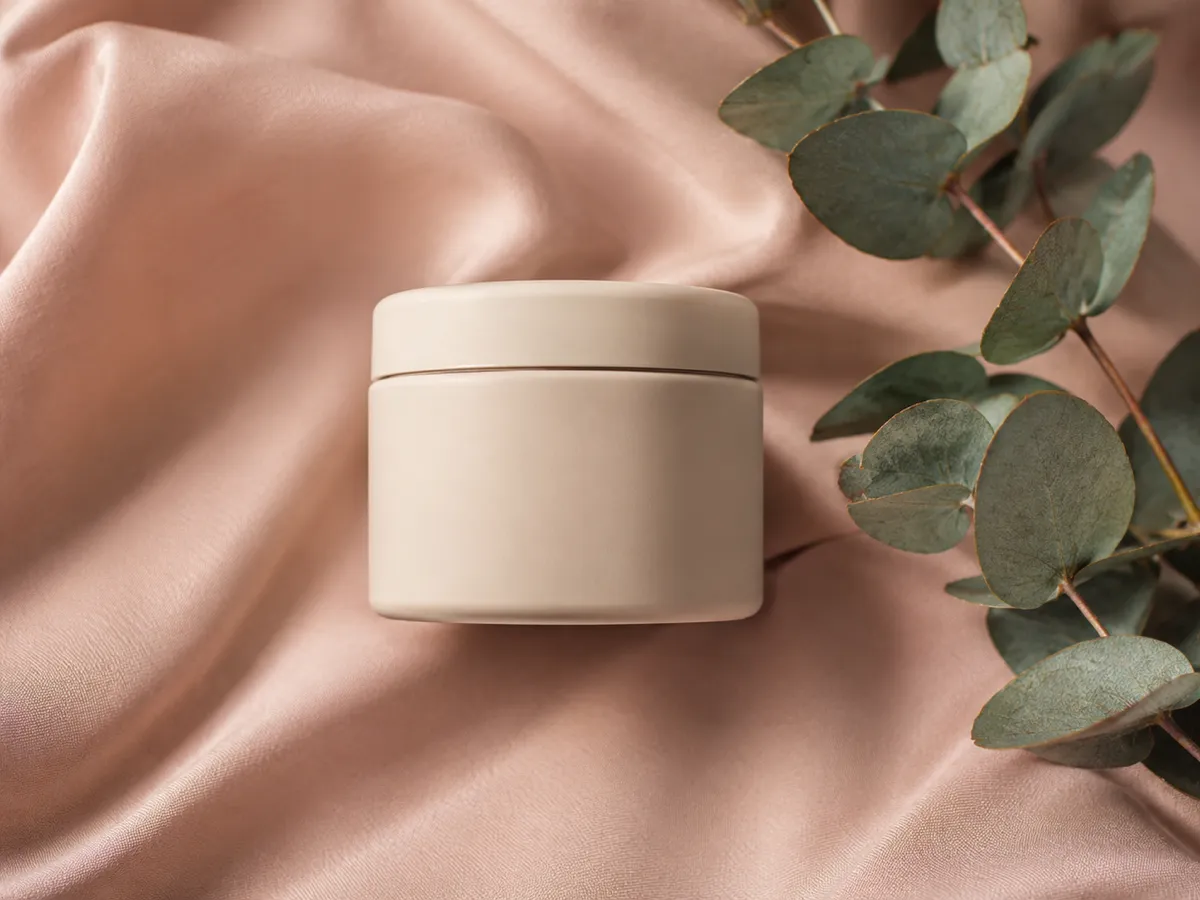 N°01Use case · 01
Brand logos on e-commerce product photos
Lift a printed brand mark off a coffee bag, a skincare jar or a shoe box you photographed yourself. Imya rebuilds the package surface so the product looks listing-ready, not retouched.
Try it on this kind of image N°02Use case · 02
Stock-preview logos on licensed photos
Take a stock-photo preview logo off a landscape, product or lifestyle image you have already licensed — full resolution, no diagonal overlay, no extra crop. The tool handles busy parts of the scene too.
Try it on this kind of image N°03Use case · 03
Corner logos on AI video frames
Pull a single frame from a Sora, Veo, Kling or Runway clip you generated yourself, then let Imya quietly take the platform logo off the screenshot before you re-import it.
Try it on this kind of image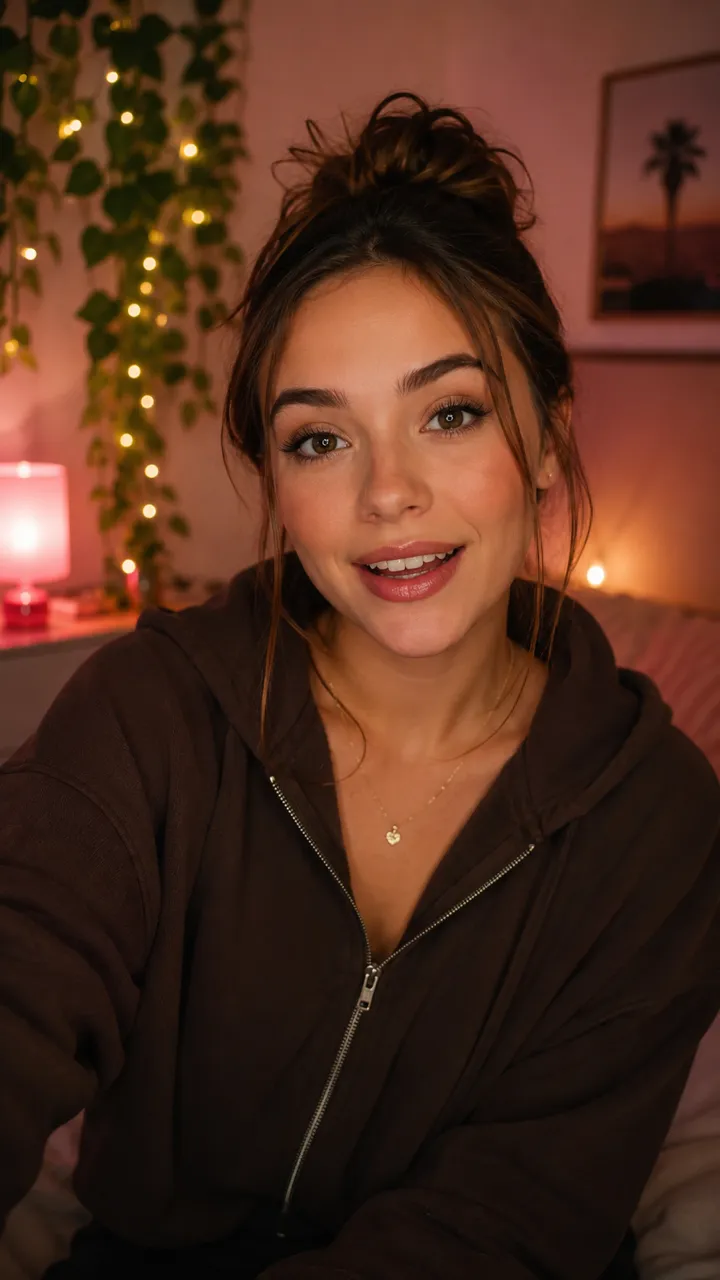 N°04Use case · 04
Short-video logos on TikTok & CapCut frames
TikTok, CapCut and Reels exports drop a logo in the corner of every frame. Extract a still, drop it into Imya, and the platform logo lifts off without touching the subject.
Try it on this kind of image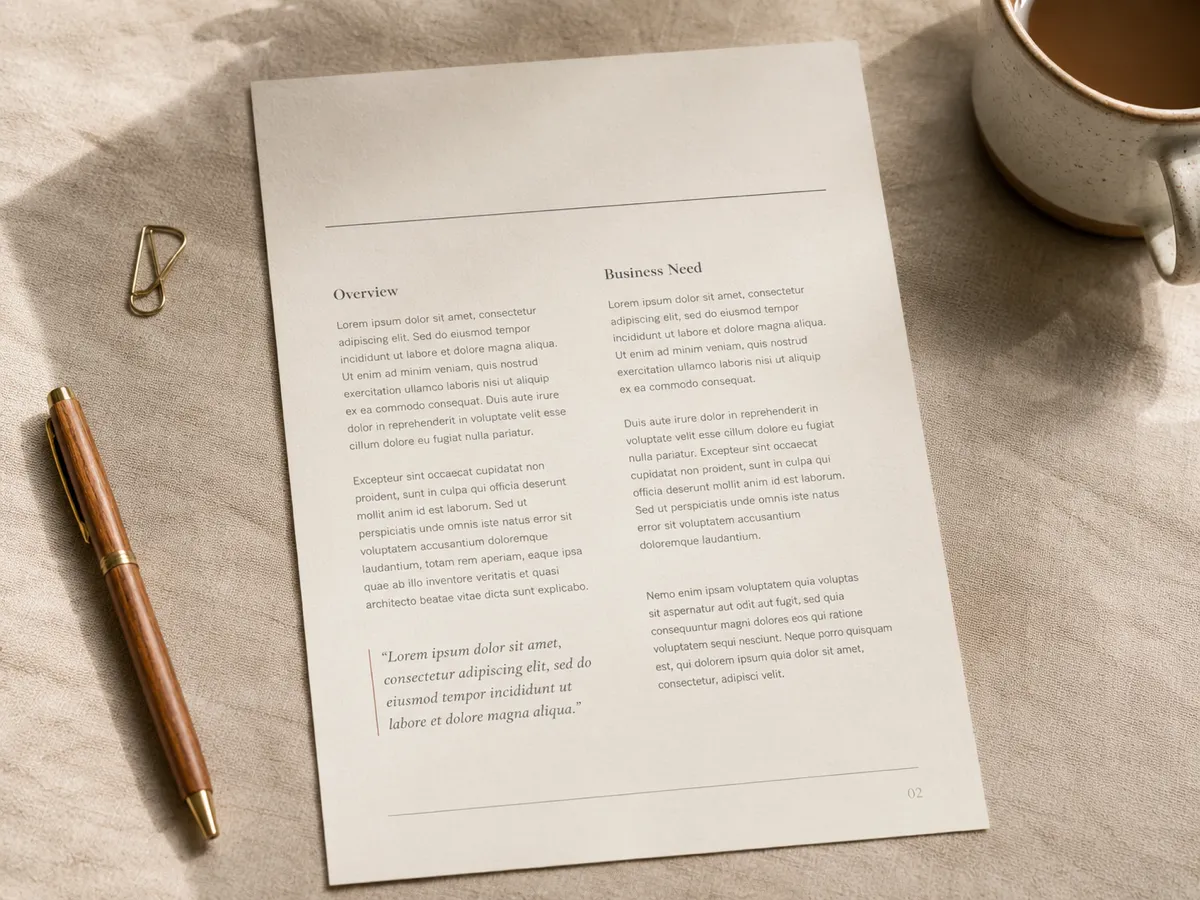 N°05Use case · 05
Company logos on slide and PDF screenshots
Export a slide or a PDF page as an image, run it through Imya, and the company logo lifts cleanly off the header without touching the headings, paragraphs or page layout around it.
Try it on this kind of image N°06Use case · 06
App banners from Vmake, Pica, Viggle & AI Ease
Photo and avatar apps love to brand a bottom strip on every free export. The tool crops nothing — it lifts the app banner off and rebuilds the missing pixels underneath at the original resolution.
Try it on this kind of image
Why creators pick the Imya AI Logo Remover
Five reasons sellers, editors and design teams keep coming back to this free AI logo remover — no paywall, no daily cap and no logo of our own on the result.

- N°01
Truly free — no 3-image daily wall
Most online logo removers cap you at three free images per day. Imya lets you preview the tool for free with no sign-up, then run real removals with the free starter credits new accounts receive.
- N°02
Works straight in the browser
No install, no plug-in, no desktop app. Open Imya in any modern browser — phone, tablet or laptop — and start lifting brand logos off product photos in seconds.
- N°03
Full resolution, no quality tax
Other logo removers quietly downscale your image. Imya keeps the original resolution so a 4K product photo downloads as a 4K clean image, ready for storefronts, decks and print.
- N°04
Auto-detect plus manual brush
Let the model find the logo for you, or paint exactly the brand mark, badge or app icon you want gone. One tool, two ways — flexible control without a learning curve.
- N°05
Private — your photo is yours
Your upload is transferred over HTTPS and processed by Imya and contracted AI providers to provide this service. Imya does not sell your files or use them to train Imya-owned models; providers process them under their own terms. See our Privacy Policy for retention details.
AI Logo Remover vs Watermark, Text & Object — which one should you use?
The Imya family of cleanup tools each owns a different job. Use this map to pick the AI logo remover when it is the right tool — and switch tools when it is not.
| What you need to remove | ★AI Logo Remover | Watermark Remover | Text Remover | Object Remover |
|---|---|---|---|---|
| A brand logo on a product photo | ✓best fit | sometimes | ✗ | sometimes |
| A corner logo on a video frame | ✓best fit | sometimes | ✗ | sometimes |
| A repeated diagonal watermark | sometimes | ✓best fit | ✗ | ✗ |
| A semi-transparent overlay | sometimes | ✓best fit | ✗ | ✗ |
| A date stamp or caption text | sometimes | sometimes | ✓best fit | sometimes |
| A photobomber or stray object | ✗ | ✗ | ✗ | ✓best fit |
Short version — use the AI logo remover for a distinct brand mark, badge or app icon. Reach for the watermark remover when the mark covers the whole frame, or the text remover when it is a caption or stamp.
Tips for the cleanest AI logo remover results
From our AI team
- Tip 01
¶Start with the highest-resolution source you have
The tool rebuilds the surface from the pixels around the logo. A sharp, high-resolution source gives the model far more to work with than a tiny phone screenshot, so a 4K product photo cleans much better than a thumbnail.
- Tip 02
¶Brush a little wider than the logo edge
When you mark a logo by hand, paint a small margin around the brand mark, badge or app icon instead of tracing it tightly. The extra room lets the AI blend the rebuilt area into the surrounding surface without a visible halo.
- Tip 03
¶Run a second pass on busy textures
Hair, leaves, fabric weave and reflective product surfaces sometimes need two passes. After the first removal, drop the result back in and clean any ghost. Two runs cost almost nothing and usually finish flawlessly.
Who uses the Imya AI logo remover to clean images
Three of the most common workflows that send creators, sellers and design teams to the AI logo remover. No fake quotes — just the scenarios we see every week.
E-commerce sellers cleaning product photos — a Shopify or Etsy seller lifts a competitor's brand mark off a product mockup before listing the photo, so the storefront shot is logo-clean at the original resolution.
Shopify & Etsy sellersUse case · Product listingsVideo editors cleaning exported frames — an editor pulls a single still out of a Sora, Veo or CapCut clip, runs it through Imya to take the platform logo off the corner, and re-imports the clean frame into the timeline.
Freelance video editorsUse case · Frame cleanupIndie marketers refreshing brand assets — a one-person marketer drops a licensed stock image into Imya, takes the stock-preview logo off, and reuses the photo across a landing page, a deck and a social card.
Indie marketers & designersUse case · Asset refresh
Frequently asked questions about the AI Logo Remover
Yes. You can preview the tool online with no sign-up, and new accounts get free starter credits to remove a brand logo from a real photo. There is no credit card to start and no logo of our own on the result.
More free AI photo tools from Imya
Remove that logo — free, in seconds
Open Imya, drop your photo, and walk away with a clean, full-resolution image that looks like the brand logo was never there.
Try the AI Logo Remover free →Free preview · No sign-up · Retention details: Privacy Policy