
Audio arrives with the frame
The MiniMax H3 announcement pairs speech, ambience and effects with the video itself, so a talking clip no longer needs a separate sound pass.
MiniMax H3 is the newest MiniMax AI video model: native audio and 2K clips from text, first and last frames, or reference media. Choose a workflow, see the exact credit cost and generate on this page.
Native audio
Sound generated with the video
2K
Current EvoLink output tier
Late July 2026
MiniMax H3 announcement
Hailuo family
Built by the Hailuo team at MiniMax
THE NEW MINIMAX VIDEO MODEL
MiniMax H3 is the AI video model MiniMax introduced in late July 2026 as the next step of its Hailuo video line. The launch coverage highlights two upgrades over earlier Hailuo releases: native audio generated together with the picture, and clips at up to 2K quality.
MiniMax H3 is not the same thing as MiniMax M3 — M3 is the company's language model, while H3 is video. This live page composer uses EvoLink to support all three H3 workflows at 2K for 4–15 seconds: text-to-video, first/last-frame image-to-video and reference-to-video with images, video or audio.
The MiniMax H3 announcement pairs speech, ambience and effects with the video itself, so a talking clip no longer needs a separate sound pass.
MiniMax positions H3 at up to 2K clips — a visible step over the 768p/1080p tiers of Hailuo 2.3, aimed at crisper motion and cleaner text edges.
Search results mix the two names. Remember: MiniMax H3 generates video with audio; MiniMax M3 is a language model and never renders a frame.
MINIMAX H3 LIVE WORKFLOW
MiniMax H3 is live on Imya through EvoLink. Generate from text, first/last frames or reference images, video and audio; the task and finished clip stay visible on this page and in Workspace history.
Use text for a new scene, one or two frames to control the opening and ending, or reference media to guide a character, movement or voice.
Try: one clear subject action and one camera move.
MiniMax H3 generates audio with the video. Name the dialogue, ambience or effect you need, while keeping the visual direction concrete.
Try: “soft rain and distant traffic under her final line.”
H3 prompts work best with one clear subject action, one camera move, explicit pacing and one sound cue.
Try: “she turns to camera and laughs; street noise fades in.”
Imya keeps the form on this page, shows upload and generation status, and places the finished video directly below the button. The task is also saved in Workspace history.
Your inputs stay local until sign-in; the provider key remains server-side.
THREE PRACTICAL WORKFLOWS
MiniMax H3 combines motion and native audio for three practical jobs. Start from text, first/last frames, or reference images, video and audio in the generator above.
 Example starting image
MiniMax H3 handles talking-head clips in one pass: one portrait, one line of dialogue, native audio and lip motion generated together.
“She looks up from the notebook and speaks one calm sentence to camera; soft café ambience, steady handheld framing, no cuts.”
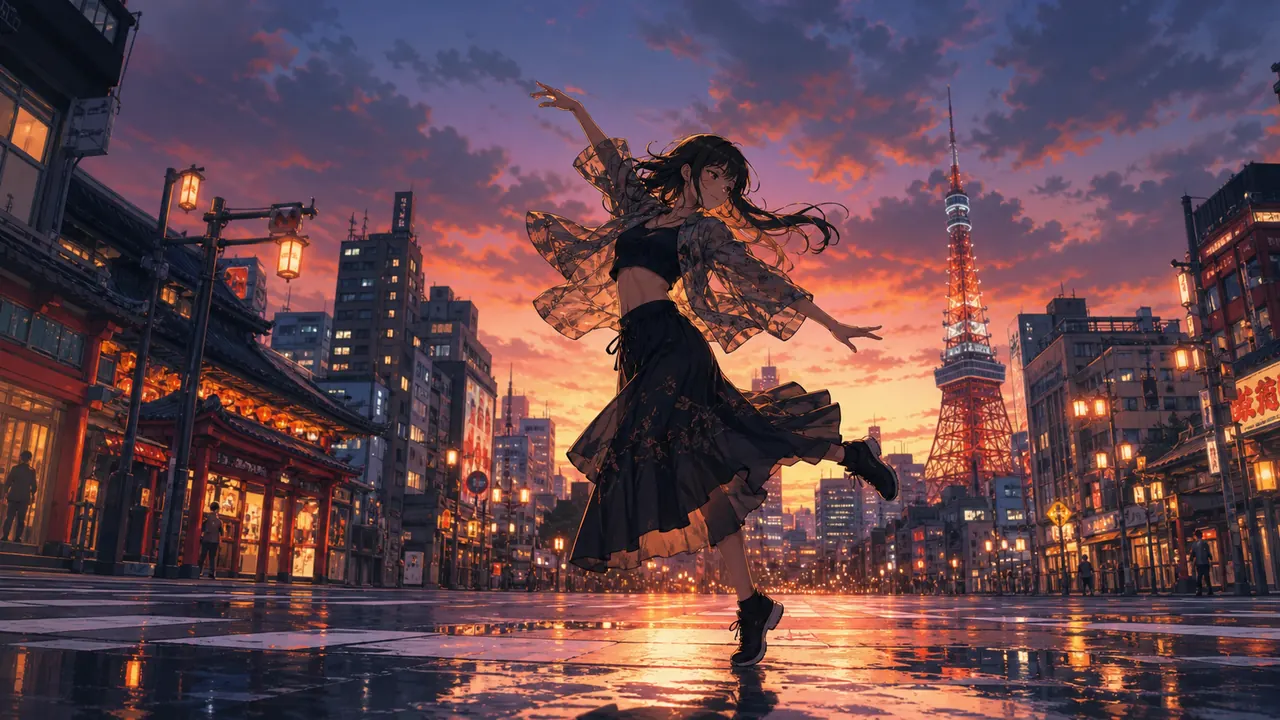 Example starting image
Stylized motion is a long-running strength of the Hailuo line, and the 2K ceiling is what keeps line art and colour blocks clean at full size. Give the model a crisp illustration and one clear action.
“She spins once and her skirt flares; petals drift past the camera as it pushes in slowly, keep the face and outfit consistent.”
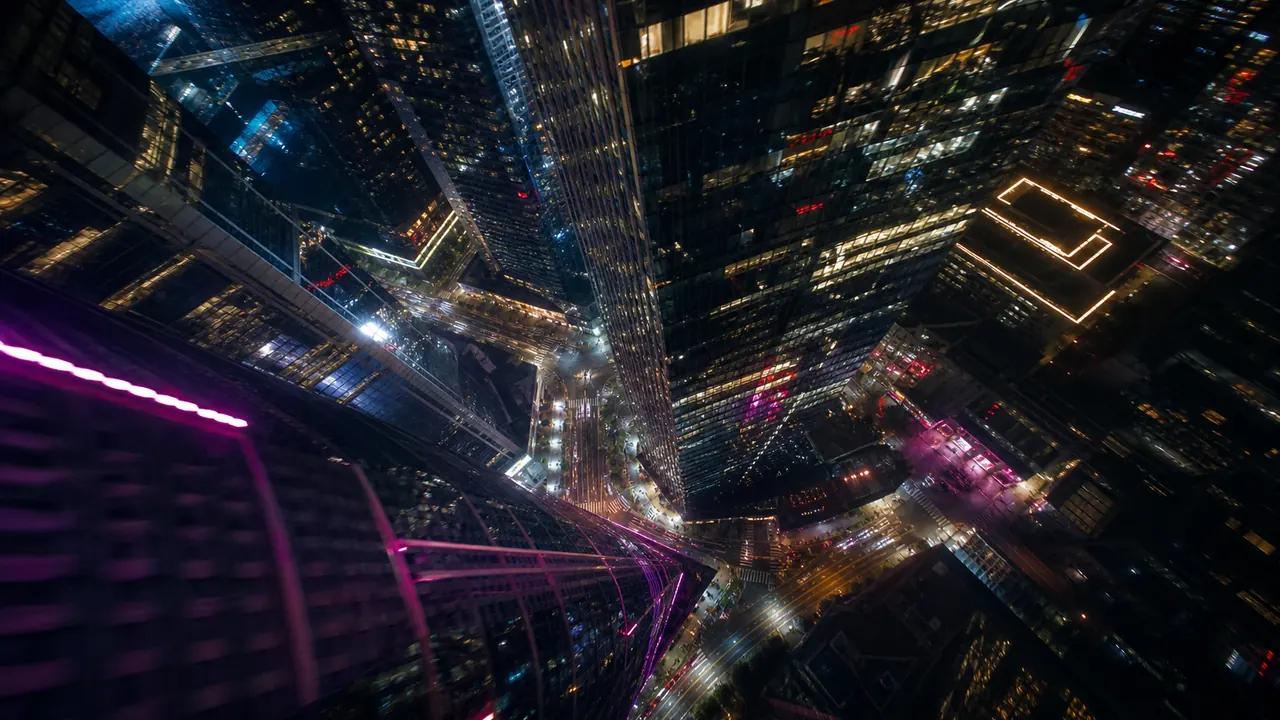 Example starting image
H3 demo reels lean on night streets and weather — scenes where ambience sells the shot. Give the model a layered still and one camera move, then name the rain, neon hum and crowd noise you want it to generate.
“Fine rain crosses the neon street; the camera tracks forward at walking pace while distant traffic hums, no sudden zoom.”
MINIMAX H3 SHOT LIBRARY
Reference frames for shot types the MiniMax video line handles well and the live H3 capabilities now available through EvoLink. Each is a starting frame, not a guaranteed output.
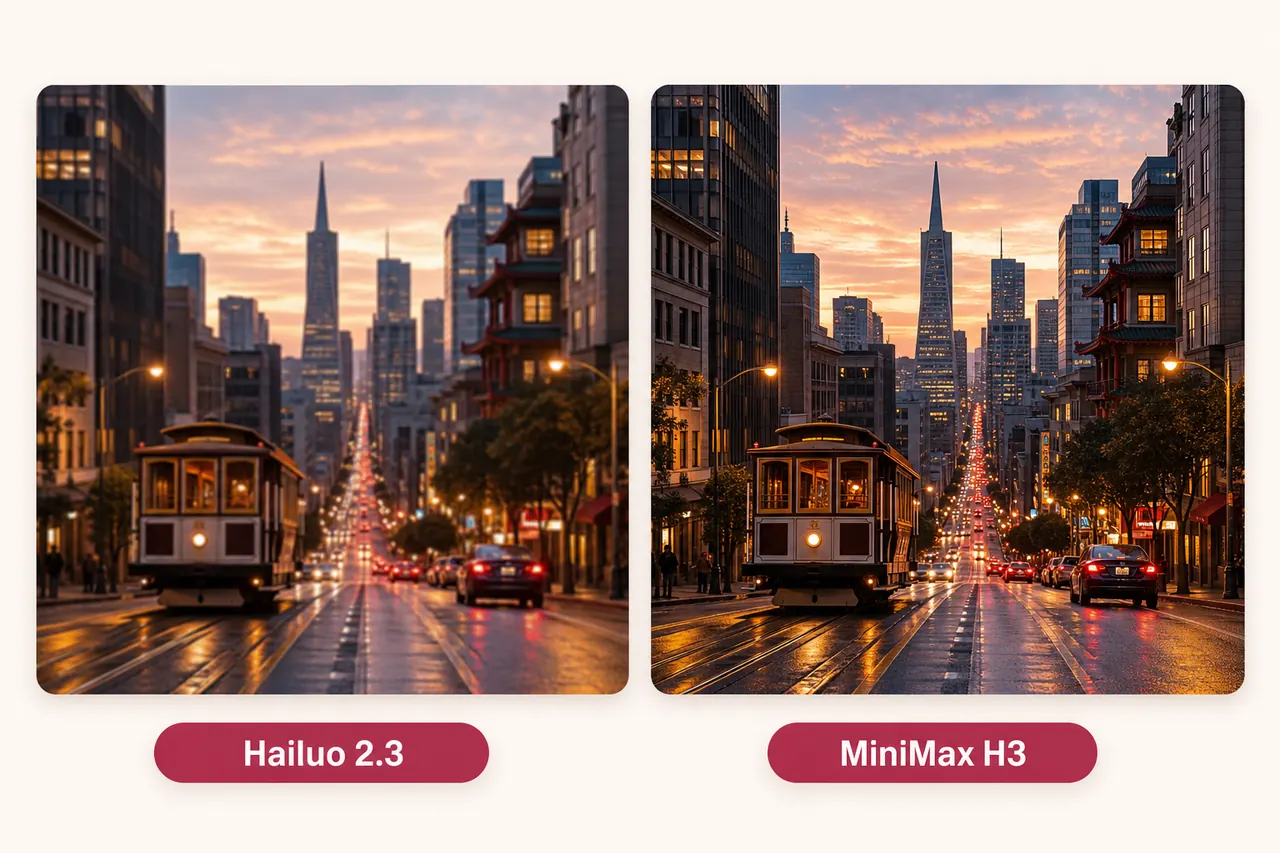
Two things change: sound and sharpness. Hailuo 2.3 renders silent clips at 768p or 1080p; MiniMax H3 generates native audio at 2K. MiniMax H3 is now the default model in this page composer.
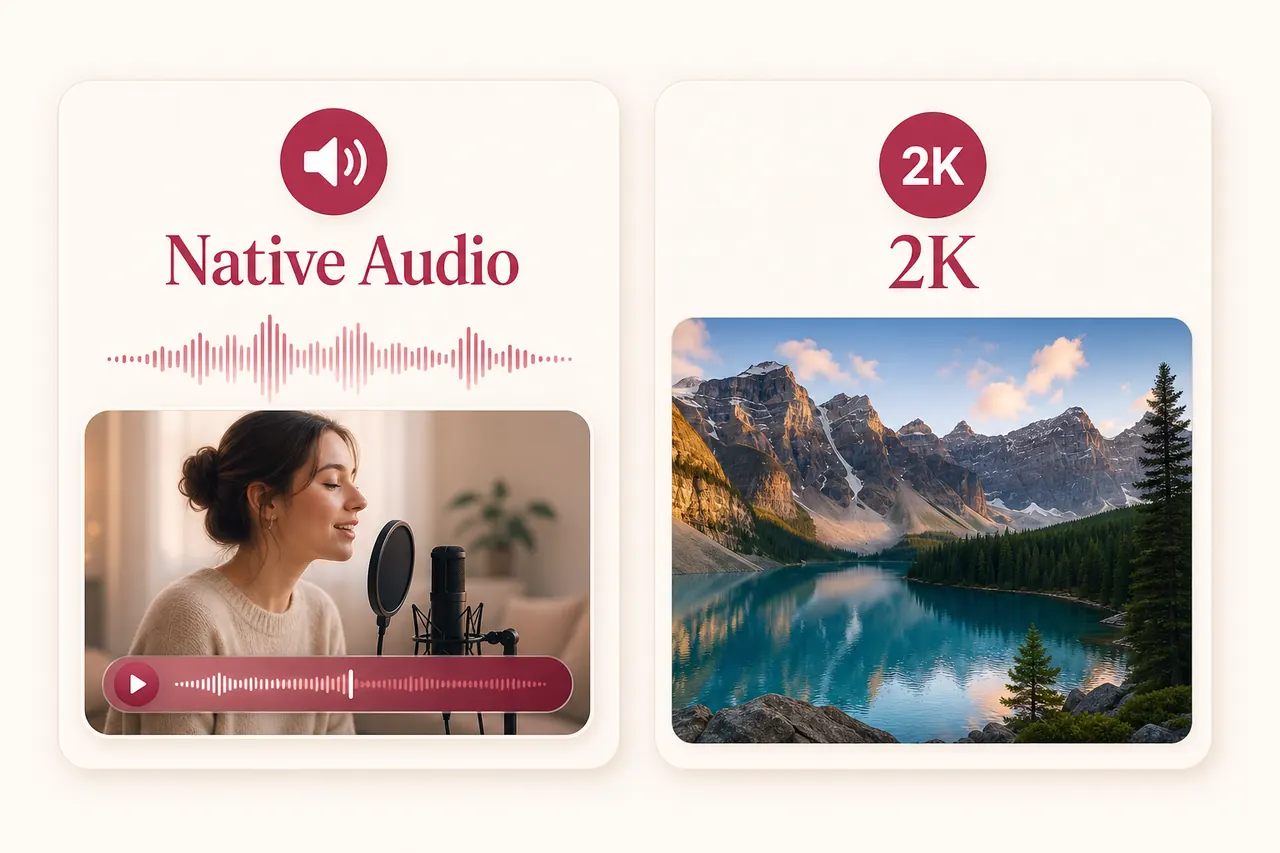

MINIMAX H3 PROMPTS
A MiniMax H3 prompt should read like a shot note with a sound line. Build it in four parts — the same structure already works on the models serving this page.
Subject action + camera move + pacing + sound cue
Name one visible, scaled action: turns to camera, lifts the cup, takes two steps. Concrete verbs beat “dynamic” or “cinematic” every time.
Choose a single move — push, pan, track, orbit or locked. Stacking moves in a short clip creates conflicting geometry and drift.
Say how fast the moment unfolds and what must not change: real-time, no cuts, keep the face stable, label readable.
For MiniMax H3, add one audio line: a spoken sentence, rising ambience or a single effect. On silent models today, the cue is simply ignored.
Complete prompt example
“The barista slides the cup across the counter and smiles at camera; the camera pushes in slowly, real time, no cuts — espresso machine hiss under quiet morning chatter.”
One subject action, one camera move, explicit pacing and a single layered sound cue. Drop the last clause on silent models; keep it for MiniMax H3.
HOW IT WORKS
Start from text, upload one or two frames, or add reference images, video and audio. Before sign-in, every selected file stays on this device.
Write what moves and how the camera behaves, then set duration and resolution. The credit estimate updates with every change, before any task is created.
Imya confirms the live quote, reserves credits once, shows generation status and places the finished video below the form as well as in Workspace history.
REAL LIMITS & CREDITS
This page uses the same server-backed pricing logic as the Imya workspace. MiniMax H3 is currently offered at 2K for whole-number durations from 4 to 15 seconds.
Input
Text, first/last frames, or reference media
Formats
JPG/PNG/WebP · MP4/MOV · MP3/WAV
Upload limit
Images 30 MB · video 50 MB · audio 15 MB
Prompt
Up to 7,000 characters
H3 duration
4–15 s, whole seconds
H3 resolution
2K
The quote follows the selected mode, duration and reference inputs. Reference-video seconds and reference images after the first five are included before submission; eligible membership discounts apply automatically.
CHOOSE BY WORKFLOW
How the live MiniMax H3 route compares with two other MiniMax and native-audio options available on Imya.
Status on Imya
Live now (this page’s default)
Signature strengths
4–15 s, 2K, native audio, Hailuo-line motion
Choose it when
You want sound and picture in one pass at the current 2K tier.
Status on Imya
Live alternative
Signature strengths
6 or 10 s, 768p/1080p, fast portrait-friendly motion
Choose it when
You want quick MiniMax-family drafts today and sound can wait for post.
Status on Imya
Live now
Signature strengths
4–15 s, up to 1080p, native audio, flexible ratios
Choose it when
You need audio in the result today, or tighter control over framing.
Start with a 4-second H3 draft, then rerun the same image and prompt on another model for a fair comparison.
FIX THE DRAFT
These fixes apply to MiniMax H3 and the other image-to-video models in the picker — simplify one variable at a time.
A soft or partially hidden source, or a prompt that demands a large turn revealing unseen angles.
Use a sharper portrait, ask for a smaller action, shorten the clip and add “keep the face stable”.
The selected model renders silent output — Hailuo 2.3 Fast and Kling 3.0 Turbo have no native audio.
Switch to MiniMax H3, Grok 1.5 or Seedance 2.0 in the picker. Hailuo 2.3 Fast and Kling 3.0 Turbo remain silent models.
Several subject actions, effects and camera moves compete inside a few seconds.
Keep one action and one camera move. Delete style adjectives until the physical movement reads clearly.
The output ratio differs sharply from the uploaded image, forcing the model to invent composition.
Pre-crop the start image near the final ratio, or use a model whose output follows the image.
PRIVACY & RETENTION
You can prepare the start image, prompt and settings before signing in. During preparation the image remains in this browser on this device. Clicking Generate saves a short-lived local draft; after sign-in, Imya uploads the media only to provide the requested generation through Imya and contracted AI processing providers.
Read the full Imya Privacy PolicyVisit the official MiniMax siteThe selected image is not uploaded. Clearing the draft or browser storage removes the local preparation data from this device.
Results follow Imya history retention: 7 days for free accounts and up to 30 days for active paid or Lifetime members. You can delete a result sooner at any time.
Imya is an independent interface; MiniMax H3 and Hailuo are MiniMax models. Imya does not claim partnership, sell your files or use them to train Imya-owned models.
QUESTIONS, ANSWERED
MiniMax H3 is the AI video model MiniMax announced in late July 2026 — the next step of its Hailuo video family, generating clips with native audio at up to 2K quality.
No. MiniMax M3 is a language model that writes text. MiniMax H3 is a video model that renders moving images with sound. Search results often mix the two names.
Yes — native audio is the headline feature of the MiniMax H3 announcement: dialogue, ambience and effects generated together with the video rather than added afterwards.
The current EvoLink route accepts 2K only. MiniMax H3 supports whole-number output durations from 4 through 15 seconds.
MiniMax introduced H3 in late July 2026 and access rolled out in stages afterwards. The EvoLink route is now live on Imya and selected by default on this page.
Yes. This page supports H3 text-to-video, first/last-frame image-to-video and reference generation with images, video or audio. After sign-in, Imya submits through EvoLink and shows task status and the finished video on this page and in Workspace history.
Two things: sound and sharpness. Hailuo 2.3 renders silent clips at 768p/1080p; MiniMax H3 adds native audio and raises the ceiling to 2K, per the launch coverage.
Preparing a draft on this page is free. H3 generation starts at 210 credits for 4 seconds at 2K; the 20 signup credits alone do not cover it. The exact signed-in quote is always shown before submission.
The Imya website now uses MiniMax H3 through EvoLink with server-side session endpoints. Public Imya API-key access for H3 is not available yet, and the EvoLink credential is never sent to the browser.
OTHER VIDEO MODELS
Choose one start image, write one directed shot with a sound cue, and review the live 2K credit quote before submission.
Generate with MiniMax H3