
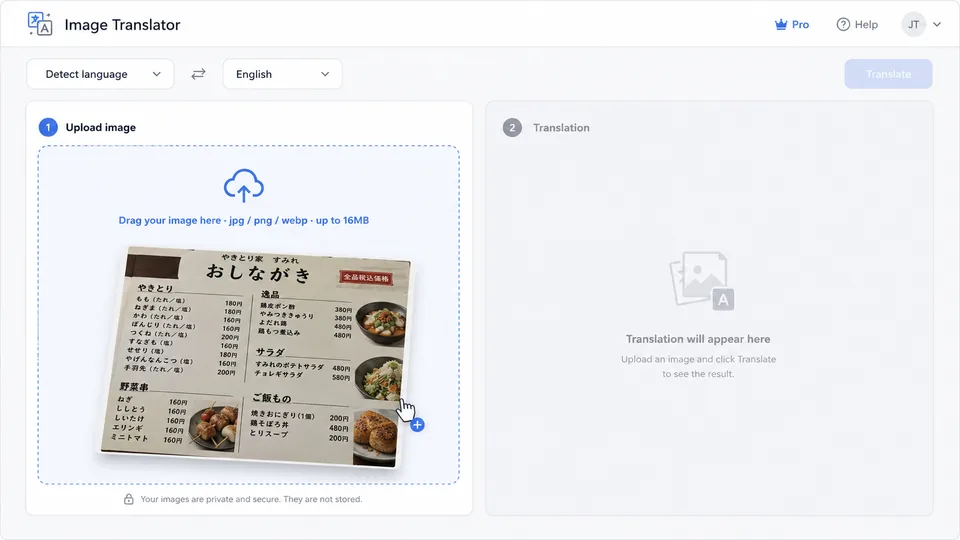
 STEP 01
Step 1 — Upload your image
Drag a JPG, PNG or WEBP file into the AI image translator (up to 16 MB). Photos, screenshots, manga pages and scanned PDFs all work. The clearer the text, the better the translation.
Translate text in photos, manga, menus and PDF pages into 32 languages. The selected image-editing model attempts to match the original layout, typography and background; always preview the generated result.
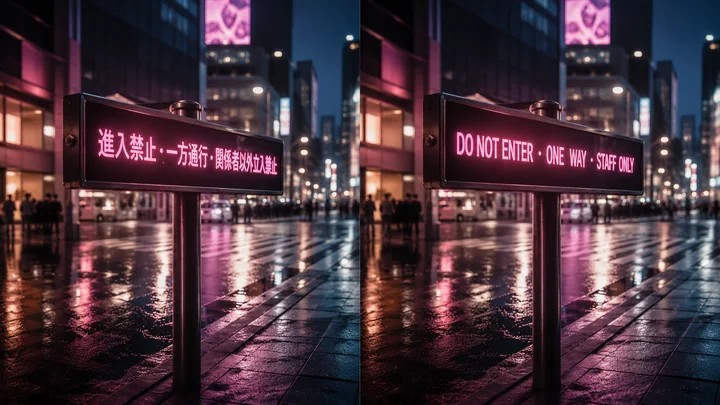 JA → EN
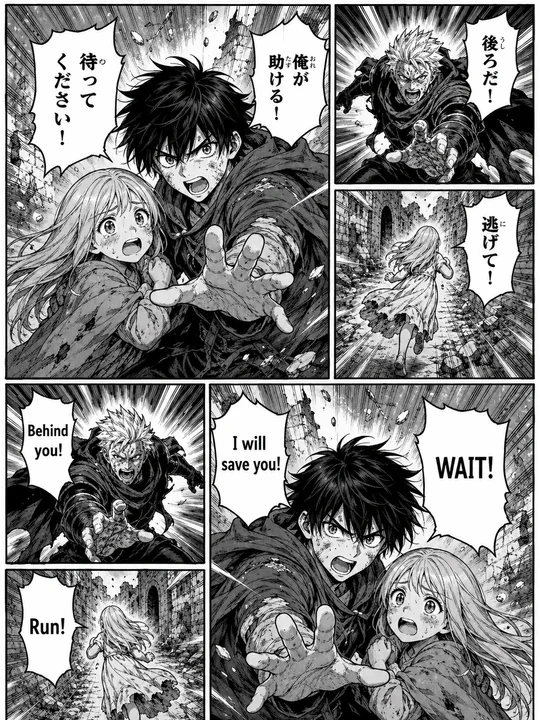 JP MANGA → EN
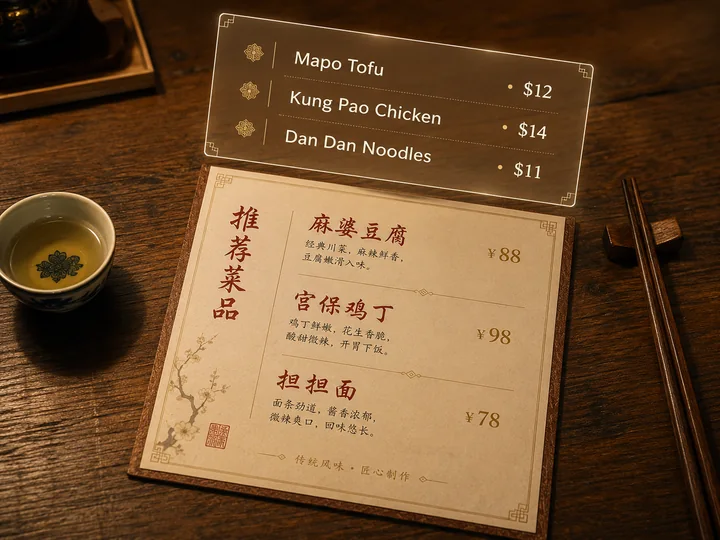 ZH → EN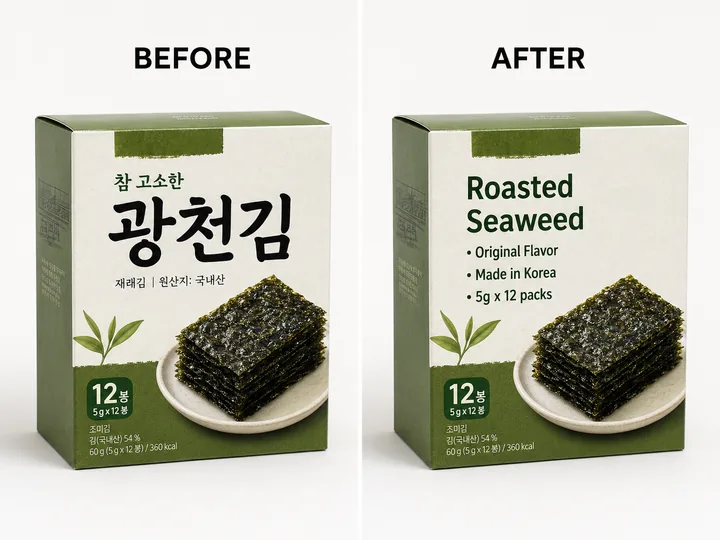
Add a menu, label, sign or screenshot to compare the original and translated artwork.
Production queue
Ready to estimate
Your selected files and their live status will appear here.
Recent translations
Metadata stays for 90 days; image files expire after about 20 hours.
The AI image translator sends each image through a generative image-editing model that tries to replace visible text while keeping the surrounding artwork recognizable. Results vary on handwriting, tiny text and dense layouts, so the before-and-after preview stays part of the workflow.
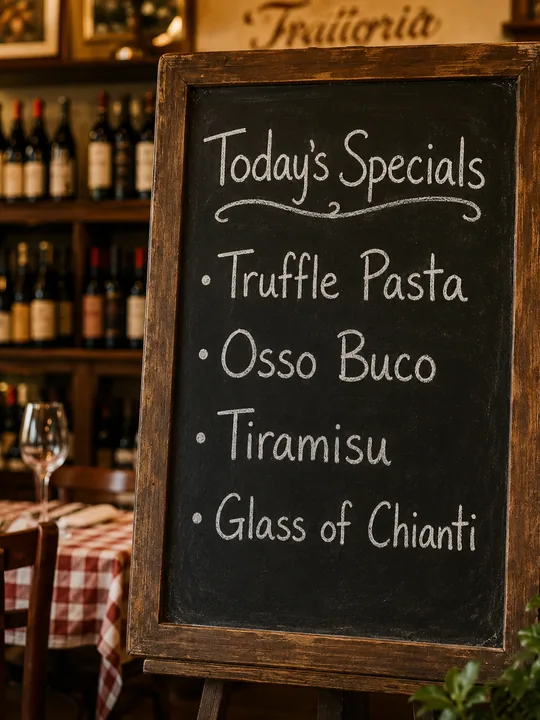
Use travel photos for menus, station signs, storefronts and labels. The model attempts to place translated wording back into the same visual regions, while the preview lets you check prices, times and directions before relying on the result.
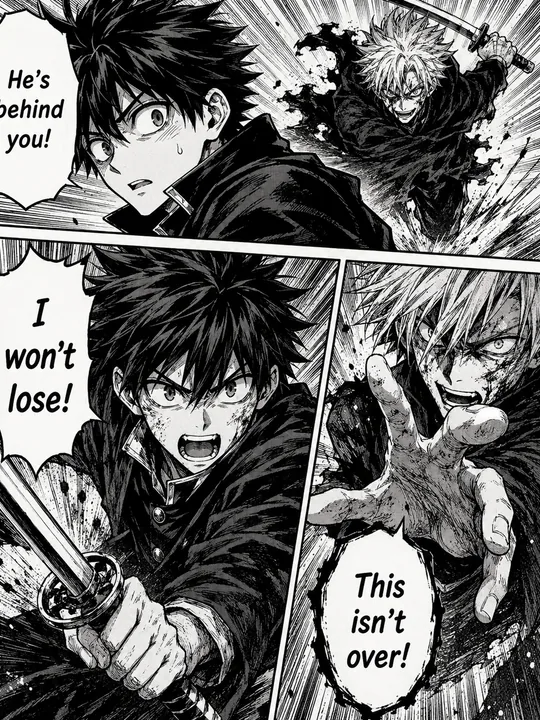
Drop a manga page or webtoon into the translator for a generative first pass. It attempts to keep bubbles, panels and artwork in place, but stylized sound effects and small lettering may need a retry or manual polish.
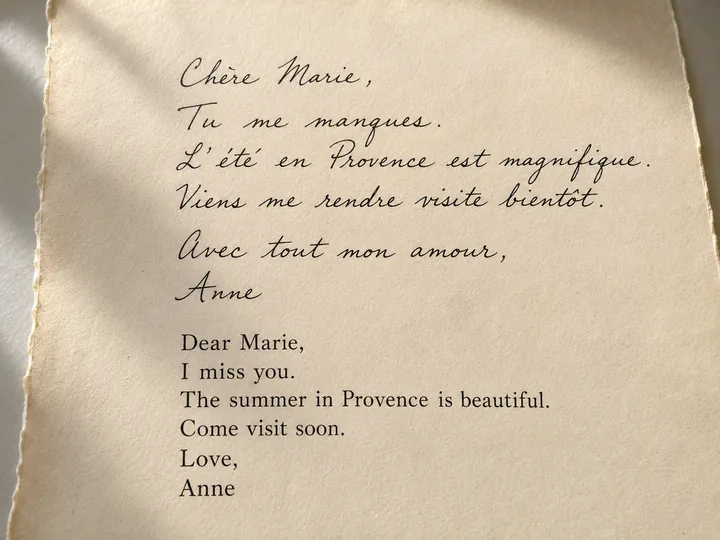
Use scanned letters, postcards and journals as a visual translation aid. Cursive, faded ink and damaged paper are difficult inputs for any model, so treat the generated page as a draft and verify important wording against the original.
No software to install. Guests can translate one GPT Image 2 image per day; signed-in users can run batch and PDF jobs. Model estimates are usually 25–60 seconds, and queues or complex images may take longer.
STEP 01Drag a JPG, PNG or WEBP file into the AI image translator (up to 16 MB). Photos, screenshots, manga pages and scanned PDFs all work. The clearer the text, the better the translation.
 STEP 02
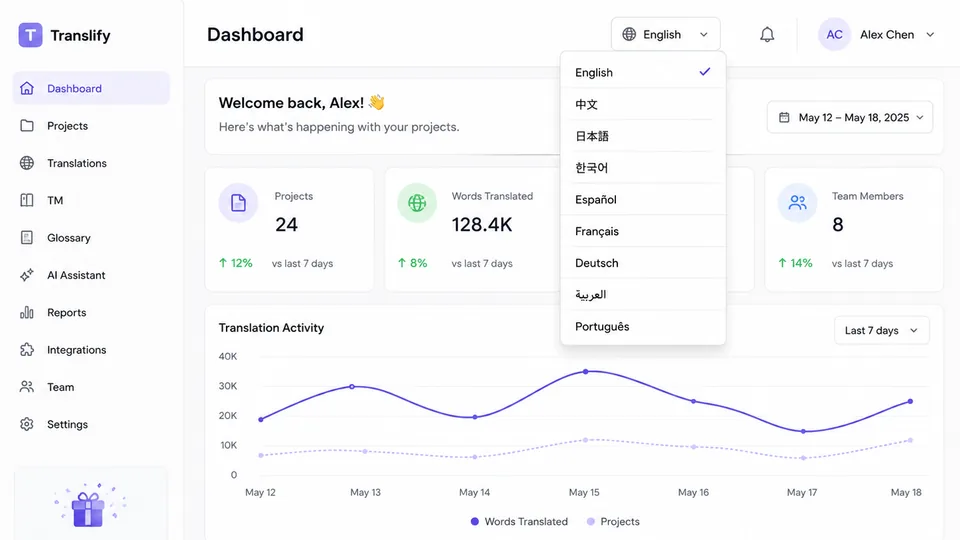
Choose from 30+ target languages — English, Chinese, Japanese, Korean, Spanish, French, German, Arabic and more. The AI image translator auto-detects the source language, or set it manually for mixed-script pages.
 STEP 03
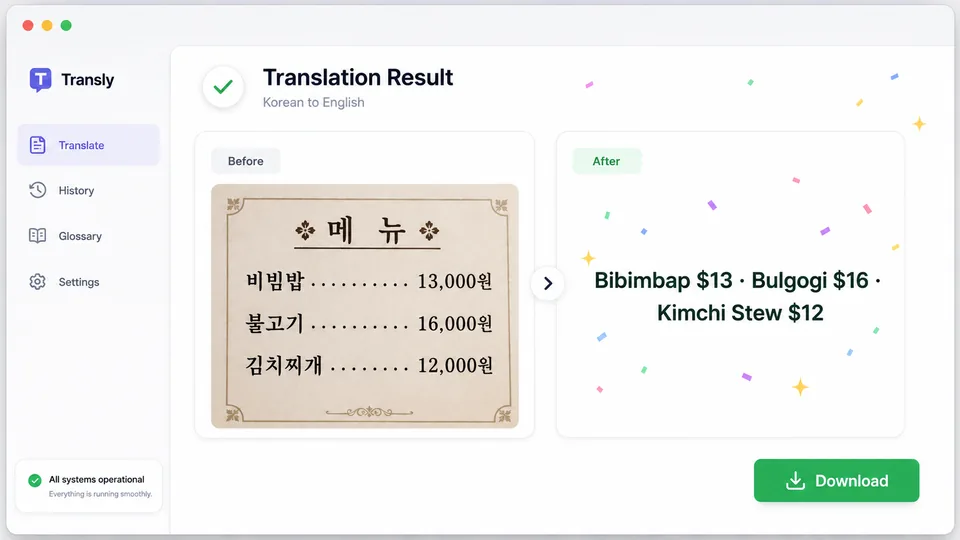
Preview the before and after side by side, then export as the original format, JPEG, PNG or WebP. Match mode resizes the export to the source pixel dimensions; generated typography and layout can still vary.
The AI image translator handles every major script — Latin, Cyrillic, CJK, Arabic, Devanagari, Thai, Hebrew. Hover any pill below to see its English name.
Single images, folders and PDF pages all use the same visible queue, server pricing and per-item billing rules.
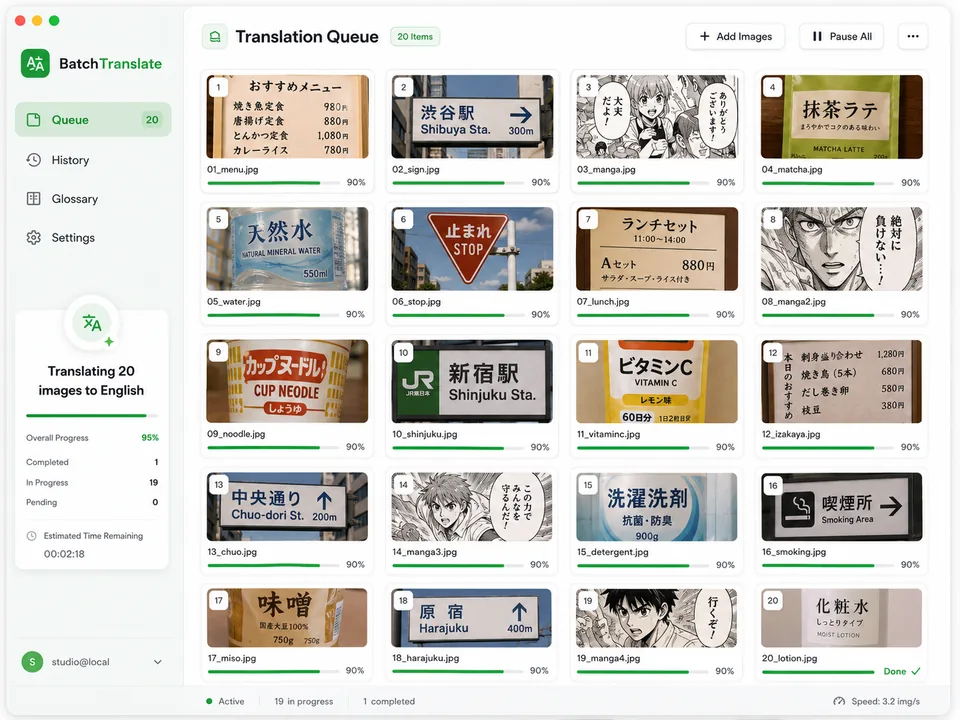
Drop a folder. The batch AI image translator queues every file, shows live progress, and outputs a zip of translated images keeping the same filenames.
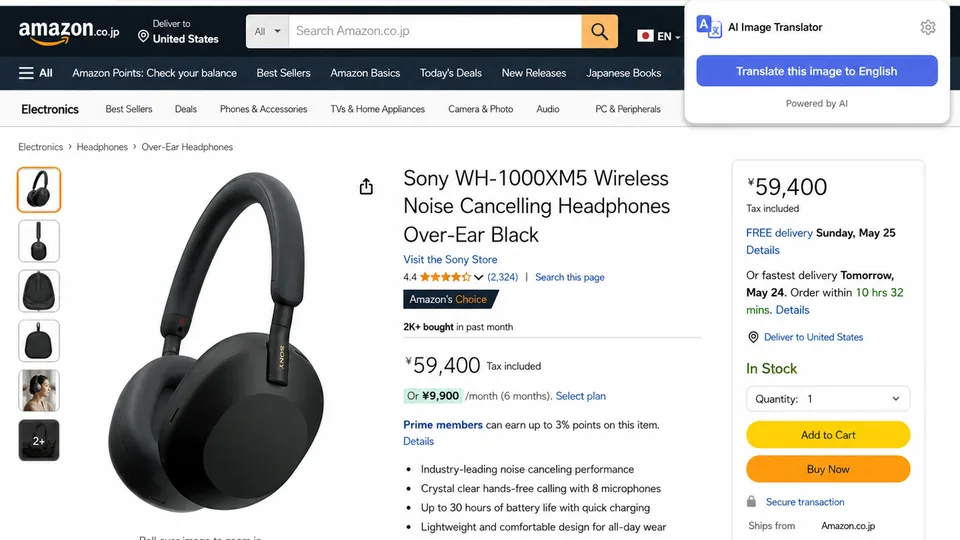
A Manifest V3 extension is included for manual installation. It supports right-click translation and a temporary in-page result overlay, but it is not yet published in the Chrome Web Store.
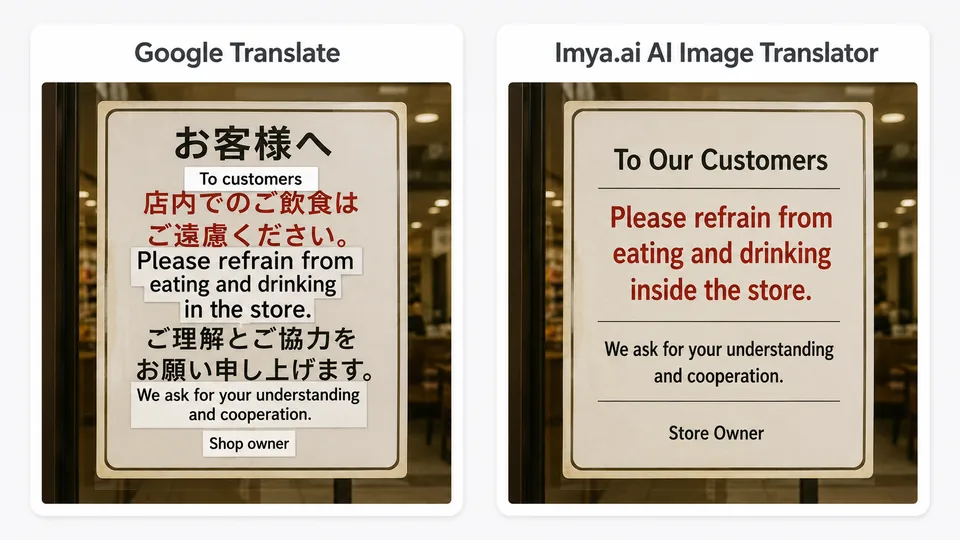
Inspect the source and generated image side by side or with a split view. Retry difficult pages when small text, handwriting or dense layouts need another pass.
Guests get one GPT Image 2 translation per day. Signed-in runs are priced per image from the live server registry, and final failures refund only the affected items.
No Imya watermark · batch credits add per image · failed items refunded.
See pricing →No card for the daily guest image. Choose a language, follow live progress and review the generated result before downloading.
Translate my image →