imya — All-in-One AI Image, Video & Music Generatorimya
TemplatesUser GuideBlogPricing
  1. Home
  2. ›
  3. AI Photo to Sketch
Photo to SketchLive

Your photo

AI model

Sketch style

Upload a photo to start

AI PHOTO TO SKETCH · PENCIL · CHARCOAL · LINE ART

AI Photo to Sketch

Turn your photo into a pencil sketch, charcoal drawing, line art or colored-pencil sketch. Upload above, choose a style, and download a clean AI sketch.

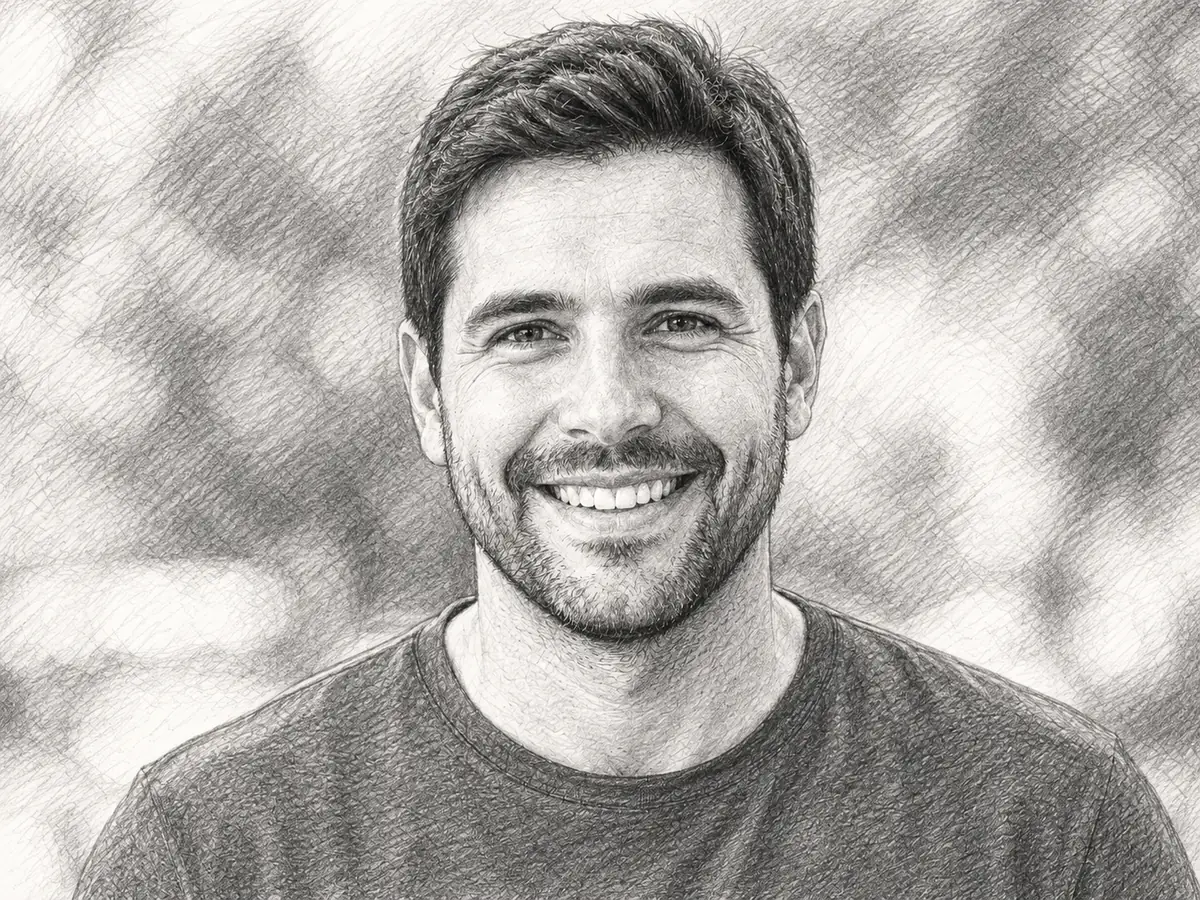
Before and after AI photo to sketch — a color portrait converted into a detailed pencil sketch drawing
PhotoSketch
Drag the handle to compare — your sketch appears here
Be the first to rate the AI photo to sketch converter·FREE · NO WATERMARK · NO SIGN-UP TO PREVIEW·Sketch portraits, pets, couples and landscapes
N°01 · DEFINITION

What is AI photo to sketch?

AI photo to sketch is the process of using a deep-learning model to turn an ordinary photo into a hand-drawn sketch — a graphite pencil drawing, a charcoal study, a clean line-art outline or a soft colored sketch. Instead of dragging sliders in a photo editor, you hand the picture to an AI that understands edges, light and form, and it redraws your photo the way an artist would.

¶An AI photo to sketch converter does far more than desaturate an image or drop a grain filter on top. It reads the structure of a face, the fall of hair and the line of a jaw, then rebuilds the photo as real strokes — cross-hatching in the shadows, confident contour lines, paper-white highlights. The finished sketch looks drawn, not filtered.

¶That is why a free AI photo to sketch generator has replaced hours of manual tracing. Upload a portrait, a pet, a couple, a building or a landscape, choose a sketch style, and the AI returns a drawing in seconds. No graphics tablet, no drawing skill and no watermark — just your photo, turned into a sketch you can frame, print or share.

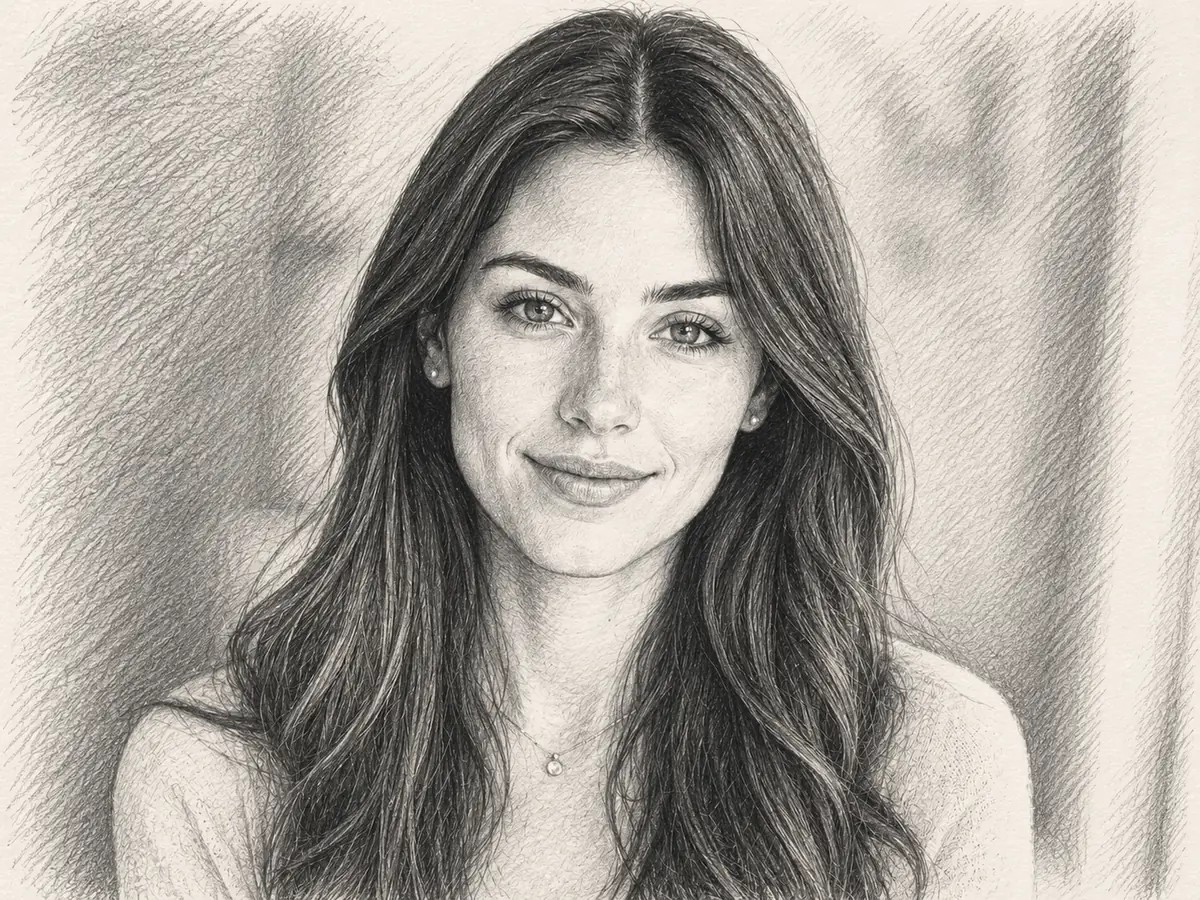
§A photo records a single second. A sketch turns that second into something hand-made — and AI photo to sketch lets anyone draw one.

N°02 · SKETCH STYLES

AI photo to sketch styles, from pencil to line art

One upload, four ways to draw it. The Imya AI photo to sketch converter previews pencil, charcoal, line-art and colored sketch styles — drag each slider to watch your photo become a sketch.

01PENCIL SKETCH

Photo to pencil sketch

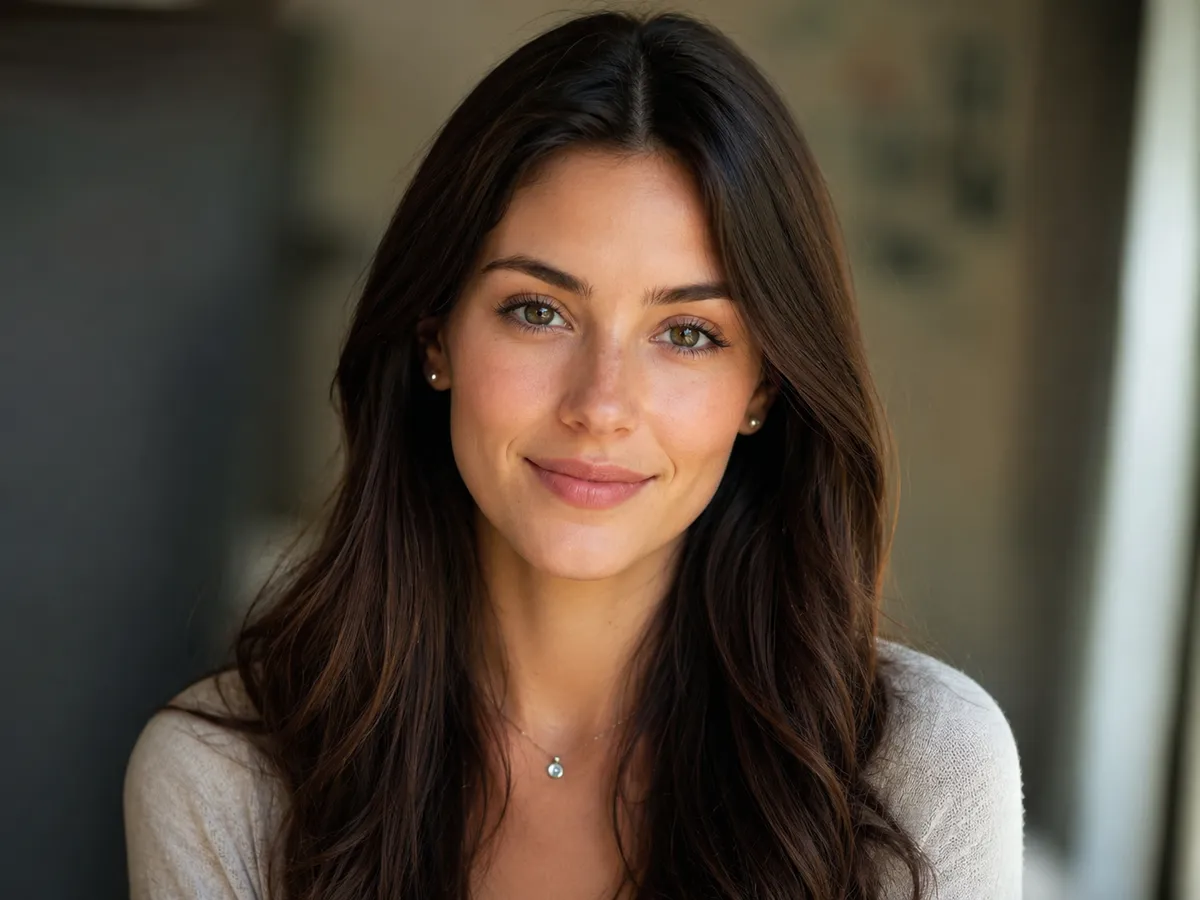
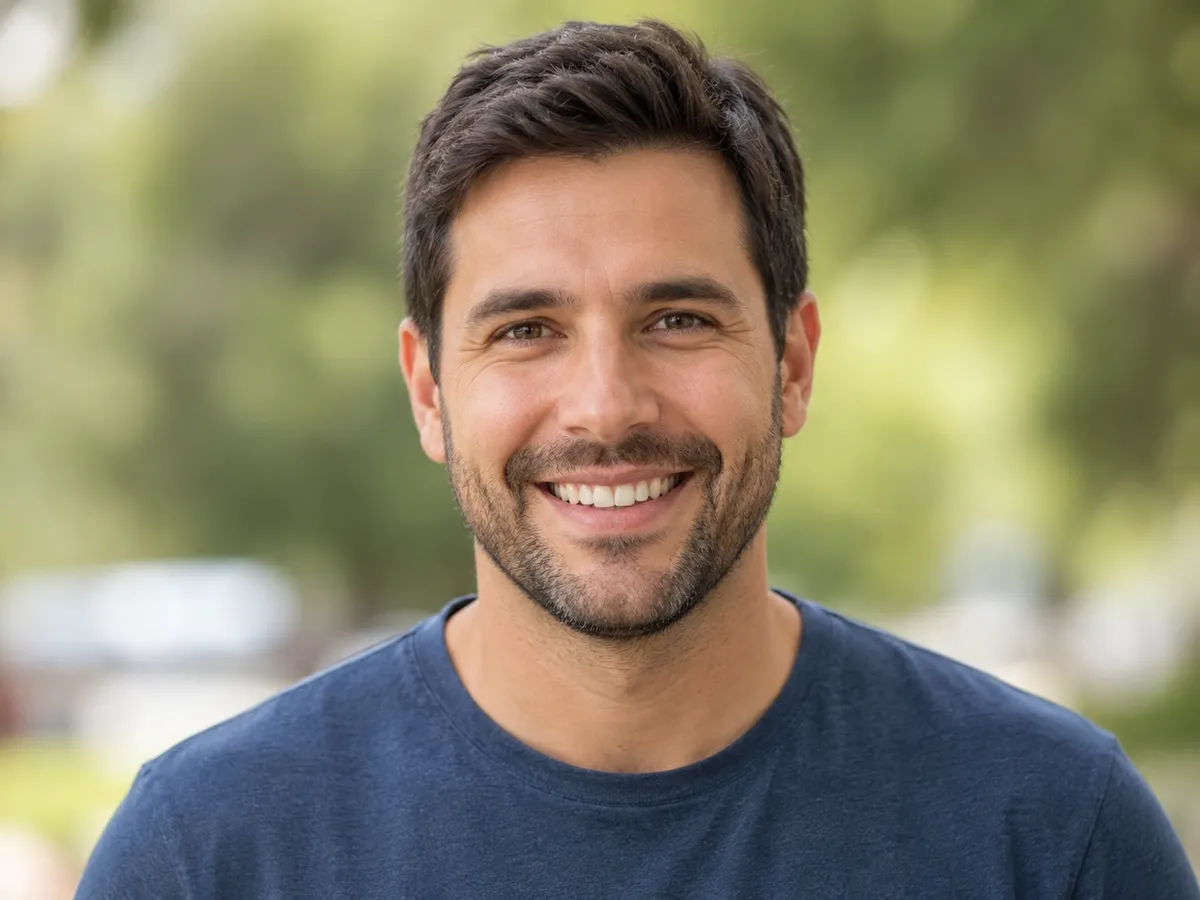
The classic look — a graphite pencil sketch with soft shading, fine cross-hatching and crisp contour lines. The AI photo to sketch converter keeps every feature true to your photo, so a portrait still looks like the person, only hand-drawn in pencil.

After — the portrait converted into a detailed graphite pencil sketch by the AI photo to sketch converter
Before — a color portrait photo of a smiling man, ready for AI photo to sketch conversion
PhotoSketch
02CHARCOAL DRAWING

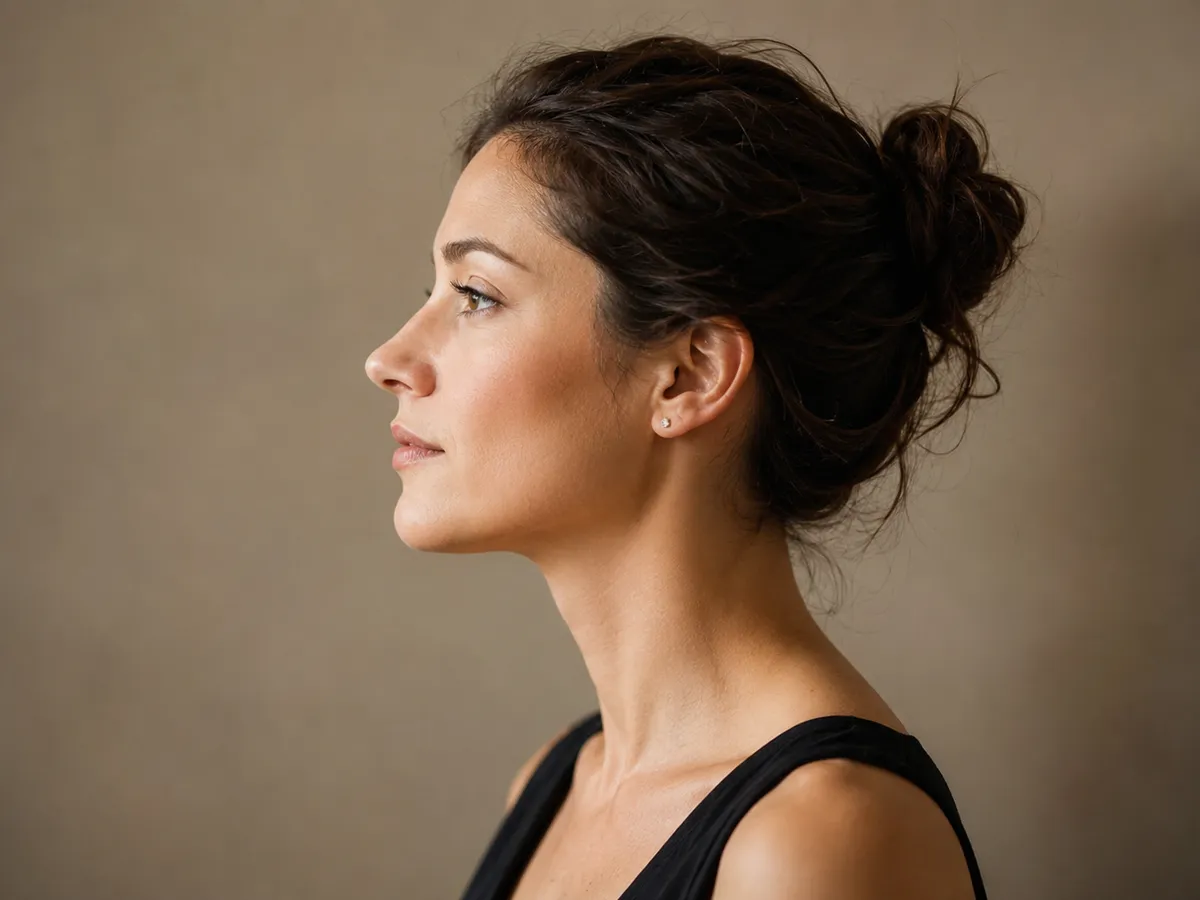
Photo to charcoal drawing

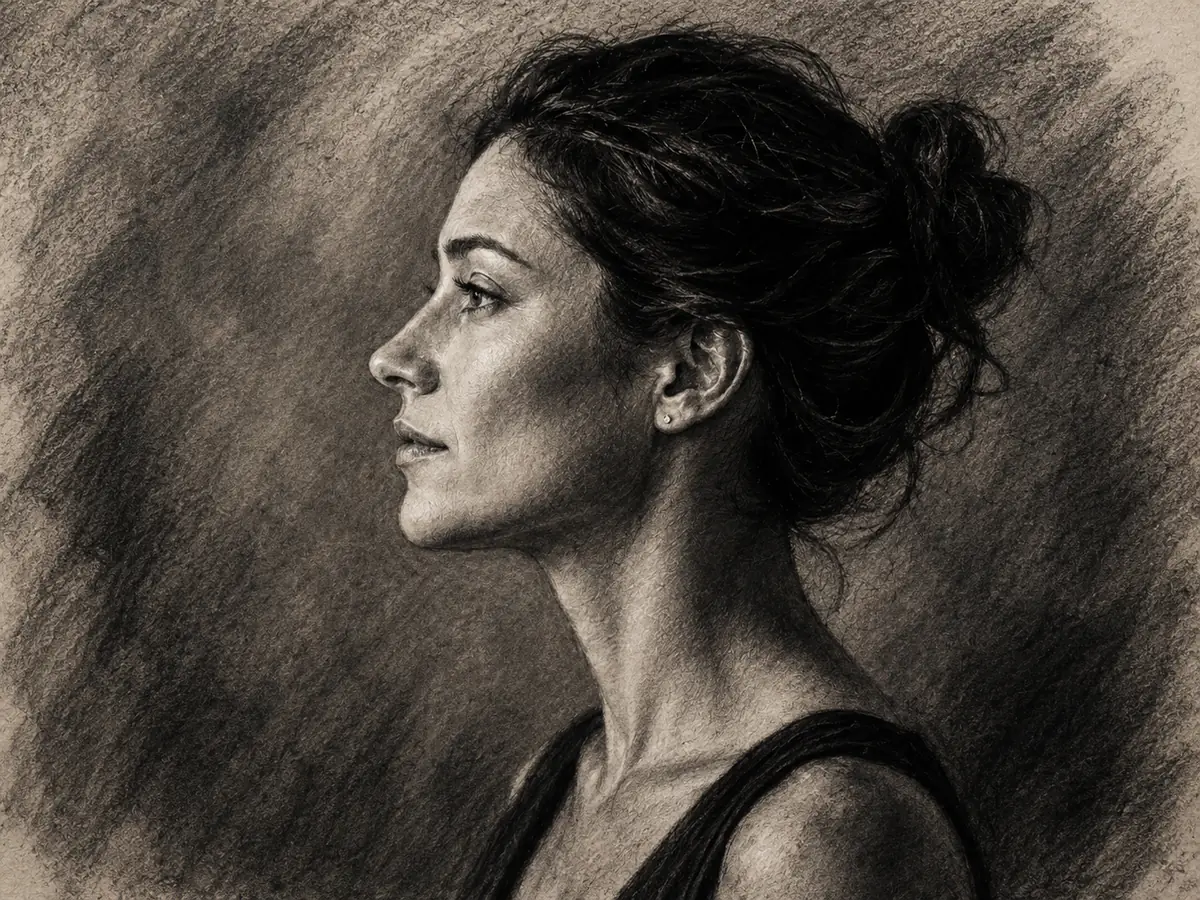
Charcoal turns your photo into a moody, high-contrast sketch — deep blacks, smudged mid-tones and dramatic light. It is the AI photo to sketch style for bold portraits and expressive black-and-white art.

After — the portrait converted into a dramatic high-contrast charcoal sketch drawing
Before — a color portrait photo of a woman in profile, ready for AI photo to sketch conversion
PhotoSketch
03LINE ART

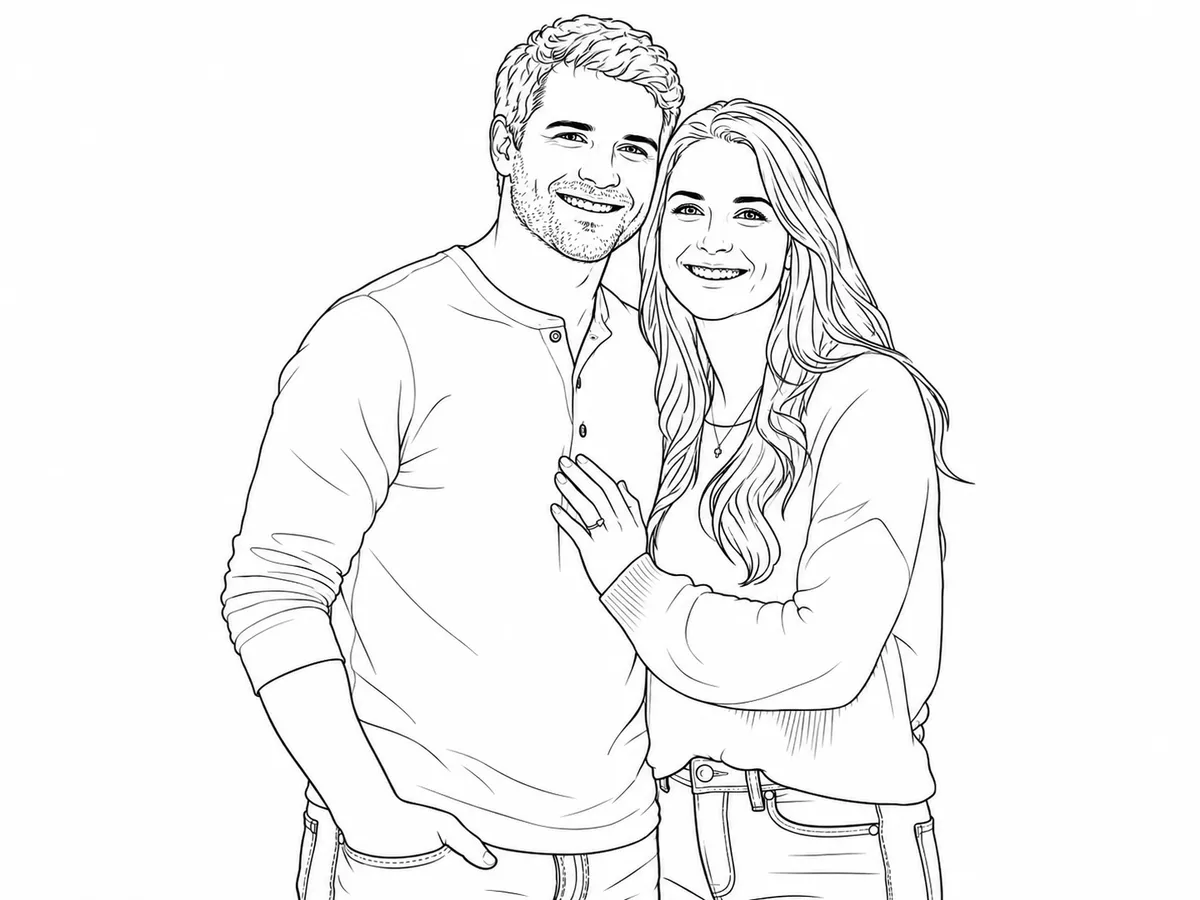
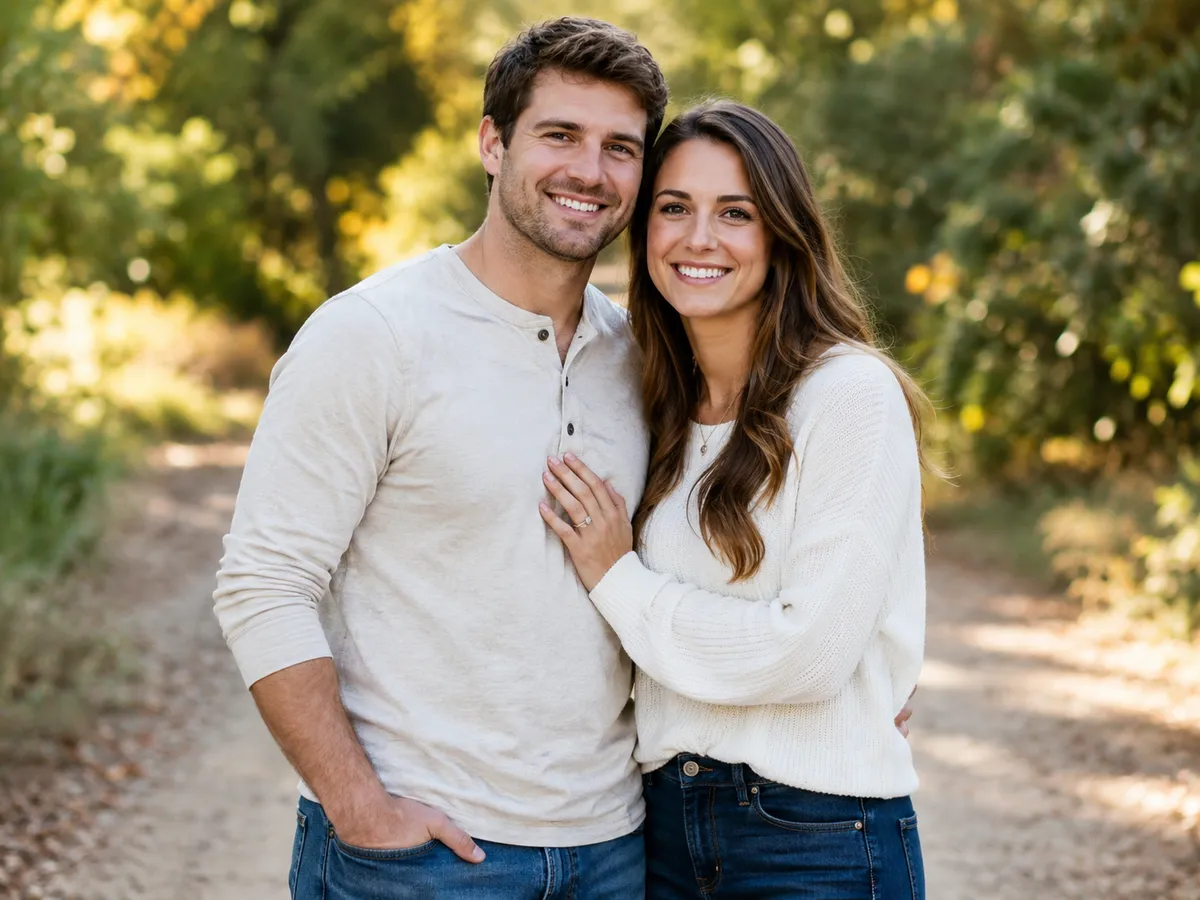
Photo to line-art outline

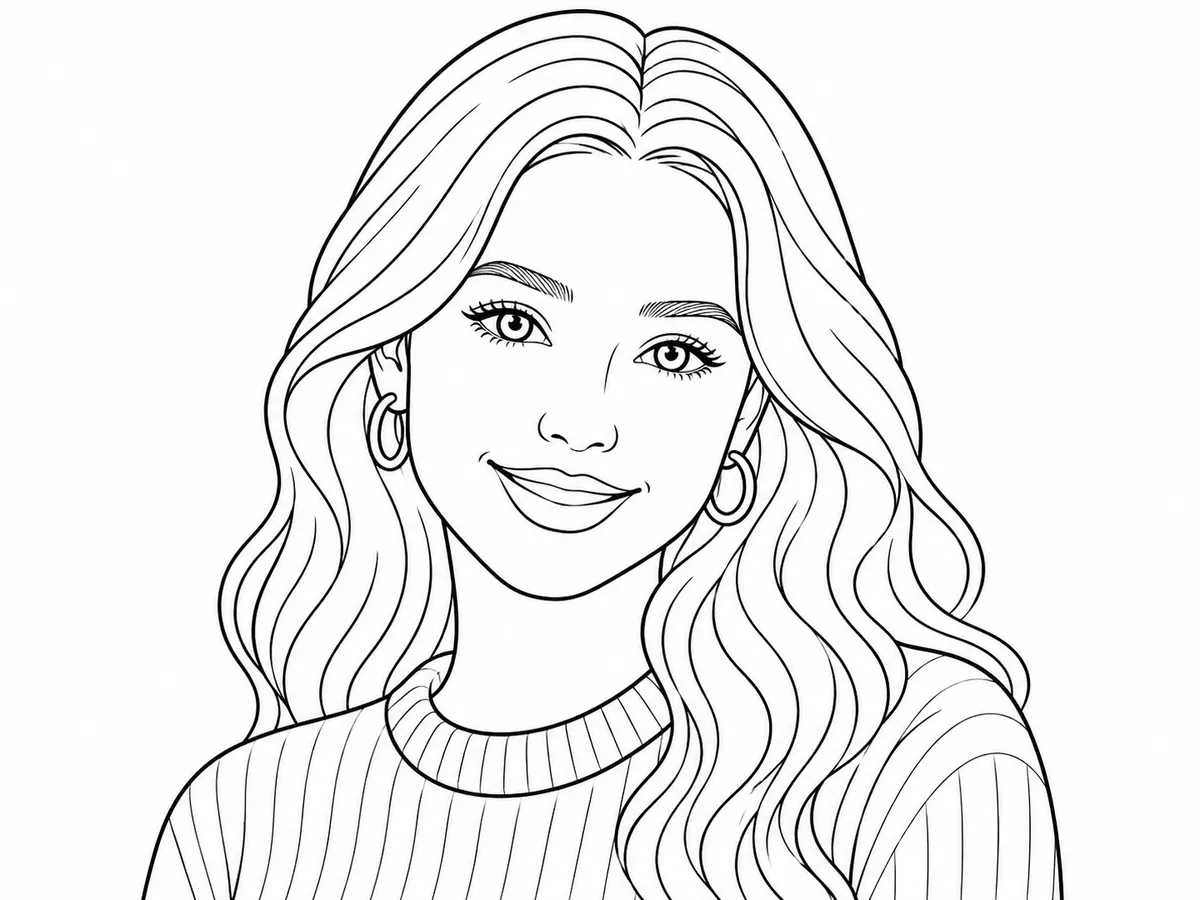
Pure contour — a clean black-and-white line-art sketch with no shading. This minimal AI photo to sketch style is made for coloring pages, tattoo stencils, logos and print: a simple outline drawn straight from your photo.

After — the couple photo converted into a clean black-and-white line-art outline sketch
Before — a color photo of a couple, ready for AI photo to sketch conversion
PhotoSketch
04COLOR SKETCH

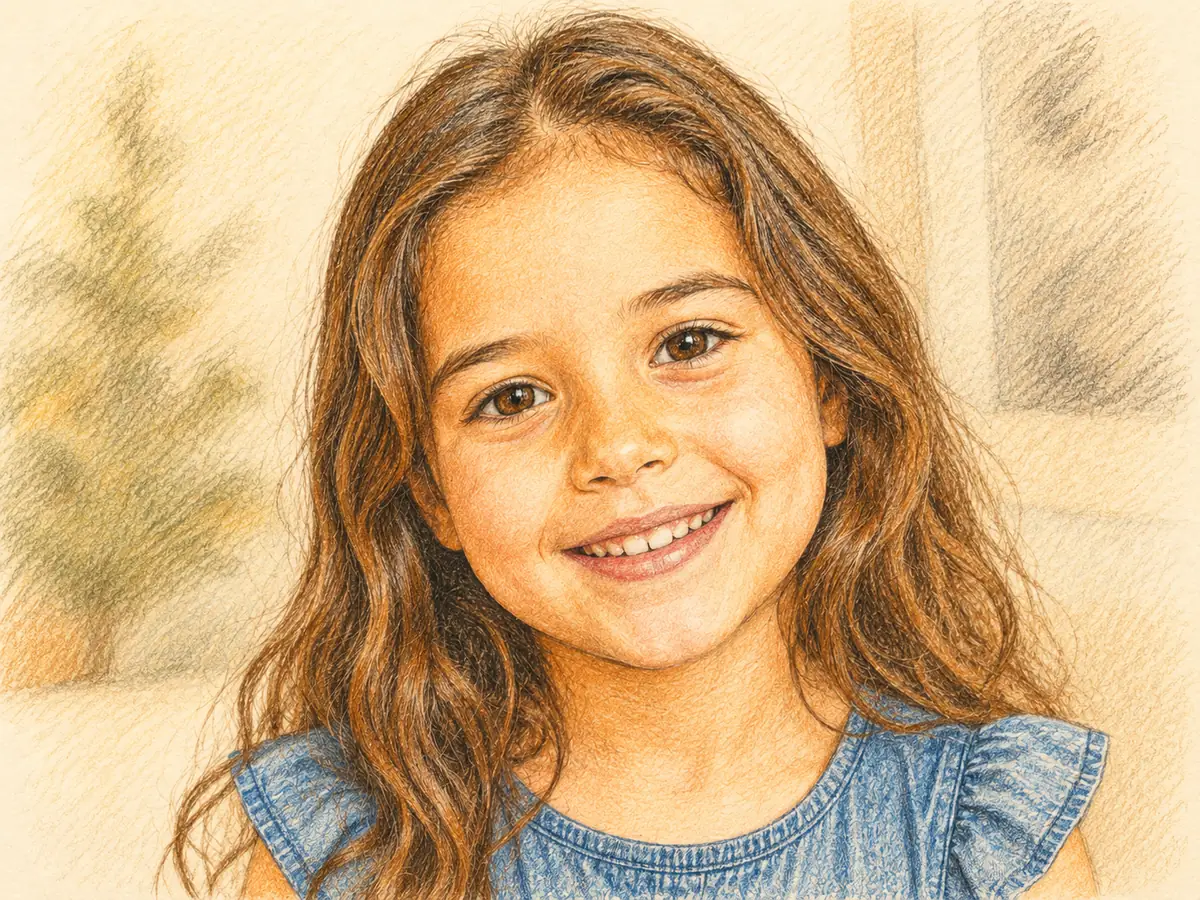
Photo to colored sketch

Part drawing, part painting — a colored-pencil sketch that layers light, hand-drawn color over sketch lines. Choose this AI photo to sketch style when you want the artwork to feel warm and finished rather than strictly monochrome.

After — the portrait converted into a warm colored-pencil sketch drawing
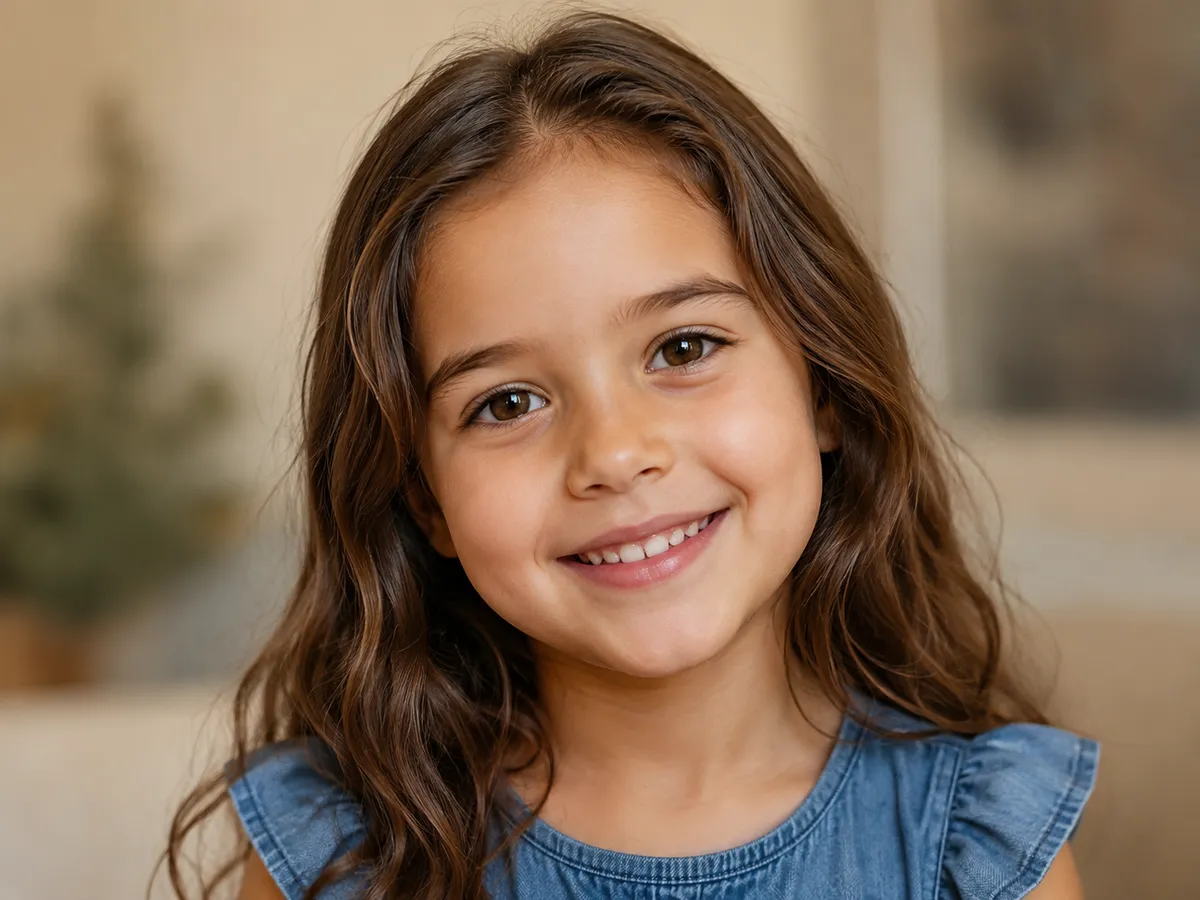
Before — a color portrait photo of a child, ready for AI photo to sketch conversion
PhotoSketch
N°03 · WHY IMYA

Why choose the Imya AI photo to sketch converter

Five reasons artists, gift-makers and designers use Imya to turn a photo into a sketch — free to preview, no watermark, and no drawing skill required.

N°01

Free to try, fully online

Preview your AI photo to sketch right in the browser — no app to download and no account just to look. Open the page, compare the styles and start sketching.

N°02

Four real sketch styles

Pencil, charcoal, line art and colored sketch — every AI photo to sketch style is a genuine drawing look, not a one-tap filter laid over your photo.

N°03

Keeps the likeness

The converter redraws structure, not identity. A face in the sketch still looks like the person in the photo — the AI draws your picture, it does not replace it.

N°04

No watermark on your art

Create the final drawing in the imya AI generator and it downloads clean — no logo and no overlay stamped across your photo to sketch artwork.

N°05

Sketches any subject

Portraits, pets, couples, buildings and landscapes — the AI photo to sketch converter draws any photo, so one tool covers a gift, a tattoo idea or a print.

N°04 · USE CASES

What people use the AI photo to sketch generator for

A photo to sketch drawing is more than an effect. Here is how people turn their photos into sketches every day.

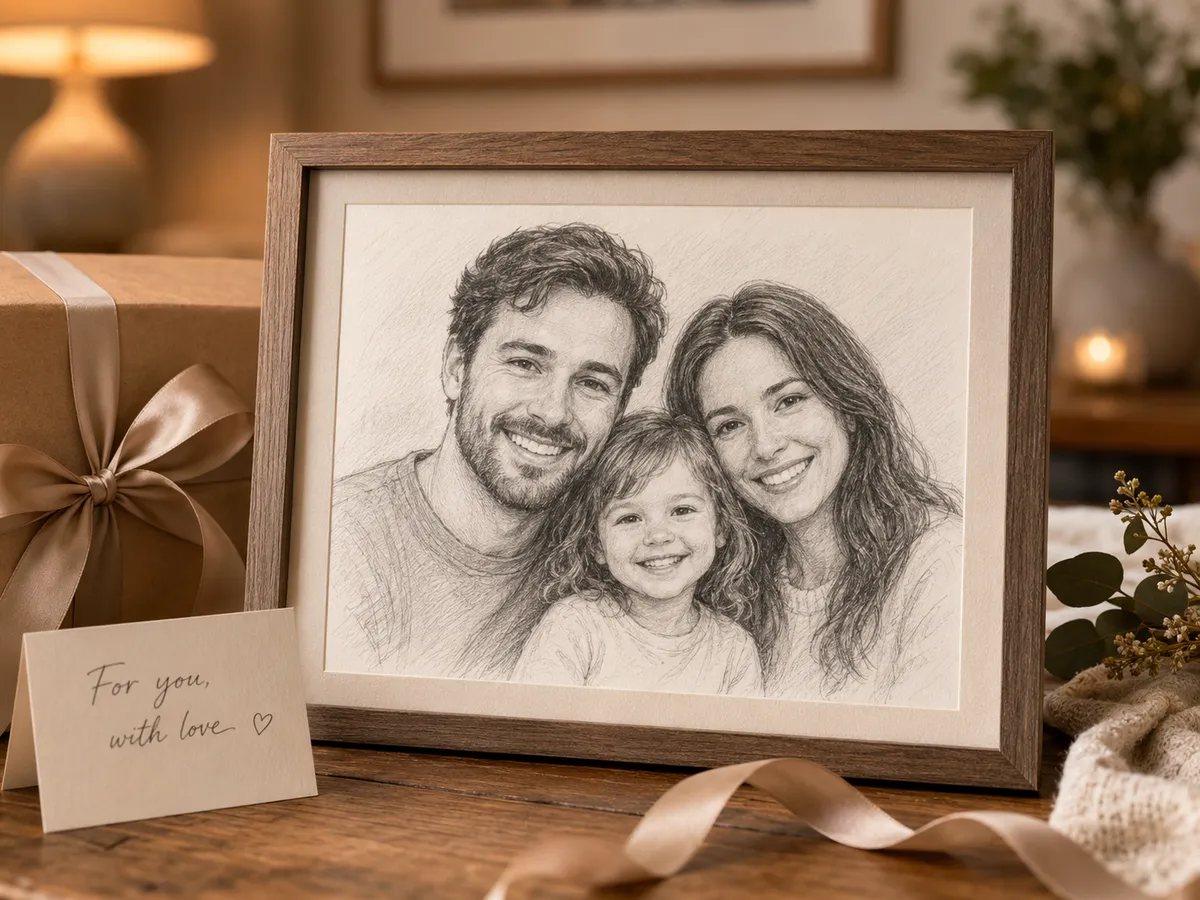
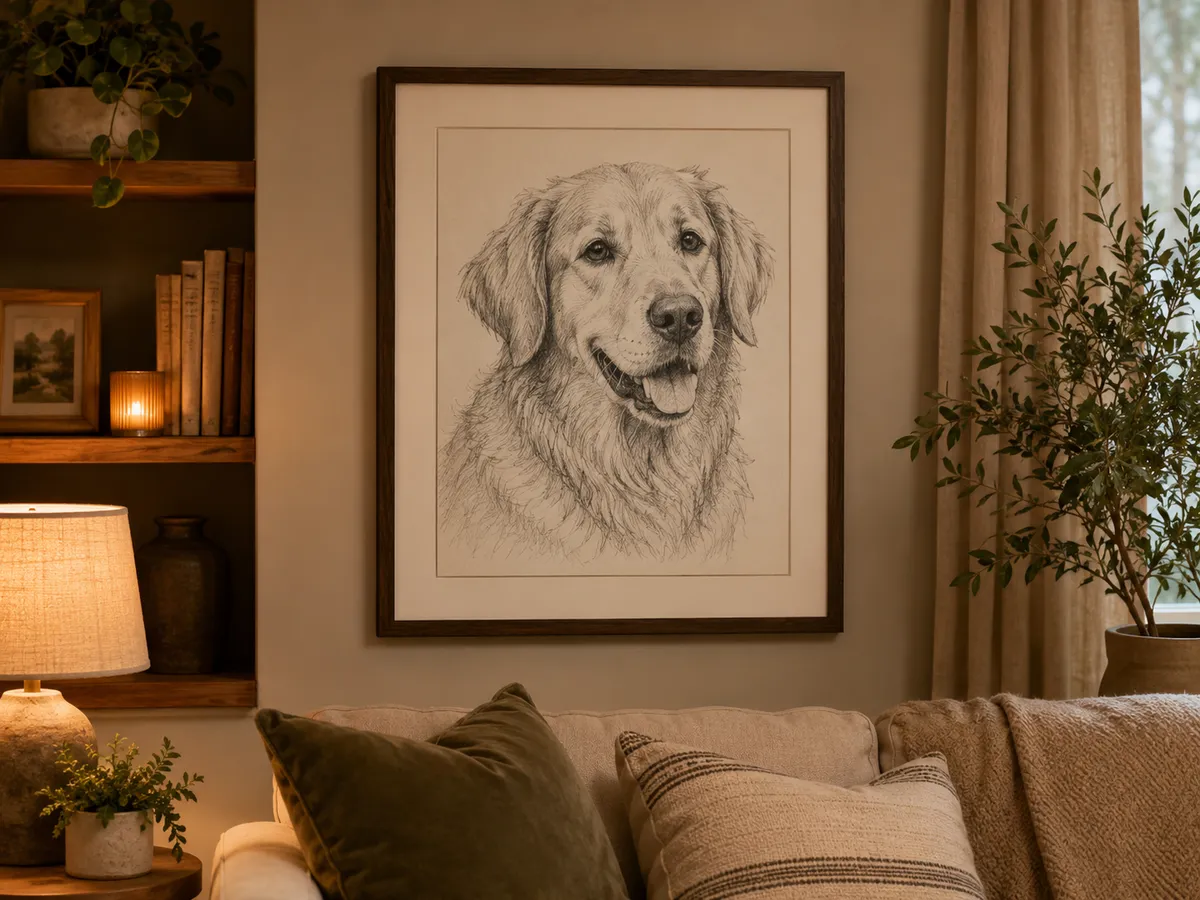
AI photo to sketch use case — a family photo turned into a framed pencil sketch portrait giftN°01

Personalized sketch portraits & gifts

Turn a photo of a partner, a parent or the whole family into a pencil sketch portrait — a heartfelt, hand-drawn gift for birthdays, anniversaries and weddings.

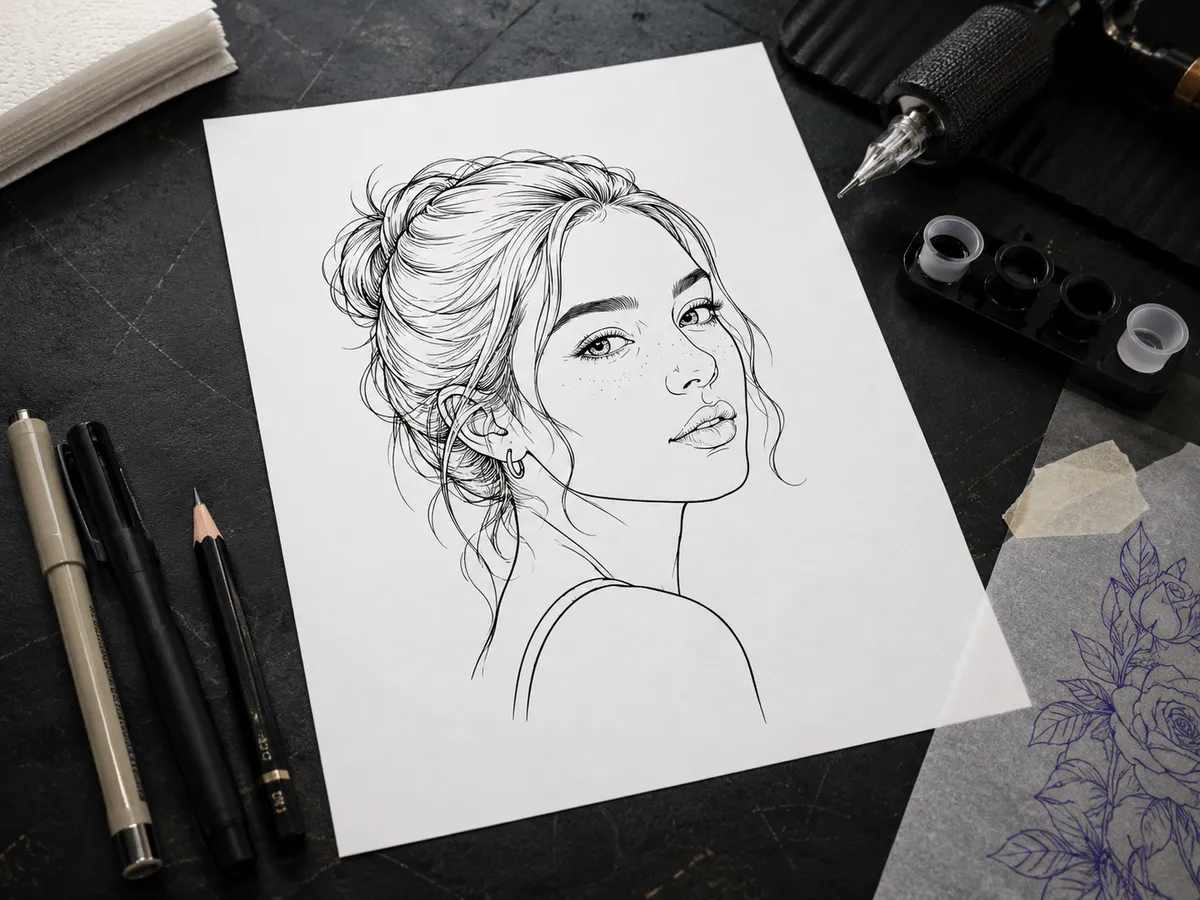
AI photo to sketch use case — a photo converted into a line-art sketch used as a tattoo referenceN°02

Tattoo reference & stencil ideas

Convert a photo to a clean line-art sketch and hand your tattoo artist a ready outline — far easier to work from than a busy color photo.

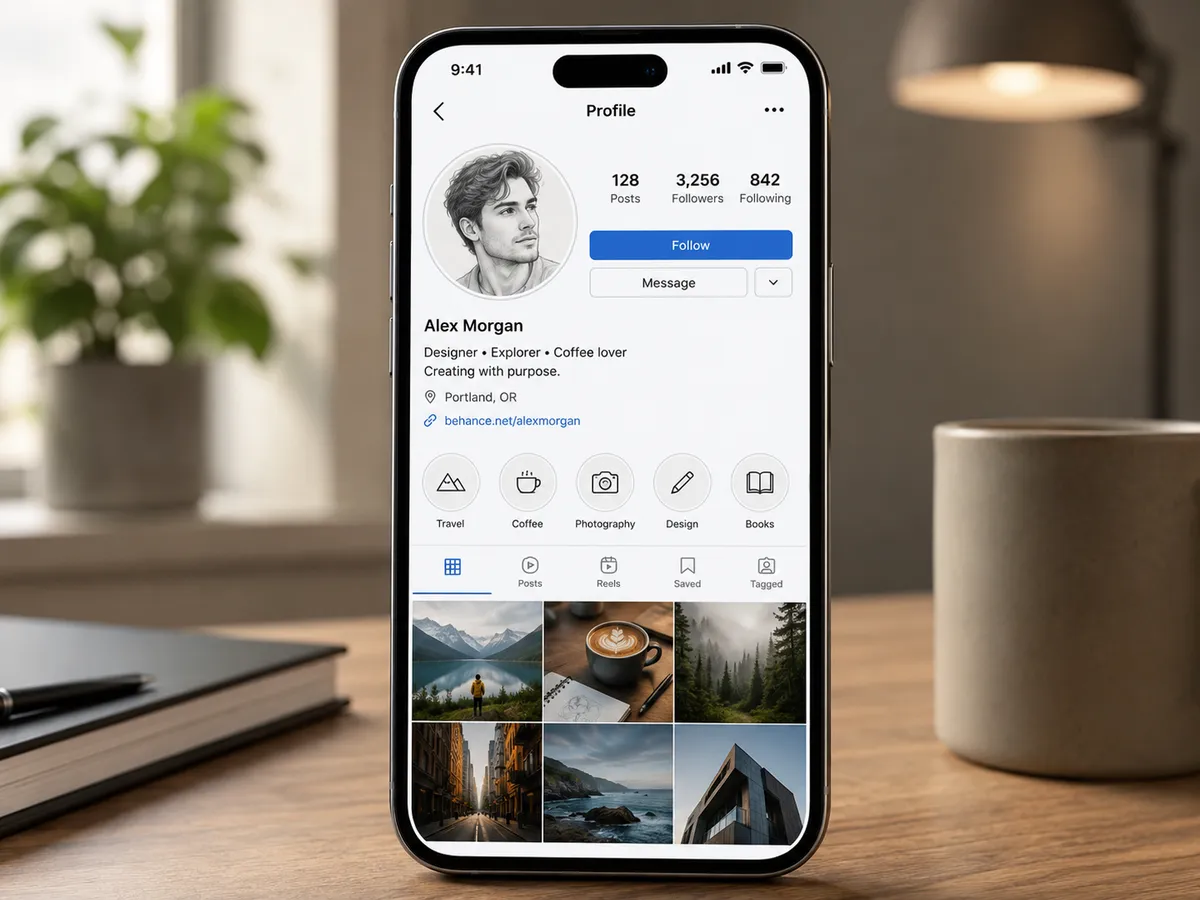
AI photo to sketch use case — a selfie converted into a sketch avatar for a social media profileN°03

Profile pictures & social avatars

A sketch of your photo makes a distinctive avatar for social media, a podcast cover or a team page — recognisably you, with an artist's touch.

AI photo to sketch use case — a pet photo turned into a sketch printed as framed wall artN°04

Wall art & home décor prints

Print an AI photo to sketch drawing of a pet or a favourite place as framed wall art — a sketch holds up beautifully at poster size.

AI photo to sketch use case — a photo converted into a line-art coloring page outlineN°05

Coloring pages & craft projects

The line-art style turns any photo into a printable coloring page or craft template — a simple sketch outline kids and crafters can fill in.

N°05 · PROCESS

How to convert a photo to a sketch in 3 steps

From a photo to a finished sketch in about a minute — no drawing skill and no complicated software.

  1. 01

    Upload your photo

    Upload your photo above — a portrait, pet, couple or landscape. A clear, well-lit photo gives the AI photo to sketch converter the cleanest lines to draw.

  2. 02

    Choose a sketch style

    Pick the sketch style in the converter on this page — pencil sketch, charcoal drawing, line-art outline or colored sketch. The tool sends the right drawing prompt automatically.

  3. 03

    Generate & download your sketch

    Click Sketch photo, compare the AI sketch with your original, then download the finished photo to sketch drawing at full resolution — with no watermark.

N°06 · COMPARISON

Free AI photo to sketch converter vs other tools

How Imya's free AI photo to sketch generator compares with the photo-to-sketch tools people search for most.

Feature★ImyaFotorVanceAIMonica
Free to use✓trialcreditstrial
Pencil, charcoal & line art✓partialpartial✓
No watermark✓✗✗✗
Keeps facial likeness✓partialpartial✓
No sign-up to preview✓✗✗✗
Works on any subject✓✓✓✓

Across the things that matter — free previews, real sketch styles, no watermark and a true-to-life likeness — Imya is the most complete free AI photo to sketch converter.

N°07 · TIPS

Tips for the best AI photo to sketch results

From the sketchbook

  1. Tip 01

    ¶Start with a clear, well-lit photo

    The AI photo to sketch converter draws what it can see. A sharp, evenly-lit photo with the subject in focus gives clean lines and honest shading, while a dark, blurry or low-resolution photo leaves the AI far less edge detail to draw from.

  2. Tip 02

    ¶Match the sketch style to the subject

    Pencil and colored sketch flatter portraits and pets; charcoal suits bold, dramatic shots; line art is best for tattoos, logos and coloring pages. Picking the right photo to sketch style does more for the result than any other setting.

  3. Tip 03

    ¶Keep the background simple

    A busy background becomes busy sketch lines. For a portrait sketch, a plain or softly blurred background lets the AI photo to sketch converter spend its detail where it matters — on the face.

N°08 · FREQUENTLY ASKED

Frequently asked questions about AI photo to sketch

  • Yes. You can preview the sample AI photo to sketch result on this page for free, then upload your own photo above. Creating and downloading a finished sketch uses account credits, and new accounts include free credits for your first photo to sketch drawings.

N°09 · RELATED

More photo tools from Imya

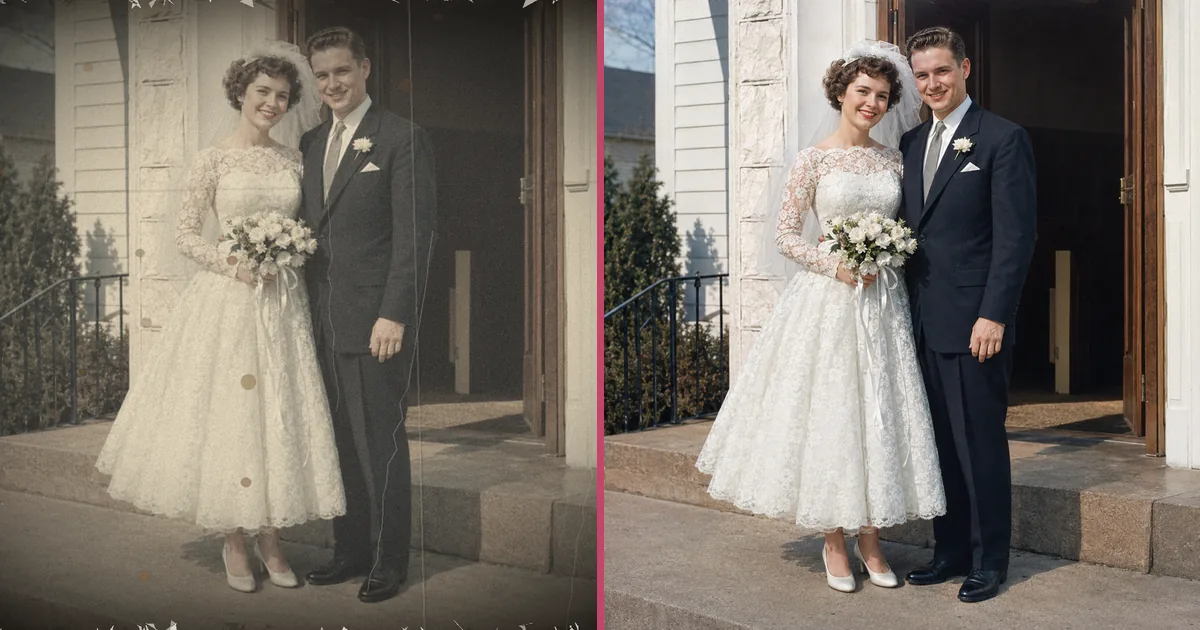
AI old photo restoration preview

AI Old Photo Restoration

Repair scratches, fading and blur, then restore and colorize old photos online free.

Open tool →
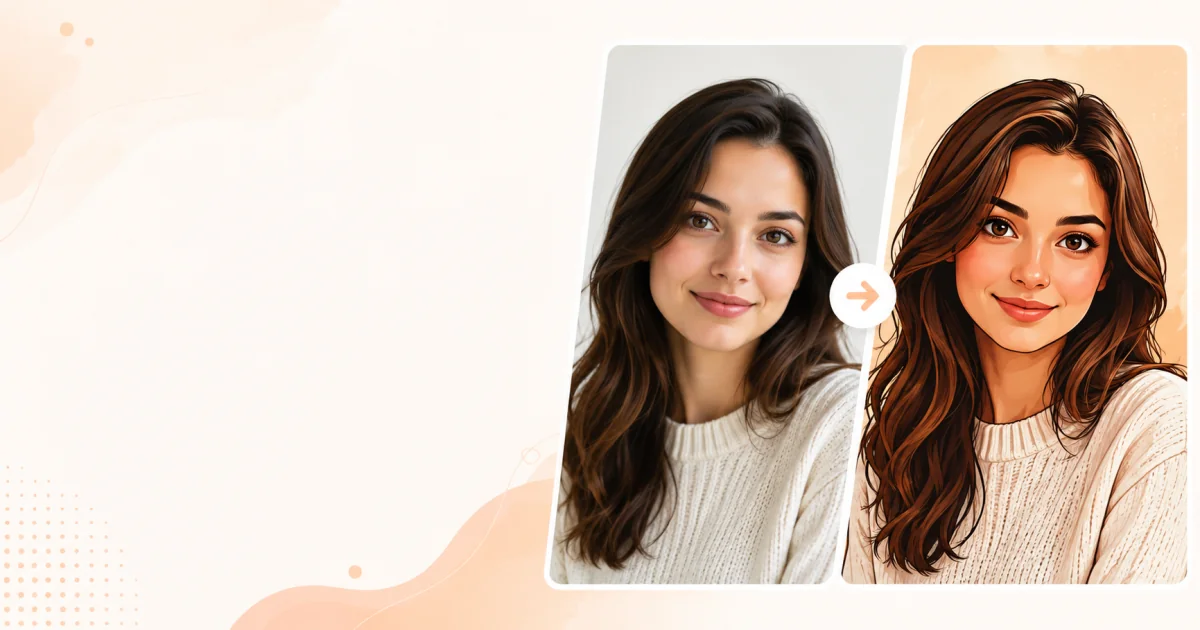
AI cartoon portrait generator preview

AI Cartoon Portrait Generator

Turn any photo into a cartoon portrait — classic cartoon, anime, comic and 3D styles.

Open tool →
AI background remover preview

AI Background Remover

Cut any subject out of its background in one click — clean, transparent PNGs.

Open tool →
READY

Turn your photo into a sketch

Upload your photo above, pick a sketch style and watch the AI draw it in seconds.

Try the AI photo to sketch converter →

Free to try · No watermark · Private

imya — All-in-One AI Image, Video & Music Generatorimya

All-in-One AI Image, Video & Music Generator. One workspace for every creative output.

AI Image Models

  • Z Image TurboFREE
  • GPT Image 2
  • Nano Banana
  • Qwen Image Edit Plus
  • Seedream 4.0
  • Nano Banana Pro Official
  • Nano Banana Pro Trial
  • Nano Banana 2
  • Seedream 4.5
  • Seedream 5

AI Video Models

  • Seedance 2.0 Fast
  • Seedance 2.0
  • Sora 2
  • Seedance 1.5 Pro
  • Veo 3.1 Fast
  • Kling 3.0 Motion Control

Photo Enhancement

  • AI Background Remover
  • AI Background Changer
  • AI Image Upscaler
  • AI Old Photo Restoration
  • AI Object Remover
  • AI Watermark Remover

Portrait & Avatar

  • AI Headshot Generator
  • AI Anime Avatar
  • AI Cartoon Portrait
  • AI Hair Color Changer
  • AI Hairstyle Changer
  • AI Face Swap

Style Transfer

  • AI Photo to Anime
  • AI Photo to Ghibli
  • AI Photo to Sketch
  • AI Art Style Transfer
  • AI Time Travel Photo

Photo Creative

  • AI Couple Photo
  • AI Family Photo
  • AI Wedding Photo
  • AI Father’s Day Card Maker
  • AI Christmas Cards
  • AI Valentine Card Maker
  • AI Group Photo Mixer
  • AI ID Photo Maker
  • AI Room Designer
  • AI Virtual Try-On

Creative Tools

  • AI Logo Generator
  • AI Logo Remover
  • AI Text Remover
  • AI Image Translator
  • AI Room Designer
  • AI Product Mockup

Product

  • AI Image Tools
  • AI Models
  • User Guide
  • Pricing

Company

  • About Us
  • Privacy Policy
  • Terms of Service
  • Contact Us

© 2026 imya.ai · All rights reserved

☀️Light