
Choose an image API for still assets
Use an image model when the final asset is a single frame and resolution, reference-image count, or quality is the main control. This supports still-image workflows without adding a video processing pipeline.
Use imya as the API layer for image and video generation, task polling, live credit billing, and generated assets. GPT Image 2, Seedream 5.0 Pro, Hailuo 2.3, and Seedance 2.0 are documented here as Developer Preview contracts.
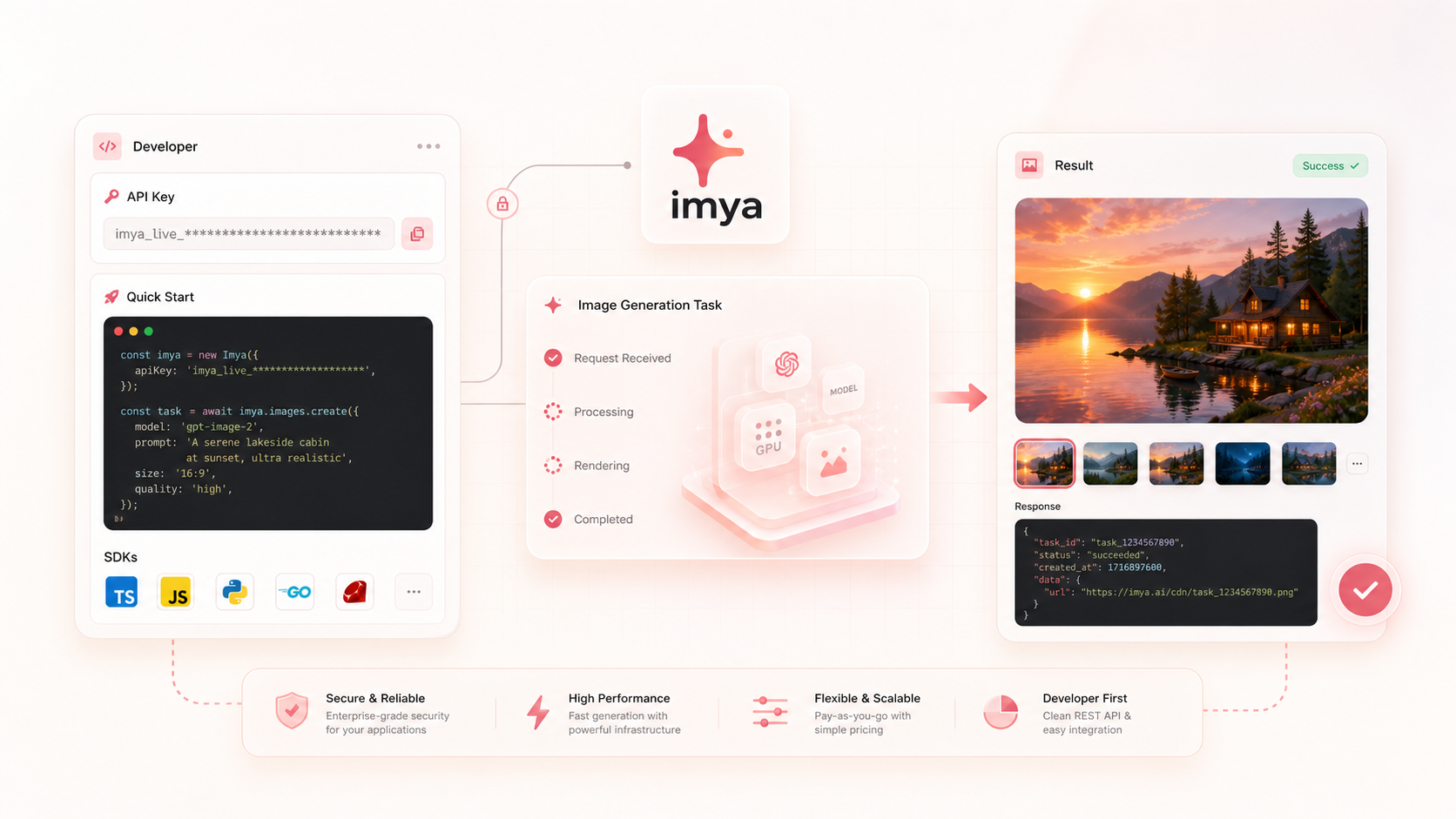
Each model page documents the callable endpoint, public parameters, live billing response, and task lifecycle.
Text-to-image and reference-image workflows with resolution-aware credits and task polling.
Use the Seedream API with the 5.0 Pro model for text-to-image and up to ten reference images, with aspect ratio, quality, and output controls.
Text-to-video and image-to-video, including the lower-latency Fast variant.
Text-to-video and image-to-video with duration, resolution, aspect ratio, and audio controls.
Create an API key in settings.
Send a generation request with model and prompt.
Poll the task endpoint until it succeeds or fails.
Store the returned image or video URL in your app.
AI Model API integration guide
Start with the media your product must return, then choose the controls your workflow actually needs. An image API produces one still result per accepted task. A video API produces motion from text or a starting image. This clarifies validation, pricing, queues, and result handling. The four Imya model pages use the same authentication and asynchronous task pattern, so you can share infrastructure while keeping each model request strongly typed.
Use an image model when the final asset is a single frame and resolution, reference-image count, or quality is the main control. This supports still-image workflows without adding a video processing pipeline.
Use a video model when the output must move. Decide whether the task begins with a prompt or an input image, then validate duration and resolution before submission. Plan its separate concurrency queue before launch.
Use the model-specific reference as the source of truth for request fields and the credits_reserved value returned for the exact request.
Choose GPT Image 2 for prompt-based image generation or workflows that need up to 16 reference images. It exposes 1K, 2K, and 4K output resolution choices. Each accepted task returns one generated image.
Read the GPT Image 2 API referenceChoose Seedream 5.0 Pro for prompt-based image generation with as many as 10 reference images. The public request offers basic and high quality choices. A task returns one image, so clients should treat reference images as inputs rather than an expected output count.
Read the Seedream API reference for 5.0 ProChoose Hailuo 2.3 when you need text-to-video or image-to-video generation with a 6- or 10-second duration. Standard and Fast variants are exposed by the public API. Validate the selected mode, duration, and required image before creating the asynchronous task.
Read the Hailuo 2.3 API referenceChoose Seedance 2.0 for text-to-video or image-to-video with 480p, 720p, or 1080p output. Duration can be an integer from 4 through 15 seconds. Validate both controls on your server so an unsupported combination never reaches your job queue.
Read the Seedance 2.0 API referenceEvery public model route is designed for server-to-server use. Keep the API key outside browser code and centralize task creation, polling, billing records, and user-facing status in your backend.
Send the Imya API key as a Bearer token. Add a unique Idempotency-Key to each logical generation POST. If a network retry sends the same key and request body, the API returns the original task instead of creating another task or charging again.
When a new task is accepted, the exact credits in credits_reserved are deducted atomically. Display or record that returned value; do not reproduce pricing rules in client code. This keeps plan adjustments and model-specific prices aligned with the actual charge.
Persist the returned id with your internal job record. Poll GET /v1/tasks/{id} at least five seconds apart until status is succeeded or failed. Faster requests still count toward the API-key rate limit but do not refresh upstream state. The only public status values are pending, processing, succeeded, and failed. Polling is the current integration path; webhooks, SDKs, and batch submission are not available.
Public errors are sanitized, so show the safe code and message instead of guessing at infrastructure details. A task still unfinished after 30 minutes fails. For an eligible failure, status remains failed: error.code is refund_pending while settlement runs, then credits_refunded confirms the one-time refund without extending the original expiration.
Complete these controls before sending real customer traffic through a model route.
These answers cover the decisions shared by all four model references.
Integrate the route that produces the media required by your first user flow. For still images, compare reference count, resolution, and quality controls. For video, compare text-to-video versus image-to-video, duration, resolution, and mode. Add a second model only after the first task lifecycle is reliable.
Yes. Create one Idempotency-Key for the logical generation and reuse it with the identical body after a connection failure or timeout. The original task is returned without a second charge. A changed body should be treated as a new request with a new key.
The server calculates the live price and deducts credits atomically when it accepts a new task. The response exposes the exact amount as credits_reserved. If an eligible task fails, including at the 30-minute deadline, error.code can be refund_pending while settlement runs; credits_refunded confirms the one-time refund and the original expiration remains unchanged.
Stored image results are available for seven days on free accounts and up to 30 days on active paid or Lifetime accounts. Download or copy assets your product must keep before that window closes. Once removed, the response has status failed and error.code media_deleted so your UI can explain that the result expired.
Open the reference for the model closest to your first use case, copy its validated request shape, and build the complete create-poll-result path before adding another model.