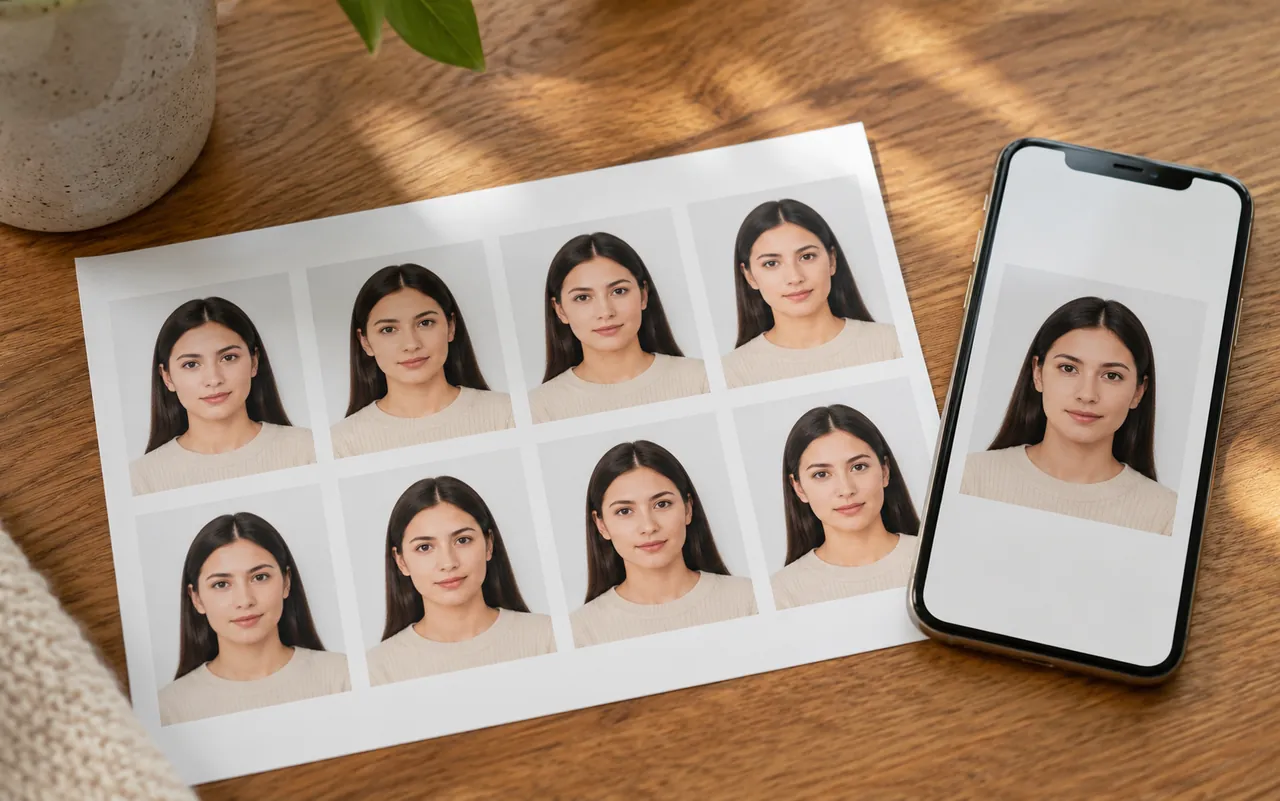
 N°01
N°01Passport & visa photos
Make a passport photo or visa photo at the size your country requires. The AI ID photo maker crops to spec and adds the clean background passport offices expect.
Upload one selfie and the AI ID Photo Maker turns it into a compliant passport, visa or ID photo — correct size, clean background and formal attire, ready to download in seconds. Free, online, no studio trip and no design skills.
Your Photo
Photo Size
Background Color
Attire (optional)
AI Model
Each ID photo uses 45 credits — new accounts get free credits to start.
Free AI ID Photo Maker
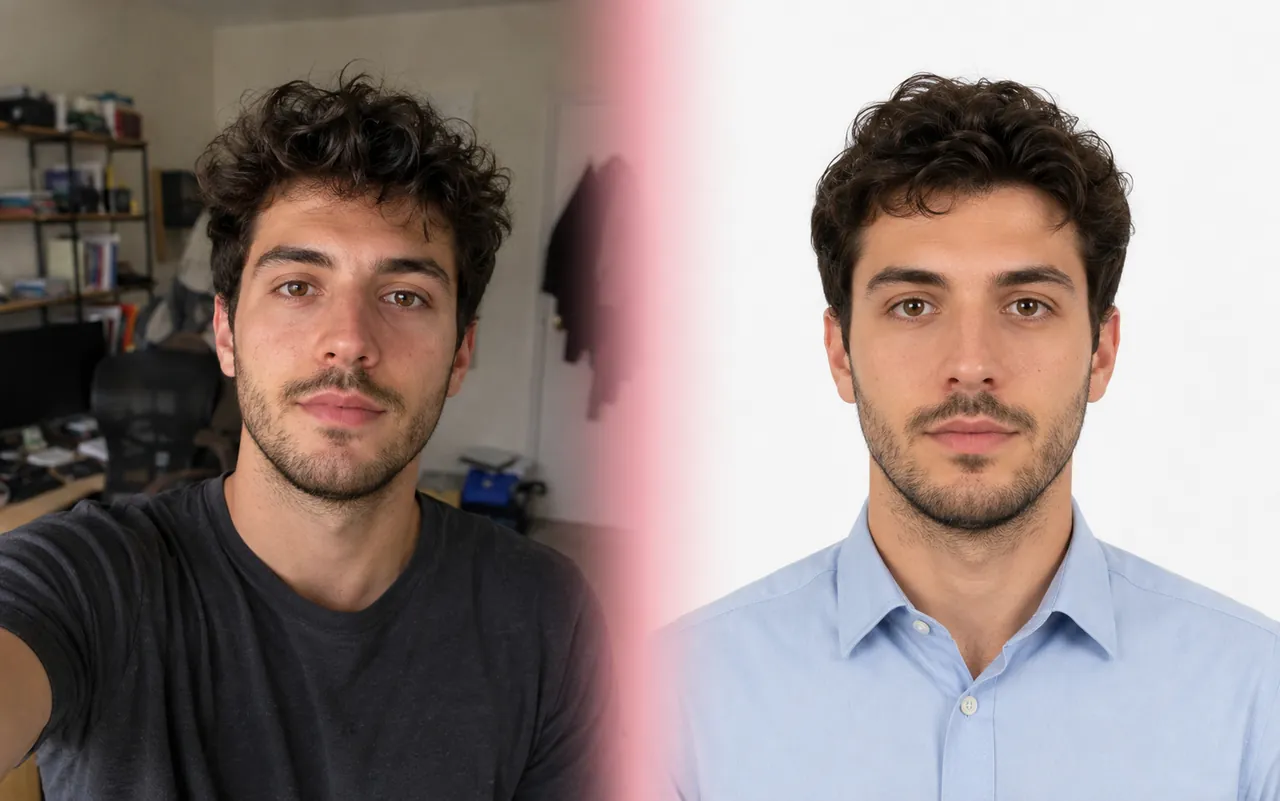
An AI ID photo maker is an online tool that turns an ordinary selfie into a regulation ID photo — the kind you need for a passport, visa, driving licence or work badge. Instead of booking a studio, you upload one photo and the AI ID photo maker handles the cropping, the background and the framing for you.
¶imya's AI ID Photo Maker goes further than a plain crop tool. It reads your face, places it with the correct head size and margins, swaps in a clean studio background in the colour you pick, and can even dress you in formal attire. In a few seconds you get an ID photo that looks like it was taken in a real photo studio.
¶Because everything runs online, the ID photo maker works the same on a phone or a laptop. There is no app to install and no design skill needed — make an ID photo, preview it, and download a print-ready file for an online application or a print shop.
§One selfie in, a print-ready ID photo out — that is the whole job.
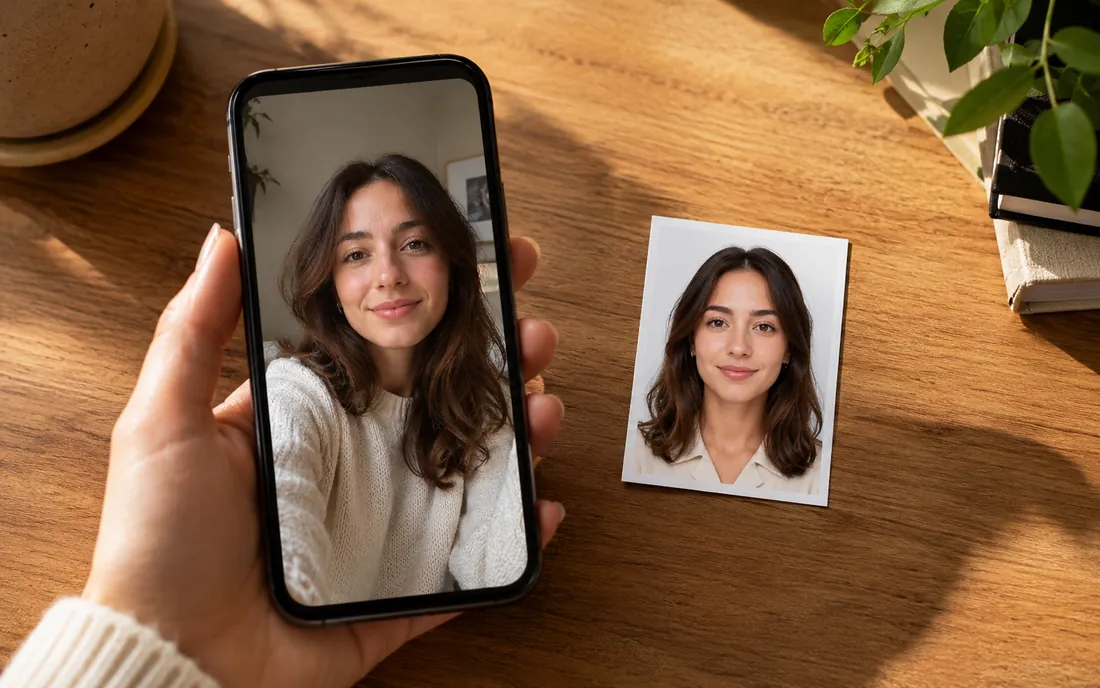
The imya AI ID Photo Maker is built around what people actually need from an ID photo maker: the right size, a clean background, and a result that looks professional — without a studio bill.
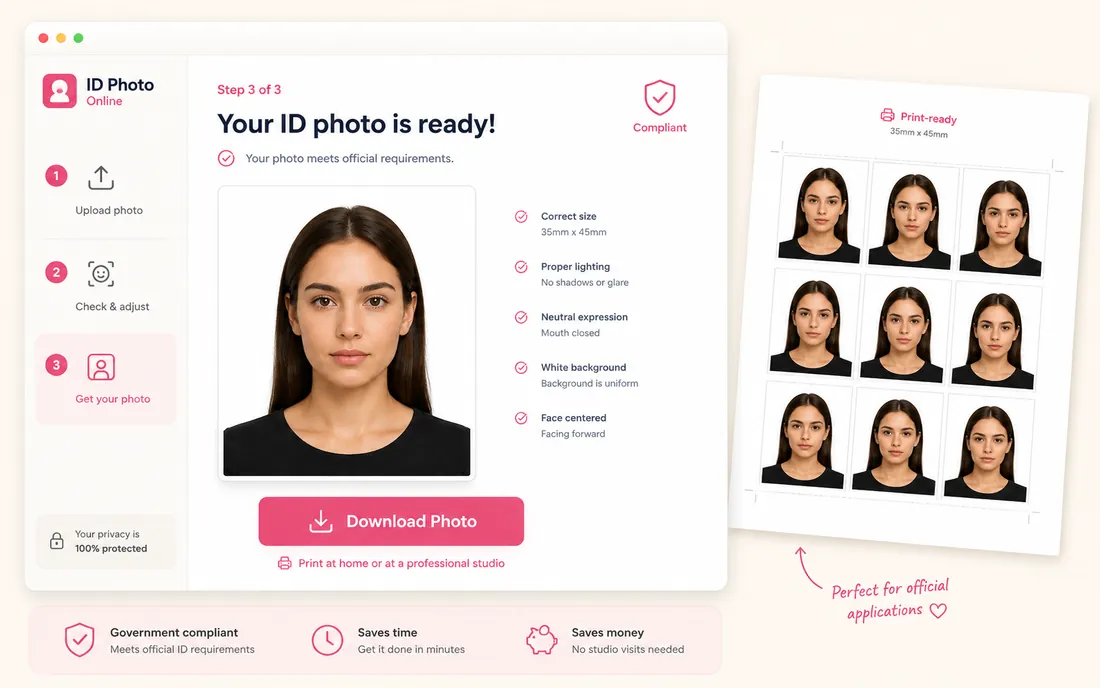
Make an ID photo online for free — no studio appointment, no design app. Open the AI ID Photo Maker, upload a selfie, and your passport or ID photo is ready to download.
Passport, visa and ID photo sizes are built in for 100+ countries. Pick a preset and the AI ID photo maker outputs a photo cropped to the exact dimensions you need.
Choose a white, light-blue or grey background and the AI ID photo maker rebuilds it cleanly. It can also add formal attire, so a casual selfie becomes a proper ID photo.
The AI preserves your real face — same features, same skin tone. The ID photo maker changes the background and clothing, never your identity.
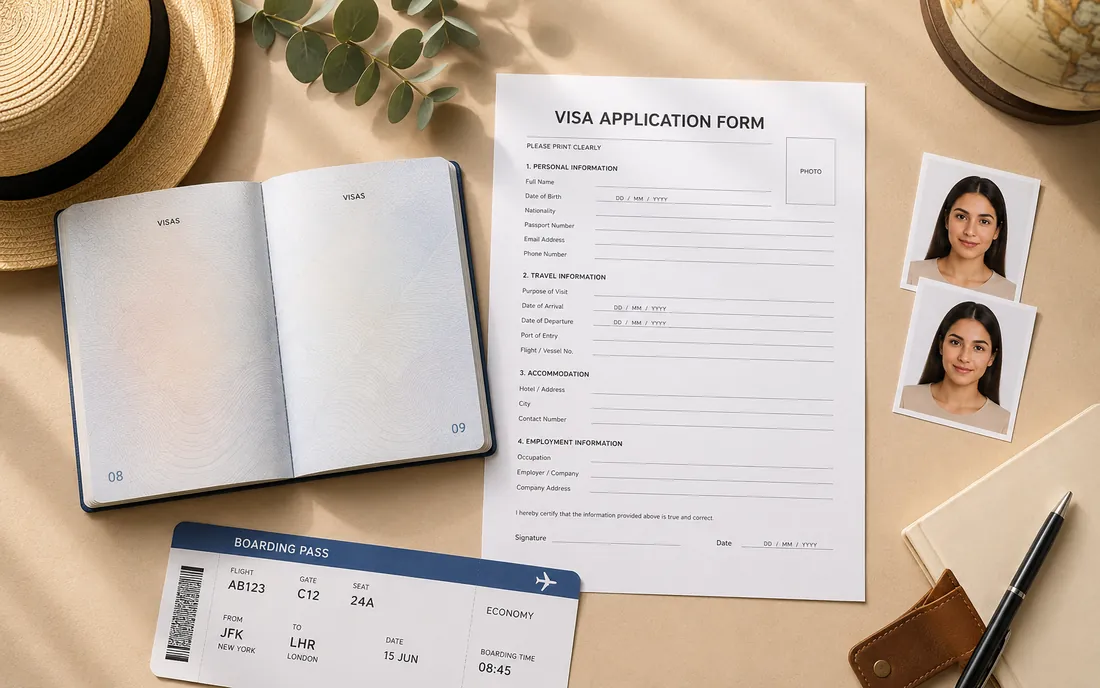
People use the imya AI ID Photo Maker for every kind of official photo. Here are four of the most common ID photo jobs it handles.
N°01Make a passport photo or visa photo at the size your country requires. The AI ID photo maker crops to spec and adds the clean background passport offices expect.
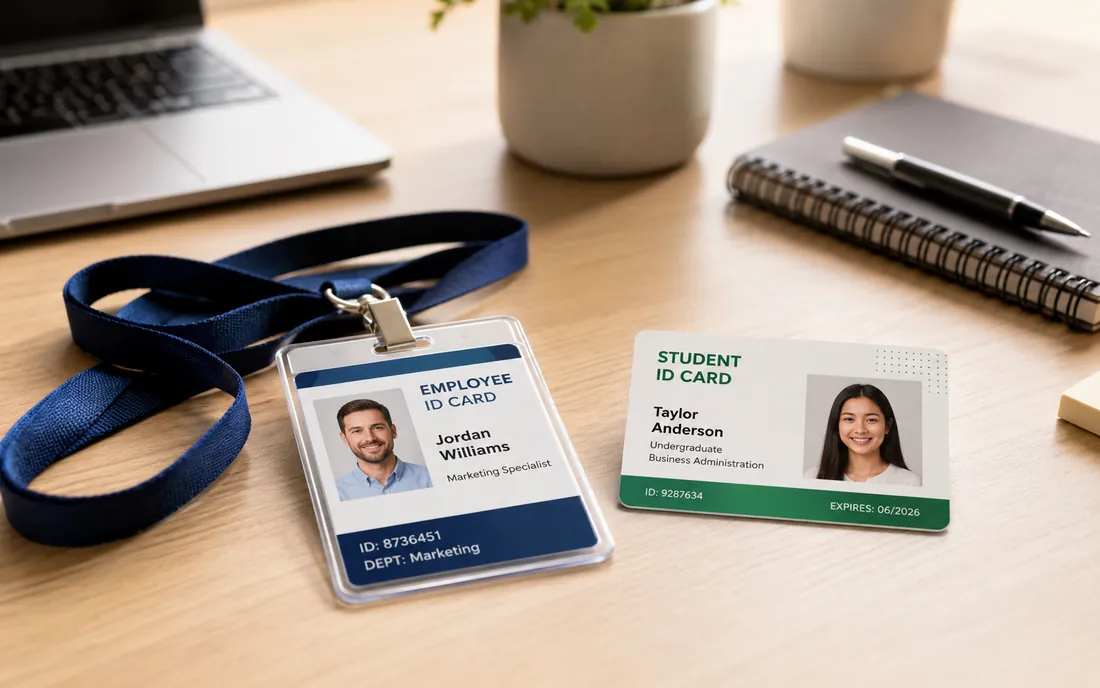 N°02
N°02Need a photo for a student card or a work badge? The ID photo maker gives you a tidy, consistent headshot that looks right on any ID card.
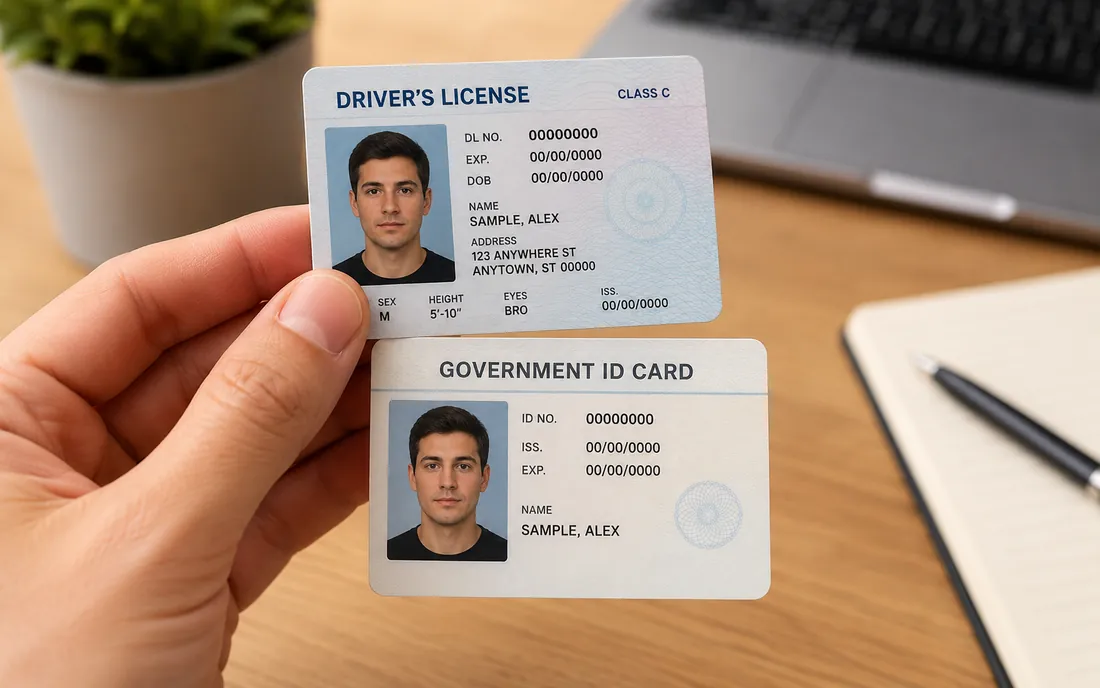 N°03
N°03Generate a clean, front-facing photo for a driving licence or other government ID application, with even lighting and a neutral background.
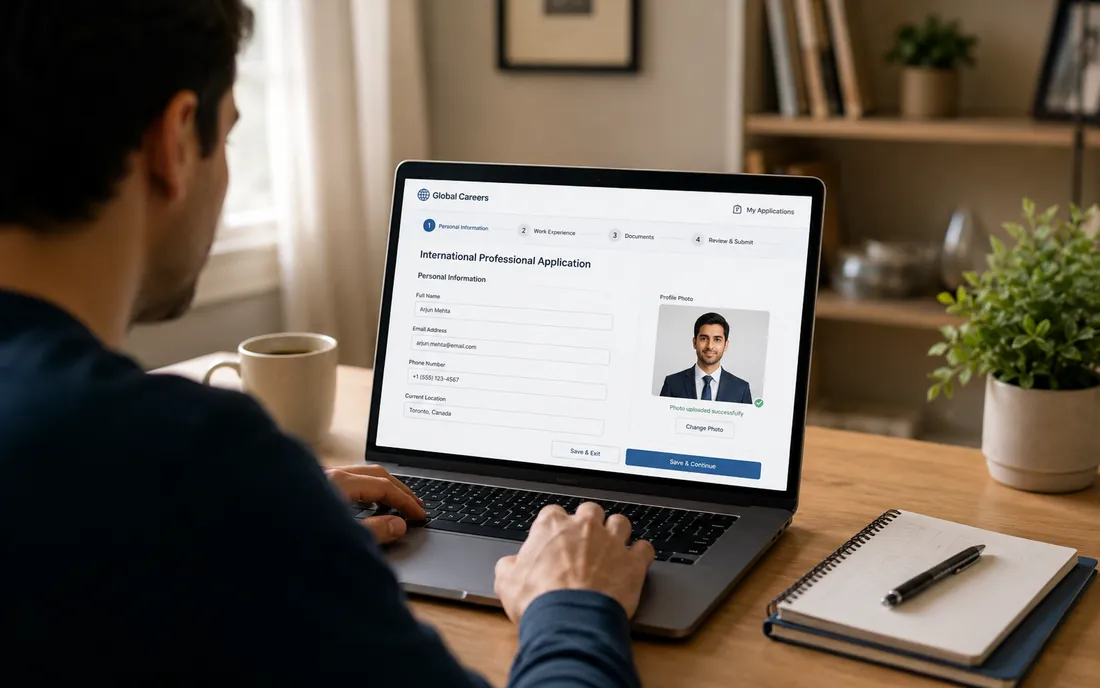 N°04
N°04Many applications now ask you to upload a photo. The AI ID photo maker gives you a compliant, professional ID photo for any online form.
Making an ID photo with AI takes three steps and under a minute — upload, customize, and download a print-ready ID photo.
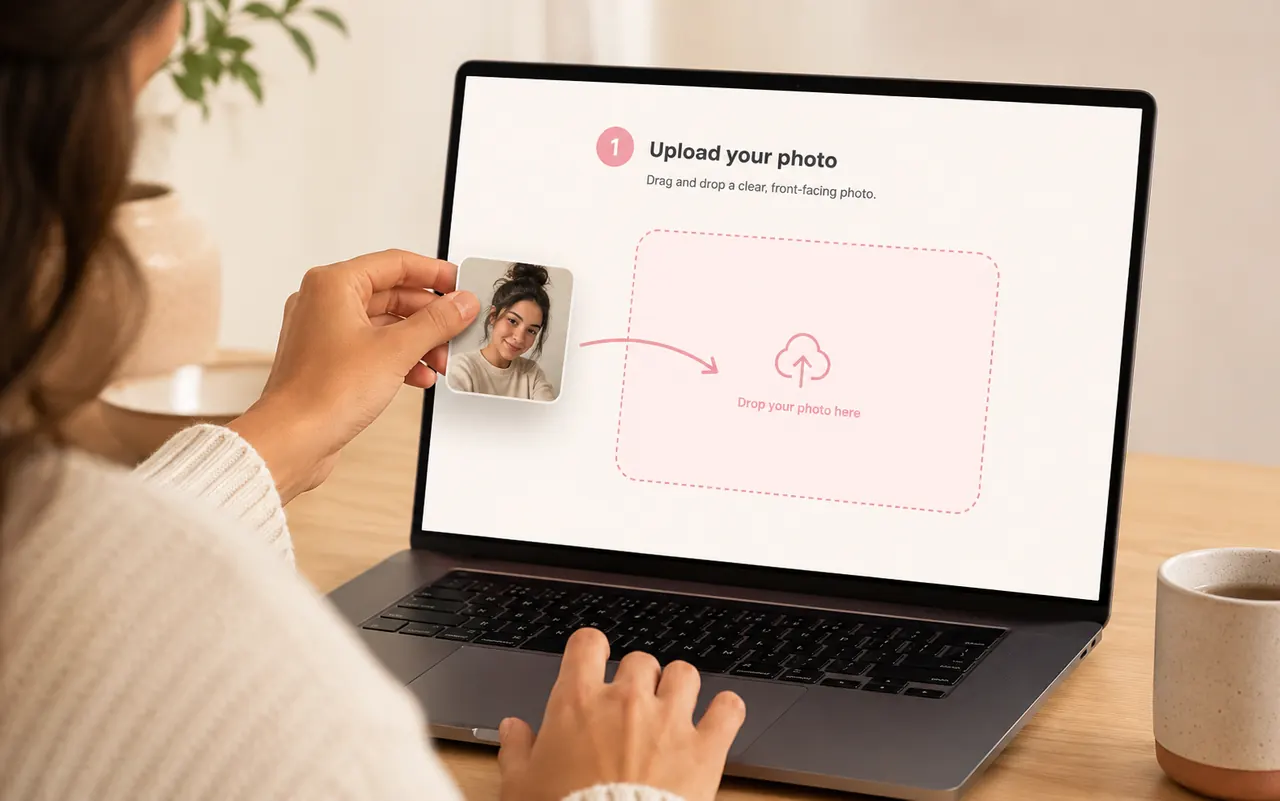 1
1Drag in a clear, front-facing selfie or portrait. The AI ID Photo Maker detects your face and gets it ready — JPG, PNG or WebP, up to 16MB.
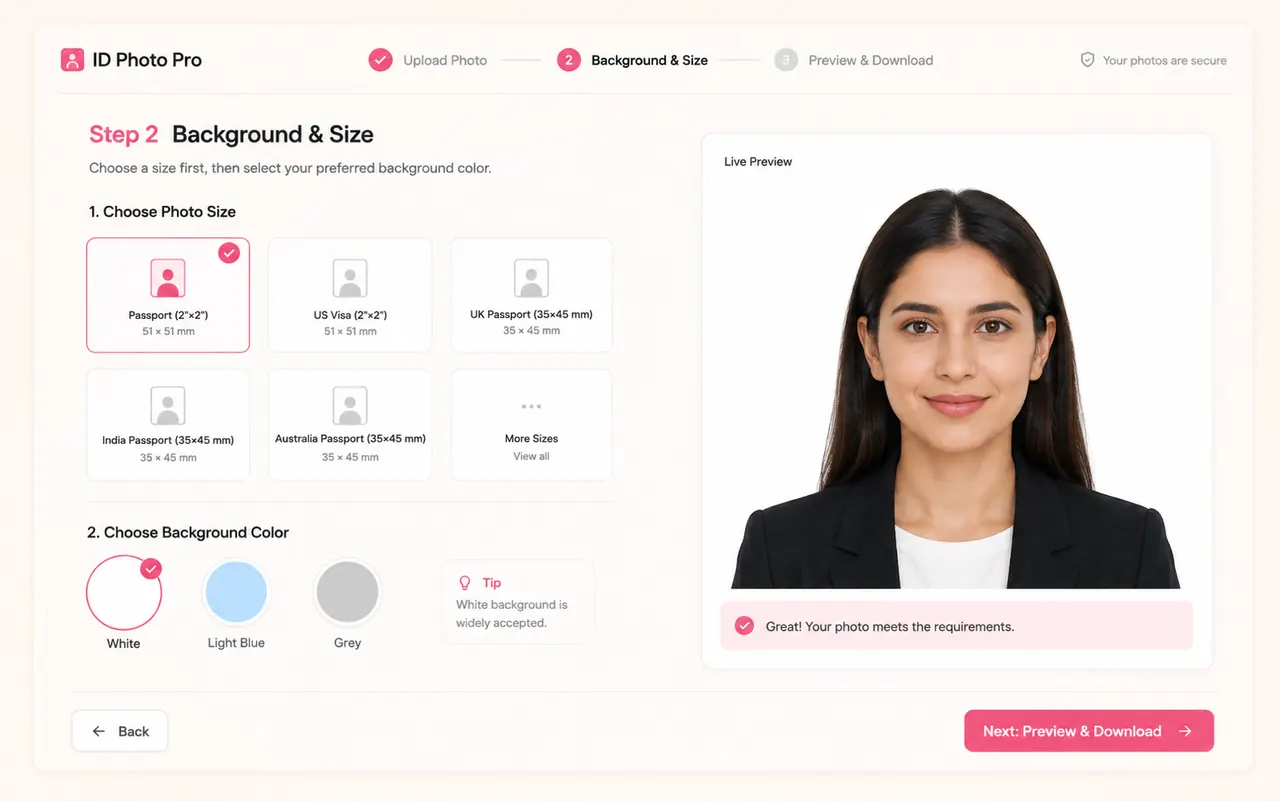 2
2Pick a passport or ID photo size, choose a background colour, and optionally add formal attire. The maker previews your choices instantly.
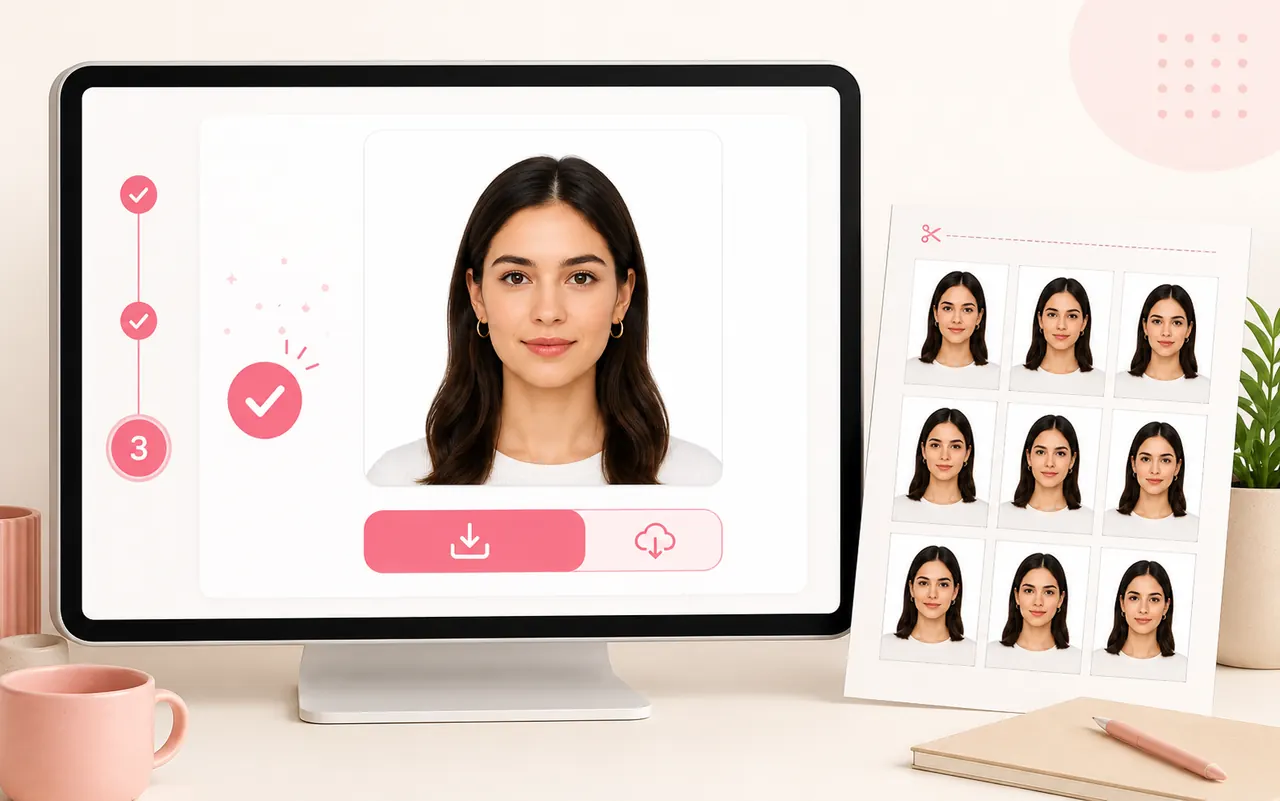 3
3Generate your ID photo, then download a print-ready file cropped to the exact size — ready for an online upload or a print shop.
The AI ID Photo Maker has the most-used passport, visa and ID photo sizes built in. Pick a preset and your photo is cropped to spec automatically.
| Document | Photo size | Background |
|---|---|---|
| US Passport & Visa | 2 × 2 in (51 × 51 mm) | White |
| UK & EU Passport | 35 × 45 mm | Light grey |
| Schengen Visa | 35 × 45 mm | White / off-white |
| Canada Passport | 50 × 70 mm | White |
| India Passport | 2 × 2 in (51 × 51 mm) | White |
| China Visa | 33 × 48 mm | White |
| ID & employee card | 1 × 1 in (25 × 25 mm) | White |
Need another size? Pick the closest preset — the AI ID photo maker keeps your face centred so the photo still crops cleanly.
A studio charges for a sitting and a trip across town. Here is how the AI ID Photo Maker compares for a job that takes seconds.
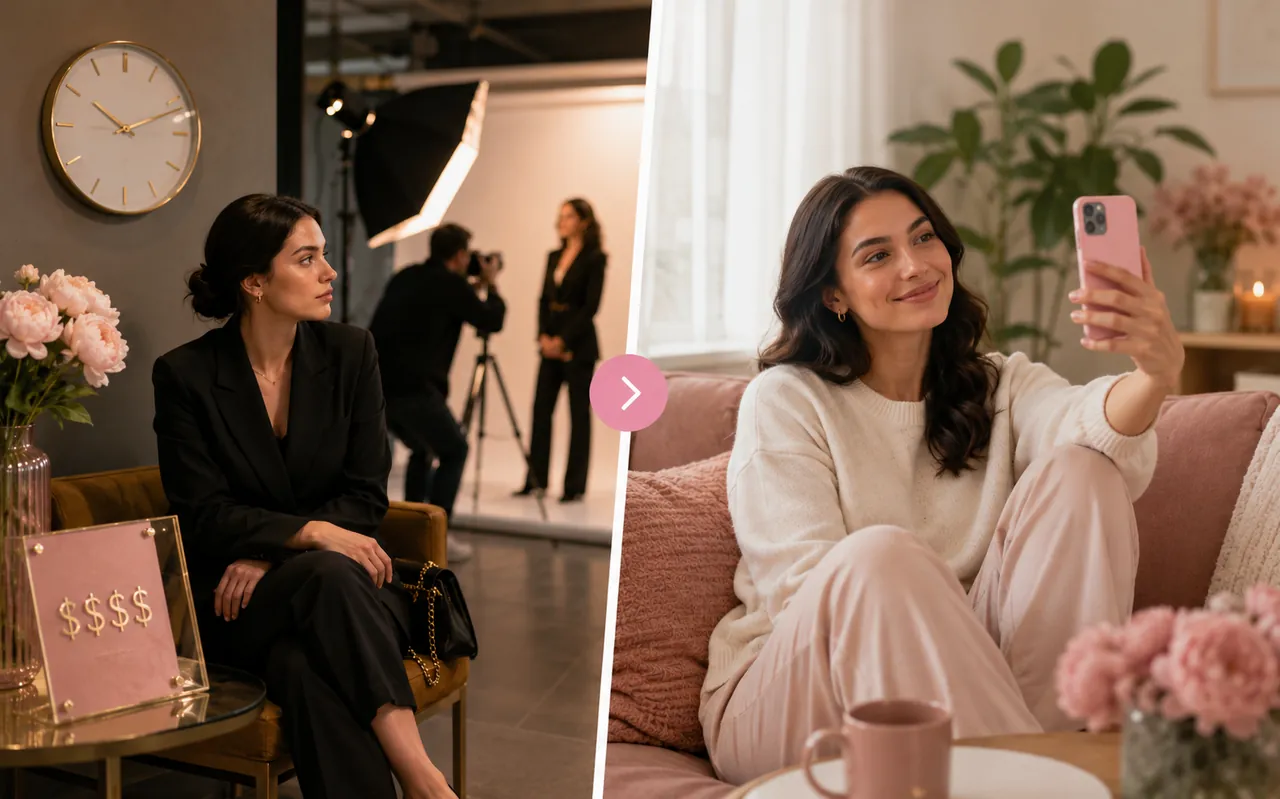
A traditional photo studio
imya AI ID Photo Maker
For digital uploads, online forms and most ID cards, the AI ID photo maker does the same job for free. For an official government passport, always check your country's submission rules first.
Small things that make a big difference
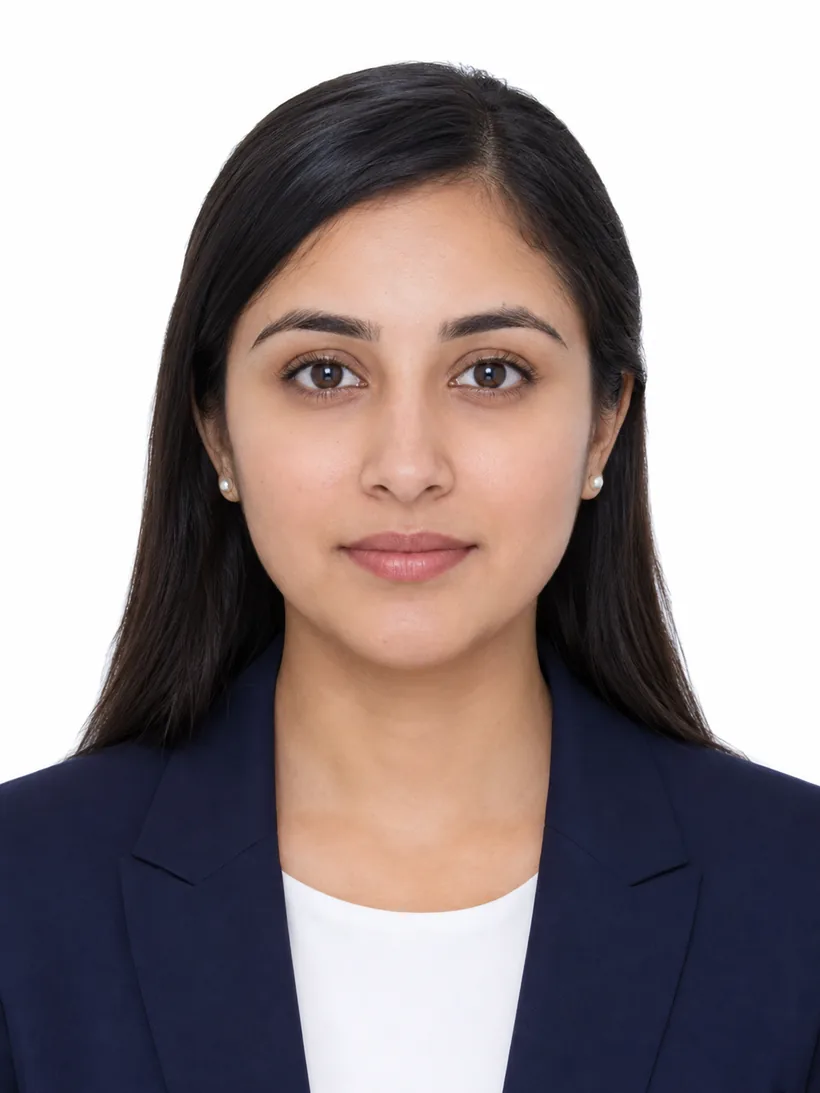
The AI ID photo maker works best from a sharp, well-lit selfie taken straight on. Skip sunglasses, hats and heavy shadows so your face reads cleanly.
Choose your passport or ID photo size first. The maker frames the shot for that ratio, so the final crop keeps the correct head size and margins.
A plain collared shirt or blouse photographs best on an ID photo. If you upload a clothing reference, use a neat, formal outfit for a natural result.
An AI ID photo maker is an online tool that turns a normal selfie into a regulation ID photo. imya's AI ID Photo Maker crops your photo to a passport or ID size, cleans up the background, and can add formal attire — all automatically.
More free AI image tools from imya that pair well with the ID Photo Maker.
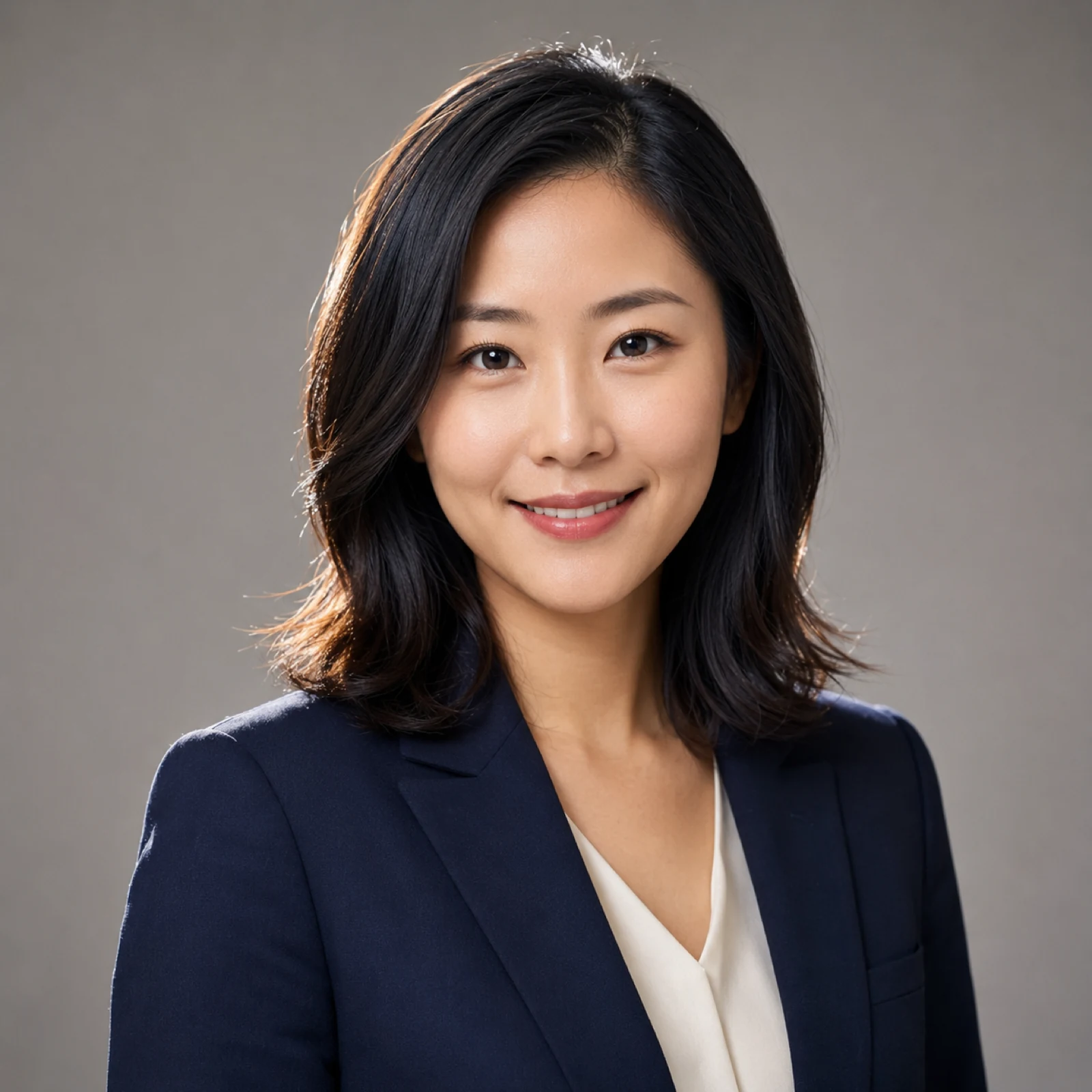
Turn one selfie into a studio-quality LinkedIn or resume headshot in minutes.
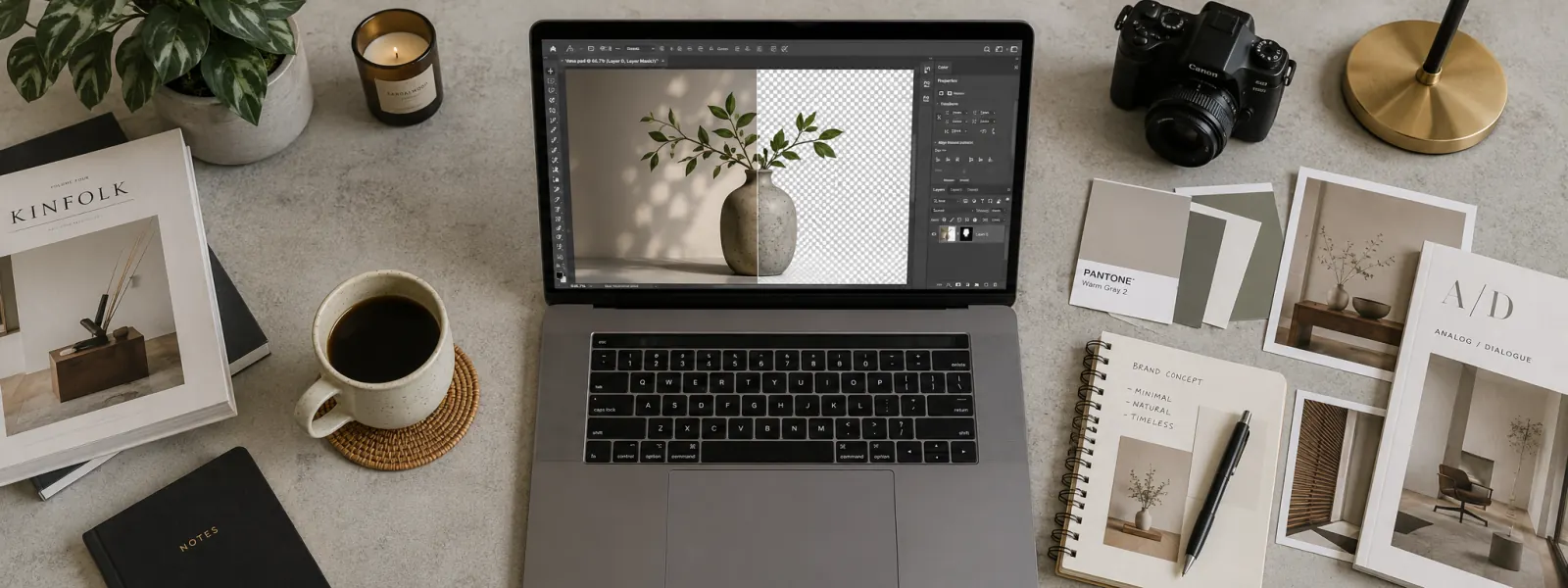
Erase any photo background and download a clean, transparent PNG.
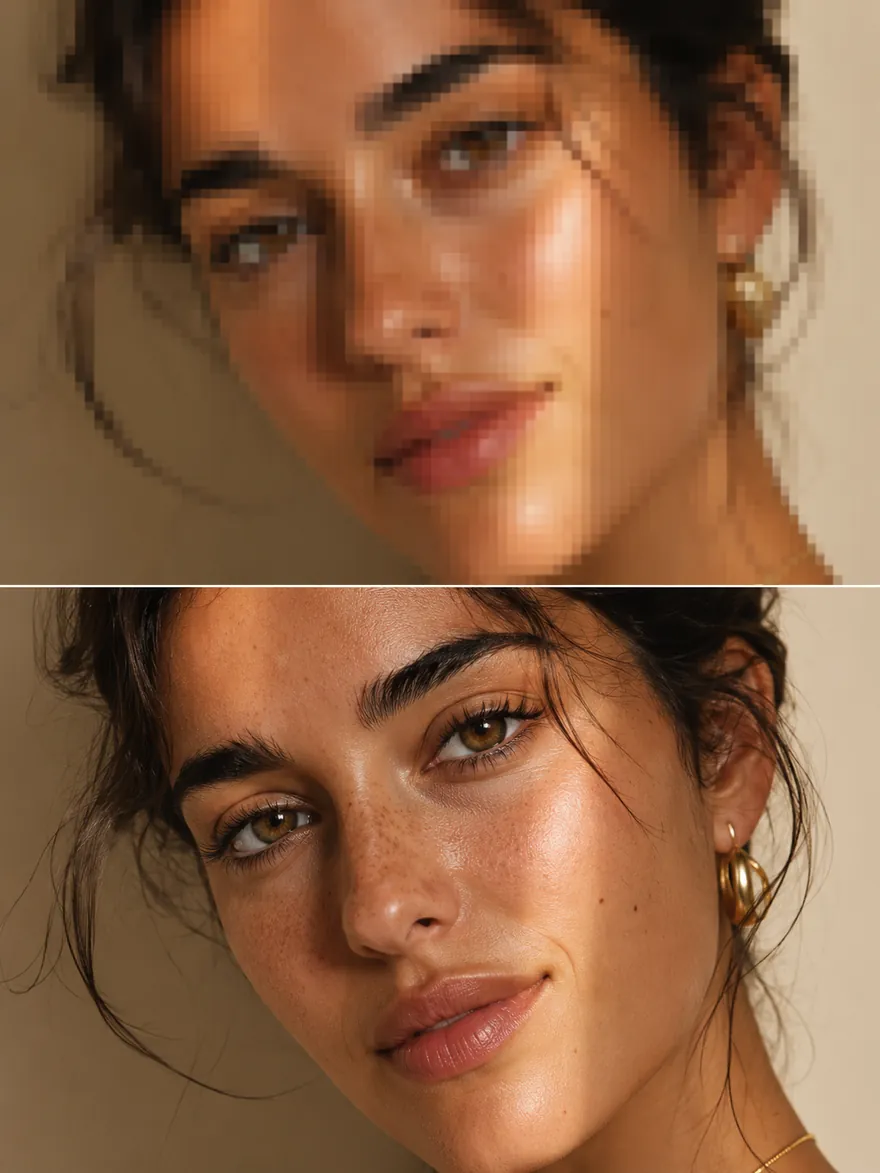
Upscale any photo to crisp 4K or 8K without losing detail.
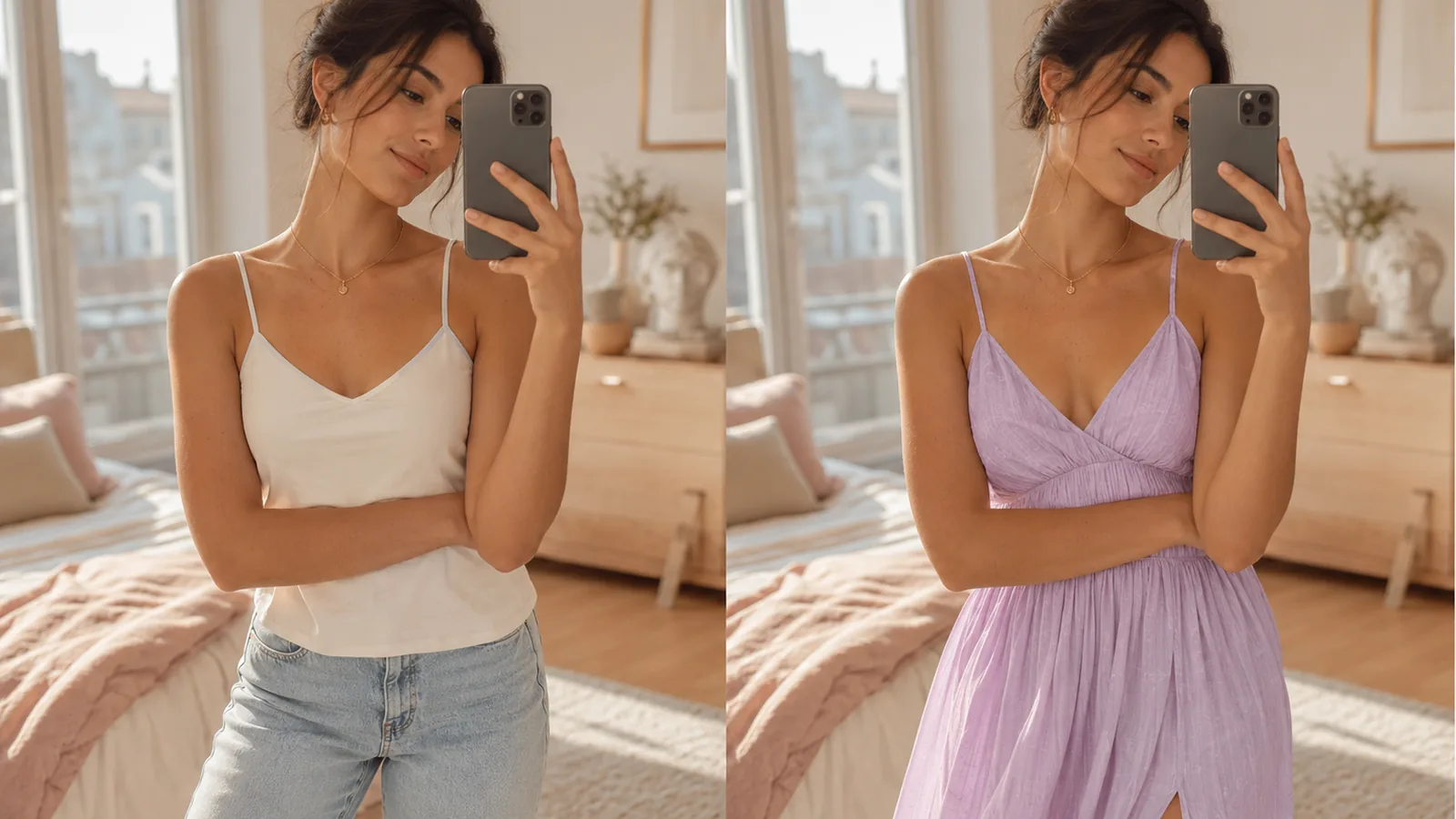
Try any outfit on any photo and see the look before you wear it.
Upload a selfie and let the AI ID Photo Maker do the rest.
Open the ID Photo Maker →Free to start · Online · Private