
Seedance 2.0 AI Video Generator
Run ByteDance's Seedance 2.0 online — turn a text prompt or a single photo into a cinematic, audio-synced AI video. No waitlist and no install: open the Seedance 2.0 generator, describe a shot, and download an MP4 in minutes.
Seedance 2.0 runs alongside the best AI video models
Seedance 2.0 Generator
Text-to-video or image-to-video, powered by the real ByteDance Seedance 2.0 model.
Describe a shot and the model renders it from scratch — with native audio.
Be specific about subject, camera move, lighting and mood. English prompts work best.
Model
Resolution
Aspect ratio
Renders take a few minutes. Keep this tab open — your finished video appears here when it is ready.
Preview
Demo4s · 480p · 16:9 · audio on · 230 credits
How the generator works
- 1Prompt or photoDescribe a shot or upload one image.
- 2Pick settingsDuration, resolution, aspect, audio.
- 3GenerateThe model renders a downloadable MP4.
Seedance 2.0 Video Showcase
A look at what the model renders — cinematic motion, native audio, multi-shot stories and stylised scenes, all from a prompt or a single photo.
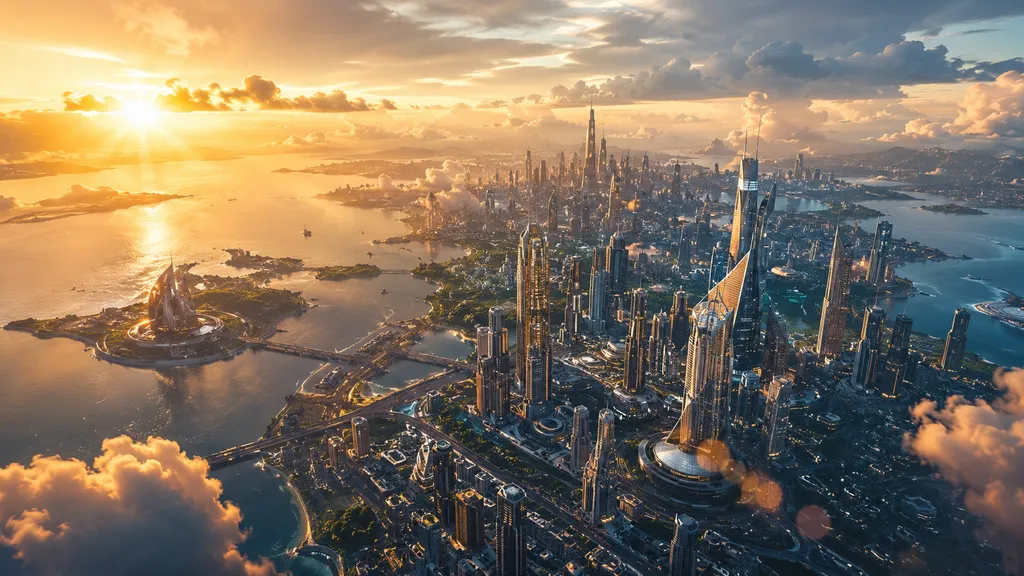 Cinematic cityscape
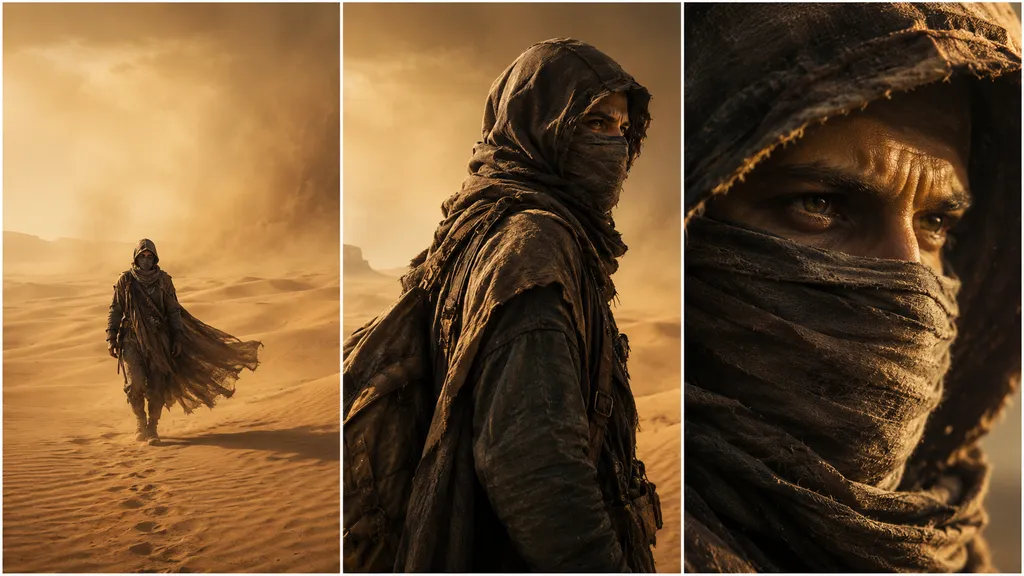 Multi-shot story
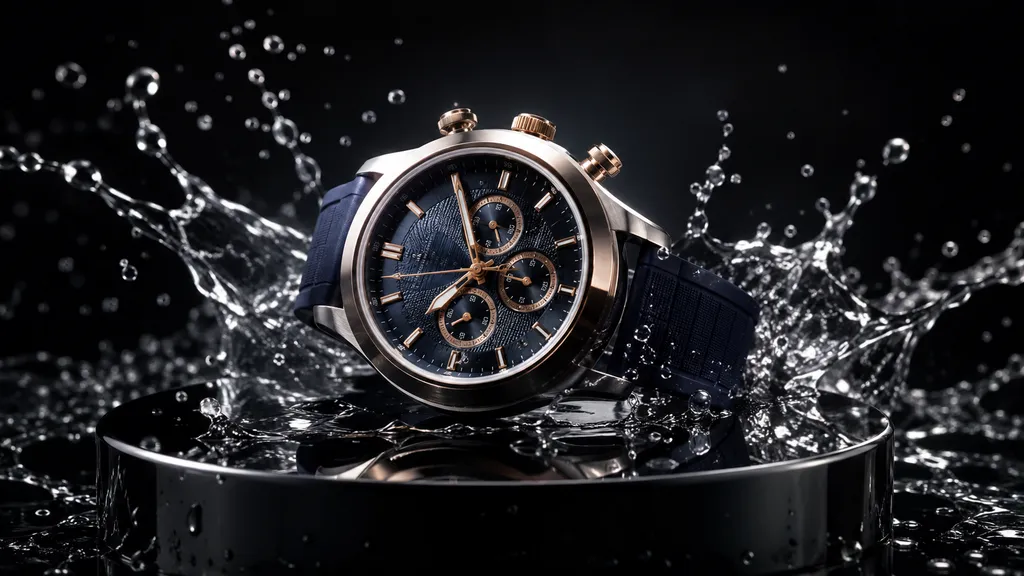 Product video
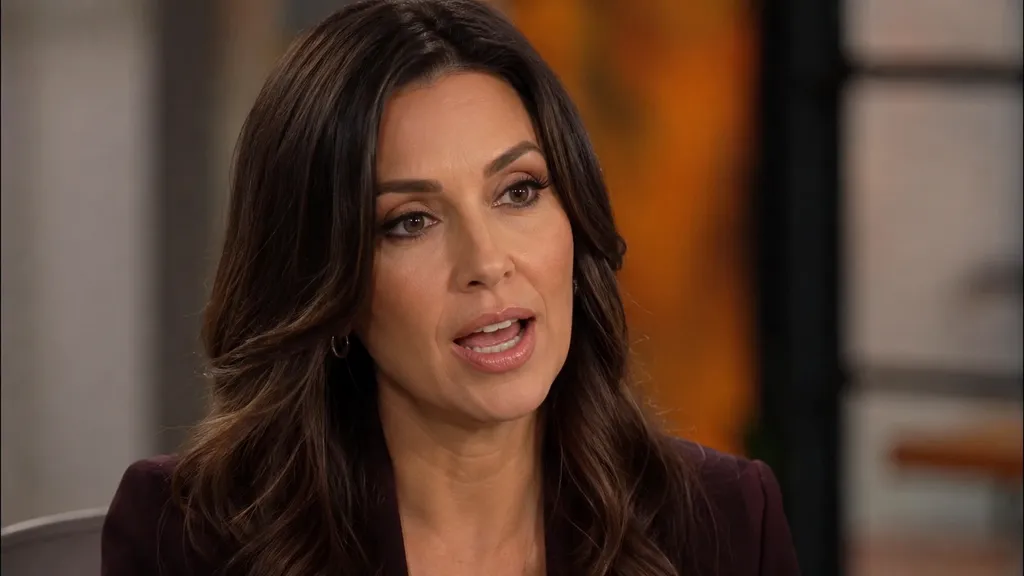 Talking character
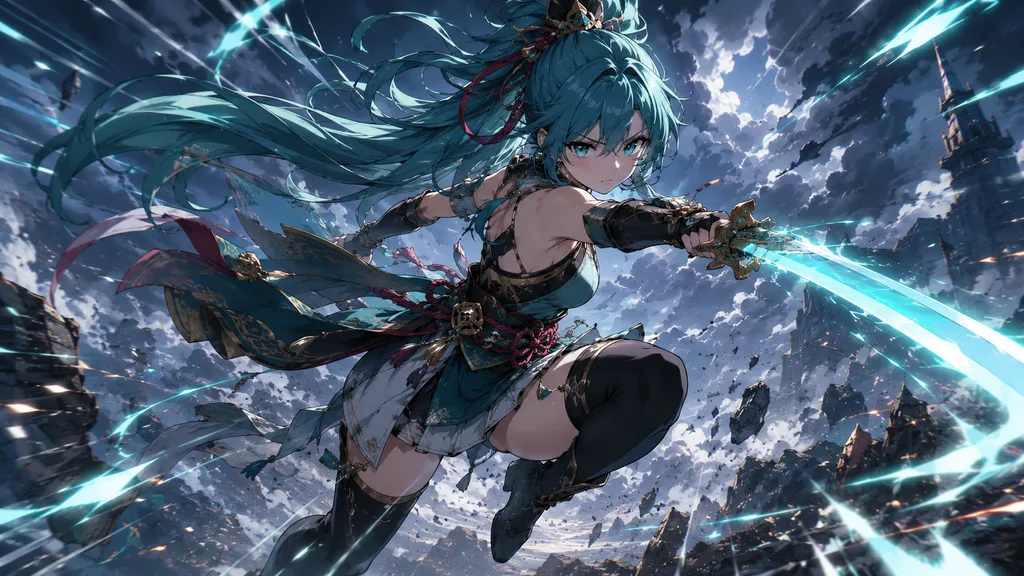 Anime action
 Nature documentary
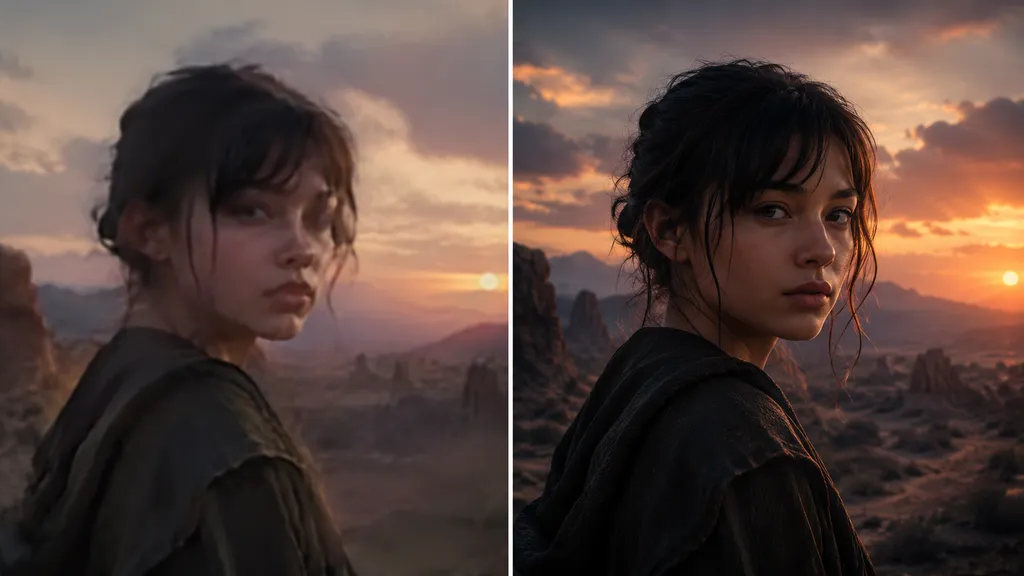 Cinematic portrait
What Can You Make with Seedance 2.0?
One Seedance 2.0 model, ready for the videos you actually ship.
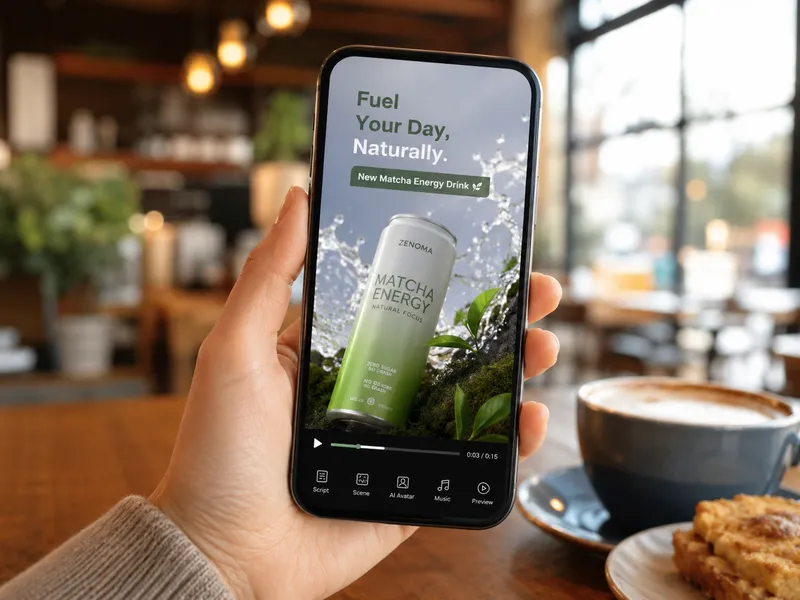
Social ads & UGC
Spin up vertical product ads and UGC-style clips — a prompt or a product photo becomes a scroll-stopping Seedance 2.0 video for Reels, Shorts and TikTok.
Cinematic story clips
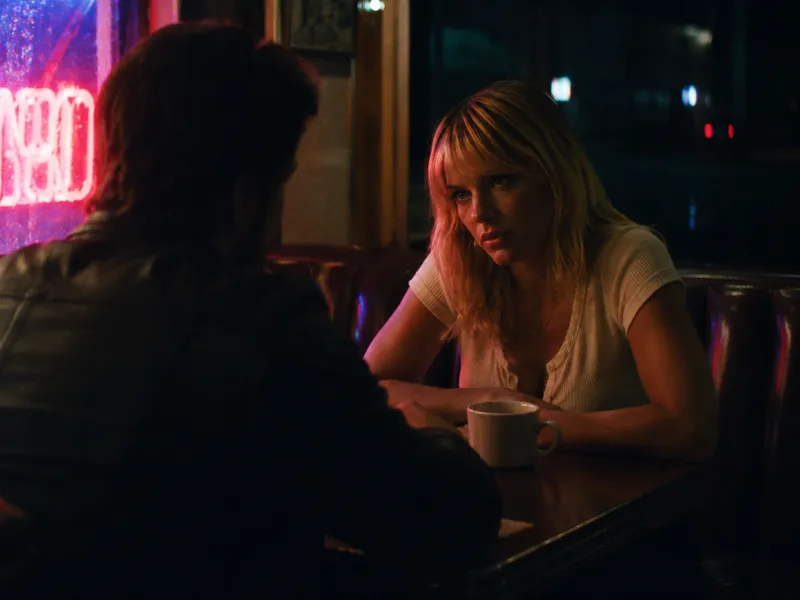
Use Seedance 2.0 for short films and trailers. Its multi-shot consistency keeps a character on-model across cuts, so your Seedance 2.0 video reads like a real scene, not a loop.
Anime & stylised scenes
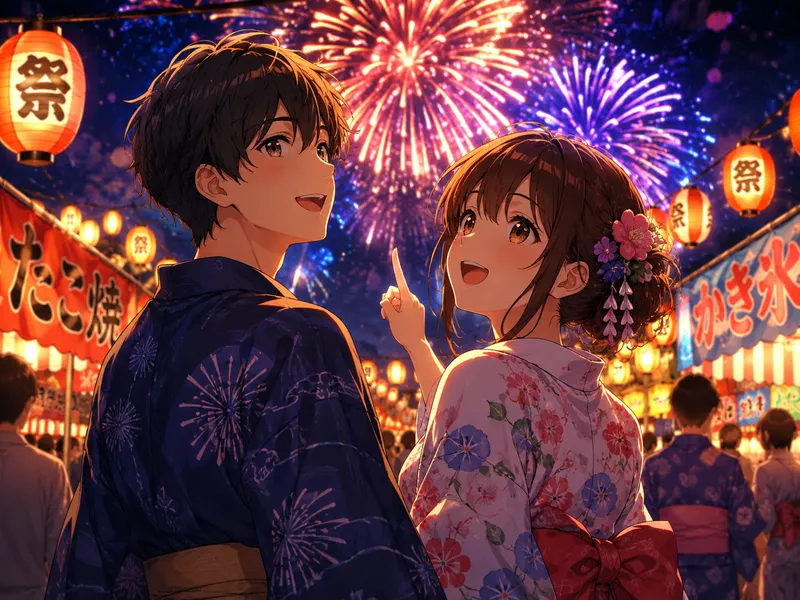
Seedance 2.0 handles anime, 3D and painterly looks as cleanly as photoreal. Describe the style in the prompt and Seedance 2.0 renders the stylised video you pictured.
What Is Seedance 2.0?
Seedance 2.0 is ByteDance’s flagship AI video model — the second-generation Seedance system that turns a text prompt or a single image into a short, cinematic clip with native, lip-synced audio. Instead of stitching frames by hand, you describe a shot and Seedance 2.0 generates the motion, lighting and sound in one pass.
What sets Seedance 2.0 apart is shot quality and control: multi-shot storytelling that keeps a character consistent across cuts, expressive camera moves, and resolutions up to 1080p on the standard model. Early Seedance 2.0 access on some platforms capped output at 720p, but the full Seedance 2.0 model now renders 1080p, so you are not stuck upscaling.
On Imya you can use Seedance 2.0 online with no install and no waitlist. Pick text-to-video or image-to-video, choose duration and resolution, and the Seedance 2.0 generator returns a downloadable MP4 — the same ByteDance Seedance 2.0 engine, wrapped in a simple, pay-as-you-go interface.
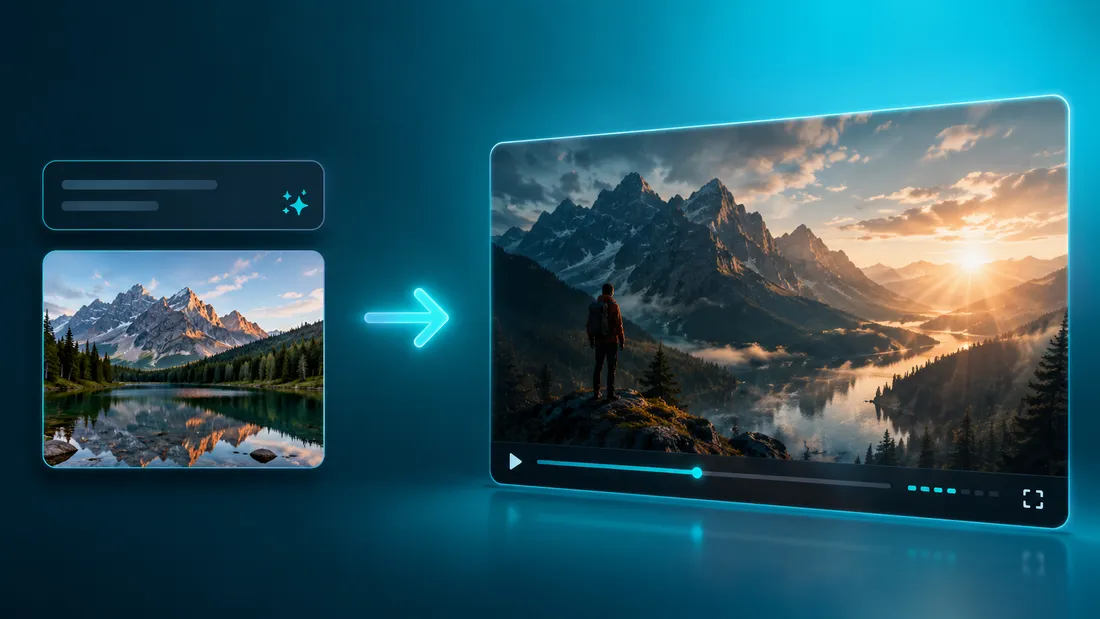
Seedance 2.0 vs Kling 3.0, Veo & Sora
How Seedance 2.0 compares with the other leading AI video models, based on each model’s published specs and what creators report. Imya runs Seedance 2.0 next to these, so you can switch when a different model fits.
| Model | Max resolution | Native audio | Best at |
|---|---|---|---|
| Seedance 2.0 | 1080p | Yes | Complex, multi-shot scenes & heavy motion |
| Kling 3.0 | 1080p | Yes | Long, front-facing dialogue & lip-sync |
| Veo 3.1 | 4K | Yes | Crisp 4K output & prompt adherence |
| Sora | 1080p | Yes | Imaginative, surreal text-to-video |
Creators on Reddit note Seedance 2.0 wins on busy, multi-character scenes, while Kling can be steadier on long spoken lines — pick the model per shot. Seedance 2.0 also enforces strict face and copyright filters, so real-person and celebrity references are limited.
Why Use Imya for Seedance 2.0?
The fastest, clearest way to run Seedance 2.0.
Instant access, no waitlist
Skip the queues and invite codes. Imya gives you Seedance 2.0 access in the browser — sign in, write a prompt, and the generator starts rendering.
Transparent, pay-as-you-go pricing
No locked annual plan is required to use Seedance 2.0. New accounts receive 20 signup credits to reduce the first render cost, and each video shows its exact credit cost before you generate.
Prompts & settings built in
Copy-paste Seedance 2.0 prompts, a duration and aspect-ratio picker, native audio and a Fast mode — everything you need to get a usable Seedance 2.0 video on the first try.
How to Use Seedance 2.0 in 3 Steps
From idea to a finished Seedance 2.0 video in about the time for a coffee.
 1
1Write a prompt or upload a photo
Describe the shot for text-to-video, or upload one image for image-to-video. Clear, specific prompts give the sharpest Seedance 2.0 video.
 2
2Choose your settings
Set duration, resolution (up to 1080p), aspect ratio and native audio. Choose Seedance 2.0 Fast when 720p is enough for your draft.
 3
3Generate & download
Hit generate and Seedance 2.0 renders your clip. When it is ready, preview it and download the MP4 to post or edit anywhere.
Free Seedance 2.0 Prompts (Copy & Paste)
Paste these model-ready English Seedance 2.0 prompts into the generator above, then swap the subject and style to make each video your own.
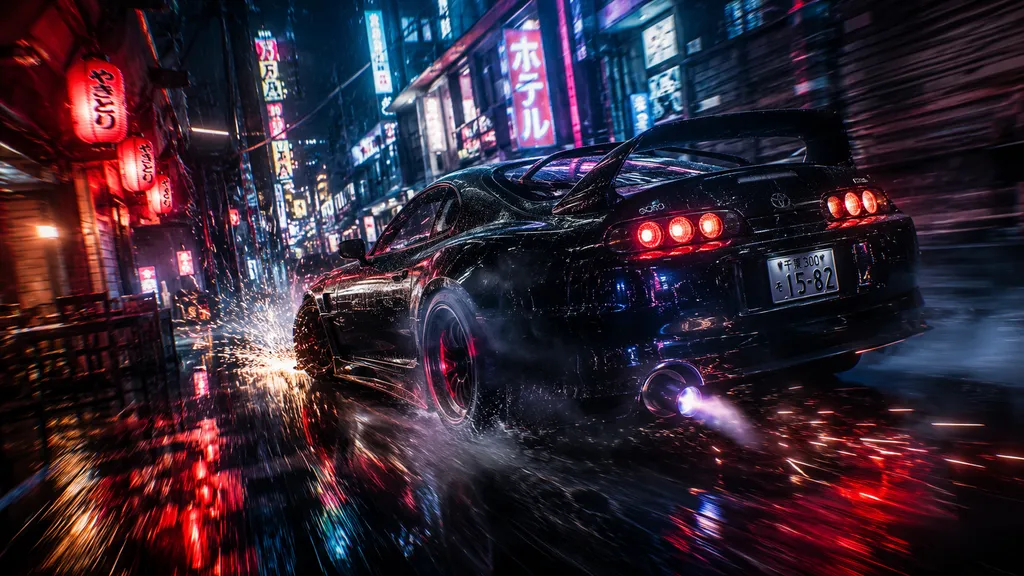
Cinematic car chase
A high-energy, neon-soaked Seedance 2.0 video prompt with heavy motion.
A cinematic Seedance 2.0 video of a black sports car drifting through a rain-soaked neon alley at night, sparks flying off the tires, tight tracking camera, anamorphic lens flare, moody teal and red grade, engine roar and rain audio, 16:9, 6 seconds.

Talking portrait
A dialogue-driven prompt that shows off Seedance 2.0 native audio.
A Seedance 2.0 video of a weathered elderly fisherman at a harbor at sunset, speaking warmly to camera with natural lip-sync, gentle wind and gull ambience, soft golden light, shallow depth of field, photorealistic, 16:9, 8 seconds.

Product reveal
A clean commercial prompt for an ad-ready Seedance 2.0 video.
A Seedance 2.0 video of a luxury perfume bottle rising from swirling golden silk and mist, slow dolly-in, dramatic rim lighting, sparkling particles, soft orchestral swell, premium commercial look, 16:9, 5 seconds.
Seedance 2.0 Pricing, Signup Credits & API
Seedance 2.0 is a paid, pay-as-you-go model — here is the honest breakdown of render costs and signup credits on Imya.
20 signup credits
New Imya accounts receive 20 signup credits. They reduce the cost of your first Seedance 2.0 render but do not cover a complete generation, so additional credits are required.
Pay only for what you render
Seedance 2.0 is billed by the second and scales with resolution: 480p is the cheapest, 720p mid, and 1080p the priciest. The generator shows the exact credit cost before you commit; Seedance 2.0 Fast tops out at 720p.
Seedance 2.0 API
Need Seedance 2.0 in your own app? Imya exposes the same Seedance 2.0 model through an API key, so you can generate videos programmatically with the pricing you see here.

Open the Seedance 2.0 Generator
A prompt or a photo in, a cinematic Seedance 2.0 video out. Get 20 signup credits toward your first paid render, native audio, and a downloadable MP4 — no waitlist.
Generate a Seedance 2.0 video- 20 signup credits
- Up to 1080p
- Native audio
Frequently Asked Questions About Seedance 2.0
Access, pricing, prompts and how Seedance 2.0 compares.
Is Seedance 2.0 free?
No. Seedance 2.0 generation is pay-as-you-go. New Imya accounts receive 20 signup credits, which reduce the cost of the first render but do not cover a complete generation; additional credits are required.
How do I access Seedance 2.0?
The quickest way to access Seedance 2.0 is right here: sign in, open the generator above, write a prompt or upload a photo, and generate. No waitlist or invite code is needed. Seedance 2.0 is also offered through ByteDance’s own Dreamina and CapCut apps and a few third-party platforms, but Imya gives you instant browser access.
How do I use Seedance 2.0?
Pick text-to-video or image-to-video, write a clear prompt (and upload one image for image-to-video), choose your duration, resolution and aspect ratio, then hit generate. Seedance 2.0 renders a clip with native audio that you can preview and download as an MP4.
Does Imya have a Seedance 2.0 API?
Yes. The same Seedance 2.0 model is available through an Imya API key, so you can generate Seedance 2.0 videos from your own app or workflow at the pricing shown on this page.
Seedance 2.0 vs Kling 3.0 — which is better?
It depends on the shot. Seedance 2.0 is stronger on busy, multi-character scenes and heavy motion, while Kling 3.0 can be steadier on long, front-facing dialogue and lip-sync. Imya runs both, so you can match the model to each clip instead of committing to one.
What resolution and length does Seedance 2.0 support?
The standard Seedance 2.0 model renders up to 1080p, with clips from 4 to 15 seconds and native audio. Seedance 2.0 Fast tops out at 720p. The credit cost depends on the operation and settings and is shown before you submit; render time varies by mode and workload.
Can Seedance 2.0 use real faces or celebrities?
No. Seedance 2.0 enforces strict face and copyright filters, so uploads with real recognisable people are often blocked and celebrities or trademarked characters cannot be prompted. For image-to-video, use original artwork or characters you have the rights to.
Is Seedance 2.0 on Higgsfield, CapCut or Dreamina too?
Seedance 2.0 shows up on several platforms — ByteDance’s own Dreamina and CapCut, plus wrappers like Higgsfield and fal. They share the same underlying Seedance 2.0 model; what differs is pricing, resolution caps and convenience. Imya focuses on transparent pricing and instant access.
Related AI Video Tools
Explore more AI video generators on Imya.