AI Text Removerfree online for images, video frames & PDFs
Take text off any image — captions, subtitles, date stamps, shop signs, SAMPLE overlays, even video screenshots — in seconds, at full resolution, with no watermark of our own on the result.
Try the AI Text Remover
What kind of text do you want gone?
AI model
Drop an image with text
Watch the demo above. Sign in to upload your own image and remove real text — new accounts get free credits. Terms · Privacy
AI Text Remover
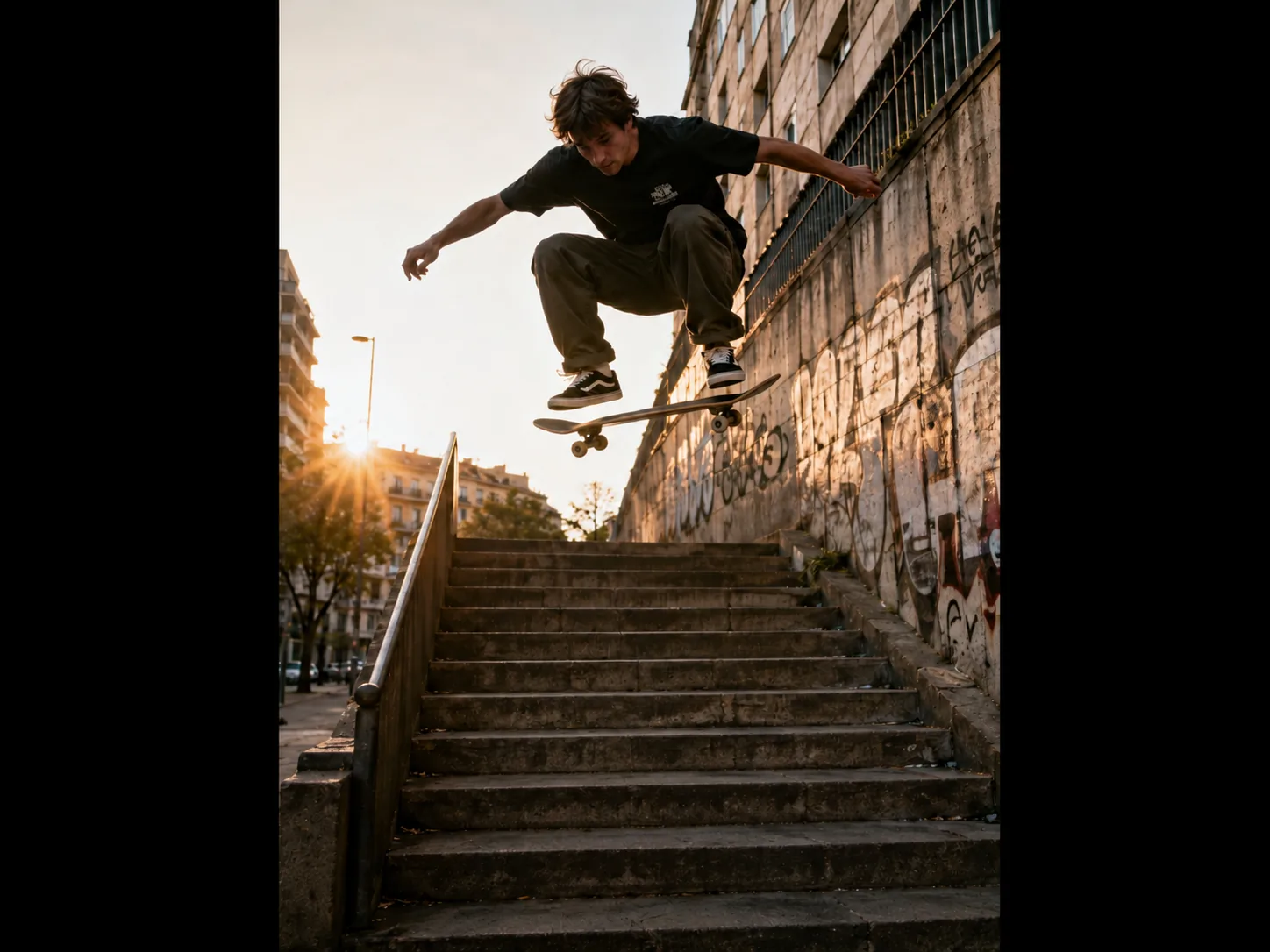
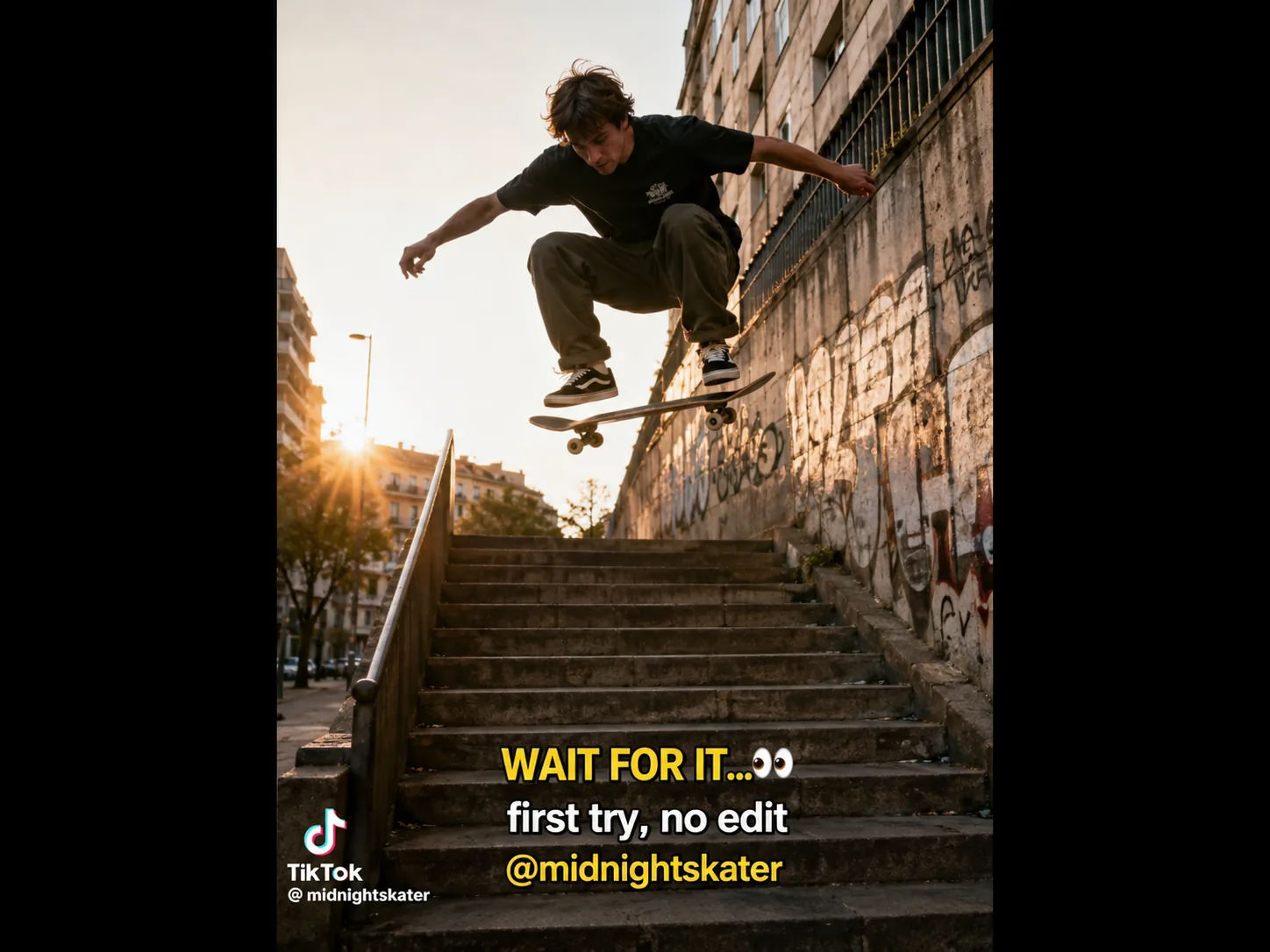
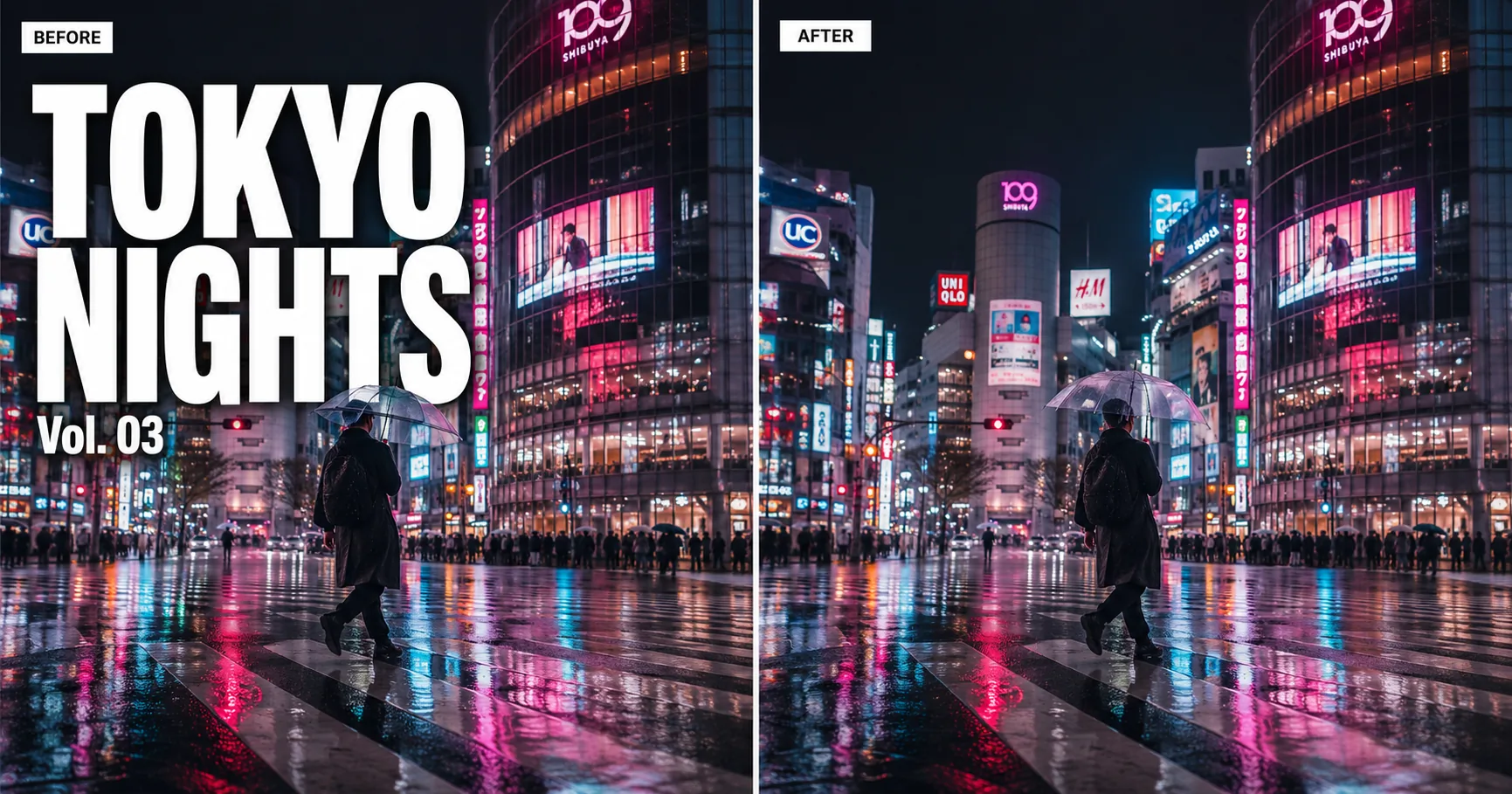
Drag the slider to see the AI text remover in action — full-resolution, no watermark on the result.
Drag to compareEvery Kind of Text, Gone in Seconds
Hover any tile to see what the Imya AI text remover handles. Caption text, date stamps, video overlays, signage, SAMPLE watermarks, document stamps — six of the most-searched flavors of text removal, every one running free, online, in the browser.
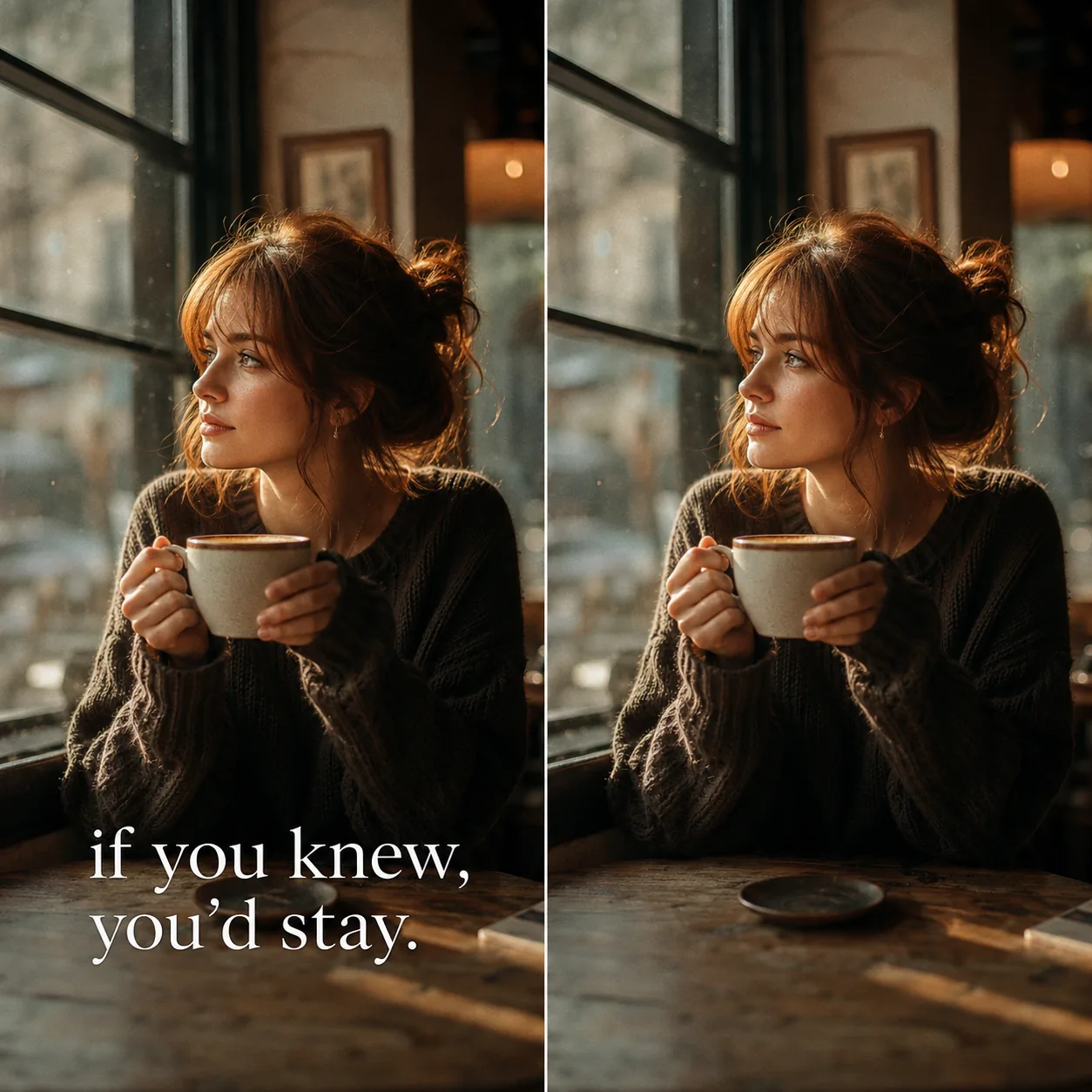
Caption Text
Subtitles, Instagram captions, meme overlays
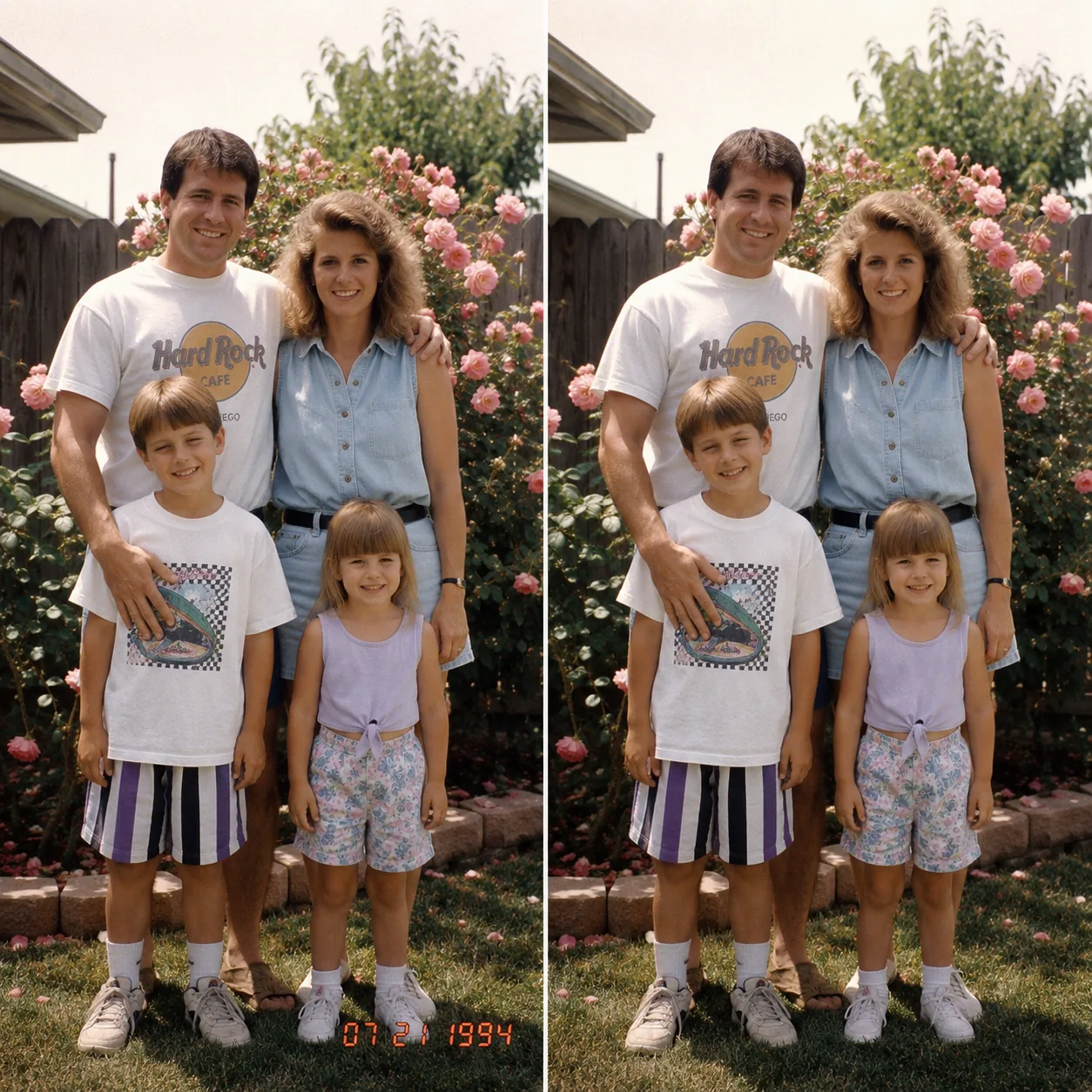
Date Stamp
Camera burn-in, timestamps on old photos

Video Overlay
Sora, TikTok and Reels caption text
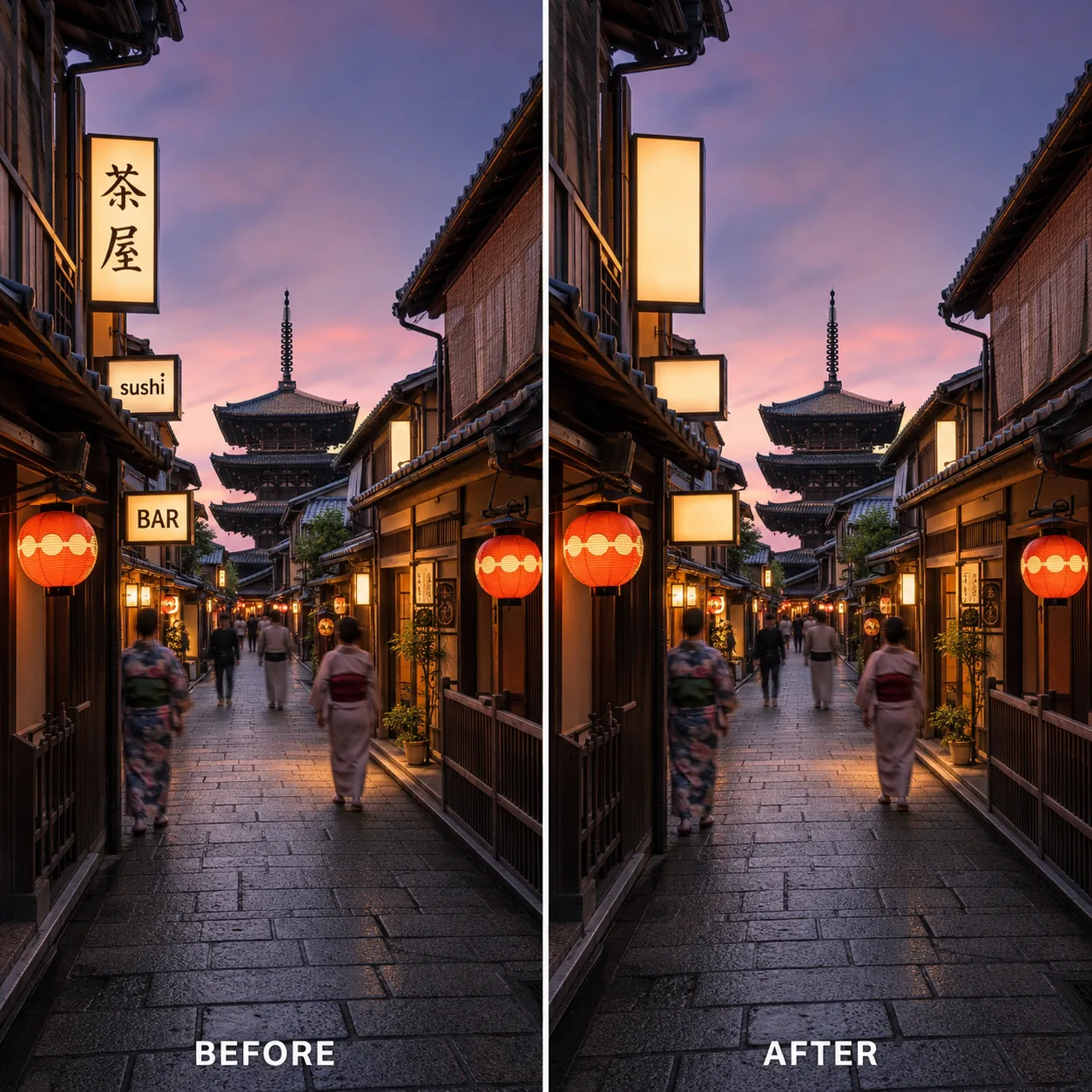
Signage Text
Shop names, license plates, neon signs
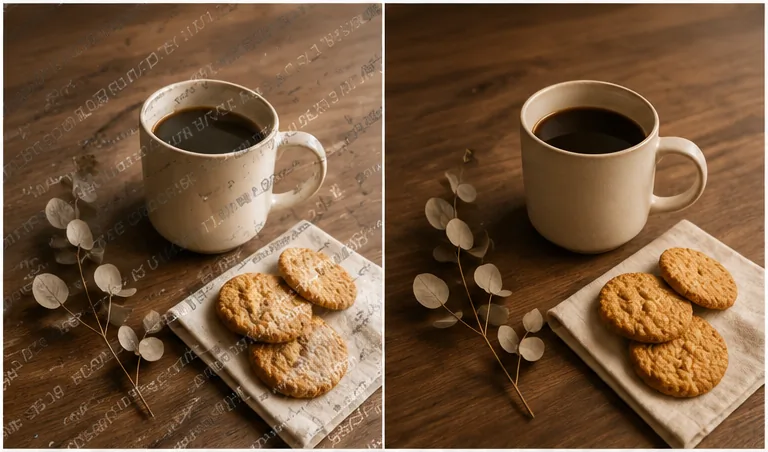
SAMPLE Watermark
Stock-photo preview overlays, PREVIEW, DO NOT USE
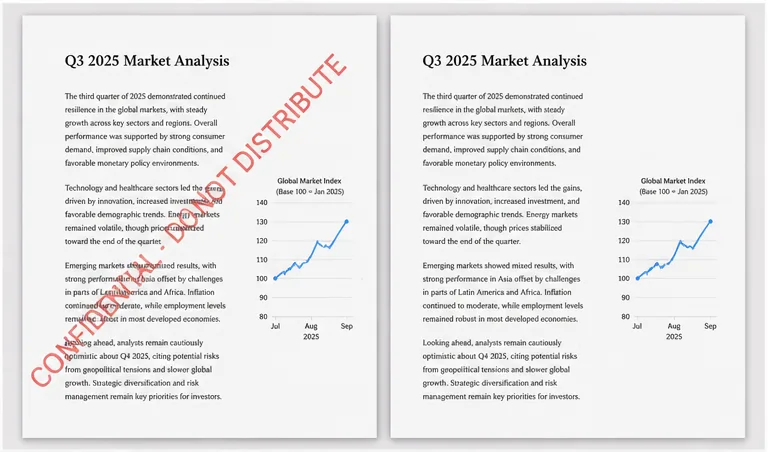
Document Text
PDF stamps, CONFIDENTIAL, DRAFT, DO NOT DISTRIBUTE
· Free preview · No sign-up · No watermark on the result ·
What is an AI Text Remover?
An AI text remover is a deep-learning tool that takes text off an image without leaving a smudge behind. Instead of cloning pixels with a manual stamp brush, the AI text remover looks at the whole picture, predicts what was hiding behind every letter, and rebuilds the background with matching colors, light and texture. What Photoshop took twenty minutes to retouch, this free AI text remover finishes in seconds.
¶Imya's free AI text remover from image runs an image inpainting model trained on millions of photos, so it understands skies, skin, foliage and product surfaces — not just flat colors. When you remove text from an image with Imya, the model keeps the rest of the photo untouched at full resolution and gives you a clean, text-free image that downloads with no extra logo or watermark of our own.
¶Unlike one-tap phone filters or a generic text remover from image free apps, a real inpainting model handles caption overlays, subtitle text, date stamps, signage, SAMPLE watermarks and even bulky paywall text across the whole frame. Whether it is a TikTok or Sora caption on a video frame, a date stamp on an old family photo, a shop name in a travel snapshot, a SAMPLE overlay on a stock preview, or paragraph text on a PDF page you exported as an image, the Imya AI text remover quietly erases it and hands the image back clean.
Why Choose the Imya AI Text Remover
Three quiet, durable reasons content creators, Shopify sellers and design teams keep coming back to this free AI text remover online — no daily cap, no quality tax, no watermark of our own on the result.

- N°01
Accurate detection of every letter
The Imya AI text remover finds caption text, subtitles, date stamps, SAMPLE overlays and signage in a single pass. Auto-detect handles ninety-five percent of cases; the manual brush is there for the last hard pixel — so an AI text remover free preview turns into a finished clean image in seconds.
- N°02
Every language, every script
The model removes English captions, Japanese kana on a Tokyo shopfront, Korean snack packaging, Chinese menu text and Arabic signage with the same accuracy. The AI text remover from image is built for global photos, not just the Latin alphabet — and it handles right-to-left scripts and vertical writing without complaint.
- N°03
Seamless background reconstruction
Behind every removed letter the inpainting model rebuilds skin, sky, foliage, fabric and concrete to match — at full resolution, with no halo, no smudge and no Imya watermark on the result. Other online AI text remover tools downscale the image to hide their seams; Imya keeps the original pixels.
What Can You Use the AI Text Remover For?
Three of the most-searched reasons people open the Imya AI text remover — video frame cleanup, stock-photo SAMPLE overlays and caption text. Every one runs free, online, with no sign-up to preview.
- N°01
Video Frame Cleanup
Pull a frame from a Sora, TikTok or Reels clip you generated yourself, then let the AI text remover from video quietly take the platform caption and overlay text off the screenshot. Drop the cleaned still back into your editor and re-render the clip without the watermark text dragging the cut down.
Try it on this kind of image - N°02
Stock-Photo SAMPLE Overlay
Big diagonal SAMPLE, PREVIEW and DO NOT USE watermark text on Shutterstock-style previews are this tool's bread and butter. Drop the image in and the AI text remover free of charge lifts the diagonal lettering and rebuilds the product photo underneath — full resolution, no extra crop, no Imya watermark on the result.
Try it on this kind of image - N°03
Caption & Subtitle Text
Erase a movie-style subtitle, an Instagram caption or any large text overlay from a portrait or landscape. The AI text remover from image rebuilds skin, hair, fabric and background behind every letter so the final photo looks like the caption was never there — perfect for meme template work, before-and-after content and clean publishing.
Try it on this kind of image
How to Use the AI Text Remover in 3 Simple Steps
From a photo with overlay text to a clean, text-free image in under a minute — no editing skill, no Photoshop and no sign-up to preview the AI text remover.
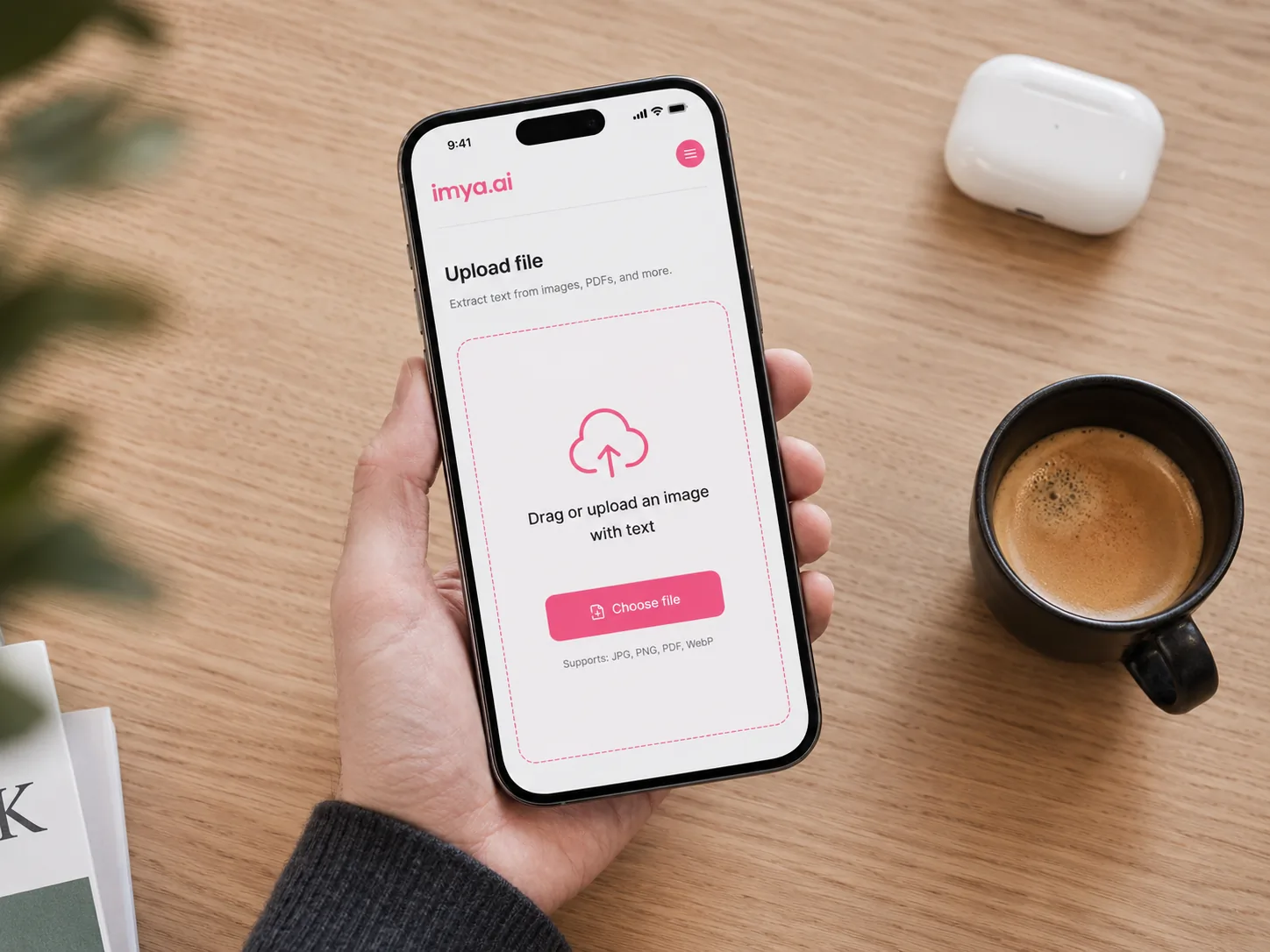 01Step01
Upload your image, video frame or PDF page
Drop any photo, screenshot or video frame that carries text — JPG, PNG or WEBP, up to 16 MB. A clear, high-resolution source gives the AI text remover the most pixels to rebuild from. For PDF pages, export each page as an image first.
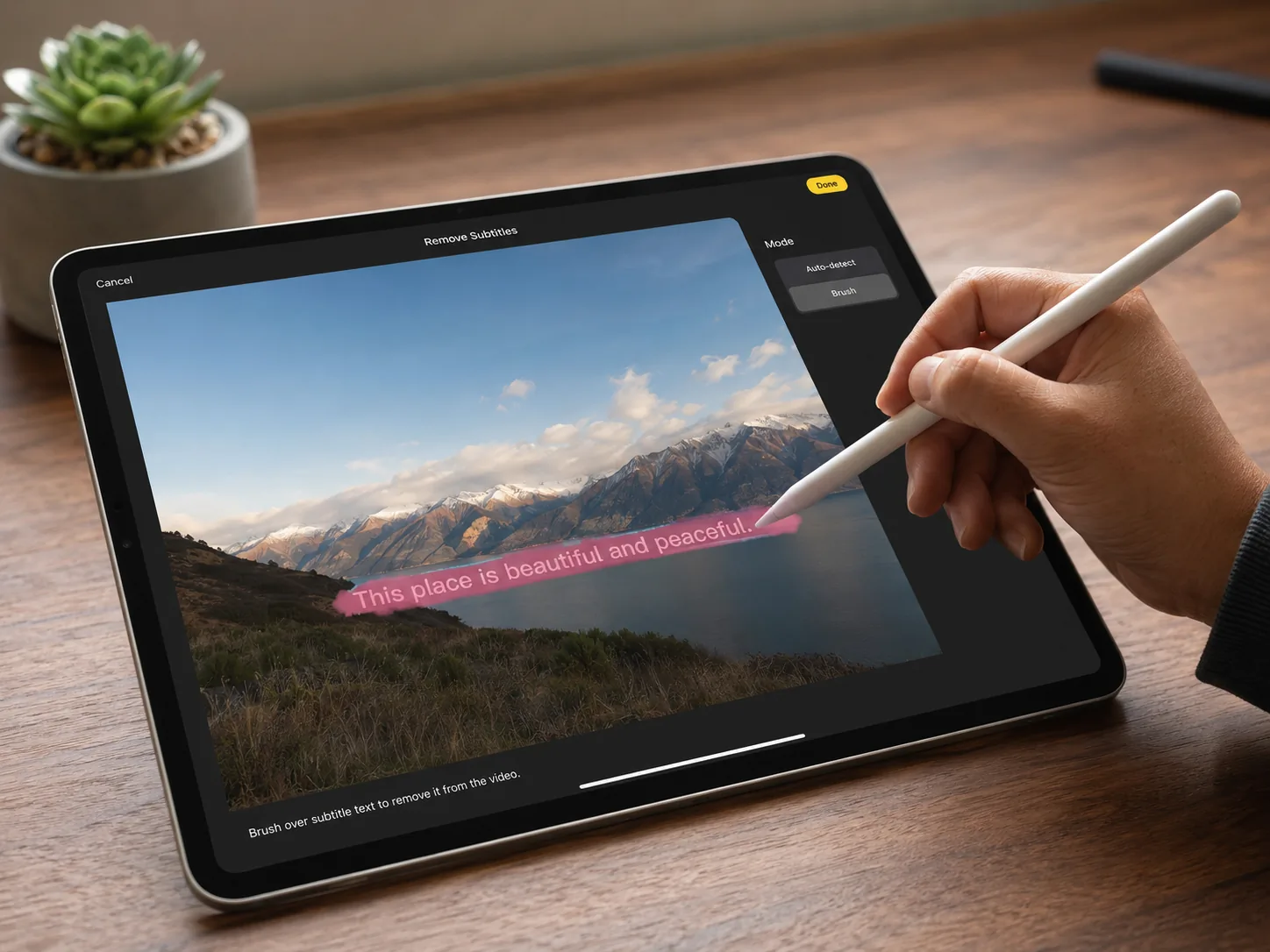 02Step02
Brush over the text or let AI auto-detect
Let Imya auto-detect the text, or brush over the caption, subtitle, timestamp or signage you want gone. A little extra margin around each character helps the AI text remover blend the background more naturally.
 03Step03
Download your clean, text-free image
In seconds the model rebuilds the background and gives you a clean, text-free image at full resolution — no Imya logo, no banner, no quality drop. Download or copy and you are done.
Ready to transform your photos?
Free preview, no sign-up, no watermark of our own. Drop a photo with caption text, a date stamp, a SAMPLE overlay or a video screenshot, and watch the Imya AI text remover hand it back clean in seconds.
Free preview · No sign-up · Retention details: Privacy Policy
What Users Say About the AI Text Remover
Quiet feedback from the creators, sellers and indie marketers who tried this free AI text remover online before its public launch.
I post twenty TikTok-style edits a week, and clients always want the bottom-third caption gone before the final render. Imya's AI text remover from video lifts the overlay in two seconds, full resolution.
Jonas T.Video editor · BerlinEvery Sunday I scrub date stamps off family archive photos. Free, no daily cap, and the AI text remover keeps the texture of the original — exactly what I wanted.
Priya K.Family-archive volunteer · LondonI tried Sider, Krea and Vmake before this. Imya was the only AI text remover free option that did the SAMPLE overlay on a stock preview without downscaling the photo afterwards.
Maya R.Shopify seller · Brooklyn
Frequently Asked Questions About the AI Text Remover
Yes. You can preview the AI text remover online with no sign-up, and new accounts get free starter credits to remove text from a real image. There is no credit card to start and no watermark of our own on the result.
Related Tools You Might Like
Photo Cleanup
3 toolsPhoto Enhancement
3 toolsPortrait & Avatar
4 toolsPeople Photos
3 toolsCreative Tools
3 toolsAI Models
2 toolsClean that text. Keep the moment.
Open the Imya AI text remover, drop your image, and walk away with a clean, full-resolution photo that looks like the caption, stamp or overlay was never there.
Try the AI Text Remover free →Free preview · No sign-up · Retention details: Privacy Policy