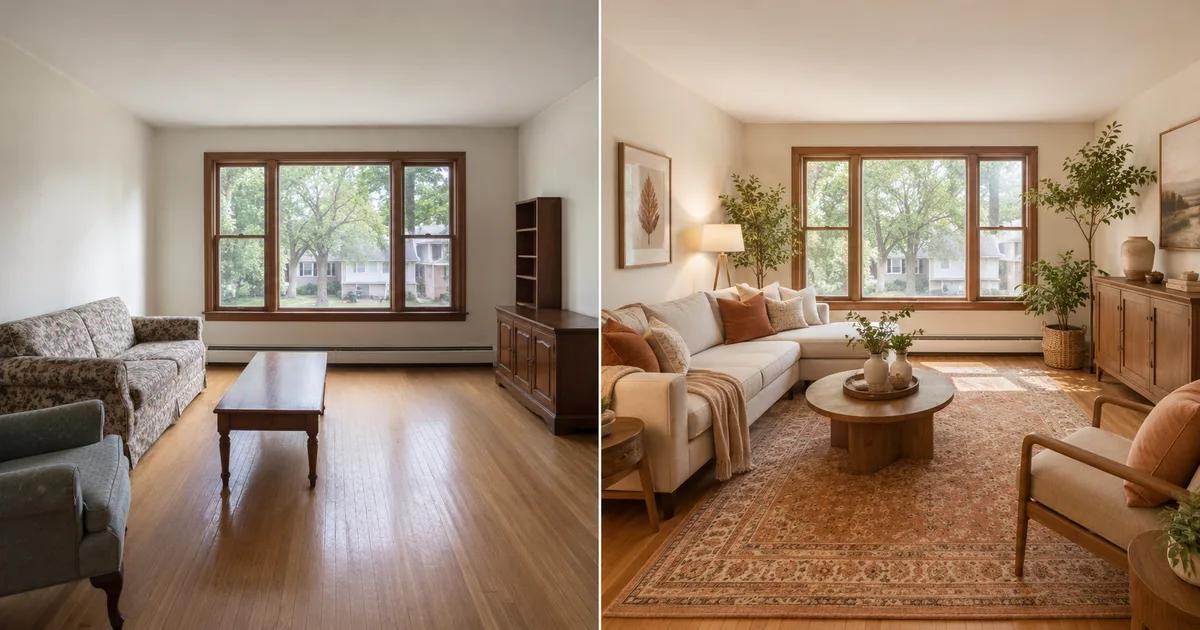
No design skills needed
The AI Room Designer is built for beginners. Upload a room photo, choose a style, and generate — there is nothing to learn and no software to install. Anyone can get a professional-looking AI room design in under a minute.
Upload one photo of your room and the AI Room Designer redesigns it in any interior style — modern, Scandinavian, minimalist and more. Free AI room design online, with your first design free and no login to start.
Your Room Photo
Room Type
Design Style
Extra Notes (optional)
AI Model
Your first room design is free — no login needed.
Free AI Room Designer
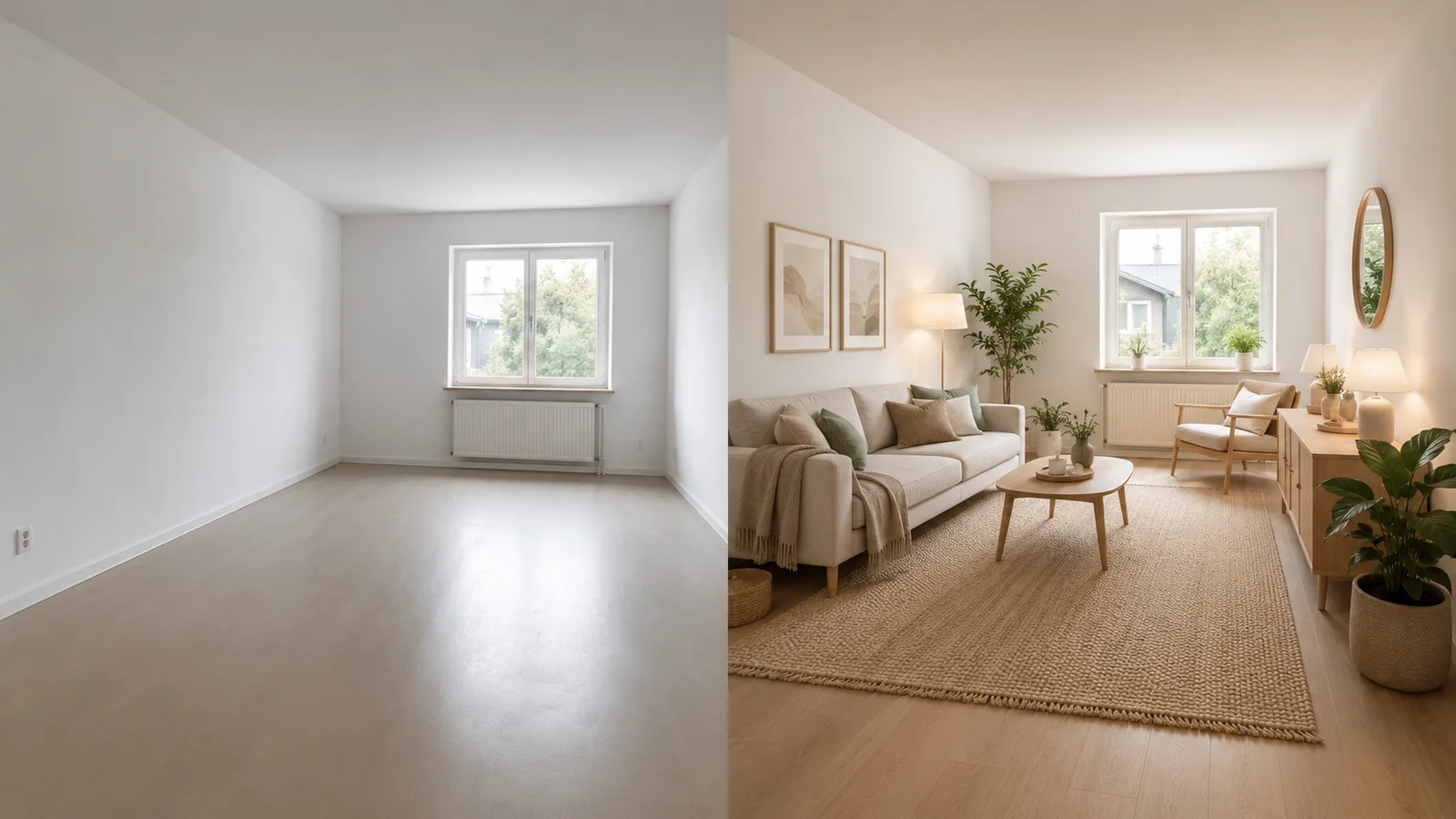
An AI room designer is an online tool that redesigns a real room from a single photo. Instead of hiring an interior designer or guessing what might work, you upload a photo and the AI room designer shows your space restyled — in seconds.
¶imya's AI Room Designer reads the photo of your room and keeps its real architecture — the walls, the windows, the proportions — then restyles the furniture, colours and decor in the look you choose. You get a believable AI room design, not a generic render that ignores your actual space.
¶Because the AI Room Designer runs entirely online, it works the same on a phone or a laptop. There is no app to install and no design skill needed — upload a room photo, pick a style, and download your AI room design.
§One room photo in, a fully redesigned room out — that is the whole job.
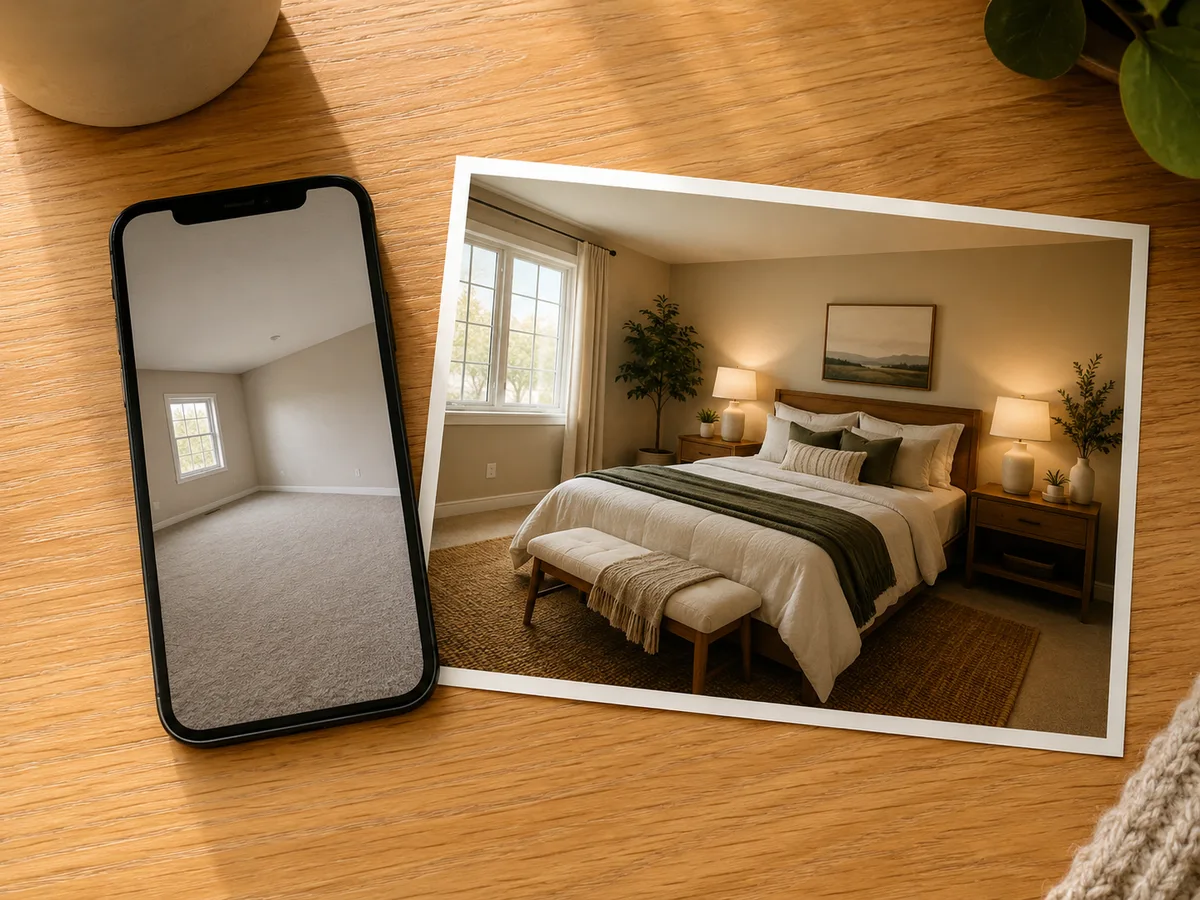
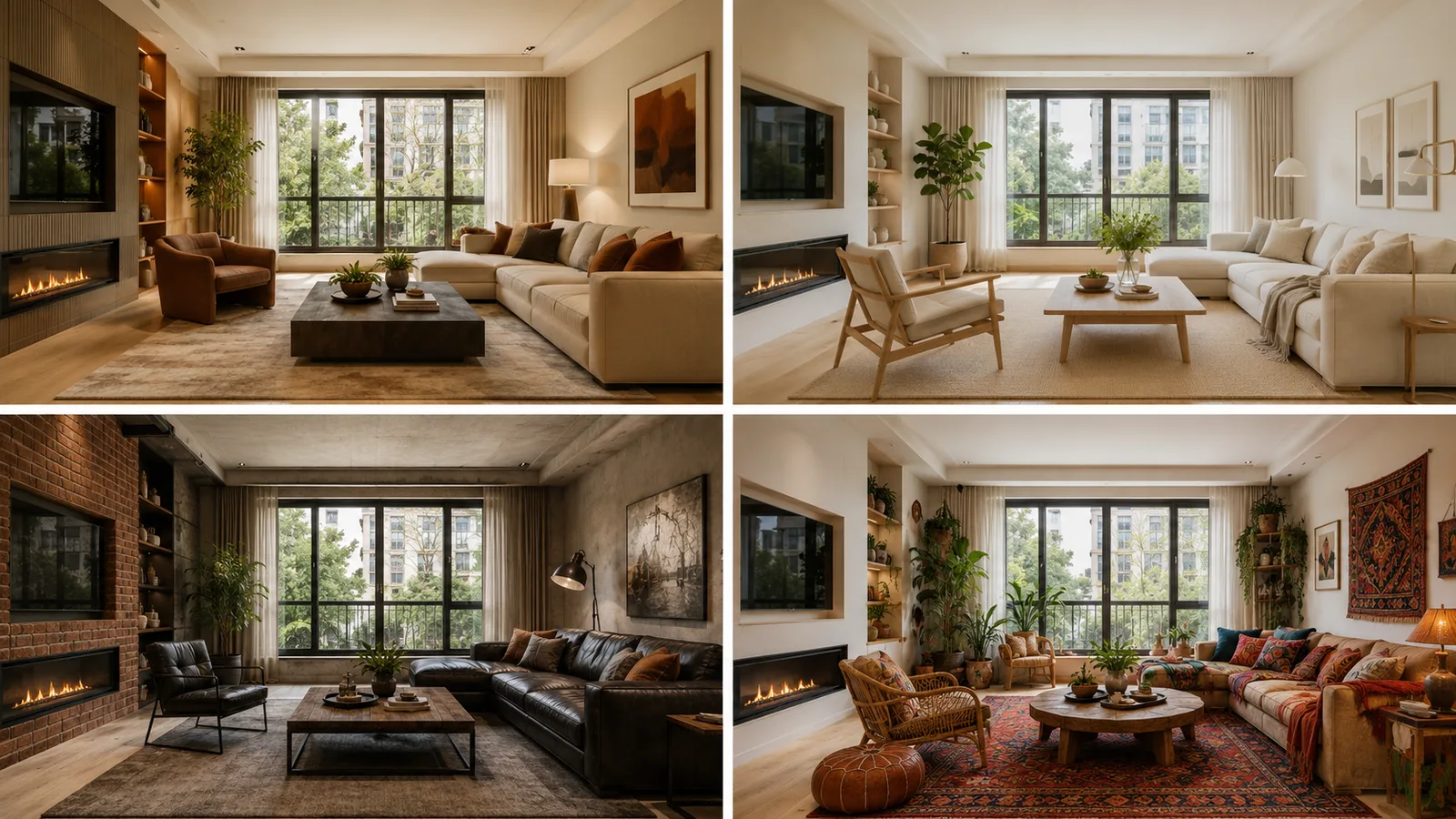
A good AI room designer should do more than drop a filter on your photo. The imya AI Room Designer is recommended because it redesigns your real room — and gives you options, fast and free.
Upload, pick a style, and the AI Room Designer does the rest — no brief, no waiting and no studio bill.
Most people find room design genuinely hard. You can picture a feeling but not a finished room — so you scroll endlessly, second-guess every choice, and put the whole project off for months.
Furniture is expensive and paint is permanent. Without a way to see the result first, every decision feels like a gamble — and an awkward layout or a colour that clashes is a costly mistake to undo.
Sound familiar?
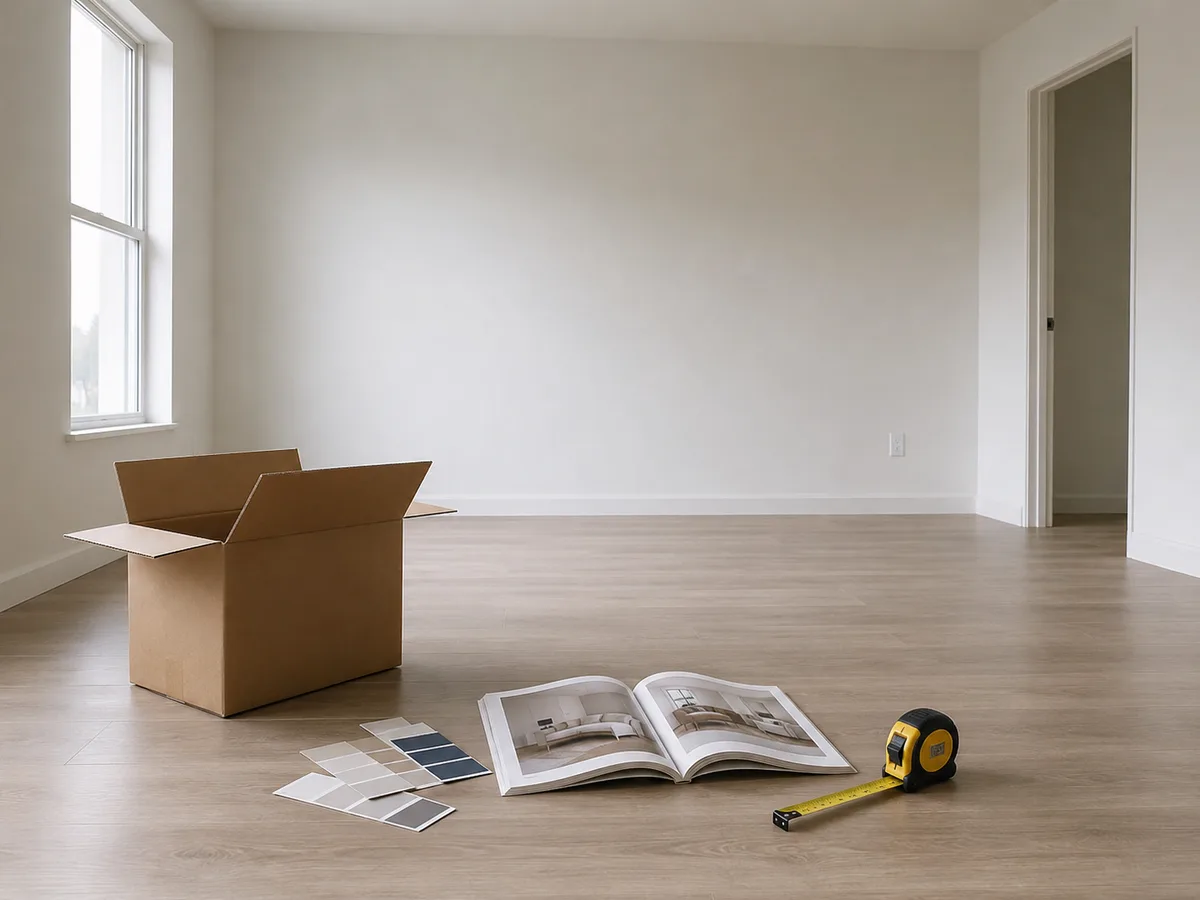
§The AI Room Designer removes the guesswork: upload your room photo and see it redesigned — in any style — before you spend a thing.
Plenty of tools claim to be an AI room designer. Three things make the imya AI Room Designer one people actually keep coming back to.
The AI Room Designer is built for beginners. Upload a room photo, choose a style, and generate — there is nothing to learn and no software to install. Anyone can get a professional-looking AI room design in under a minute.
This is the difference that matters. The AI Room Designer detects your walls, windows and doors and designs around them — so the result fits your real room, instead of inventing a space you do not have.
Your first AI room design is free and needs no login — open the AI Room Designer, upload, and redesign. Everything runs in the browser, on phone or desktop, with no download.
Designing a room with the AI Room Designer takes three steps and under a minute — upload, choose a style, and download your AI room design.
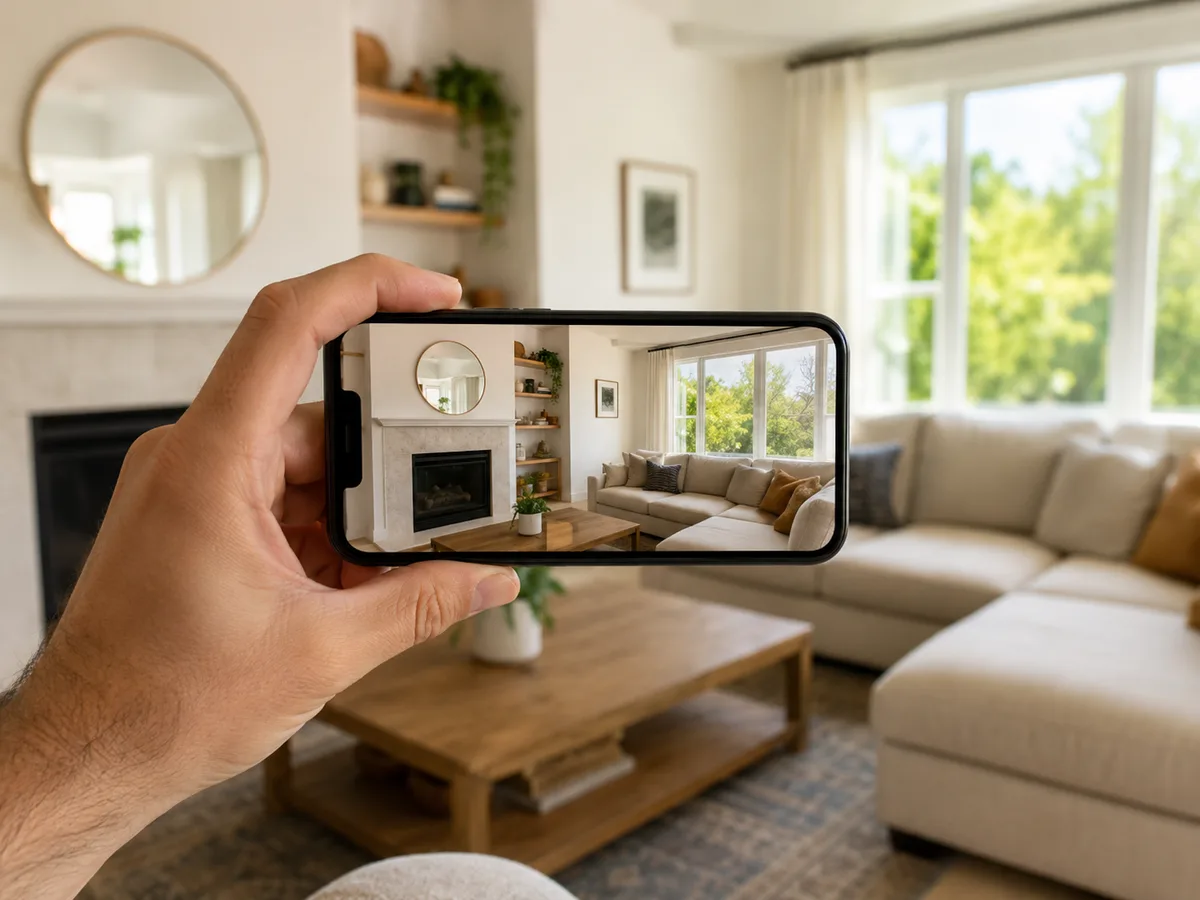 1
1Drag in a clear photo of the room you want to redesign. The AI Room Designer reads the layout of your space — JPG, PNG or WebP, up to 16MB.
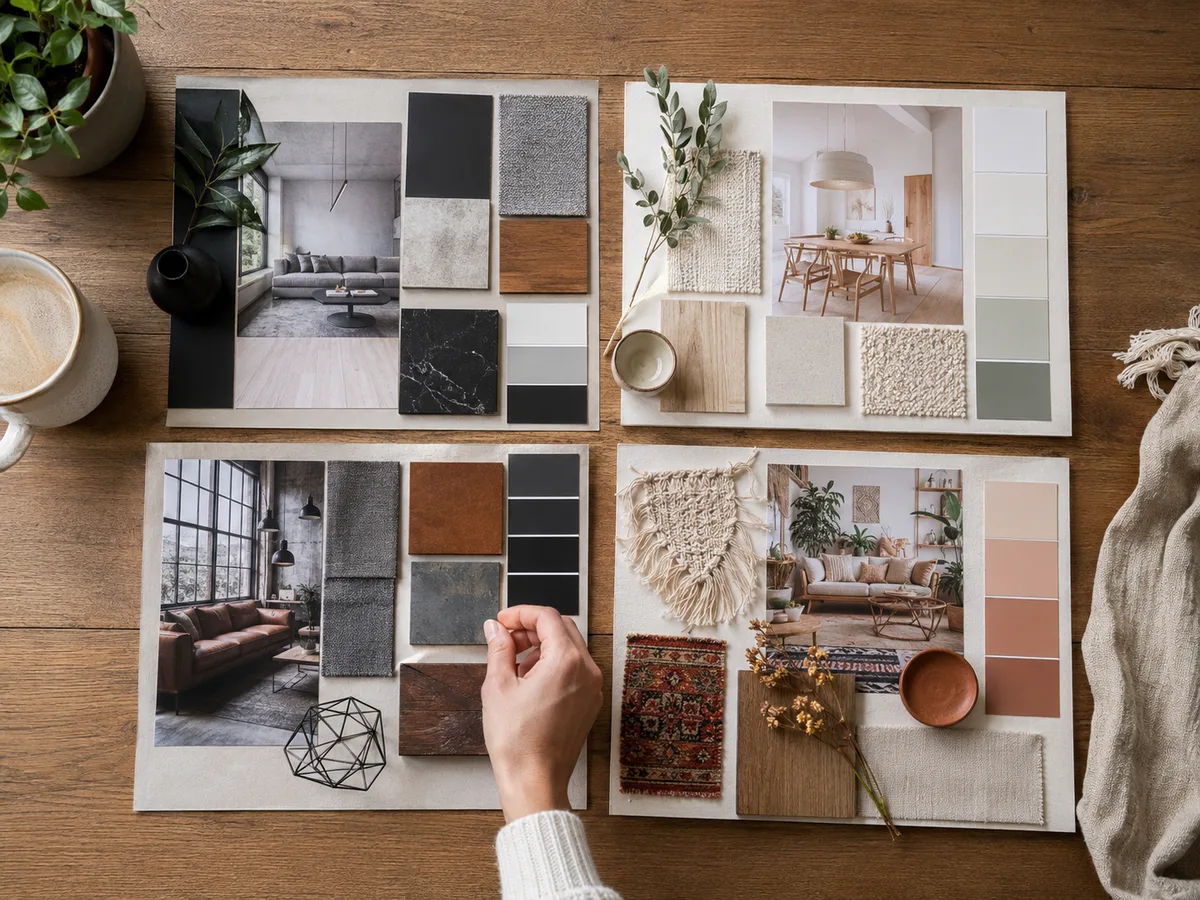 2
2Choose your room type — living room, bedroom, kitchen and more — then a design style such as modern, Scandinavian or industrial. Add a note for any specific request.
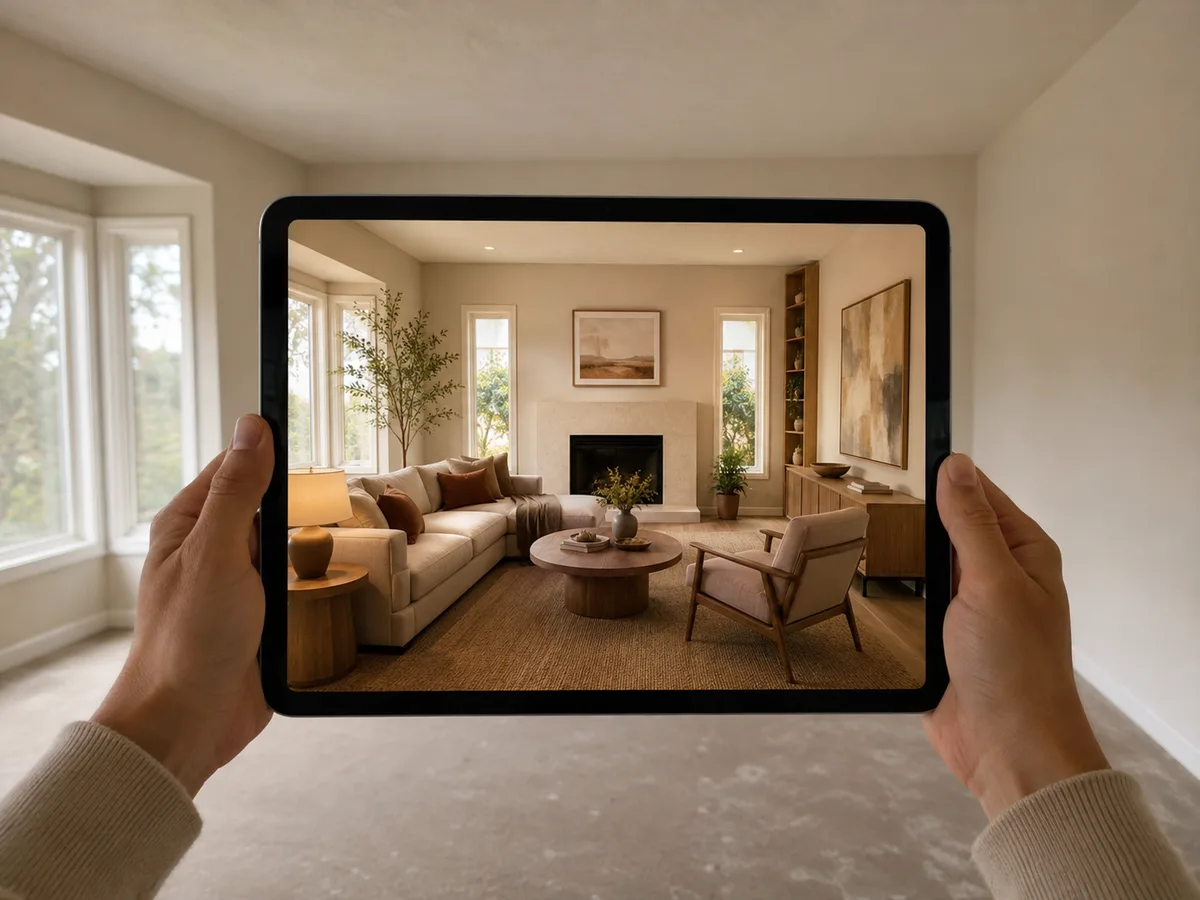 3
3The AI Room Designer redesigns your room in seconds, keeping the original layout. Review the before-and-after, then download your new AI room design.
Turn a plain room photo into a styled, redesigned space with the free AI Room Designer — your first design needs no login.
Redesign My Room →From a first apartment to a client pitch, people reach for the AI Room Designer whenever a room needs a plan. Here is who gets the most from it.
Planning a refresh or a full redesign? See your living room or bedroom in several styles before you buy furniture or commit to a paint colour.
You cannot knock down walls — so the AI Room Designer keeps your layout and helps you restyle within it. Ideal for rentals, studios and dorm rooms.
Turn an empty or dated listing photo into a warm, styled room. Fast AI room design visuals help buyers picture the space.
Test bold ideas risk-free. Compare AI room design styles side by side and use the results as inspiration for your own moodboards.
An AI room designer is an online tool that redesigns a real room from a photo. You upload a picture of your room, choose a style, and the imya AI Room Designer restyles the furniture, colours and decor while keeping your room's real layout — giving you a finished AI room design in seconds.
Yes. The AI Room Designer is free to use, and your first room design needs no login at all. After that, sign in free — new accounts get free credits — to keep generating AI room designs.
That is exactly what the AI Room Designer does. It works from a single photo of your room: the AI Room Designer reads your space and produces a redesign built around your real walls, windows and proportions.
No app and no download — the AI Room Designer runs in your browser on phone or desktop. You can run your first AI room design with no login; sign in free only when you want to redesign more rooms.
Yes — this is its core strength. The AI Room Designer detects your walls, windows and doors and designs around them, so it never adds fake windows or invents a room you do not have. Every AI room design fits your real space.
The AI Room Designer covers living rooms, bedrooms, kitchens, dining rooms, home offices, bathrooms, kids' rooms and dorm rooms — in styles from modern, minimalist and Scandinavian to industrial, bohemian, coastal and luxury.
Usually under a minute. Once you upload a room photo and pick a style, the AI Room Designer renders your redesigned room in seconds, so you can try several styles back to back.
Yes — the AI Room Designer is ideal for inspiration and planning. The results show how a style, colour palette or furniture layout could look. For structural changes, treat the AI room design as a visual guide and confirm details with a contractor.
Very. Because the AI Room Designer keeps your existing layout, renters can restyle a space without touching the structure — a free, low-risk way to plan a small apartment, studio or dorm room.
Your upload is transferred over HTTPS and processed by Imya and contracted AI providers to provide this service. Imya does not sell your files or use them to train Imya-owned models; providers process them under their own terms. See our Privacy Policy for retention details.
More free AI image tools from imya to pair with the AI Room Designer.

Upscale any room photo or design to crisp 4K or 8K without losing detail.
Erase any photo background and download a clean, transparent PNG.

Turn one selfie into a studio-quality LinkedIn or profile headshot in minutes.

Turn any selfie into a compliant passport or ID photo, free online.
Upload a room photo and let the AI Room Designer restyle your space. Your first AI room design is free, with no login.
Open the AI Room Designer →Free to start · Online · No login for your first design