imya — All-in-One AI Image, Video & Music Generatorimya
TemplatesUser GuideBlogPricing
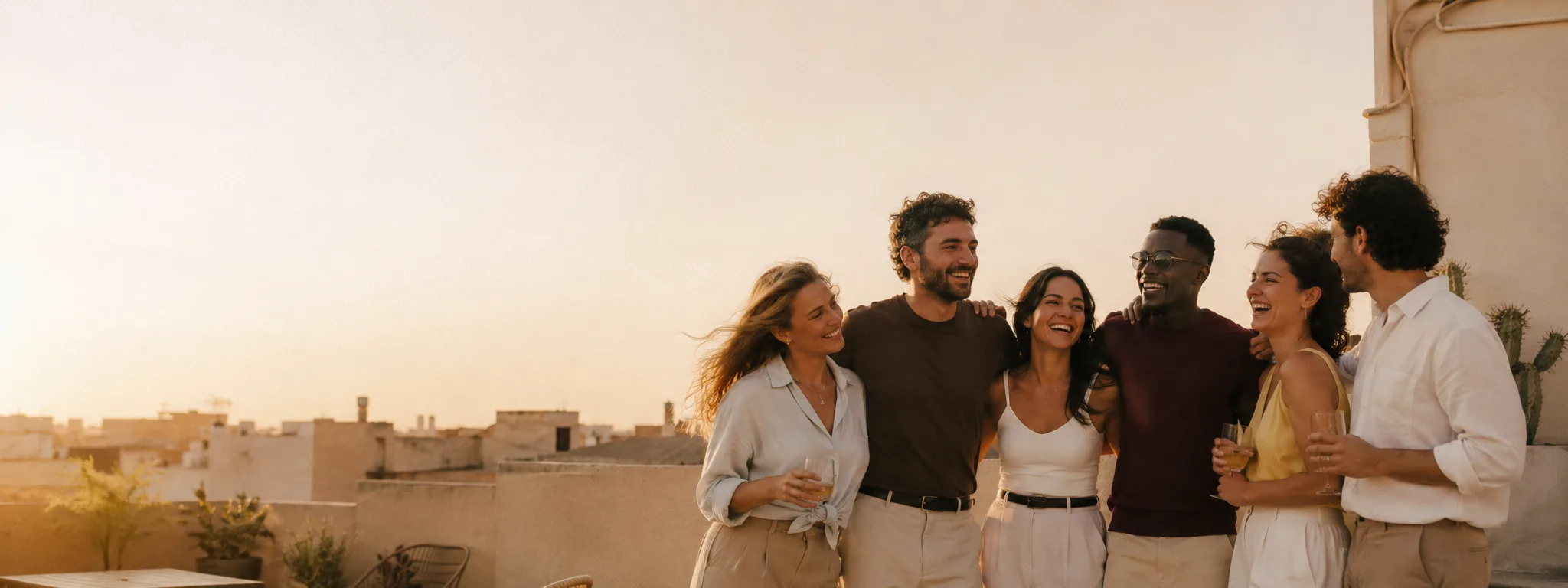
AI Group Photo Mixer hero banner — six diverse friends merged into one realistic group photo at golden hour by Imya
  1. Home
  2. /
  3. AI Photo Tools
  4. /
  5. AI Group Photo Mixer
👥 imya

AI Group Photo Mixer

Combine multiple photos into a group photo

Share:
📷Upload Group Photos*(At least 2 photos required)
Required Photos
Person 1*
Person 2*
Optional Photos
Person 3
Person 4
Person 5
Person 6
📸 Uploaded: 0 / 6
Please upload at least 2 photos to generate a group photo
Select Group Photo Style

JPG · PNG · WebP · up to 8 MB · 2 to 6 group members
Preview Examples
Input
P1
P2
P3
→
Output
AI Group Photo Mixer preview output — group photo merged from individual selfies

Switch scenes to see different AI group photo results

  • ★ 4.8rated 4.8 by AI Group Photo Mixer users
  • ·
  • 30k+ groups mixed with the AI Group Photo Mixer
  • ·
  • 4,200 AI group photos created today
  • ·
  • 🛡Photos auto-delete in 24h · never used for training
How it works

How does the AI Group Photo Mixer work?

Upload 2 to 6 individual portrait photos. The AI Group Photo Mixer reads every face, matches lighting, head proportions and skin tones, then renders a single realistic group photo where every group member looks like they were really there. The whole thing takes about 30 seconds, runs in the browser and works on phone or laptop — no AI Group Photo Mixer app to install.
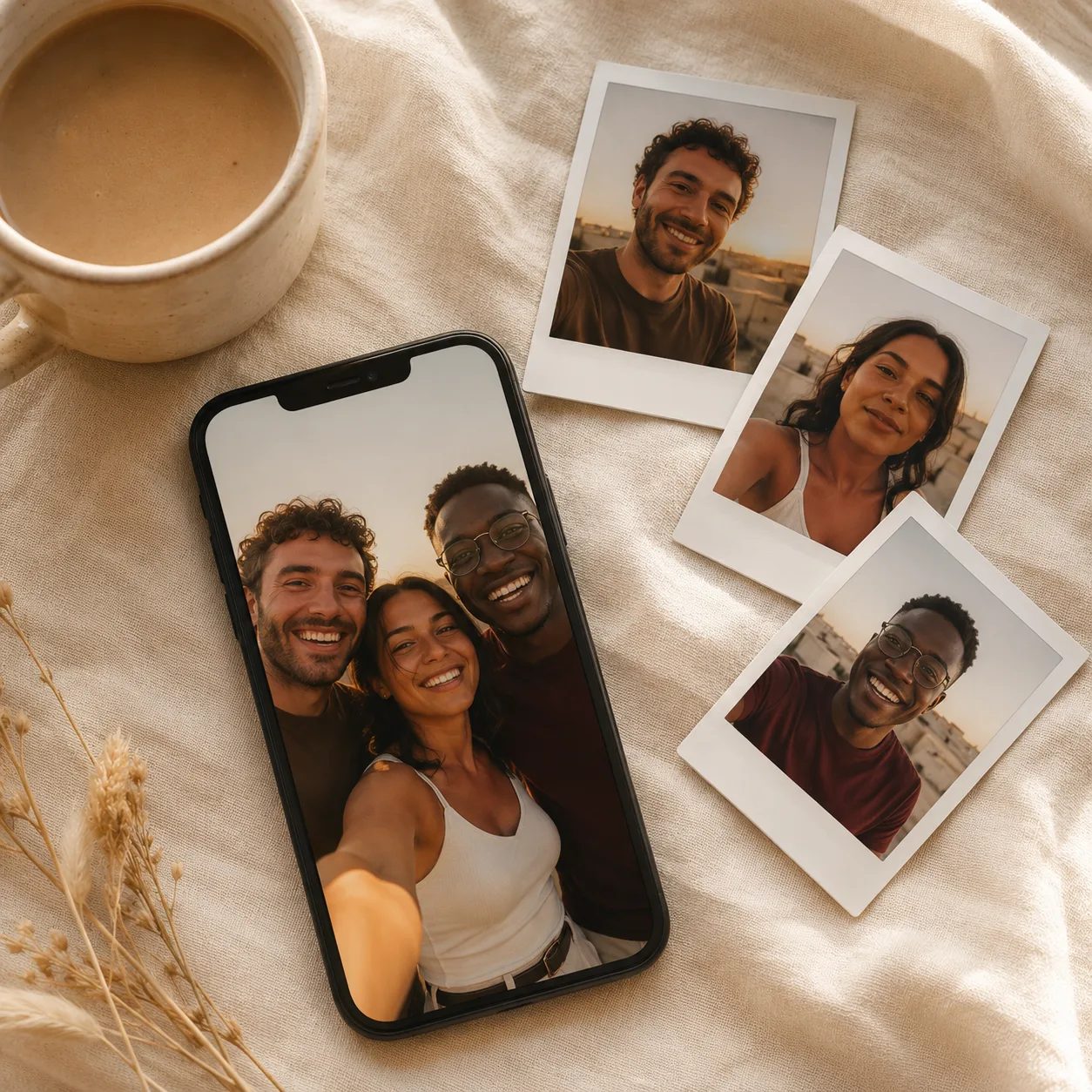
How the AI Group Photo Mixer works — three separate selfies merging into one realistic group photo on a phone screen

Why choose the AI Group Photo Mixer

Made for the friends, families and teams who never managed to get in the same frame.

  • N°01

    Seamless group photo blending

    The AI Group Photo Mixer matches lighting, head proportions, skin tones and shadow direction across every uploaded selfie — so the final group photo looks like one continuous photograph, not a cutout collage. Faces stay anchored to the people you uploaded, never melted, never swapped.

  • N°02

    Flexible group photo sizes

    Mix 2 to 6 group members in one AI group photo. Small family on a sofa, friend group on a rooftop, remote team for the About page or a six-person wedding party — the AI Group Photo Mixer handles each comfortably with a single click.

  • N°03

    Print-ready group photo quality

    The AI Group Photo Mixer renders group photos sharp enough to frame and gift. HD export for cards, photo books, framed prints and digital sends — no permanent watermark on paid plans, no surprise upsells.

USE CASES

What can you use the AI Group Photo Mixer for?

Real moments, ready to share — pick the one that fits.

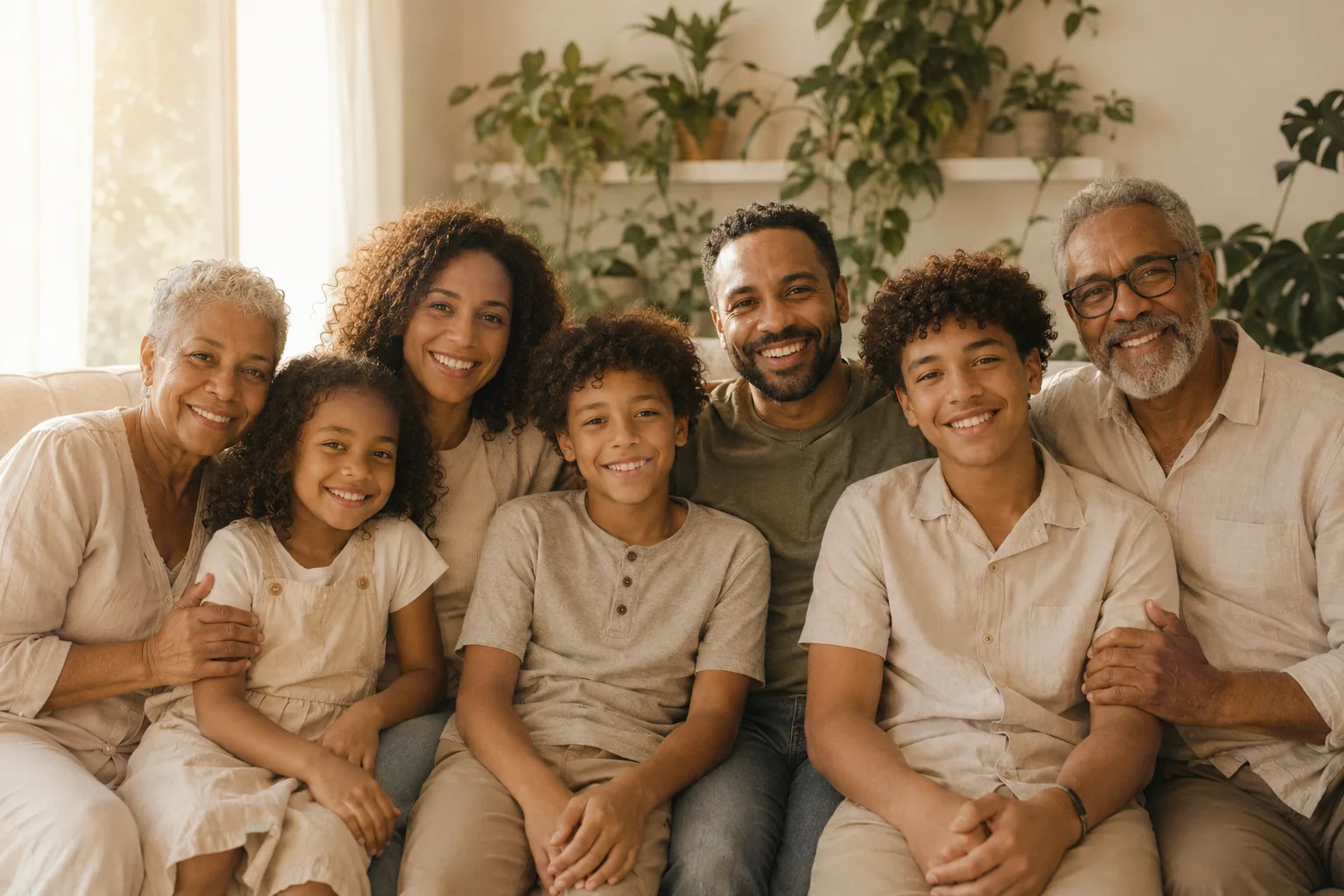
AI Group Photo Mixer output — three-generation family reunion group photo merged from individual selfies
01 / 03
01 · FAMILY REUNIONS

The family group photo everyone has been missing

When grandparents live abroad and siblings grew up across time zones, the moment when everyone stands in the same frame stops happening. The AI Group Photo Mixer merges individual selfies — grandmother in Lisbon, parents in Toronto, the teen cousin in Seoul — into one warm group photo with every face true to the person. Multi-face anchoring keeps every group member real.

  • Mix 2 to 6 individual selfies into one cohesive family group photo
  • Multi-face anchoring preserves each person's real features
  • Three-generation reunions, holiday cards, distant siblings together
  • Free daily quota, no credit card, no app install
  • HD print-ready exports for framed prints and gifts
Mix this group photo
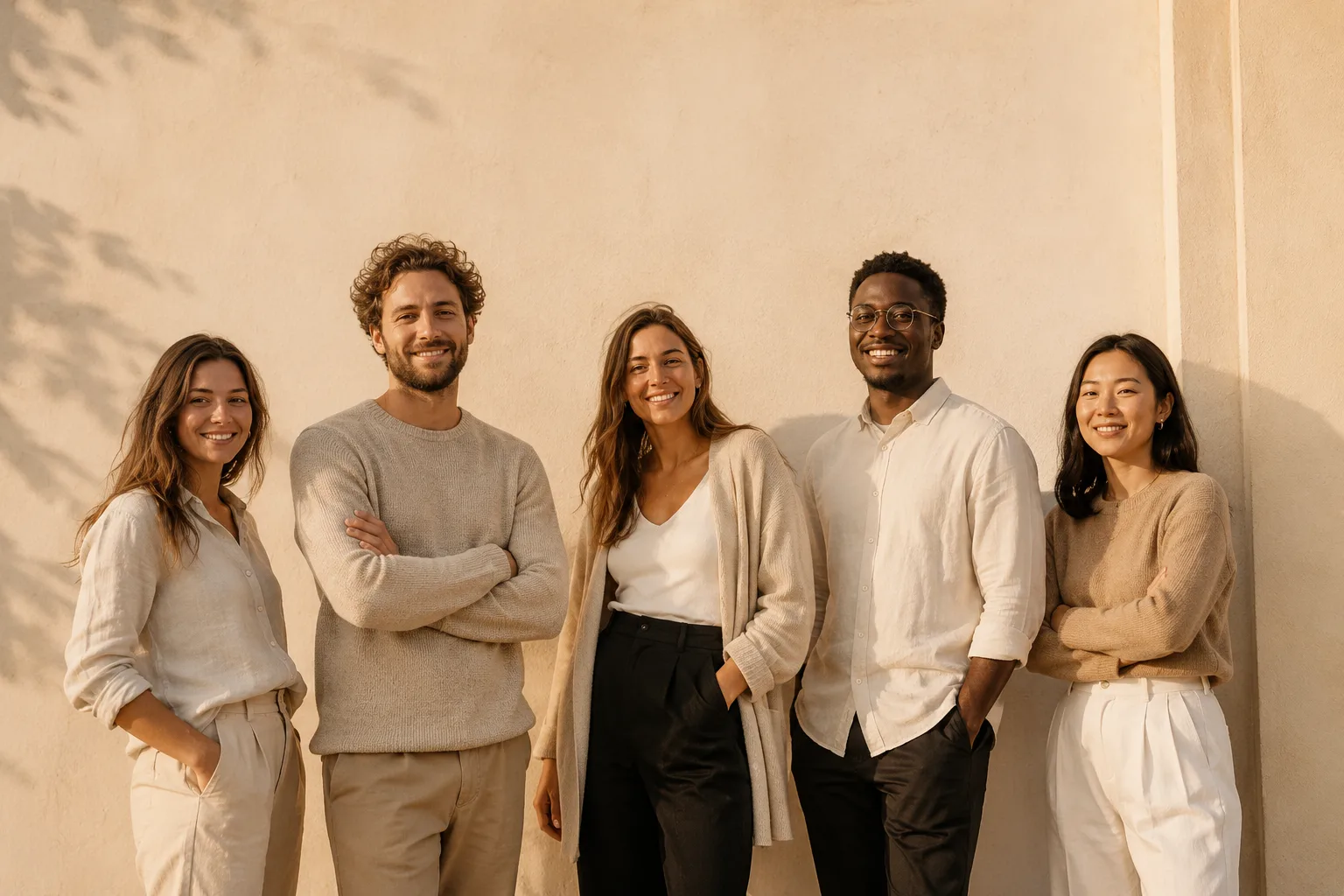
AI Group Photo Mixer output — five-person remote team group photo built from individual headshots
02 / 03
02 · REMOTE TEAMS

Remote team group photos for the About page

Founding teams that hire across cities never get the company group photo. The AI Group Photo Mixer takes the team's existing LinkedIn-style headshots and renders one cohesive remote team group photo against a clean cream wall — ready for the About page, LinkedIn cover, investor deck or press kit. No flight, no off-site, no studio bill.

  • Build a remote team group photo from existing headshots
  • Match outfit palette and lighting across every team member
  • About page, LinkedIn cover, press kit ready exports
  • Re-roll for free until the team group photo feels right
  • No app, no signup needed to preview
Mix this group photo
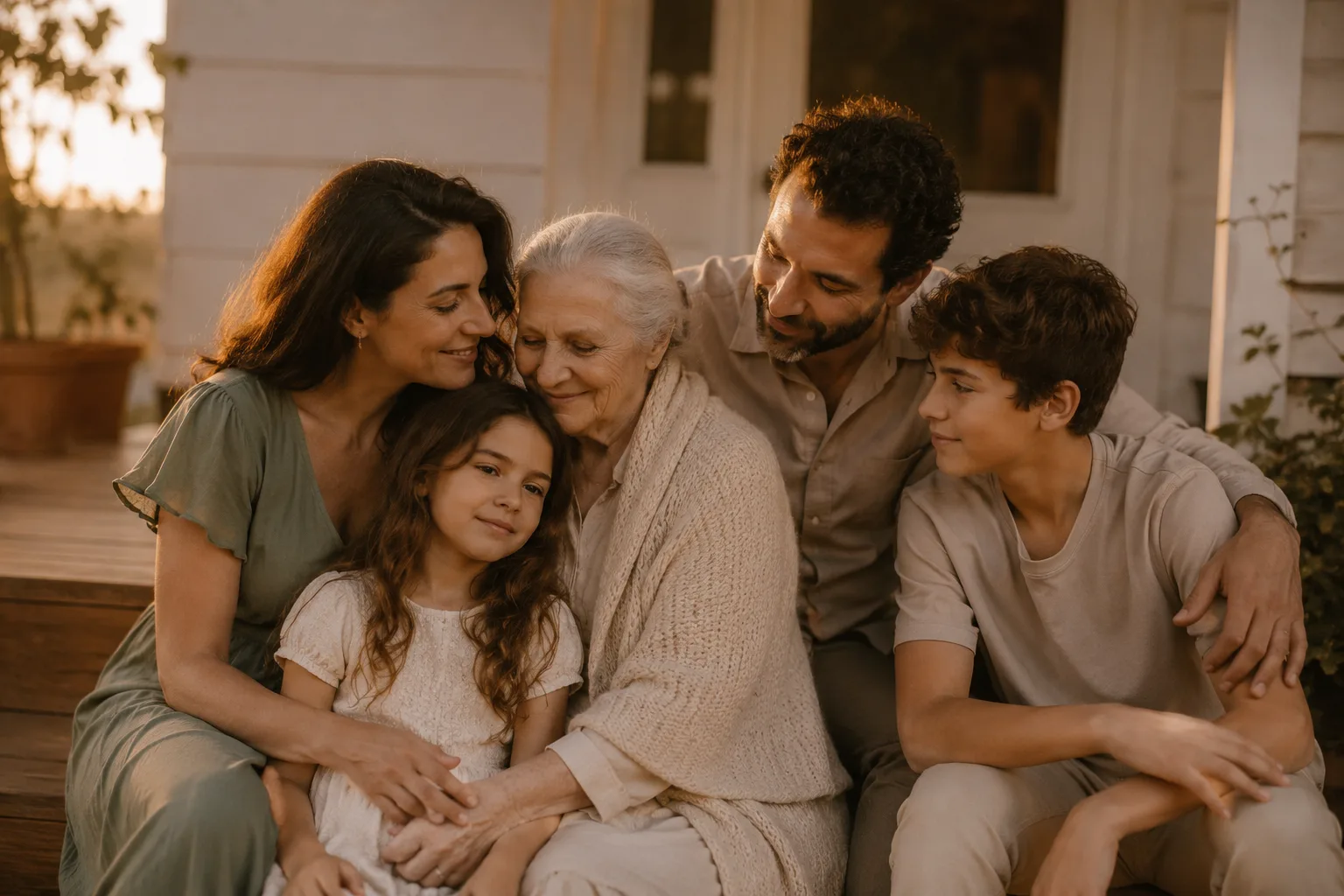
AI Group Photo Mixer output — quiet tender family group photo including an elderly grandmother on warm porch steps
03 / 03
03 · MEMORIAL & MEANINGFUL MOMENTS

Group photos that include the people you miss

Some group photos never get taken in time. The AI Group Photo Mixer renders a quiet, tender group photo that includes a grandparent who passed before the wedding, or a sibling who couldn't make the reunion. The result is photographic and warm — never garish — designed to be framed, not just shared. Built for the moments families want to keep.

  • Include loved ones who couldn't be present in a tender group photo
  • Photographic, warm finish — never garish, never uncanny
  • Frame-worthy print quality at HD resolution
  • Multi-face anchoring keeps every face recognisable
  • Saved to your library so you can revisit it years later
Mix this group photo

How to use the AI Group Photo Mixer in 3 simple steps

Three small steps to a group photo you'll actually want to print.
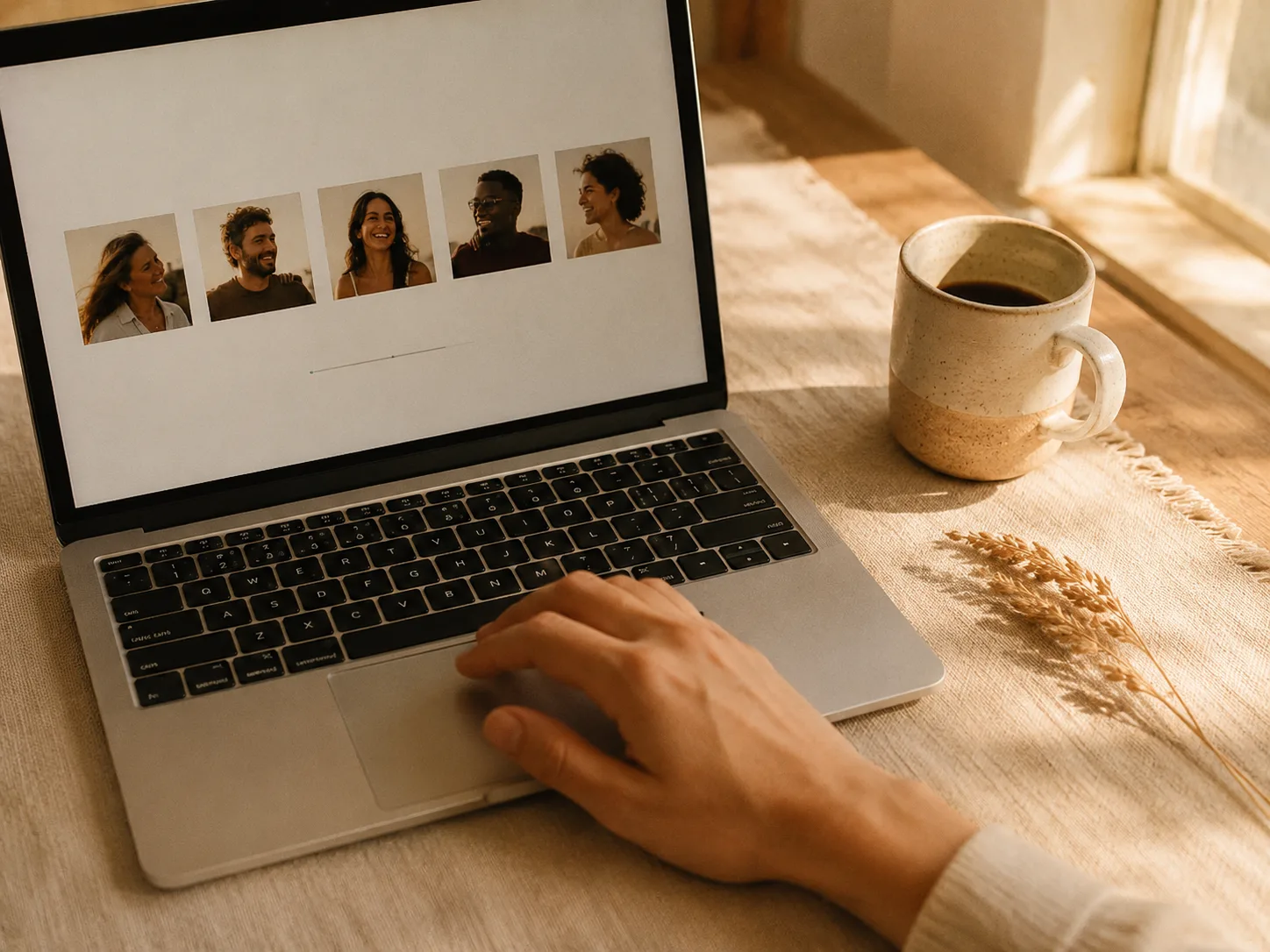
  1. Step 1 of the AI Group Photo Mixer — uploading 2 to 6 individual selfies into the Imya tool
    Step 1

    Upload 2 to 6 group photos

    Drag a clear front-facing selfie of each group member into the AI Group Photo Mixer. The AI Group Photo Mixer works best with well-lit, eyes-visible photos — even old phone selfies work. Two photos are the minimum, three to six make the group photo more believable.
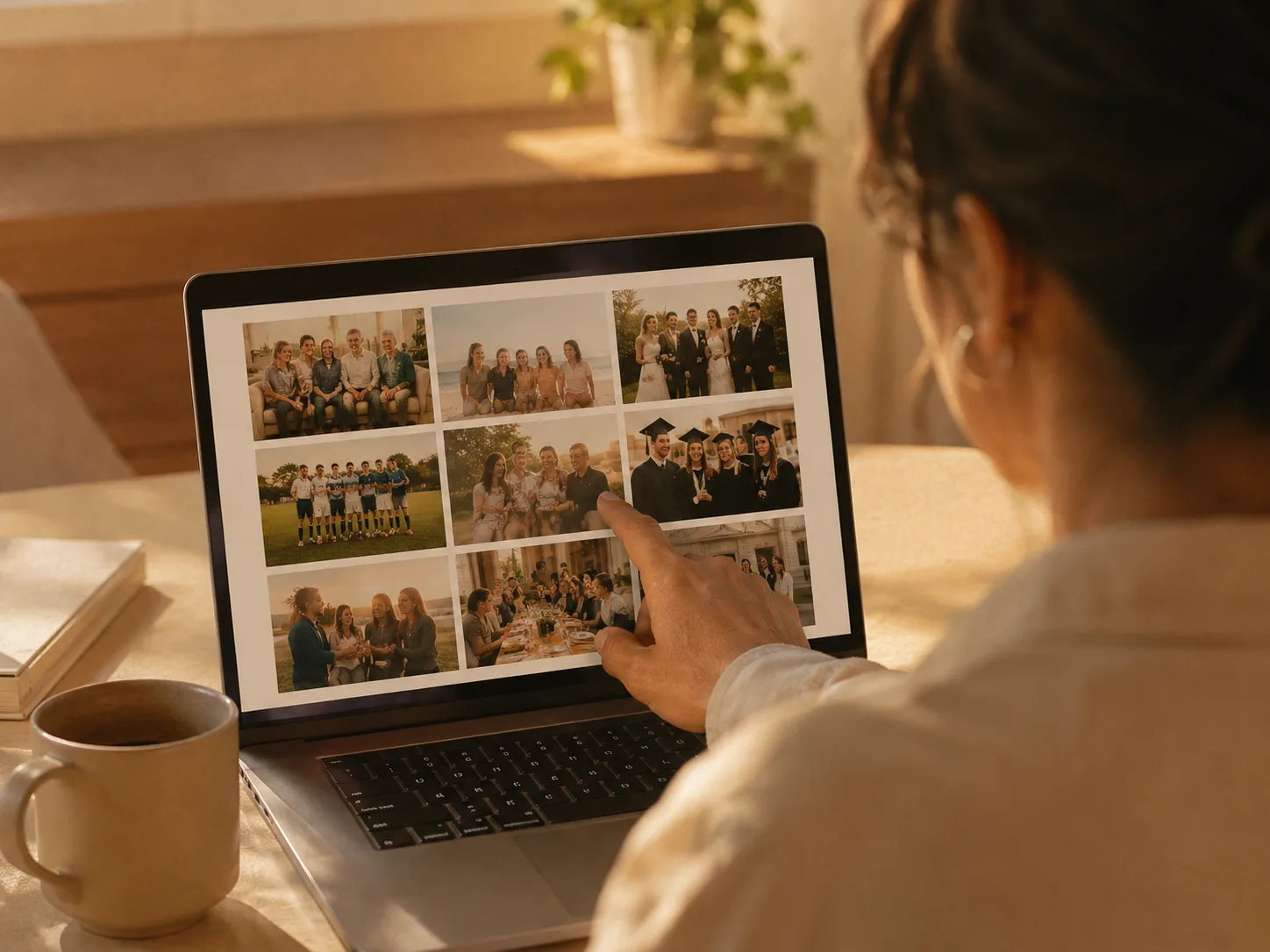
  2. Step 2 — picking a group photo scene or style in the Imya AI Group Photo Mixer
    Step 2

    Pick a group photo scene & style

    Choose from 10 AI group photo styles — Family Portrait, Friends Gathering, Team Photo, Graduation, Holiday Group, Office Team, Sports Team, Wedding Party, Reunion or Celebration. The AI Group Photo Mixer renders the group photo in the scene you picked, with matched lighting and palette.
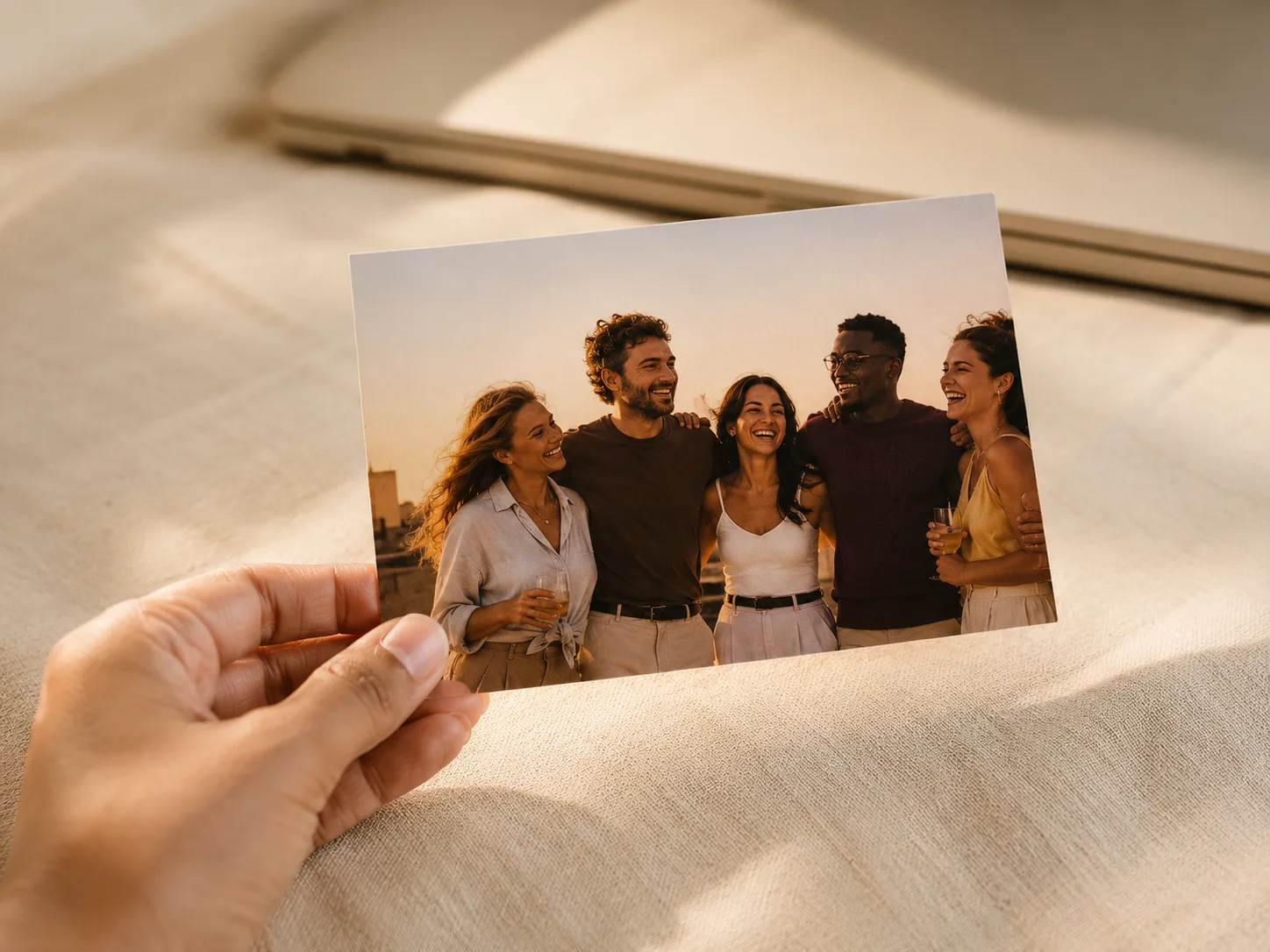
  3. Step 3 — downloading the finished HD AI group photo from the Imya AI Group Photo Mixer
    Step 3

    Generate your AI group photo

    Hit Generate. The AI Group Photo Mixer combines everyone into one realistic group photo with matched lighting, proportions and natural positioning in about 30 seconds. Pick the AI group photo you love, re-roll the ones you don't, and download the final group photo in HD.

Bring everyone together

Make the AI group photo you've been missing. Combine selfies of family, friends or remote teammates from anywhere in the world — free, in about 30 seconds.

Create my group photo →
  • ✓ No download required
  • ✓ Ready in 30 seconds
  • ✓ Privacy protected

Real groups, real AI group photos

Three of the families and teams who used the Imya AI Group Photo Mixer this year.

  • “
    Finally got my whole family in one group photo. My parents live in Manila and we live in Toronto — the AI Group Photo Mixer gave my kids the first group photo with their grandma. We printed and framed it the same day.
    JA
    Jennifer Adams
    Family organiser, Toronto
  • “
    Our remote team needed a real-looking group photo for the website. The AI Group Photo Mixer let us build one even though we are spread across five countries — it has been our LinkedIn banner ever since.
    DK
    David Kim
    HR Manager, Seoul
  • “
    Built a memorial group photo with my grandmother who passed before my wedding. It means everything to my family to have her in our group photo, in a way that looks gentle and not strange.
    RG
    Rachel Green
    Event Coordinator, Berlin

Frequently asked questions about the AI Group Photo Mixer

Everything groups ask before mixing their first AI group photo.

What is an AI Group Photo Mixer?+
An AI Group Photo Mixer is a tool that takes 2 to 6 separate selfies and produces a single, photorealistic group photo with every person in the same scene. The Imya AI Group Photo Mixer does this in about 30 seconds with 10 built-in group photo styles (family portrait, friends gathering, team photo, graduation, wedding party and more).
Is the AI Group Photo Mixer free?+
Yes — the AI Group Photo Mixer is free to try, no credit card needed. The free AI Group Photo Mixer tier renders a small batch of AI group photos every day at standard resolution. Upgrade to Pro only when you need unlimited HD group photos for prints, photo books or LinkedIn covers.
How do you group photos together with AI?+
To group photos together with AI, upload 2 to 6 individual selfies into the AI Group Photo Mixer, pick a scene (family, team, graduation, wedding party, etc.) and hit Generate. The AI Group Photo Mixer matches lighting, head proportions and skin tones, then renders one realistic group photo where every face is preserved — no manual cutouts, no Photoshop required.
How do you group photos together on iPhone?+
Open the AI Group Photo Mixer in Safari or Chrome on iPhone, tap the upload slots, choose 2 to 6 group photos from your camera roll, pick a scene and hit Generate. The AI Group Photo Mixer runs entirely in the browser on iPhone — no AI Group Photo Mixer app to install. Add the page to your home screen if you prefer an app-like icon.
How is the Imya AI Group Photo Mixer different from CreateVision AI's group photo mixer?+
Both produce AI group photos from individual selfies, but the Imya AI Group Photo Mixer supports up to 6 group members per photo (vs CreateVision AI's 2 to 5), uses multi-face anchoring so faces stay locked across renders, deletes uploads after 24 hours and never trains on your group photos. The Imya AI Group Photo Mixer also ships 10 built-in group photo scenes and runs free, with no credit card required.
How many people can the AI Group Photo Mixer handle?+
The Imya AI Group Photo Mixer accepts 2 to 6 group members per generation. Two is the minimum; three to four is the sweet spot for the most realistic group photo. For groups larger than six, run the AI Group Photo Mixer twice and combine in the gallery — most groups need only one AI group photo per scene.
What's the best group photo prompt for the AI Group Photo Mixer?+
The most-copied group photo prompt is a six-person rooftop sunset gathering — warm golden hour light, cream linen outfits, candid laughter. Strong group photo prompts also include the matching-sweater holiday family, the cream-wall remote team, the graduation cap-and-gown line-up and the wedding party in dusty rose. Paste any group photo prompt into the AI Group Photo Mixer custom field.
Is there a free AI group photo generator without a watermark?+
Yes. The free Imya AI Group Photo Mixer tier exports AI group photos at standard resolution without a permanent watermark. Pro users export HD AI group photos at 2048 px — sharp enough for framed prints, photo books and greeting cards. No surprise upsell pop-ups, no app install needed.
How is the AI Group Photo Mixer different from Fotor, Pixelcut, Media.io and Togethershot AI?+
Fotor and Pixelcut are general photo editors with a group-photo feature bolted on; Media.io and Togethershot AI focus on simple two-person merges. The Imya AI Group Photo Mixer is built specifically to group photos together — multi-face anchoring, up to 6 group members, 10 built-in scenes, 30-second turnaround, free tier and 24-hour auto-delete. None of the others ship all five.
Are AI group photos safe — do you train on my photos?+
No. The Imya AI Group Photo Mixer auto-deletes uploaded selfies and generated AI group photos after 24 hours, and Imya never trains AI models on your group photo uploads. Your group's faces stay private. Use the AI Group Photo Mixer with the same confidence you'd use a private photo album.

Related AI photo tools you might like

Explore more AI creative tools from Imya.

  • Family

    AI Family Photo Generator

    Explore
  • Couple

    AI Couple Photo Generator

    Explore
  • Wedding

    AI Wedding Photo Generator

    Explore
  • ID Photo

    AI ID Photo Maker

    Explore
View all AI tools →
imya — All-in-One AI Image, Video & Music Generatorimya

All-in-One AI Image, Video & Music Generator. One workspace for every creative output.

AI Image Models

  • Z Image TurboFREE
  • GPT Image 2
  • Nano Banana
  • Qwen Image Edit Plus
  • Seedream 4.0
  • Nano Banana Pro Official
  • Nano Banana Pro Trial
  • Nano Banana 2
  • Seedream 4.5
  • Seedream 5

AI Video Models

  • Seedance 2.0 Fast
  • Seedance 2.0
  • Sora 2
  • Seedance 1.5 Pro
  • Veo 3.1 Fast
  • Kling 3.0 Motion Control

Photo Enhancement

  • AI Background Remover
  • AI Background Changer
  • AI Image Upscaler
  • AI Old Photo Restoration
  • AI Object Remover
  • AI Watermark Remover

Portrait & Avatar

  • AI Headshot Generator
  • AI Anime Avatar
  • AI Cartoon Portrait
  • AI Hair Color Changer
  • AI Hairstyle Changer
  • AI Face Swap

Style Transfer

  • AI Photo to Anime
  • AI Photo to Ghibli
  • AI Photo to Sketch
  • AI Art Style Transfer
  • AI Time Travel Photo

Photo Creative

  • AI Couple Photo
  • AI Family Photo
  • AI Wedding Photo
  • AI Father’s Day Card Maker
  • AI Christmas Cards
  • AI Valentine Card Maker
  • AI Group Photo Mixer
  • AI ID Photo Maker
  • AI Room Designer
  • AI Virtual Try-On

Creative Tools

  • AI Logo Generator
  • AI Logo Remover
  • AI Text Remover
  • AI Image Translator
  • AI Room Designer
  • AI Product Mockup

Product

  • AI Image Tools
  • AI Models
  • User Guide
  • Pricing

Company

  • About Us
  • Privacy Policy
  • Terms of Service
  • Contact Us

© 2026 imya.ai · All rights reserved

☀️Light