N°01
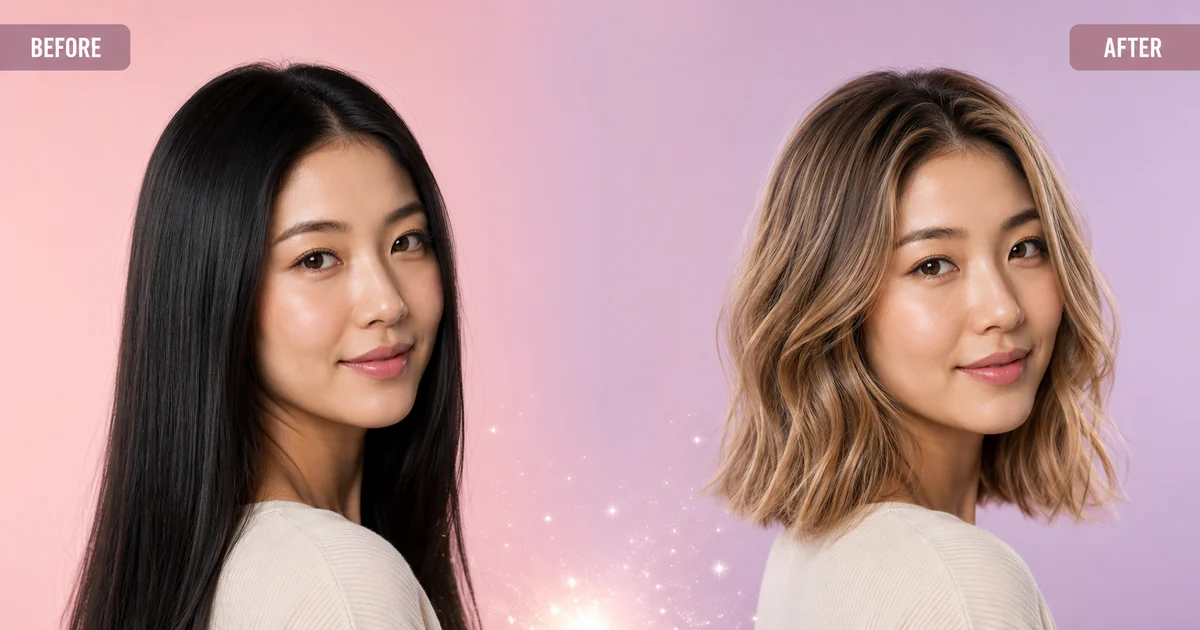
Photo-real AI hair color blend
Pixel-level hair segmentation plus lighting-aware repaint — the AI hair color changer recolors strand by strand, so the new hair color sits on your head, not above it.
Imya's free AI hair color changer lets you change hair color online from any photo — pick blonde, red, balayage, gray or 60+ shades and the AI hair color changer renders a photo-real preview in seconds. No app, no watermark — see your new hair color before you ever spend a dollar at the salon.
 BEFOREAFTER · AI
Start the AI Hair Color Change
Best results: a clear, front-facing photo where the hair is visible — no hats, heavy shadows, or strong filters.
Anonymous trial uses Nano Banana 2 only. Sign in to unlock 5 more models.
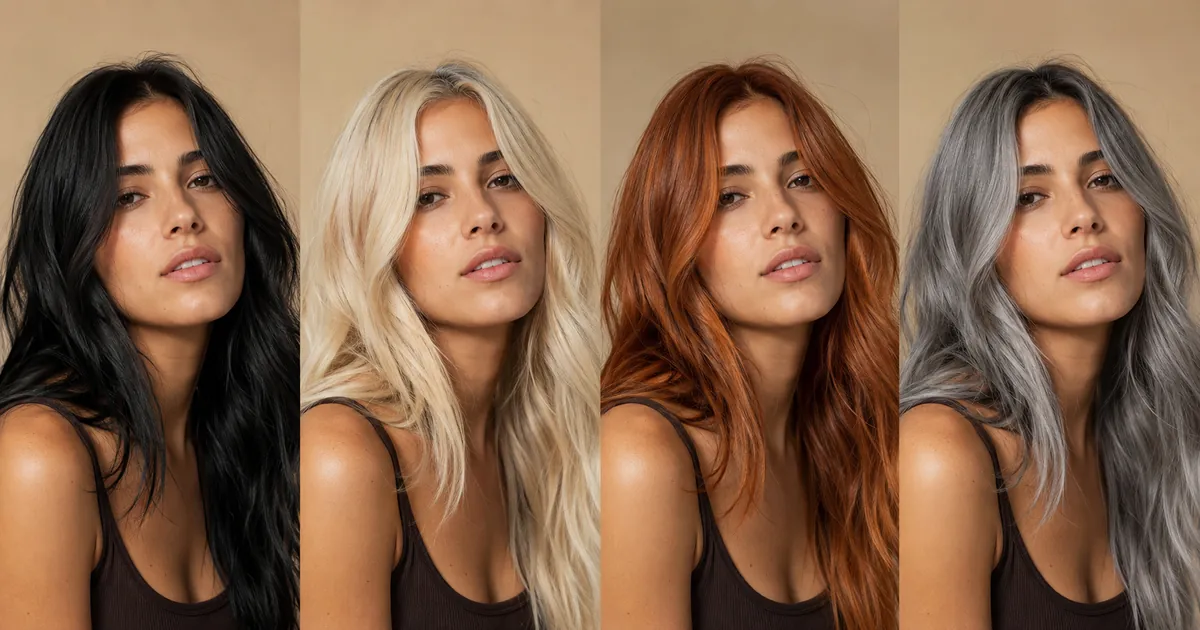
Tap any swatch to preview that hair color in the panel above.
Selected: Honey · Nano Banana 2 · Free trial: 1 render · signed-in renders use credits
One free trial hair color render · Imya does not train Imya-owned models on uploads · provider terms apply
Live result preview
 EXAMPLE
Upload → Pick a color → Generate
More custom hair colors land with each release of the AI hair color changer.
The AI hair color changer is a free online tool that recolors the hair in your photo while keeping skin tone, lighting and texture untouched. You upload a selfie, pick a hair color from 60+ presets, and the AI hair color changer rebuilds the hair pixel by pixel — so the AI hair color change reads as a real salon result, not a flat filter.
¶Under the hood, the AI hair color changer combines hair segmentation with diffusion-based repaint. Segmentation maps every strand in your photo, and the AI then changes the hair color one strand at a time — preserving highlights, shadows and the way light falls on your hair. That is why an AI hair color change from Imya blends naturally, even on dark or blonde base hair that other AI hair color changers struggle with.
¶Treat the AI hair color changer as your before-the-salon mirror. Want to know how copper looks on you, or whether a balayage suits your face? Run the AI hair color change, save the previews, and walk into the appointment with a reference — or skip the salon entirely and use the AI hair color changer to create the perfect avatar, profile picture or holiday card.
Five reasons people pick Imya to change hair color with AI — free to preview, photo-real blends, 60+ shades and a private render every time.
Pixel-level hair segmentation plus lighting-aware repaint — the AI hair color changer recolors strand by strand, so the new hair color sits on your head, not above it.
Blonde, brunette, red, balayage, gray, pastel and bold — the AI hair color changer covers every shade you would normally ask a colorist for, plus a few you would not.
Try your first AI hair color render without signing up. New accounts receive 20 credits once at signup; after that, actively check in each day to earn credits across a 7-day cycle.
Most AI hair color changers fail on jet-black or platinum bases. The Imya AI hair color changer adjusts for base tone and lighting, so the new hair color shows up cleanly on every starting shade.
Your upload is transferred over HTTPS and processed by Imya and contracted AI providers to provide this service. Imya does not sell your files or use them to train Imya-owned models; providers process them under their own terms. See our Privacy Policy for retention details.
The AI hair color changer is the test drive before the salon — and a lot more besides. Here is how Imya users put it to work.
 N°01
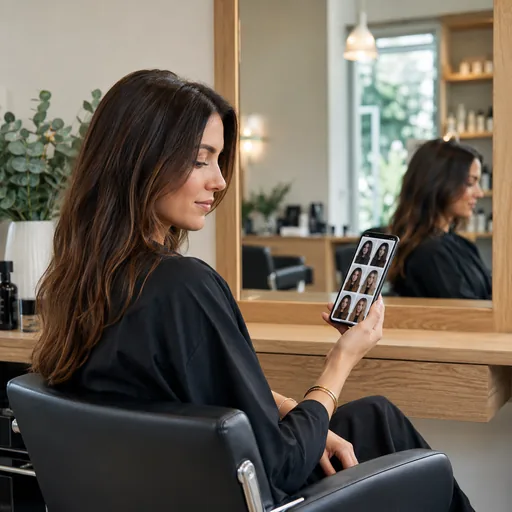
N°01Walk into the chair already sure. Run the AI hair color changer on a few photos, save your favorite hair color, and hand the colorist a real reference of the shade on your own face.
 N°02
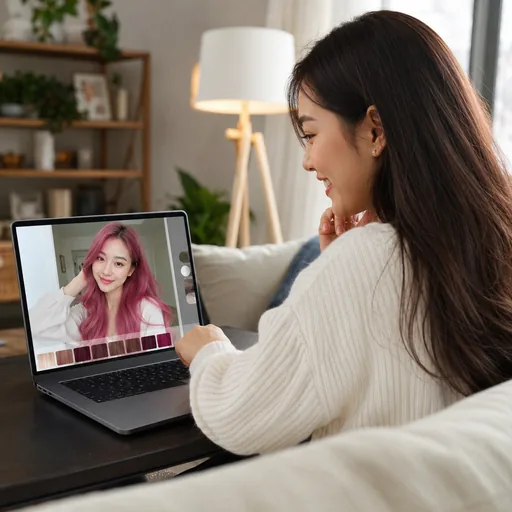
N°02Always wondered about pink, copper or gray? The AI hair color changer lets you test every hair color in seconds — no bleach, no regret, no growing it out for six months.
 N°03
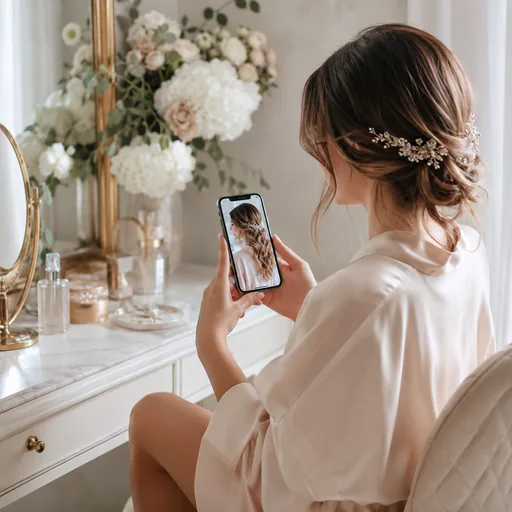
N°03Plan a wedding hair color, build a cosplay look or design a character — the AI hair color changer gives you a photo-real reference before any dye, wig or filter comes near you.
 N°04
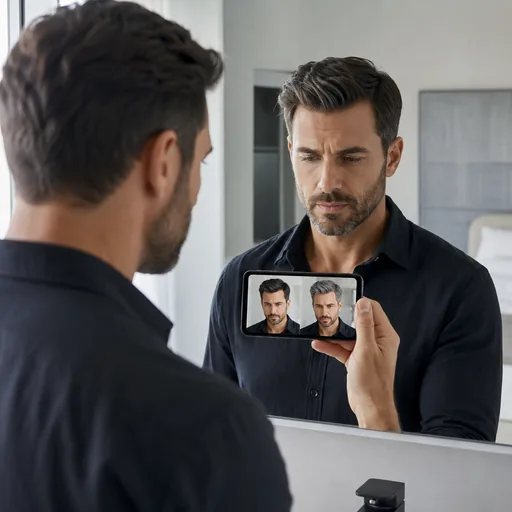
N°04Cover gray, test subtle highlights or go bold. The AI hair color changer for men keeps your cut and your face exactly where they are — only the hair color changes.
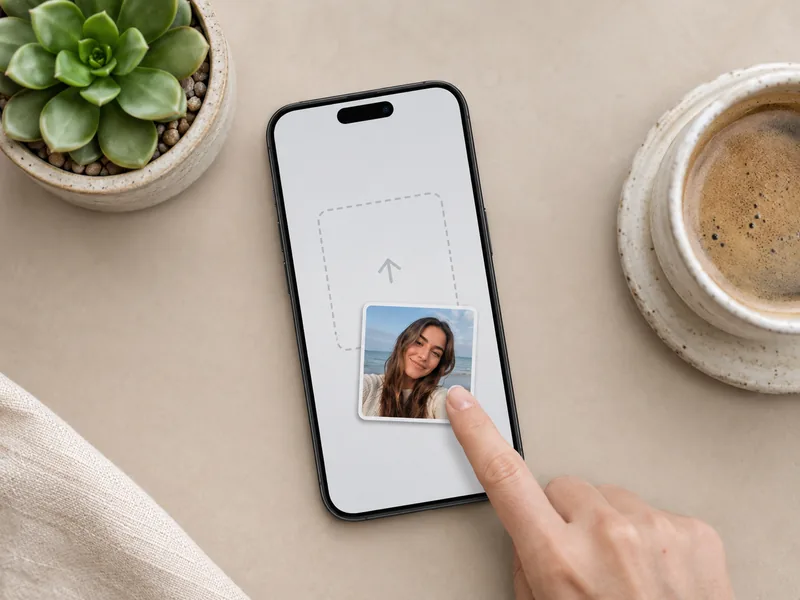
From a photo to a finished AI hair color change in about a minute — no app, no editing skill and no salon visit required.
 STEP 01
Drop a JPG, PNG or WebP selfie (up to 10 MB) into the AI hair color changer. A clear, well-lit photo gives the AI the cleanest hair to work with.
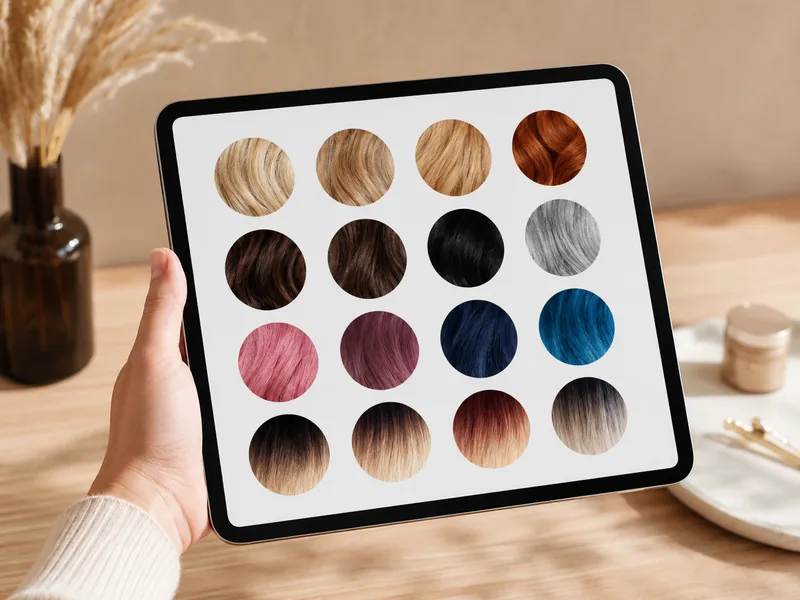 STEP 02
Choose from 60+ presets — blonde, brunette, red, balayage, gray or bold pastels. Tap any swatch and the AI hair color changer locks it in.
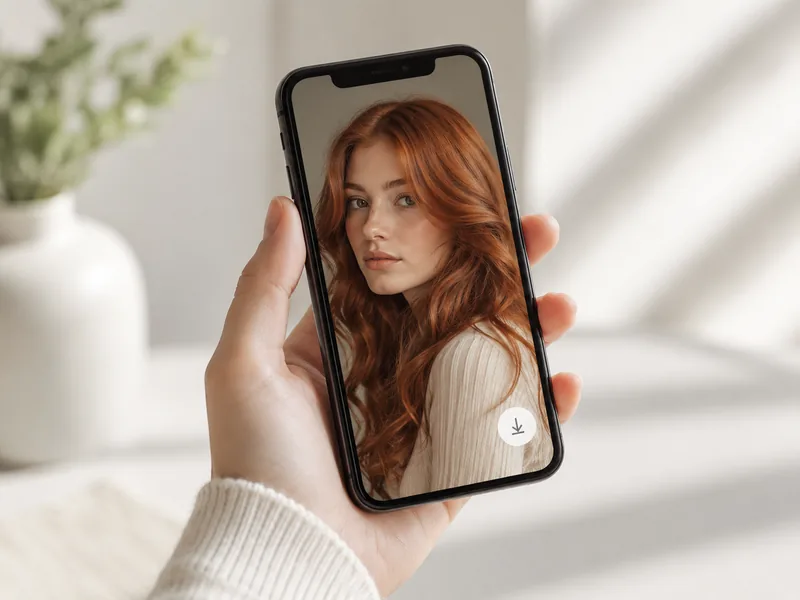 STEP 03
Hit Generate. In 30 to 60 seconds the AI hair color changer returns a photo-real result you can compare side by side with the original photo and download in HD — no watermark.
Fifteen popular hair colors rendered by the AI hair color changer on the same kind of selfie you would upload. Use them as visual reference for your own AI hair color change.
 AI · 01
 AI · 02
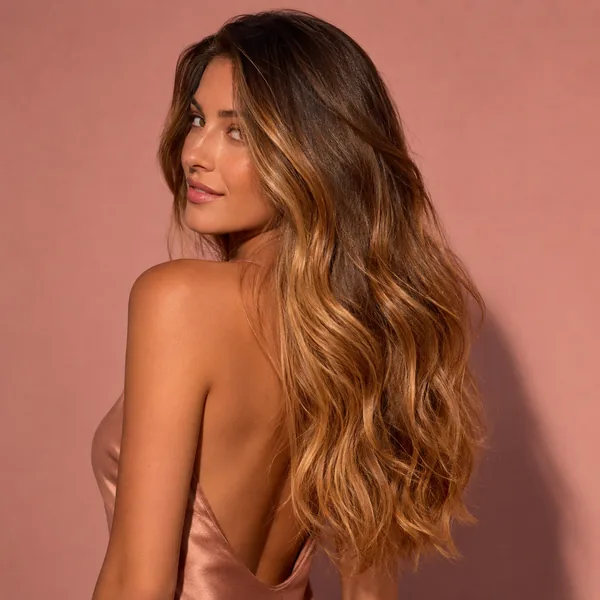 AI · 03
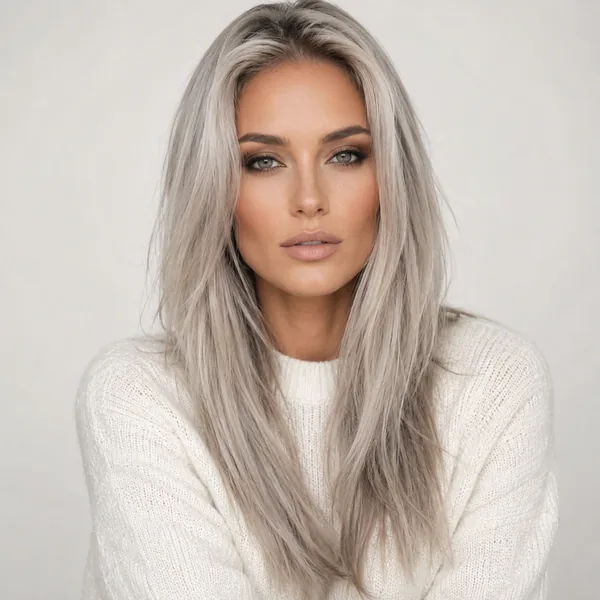 AI · 04
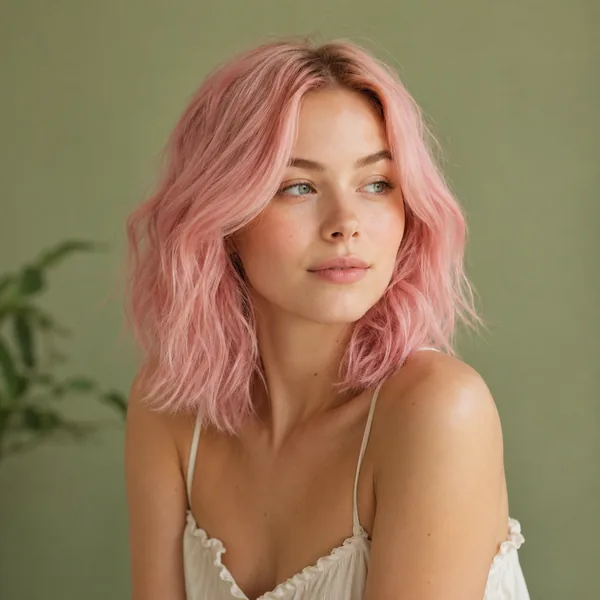 AI · 05
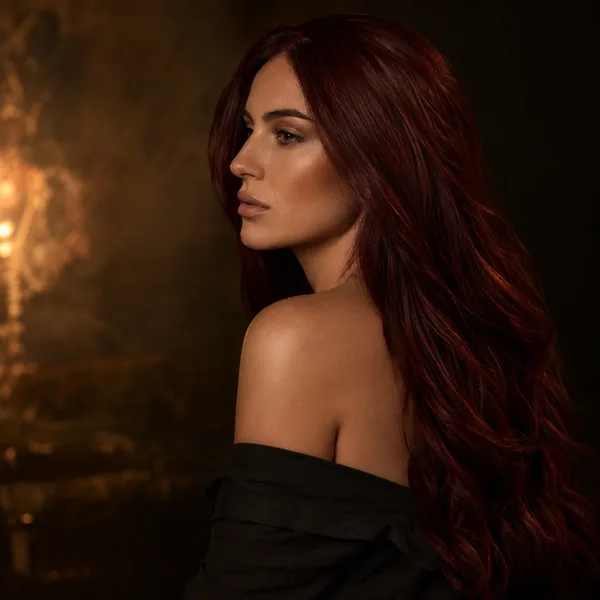 AI · 06
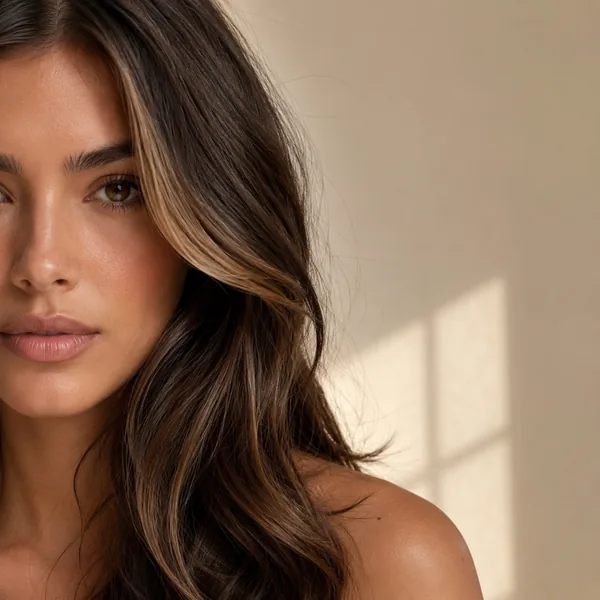 AI · 07
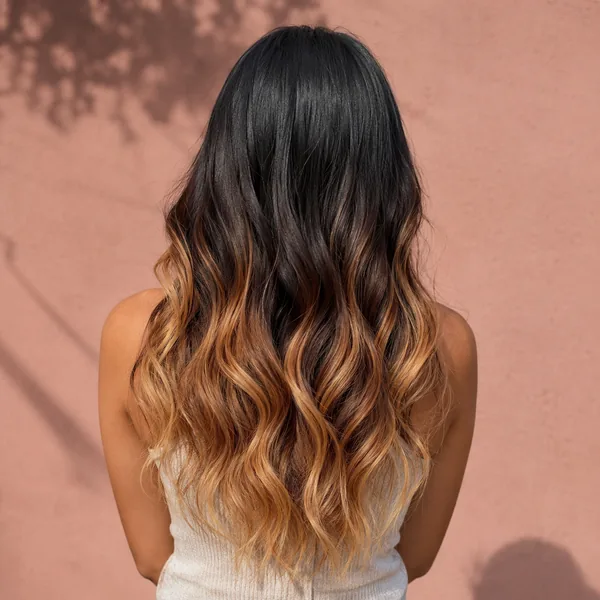 AI · 08
 AI · 09
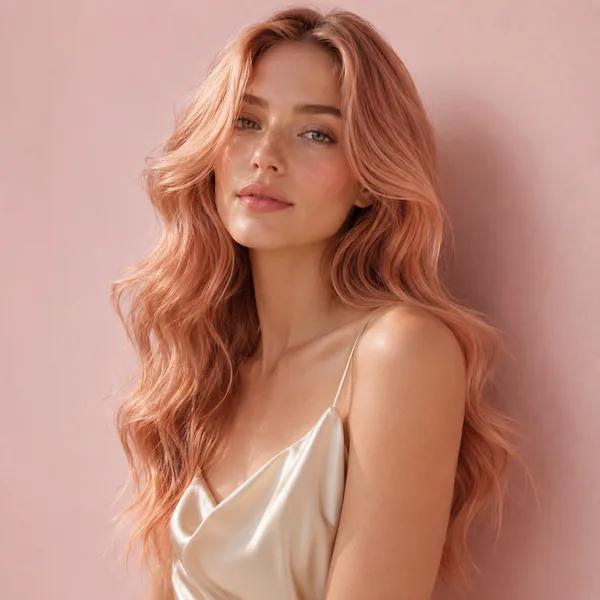 AI · 10
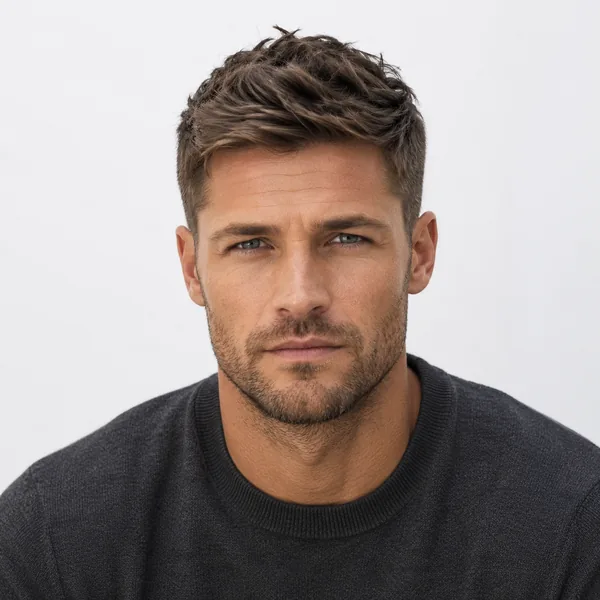 AI · 11
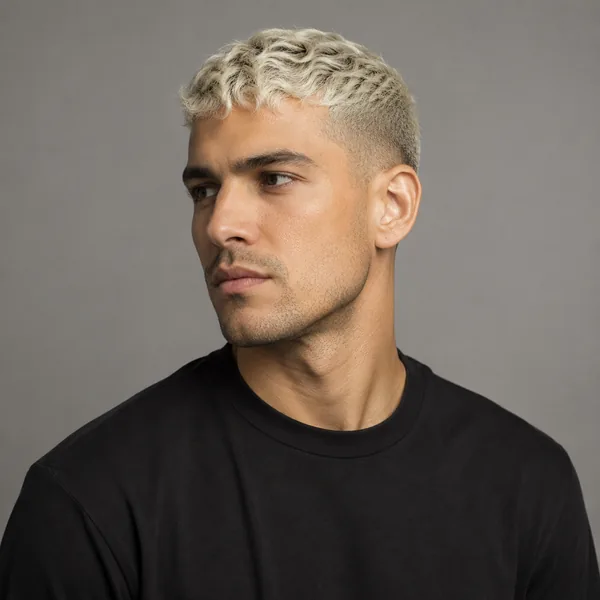 AI · 12
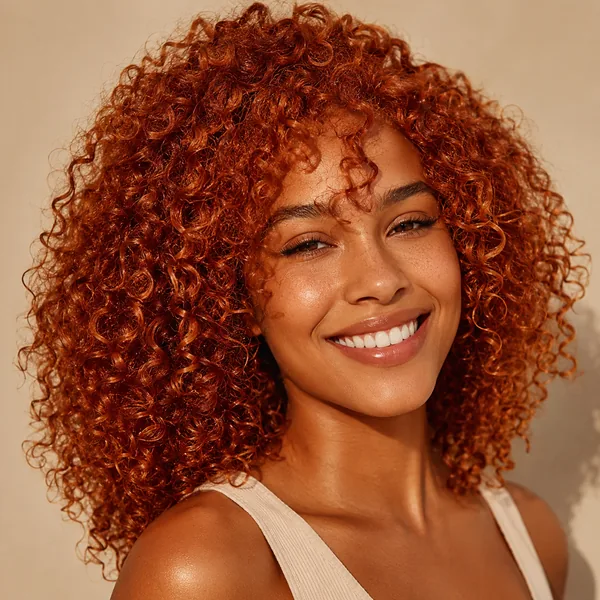 AI · 13
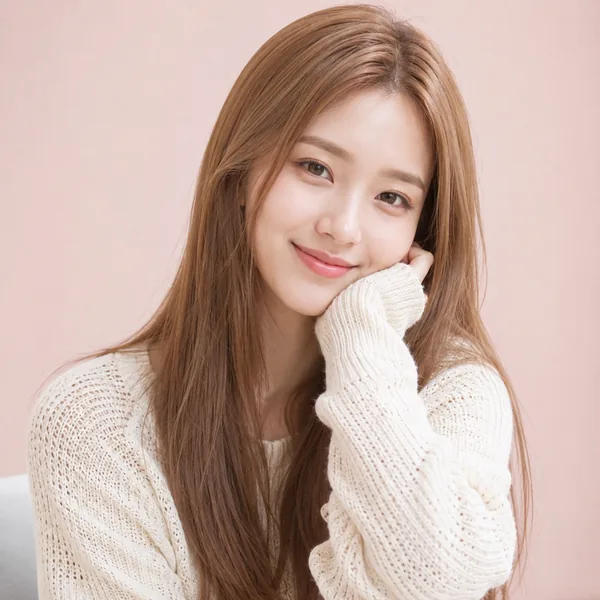 AI · 14
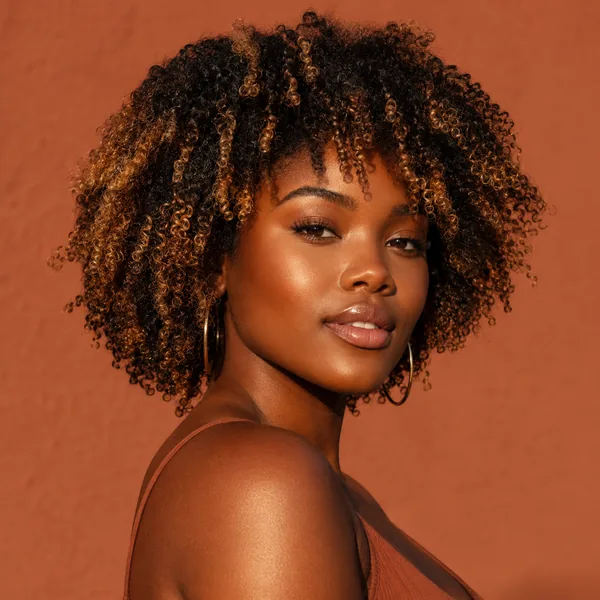 AI · 15
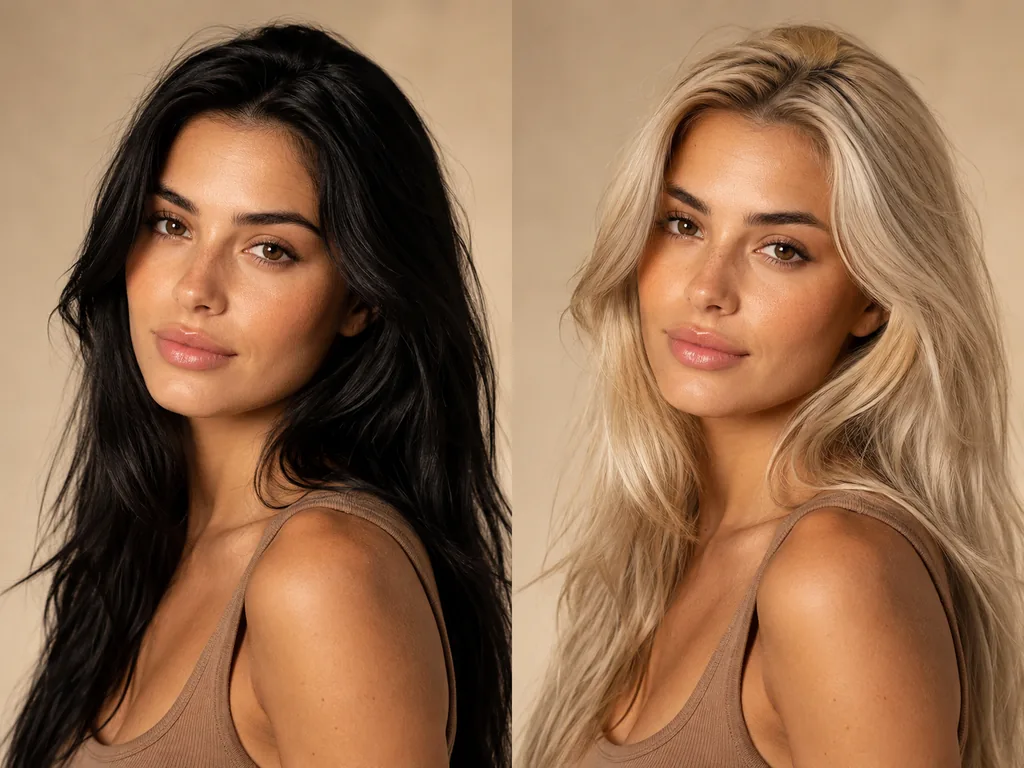
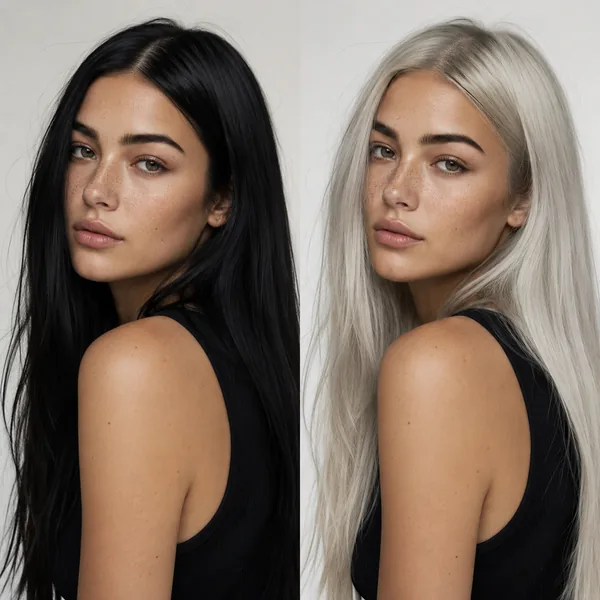
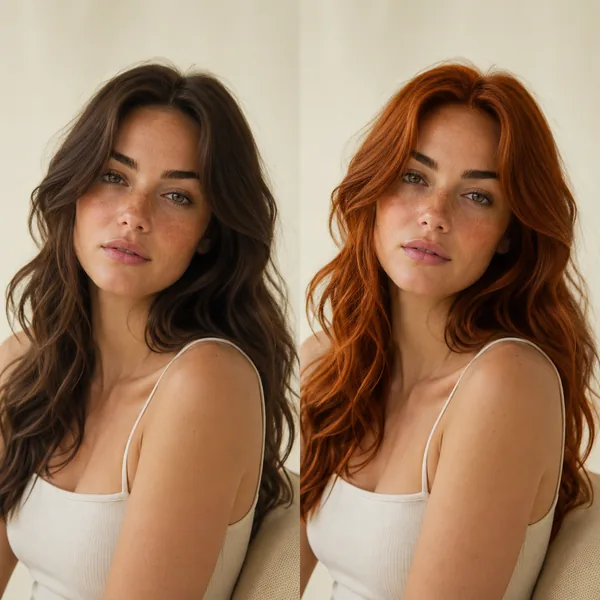
Four real before/after sets, rendered by the AI hair color changer on photos like the one you will upload. Notice how the AI hair color change keeps skin, lighting and texture exactly as the original photo.
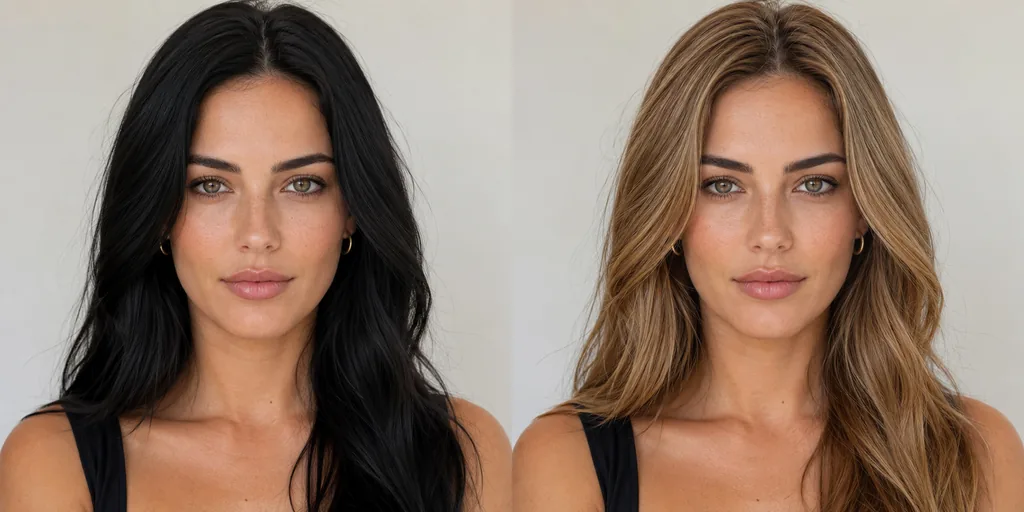 BEFOREAFTER · AI
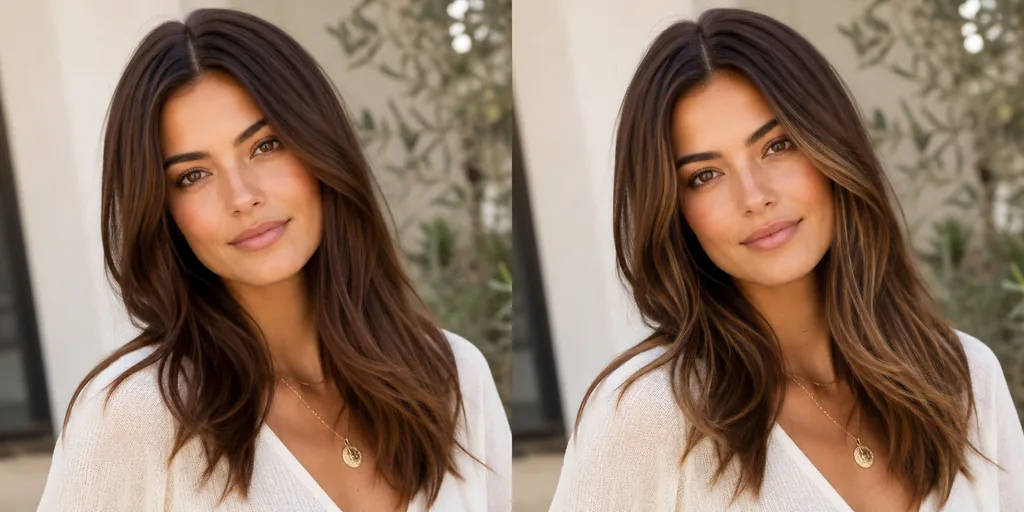 BEFOREAFTER · AI
 BEFOREAFTER · AI
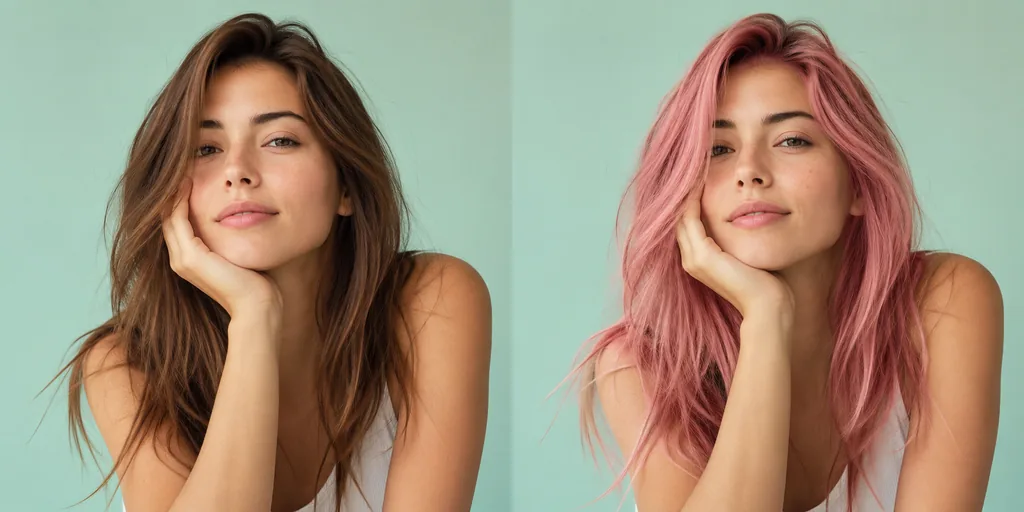 BEFOREAFTER · AI
From the Imya studio
The AI hair color changer reads light the way our eyes do. Bright window light or open shade gives the AI clean cues for highlights and shadows — and the hair color blend reads as natural.
A three-quarter angle with the hair fully in frame gives the AI hair color changer the most strands to recolor. Hats, heavy bangs or a back-of-head shot leave less for the AI to work with.
Sharper photos = sharper hair color. The AI hair color changer keeps every strand from your original photo, so a higher-resolution upload gives a higher-resolution AI hair color result.
Dramatic AI hair color changes from black to platinum are doable — but try a copper, honey-blonde or balayage first to see what flatters your skin tone before committing to a bold AI hair color change.
The AI hair color changer is free to preview — run the same selfie through your top three hair colors and compare side by side before you book the salon or order the dye kit.
Yes. The first preview is available without signup. New accounts receive 20 credits once at signup, then can actively claim daily check-in rewards for further generations.
Open the AI hair color changer, upload one selfie and pick a shade — your first render is free, no signup required.
Try the AI hair color changer →Free trial · Retention details: Privacy Policy