
AI Image ToolsFree Online AI Photo & Picture Tools
Stop overpaying for Photoshop. Imya bundles 32+ AI image tools — from background remover to photo restoration to anime portraits — into one free online toolbox. Pick a job, upload a shot, download in seconds.
- 32+AI image tools
- 5Workflow categories
- 100%Free to start
The same model lineup other apps charge $20/mo to access — free to use here.
Showing 33 of 32 tools
Popular AI image tools, picked by creators
Eight obvious starting points — these are the AI image tools creators reach for most. Every one is free to try and finishes in under a minute.
 Popular
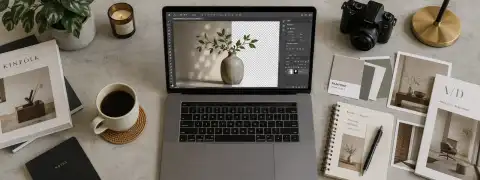
AI Background Remover
Remove backgrounds in seconds and download a transparent PNG. Edge-perfect on hair, fur and frizz.
Open tool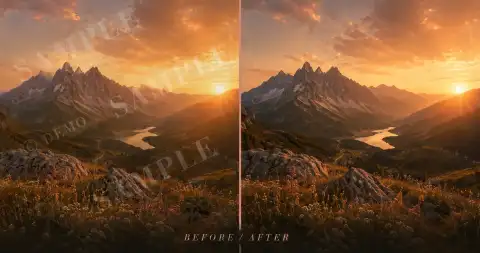 Popular
AI Watermark Remover
Wipe watermarks, timestamps and logos off any photo or video frame in a couple of strokes.
Open tool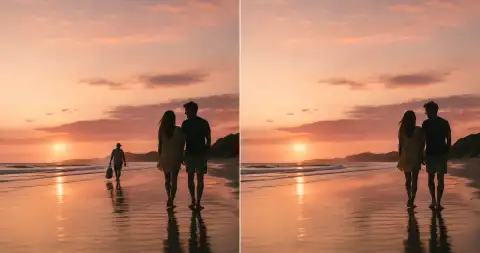 Popular
AI Object Remover
Erase photobombers, power lines, ex-partners — anything you can brush over disappears cleanly.
Open tool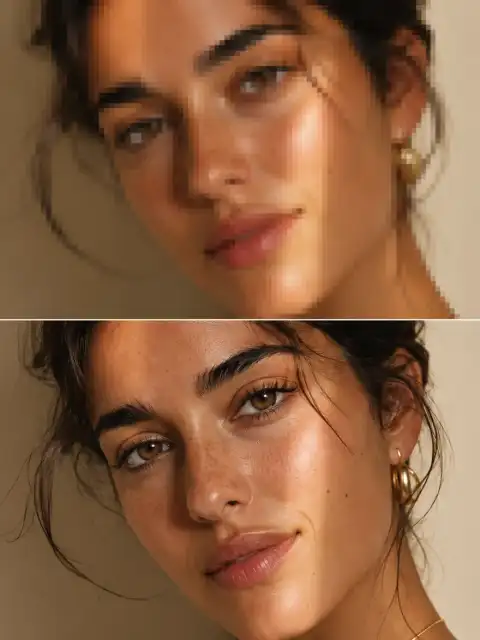 Popular
AI Image Upscaler
Enlarge any photo up to 4× the original resolution without losing detail. Great for old shots and print.
Open tool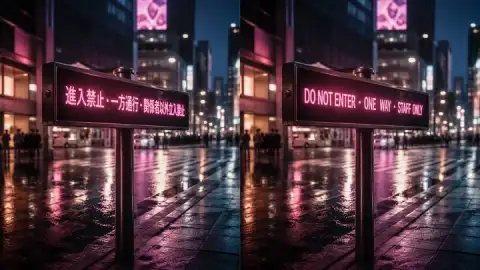 Popular
AI Image Translator
Translate text inside an image to any language while preserving the original layout and fonts.
Open tool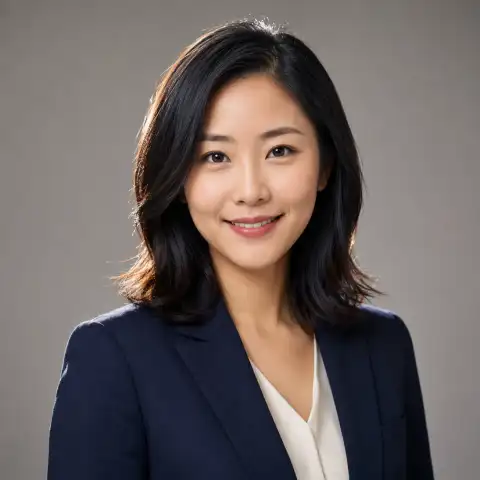 Popular
AI Headshot Generator
Turn one selfie into a polished LinkedIn-ready professional headshot — no studio required.
Open tool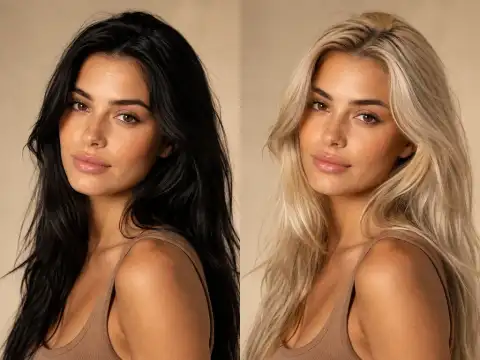 Popular
AI Hair Color Changer
Try blonde, pink, balayage or platinum on your own photo before you book the salon.
Open tool Popular
AI Photo to Ghibli
Turn any shot into a Studio Ghibli-style watercolour scene — warm light, painted brushwork.
Open tool
Browse all 32+ AI image tools by category
Every AI image tool ships free with no card and no watermark. Five categories of AI image tools, 32 jobs, one toolbox — pick the AI image tool that matches your job.
Photo Enhancement AI Tools
Six AI image tools that fix what cameras and photo apps can't — erase backgrounds, raise resolution to 4× the original, restore damaged family photos, and remove anything from a watermark to your ex from the shot. Every AI image tool in this section is free to try and runs in your browser.
- Popular
AI Background Remover
Remove backgrounds in seconds and download a transparent PNG. Edge-perfect on hair, fur and frizz.
Open tool 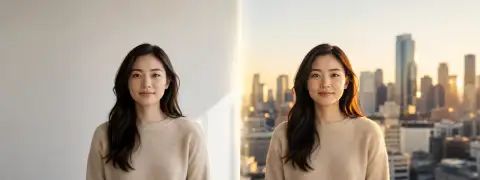
AI Background Changer
Drop your subject into a new scene — beach, office, studio — with realistic light matching.
Open tool- Popular
AI Image Upscaler
Enlarge any photo up to 4× the original resolution without losing detail. Great for old shots and print.
Open tool 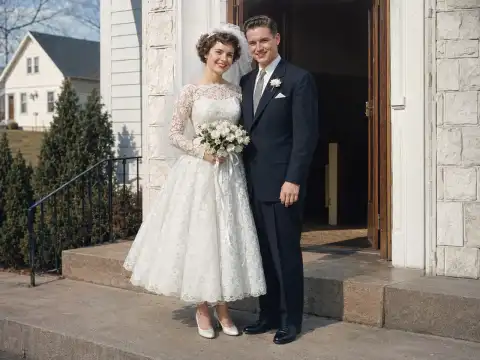 New
NewAI Old Photo Restoration
Bring scratched, faded and water-damaged family photos back to life. Colorize black-and-white shots too.
Open tool- Popular
AI Object Remover
Erase photobombers, power lines, ex-partners — anything you can brush over disappears cleanly.
Open tool - Popular
AI Watermark Remover
Wipe watermarks, timestamps and logos off any photo or video frame in a couple of strokes.
Open tool
Portrait & Avatar AI Image Tools
Turn one selfie into a polished LinkedIn headshot, a Pixar-style cartoon, an anime avatar or a different hairstyle altogether. These six AI image tools were trained on portrait data and respect facial geometry — so the result still looks like you, not a stranger with your background.
- Popular
AI Headshot Generator
Turn one selfie into a polished LinkedIn-ready professional headshot — no studio required.
Open tool 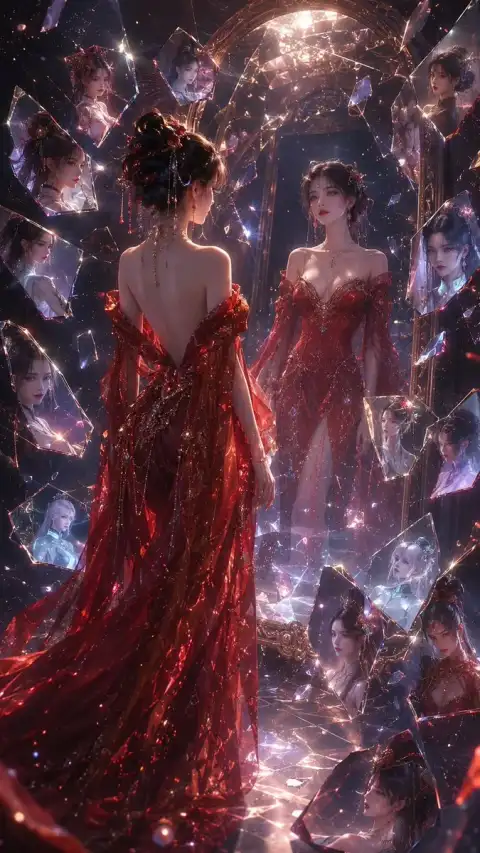
AI Anime Avatar
Convert your photo into an expressive anime avatar — multiple styles, instant download.
Open tool
AI Cartoon Portrait
Make a Pixar-style cartoon version of yourself, your kids or your pet from a single selfie.
Open tool- Popular
AI Hair Color Changer
Try blonde, pink, balayage or platinum on your own photo before you book the salon.
Open tool 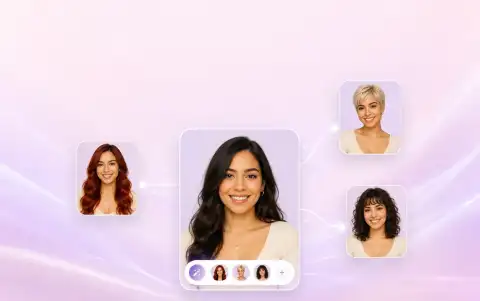
AI Hairstyle Changer
See yourself in a bob, fade, braids or curls — virtual try-on for every hair length.
Open tool
Style Transfer AI Image Tools
Five AI image tools that translate your photo into another visual language — Japanese anime, Studio Ghibli watercolour, pencil sketch, Van Gogh impasto, or a 1920s flapper portrait. Pick a style; the AI image tool does the brushwork in under a minute.
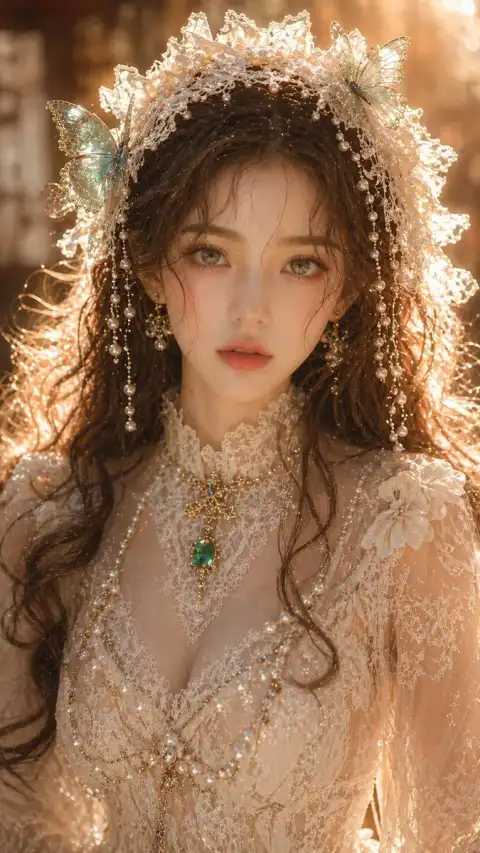
AI Photo to Anime
Re-render your photo as Japanese anime with clean line art and saturated colour.
Open tool- Popular
AI Photo to Ghibli
Turn any shot into a Studio Ghibli-style watercolour scene — warm light, painted brushwork.
Open tool 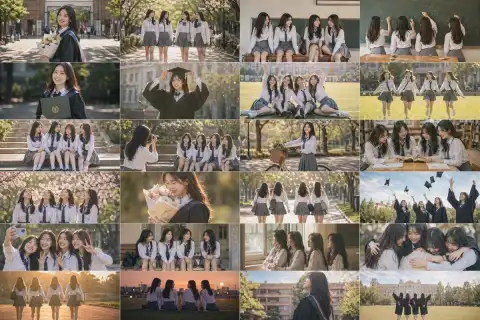
AI Photo to Sketch
Convert photos into pencil sketches, charcoal drawings or fine-line illustrations.
Open tool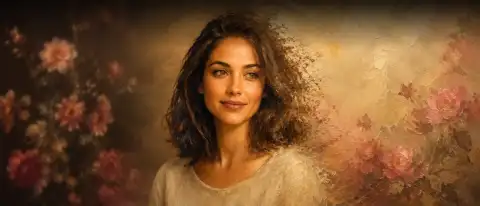
AI Art Style Transfer
Apply Van Gogh, Monet, ukiyo-e, pop-art and a dozen more painting styles to your photo.
Open tool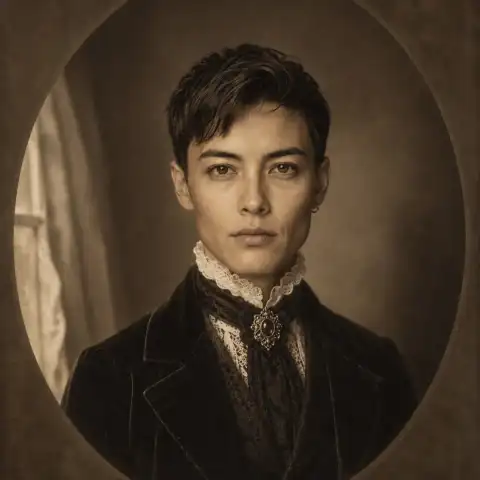 New
NewAI Time Travel Photo
See yourself as a 1880s Victorian aristocrat, a 20s flapper, a 50s pin-up or Renaissance royalty.
Open tool
Photo Creative AI Image Tools
Ten AI image tools for the moments worth remembering — couple shots from two selfies, wedding portraits in any style, family reunion photos stitched from separate headshots, and holiday cards for every occasion from Valentine's to Father's Day. Pick the AI image tool that matches the moment.

AI Couple Photo
Two selfies become one romantic couple shot — sunset, Paris, snow, golden hour and more.
Open tool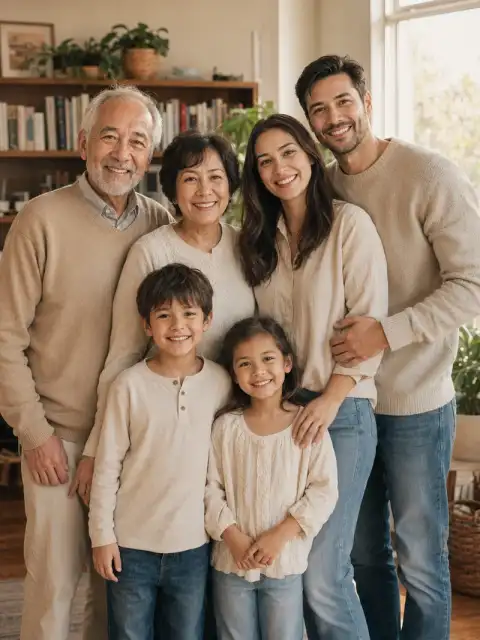
AI Family Photo Generator
Combine separate family member photos into one realistic family portrait — including holiday cards.
Open tool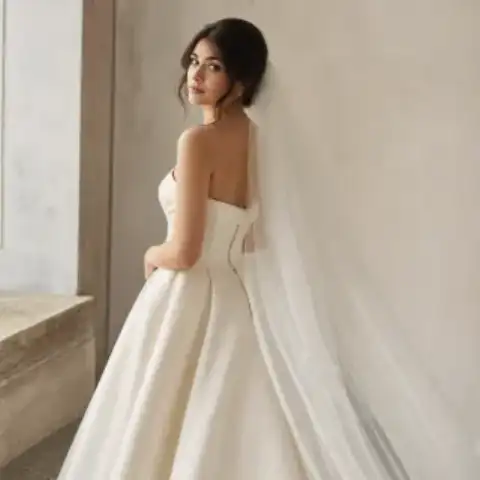
AI Wedding Photo
Generate professional wedding portraits in classic white, beach, garden and editorial styles.
Open tool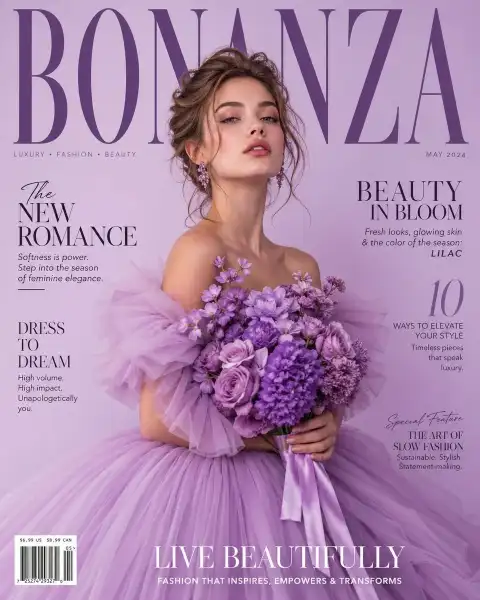
AI Christmas Cards
Personalized Christmas cards for romantic, family, kid and pet photos — print-ready.
Open tool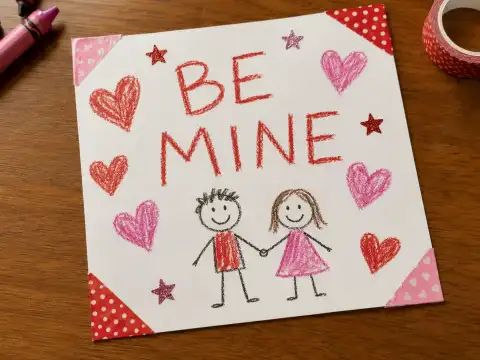
AI Valentine Card Maker
Design a Valentine card with your photo, a custom message and a romantic illustration style.
Open tool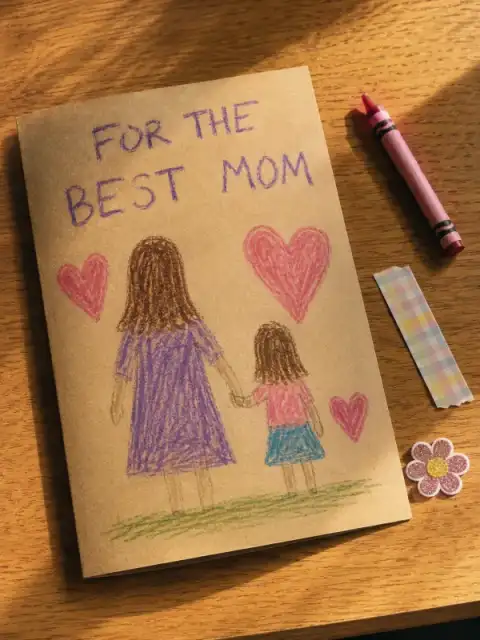
AI Mother’s Day Card Maker
A personalized Mother’s Day photo card you can download, print and gift.
Open tool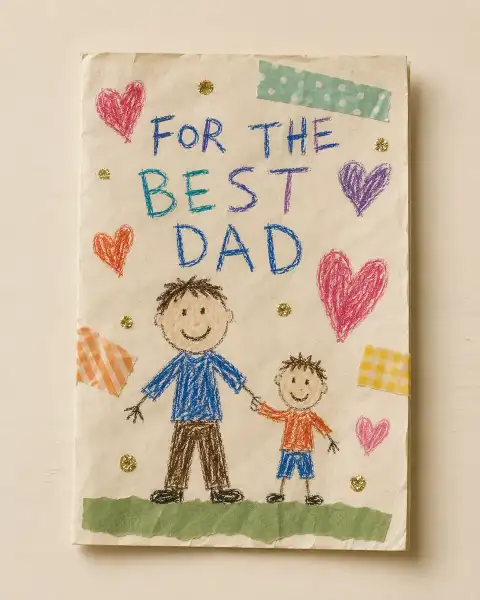
AI Father’s Day Card Maker
A custom Father’s Day photo card with optional reference photo and your message.
Open tool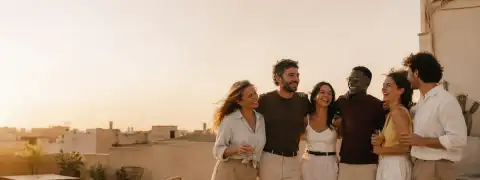 New
NewAI Group Photo Mixer
Combine separate selfies into a believable group photo — reunion, remote team, memorial.
Open tool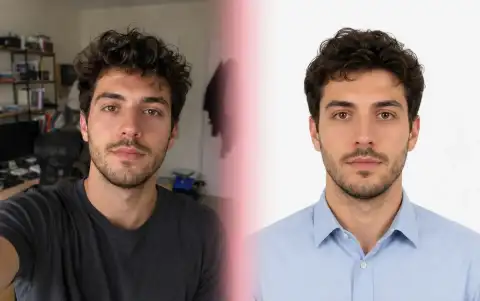
AI ID Photo Maker
Compliant passport, visa and ID photos from a phone selfie — print-ready sheet included.
Open tool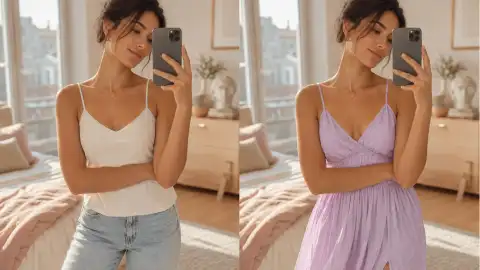
AI Virtual Try-On
Upload yourself and a garment to preview the outfit on your own body before you buy.
Open tool
Creative AI Image Generator Tools
Six AI image generator tools for the work side of your life — design a logo, translate text inside a screenshot, redesign a room you can't afford to renovate, or mock up a product on a t-shirt before you print one. These AI image tools cover the brand-asset gap that consumer photo apps ignore.
 New
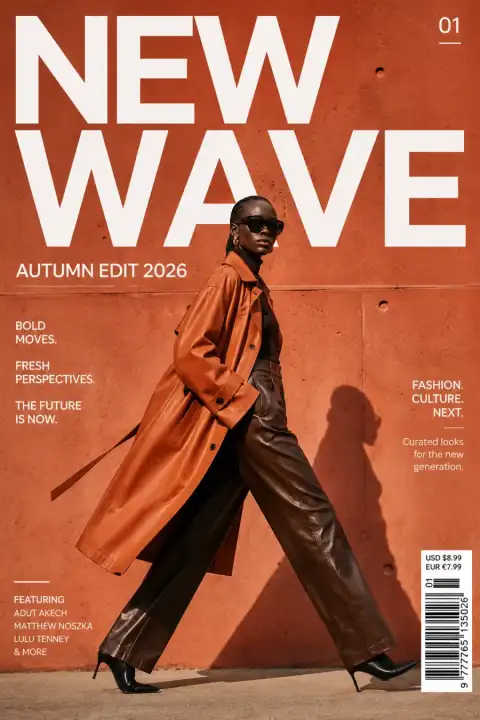
NewReve 2.0
See Reve 2.0 — reve.com's #2-on-Arena Large Layout Model — and create its layout-precise 4K image style free online on Imya.
Open tool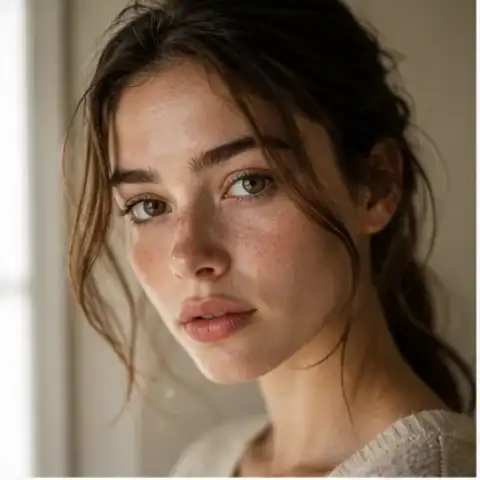 New
NewZ Image Turbo
Run Tongyi’s fast ~8-step Z Image Turbo text-to-image model online free, with no ComfyUI or GPU setup.
Open tool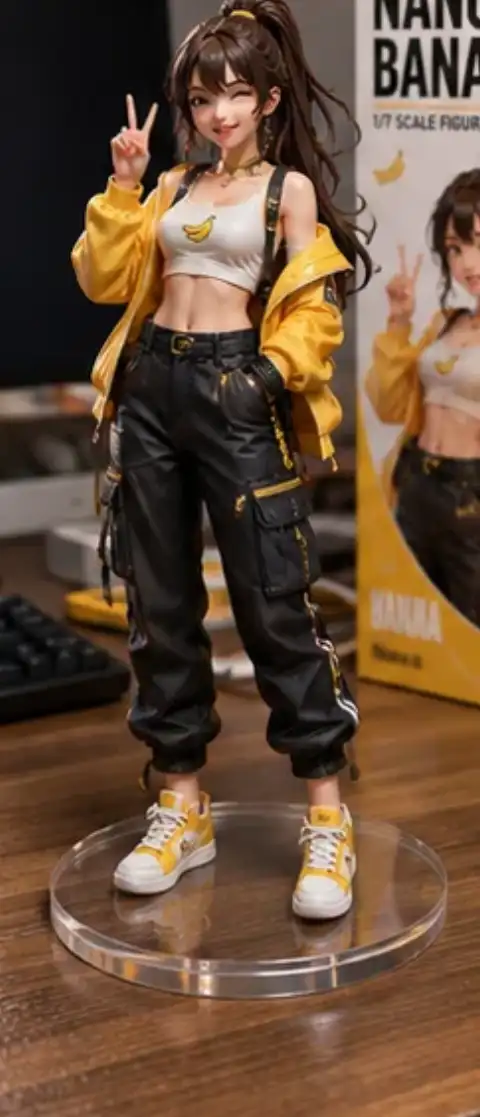 New
NewNano Banana
Generate photorealistic images, 3D figurines and text-perfect logos with Nano Banana Pro and Nano Banana 2 — free to start.
Open tool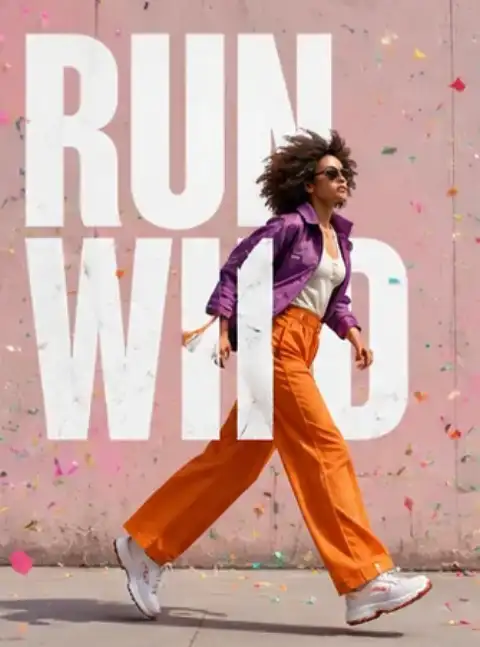 New
NewNano Banana 2
Try Google's fast Nano Banana 2 model free online — text-to-image, editing and crisp 4K text. Compare Nano Banana 2 vs Pro.
Open tool New
NewGrok Imagine Image 2.0
Create and edit images with Grok Imagine Image 2.0 using text prompts, up to five reference images and six aspect ratios.
Open tool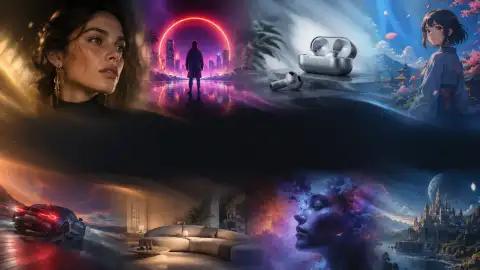 Popular
Nano Banana Pro
Use Google's Nano Banana Pro online free — text-to-image and editing with crisp 4K detail and legible text. Compare Nano Banana Pro vs Nano Banana 2.
Open tool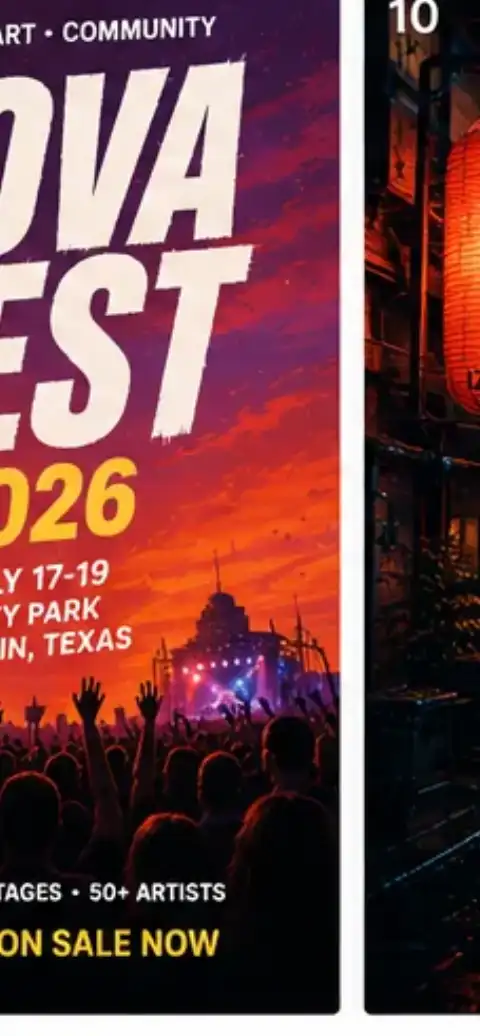 Popular
Seedream 4.0
Try ByteDance's Seedream 4.0 free online — text-to-image and photo editing with crisp typography and 4K detail. Compare Seedream 4.0 vs Nano Banana.
Open tool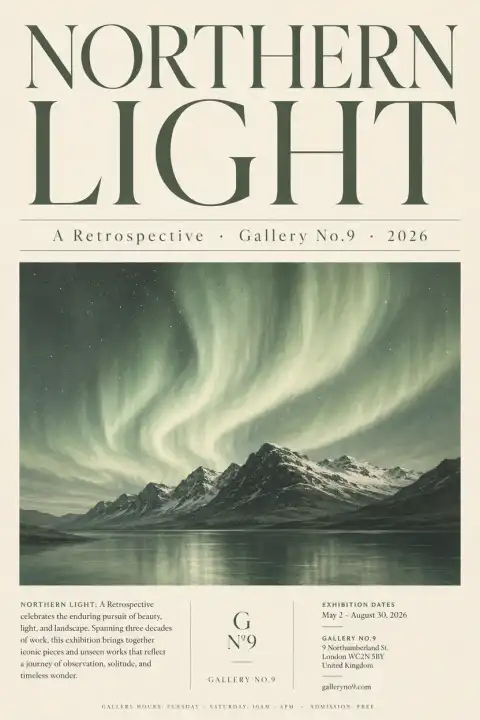 Popular
Seedream 4.5
Try ByteDance Seedream 4.5 free online — text-to-image and editing with crisp typography and consistent characters. Compare Seedream 4.5 vs Nano Banana Pro.
Open tool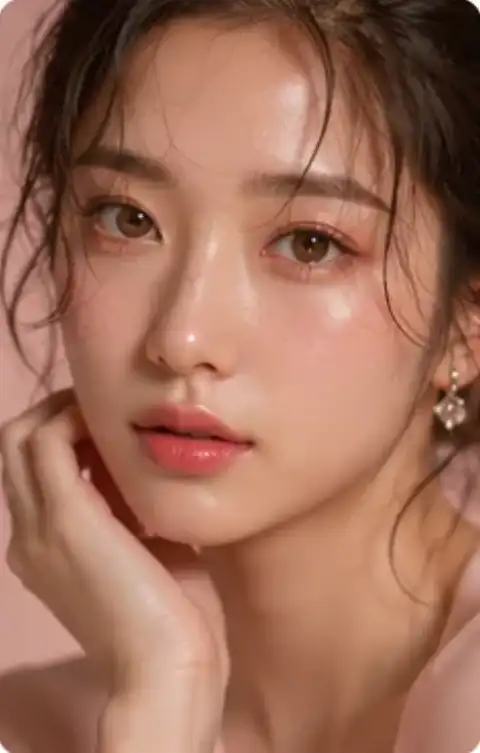 New
NewSeedream 5
Try ByteDance Seedream 5 (5.0 Lite) free online — photoreal text-to-image with accurate text. Compare Seedream 5 vs Nano Banana Pro.
Open tool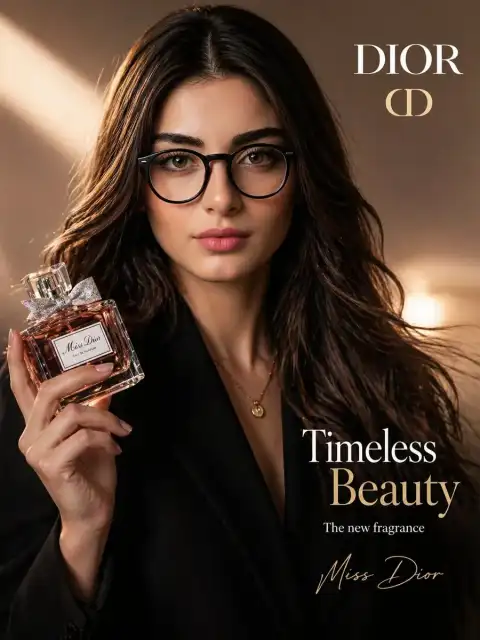
AI Logo Generator
Design a clean brand mark for your startup or side project — multiple variants in seconds.
Open tool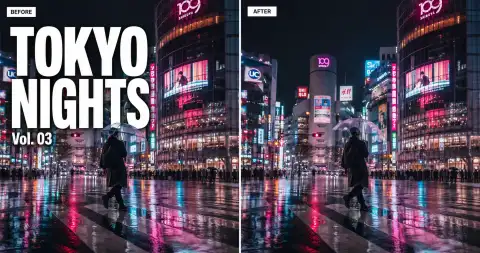
AI Text Remover
Strip captions, date stamps, TikTok overlays and document text from any image or frame.
Open tool- Popular
AI Image Translator
Translate text inside an image to any language while preserving the original layout and fonts.
Open tool 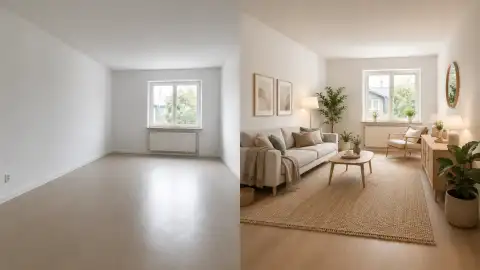
AI Room Designer
Redesign and refurnish a room from one photo — pick a style, get an instant interior render.
Open tool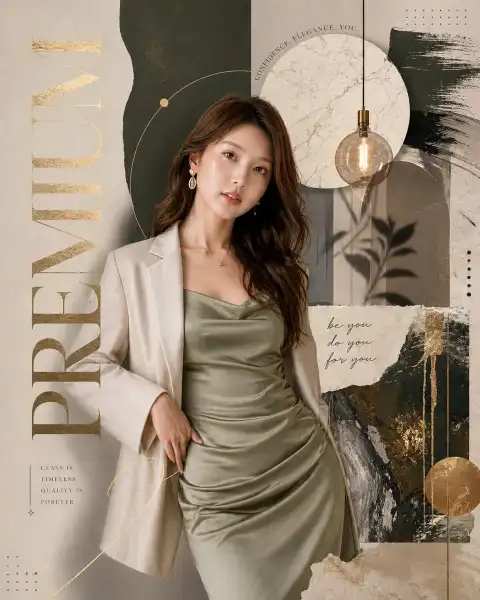
AI Product Mockup
Mock up your design on t-shirts, mugs, posters and packaging before you print.
Open tool
AI Logo Remover
Remove sponsor logos and brand marks from photos and screenshots.
Open tool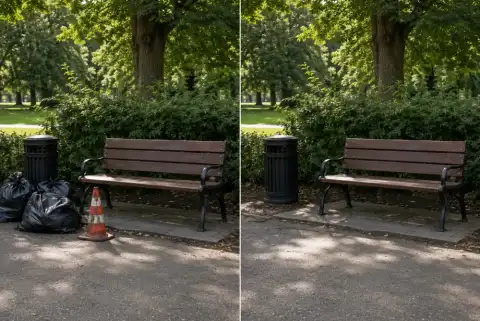 New
NewQwen Image Edit
Edit any photo by prompt with Qwen Image Edit — remove text or objects, restyle scenes and control the camera angle. Runs 2509, 2511 and 2512.
Open tool
What are AI image tools?
AI image tools are software that use generative and predictive models to perform photo-editing tasks that used to require Photoshop, a designer, or a studio appointment. Instead of dragging brushes and tweaking sliders, you upload a photo (or write a prompt) and the AI image tools deliver a finished result in seconds. Most modern AI image tools also accept text prompts so you don't need an input photo at all.
Imya is a focused catalog of 32+ AI image tools across five jobs — enhancing photos, restoring portraits, transferring style, creating new compositions, and generating brand assets. Every one of these AI image tools runs in your browser with no install, no card and a free tier on every tool. The same AI image generator tools that power-users pay $20/month for elsewhere are sitting in the grid below, free to start. Skip the subscription stack — try the AI image tools directly.
Why Imya's AI image tools beat generic photo apps
Most photo apps either lock the good AI image tools behind a subscription or bury them in a clunky timeline. Imya's AI image tools take the opposite path — one clean toolbox, one set of best-in-class models, one free tier on every AI image tool.
Best-in-class models behind every AI image tool
Nano Banana, GPT Image 2, Seedream 4.0, Qwen Image Edit Plus and Hailuo 2.3 — the same model lineup other AI image tools charge $20/mo to access. We don't run a private weak model; we route every job to the strongest model available.
Free AI image tools — no card, no watermark
New accounts receive 20 credits once, then can actively claim daily check-in rewards. Current Starter, Pro and Unlimited plans add monthly credits and plan-adjusted model costs; outputs remain watermark-free.
One toolbox, 32 AI image tools
Stop juggling six photo apps. Imya's AI image tools cover photo enhancement, portrait, style transfer, creative composition and brand assets in one tab. The hub you're on is the whole map — pick a job and go.
How to use any of our AI image tools in 3 steps
Every AI image tool in the catalog follows the same three-step pattern. Learn one and you've effectively learned all 32.
- 01
Pick the AI image tool you need
Is the photo broken? Pick Photo Enhancement. Is it a person? Pick Portrait & Avatar. Need a new style? Style Transfer. Each category card explains the job of its AI image tools in one line.
- 02
Upload your photo (or describe the result)
Most AI image tools take a single photo. A few (couple, family, group, virtual try-on) take two or three. Drop, paste, or pick from your camera roll — every AI image tool on mobile included.
- 03
Download the AI-generated image
Results from these AI image tools land in 5–20 seconds on the free tier. HD download is free with no email gate. Use it in a CV, a Christmas card, an Instagram post, or anywhere you'd have used Photoshop.
Choose Starter, Pro or Unlimited
Start with 20 one-time signup credits and daily check-ins, or view the current paid plans below.
Starter
$29.99/ month
- 1,200 credits / month
- Standard model credit costs
- Account-based generation history
- Credit cost shown before generation
- Popular
Pro
$89.99/ month
- 4,500 credits / month
- 20% lower model credit costs
- Commercial-use licence
- Private generation history
- Most credits
Unlimited
$149.99/ month
- 8,700 credits / month
- 20% lower model credit costs
- Commercial-use licence
- Private generation history
AI image tools FAQ
The six questions we hear most often about Imya's AI image tools — from "are these AI image tools really free" to "which AI image tool should I pick first".
Yes. New accounts receive 20 credits once at signup, then can actively claim daily check-in rewards. Every 7-day check-in cycle awards 30 credits in total. Current Starter, Pro and Unlimited plans are listed on the main pricing page.
No. All 32 AI image tools run in your browser — Chrome, Safari, Firefox and mobile included. There is no app, no plugin, no Photoshop. Open any AI image tool, upload a photo, download the result.
If you want the fastest 'wow' moment, try AI Photo to Ghibli or AI Headshot Generator — both AI image tools work from a single selfie and finish in under 30 seconds. If your photo is broken (low resolution, scratched, has a watermark) start with the Photo Enhancement AI image tools.
Timing varies by tool, model complexity and current demand. The interface shows progress while each task runs; paid plans do not promise a faster queue.
Your upload is transferred over HTTPS and processed by Imya and contracted AI providers to provide this service. Imya does not sell your files or use them to train Imya-owned models; providers process them under their own terms. See our Privacy Policy for retention details.
Yes. The full catalog of AI image tools is mobile-first — upload, generate and download from any phone. Most of the AI image tools also accept clipboard paste and camera-roll picks directly. Try one on your phone before you commit to a desktop session.
Start creating with AI image tools — free today
Pick an AI image tool, upload a photo, download in under a minute. No card, no watermark, no install — try any of the 32+ AI image tools free.
No credit card required