
Truly multi-modal
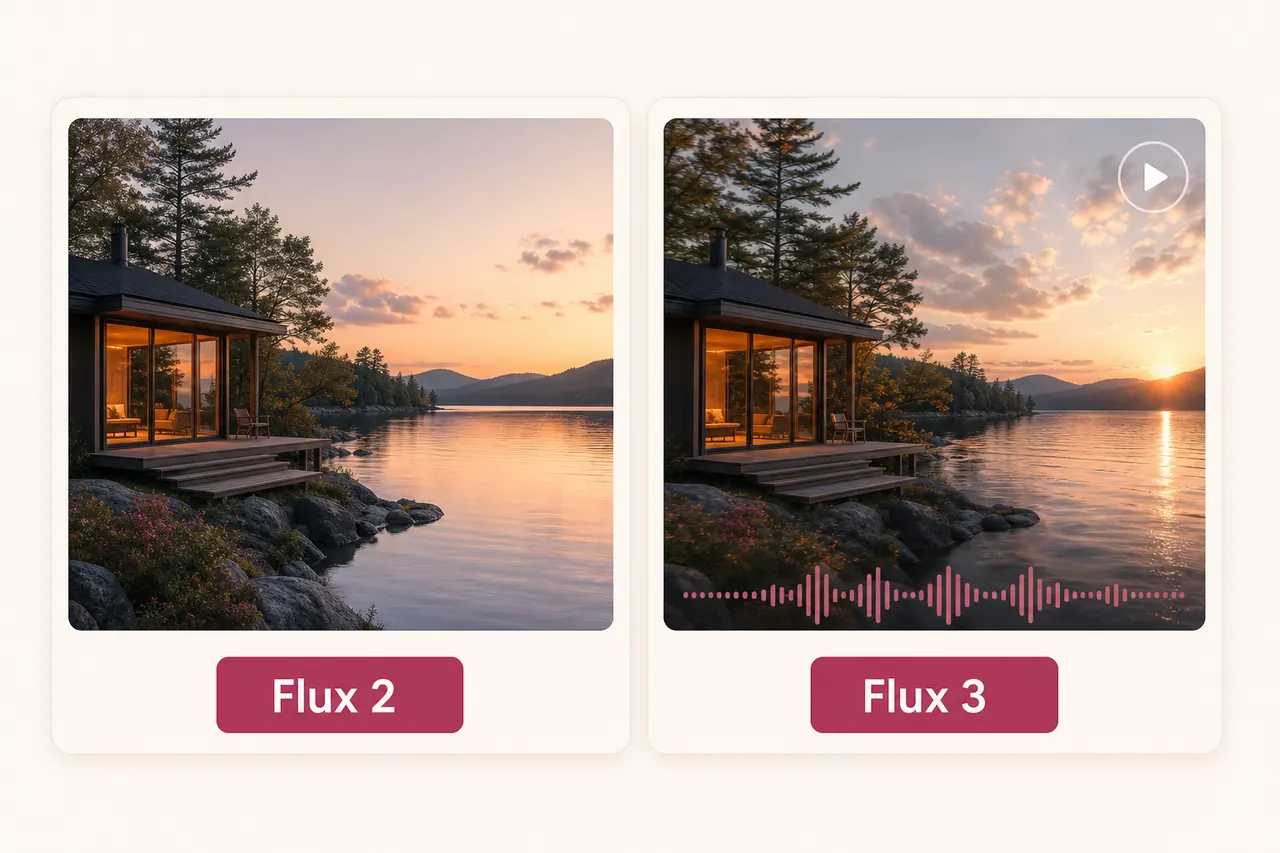
Image, video, audio and action prediction share one architecture, so styles and subjects stay consistent when you move between still and moving output.
Flux 3 is Black Forest Labs’ new multi-modal model — image, video, audio and action prediction in one architecture, with Flux 3 Video in early access. Prepare your shot here and see the exact credit cost before the Imya workspace.
Text-to-video or image-to-video, powered by the real ByteDance Seedance 2.0 model.
Describe a shot and the model renders it from scratch — with native audio.
Be specific about subject, camera move, lighting and mood. English prompts work best.
Model
Resolution
Aspect ratio
Renders take a few minutes. Keep this tab open — your finished video appears here when it is ready.
4s · 480p · 16:9 · audio on · 230 credits
One model
Image, video, audio, action
Up to 20 s
Multi-shot from one prompt
Dialogue
Speech generated with the scene
Jul 23, 2026
Flux 3 announced by BFL
ONE ARCHITECTURE, EVERY MEDIUM
Flux 3 is the multi-modal model Black Forest Labs introduced on July 23, 2026 — one jointly trained architecture that generates images, video, audio and action predictions, rather than separate models stitched together. Flux 3 Video opened in early access the same day.
Early testers highlight two things: clips up to 20 seconds that hold together across multiple shots from a single prompt, and dialogue that lands from surprisingly vague directions. Flux 3 is not yet on Imya — this page tracks access honestly and gives you a working composer meanwhile, generating with Seedance 2.0 for video while Flux 2 covers the image side.
Image, video, audio and action prediction share one architecture, so styles and subjects stay consistent when you move between still and moving output.
The model generates up to 20 seconds across connected shots from one prompt — long enough for a scene with a beginning, middle and end.
Demos show Flux 3 producing spoken lines from directions as vague as a topic. Audio is generated with the scene, not layered on afterwards.
FLUX 3 EARLY ACCESS
Flux 3 Video is gated behind early access right now. Here are the real routes in, and the honest way to build the workflow before general availability.
Black Forest Labs runs Flux 3 Video early access through its own channels — the announcement links the signup. Slots open in waves, so an early application matters.
Source: the official BFL announcement of July 23, 2026.
Time-limited Flux 3 previews have appeared on partner platforms — sometimes for only a day or two. They are real but fleeting; treat them as demos, not a workflow.
Rule: verify preview claims against BFL’s own posts.
The composer above generates today with Seedance 2.0 — multi-shot-friendly prompting, native audio, published credit prices. The same draft carries over when Flux 3 lands.
Try: a 5-second 720p draft to lock your shot first.
The Flux image line is already live on Imya. For posters, product shots and photoreal stills, Flux 2 works now — same family, no waitlist.
Find it at /flux-2 — linked at the bottom of this page.
THREE PRACTICAL WORKFLOWS
The early-access demos cluster around three jobs. Each can be drafted with the composer on this page today and re-run on Flux 3 when access opens.
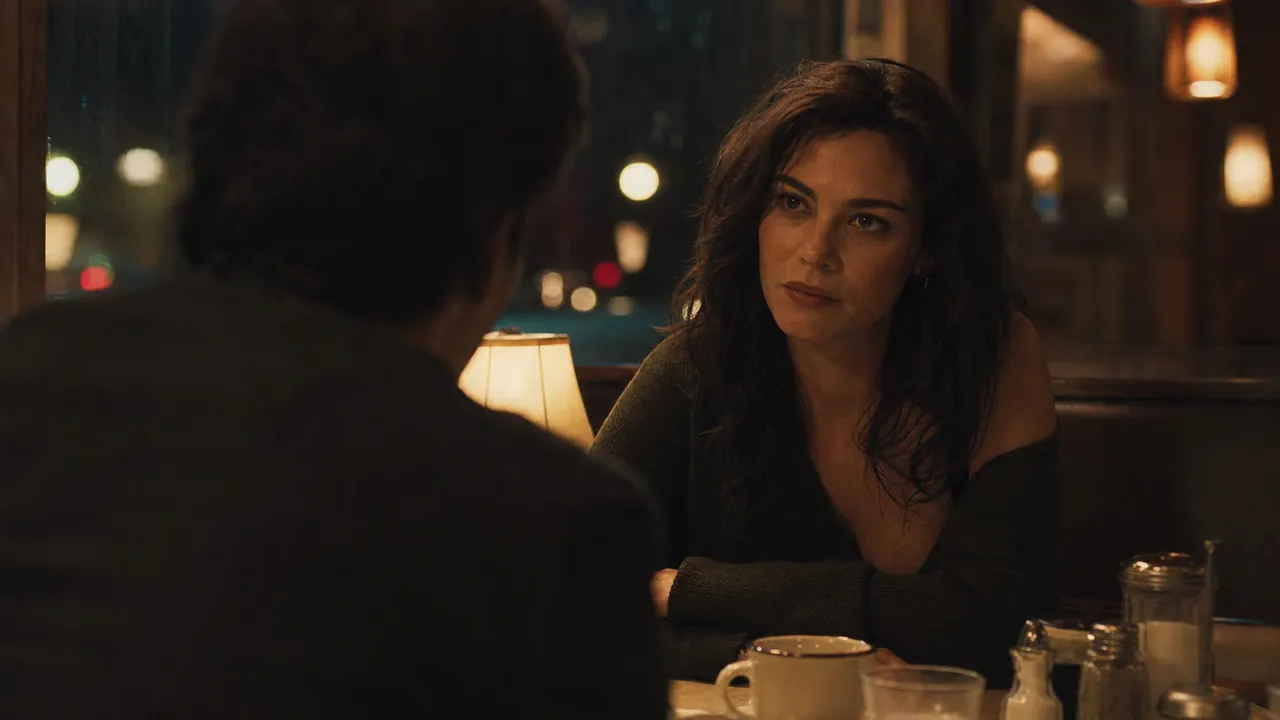 Example starting image
Flux 3’s standout demo is conversation: characters ranting, joking or explaining from one-line directions, with speech generated in the scene. Draft the framing now; keep one speaker and one camera move.
“She leans across the diner table and delivers one dry sentence to camera; tungsten light, shallow depth, slow push-in, no cuts.”
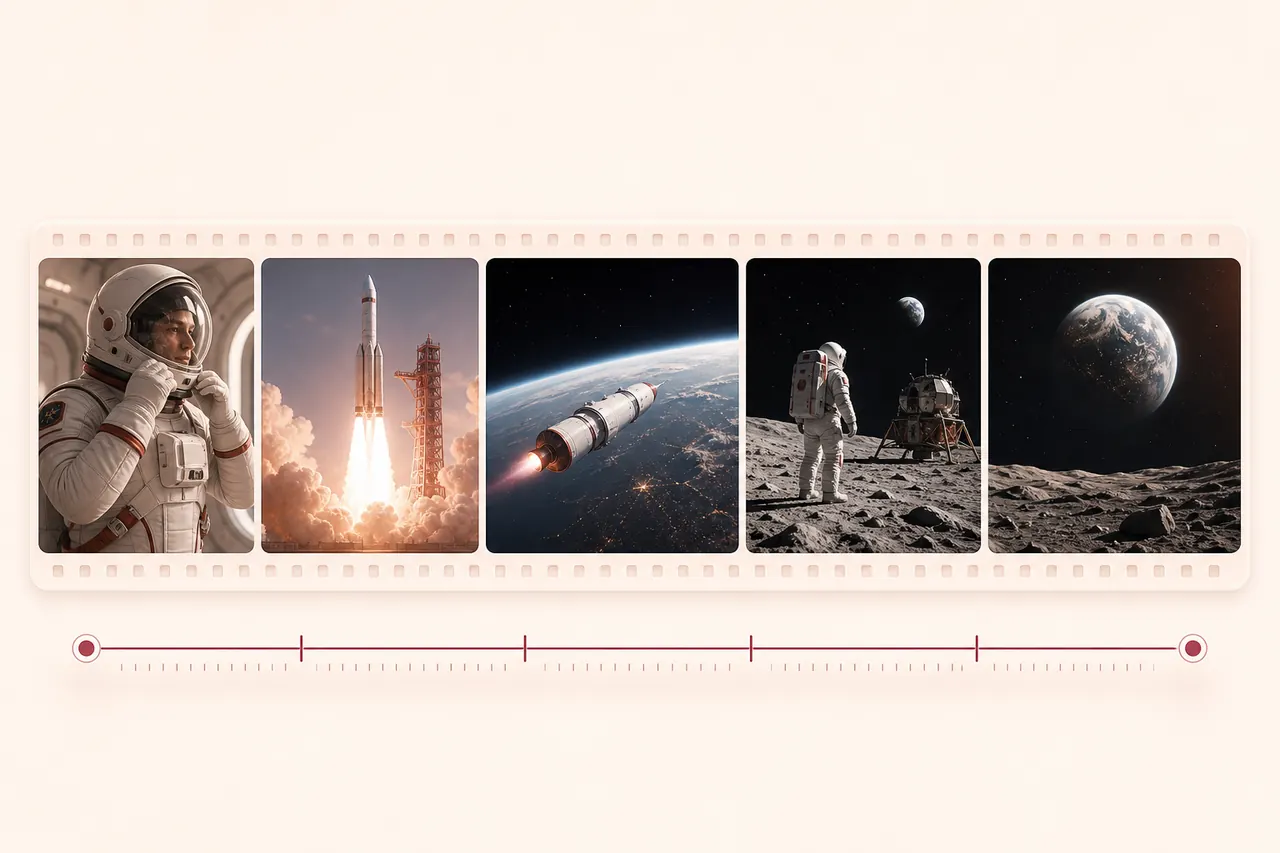 Example starting image
Because image and video share one architecture, a Flux-style product still can extend into a spot without the look drifting. Prepare the hero frame today on Flux 2, animate it here.
“Steam rises off the coffee as morning light travels across the table; the camera makes a slow half-orbit, label readable, background still.”
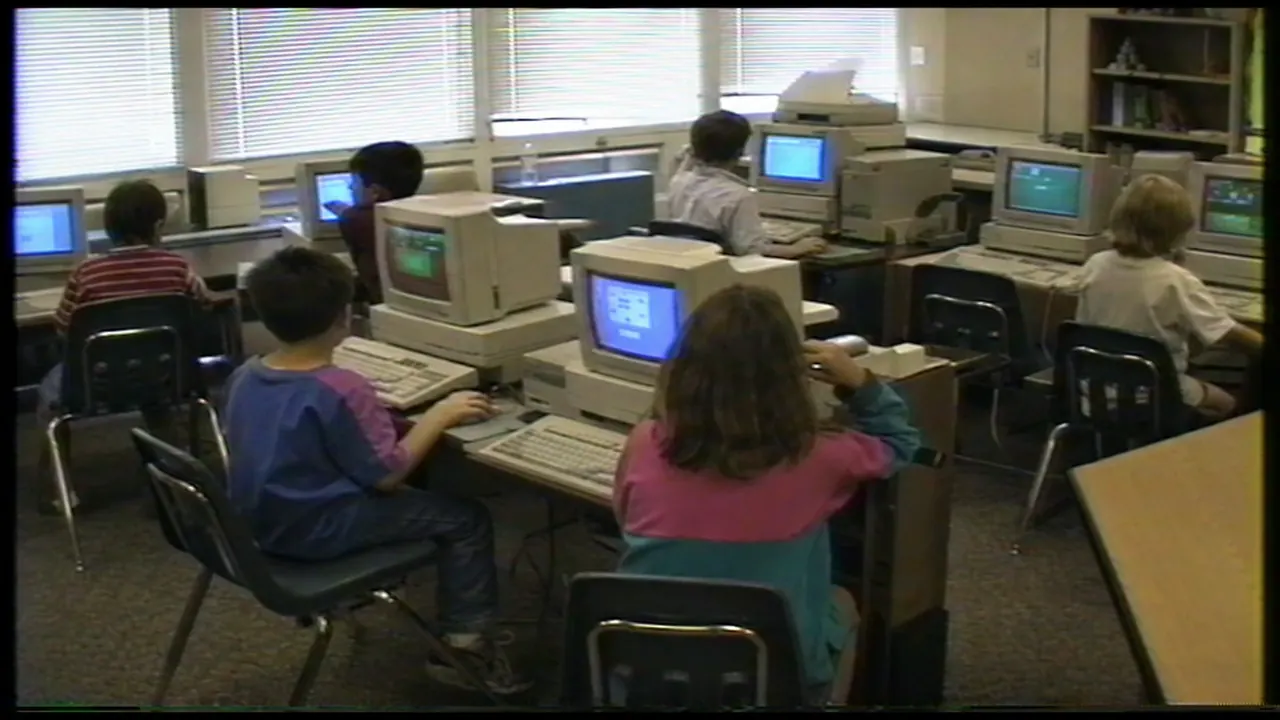 Example starting image
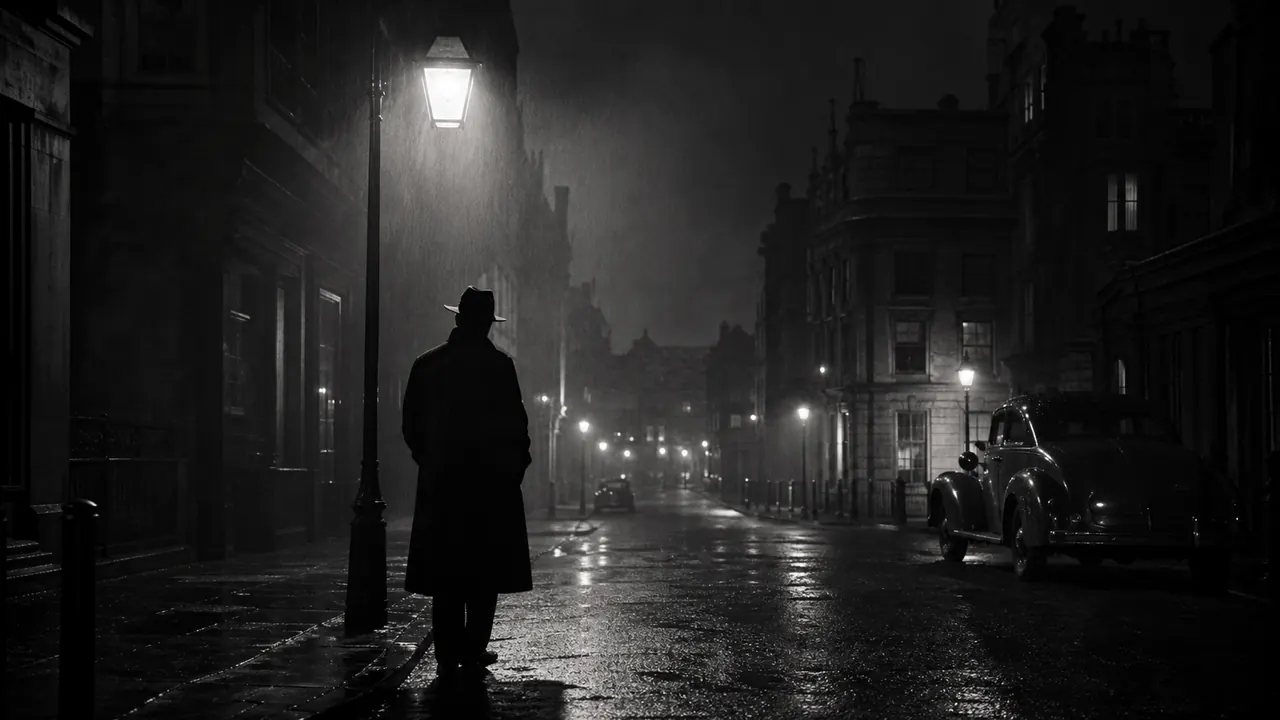
Testers love Flux 3 for historical texture — 90s camcorder classrooms, grainy newsreels, VHS color bleed. Name the era, the medium and one action; let the model carry the artifacts.
“1990s camcorder footage: kids at bulky CRT computers in a classroom; slight VHS color bleed, one child turns and grins at the lens, handheld sway.”
FLUX 3 SHOT LIBRARY
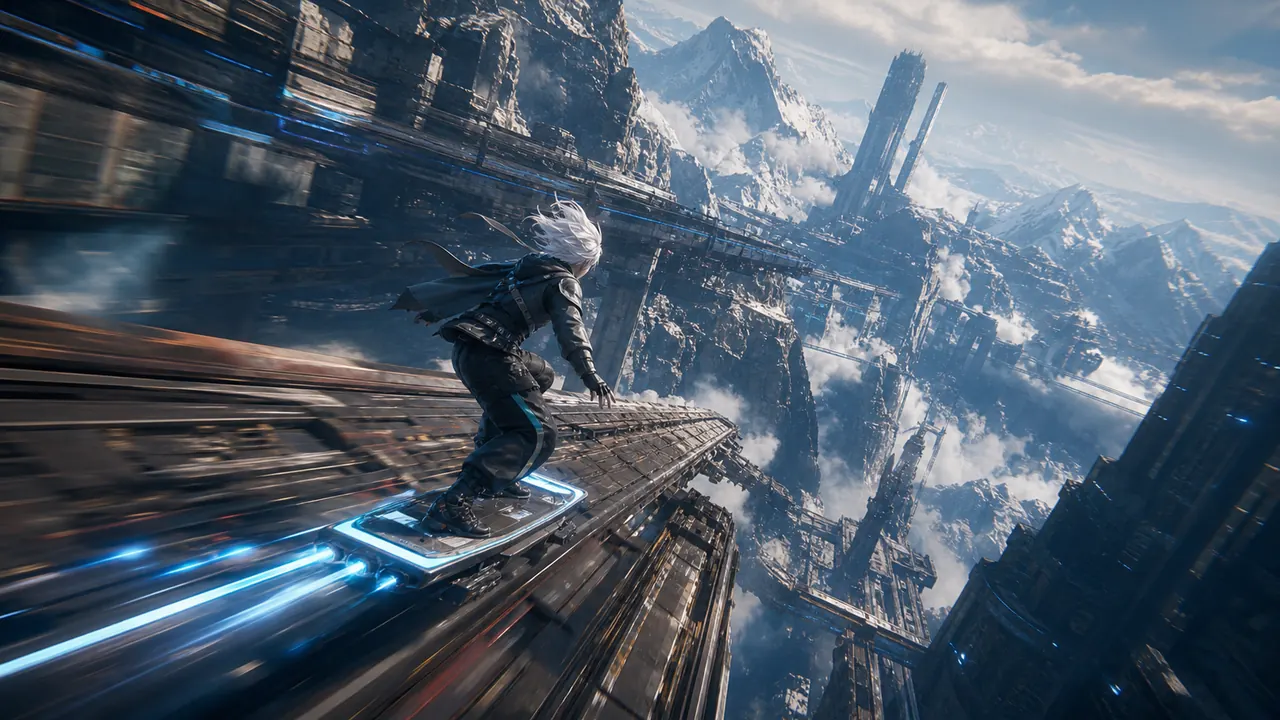
Reference frames for the looks Flux 3 early testers keep returning to, plus how the multi-modal architecture fits together. Each is a starting frame, not a guaranteed output.
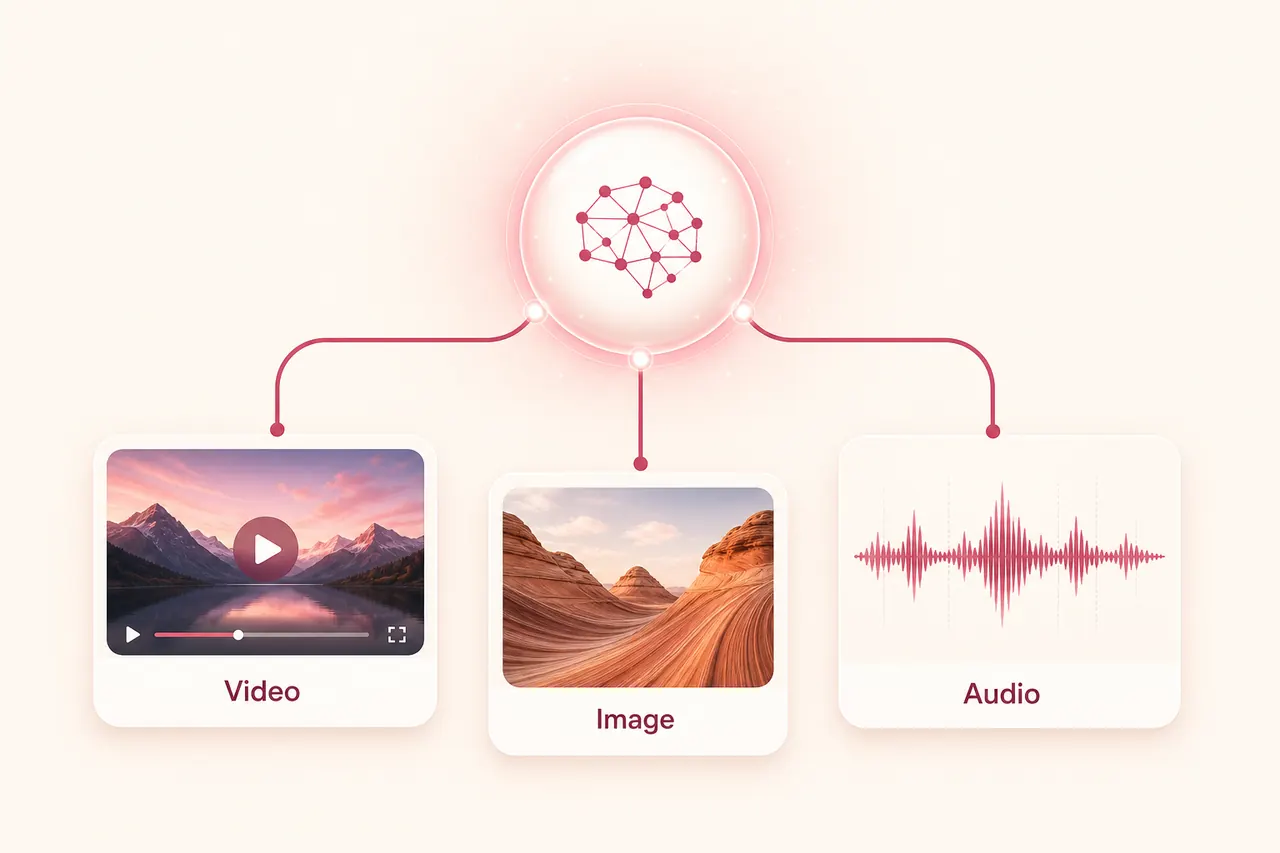
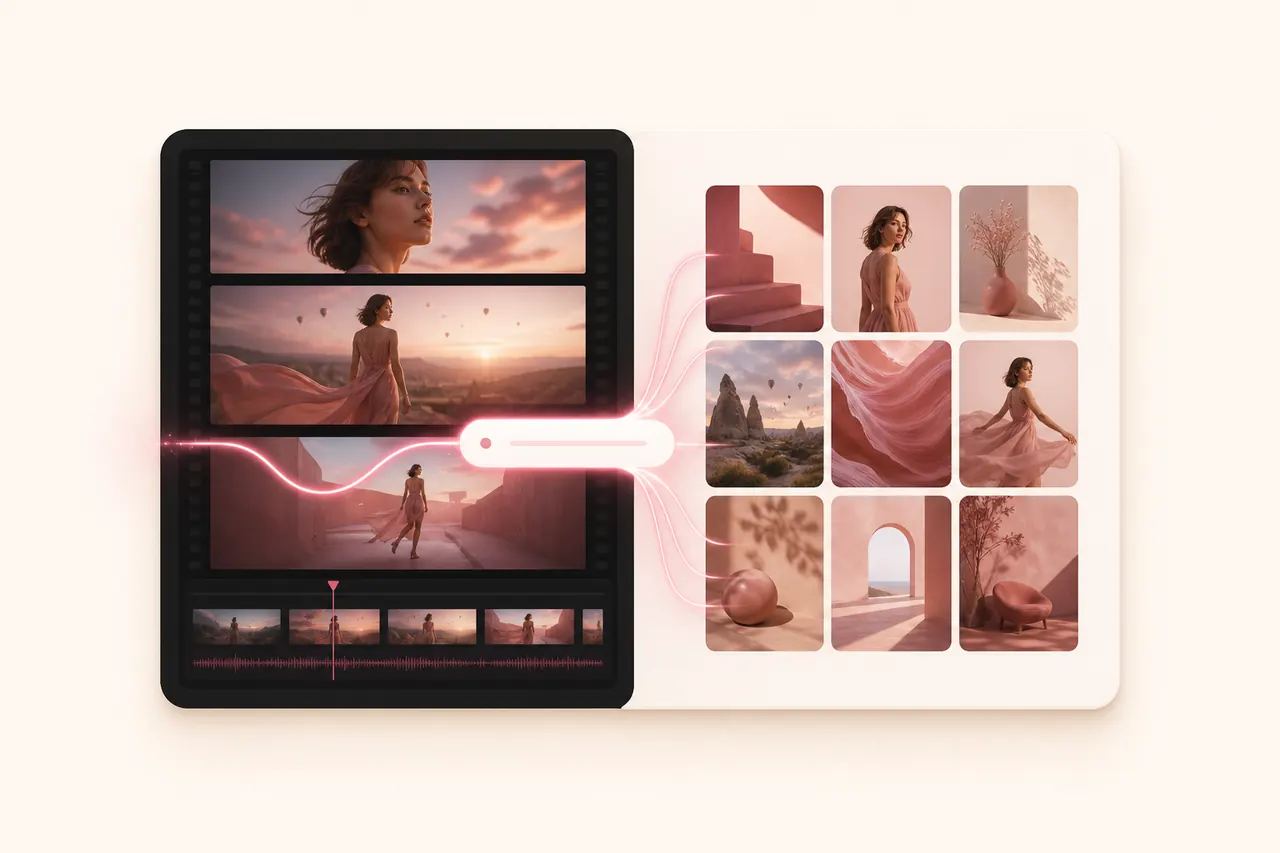
Black Forest Labs trained image, video, audio and action prediction jointly, so a still and a clip of the same subject keep the same look. That is what makes a Flux still extend into a 20-second spot without drifting.
FLUX 3 PROMPTS
Flux 3 responds to loose direction better than most models, but structure still wins. Four parts — and the same shape works on the composer’s current models today.
Subject action + dialogue or sound + camera move + era and style
One visible action anchors the shot: leans across the table, turns to the lens, lifts the cup. Verbs first, adjectives later.
Give the model a topic or a single line — “ranting about traffic” is enough for a demo-grade delivery. On silent models today, the line is simply ignored.
One move per shot: push, track, orbit, handheld sway or locked. Multi-shot ambitions come from ordered beats, not stacked moves.
Flux 3 excels at named mediums: 90s camcorder, 16mm newsreel, modern digital. Name the medium and its artifacts once — then stop.
Complete prompt example
“A tired newscaster straightens his papers and delivers one deadpan line about the weather; 1980s broadcast look, slight scanlines and tape wobble, locked camera, studio hum under his voice.”
One action, one spoken line, one locked camera and one named era with its artifacts — the four-part structure Flux 3’s demos reward, and a clean silent draft on today’s models.
HOW IT WORKS
Start from text, animate a first frame with an optional last frame, or combine reference images, video and audio.
Write the scene, add any reference media, then choose duration, resolution, framing and audio. The live credit quote updates before submission.
Sign in if needed, confirm the displayed Seedance 2.0 cost and submit once. Progress and the finished video appear beside the controls.
REAL LIMITS & CREDITS
This Flux 3 page quotes credits against the model actually selected in the composer. Announced Flux 3 capabilities — 20-second multi-shot, native dialogue — are labeled as announced, not sold as live features.
Input
Text, frames or references
Formats
Images, MP4/MOV and audio
Imya upload limit
30 MB per file
Prompt
Up to 5,000 characters
Duration
4–15 s on Seedance 2.0
Resolution
480p / 720p / 1080p
The quote follows the selected model, duration and resolution — on the default Seedance 2.0, a 5-second 720p draft is a cheap way to lock a shot. Eligible memberships apply their discount automatically before you continue.
CHOOSE BY WORKFLOW
How the announced Flux 3 sits next to its own image-only predecessor and the video model serving this page today. Announced specs are marked as such.
Status on Imya
Early access at BFL — not yet on Imya
Signature strengths
Announced: 20 s multi-shot video, native dialogue, one multi-modal architecture
Choose it when
You want image, video and audio consistency from one model — follow this page for the switch-over.
Status on Imya
Live now for images
Signature strengths
Photoreal stills, posters and product shots, editable results
Choose it when
You need the Flux look today in still form — hero frames this page can then animate.
Status on Imya
Live now (this page’s default)
Signature strengths
4–15 s, up to 1080p, native audio, six aspect ratios
Choose it when
You want real video generations today with sound, at published credit prices.
Draft cheap and short first. When Flux 3 opens up, rerun the same start image and prompt to judge the upgrade with your own footage.
FIX THE DRAFT
These fixes apply to the models serving this page now and carry over to Flux 3 — the discipline of one variable at a time never changes.
The era is described with many competing artifacts, or the start image contradicts the named medium.
Name the medium once with two artifacts at most, and start from an image already graded close to the era.
The selected model renders silent or ambient-only output — native dialogue is a headline feature still in early access.
Keep the spoken line in your prompt for later, switch to an audio-capable model for ambience today, and add voice in post.
Multi-beat prompts reveal unseen angles, and the source portrait is soft.
Sharper start image, smaller turns, explicit “keep the face consistent” — and fewer beats per clip.
Several actions, effects and camera moves compete inside a few seconds.
One action, one camera move, one era line. Delete adjectives until the physical movement reads clearly.
PRIVACY & RETENTION
You can prepare the start image, prompt and settings before signing in. During preparation the image remains in this browser on this device. Clicking Generate saves a short-lived local draft; after sign-in, Imya uploads the media only to provide the requested generation through Imya and contracted AI processing providers.
Read the full Imya Privacy PolicyVisit the official Black Forest Labs siteThe selected image is not uploaded. Clearing the draft or browser storage removes the local preparation data from this device.
Results follow Imya history retention: 7 days for free accounts and up to 30 days for active paid or Lifetime members. You can delete a result sooner at any time.
Imya is an independent interface; Flux is a Black Forest Labs model family. Imya does not claim partnership, sell your files or use them to train Imya-owned models.
QUESTIONS, ANSWERED
Flux 3 is Black Forest Labs’ multi-modal model announced on July 23, 2026 — one architecture generating images, video, audio and action predictions, following the Flux image line.
Yes — video is the headline. Flux 3 Video generates clips up to 20 seconds across multiple shots from one prompt, and it opened in early access on announcement day.
Yes. Demos show spoken dialogue produced with the scene from loose directions, plus ambience and effects — audio is part of the same generation, not a separate pass.
Through Black Forest Labs’ official early-access signup linked from the July 23, 2026 announcement. Short public previews have also appeared on partner platforms for limited windows.
Announced July 23, 2026, with Flux 3 Video in early access from day one. General availability dates have not been fixed publicly; this page switches its composer default when Flux 3 lands on Imya.
Flux 2 is an image model. Flux 3 folds image, video and audio into one architecture, adds 20-second multi-shot video and native dialogue. Flux 2 remains live on Imya for stills today.
Not yet — Flux 3 is early access at BFL. The composer on this page generates today with Seedance 2.0 and says so under the Generate button; Flux 2 covers the image side.
Preparing inputs here is free. New accounts receive 20 credits, while the live Seedance 2.0 quote is shown before generation. Flux 3 pricing on Imya will be published when the model goes live.
No. Searches mix this model with Zelda’s Flux Construct III and “flux” from physics. This page is about the Flux 3 AI model by Black Forest Labs — image, video and audio generation.
RELATED MODELS
The live Flux image model on Imya — photoreal stills, posters and product shots today.
ByteDance's newest video model: release tracking, prompts and an online composer.
MiniMax's new video model with native audio and 2K clips — release tracking and composer.
Lock your start image and prompt now, draft with today’s models, and this page hands the identical workflow to Flux 3 the moment it goes live.
Prepare a Flux 3 draft