
Qwen Image Edit: Online AI Image Editor
Edit a photo with a simple prompt — remove text or objects, restyle a scene, and describe a new camera angle. The version cards are reference presets that currently share Imya’s active hosted Qwen route.
Sample edits
Click Edit to replace these with yours






These are pre-generated Qwen Image Edit samples — your completed edits will appear here.
Available generation routes on this page
What Is Qwen Image Edit?
Qwen Image Edit is a free, open-source AI image editor that changes a photo from a plain-language instruction. Instead of masking layers by hand, you upload a picture, type what you want changed, and Qwen Image Edit returns an edited result in seconds. This page lets you run Qwen Image Edit online in your browser, with no ComfyUI setup, no model downloads and no local GPU.
Built on the Qwen-Image family, the Qwen Image Edit model reads your prompt and the source image together, then rewrites only the parts you asked for. That makes Qwen image editing far more precise than a generic text-to-image generator, which would redraw the whole scene — it is especially strong at text, layout and keeping faces and product details intact.
The 2509, 2511 and 2512 names describe releases discussed in the Qwen Image Edit ecosystem. On this page they are reference presets and currently share Imya’s active hosted Qwen route rather than three separately selectable provider endpoints.
The open-model community also publishes local builds and ComfyUI workflows. Those community resources are separate from Imya’s hosted generator; this page does not download weights or export a local workflow.
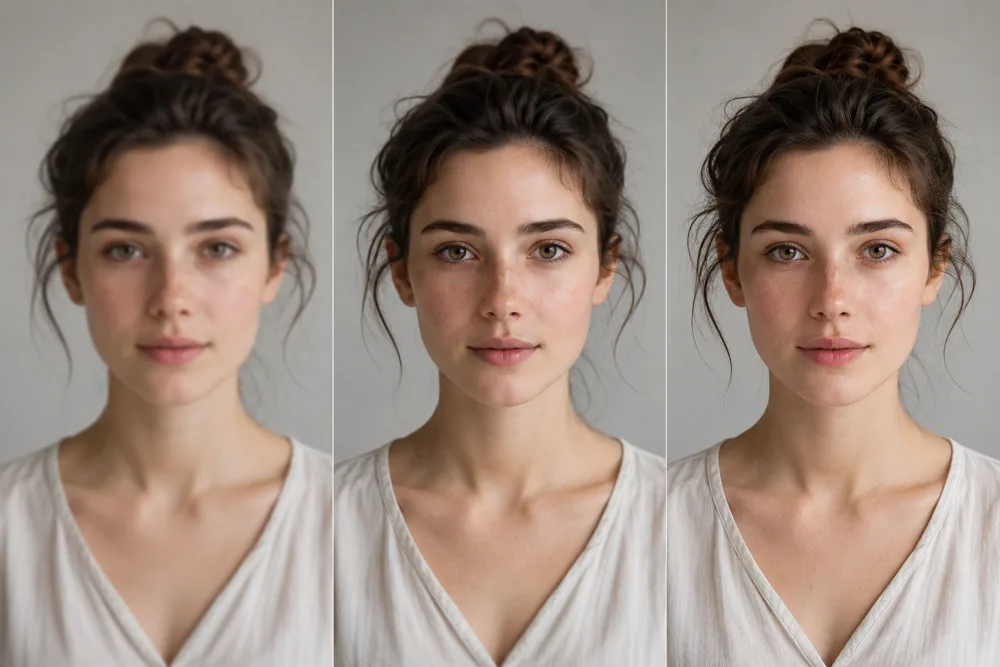
Why Choose Our Qwen Image Editor
Most people meet Qwen Image Edit as a heavy local install. We host it as a fast online editor — so you can skip the setup and just edit.
Run online, no GPU
Use the hosted Qwen route without installing model weights or managing local VRAM. The editor works from a laptop or phone, while generation runs on the hosted service.
Clear hosted workflow
Upload an image, describe the edit and review the live credit cost before submitting. Detailed provider diagnostics stay internal while the page shows a clear success or refund result.
Prompt-based photo edits
Start from a built-in example or write your own instruction for cleanup, restyling or composition changes. Results depend on the source image and prompt.
What You Can Do With Qwen Image Edit
Qwen Image Edit handles the edits people used to open Photoshop for — in a single prompt.

Remove Text & Watermarks
Delete a sign, caption or watermark and Qwen Image Edit rebuilds what was behind it, repainting texture and lighting so the patch is invisible.
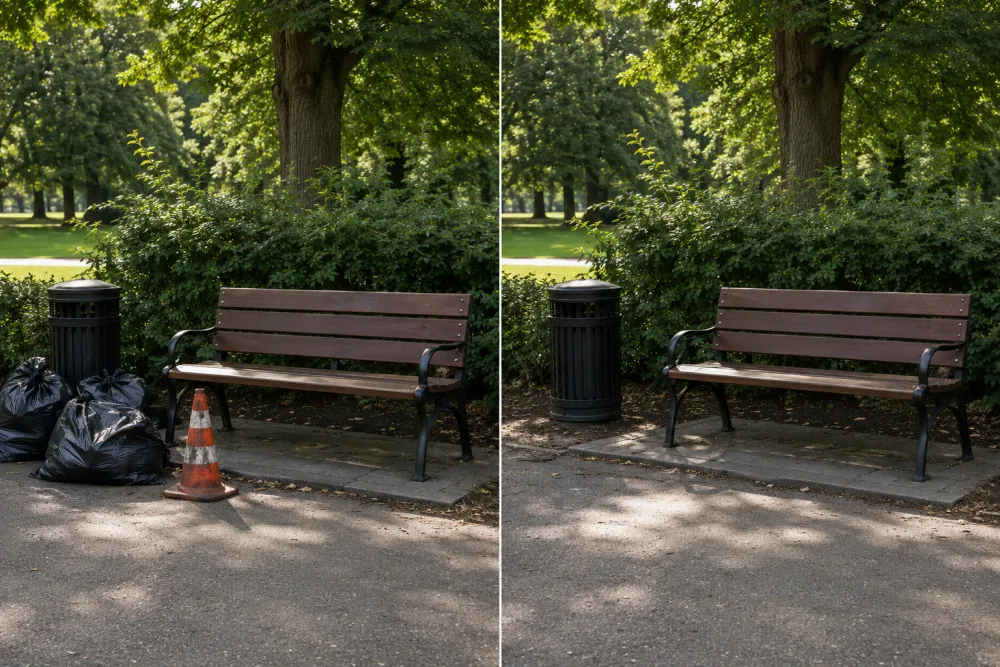
Erase Objects & Distractions
Remove a stray person, a bin or background clutter. This is one of the cleanest Qwen Image Edit jobs, leaving a natural, seamless scene with no leftover halo.
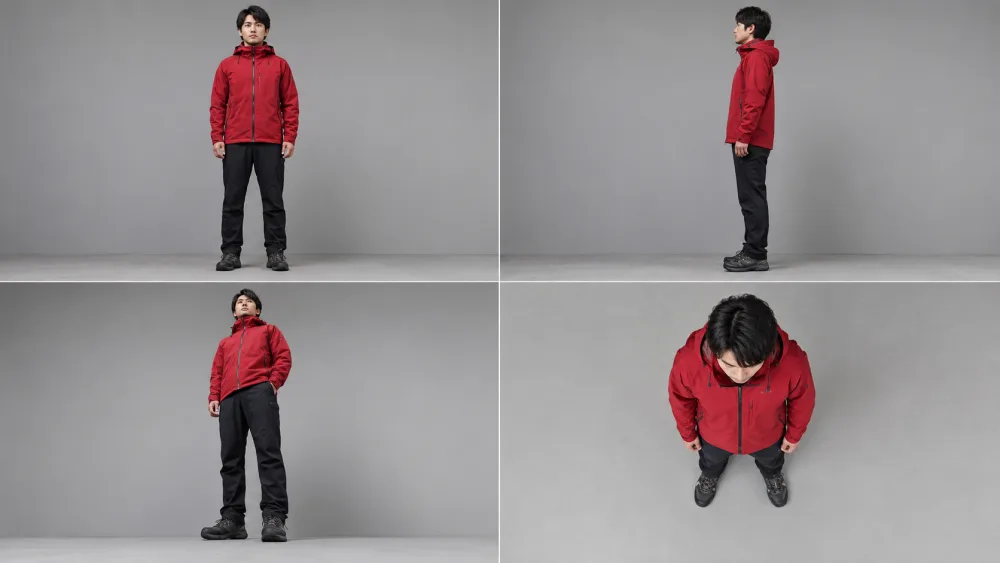
Camera direction prompts
Describe a front, side, low-angle or top-down view and let the hosted route interpret the edit. The 2511 card is a reference preset, not a guaranteed dedicated endpoint.
How to Use Qwen Image Edit Online in 3 Steps
Open the editor for free, then review the live credit cost before rendering.
- Your photo1
Upload your image
Open the Qwen Image Edit tool above and drop in the photo you want to change.
- “Remove the text from the sign”2511250925122
Write your editing prompt
Describe the edit — “remove the text”, “change the background” or “rotate to a low angle” — then choose one of the hosted Qwen reference presets.
- PNG · WEBP3
Generate & download
Confirm the live credit cost, run the task and download the finished image when processing succeeds.
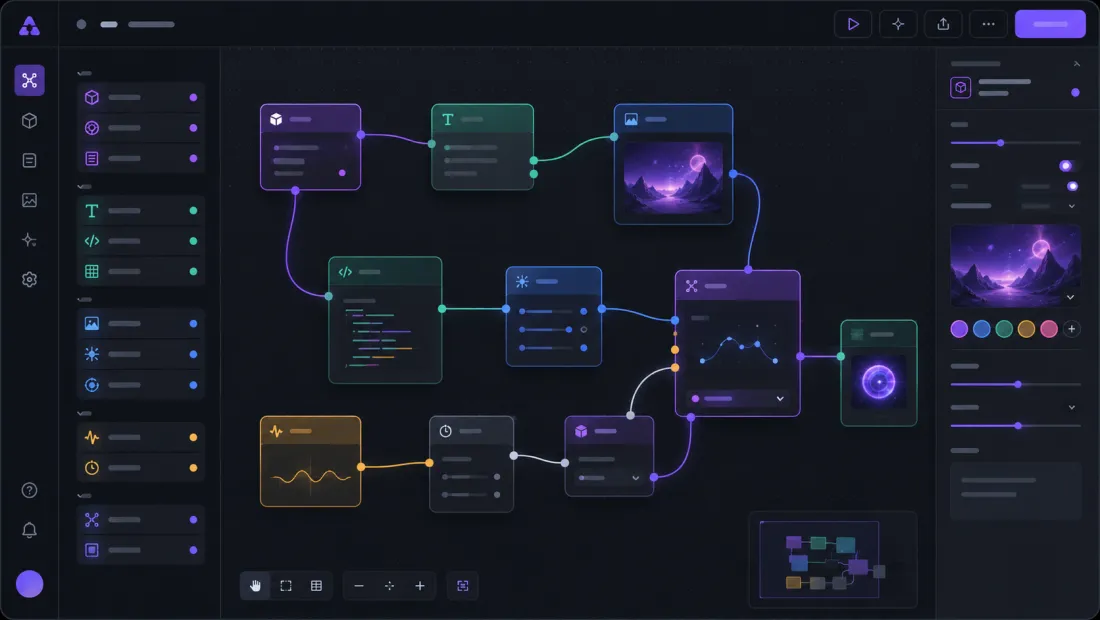
Qwen Image Edit vs Flux Kontext
Qwen Image Edit is open-source and unusually accurate with text and precise local edits, which is why it has become a default editor for removal and restyle work. Flux Kontext is a strong closed alternative for the same kind of prompt-based editing.
For prompt-based photo edits, compare the result quality and live credit cost for the routes that are actually available. Local Qwen or ComfyUI workflows are separate from this hosted page.

Edit Your First Photo With Qwen Image Edit
Open the hosted editor without installing a model, then review the live credit cost before you render.
Open Qwen Image Edit- No local model download
- Hosted Qwen route
- Live credit quote
Qwen Image Edit FAQ
Everything about running Qwen Image Edit online and locally.
How do I run Qwen Image Edit locally?
Locally you install ComfyUI, download the Qwen Image Edit weights or a GGUF or fp8 quant, then load an image and a prompt. You can also skip the setup and run Qwen Image Edit online here, with no install.
How much VRAM do I need for Qwen Image Edit?
The full model is heavy on local GPUs; GGUF and fp8 builds cut VRAM use, and Lightning variants reduce the number of steps. Running it online needs zero local VRAM.
How do I make Qwen Image Edit faster?
For local use, lighter community builds may reduce compute. On Imya, keep the input practical and use the active hosted route; processing time still depends on queue and provider availability.
Is Qwen Image Edit free to use online?
You can open the editor and explore examples for free. Rendering uses credits, and the exact live cost is shown before submission; new accounts can start with signup credits.
Does Qwen Image Edit work with ComfyUI workflows?
The open-model community publishes ComfyUI workflows and local builds, but this hosted Imya tool does not export a workflow or guarantee compatibility with a specific community node.
What is the difference between Qwen Image Edit 2511 and 2509?
Those names refer to releases discussed in the Qwen Image Edit ecosystem. On this page the cards are reference presets and currently share Imya’s active hosted Qwen route, not three guaranteed separate endpoints.
Do I need an account to start?
You can open the editor and explore the presets right away. A free sign-in adds credits and saves your edit history so you can return to earlier results.
What image formats and sizes are supported?
JPG, PNG and WebP all work, and standard web resolutions process fastest. Very large files are downscaled before editing to keep results quick.
Related AI Image Tools
More prompt-based editors and cleanup tools from Imya.