AI Watermark Removerfree online for images & video frames
Take a watermark off any image — stock logos, text stamps, app banners, even video screenshots — in seconds, at full resolution, with no watermark of our own.
Try the AI Watermark Remover
What kind of watermark?
AI model
Drop a watermarked image
Watch the demo above. Sign in to upload your own image and remove a real watermark — new accounts get free credits. Terms · Privacy
AI Watermark Remover


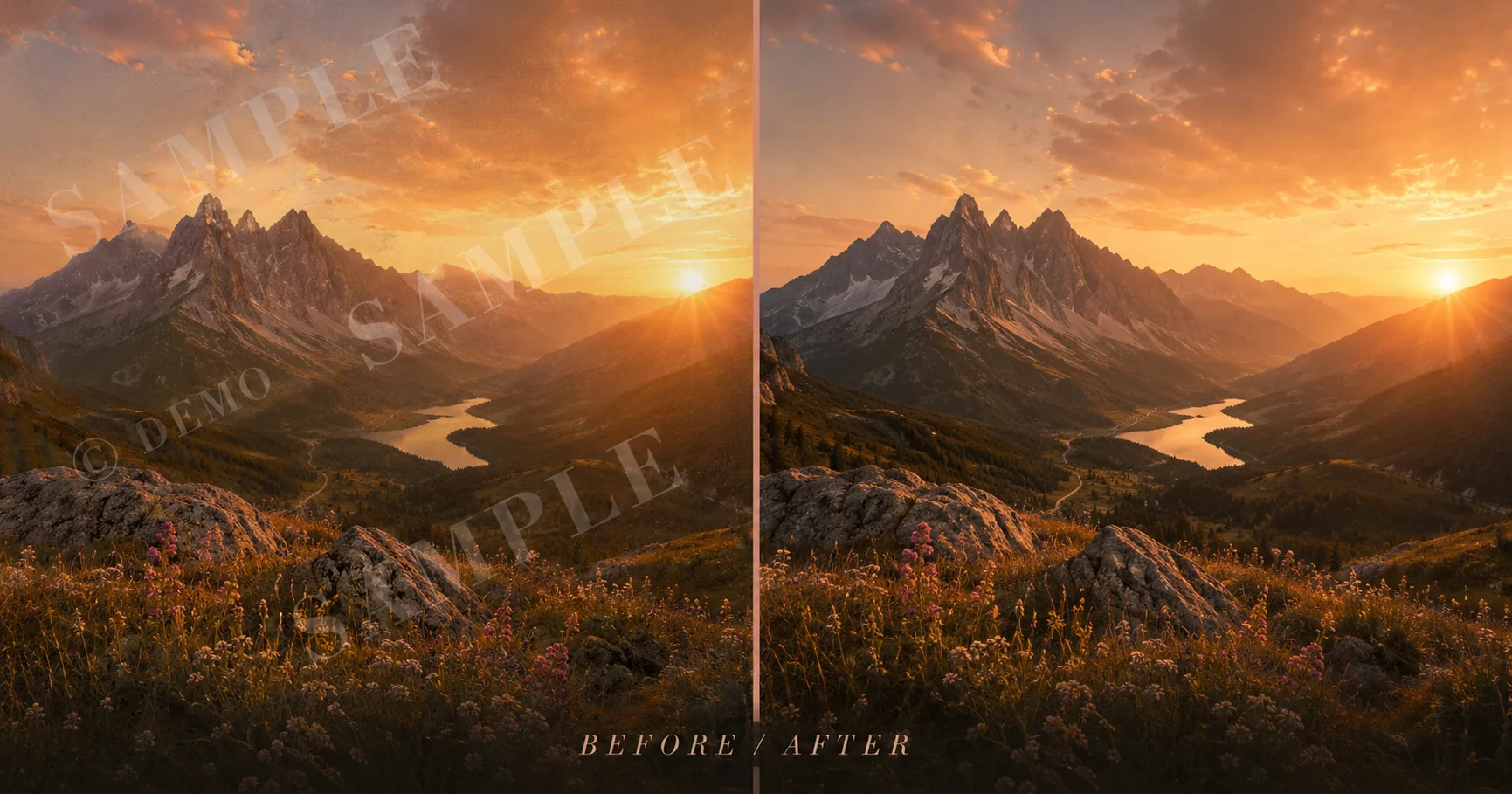
Drag the slider to see the AI watermark remover in action — full-resolution, no watermark on the result.
Drag to compareFree
Preview · no card · no cap
3,200+
Watermarks cleaned this week
Privacy Policy
Retention details
Quietly built for creators, sellers and design teams that need clean images fast.
Loved by Shopify sellers · video editors · indie marketers · archive volunteers
What is an AI Watermark Remover?
An AI watermark remover is a deep-learning tool that takes a watermark off an image without leaving a smudge behind. Instead of cloning pixels with a manual stamp brush, the AI looks at the whole picture, predicts what was hiding behind the mark, and rebuilds the background with matching colors, light and texture. What Photoshop took twenty minutes to retouch, this tool finishes in seconds.
¶Imya's free AI watermark remover runs an image inpainting model trained on millions of photos, so it understands skies, skin, foliage and product surfaces — not just flat colors. When you remove a watermark with Imya, the model keeps the rest of the photo untouched at full resolution and gives you a clean, watermark-free image that downloads with no extra logo of our own.
¶Unlike one-tap phone filters or paid stock-photo cleaners, a real inpainting model handles text watermarks, logo watermarks, transparent overlays and even bulky paywall watermarks across the whole frame. Whether it is a stock-preview logo on a photo you licensed, a date stamp on an old family picture, a brand banner exported by a photo app, or a platform watermark on a Sora or TikTok-style video frame you generated yourself, Imya quietly erases it and hands the image back clean.
How to remove a watermark with AI in 3 steps
From a watermarked photo to a clean, watermark-free image in under a minute — no editing skill, no Photoshop and no sign-up to preview the tool.
 01
01Upload your watermarked image
Drop any photo, screenshot or video frame that carries a watermark — JPG, PNG or WEBP, up to 16 MB. A clear, high-resolution source gives the model the most pixels to rebuild from.
 02
02Mark or auto-detect the watermark
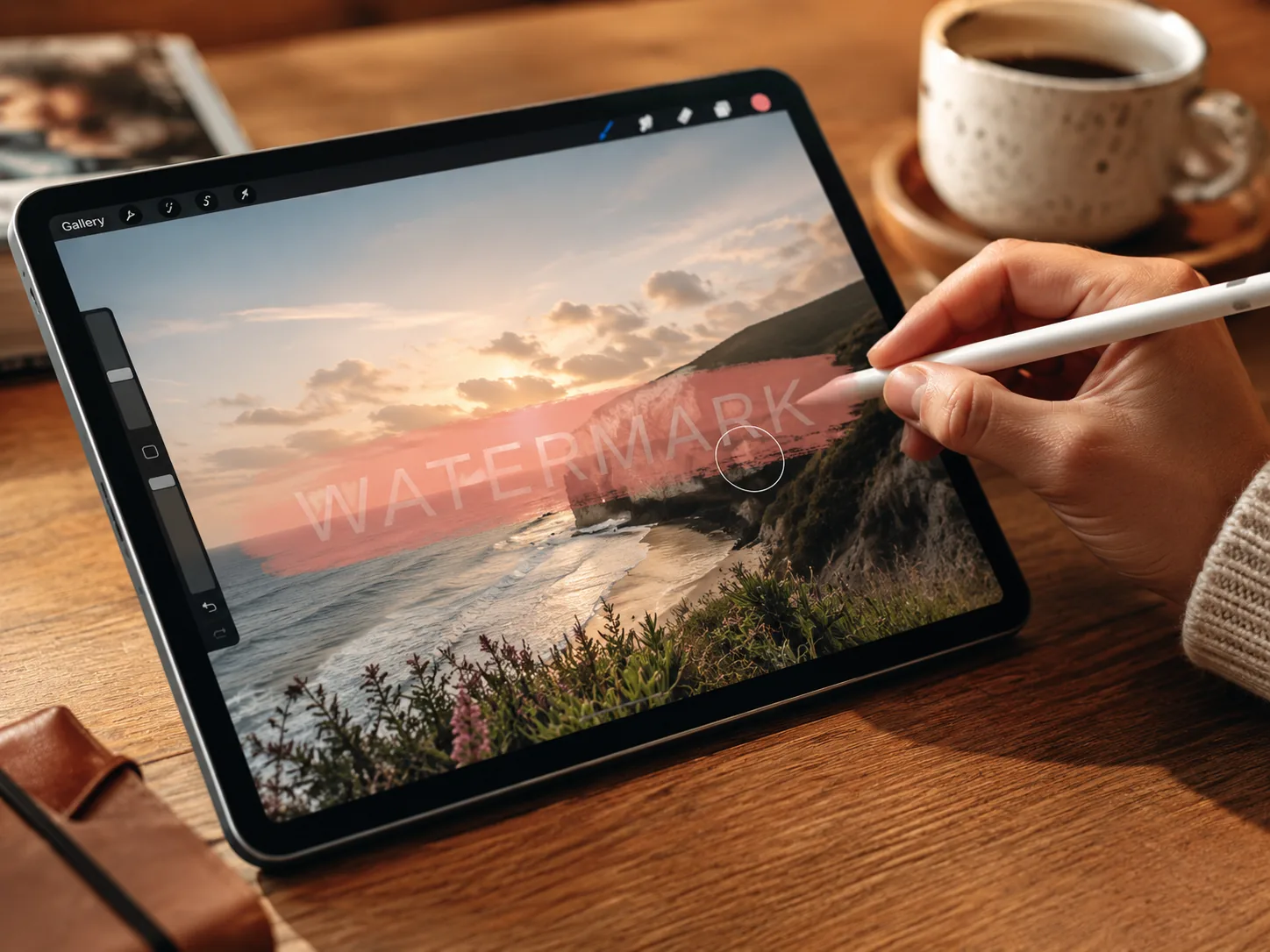
Let Imya auto-detect the mark, or brush over the text, logo or stamp you want gone. A little extra margin around the edges helps the AI blend the background more naturally.
 03
03Download your clean, watermark-free image
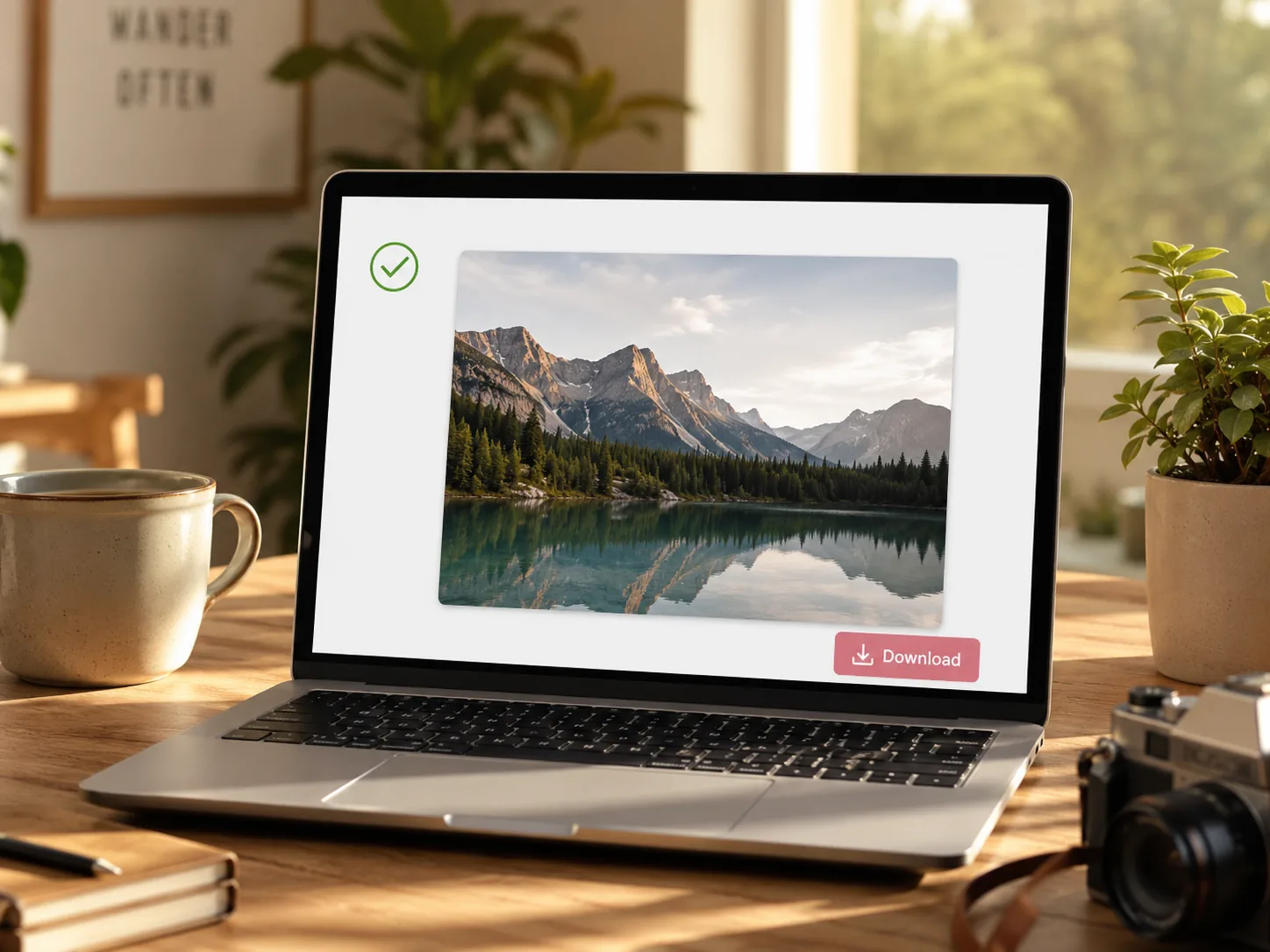
In seconds the model rebuilds the background and gives you a clean image at full resolution — no Imya logo, no banner, no quality drop. Download or copy and you are done.
What you can erase with the AI watermark remover
One tool, many kinds of watermarks. Here are six of the most common reasons people open Imya — every one runs free, online, with no sign-up to preview.
 N°01Use case · 01
Stock-photo logo watermarks
Take a stock-preview logo off a landscape, product or lifestyle photo you have already licensed — full resolution, no diagonal overlay, no extra crop.
Try it on this kind of image N°02Use case · 02
Text watermarks and timestamps
Erase an old date stamp, a username, a 'sample' tag or any text watermark from a photo. Imya rebuilds skin, sky and grass behind the text so nothing looks retouched.
Try it on this kind of image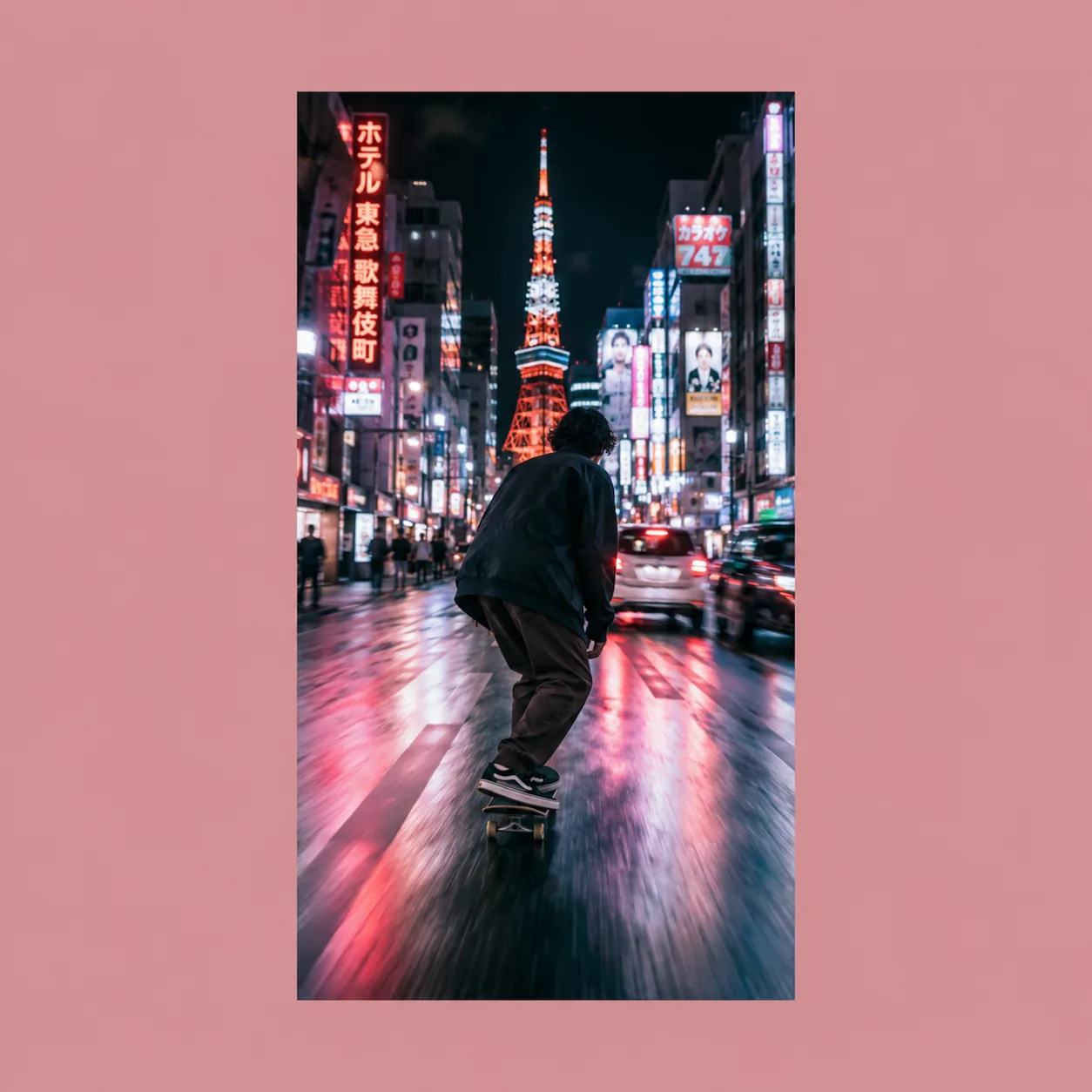 N°03Use case · 03
Sora, TikTok and AI video frame watermarks
Pull a frame from a Sora, TikTok-style or Kling clip you generated yourself, then let Imya quietly take the platform watermark off the screenshot.
Try it on this kind of image N°04Use case · 04
Shutterstock-style preview overlays
Big diagonal preview watermarks are this tool's bread and butter. Drop the image in, let the inpainting model rebuild the background, download the clean photo.
Try it on this kind of image N°05Use case · 05
Photo-app banners (PhotoGrid, Vmake, Pica)
Photo apps love to drop a bottom-strip banner on free exports. Imya crops nothing — it lifts the banner and rebuilds the missing pixels underneath.
Try it on this kind of image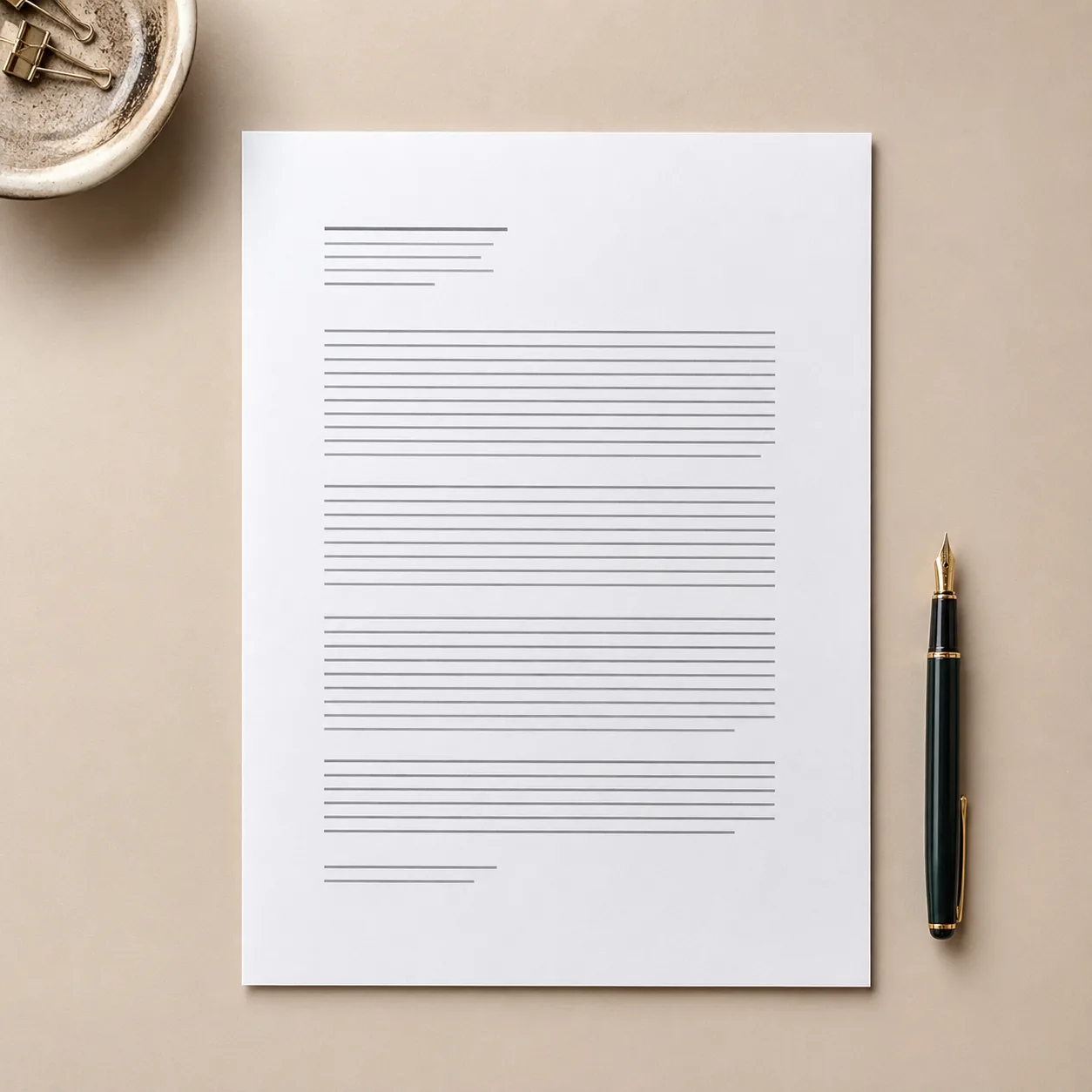 N°06Use case · 06
PDF and document watermarks
Export a single document page as an image, run it through Imya, and the stamp lifts off cleanly without touching the text or the layout around it.
Try it on this kind of image
Why creators pick the Imya AI Watermark Remover
Five reasons content creators, sellers and design teams keep coming back to this free AI watermark remover — no paywall, no daily cap and no watermark of our own on your result.

- N°01
Truly free, no daily 3-image wall
Most online watermark removers cap you at three free images a day. Imya lets you preview for free with no sign-up, then run real removals with free starter credits.
- N°02
Works straight in the browser
No install, no plug-in, no desktop app. Open Imya in any modern browser — phone, tablet or laptop — and start removing a watermark in seconds.
- N°03
Full resolution, no quality tax
Other watermark remover tools quietly downscale your image. Imya keeps the original resolution so a 4K photo downloads as a 4K clean image.
- N°04
Auto-detect plus manual brush
Let the model find the mark for you, or paint exactly the area you want gone. One AI, two ways — flexible control without a learning curve.
- N°05
Private — your image is yours
Your upload is transferred over HTTPS and processed by Imya and contracted AI providers to provide this service. Imya does not sell your files or use them to train Imya-owned models; providers process them under their own terms. See our Privacy Policy for retention details.
AI Watermark Remover comparison — Imya vs the rest
How the free Imya AI watermark remover compares with the other watermark remover tools people search for online.
| Feature | ★Imya | Dewatermark | Unwatermark | Kaze.ai | Watermarkremover.io |
|---|---|---|---|---|---|
| Free preview | ✓no sign-up | 3 photos cap | 3/day cap | 4 photos cap | 2/day cap |
| Real removal cost | Free credits | $20/mo | Paid credits | $1.99/image | Paid plan |
| Keeps full resolution | ✓ | downscaled | ✓ | ✓ | ✓ |
| Watermark on the result | None | None | None | None | Free tier |
| Works on video frames | ✓ | ✗ | limited | ✗ | ✗ |
| Retention details | Privacy Policy | unclear | unclear | unclear | unclear |
Across the things creators actually need — a free preview, full resolution, no extra watermark and quiet privacy — Imya is the most complete free AI watermark remover online.
Tips for the cleanest AI watermark remover results
From our AI team
- Tip 01
¶Start with the highest-resolution source you have
The model rebuilds the background from the pixels around the watermark. A sharp, high-resolution source gives Imya far more to work with than a tiny phone screenshot, so a 4K photo cleans much better than a thumbnail.
- Tip 02
¶Brush a little wider than the watermark edge
When you mark a watermark by hand, paint a small margin around the text or logo instead of tracing it tightly. Extra room lets the model blend the rebuilt area into the surrounding texture without a visible halo.
- Tip 03
¶Run a second pass on complex backgrounds
Busy textures — leaves, fabric, hair, water — sometimes need two passes. After the first removal, drop the result back into Imya and clean any leftover ghost. Two runs cost almost nothing and the second pass is usually flawless.
What early users say about Imya
Quiet feedback from the creators, sellers and indie marketers who tried this AI watermark remover before its public launch.
I list ten Shopify products a week with old watermarks from a discontinued photo agency. Imya takes them off cleanly so the products look listing-ready in seconds.
Maya R.Shopify seller · BrooklynMy Sora clips ship with that bottom-right platform watermark and clients hate it. I pull a key frame, drop it in here, and the brand banner is just gone.
Jonas T.Video editor · BerlinEvery Sunday I scrub date stamps and old usernames out of family archive photos. Free, no daily cap, and the result keeps the texture of the original — exactly what I wanted.
Priya K.Family-archive volunteer · London
Frequently asked questions about the AI Watermark Remover
Yes. You can preview the tool online with no sign-up, and new accounts get free starter credits to remove a watermark from a real image. There is no credit card to start and no watermark of our own on the result.
More free AI photo tools from Imya
Remove that watermark — free, in seconds
Open Imya, drop your image, and walk away with a clean, full-resolution photo that looks like the watermark was never there.
Try the AI Watermark Remover free →Free preview · No sign-up · Retention details: Privacy Policy