
Text-to-image creation
Start with a detailed visual brief and generate a new still image.
Turn a written idea into an image or guide an edit with up to five references. Review the exact credit price before you submit.

JPG, PNG or WebP · up to 5 files · 30 MB each · Before sign-in, your prompt, references and settings are saved only on this device.
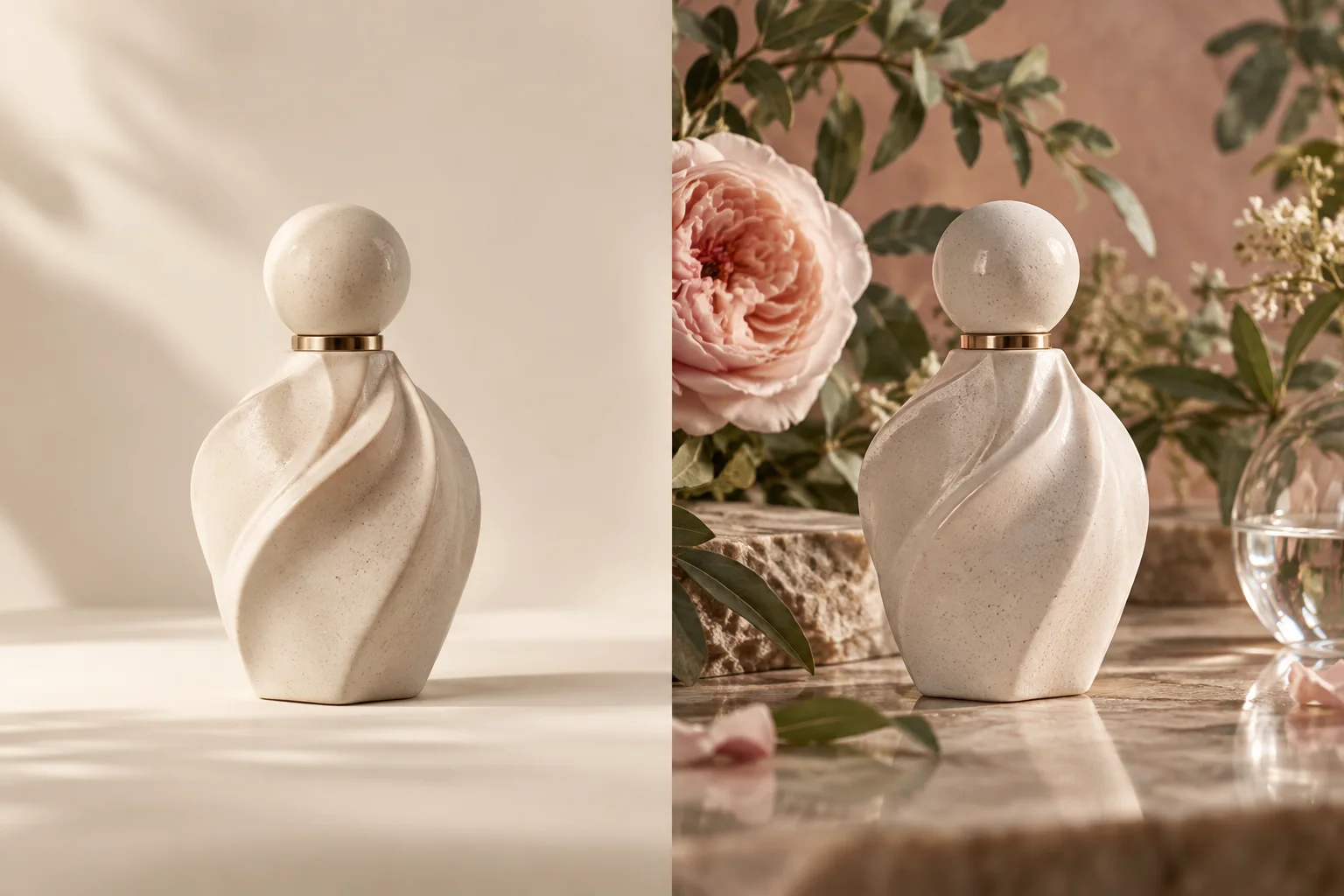
Grok Imagine Image 2.0 is xAI’s still-image model for text-to-image creation and prompt-directed image editing. It works with descriptions of the subject, environment, light, materials and composition.
Imya connects the model to one transparent workspace: the model is fixed on this page, the supported controls match the live integration, and the generation button shows the current plan-adjusted credit total before a task begins.
Only capabilities verified in the live Imya integration appear in the generator.
Start with a detailed visual brief and generate a new still image.
Guide an edit with up to five reference images while describing the intended change.
Choose Auto, square, portrait or landscape ratios for common publishing formats.
The button shows the exact plan-adjusted total before submission: 13 credits at the regular rate, 10 with eligible plans, or 8 with the highest discount.
Use one clear brief, then refine the strongest direction with references.
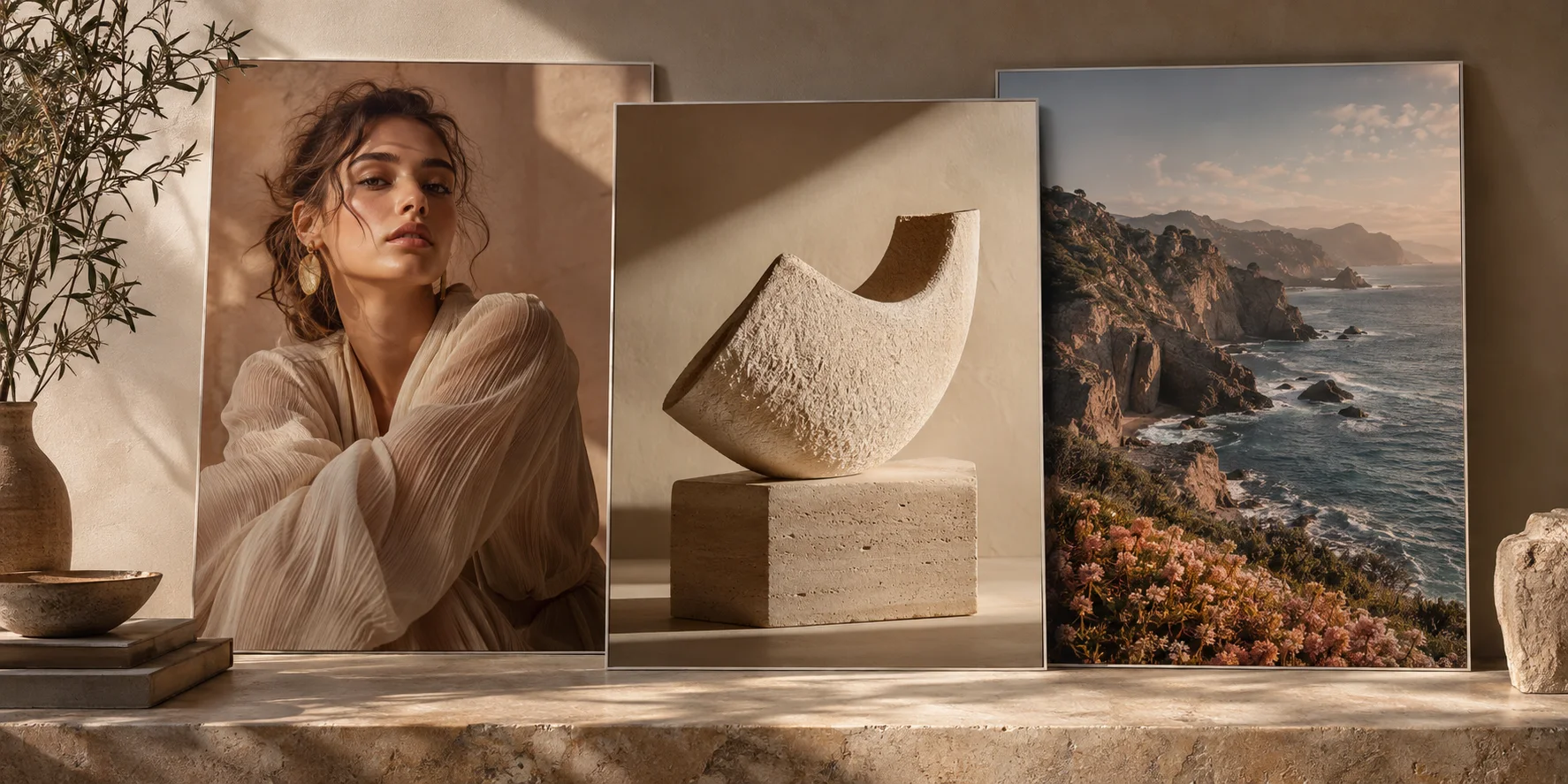
Build portraits, article art and social compositions around a precise mood and crop.
Explore lighting, materials and art direction before committing to a full production shoot.
Compare visual styles, environments and compositions without rebuilding the concept from scratch.
A short workflow keeps the model, settings and cost visible at every step.
Use text to image for a new scene, or reference edit when you have source images.
Describe the subject first, then environment, lighting, composition and medium.
Choose one of the six supported aspect ratios or keep Auto.
Confirm the credit total. Sign in if needed; your local draft is restored automatically.
Write from the center of the image outward: subject, action, place, light, framing and finish.
Replace broad nouns with concrete identity, clothing, material and pose.
State the time of day, light direction, environment and atmosphere.
Add the crop, viewpoint, lens feeling or negative-space requirement.
For follow-up attempts, change one important instruction at a time.
A close editorial portrait of an elderly watchmaker examining a pocket watch in a quiet, dusty workshop; warm side light through a small window, realistic skin and brass texture, 85 mm lens, shallow depth of field.
This page uses Imya’s live Grok Imagine Image 2.0 integration. The published controls are limited to the current KIE request contract: prompt, optional reference images and aspect ratio.
It is xAI’s AI model for generating and editing still images from text instructions.
Yes. Choose Reference edit and upload up to five JPG, PNG or WebP files.
One image costs 13 Imya credits at the regular rate, 10 with eligible plans, or 8 with the highest discount. The exact total is shown before submission.
Auto, 1:1, 2:3, 3:2, 16:9 and 9:16 are available in this integration.
No. You can prepare the prompt, references and settings first. They are stored locally until you sign in and submit.
Imya confirms the failed task and returns charged credits automatically. If confirmation is delayed, the task remains visible for review.
No. This page is for still-image generation and editing only.
Results appear in your Imya history. The retention period depends on your current account plan.
Write the scene, add references if needed, and see the exact credit total before Grok Imagine Image 2.0 starts.
Create with Grok Imagine Image 2.0