
Kling 3.0 Turbo — Free Online AI Video Generator
Generate video with Kling 3.0 Turbo right in your browser. Imya gives you free online access to Kling 3.0 Turbo — the fast, low-cost tier of Kling 3.0 — so you can turn a prompt or a photo into a cinematic clip with native audio, sharp lip-sync and stable motion. No app, no API key.
Kling 3.0 Turbo video generator
Describe a scene — Kling 3.0 Turbo renders it fast with native audio.
Native audio is on by default — describe dialogue, mood and camera moves for the best Kling 3.0 Turbo results.
720p · 1080p — fast Kling 3.0 Turbo renders
Kling 3.0 Turbo renders in about a minute or two. Keep this tab open — your video appears here when it is ready.
Preview
This is a pre-made sample. Run a prompt and your Kling 3.0 Turbo video appears here.
Switch models any time inside the generator
What Is Kling 3.0 Turbo?
Kling 3.0 Turbo is the fast, low-cost tier of Kuaishou's Kling 3.0 — the latest generation of the Kling AI video model. Where the top tier chases maximum fidelity, Kling 3.0 Turbo is tuned for speed and price: it turns a text prompt or a still image into a finished, cinematic clip in about a minute or two, with native audio, sharp lip-sync and steady motion baked in.
On this page you can use Kling 3.0 Turbo free online with no setup. Type what you want, pick a duration and resolution, and the model renders it right in your browser — no app to install and no API key to manage. Because Turbo costs fewer credits per render than the top tier, it is the one to reach for when you want to iterate quickly and try lots of prompts.
Kling 3.0 Turbo sits alongside Kling 3.0 Omni, the highest-fidelity tier, and both are selectable in the generator above. Built for everyday creators as much as studios, Kling 3.0 Turbo handles talking-head ads, image-to-video animation, multi-shot stories and motion-heavy action — all from a single prompt.
Kling 3.0 Turbo vs Kling 3.0 Omni: Speed or Top Quality?
Not sure whether to pick Kling 3.0 Turbo or Kling 3.0 Omni? They are two tiers of the same Kling 3.0 model — here is how they compare, and which one you are using on this page.
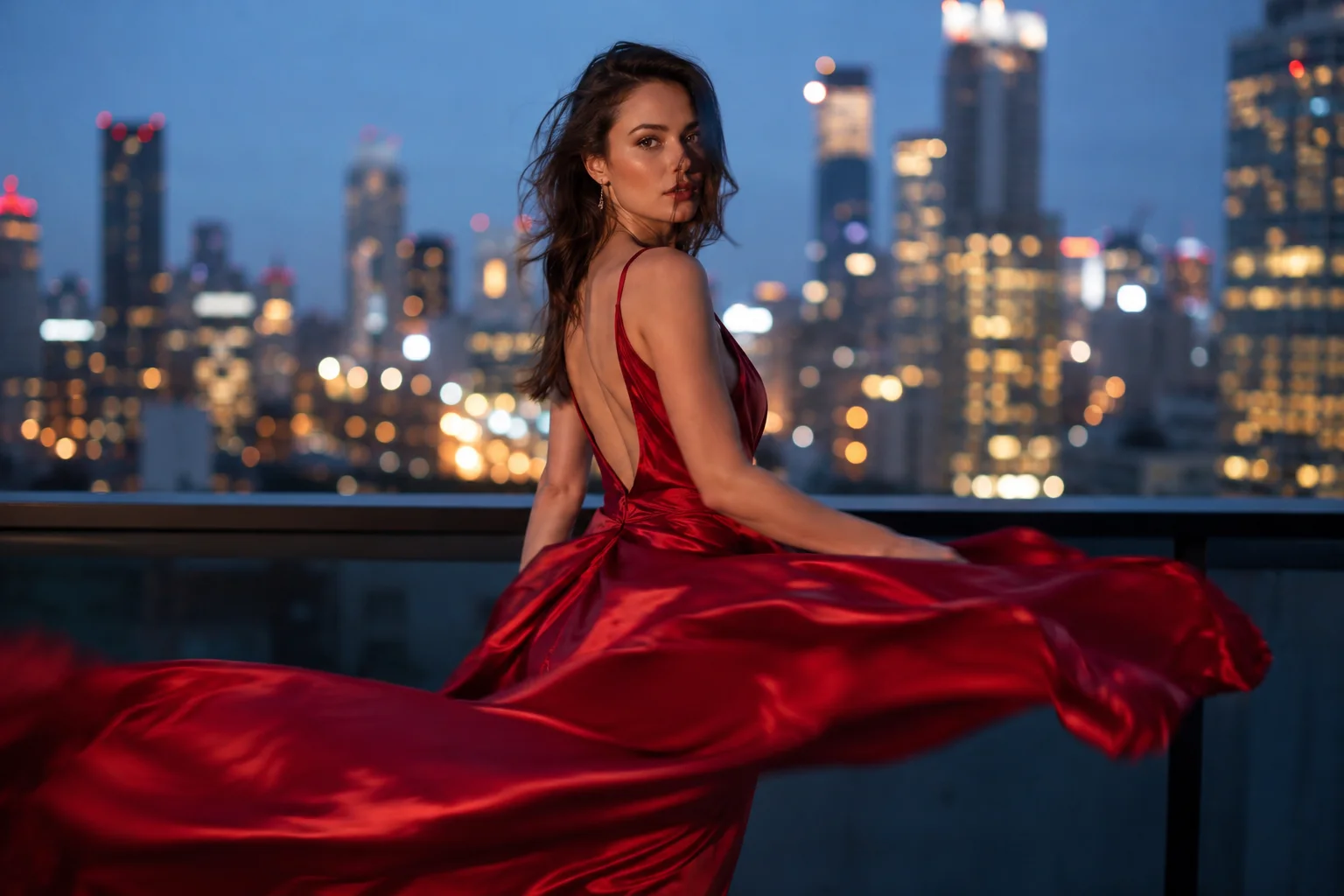
Kling 3.0 Turbo
The fast, low-cost tier and the default in the generator on this page. Turbo renders in about a minute or two for fewer credits, with superior lip-sync and stable motion — ideal for drafts, social posts and high-volume iteration.
- Faster renders, lower cost
- Sharp lip-sync + stable motion
- Free to try with signup credits
Kling 3.0 Omni
The highest-fidelity tier — Omni adds the strongest prompt and reference consistency and supports longer, up-to-4K multi-shot work. Reach for it when final quality matters more than speed.
- Best prompt & reference consistency
- Up to 15s, 4K multi-shot
- Switch to it in the generator
Kling 3.0 Turbo Features: Faster Renders, Sharp Lip-Sync & Stable Motion
What makes Kling 3.0 Turbo different comes down to the upgrades you feel in every clip — speed, price, lip-sync and motion.

Faster renders, lower cost
Kling 3.0 Turbo is built for speed — most clips finish in about a minute or two and cost fewer credits than the Omni tier, so you can iterate on prompts instead of waiting in a queue. It is the fastest, cheapest way to go from idea to a finished Kling 3.0 video.
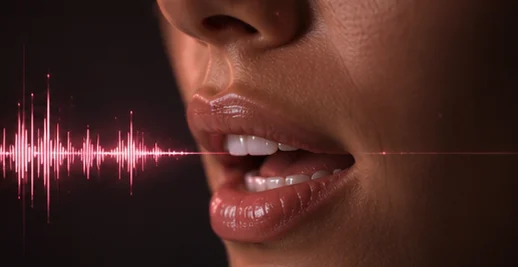
Sharp lip-sync
Turbo nails dialogue — lips track the audio cleanly across English, Cantonese, Korean, Japanese and Spanish, so talking-head videos actually look like they are speaking, not dubbed.
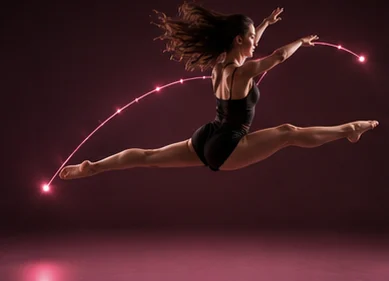
Stable motion
Movement holds together in Kling 3.0 Turbo — action, camera moves and body motion stay believable instead of melting or morphing, even in short 3-second clips.
Native audio
Turbo generates dialogue, ambience and sound in one pass — no separate voiceover step. Turn audio off to render visuals only, which costs fewer credits.
Why Use the Kling 3.0 Turbo Generator on Imya?
A no-friction way to try Kling 3.0 Turbo — built for results, not setup.
Turbo-speed, in the browser
From prompt to a finished Kling 3.0 Turbo clip in about a minute or two. No queue juggling, no GPU rental — the generator does the heavy lifting in your browser.
Native audio built in
Kling 3.0 Turbo generates synced dialogue and sound — in English plus Cantonese, Korean, Japanese and Spanish — so talking-head videos actually speak, no separate voiceover step.
Yours, privately
Your prompts, images, and videos are processed by Imya and contracted AI providers to create your result. Imya does not sell your files or use them to train Imya-owned models; providers process them under their own terms. See our Privacy Policy for retention details.
What Can You Make with Kling 3.0 Turbo?
One fast prompt, a lot of directions — here are three favorites.

Talking-head & UGC ads
Generate authentic UGC-style product ads where a presenter speaks to camera with synced native audio — perfect for TikTok, Reels and Shorts, rendered fast with Kling 3.0 Turbo.

Cinematic image-to-video
Upload a still photo as a start frame and let Turbo animate it — drifting mist, rippling water, a turning head — turning a single image into a living clip in minutes.

Multi-shot short stories
Direct a short narrative across multiple shots with consistent characters — Turbo's speed makes it cheap to iterate on a storyboard until the cut feels right.
How to Use Kling 3.0 Turbo in 3 Simple Steps
No account needed to explore — three steps to your first Kling 3.0 Turbo video.
 1
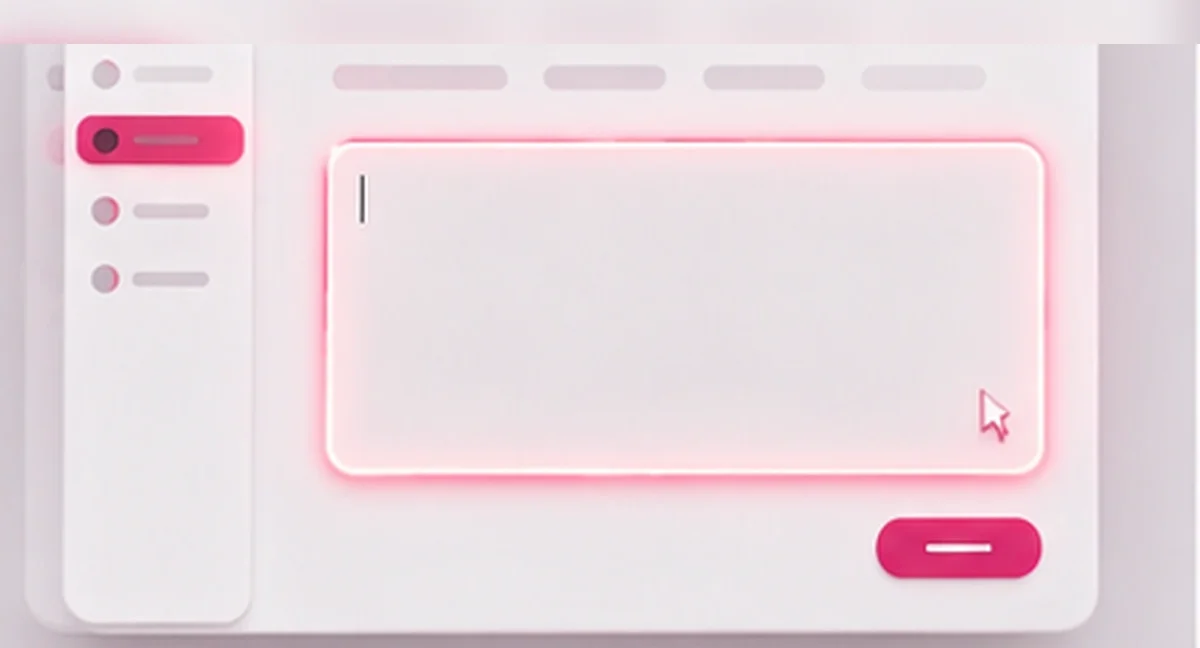
1Write your prompt
Describe the scene, dialogue and camera move you want. For image-to-video, switch to Image → Video and upload a start frame (and an optional end frame).
 2
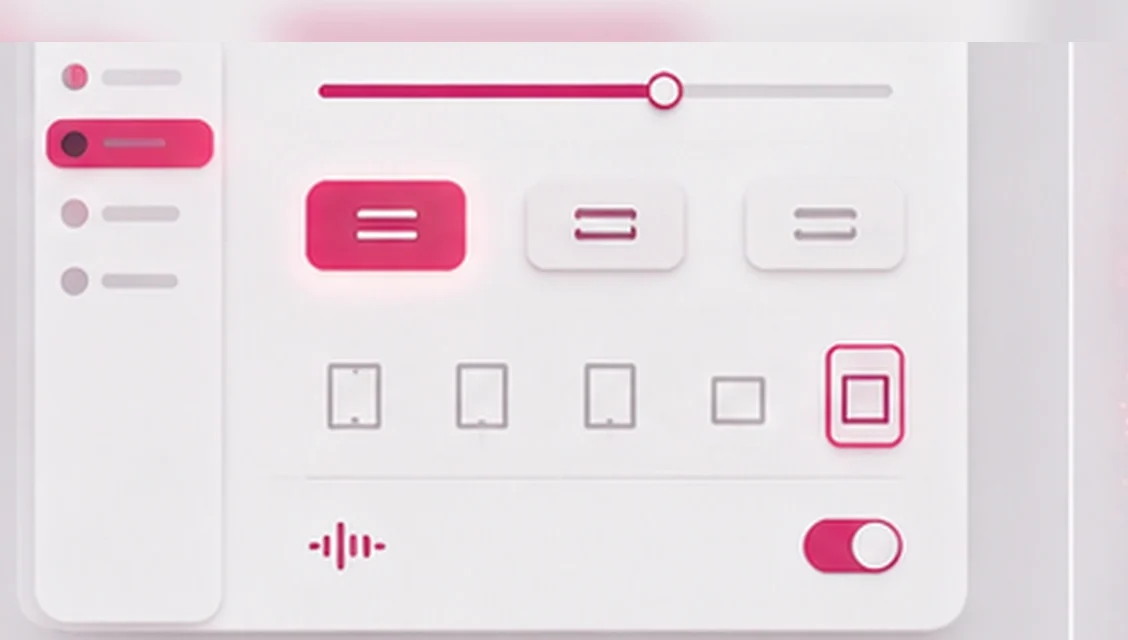
2Pick mode, resolution & audio
Set the duration (3–15s), choose 720p or 1080p, and keep native audio on for synced sound. Switch between Kling 3.0 Turbo and Kling 3.0 Omni any time.
 3
3Generate & download
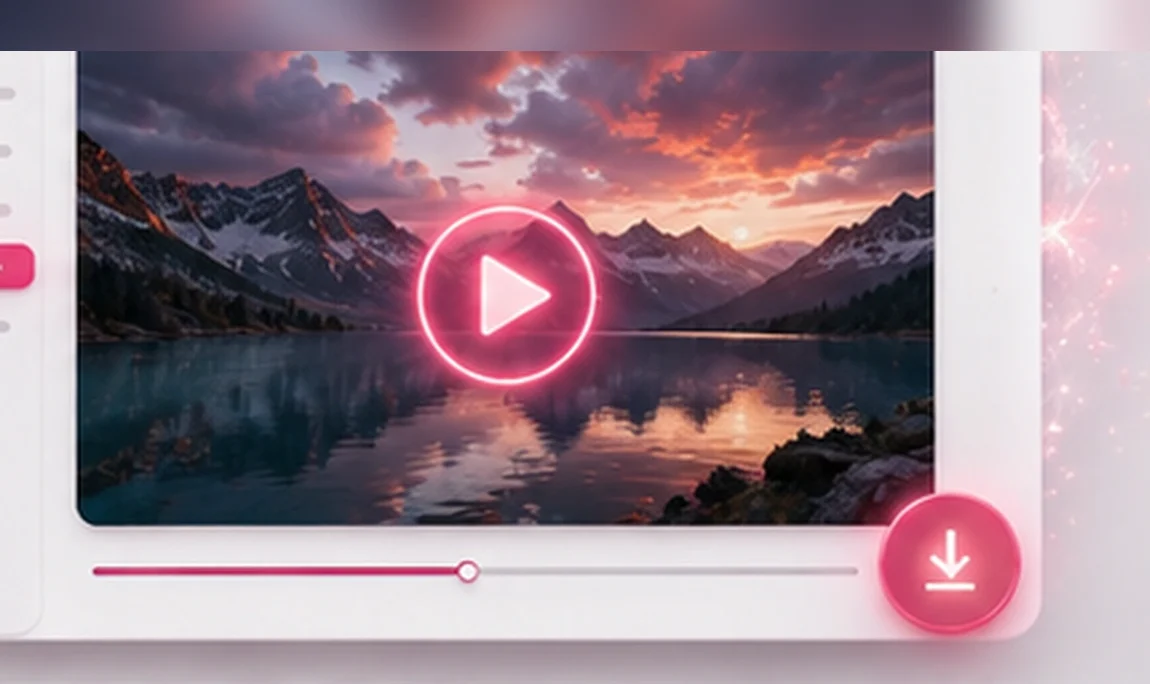
Hit Generate and your Kling 3.0 Turbo clip renders in about a minute or two. Preview it, then download the MP4 — no watermark.
Kling 3.0 Turbo Pricing & Free Credits
Is Kling 3.0 Turbo free? You can try it free here: new accounts start with free credits, so your first Kling 3.0 Turbo videos cost nothing. After that, rendering uses credits priced by resolution and duration — and because Turbo is the low-cost tier, each clip costs fewer credits than Omni, so you only pay for what you generate.
There is no subscription required to test Kling 3.0 Turbo and no watermark on your downloads. When you need more, top up on the pricing page — the same credits work across every image and video model on Imya, including Kling 3.0 Omni, Veo 3.1 and Seedance 2.0.
- 720p / 1080p — priced per second
- Free signup credits to start
- No watermark · no subscription

Turn your next idea into a video — fast
Type a prompt, pick a length, and let the free Kling 3.0 Turbo generator do the rest — with native audio and no watermark. Your first clips are on us.
- Free to start
- Native audio
- Turbo-speed · no watermark
Kling 3.0 Turbo Sample Videos & Showcase
A look at the range of Kling 3.0 Turbo — from talking-head ads to high-motion action. Run your own prompt in the generator above.

 Action · night chase
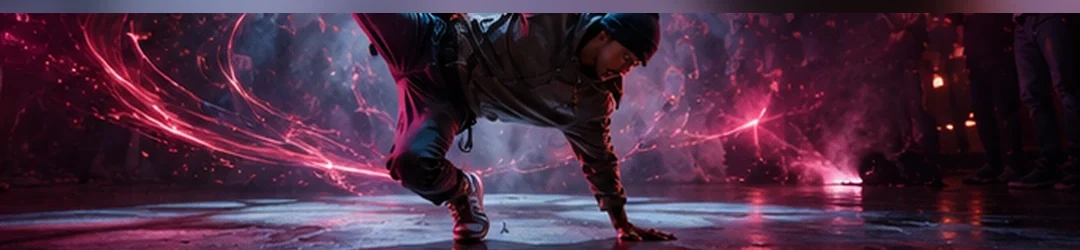 Motion · breakdance
 Close-up · food
- Image → Video
Frequently Asked Questions About Kling 3.0 Turbo
Everything about trying the free online Kling 3.0 Turbo video generator.
What is Kling 3.0 Turbo?
Kling 3.0 Turbo is the fast, low-cost tier of Kuaishou's Kling 3.0 AI video model. It turns a text prompt or a still image into a cinematic clip with native audio, sharp lip-sync and stable motion — usually in about a minute or two. On this page you can use Kling 3.0 Turbo free in your browser.
Is Kling 3.0 Turbo free? Can I try it online?
Yes — you can explore prompts and sample videos for free, and new accounts get free credits so your first Kling 3.0 Turbo videos cost nothing. Rendering after that uses credits priced by resolution and duration, with no subscription and no watermark.
What's the difference between Kling 3.0 Turbo and Kling 3.0 Omni?
They are two tiers of the same Kling 3.0 model. Kling 3.0 Turbo is faster and costs fewer credits, with excellent lip-sync and stable motion — ideal for drafts and high-volume work. Kling 3.0 Omni is the top tier, with the strongest prompt and reference consistency and longer, up-to-4K multi-shot output. Both are selectable in the generator above.
How fast is Kling 3.0 Turbo?
Most Kling 3.0 Turbo clips render in about a minute or two, depending on resolution and duration. That speed is the whole point of the Turbo tier — it is built so you can iterate on prompts quickly instead of waiting in a long queue.
Does Kling 3.0 Turbo support image-to-video?
Yes. Switch the generator to Image → Video, upload a start frame and an optional end frame, and Kling 3.0 Turbo animates it into a clip — ideal for bringing a single photo to life.
Is there a Kling 3.0 Turbo app or APK to download?
You do not need to download anything — Kling 3.0 Turbo runs online in your browser on this page, on desktop or mobile. There is no APK to install and no API key to set up; just type a prompt and generate.
Does Kling 3.0 Turbo have native audio, and which languages?
Yes. Kling 3.0 Turbo generates synced dialogue and sound natively, with lip-sync across English, Cantonese, Korean, Japanese and Spanish. You can turn audio off to render visuals only, which costs fewer credits.
What resolutions and lengths does Kling 3.0 Turbo support here?
You can render Kling 3.0 Turbo clips from 3 to 15 seconds at 720p or 1080p, in several aspect ratios. It follows a standard safety filter, so it will not generate explicit or harmful content.
Related AI Video Tools
More ways to create with AI on Imya.
Kling 3.0
The full Kling 3.0 model overview — standard and Omni tiers, native audio and motion control.
Kling 3.0 Motion Control
Transfer motion onto your character with Kling 3.0 — drive a still image with a reference move.
Seedance 2.0
ByteDance's video model — strong on raw motion and physics. Compare it with Kling 3.0 Turbo.