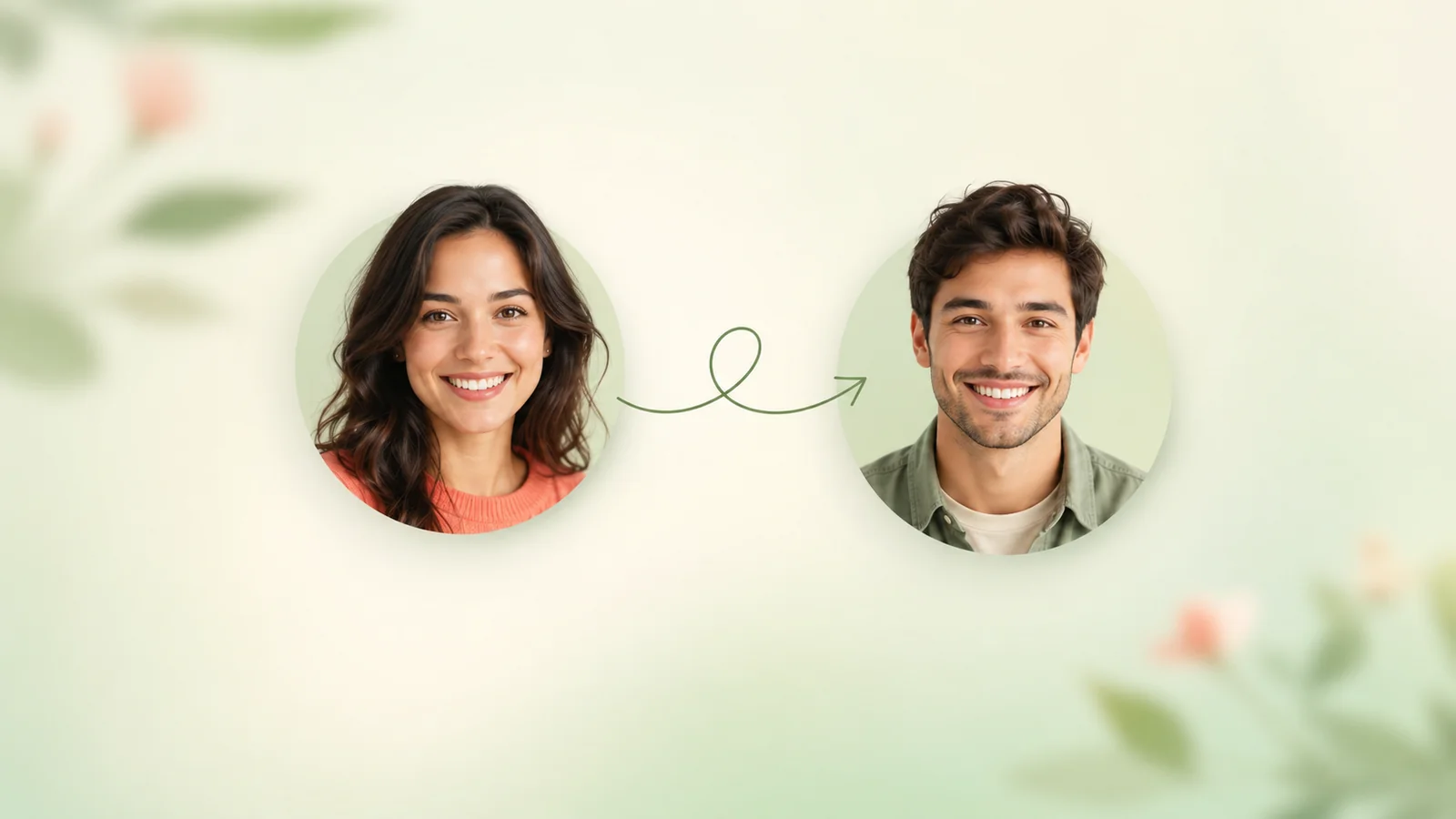
AI Face Swap
Swap any face in any photo — free online face swap photo tool. Upload, pick a target face, download HD in ~10 seconds.
The photo whose pose, hair and background you keep
The face the AI will swap into your source photo
Seamless blending — the most-loved AI Face Swap result
Upload both photos to start
AI Face Swap Result
 Source
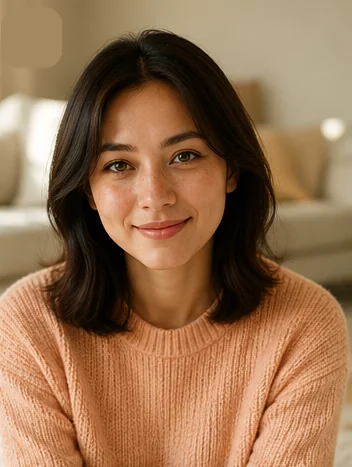 Face-swapped
Drop a source photo and a target face — your AI Face Swap result will appear here in about 10 seconds, watermark-free.
AI Face Swap examples in every scene
One source face, six AI Face Swap looks — tap a tab to see the result.
Natural portraitA clean face swap that keeps the original mood
Every AI Face Swap above was generated from one source face — pick yours and try the styles you like.
Browser-based · no app to install
- Chrome
- Safari
- Firefox
- Edge
- iPhone
- iPad
- Android
- Mac
- Windows
Imya's AI Face Swap runs in any modern browser — Chrome, Safari, Firefox, Edge — on iPhone, iPad, Android, Mac and Windows. No download, no app store.
What is AI Face Swap?
AI Face Swap is the fastest way to swap a face in any photo without Photoshop, without a prompt and without a learning curve. You upload a source photo and a target face, and an advanced deep-learning model rebuilds skin tone, lighting, head angle and facial features so the AI Face Swap result looks natural. What a retoucher would spend an hour on, the AI Face Swap tool finishes in about 10 seconds.
¶Imya's free AI Face Swap online tool runs models trained on millions of faces, not a one-tap mobile filter. When you face swap photo online with Imya, the AI keeps the target's expression, pose and the photo's background — only the face is replaced. The result is an HD, watermark-free AI Face Swap photo ready to share on TikTok, Discord, Reddit or your group chat.
¶Unlike a generic filter app, a true AI Face Swap converter handles edge cases — multiple faces in one photo, profile angles, glasses, beards. Whether you want a movie-poster face swap, a friends-group face swap photo, a Halloween costume look or a fun couple swap, the AI Face Swap tool does the art for you. For entertainment and creative use only — not for misleading content or impersonation without consent.
Why choose Imya's free AI Face Swap
Three reasons creators, cosplayers and meme makers pick Imya to swap faces — no paywall, no sign-up and no watermark on your AI Face Swap result.
- N°01
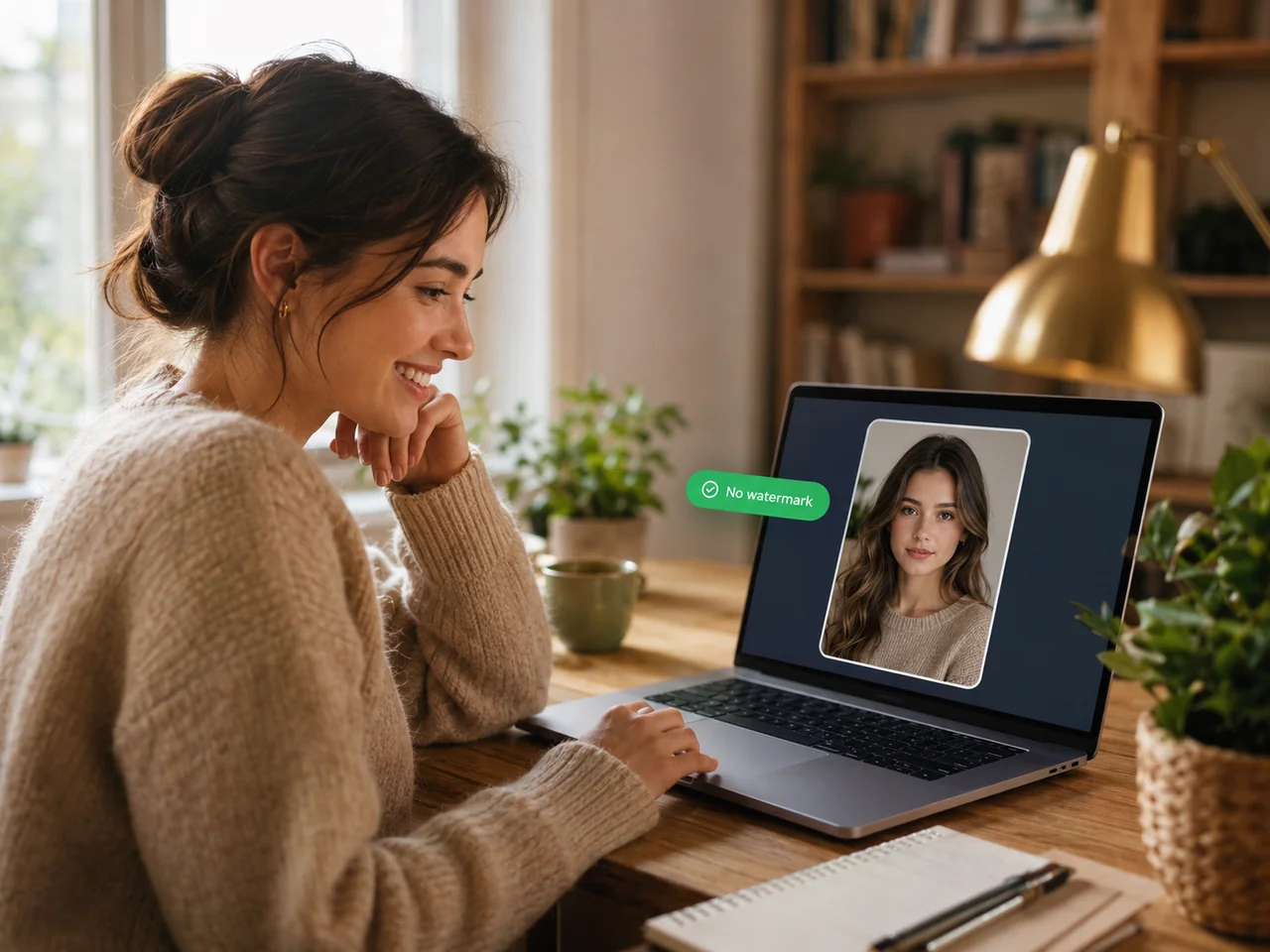
Seamless face blending
Imya's AI Face Swap matches skin tone, lighting and head angle so the swap looks natural — no plasticky edges, no obvious cut-and-paste, no plastic skin.
- N°02
Multiple faces in one swap
Group photo? No problem. The AI Face Swap tool detects every face automatically — swap one, swap several or swap them all in a single pass.
- N°03
HD result, no watermark, no sign-up
Every AI Face Swap downloads at full HD with no Imya logo and no overlay. Start free without an account; new sign-ups get extra credits.
- N°04
Privacy by default
Uploads are encrypted, never used to train AI models and auto-deleted within 24 hours. Your AI Face Swap photos stay yours.
What can you use AI Face Swap for?
Real reasons people open the AI Face Swap tool — pick the one that fits and start swapping.
 N°01
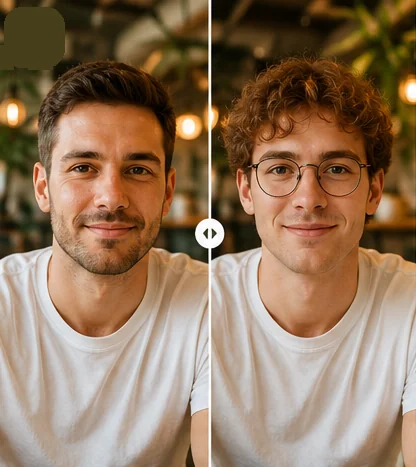
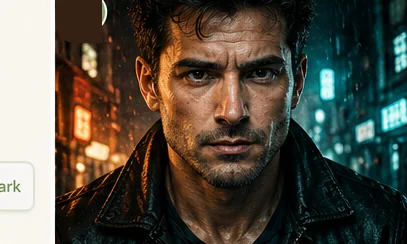
N°01Entertainment & memes
Make hilarious AI Face Swap memes with friends, swap into trending TikTok scenes or send a group-chat face swap photo that goes viral. The AI Face Swap tool handles every face — solo, pair or whole crew.
 N°02
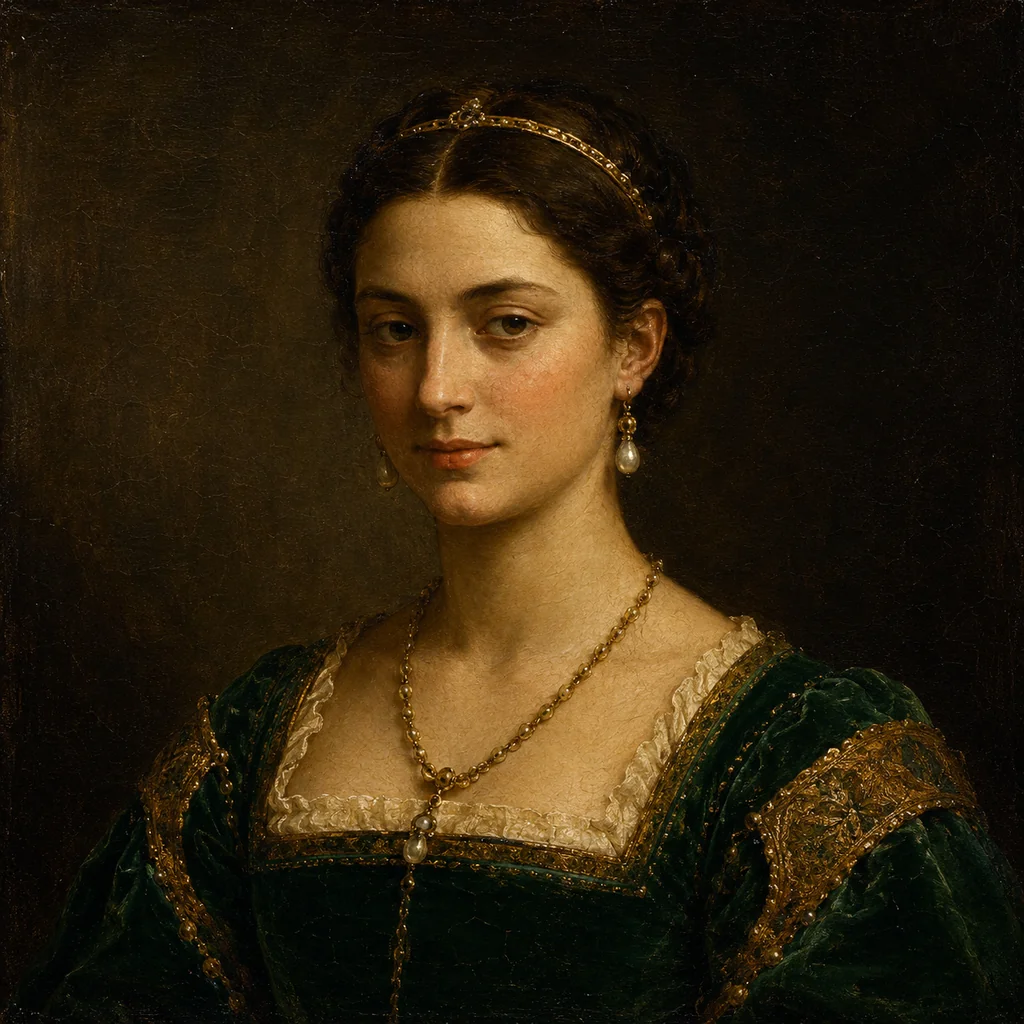
N°02Creative posters & art
Put your face on a cinematic movie poster, a Renaissance painting or a magazine cover. AI Face Swap turns any photo into a piece of personal art — perfect for prints, gifts and bedroom-wall posters.
 N°03
N°03Costume, cosplay & preview
Try on a wedding dress, a Halloween costume or a fantasy character before you commit. AI Face Swap lets you preview yourself in any outfit, role or era — without leaving the browser.
How to use AI Face Swap in 3 simple steps
From two photos to a finished AI Face Swap in under a minute — no editing skill, no prompt and no sign-up to begin.
 01
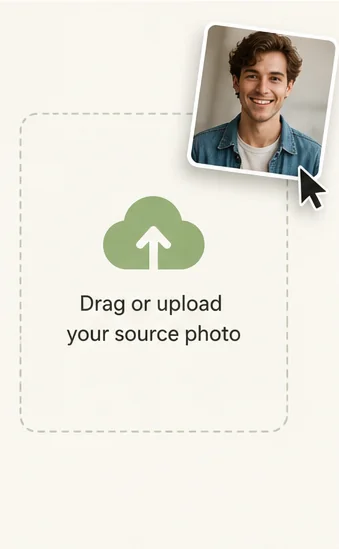
01Upload your source photo
Drag and drop the photo that will keep its pose, hair and background — JPG, PNG, WEBP or HEIC up to 16 MB. A clear, well-lit photo gives the AI Face Swap tool the most detail to work with.
 02
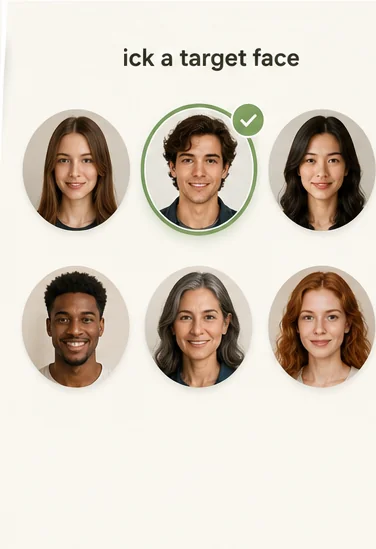
02Pick the target face
Drop a second photo of the face you want to use, or tap a sample face. The AI Face Swap tool reads the target's features automatically — no manual landmark selection needed.
 03
03Generate & download HD
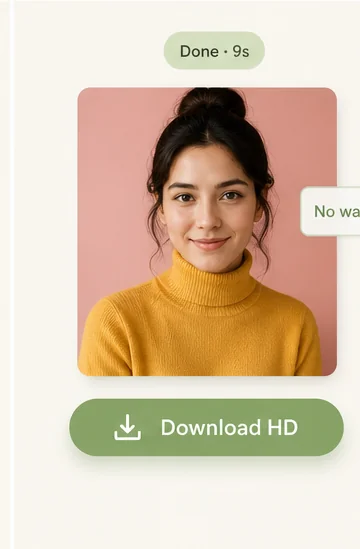
In about 10 seconds the AI swaps the faces and matches skin tone, lighting and angle. Drag the slider to compare, then download your AI Face Swap photo — full HD, no watermark.
Swap your face into any scene
Upload one photo and become a movie star, a Renaissance noble or a fantasy character — all in one AI Face Swap session.
Start AI Face Swap →- No download required
- Instant HD results
- Privacy protected
Frequently asked questions about AI Face Swap
Yes. Imya is a free AI Face Swap online tool — no credit card to start. New accounts receive free credits to unlock HD downloads, and basic face swap stays free with no paywall.
More AI photo tools from Imya
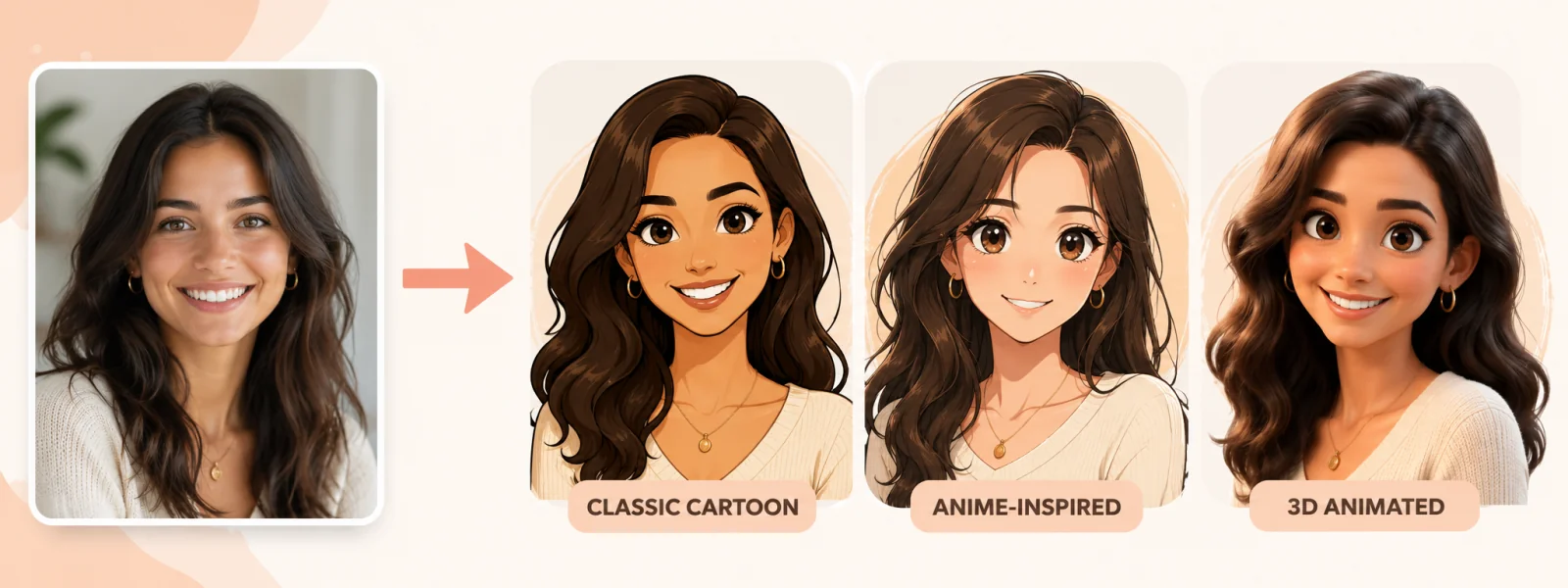
AI Cartoon Portrait
Turn your face into a cartoon avatar — perfect pair with AI Face Swap.
Open tool →
AI Headshot Generator
Studio-quality professional headshot in two minutes — great after a face swap.
Open tool →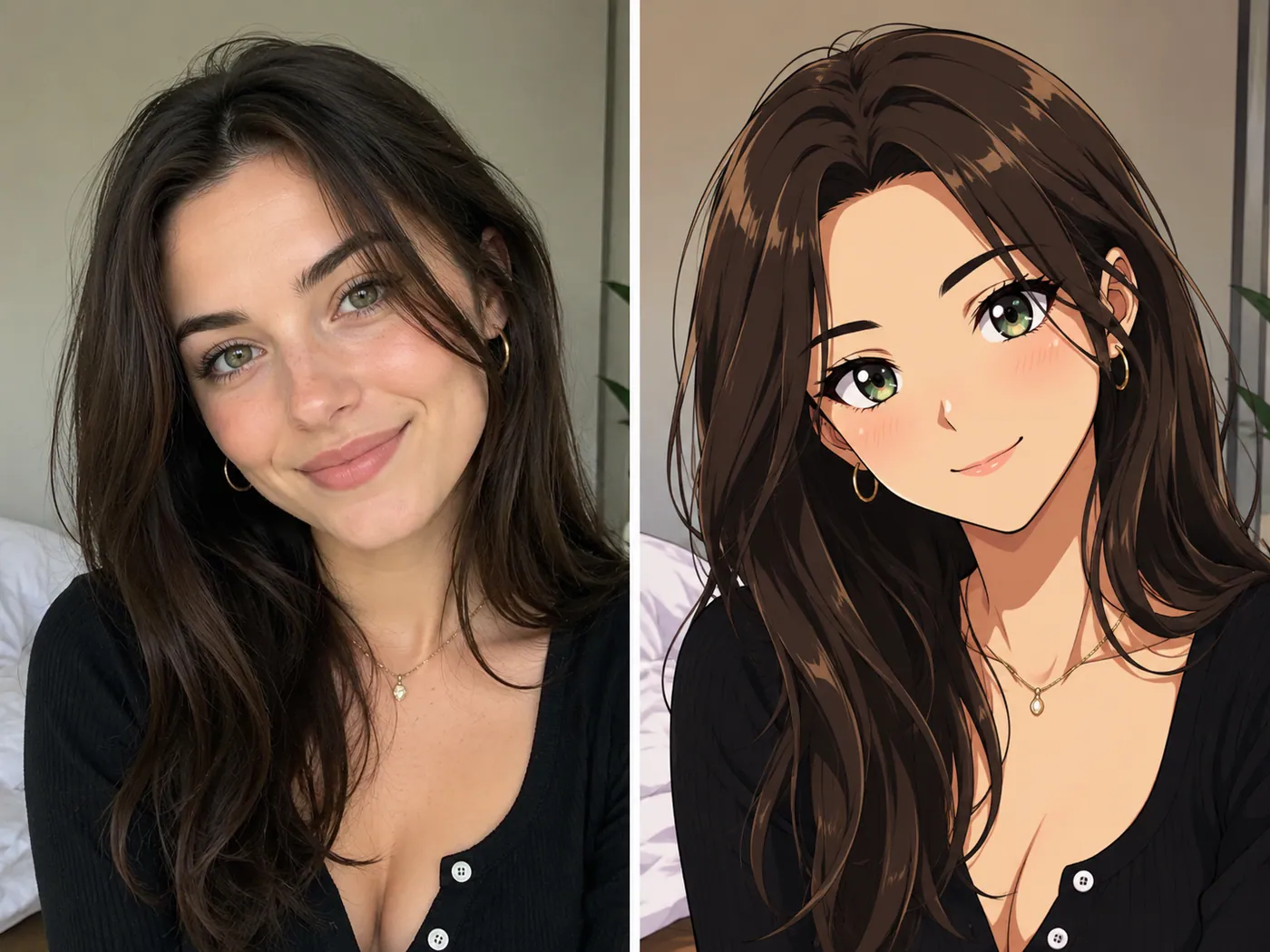
AI Photo to Anime
Convert your AI Face Swap photo into anime art in one click.
Open tool →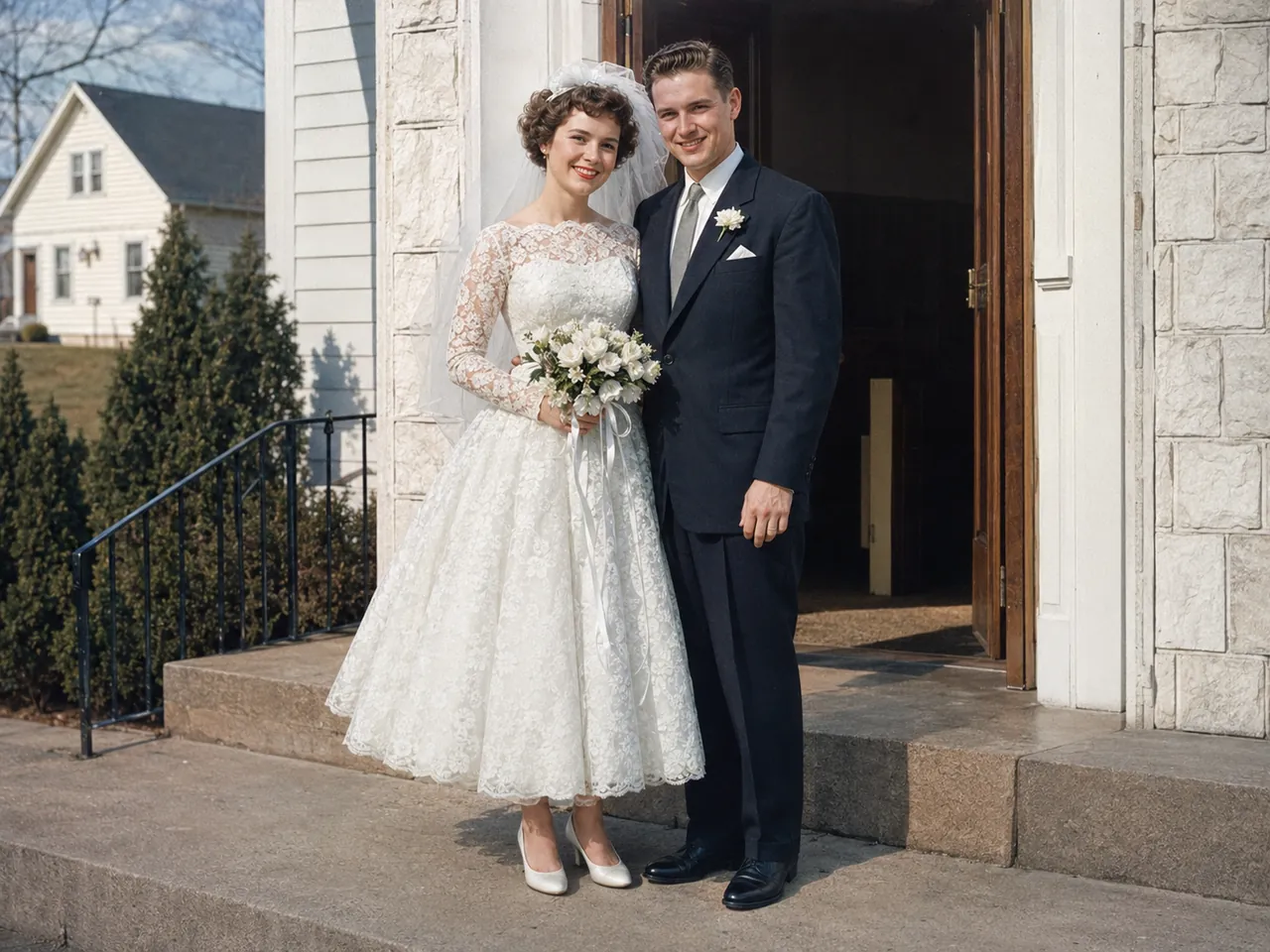
AI Old Photo Restoration
Restore and colorize old photos before you face swap them.
Open tool →
Swap a face — free, in 10 seconds
Upload one source photo and one target face — the AI Face Swap tool does the rest. No sign-up to start, no watermark on the result.
Swap a face free →Free · No watermark · Private