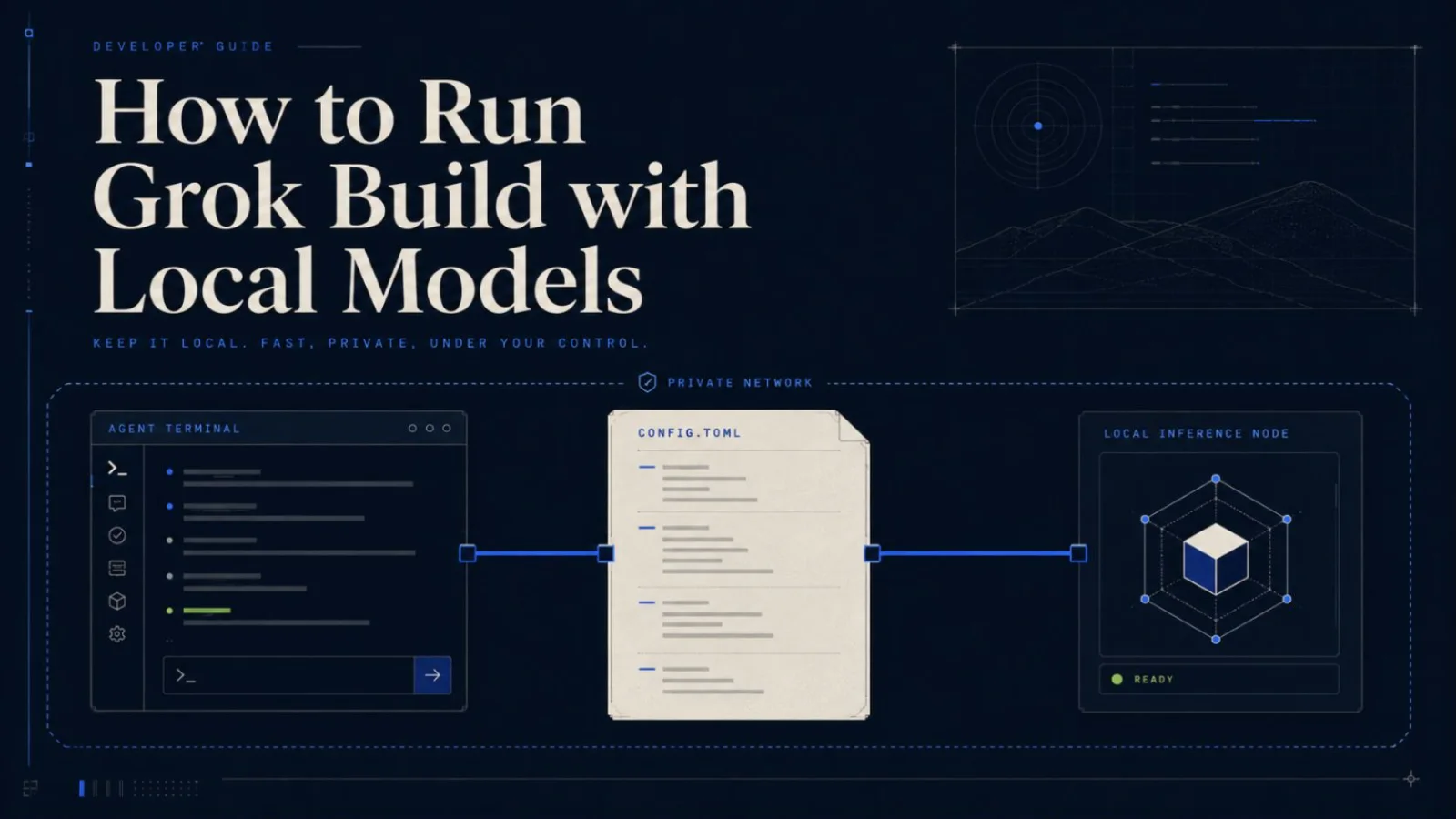
How to Run Grok Build with Local Models
Learn how to configure Grok Build local inference with Ollama and OpenAI-compatible endpoints, verify requests stay local, and understand the privacy tradeoffs.
Grok Build can now point at your own inference endpoint. That is the useful part of the open-source release for developers who want more control over code, prompts, and model costs.
But one distinction matters: running the Grok Build CLI on your computer is not the same as running model inference locally. xAI open-sourced the coding-agent harness and terminal interface. It did not release the Grok 4.5 model weights.
TL;DR: Add a custom model to ~/.grok/config.toml, set its base_url to your local OpenAI-compatible server, select that model in Grok Build, and verify the requests in your local server logs. Ollama is the clearest officially documented path.
What "Grok Build local inference" actually means
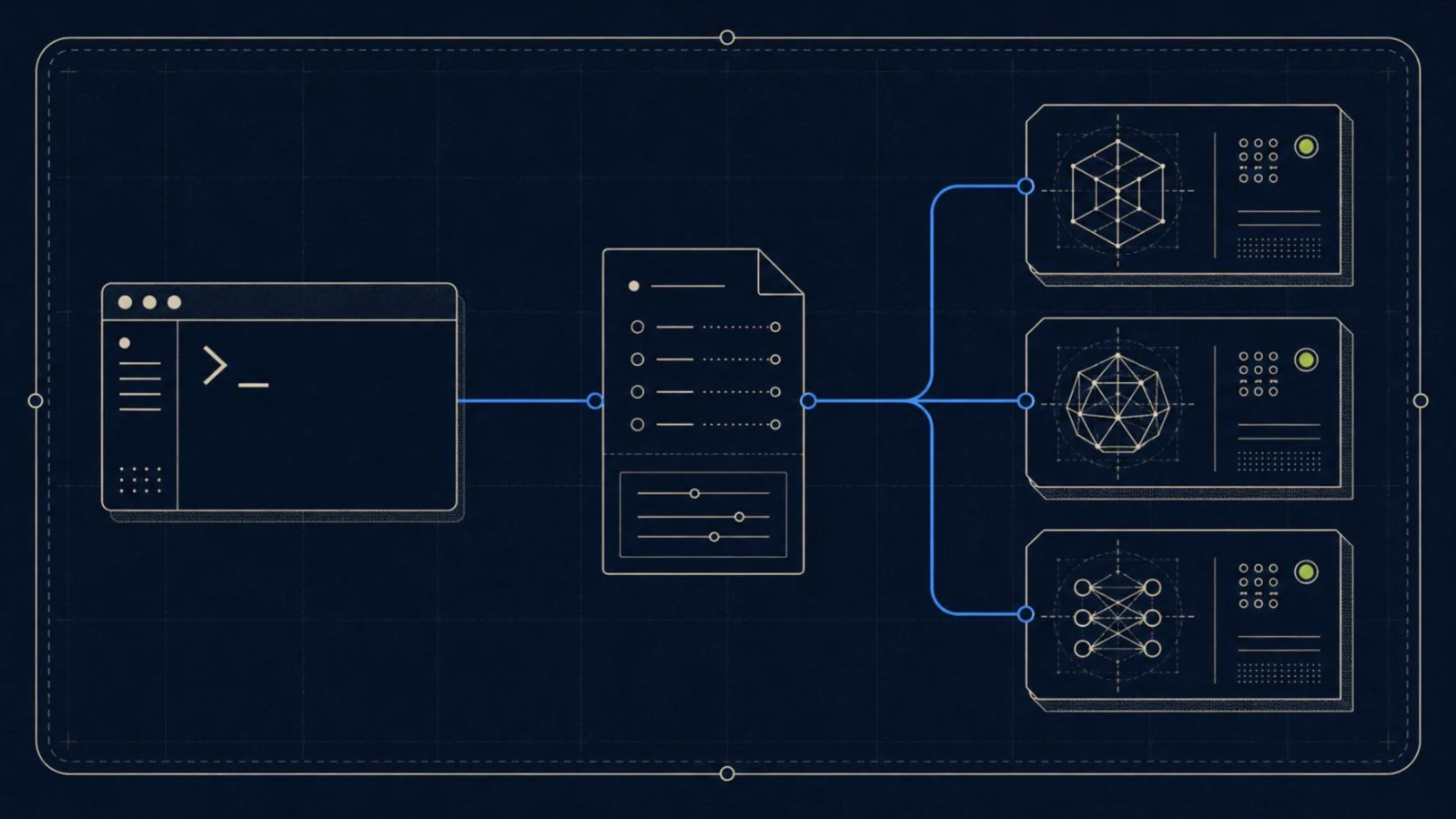
There are three separate pieces:
- Grok Build is the agent harness. It reads context, calls tools, edits files, and presents the terminal UI.
- The inference endpoint receives the model request. It may be xAI, another cloud provider, or a server on
localhost. - The model weights produce the response. With Ollama, LM Studio, or vLLM, those weights can run on hardware you control.
Local inference means the second and third pieces stay on your machine or private network. Merely installing the CLI does not guarantee that.
What xAI open-sourced — and what it did not
The official announcement says the release includes the agent loop, tools, terminal UI, and extension system for skills, plugins, hooks, MCP servers, and subagents. The GitHub repository contains the Rust source for the CLI/TUI and agent runtime.
That is substantial, because you can inspect how context is assembled and how tool calls are dispatched. It also makes a custom local model endpoint possible.
What you do not get is a downloadable copy of Grok 4.5. A local model in this setup is a separate model served by Ollama or another compatible runtime.
Prerequisites
You need:
- macOS, Linux, or Windows;
- Grok Build installed;
- Ollama or another OpenAI-compatible server;
- a model that fits your available RAM or VRAM;
- a test repository where changes are easy to reverse.
Local models vary widely in coding quality. A model may answer chat questions correctly but fail when the agent asks it to emit structured tool calls. Start with a small task such as reading one file and proposing a change.
Install Grok Build
The current repository lists these official commands.
For macOS, Linux, or Git Bash:
curl -fsSL https://x.ai/cli/install.sh | bash
grok --version
For Windows PowerShell:
irm https://x.ai/cli/install.ps1 | iex
grok --version
Prebuilt binaries are available for all three platforms. Building from source is supported on macOS and Linux; the repository describes Windows source builds as best effort.
Understand ~/.grok/config.toml
Custom models live under a [model.*] section. The official guide supports three API backends: OpenAI Chat Completions, OpenAI Responses, and Anthropic Messages.
[model.local-coder]
model = "your-model-id"
base_url = "http://localhost:8080/v1"
name = "Local Coder"
api_backend = "chat_completions"
context_window = 32768

[models]
default = "local-coder"
Here is what each field does:
modelis the exact model identifier sent to the server.base_urlis the local or self-hosted API root.nameis the label shown in the model picker.api_backendselects the request protocol. Chat Completions is the default.context_windowtells Grok Build when it should compact the session.
Set context_window to a value your model actually supports. A large number in the config does not create more context in the model.
Connect Grok Build to Ollama
The official custom-model guide uses CodeLlama as its example. First, start Ollama and pull the model:
ollama serve
ollama pull codellama
Then add this to ~/.grok/config.toml:
[model.ollama-codellama]
model = "codellama"
base_url = "http://localhost:11434/v1"
name = "CodeLlama (Ollama)"
The important detail is /v1. Grok Build uses an OpenAI-compatible API, not Ollama's native generate endpoint.
Run grok models and confirm that the custom entry appears. You can select it when starting a prompt:
grok -p "Summarize this repository without changing files" -m ollama-codellamaInside the TUI, use /model ollama-codellama or its /m alias. The model picker is also available with Ctrl+M when focus is in the scrollback pane.
Use LM Studio or vLLM
Grok Build supports a generic OpenAI-compatible server, so LM Studio and vLLM are reasonable candidates. Do not treat "OpenAI-compatible" as a guarantee that every agent feature works.
Use this checklist before trusting either runtime:
- Confirm the server exposes
/v1/chat/completionsor/v1/responses. - Copy the exact model ID reported by its
/v1/modelsendpoint. - Check that streaming responses complete cleanly.
- Test structured tool calls, not only plain chat.
- Set the real context window and a conservative completion limit.
- Watch the server logs for rejected fields or chat-template errors.
A minimal entry looks like this:
[model.local-openai]
model = "model-id-from-your-server"
base_url = "http://localhost:1234/v1"
name = "Local OpenAI-Compatible Model"
api_backend = "chat_completions"
context_window = 32768
LM Studio often uses port 1234, while vLLM commonly uses 8000. Use the port shown by your server rather than copying those values blindly.
How to prove inference is really local
A successful answer is not proof. Verify the route.
- Check that the selected model is your custom entry, not
grok-build. - Confirm
base_urlresolves tolocalhost,127.0.0.1, or a private host you control. - Keep the Ollama, LM Studio, or vLLM request log visible while sending a small prompt.
- Confirm one request appears at the expected time and model ID.
- If your workflow permits it, temporarily disconnect the public network and repeat a harmless read-only prompt.
Do not confuse a local model request with a fully offline application. Authentication, remote fetch, code indexing, MCP servers, or other optional services may still create network traffic.
Privacy: code, prompts, logs, and telemetry
Local inference reduces one major exposure: the model prompt no longer needs to go to a cloud inference provider. It does not automatically secure every file or tool.
Review the official configuration guide and the source for the version you install. Pay special attention to:
- telemetry settings;
- remote fetch and code-indexing features;
- MCP servers and plugins;
- shell-command approval behavior;
- whether tools respect
.gitignore; - secrets in
.env, SSH configuration, and Git history.
Never place an API key directly in a committed config file. Grok Build supports env_key for provider credentials. For a local server that does not require authentication, omit the key instead of adding a fake secret.
Common errors and fixes
Connection refused
The local server is not running, the port is wrong, or a container/WSL boundary makes localhost point somewhere else. Test the server's /v1/models endpoint from the same environment where Grok Build runs.
Model not found
The model value must match the server's model ID exactly. A friendly display name is not always the API identifier.
Tool calls fail
The model or its chat template may not support the tool-call format Grok Build expects. Try a model advertised for agentic coding and inspect the raw server error.
Context or timeout errors
Lower context_window to the model's real limit. Use a smaller repository or shorter task, and allow more inference time for models running without a GPU.
Streaming stops early
Confirm the server implements the selected api_backend. If Chat Completions streaming is unreliable, test non-agent chat against the same endpoint before debugging Grok Build.
Local models vs cloud coding agents
| Factor | Local model with Grok Build | Cloud coding agent |
|---|---|---|
| Model requests | Stay on your machine or private endpoint | Go to the provider endpoint |
| Quality | Depends on the model and hardware | Usually uses a frontier model |
| Speed | Limited by local compute | Limited by network and provider capacity |
| Cost | Hardware, power, and maintenance | Subscription or usage fees |
| Context | Constrained by local model/runtime | Often larger and managed for you |
| Tool calling | Must be tested per model | Usually tuned for the agent |
| Control | High | Provider-dependent |
Grok Build's local inference option is most compelling when control and inspectability matter more than maximum model capability. Claude Code and Codex prioritize managed frontier-model performance. OpenCode is a closer comparison when provider flexibility is the main requirement.
Version history
| Date | Verification scope |
|---|---|
| July 16, 2026 | Checked the xAI open-source announcement, GitHub installation instructions, custom-model guide, configuration guide, Ollama example, and supported API backends. LM Studio and vLLM remain compatibility-guided rather than lab-verified in this revision. |
The Bottom Line
Grok Build local inference is real, but it means connecting the open-source agent harness to a separate local model server. It does not mean Grok 4.5 weights are available for download.
Start with the official Ollama configuration, select the custom model explicitly, and prove the request appears in your local server logs. Then audit optional networked features before describing the setup as offline or private. That small verification loop is more useful than any broad privacy promise.
Frequently Asked Questions
Can Grok Build use local models?
Yes. Grok Build supports custom model entries in ~/.grok/config.toml and can connect to local OpenAI-compatible endpoints, including the Ollama example in the official documentation.
Can I run Grok 4.5 locally?
Not from the Grok Build open-source release. xAI released the coding-agent harness, CLI, TUI, tools, and extension system, not the Grok 4.5 model weights.
Does Grok Build work with Ollama?
Yes. The official custom-model guide provides an Ollama configuration using http://localhost:11434/v1. The selected Ollama model still needs enough context and tool-calling capability for your task.
Is Grok Build fully offline?
A local inference endpoint removes cloud model inference from the path, but other optional features or authentication flows may still make network requests. Audit your configuration and network activity before calling a setup fully offline.
Does Grok Build upload my code?
That depends on the active model endpoint and enabled features. A localhost inference endpoint keeps model requests local, but you should also review telemetry, remote fetch, code indexing, tools, and any MCP servers you enable.
Do LM Studio and vLLM work with Grok Build?
They can expose OpenAI-compatible APIs, which matches a backend Grok Build supports. Compatibility still depends on the model, chat template, streaming behavior, and tool-call support, so verify those before relying on either setup.
What local model should I use for coding?
Choose a code-capable model that fits your memory, supports the context length you need, and reliably emits tool calls. Start with a small repository and a reversible task before using it on important work.