AI Hug Video Generator
Turn one or two photos into a warm, lifelike AI hug video. Upload the people you love, choose a hug scene, adjust the video settings, and render a downloadable MP4 with Seedance 2.0.
- Free to set up
- Secure account render
- No watermark
Every AI hug video is AI-generated from the photo you upload.
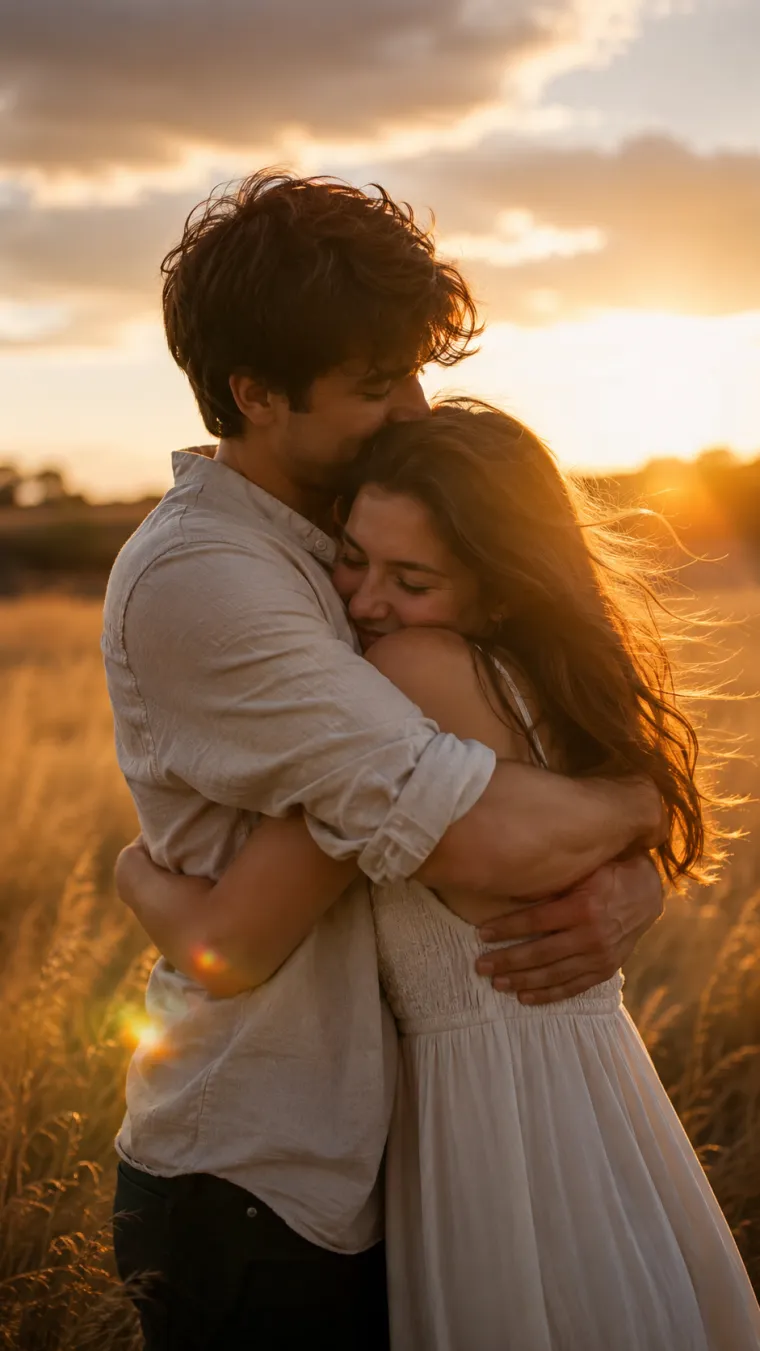
SCENE PREVIEW
Warm Embrace
Upload a photo, pick a scene, and click Generate to create a 5s clip.
5s · 720p · 9:16 · 625 credits
Upload photo(s)
Upload one or two person reference photos. The images guide identities for the hug — they are not before/after frames.
Scene
- Free to set up
- Secure account render
- No watermark
- Ready in about a minute
- Image to video
- MP4 download
Built on Imya's own AI video engine.
What Is an AI Hug Video?
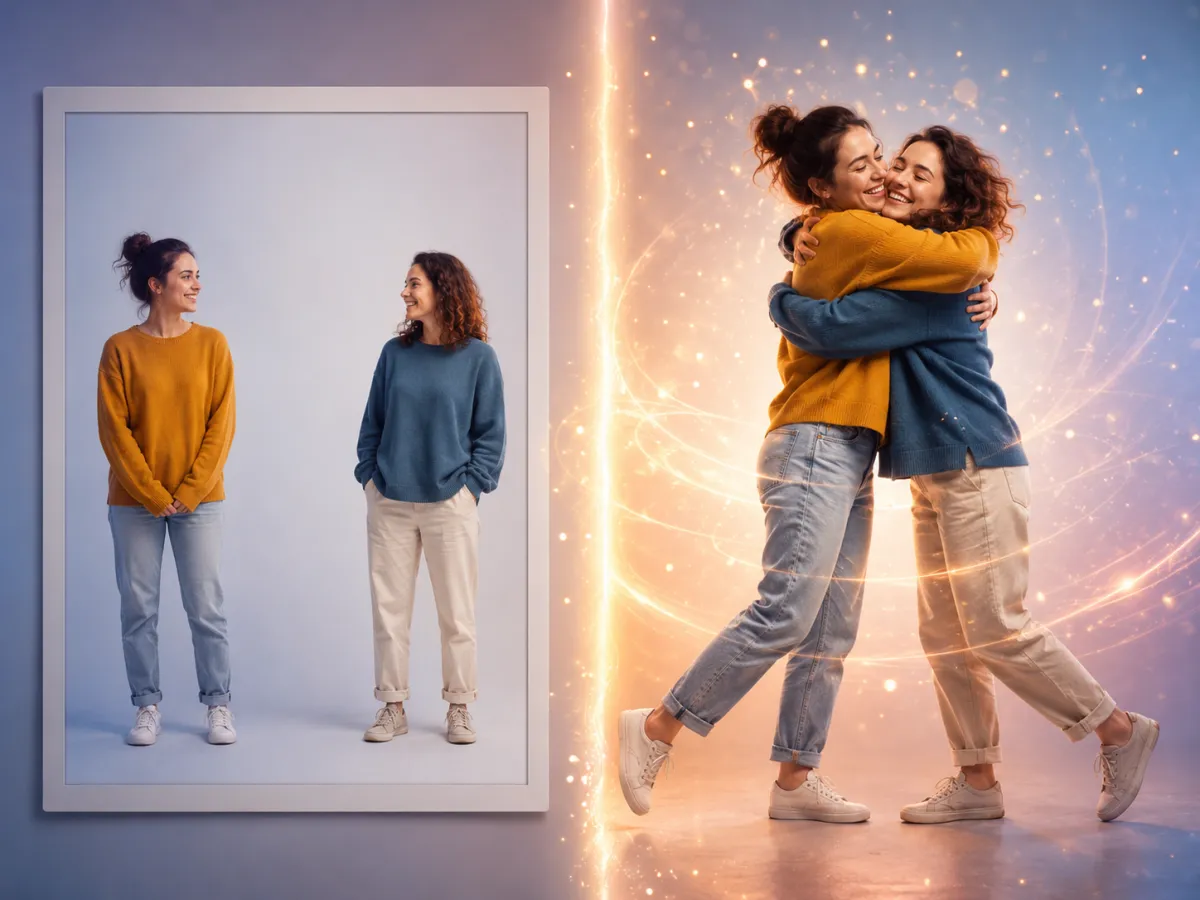
An AI hug video is a short, lifelike clip where artificial intelligence brings a still photo to life so two people can share a real, moving hug. Instead of a frozen picture, you see gentle motion — arms wrapping around a back, a head leaning onto a shoulder, a slow and natural smile. Imya's AI hug video generator studies the people in your photo and animates a believable embrace frame by frame, using the same kind of image-to-video AI that powers our wider video tools.
The best part is how little you need to start. You don't need a green screen or any video footage — one clear picture can work, and two references help guide the identities. The AI hugging video tool handles the movement, the timing, and the way light falls across the scene, so your AI hug video feels captured rather than stitched together.
Because the workflow runs online, you can make a hugging video in a few minutes and download the finished MP4 from your account. Whether it is a couple, a parent and child, two old friends, or family spread across the world, an AI hug video gives a still memory the warmth of motion.
How to Make an AI Hug Video Free in 3 Steps
Create a hugging video from a photo in three quick steps — no editing skills and no desktop software.
 01
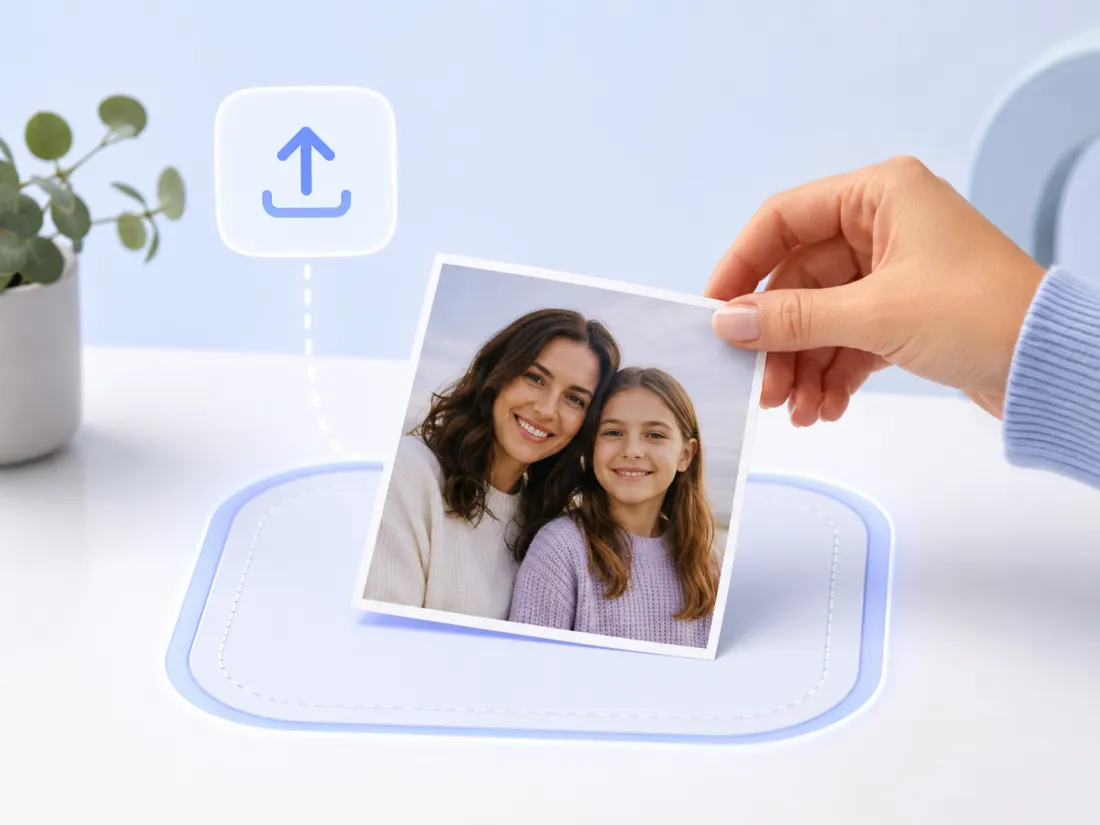
01Upload your photo
Drag in one clear photo of the people you want to see hug, or pick one of our samples. The AI hug video generator works best when faces are visible and the photo is well lit and reasonably sharp.
 02
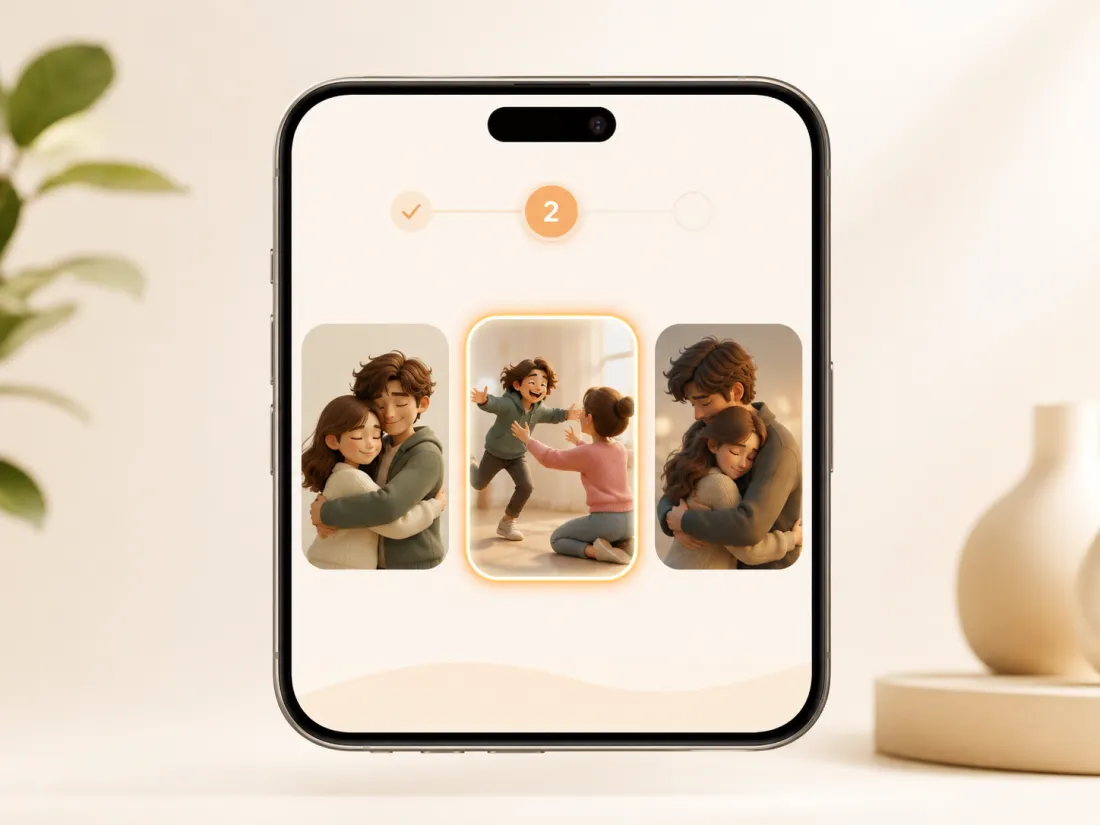
02Choose a hug effect
Pick the hug style that fits the moment — a gentle embrace, an excited run-up hug, a slow emotional hold, or a joyful reunion. Each effect changes how the hugging motion plays out.
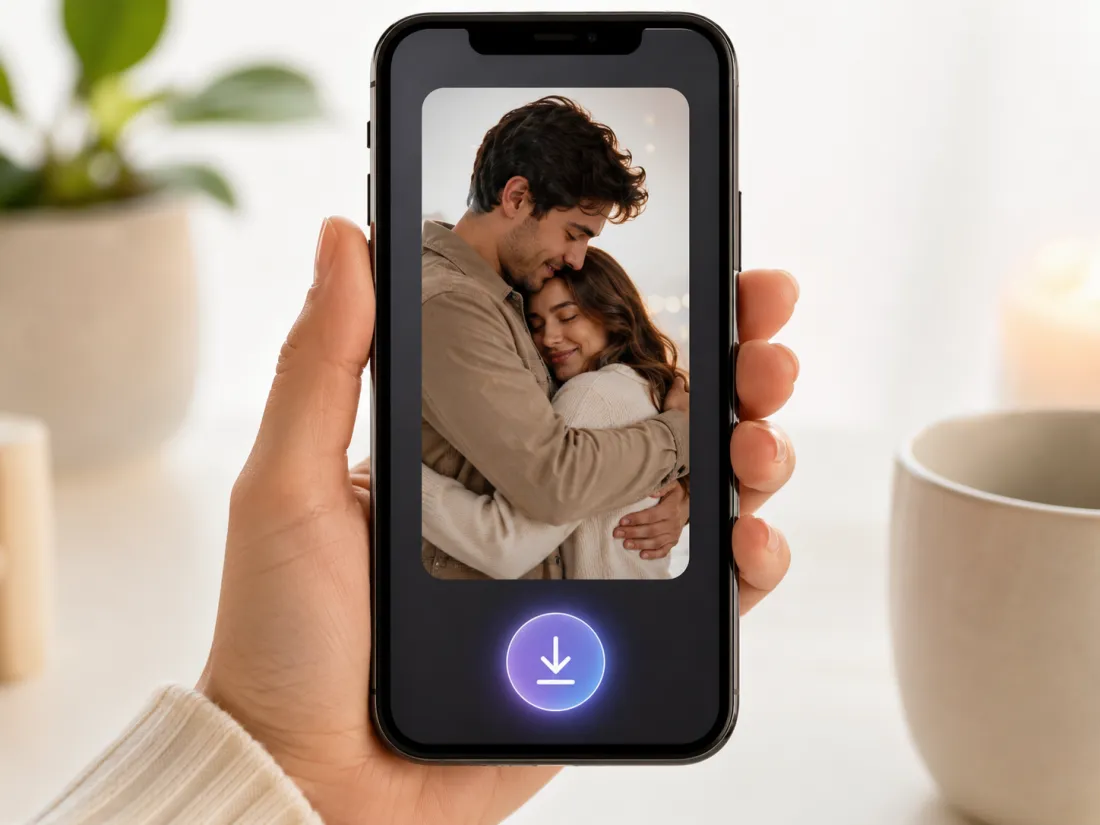 03
03Generate & download
Generate your free AI hug video, preview the hugging motion, then download the finished clip with no watermark — ready for TikTok, Reels, or a heartfelt message.
AI Hug Video Generator Features and Use Cases
From reunions and anniversaries to family memories and long-distance love, here is what you can do with the AI hug video generator and where a hugging video makes the moment land.
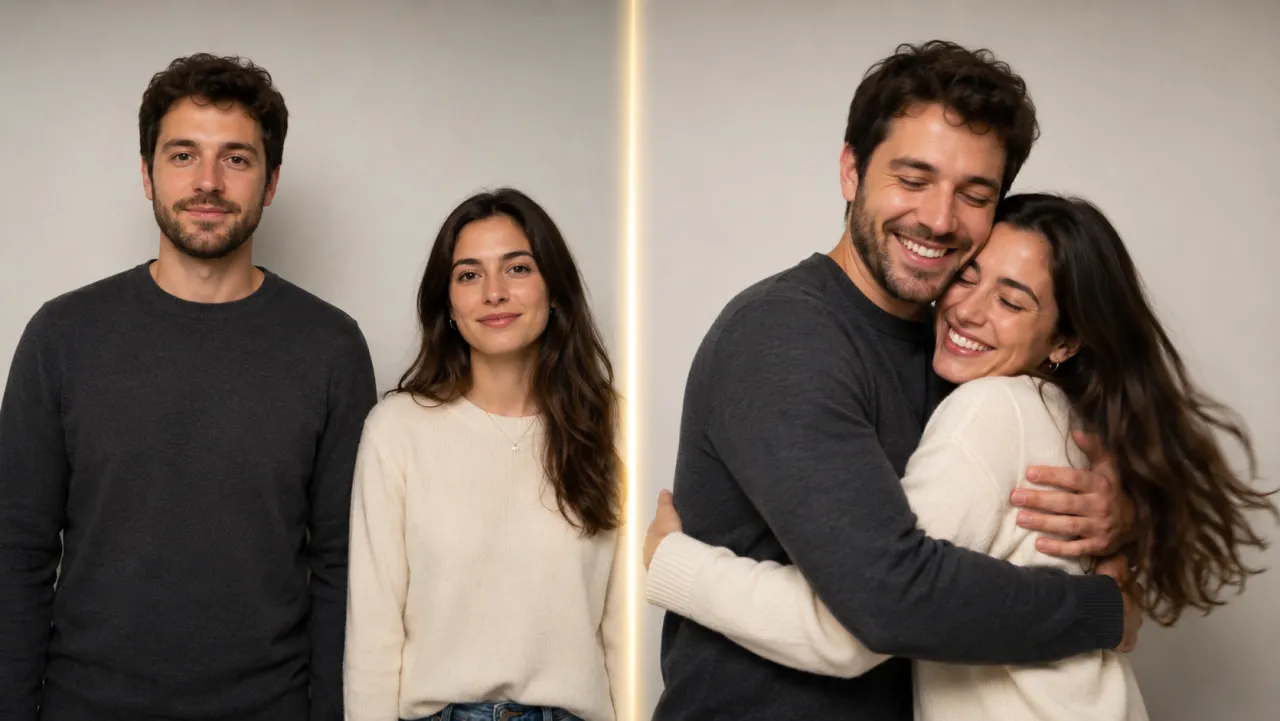
Turn Photos into Hug Videos
Upload any photo and the image-to-video AI animates a natural hug — no second photo, no footage, and no timeline editing. A still image becomes a moving hugging video in a couple of clicks.
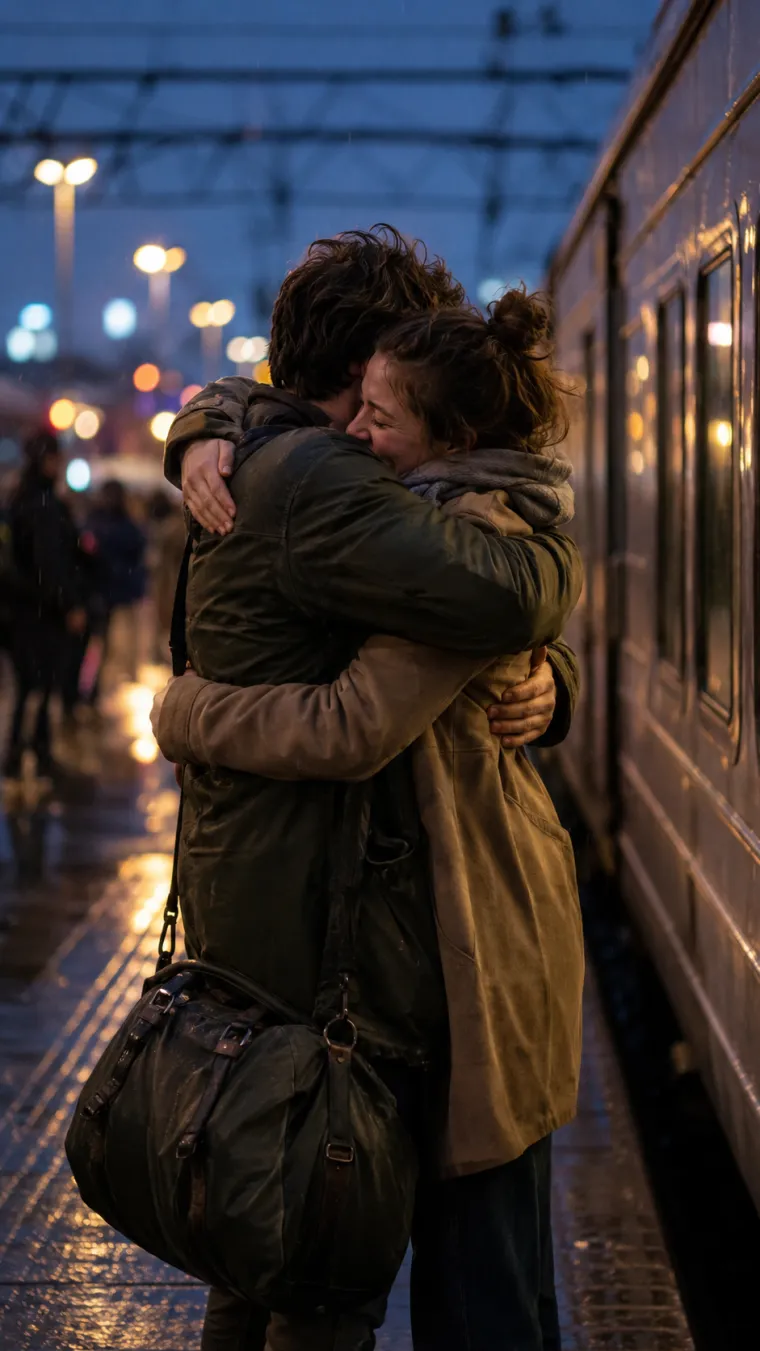
Made for People You Miss
Reunite with someone far away, or gently see a hug with someone you have lost. An AI hug video can turn an old photo into a tender moment you never had the chance to film.
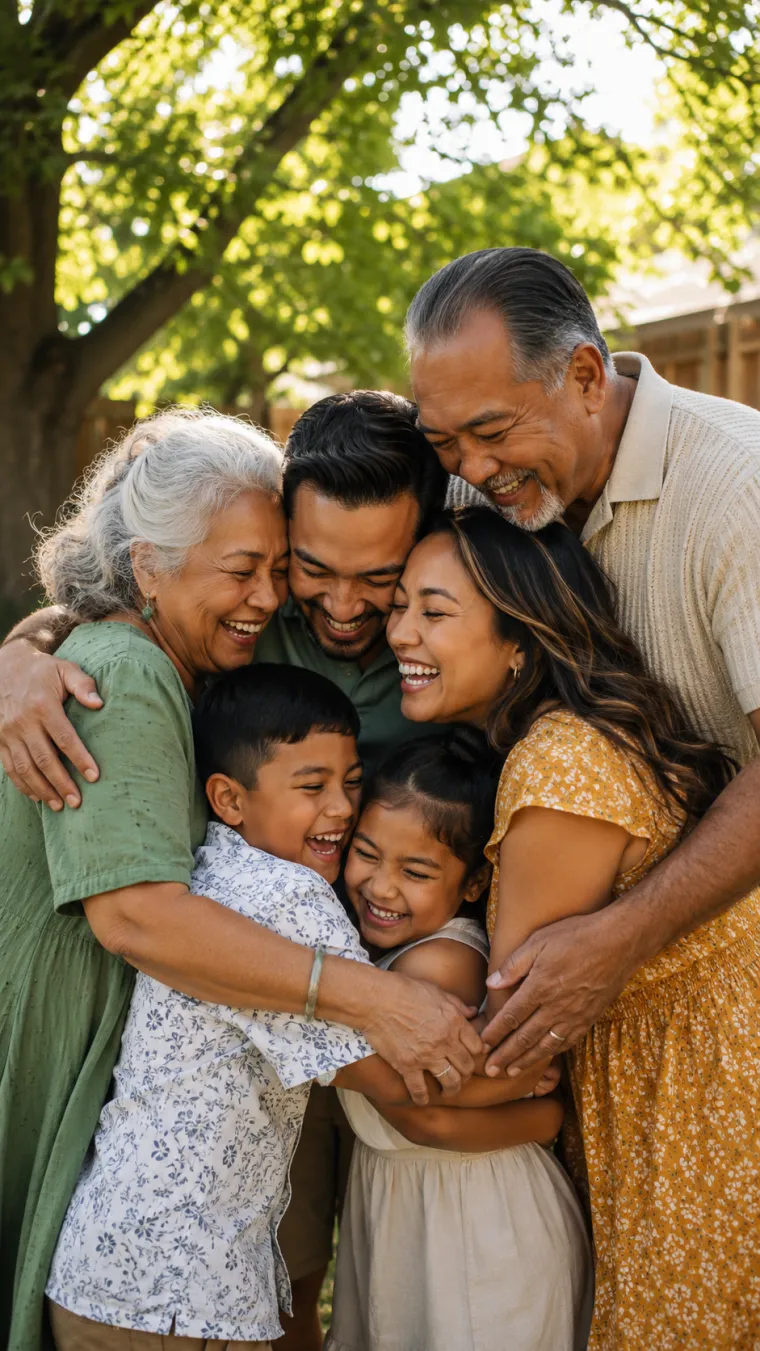
Realistic AI Hug Animation
Soft, lifelike motion with believable arms, posture, and timing means your hugging video looks like it was captured on camera — not pasted together from two pictures.
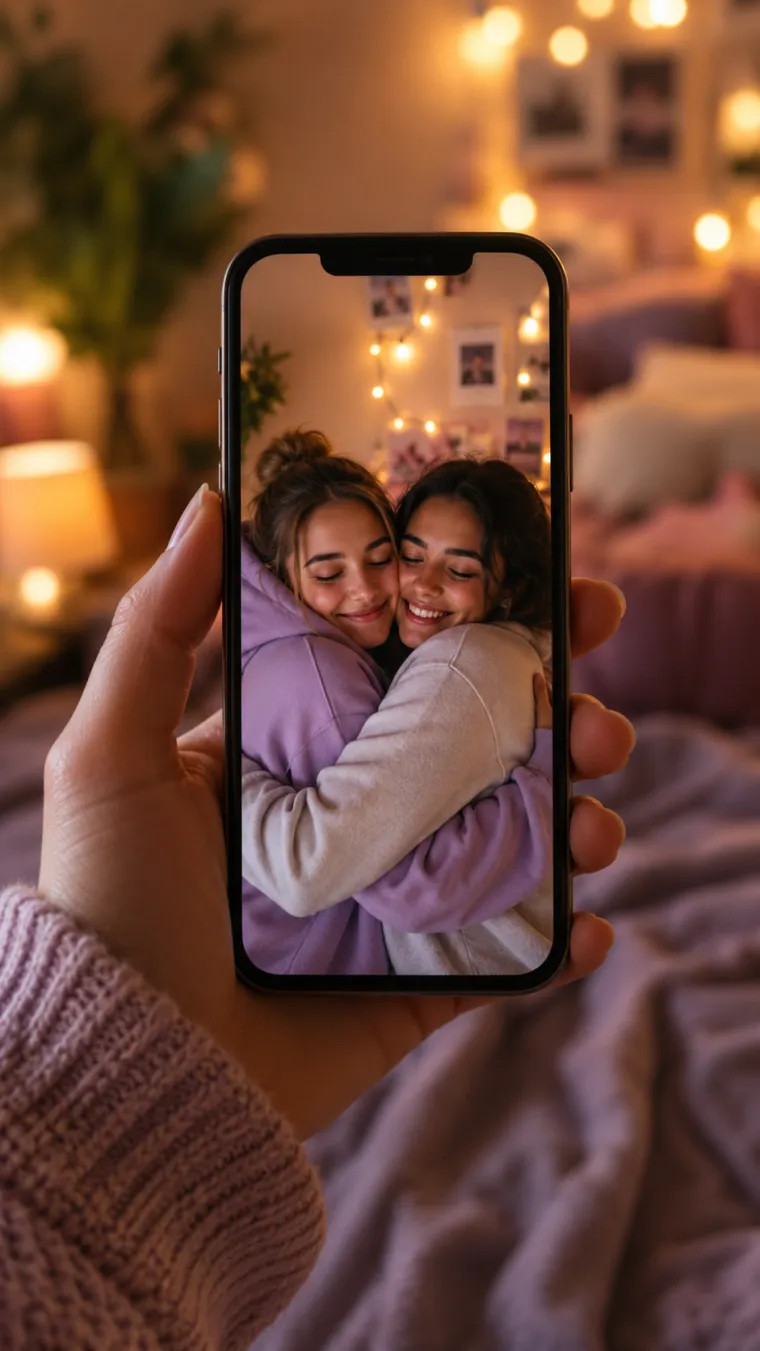
Download and Share the Moment
Export your AI hug video with no watermark, then share it straight to TikTok, Reels, WhatsApp, or a surprise message to someone you love.
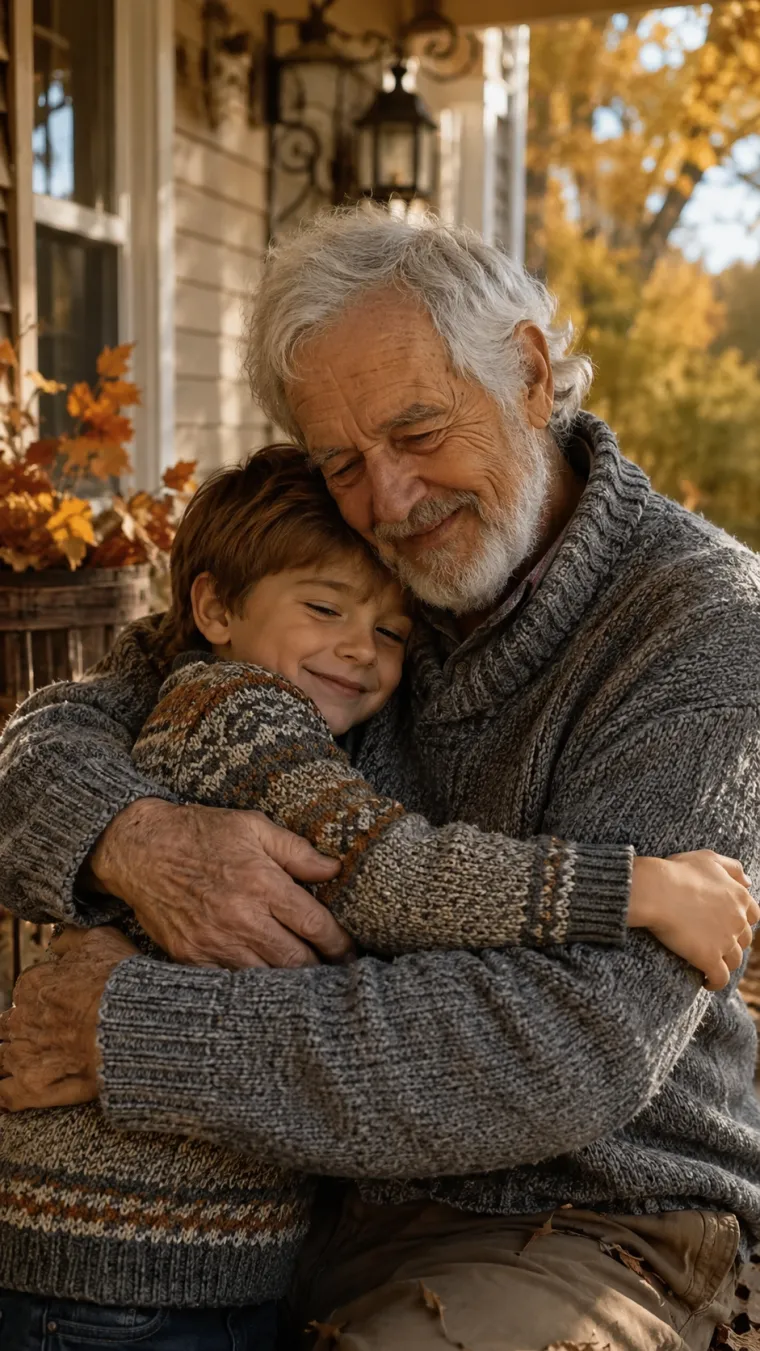
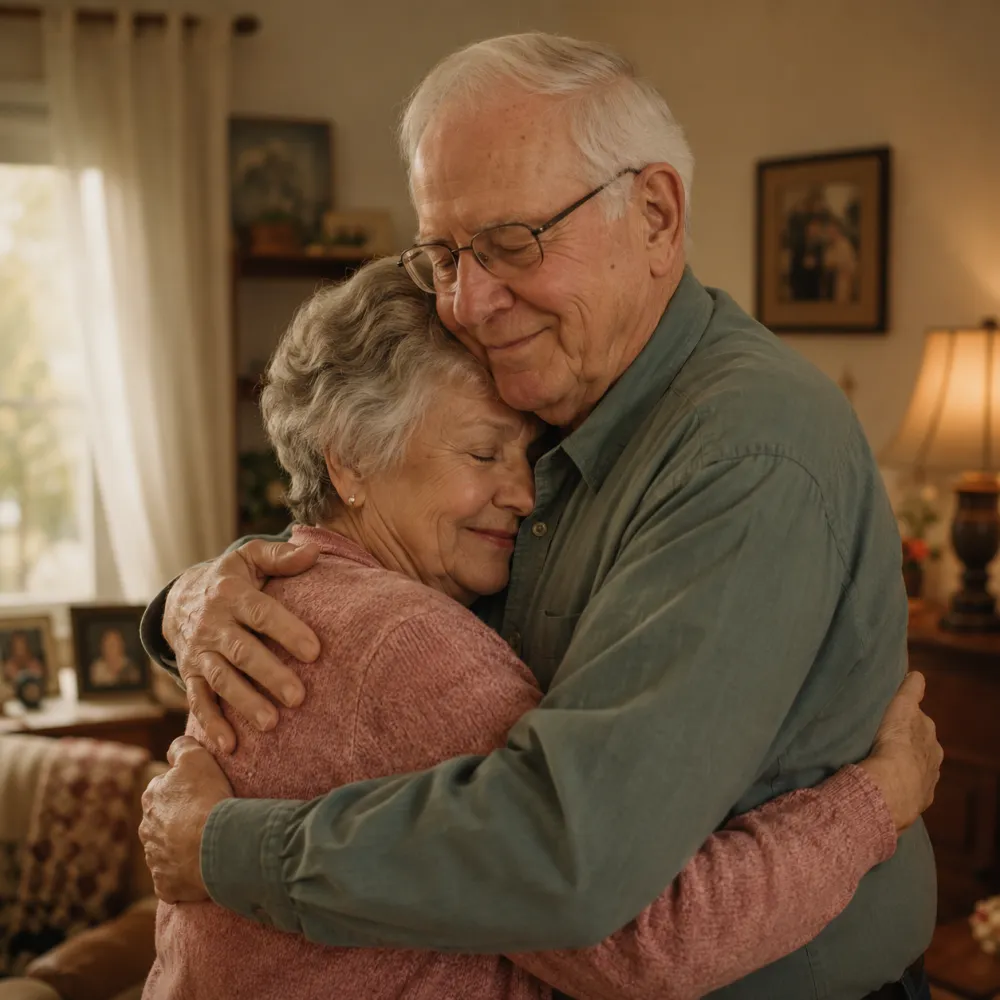
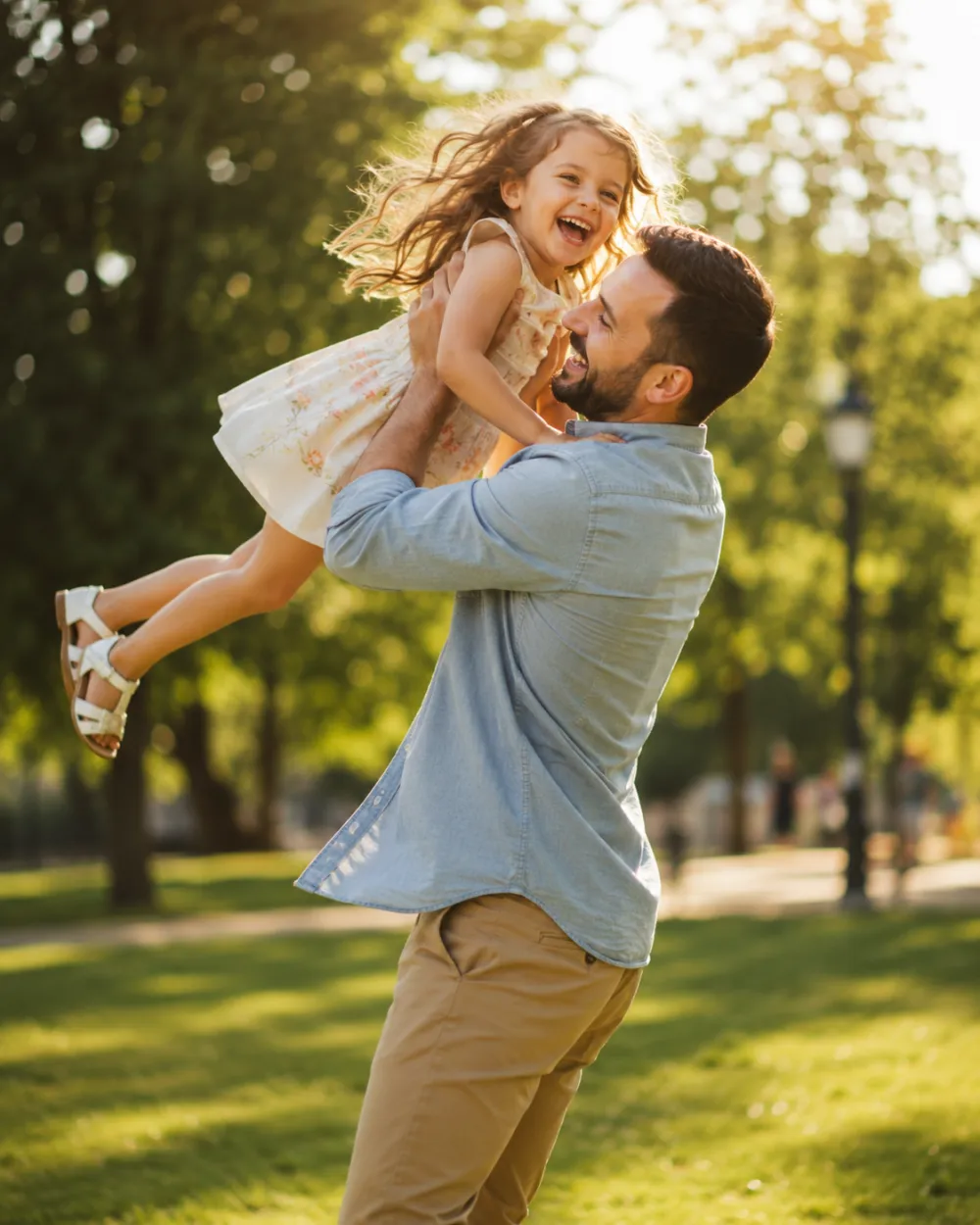
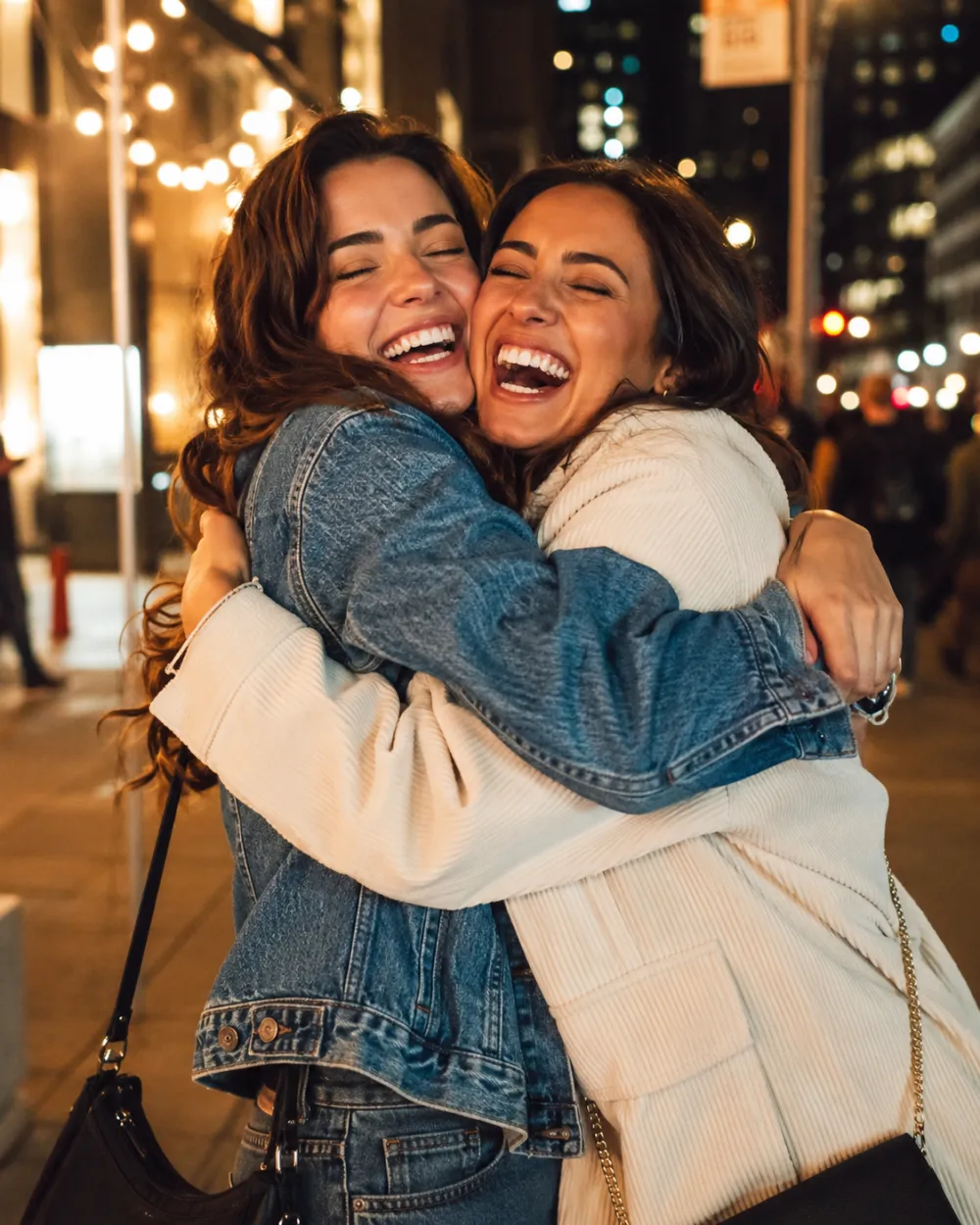
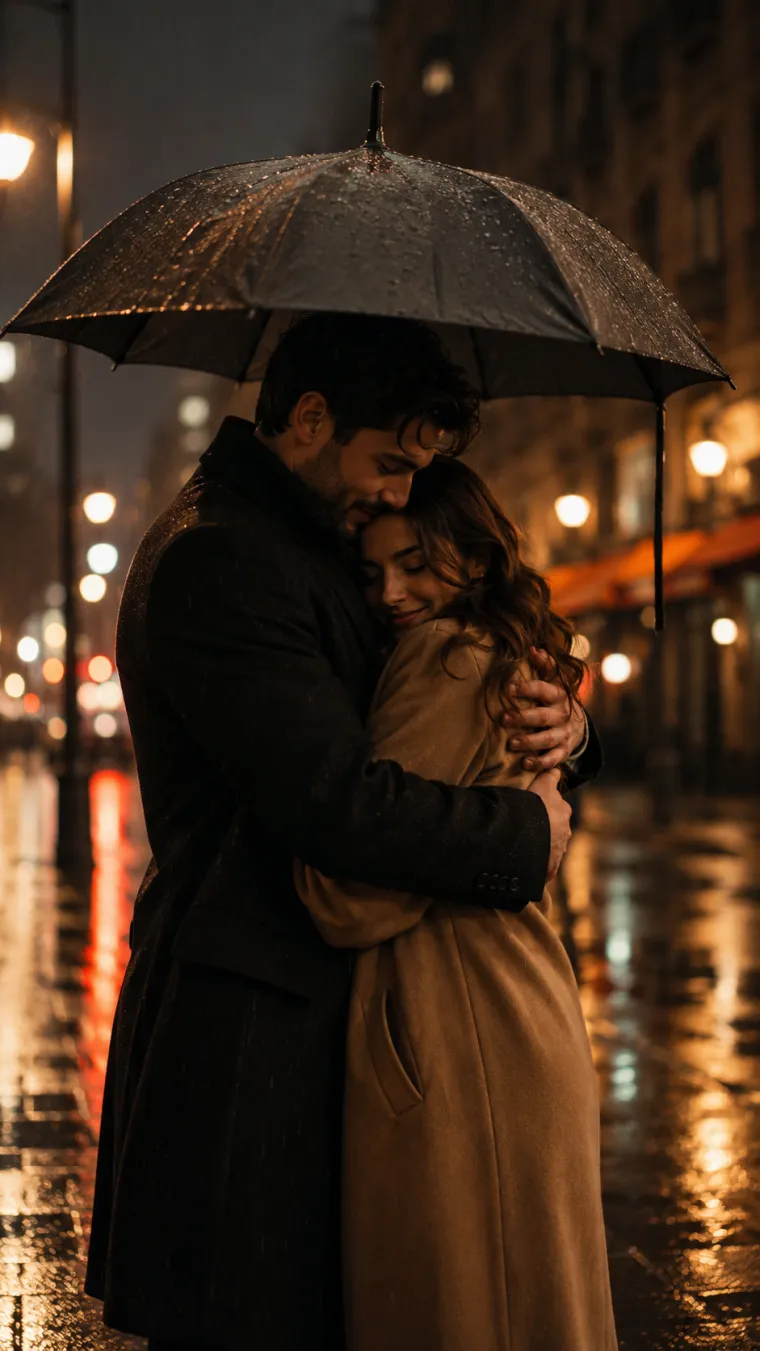
AI Hug Video Examples
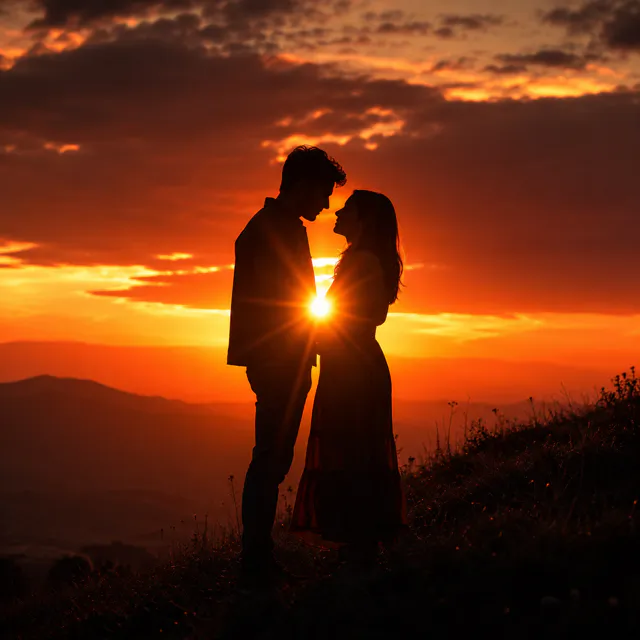
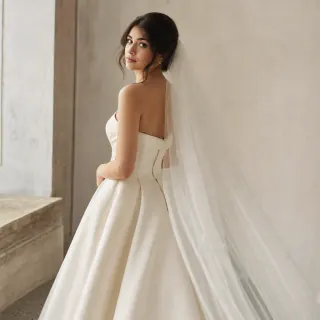
A few of the hugs our AI hug video generator can bring to life — from reunions to quiet family moments.



More AI Tools from Imya
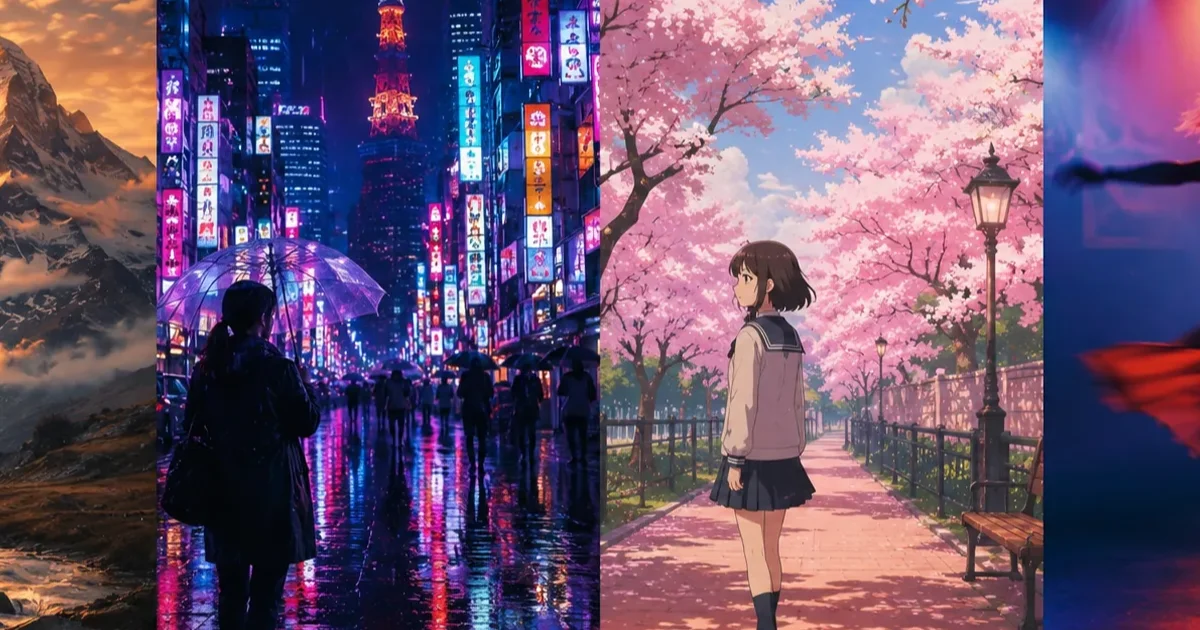
Keep the moment going with more free AI photo and video tools.

Frequently Asked Questions About AI Hug Video
Everything you need to know about making a hugging video from a photo.
Is the AI hug video generator free?
You can set up the AI hug video for free. Rendering the final MP4 uses credits because it runs through the live Seedance 2.0 video model.
Do I need to log in or sign up?
Yes. You can browse the page and configure the scene first, but signing in is required to upload references, spend credits, render, and download the MP4.
Can I turn a single photo into a hug video?
Yes. The image-to-video AI animates a hug from one clear photo — you do not need two separate pictures or any existing video clip.
How long does an AI hug video take?
Most AI hug videos are ready in about a minute. The exact time depends on the photo and the hug effect you pick.
Is there a watermark on my AI hug video?
No. Your hugging video downloads clean, with no watermark stamped across the moment, so it is ready to post or send right away.
What kind of photo works best for an AI hug video?
A clear, well-lit photo where faces are visible and roughly front-facing gives the most realistic AI hug video. Avoid heavy blur, sunglasses, or strong backlighting.
Can I make an AI kiss and hug video too?
This tool focuses on hug videos. For other romantic animations, explore Imya's other free AI video and photo tools linked on this page.
Can I share my AI hug video on TikTok or Reels?
Yes. AI hug videos export in a share-ready vertical format that works on TikTok, Reels, Shorts, WhatsApp, and other social apps.
Send a Hug from a Photo
Upload a photo and let the AI hug video generator turn it into a warm, shareable hugging video with Seedance 2.0 — ready to render and download from your account.
Make my AI hug video