
AI Kiss Video Generator
Choose a sweet, forehead, French, sunset or rainy kiss scene, then turn one couple photo or two individual photos into a tasteful romantic video. The exact credit cost appears before you generate.
- Use your own photos
- MP4 download
- Private uploads
- No app install
Upload reference photo(s)
1Reference 1
2Reference 2
Upload one couple photo or two individual photos. They identify who appears in the video; they are not start or end frames.
Scene
Preview
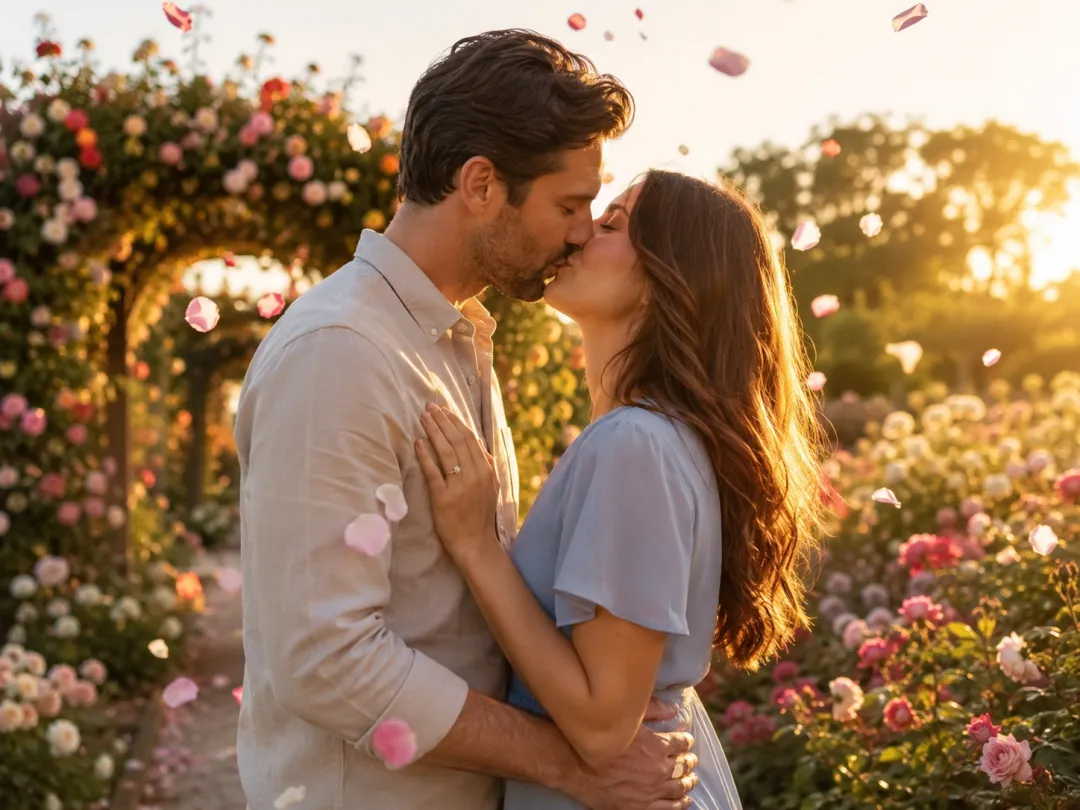
Sweet Kiss
Upload a photo, choose a scene, and generate a 6-second clip.
Seedance 2 Fast · 6s · 480p · 9:16 · 345 credits
What is an AI kiss video generator?
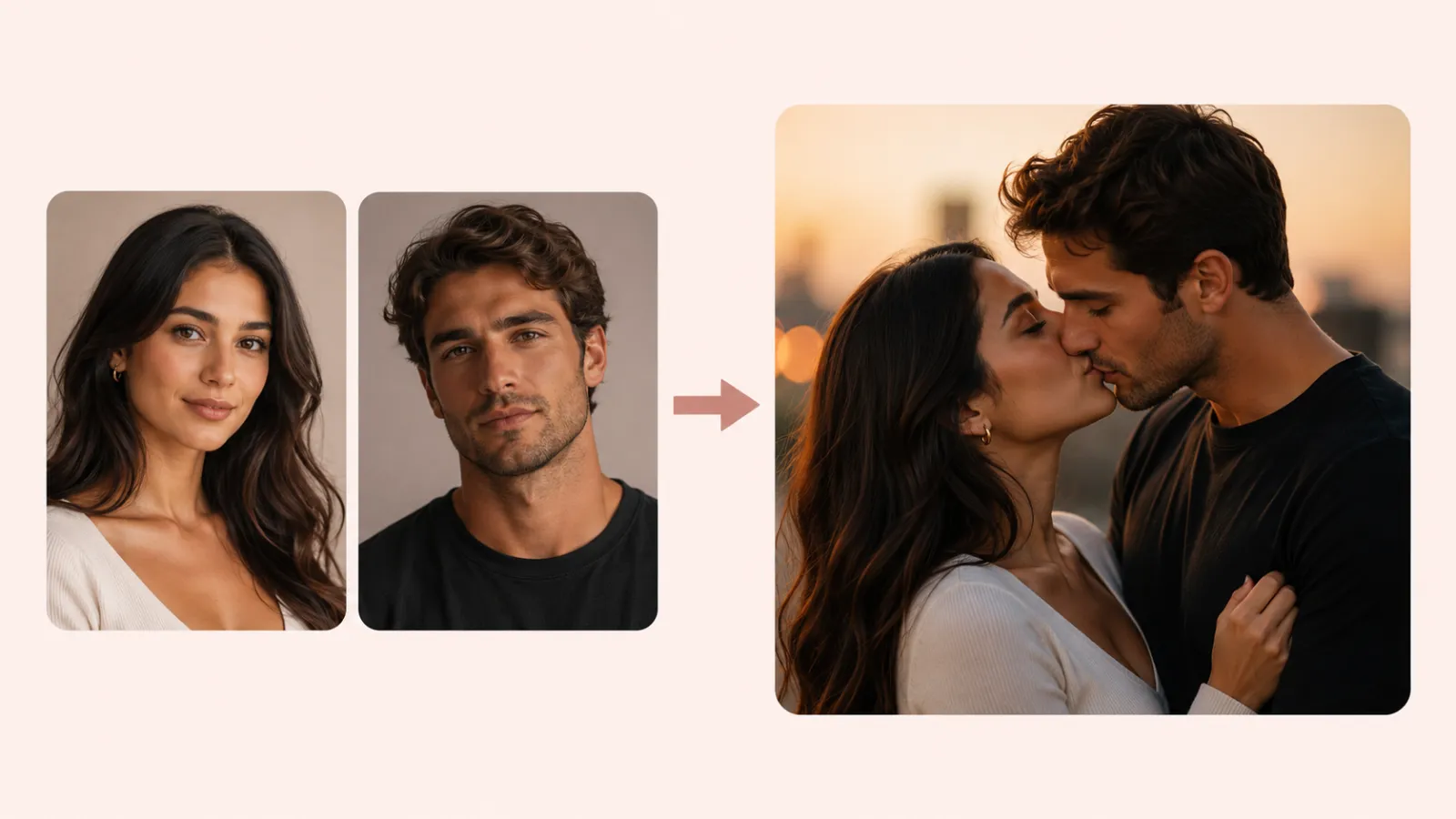
An AI kiss video generator animates a still photo into a short romantic clip. Upload one photo of a couple, or two individual photos, choose a scene, and the selected video model creates the movement.
Imya keeps your chosen scene and model settings together, shows the required credits before generation, and provides the finished result as an MP4. Only upload photos you have permission to use.
Why use Imya for an AI kiss video?
A clear photo-to-video workflow for couples and creators, without video-editing software.
Made from your own photos
Upload one photo, or two for a couple, and the AI builds the clip around the faces you give it — not random stock people.
Real emotion, not uncanny
Scene presets are tuned for natural head turns, soft eye contact and a believable lean-in, so the kissing video feels tender instead of stiff.
Clear task progress
Pick a scene, review the prompt and render. The task stays visible while the selected model and queue finish the clip.
Made for how you share
Plan vertical 9:16, square 1:1 or wide 16:9 clips for Reels, TikTok, Shorts, WhatsApp and a private message to someone you love.
Consent-first and private
Use photos of yourself and people who agreed. Uploads stay tied to your own account and are never turned into a public gallery.
What can you make with an AI kiss video generator?
Choose a scene that fits the moment, then review the generated clip before downloading it.
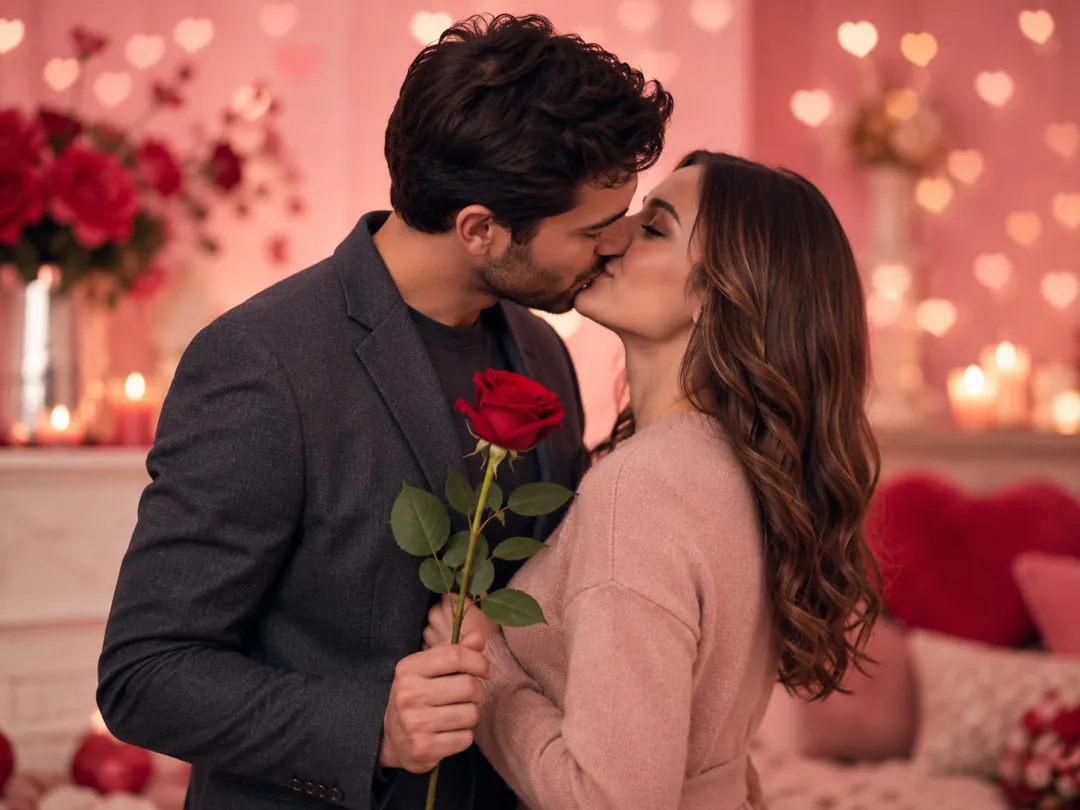
Valentine's Day
Turn a couple photo into a short kissing video and send it instead of a flat card — a Valentine that actually moves.
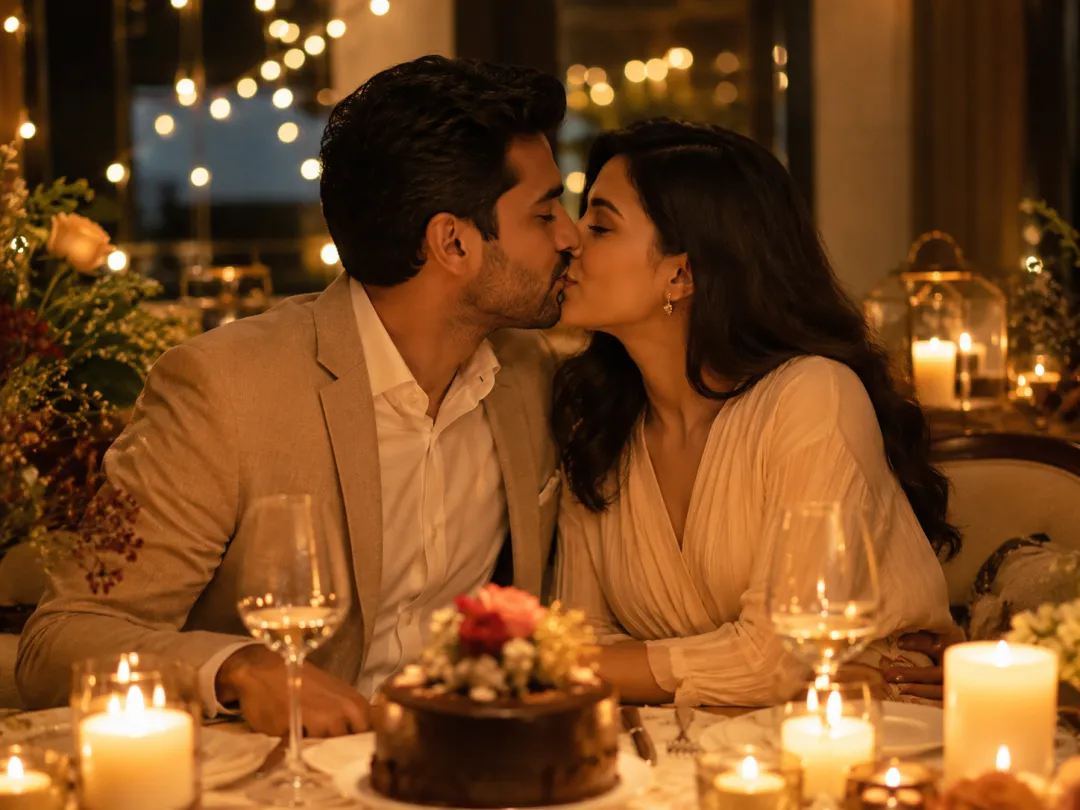
Anniversary surprise
Drop a five-second clip into a message at midnight on your anniversary — the kind of thing they rewatch all day.
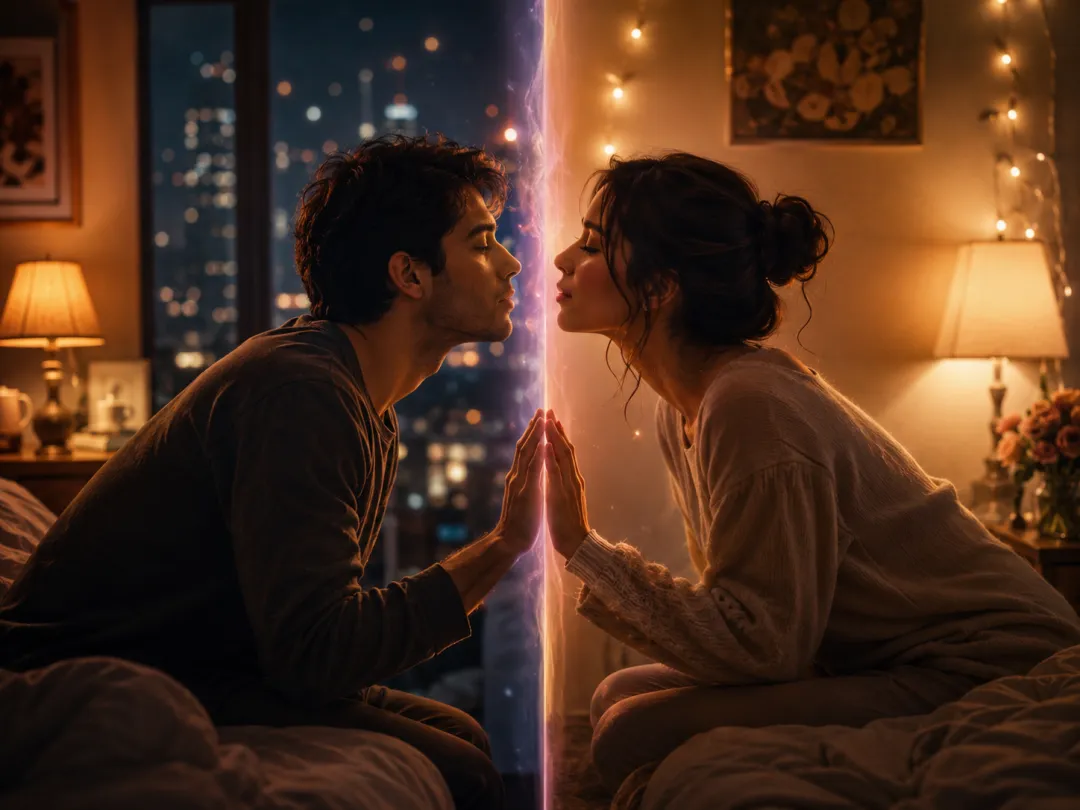
Long-distance love
Far apart right now? Make an AI kissing video from two separate photos and close the gap until you are together again.
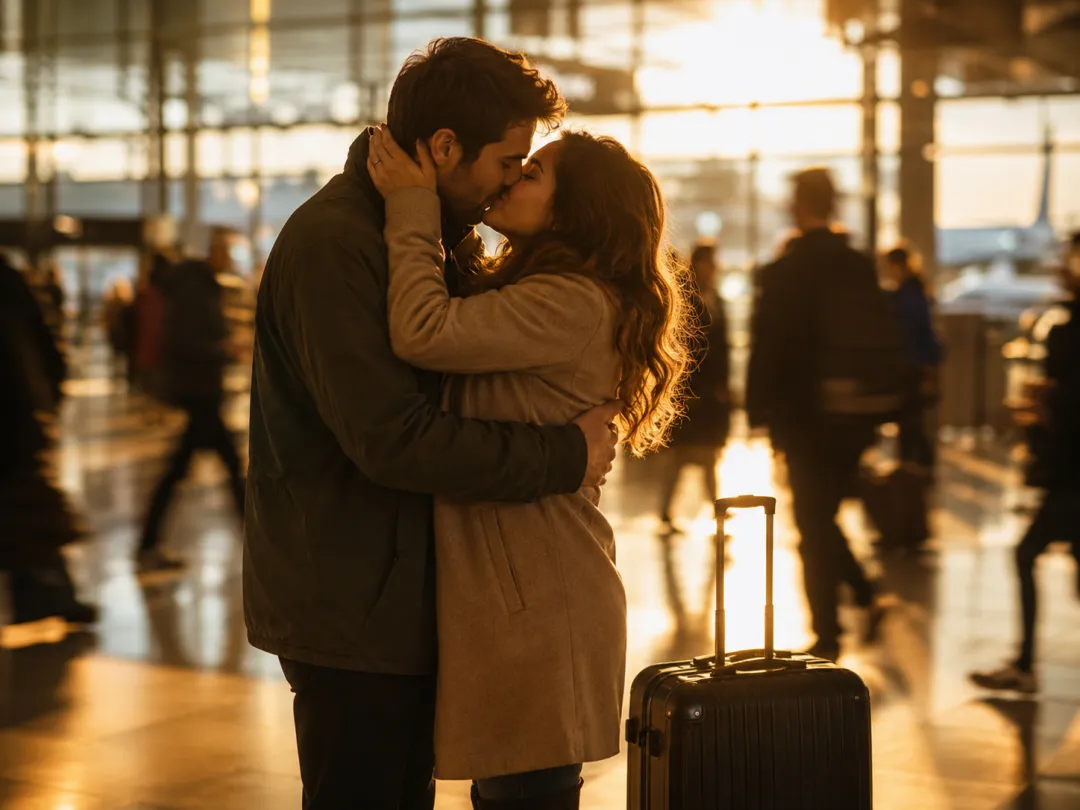
Reunion moment
Recreate that airport-arrivals kiss as a clip you can keep, even if no one had a camera out when it actually happened.
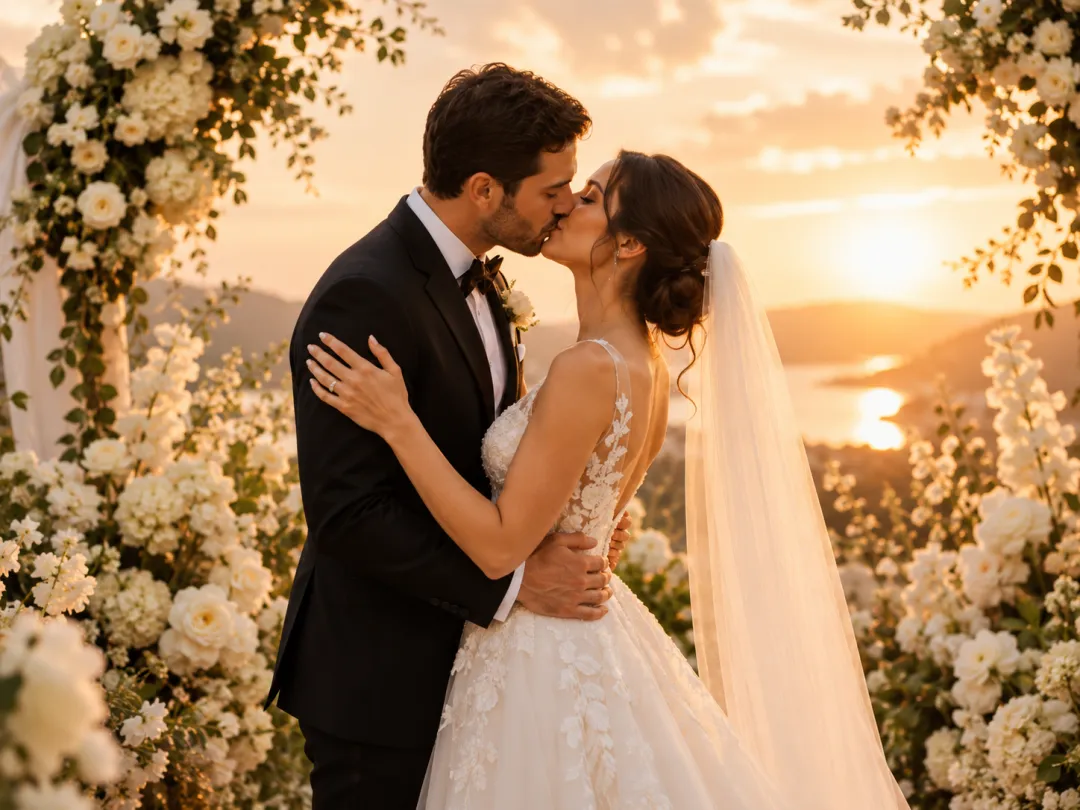
Wedding & engagement
Relive the first kiss, or animate an engagement photo into a soft cinematic kissing video for your save-the-date.
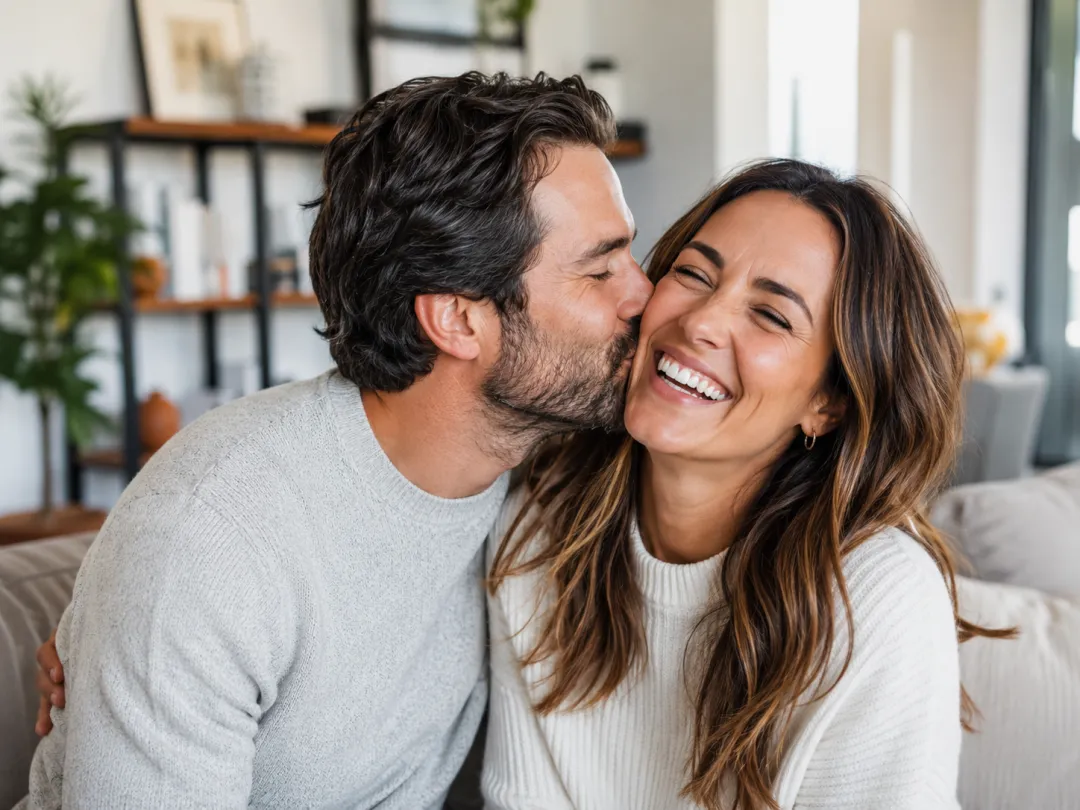
Social & dating
Stand out with a tasteful, warm clip that opens a conversation instead of another static selfie.
AI kiss video scenes and styles
Ten tasteful presets, from a gentle first kiss to sunset and rainy scenes.
Sweet
A soft, gentle lean-in
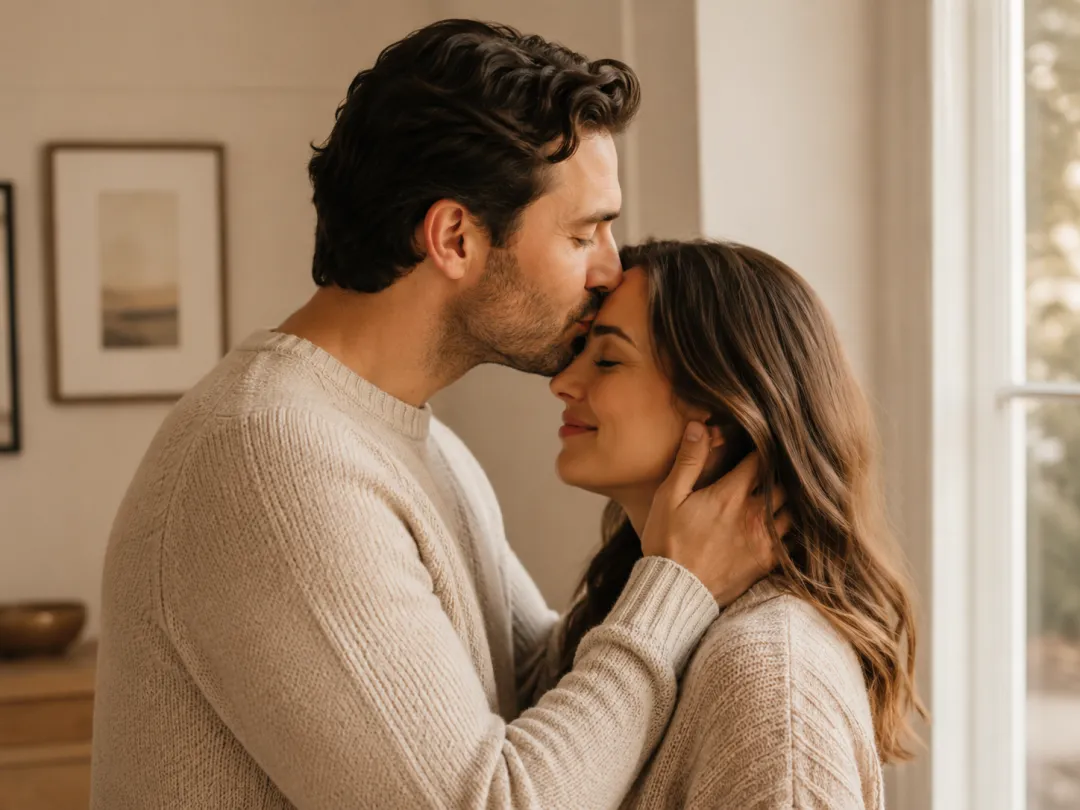
Forehead
Tender and protective
Cheek
Playful and happy
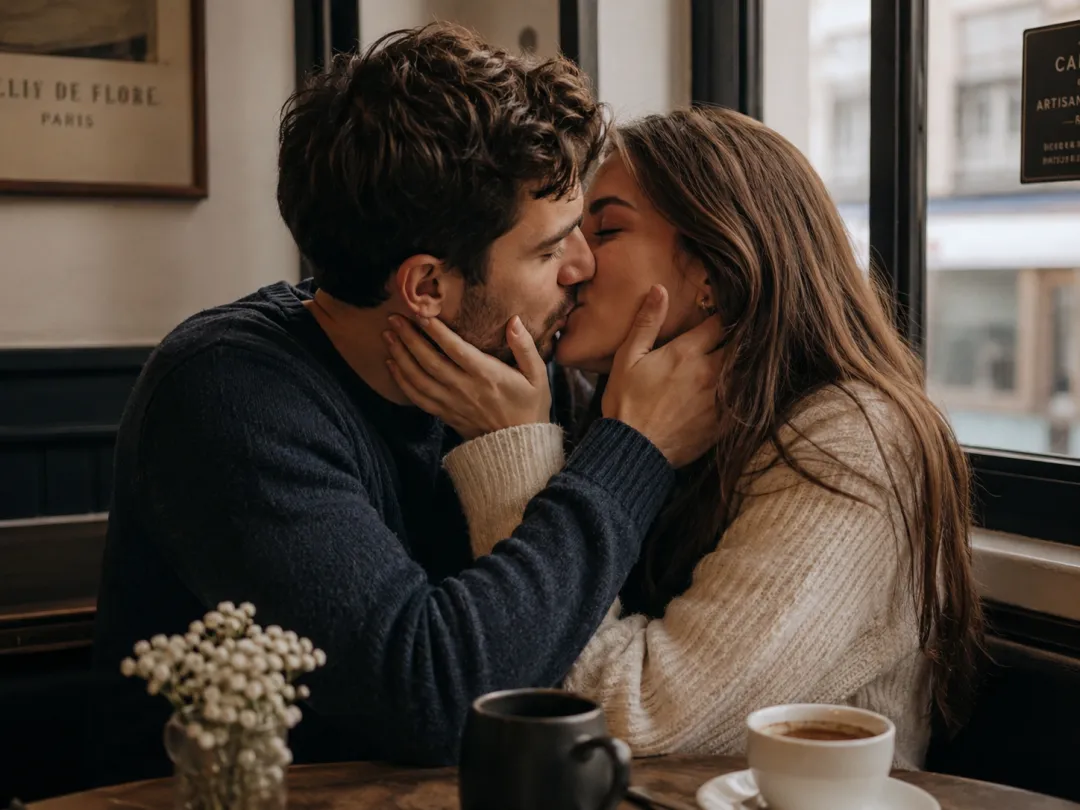
French
Romantic café moment
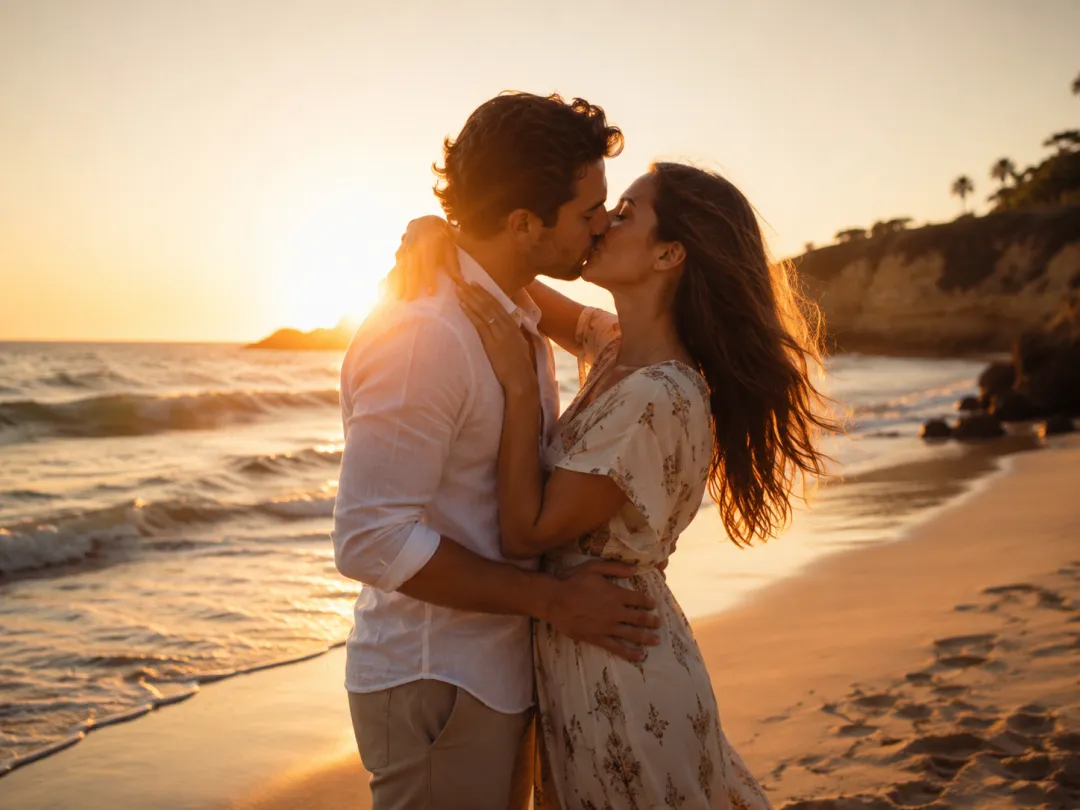
Sunset
Golden-hour glow
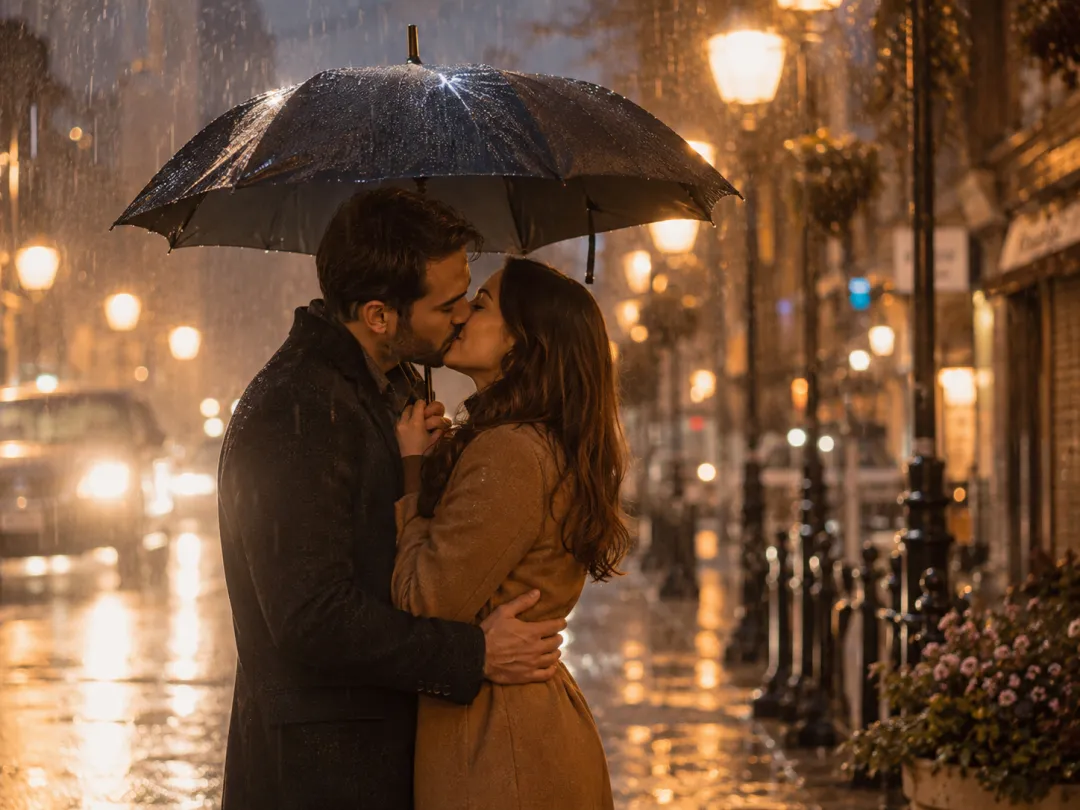
Rainy
One umbrella, warm lights
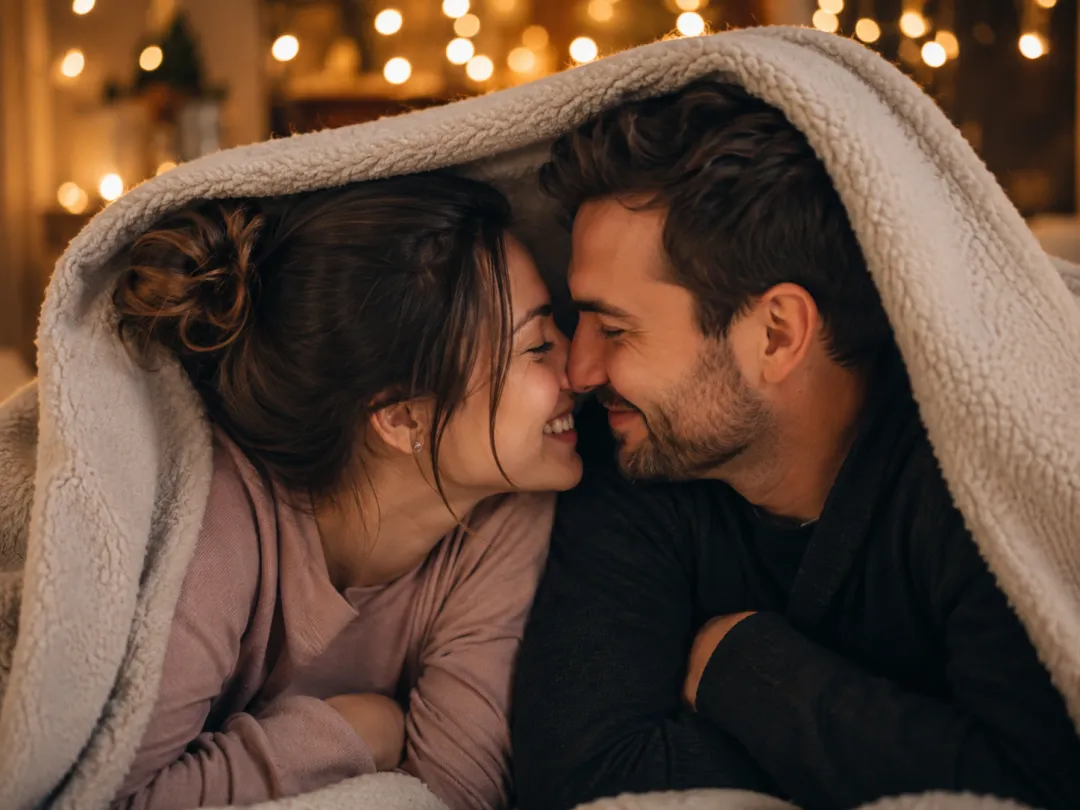
Cozy
Nose-to-nose, under a blanket
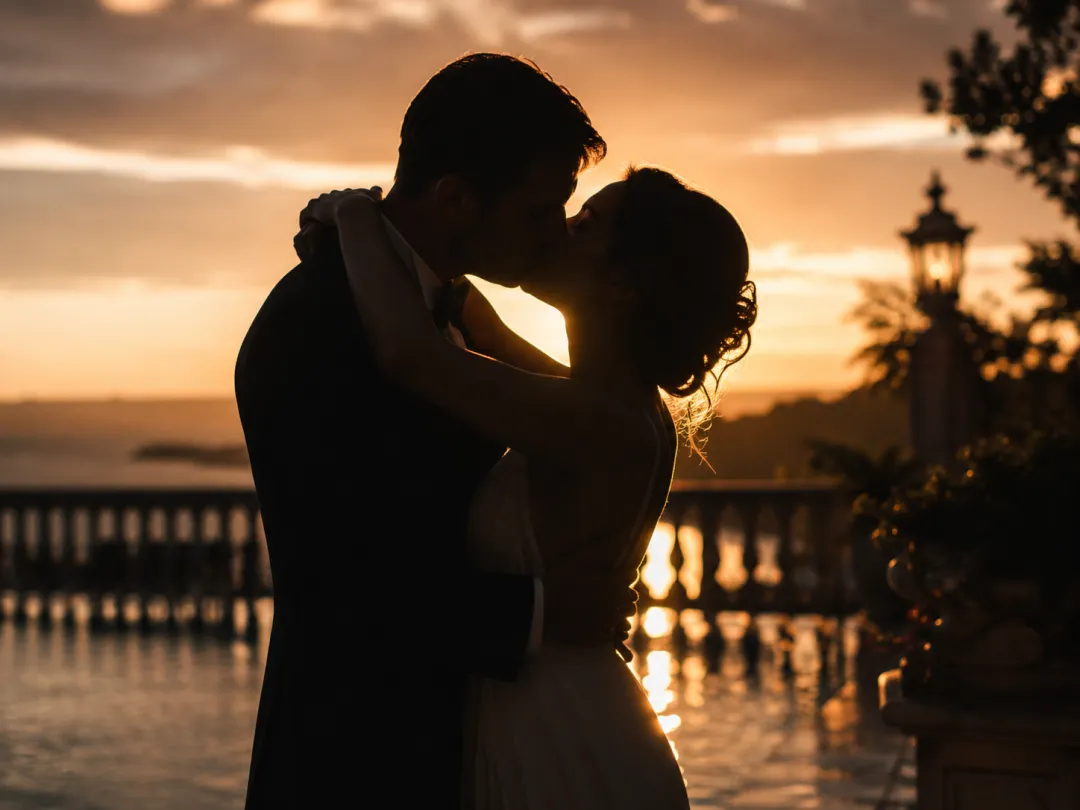
Slow dance
Silhouette at dusk
Anniversary
Candlelit celebration
Wedding
First kiss under florals
How to make an AI kiss video in 3 steps
Upload your permitted photos, choose a scene and settings, then generate the video.
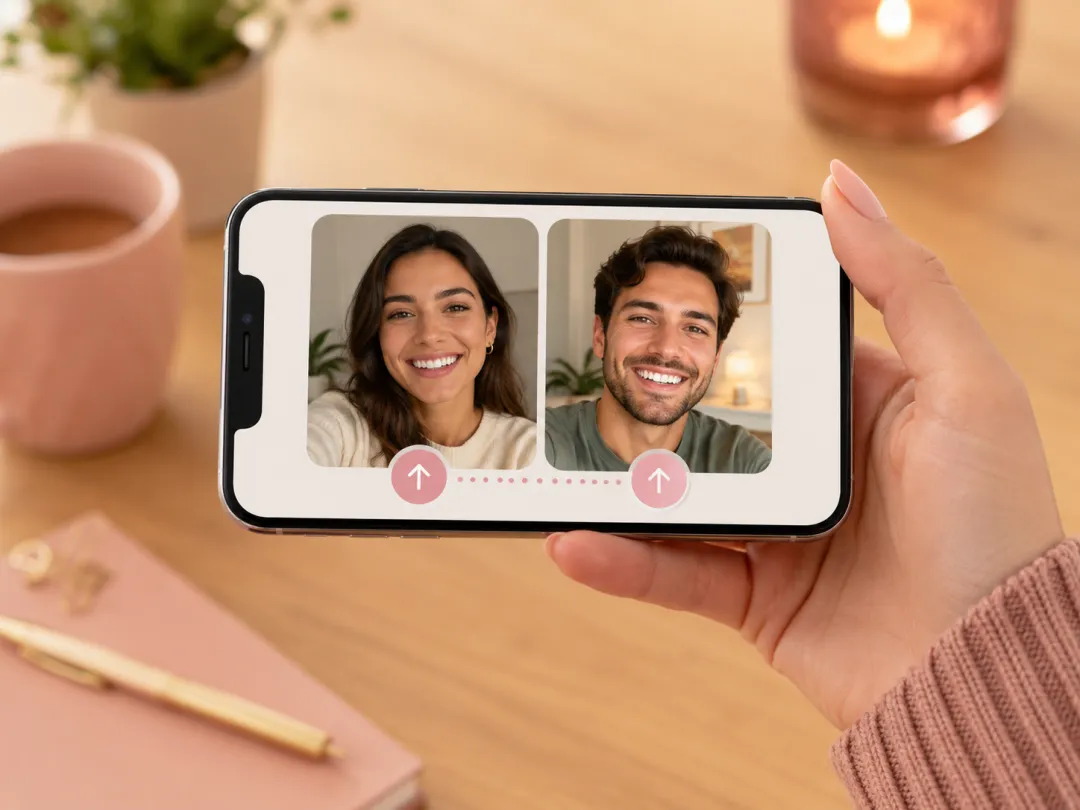 01
01Upload your photo(s)
Add one clear, front-facing photo, or two photos for a couple. Sharp, well-lit faces give the best results.
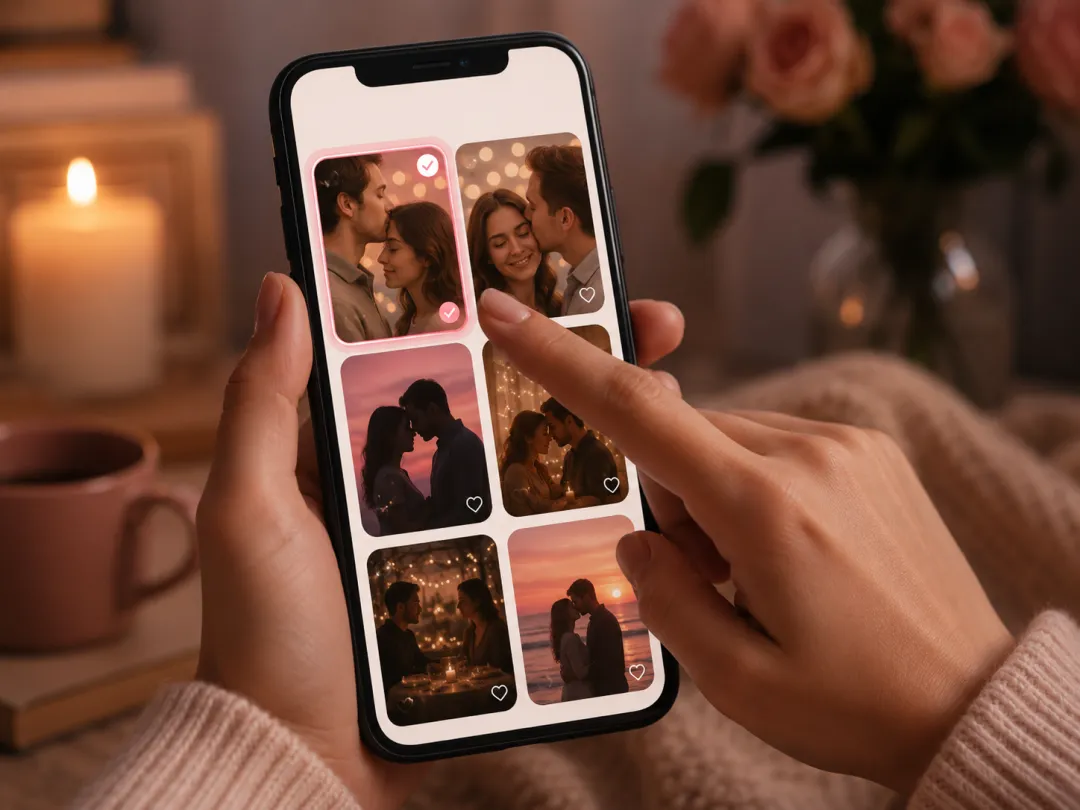 02
02Pick a kiss scene
Choose a scene — sweet, forehead, cheek, French, sunset or rainy — or write your own short prompt.
 03
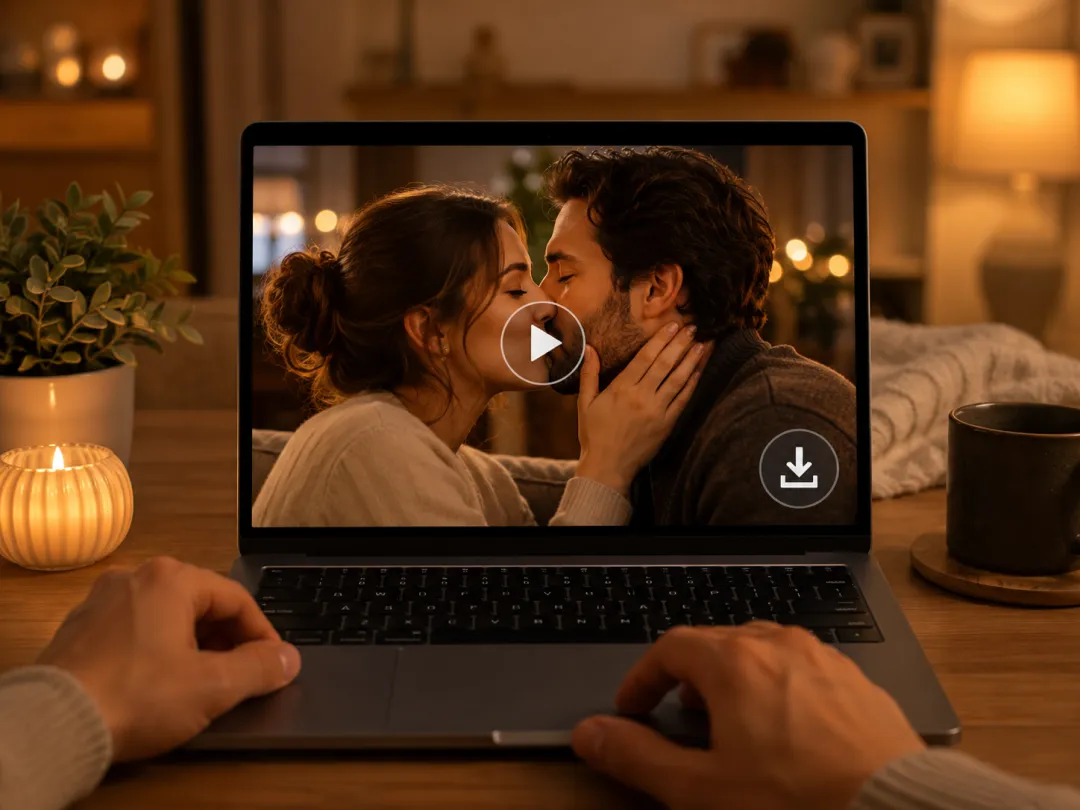
03Generate & download
Render with the AI, preview the clip, then download your kissing video as an MP4 ready to share anywhere.
Make your AI kissing video
Choose a scene, upload one couple photo or two individual photos, and see the exact credit cost before generating.
- No app install
- Live cost before generation
- Private uploads
AI kiss video vs a kissing photo or template editor
See when an AI photo-to-video workflow is more useful than a static image or stock template.
| Approach | Best for | Strength | Limitation |
|---|---|---|---|
| AI kiss video (photo to video) | A real moment from your own photos | Keeps the faces you upload | Needs a clear, front-facing photo |
| Kissing photo / image editor | A single still image | Fast and simple | No motion — it never moves |
| Template video editor | Captioned social clips | Predictable layouts | Cannot generate a new kiss |
| Generic AI video tool | Scenes built from text only | Very imaginative | Harder to keep your faces |
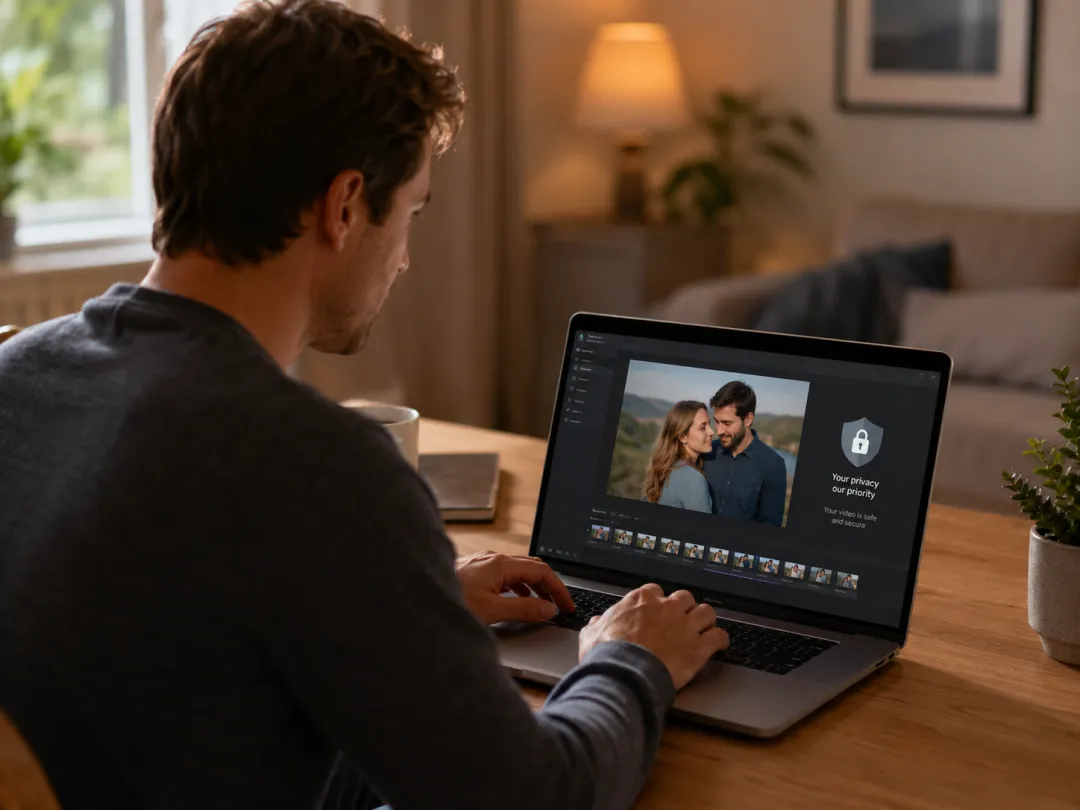
Consent first, privacy always
Use photos of yourself and people who agreed to take part. Uploaded references remain connected to your account rather than being published to a public gallery. Explicit, non-consensual and minor-related content is not allowed.
Allowed
- ✓Photos of yourself
- ✓A partner who agreed
- ✓Friends or family who gave permission
Not allowed
- ✕Public figures or celebrities without permission
- ✕Anyone who has not consented
- ✕Minors in any romantic scene
- ✕Explicit or non-consensual content
Frequently asked questions about AI kiss video
Clear answers about photos, consent, credits, generation and downloads.
Is the AI kiss video generator free?
The AI scene planner is free to open and free to plan with. Rendering the final clip uses credits, and the exact cost is shown next to the generate button before you confirm — so nothing is charged by surprise.
Will it look natural with just one photo?
Yes. One clear, front-facing photo is enough for a single-person scene. For a two-person kiss, uploading both photos gives the most natural result because the AI keeps each face consistent.
Can I make a kissing video from two photos?
Yes — that is the main use case. Upload one photo for each person and pick a scene, and the clip brings the two of you into the same tender moment.
How long is the video?
Most clips are short, around five seconds, which is ideal for Reels, TikTok, Shorts and a quick message. The exact length depends on the video model you render with.
Do I need to log in or install an app?
You can browse scenes and plan a clip without an account. Rendering and downloading the MP4 requires sign-in so credits and your files stay tied to your account. There is no app to install — it runs in your browser.
Can I make a French, forehead or cheek kiss?
Yes. The presets cover sweet, French, forehead, cheek, sunset, rainy, cozy and slow-dance scenes, and you can fine-tune any of them with your own prompt.
Will the video have a watermark?
The generator requests clean, non-watermarked output wherever the underlying video model supports it, so your kissing video is ready to share as-is.
Is the content safe for all platforms?
Every scene is romantic and SFW by design. We ask that you only use photos of yourself and people who have agreed, and the AI blocks explicit content, so your clip stays platform-safe.
Can I use the result commercially?
Commercial use depends on the video model provider behind your render and your account plan. Check the selected model provider terms before using a clip in paid work.
Related AI tools
More ways to turn your photos into shareable images and videos.
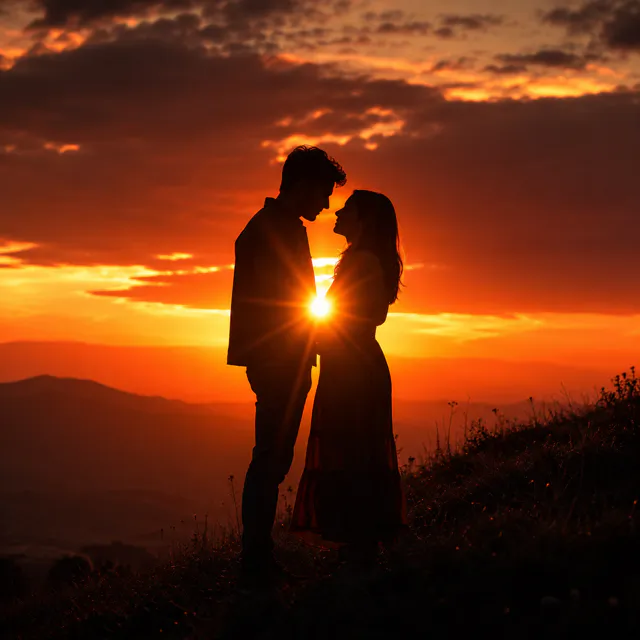
AI Couple Photo
Two selfies become one romantic couple portrait — sunset, Paris, snow and more.
AI Video Generator
The full Imya video studio — text, image, reference and edit to video, all in one planner.
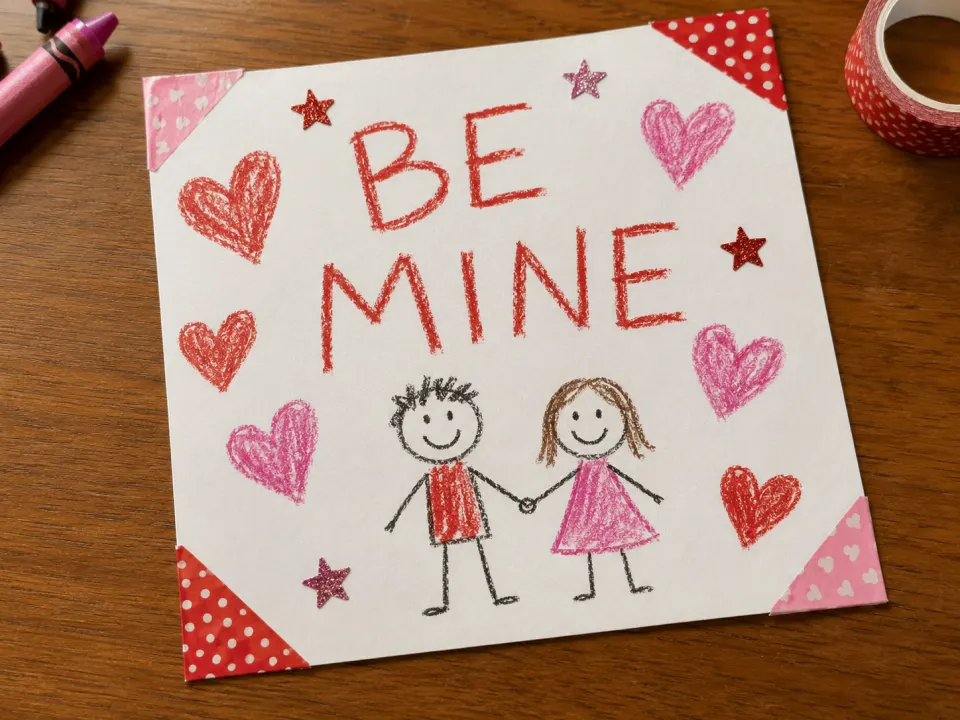
AI Valentine Card Maker
Design a personalized Valentine card with your photo and a romantic message.
All AI Tools
Browse the full Imya AI image and video toolkit in one place.