
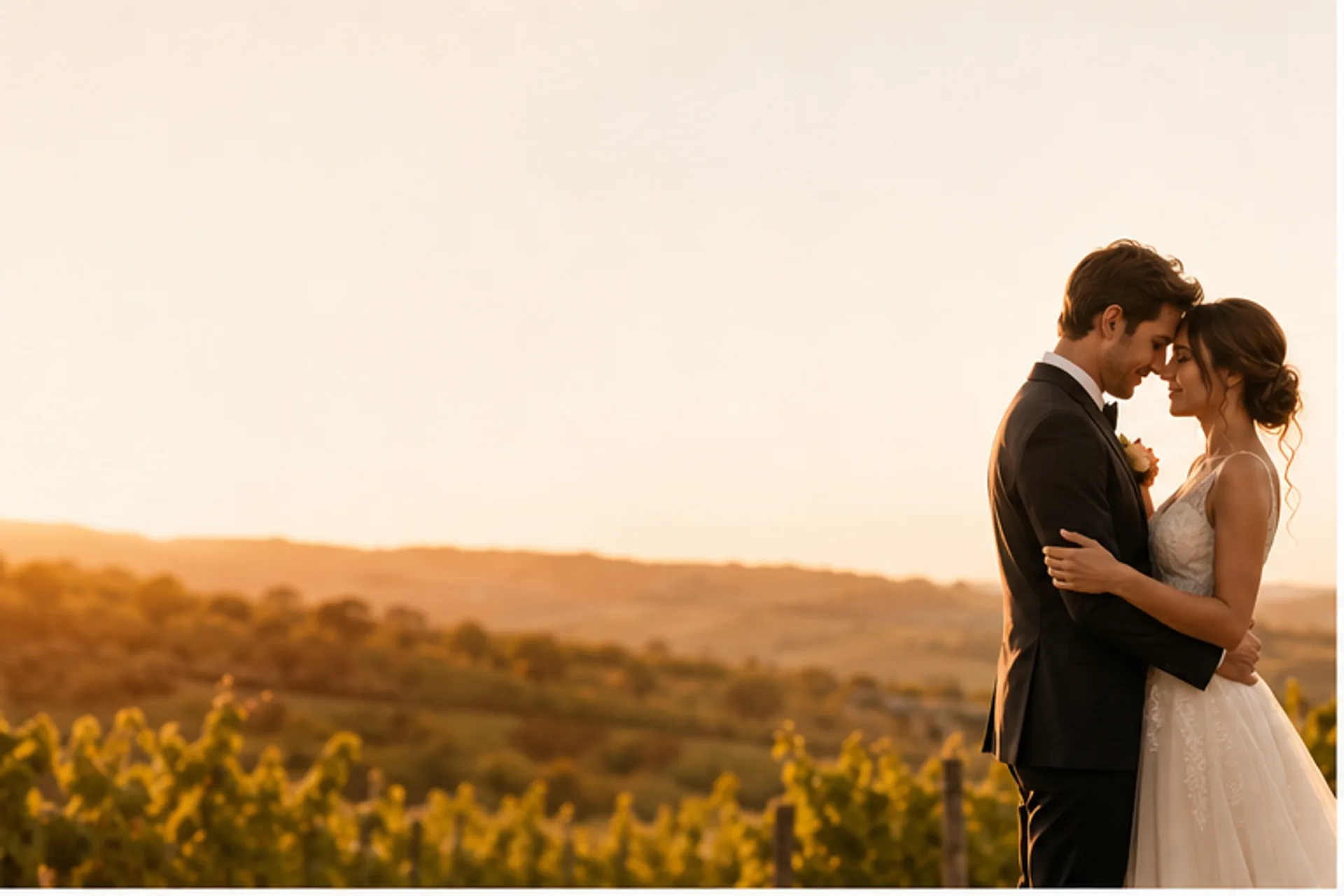
AI Wedding Video Maker
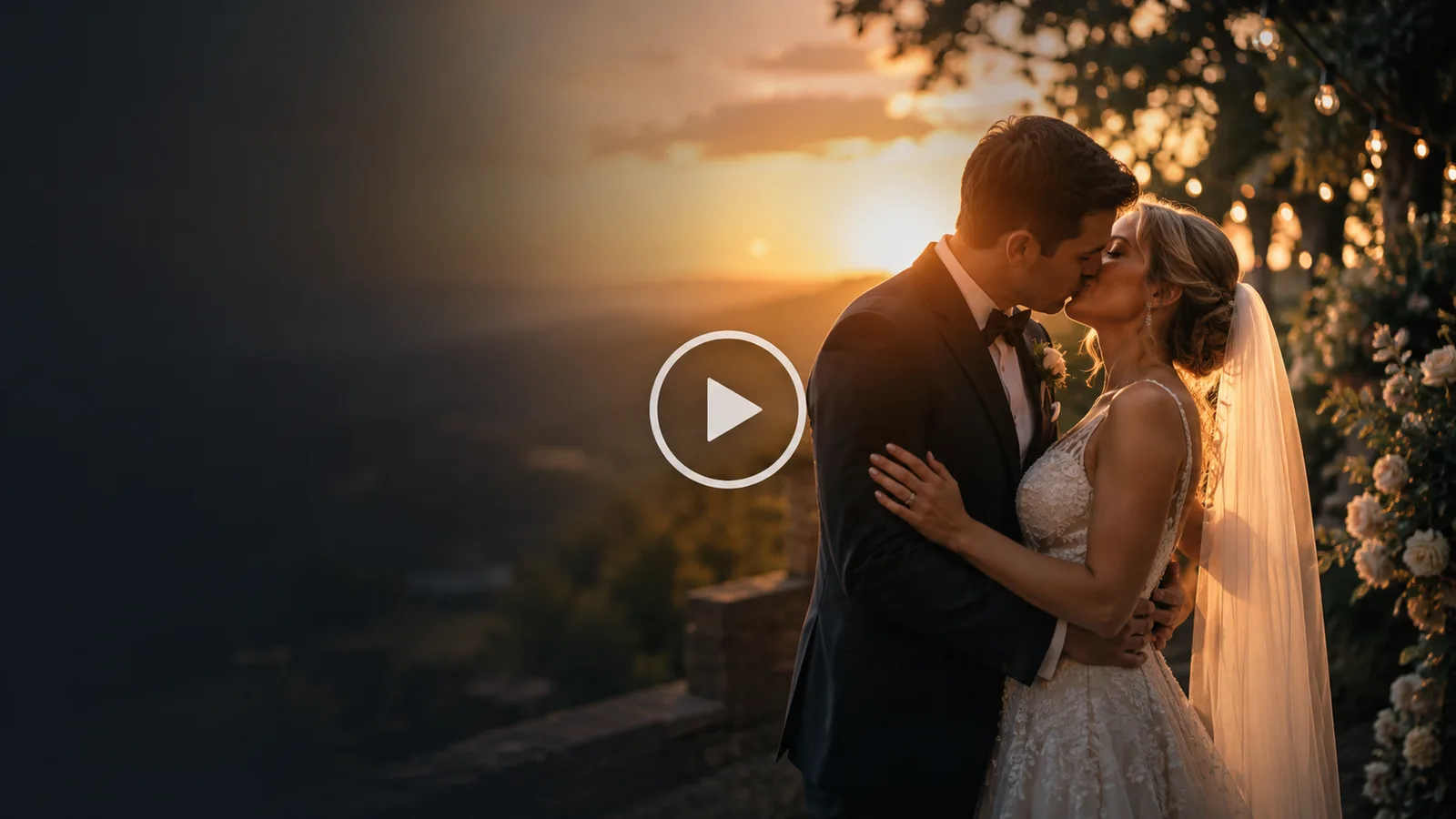
One or two wedding photos, a scene that brings you back, and a cinematic AI wedding video beautiful enough for the save-the-date.
Upload wedding photos (1–2 images)
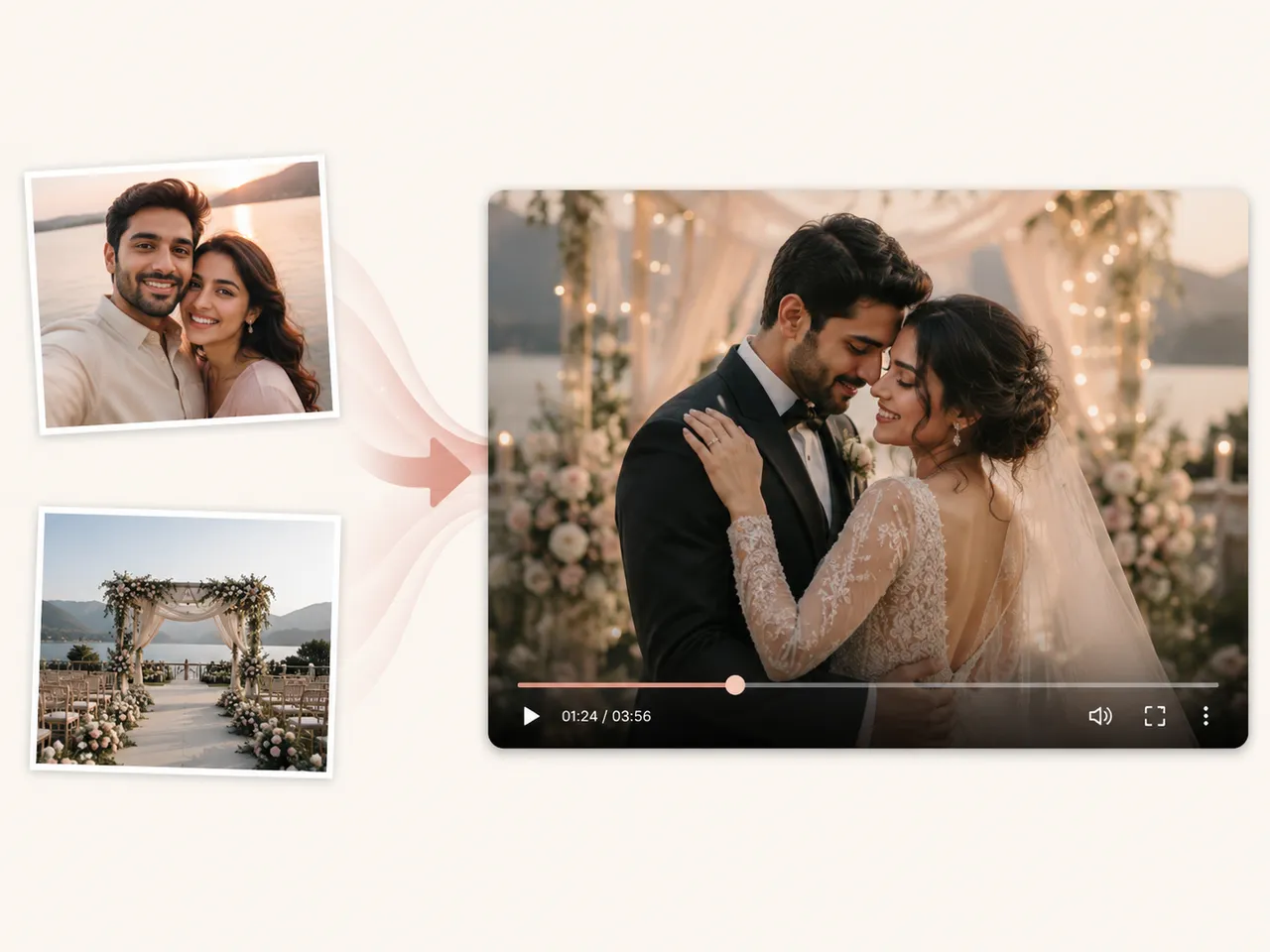
Upload one wedding or couple photo, or one clear photo of each person. The images guide the newlyweds' identity — they are only used to make your clip, nothing else.
Scene
▣ Preview
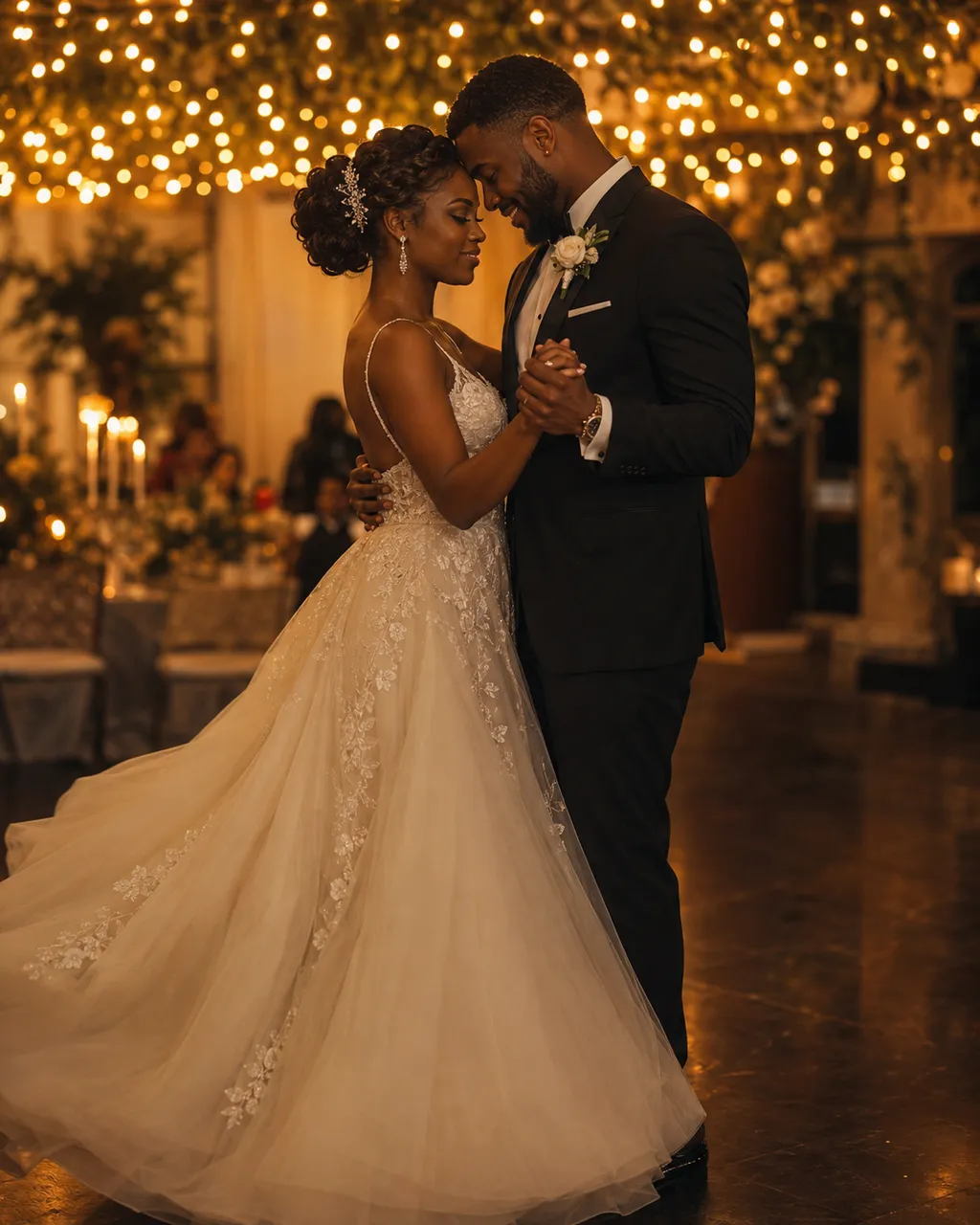
6s · 480p · 9:16 · audio on · 345 credits
Built on leading AI video models
What Is an AI Wedding Video Maker?
An AI wedding video is a short, cinematic clip created from one or two wedding or couple photos by an AI wedding video maker. Instead of booking a videographer or learning an editor, you upload a photo — the couple, the venue, a getting-ready moment — pick a scene, and Imya turns it into a save-the-date, a digital invitation or a memory reel for the family chat.
Imya's AI wedding video generator is built on leading AI video models with a wedding-tuned prompt template, so the camera motion, lighting and romantic framing are handled for you while faces stay natural. Every AI wedding video renders in vertical 9:16 or cinematic 16:9, ready for Reels, Shorts, TikTok, a WhatsApp invite or the reception screen.
Because it is a free AI wedding video tool at heart, you can explore every scene before you spend a credit — whether you want a romantic wedding highlight video, an anime wedding video, or a 3D cartoon wedding video to surprise your guests. No editor, no timeline, no videographer required.
Why Choose AI Wedding Video?
Made for couples and planners, not editors.
Ready in ~2 minutes
From upload to a download-ready AI wedding video in about the time it takes to brew tea. No timeline, no keyframes — the generator does the editing for you.
Your wedding stays yours
Your photos make this one AI wedding video and nothing else — never training data, never a public dataset.
Made for the way you actually share
Vertical 9:16 or cinematic 16:9, ready for Reels, Shorts, TikTok or the family group chat — no extra editing app.
What Can You Use an AI Wedding Video For?
Real moments, ready to share — pick the one that fits.
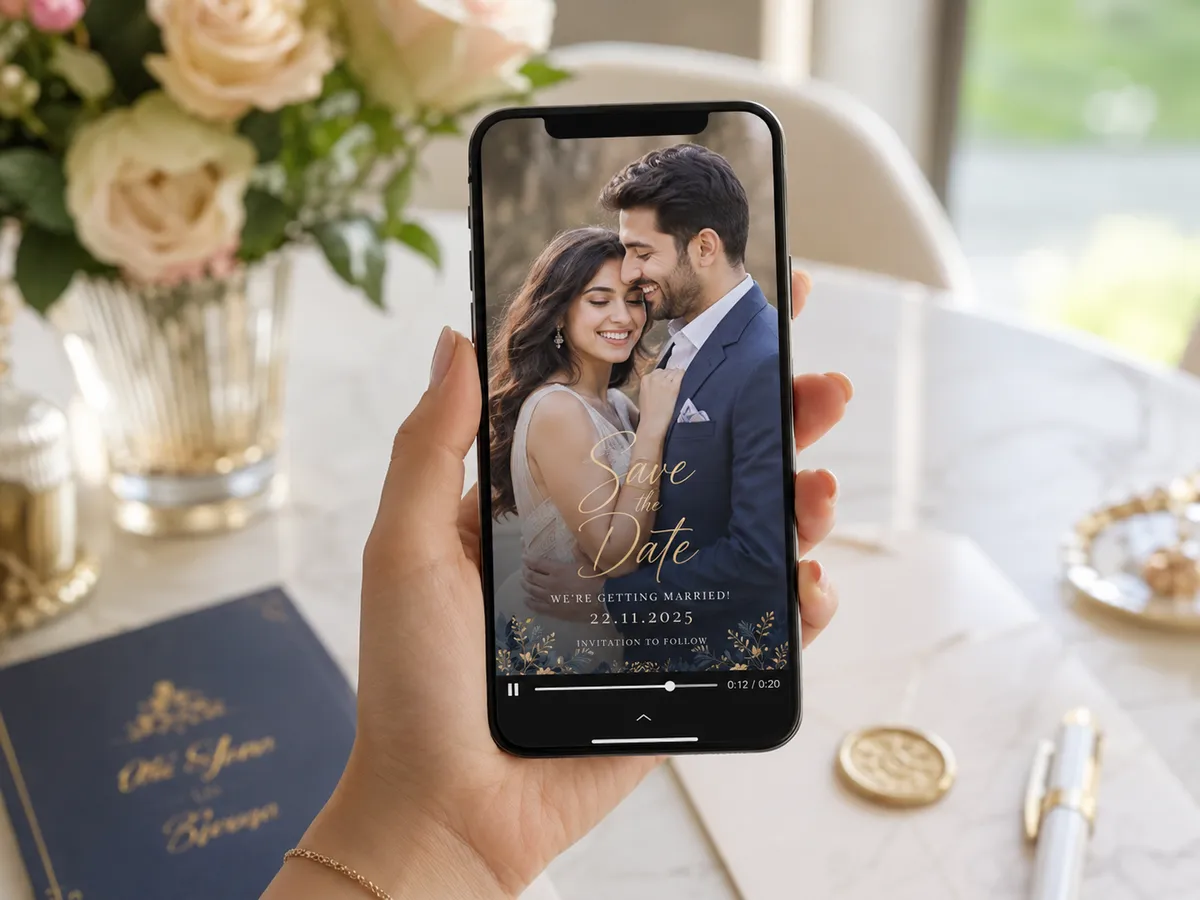
Save the Date
A moving save-the-date AI wedding video that auto-plays in the chat — far more memorable than a flat photo or a paper card, and it gets guests excited months ahead.
Wedding Highlight Reel
A few favorite photos become a cinematic wedding highlight video for the reception screen, your socials or thank-you messages — the recap without the editing bill.
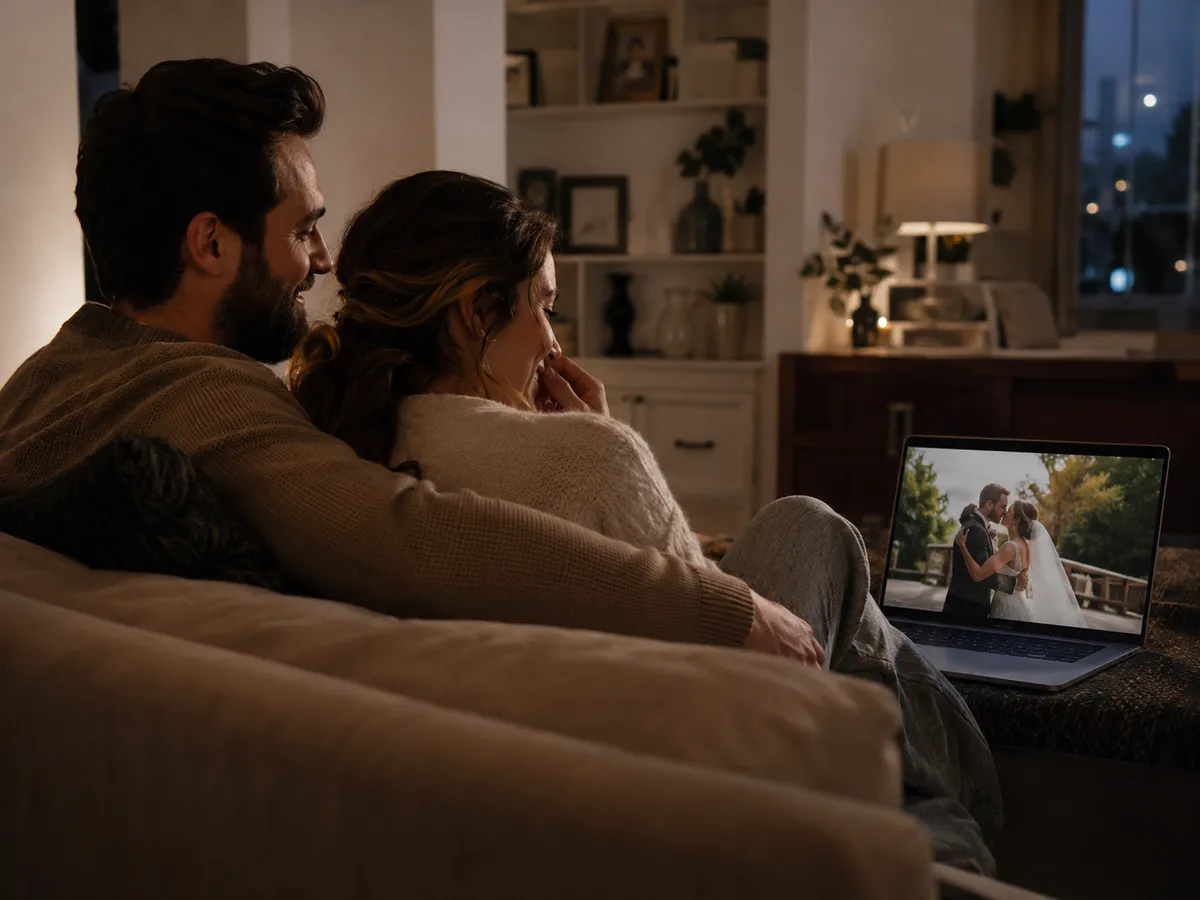
Anniversary & Long-Distance
Re-cut your wedding video into an anniversary clip, or place a long-distance couple in the wedding scene you never filmed — an AI wedding video to rewatch for years.

How to Use AI Wedding Video in 3 Simple Steps
Three small steps to an AI wedding video you'll actually want to send.
 1
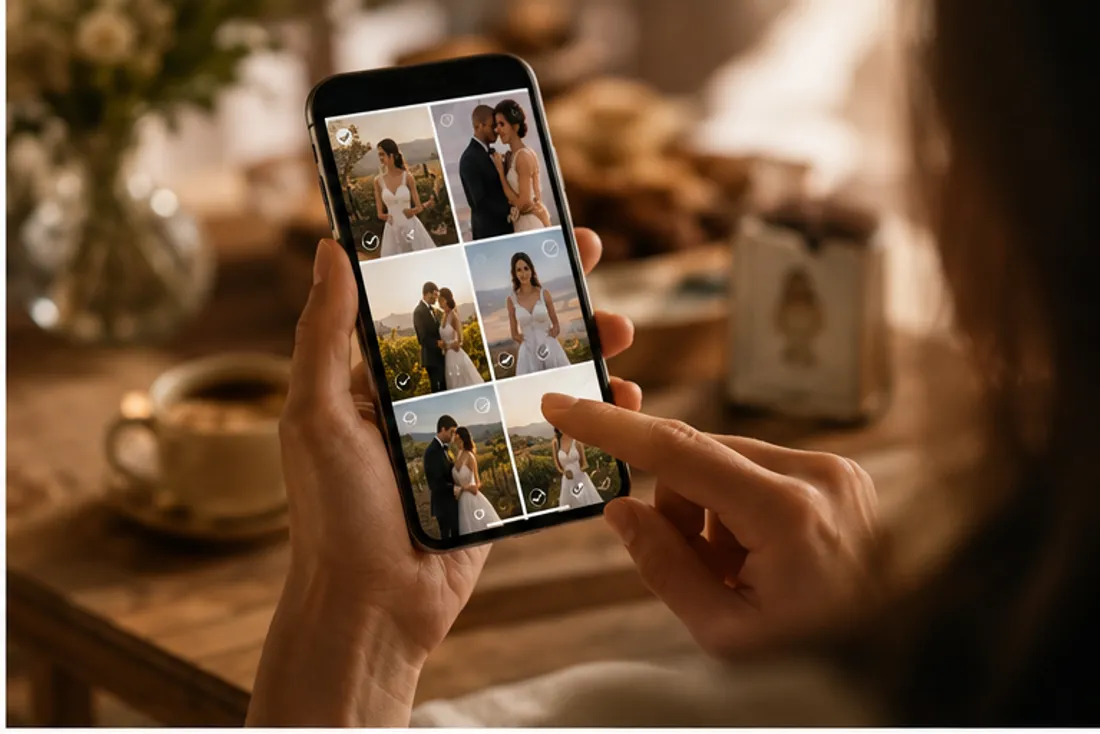
1Step 1: Upload your photos
Add 1–2 clear, front-facing wedding or couple photos. Higher resolution gives a sharper AI wedding video.
 2
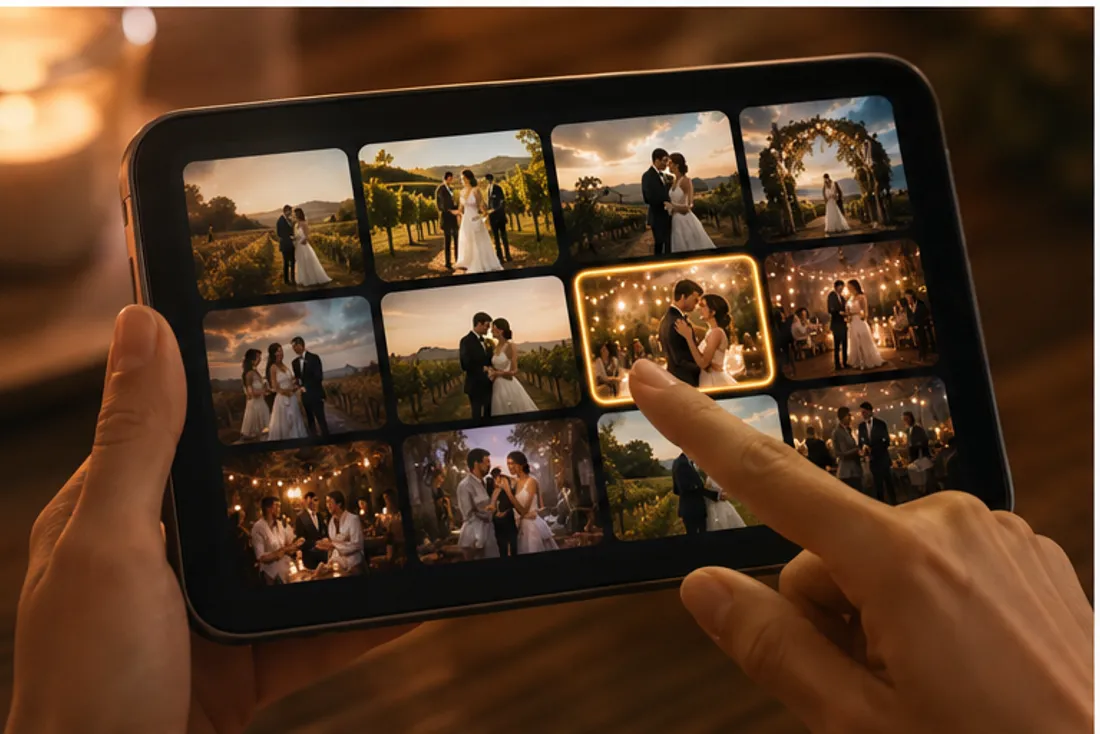
2Step 2: Pick a scene
Choose a one-click scene — chapel, first dance, beach, vineyard — or write your own short AI wedding video prompt.
 3
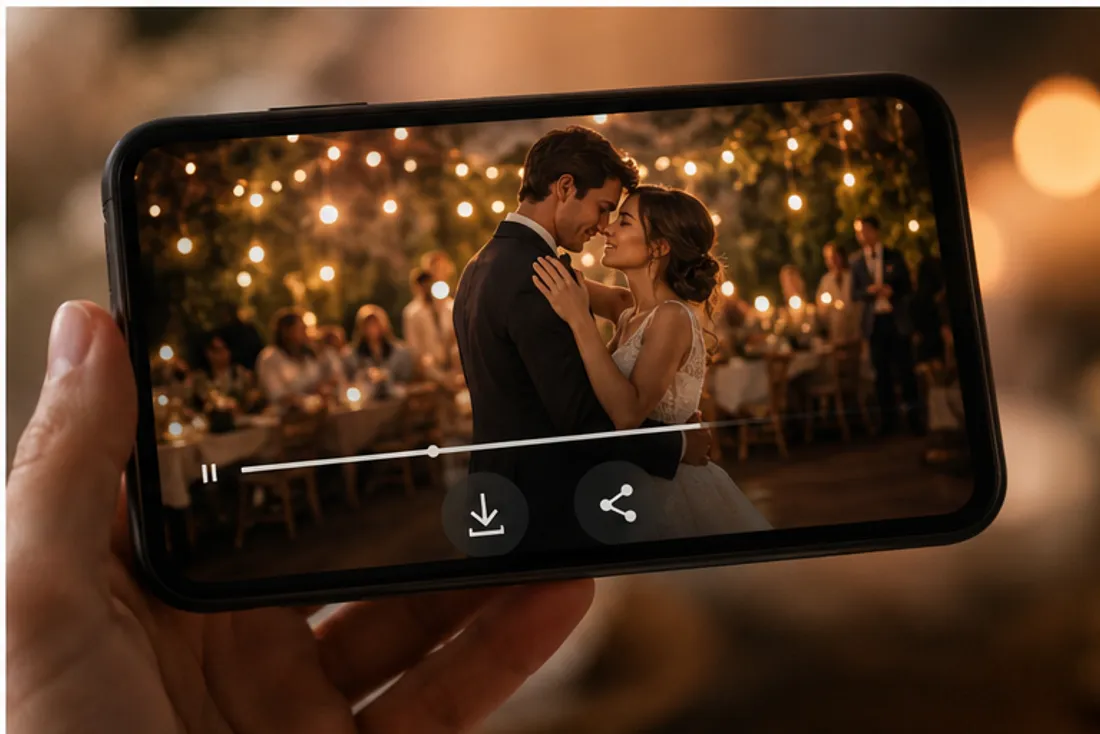
3Step 3: Generate & download
Click Generate and grab an MP4 in about two minutes, ready to share anywhere.
AI Wedding Video Maker
One or two wedding photos, a scene that brings you back, and a cinematic AI wedding video beautiful enough for the save-the-date.
- No watermark
- Instant results
- Privacy protected
Frequently Asked Questions About AI Wedding Video
Do I need a wedding photo, or can I use any couple photo?
Either works — but real wedding-day photos with attire and venue give the most accurate, cinematic AI wedding video. A clear couple photo is enough to start.
How do I make an AI wedding video from a photo?
Upload one photo or one of each person, pick a scene or paste a prompt, then generate. The AI wedding video maker turns a single still into a short MP4 — no editing app required.
Can AI edit a wedding video?
Imya is an AI wedding video generator, not a raw-footage editor — it creates new cinematic clips from your photos rather than cutting hours of camera footage. For a fast highlight, save-the-date or invitation clip it is quicker than a traditional AI wedding video editor.
What's the best free AI wedding video maker or alternative?
Tools like FlexClip, Mootion, Revid and Dreamlux also make AI wedding videos; Imya focuses on photo-to-video with one-click wedding scenes. New accounts get free credits, so you can compare the AI wedding video quality yourself.
How long is the video and what format is it?
A short clip by default. Pick 4s, 6s or 8s and a 9:16, 1:1 or 16:9 aspect ratio in video settings before you generate and download the MP4.
Can I share it on social media?
Yes — download the MP4 and post your AI wedding video to Instagram, TikTok and Reels, or drop it straight into a digital invitation email.
Related Tools You Might Like
Explore more AI creative tools from Imya.