
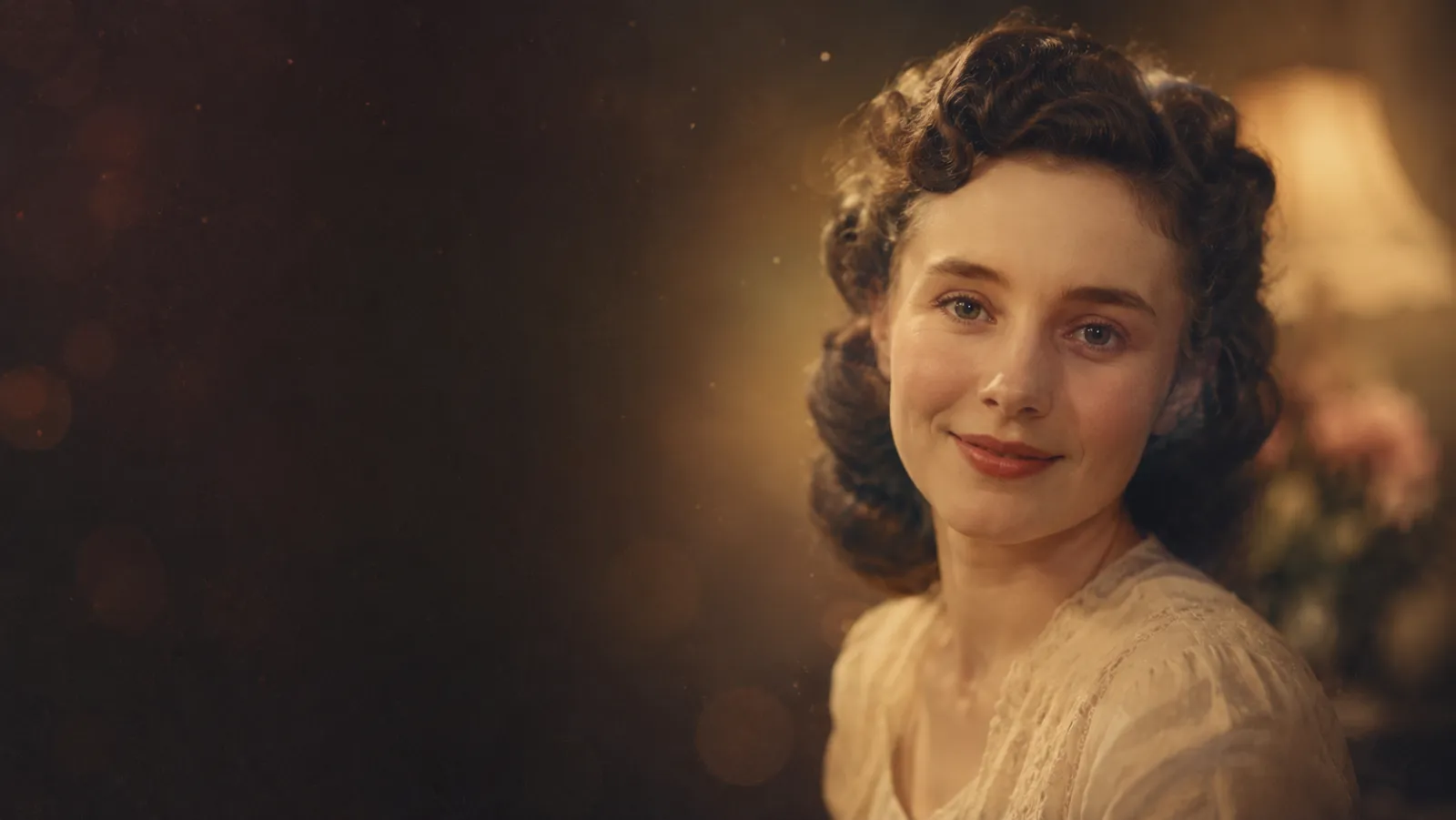
AI Old Photo Revival
Bring a vintage family photo back to life with subtle, dignified motion — a quiet seven-second clip for the people who matter most.
Upload your old photo
Black-and-white or faded color photos all work — clearer is better
Scene
▣ Preview
Scene preview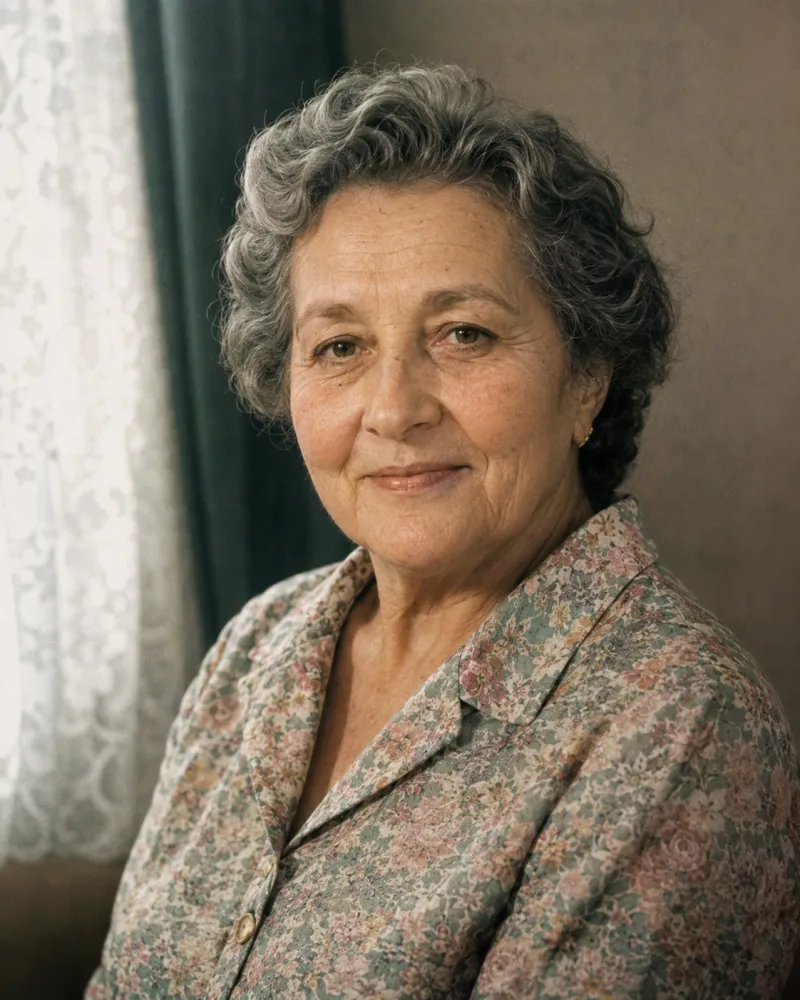
7s · 480p · 9:16 · 403 credits
Built on leading AI video models
What Is AI Old Photo Revival?
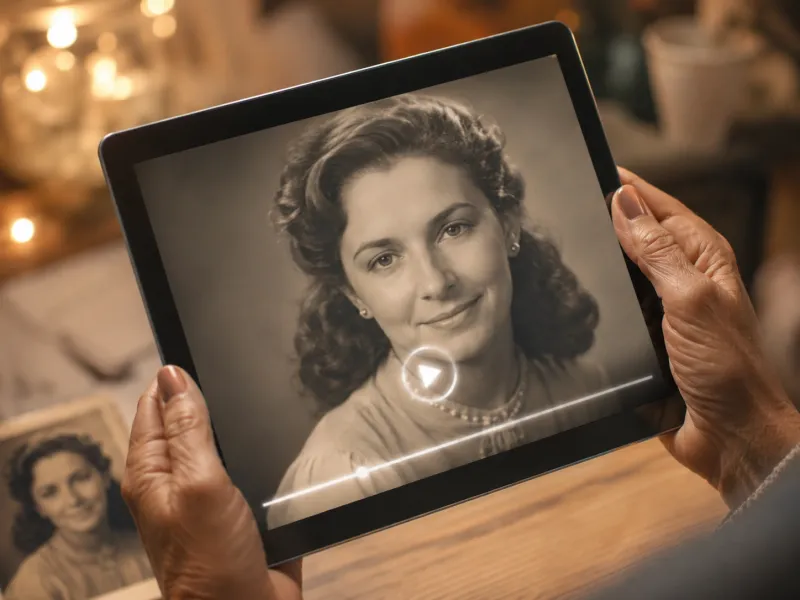
AI Old Photo Revival is a free-to-start tool that brings an old photo to life as a short, gentle video. Instead of editing anything, you upload a vintage family photo — black-and-white or faded color — choose a quiet motion, and the AI old photo revival engine turns that still into a dignified seven-second clip you can keep, play on any screen, or share with the people who remember.
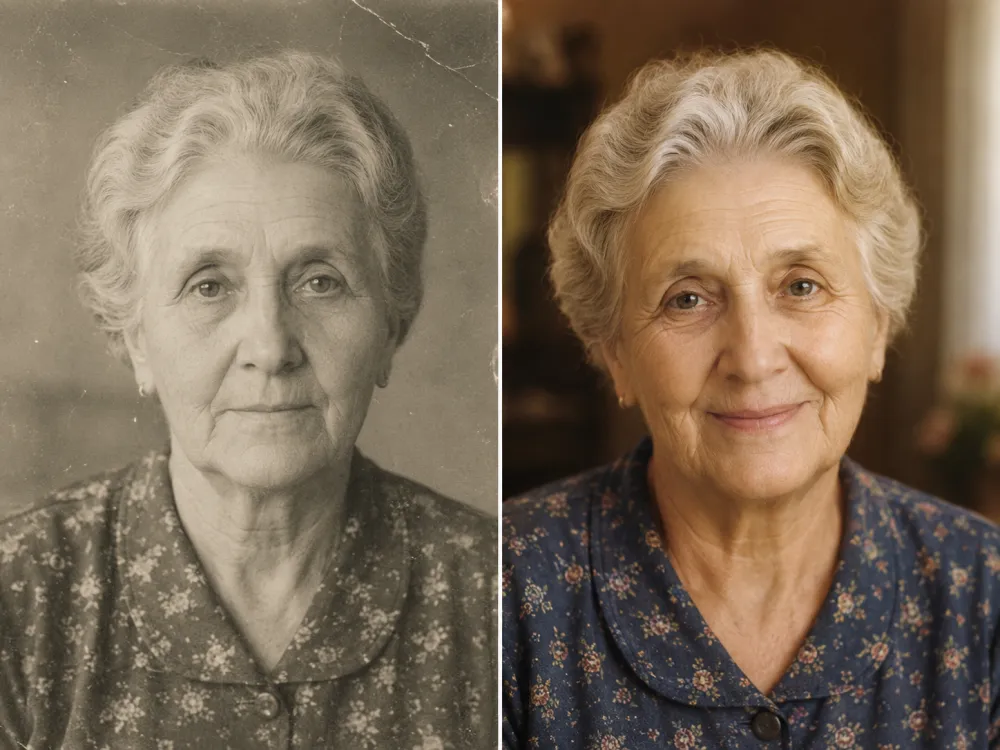
Where old photo restoration repairs scratches, fading and color, AI Old Photo Revival adds the smallest, most respectful movement: a forming smile, a soft blink, a slow head turn. Every old photo revival is locked to subtle motion — a few gentle degrees, a restored vintage tone — so the person you remember still looks exactly like themselves. It is built for tribute, never theater.
Because it is free to start, you can explore every scene and revive an old photo before you spend a single credit. For the most natural result, restore the photo first with our AI Old Photo Restoration tool, then bring it back to life here — the cleaner the old photo, the more lifelike the revived video.
Why Choose AI Old Photo Revival?
Made for everyday people, not editors.
Always respectful
Subtle, dignified motion by design — a gentle smile, a soft blink, a slow turn. An old photo of someone you love is honored, never a gimmick. Tribute, not theater.
Ready in ~2 minutes
From a faded photo to a quiet tribute clip in about one coffee. No timeline and no editing app — the AI old photo revival does the heavy lifting.
Photos stay yours
Your old photo is used to make this one revival clip and nothing else — never training data, never anywhere else.
What Can You Use AI Old Photo Revival For?
Real moments, ready to share — pick the one that fits.
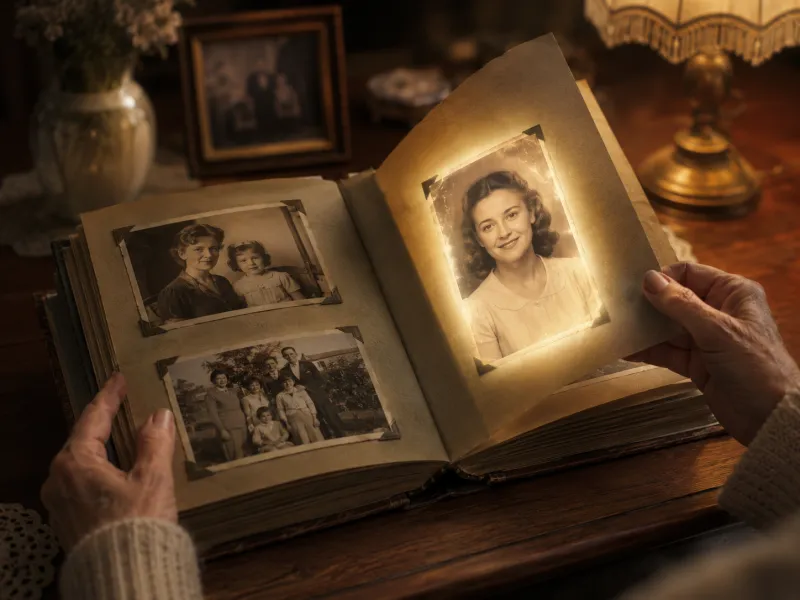
Family Album
The album page that suddenly moves — revive an old photo for reunions, and for grandchildren who never met them.
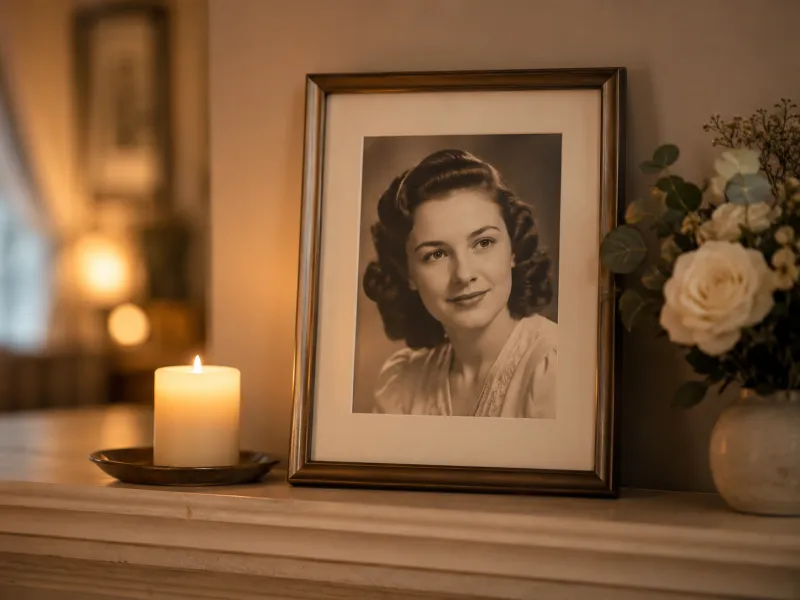
Memorial Gift
A gentle seven-second tribute — a quiet way to say what a still photo can’t, shared on an anniversary or a quiet evening.
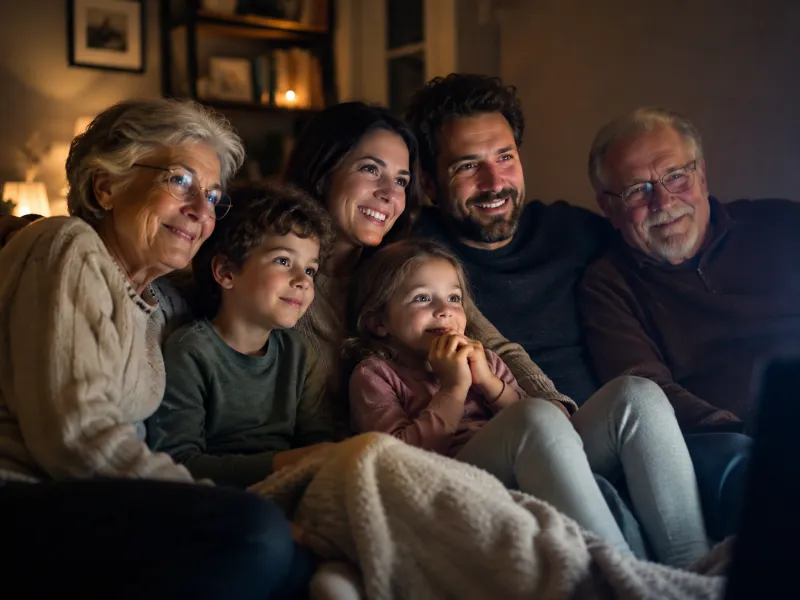
Reunion Video
Old reunion photos, brought back to life with subtle motion — a small surprise for the next family chat.
How to Use AI Old Photo Revival in 3 Simple Steps
Three small steps to a video you’ll actually want to send.
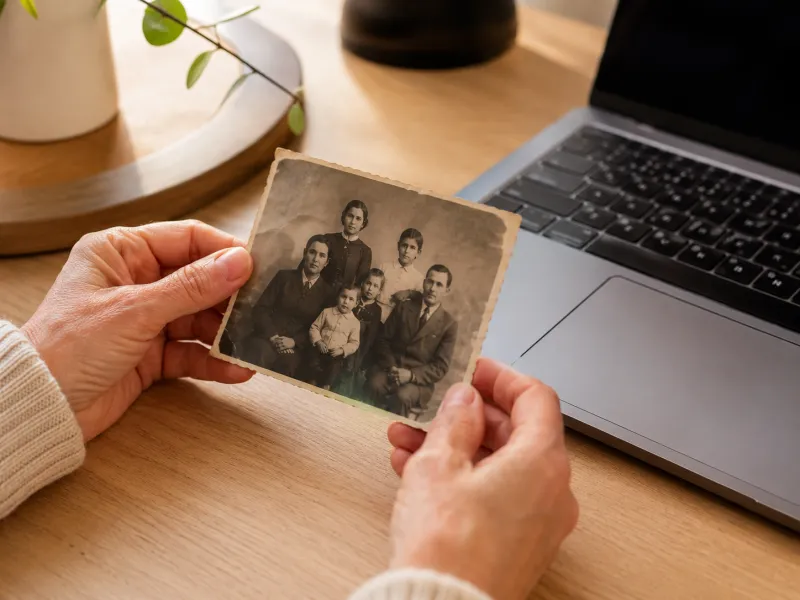 1
1Upload your photo
Add one clear, front-facing old photo — black-and-white or faded color both work. A higher-resolution scan gives a sharper, more lifelike revival.
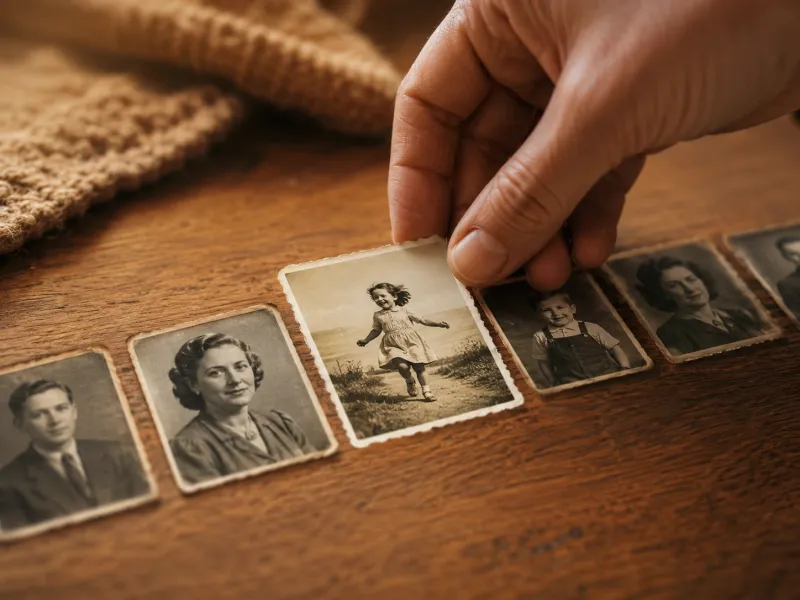 2
2Pick a scene
Choose a one-click scene preset — gentle smile, soft blink, slow turn — or write your own short, gentle prompt.
 3
3Generate & download
Click Generate and download a gentle seven-second MP4 in about two minutes, ready to keep or share.
Tips for a Natural Old Photo Revival
A few small things make an old photo revival feel calm and lifelike.
Restore before you revive
Clean up scratches, fading and blur with AI Old Photo Restoration first — a sharp old photo always revives more naturally.
Choose front-facing portraits
A clear, mostly front-on face gives the AI old photo revival the most to work with.
Keep the motion subtle
For memorial and tribute clips, a gentle smile or soft blink reads as far more dignified than big movement.
Go higher-resolution
A larger, sharper scan of the old photo produces a smoother, more believable seven-second revival.
Bring an Old Photo Back to Life
One faded photo in, seven quiet seconds out — give a treasured old photo the smallest, most dignified motion, for the people who matter most.
Revive your old photo- No app to install
- Gentle, dignified motion
- Privacy-first
Frequently Asked Questions About AI Old Photo Revival
Everything about turning a treasured old photo into a gentle, dignified revival clip.
Will AI Old Photo Revival restore the photo’s quality first?
AI Old Photo Revival focuses on motion, not repair. For the best result, restore your photo first with our AI Old Photo Restoration tool — it removes scratches, fading and blur — then bring the cleaned-up old photo back to life here.
Is the motion appropriate for memorial and tribute use?
Yes. Every old photo revival is intentionally subtle — a forming smile, a soft blink, a few gentle degrees of head turn — and locked against exaggerated movement. It is designed to honor the people you love, not to caricature them.
How long is the video and what format is it?
By default each AI old photo revival is a gentle seven-second MP4 you can keep, share or play on any screen. You can adjust length, resolution and aspect ratio in video settings before you generate.
Is AI Old Photo Revival free?
You can explore every scene and preview AI Old Photo Revival for free. Rendering a finished revival clip uses credits based on length and resolution, and new accounts start with free credits, so your first old photo revival can cost nothing.
What kind of old photos work best?
Clear, front-facing portraits work best — black-and-white or faded color are both fine. Scan the old photo as sharply as you can; if it is badly damaged, restore it first, then revive it for the most natural motion.
Are my photos private?
Yes. Your old photo is used only to create your revival clip — never sold, never added to a public dataset, never used as training data. The memory stays yours.
Related Tools You Might Like
Explore more AI creative tools
AI Old Photo Restoration
Repair scratches, fading and blur, then restore and colorize an old photo — the perfect first step before revival.
AI Time Travel Photo
See a portrait reimagined across different eras and decades with AI.
AI Video Generator
Turn any photo or prompt into a short, cinematic AI video clip.